You can download Chromium free for Windows 11, Windows 10, Mac and Linux from the Chromium project’s own snapshot builds, linked on chromium.org.
Chromium is the open-source browser project behind Google Chrome. Each build is a zip file you extract and run, with no installer.
This guide covers which build to pick, setup on Windows and Mac, updating, older versions, fixes and removal.
Which Chromium download do you need?
Match what you want to do with the build that fits it. Every row points to an official Google or Chromium page.
| You want to | Get this | Link |
|---|---|---|
| Try the newest open-source Chromium build | Latest Chromium snapshot for your platform | download-chromium.appspot.com |
| Pick a specific Chromium build number | Chromium snapshot index, sorted by platform and build | Chromium snapshots index |
| Test a web app against a real Chrome release | Chrome for Testing, built for every Stable, Beta, Dev and Canary release | Chrome for Testing |
| Use a browser every day with automatic updates | Google Chrome | Download Google Chrome |
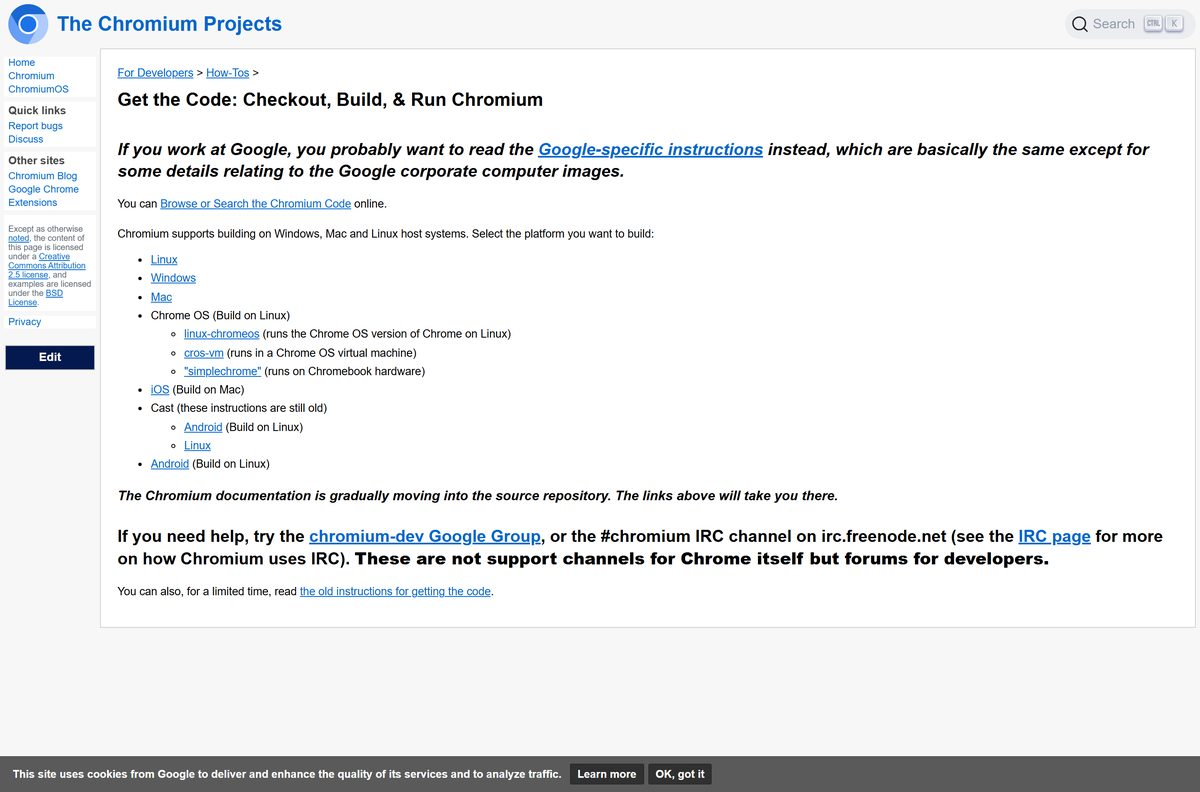
| Compile Chromium yourself | Chromium source checkout and build instructions | Get the Code |
The snapshot routes give you a zip file, not a setup program. Chrome for Testing and Chrome itself come from Google’s release process.
Check the Chromium requirements and specifications
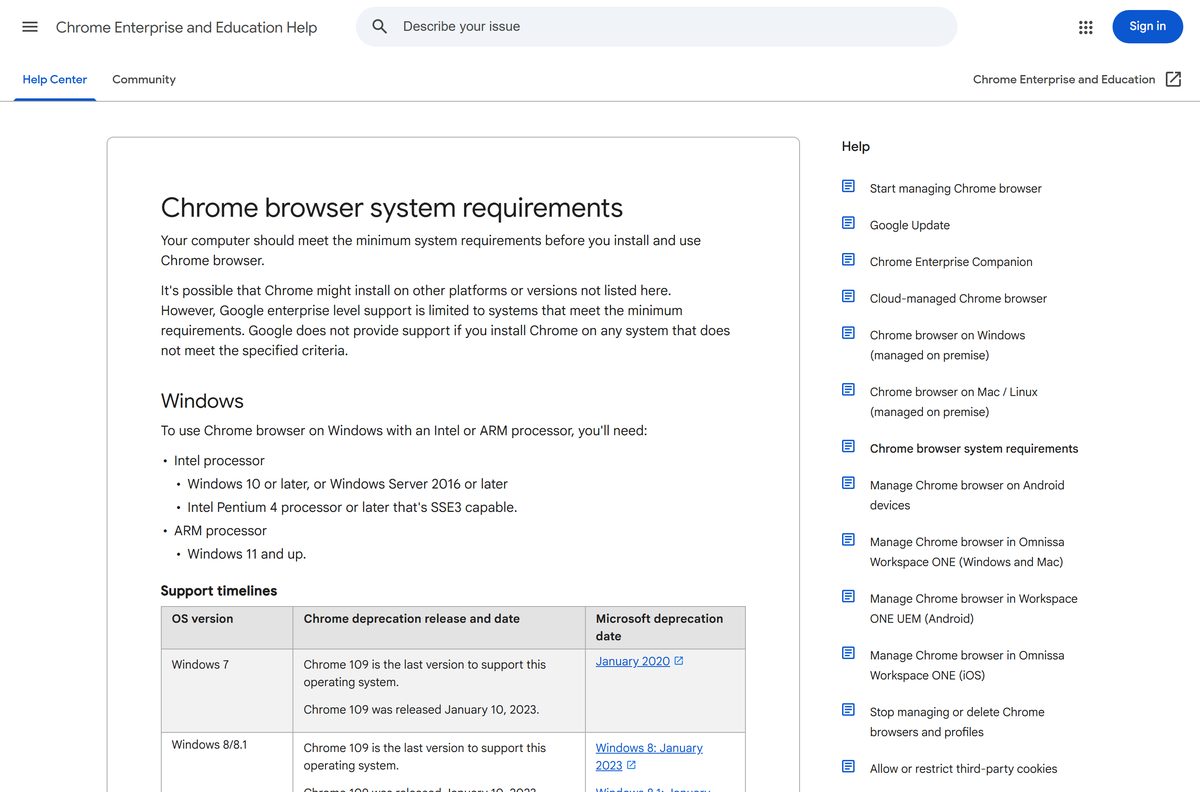
Chromium publishes snapshot builds per platform. Google Chrome, built from the same project, lists these minimum systems.
| Item | Detail |
|---|---|
| Software | Chromium |
| Developer | The Chromium Projects (Google and open-source contributors) |
| Latest version | Rolling snapshot; the newest build number is in each platform’s LAST_CHANGE file |
| License | Free and open source |
| File size | Not published; varies by build |
| Platforms | Windows, Mac, Linux and ChromiumOS |
| Chrome minimum OS | Windows 10 or later (Windows 11 on ARM); macOS 13 Ventura or later; 64-bit Ubuntu 18.04+, Debian 10+, openSUSE 15.5+, Fedora Linux 39+ |
| Installer | None; a zip file with the executable inside |
| Auto-update | No |
| Official download source | chromium.org |
| Last verified | September 25, 2026 |
Download Chromium for Windows 11, 10, Mac and Linux
These are the download routes chromium.org documents. Use them rather than a mirror or a repackaged build.
- download-chromium.appspot.com — point-and-click route to the latest build for your platform
- Chromium snapshots index — every build, in Mac, Win, Linux and ChromiumOS folders
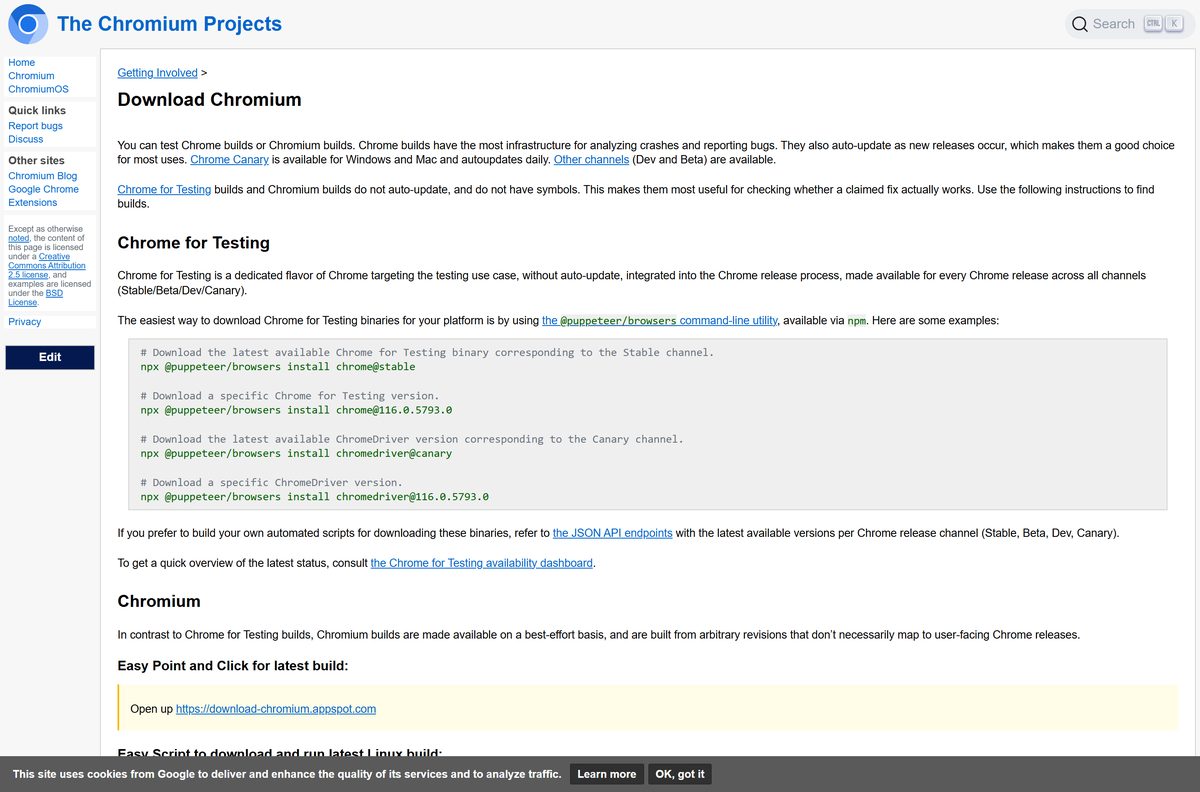
- Download Chromium on chromium.org — the official instructions, including old builds
- Chrome for Testing — versioned builds that map to real Chrome releases
Chromium builds are made available on a best-effort basis. They come from arbitrary revisions that don’t necessarily match a Chrome release.
How to install Chromium on Windows 11 and 10
Chromium for Windows has no setup wizard. You extract the zip and run the program from its folder.
- Open download-chromium.appspot.com, or the snapshot index and select the Win folder.
- In the index, open the LAST_CHANGE file to see the newest build number, then open that build’s folder.
- Download the zip file containing Chromium.
- Right-click the zip in File Explorer and select Extract All, then Extract.
- Open the extracted folder and double-click the Chromium executable to launch it.
- Right-click its taskbar icon and select Pin to taskbar to keep it handy.
Which Chromium download do you need for your Mac?
Chromium for Mac lives in its own folder of the snapshot index. Choose by how you plan to use it.
| Your situation | Get this | Link |
|---|---|---|
| You want the newest Chromium on a Mac | Latest build from the Mac folder | Chromium snapshots index |
| You want it in one click | The point-and-click download page | download-chromium.appspot.com |
| You test sites against a real Chrome version | Chrome for Testing for Mac | Chrome for Testing |
| You want a Mac browser that updates itself | Google Chrome, which needs macOS 13 Ventura or later | Download Google Chrome |
Double-click the zip in Finder to extract it, then drag Chromium into your Applications folder.
Decide whether to install Chromium or Chrome for Testing
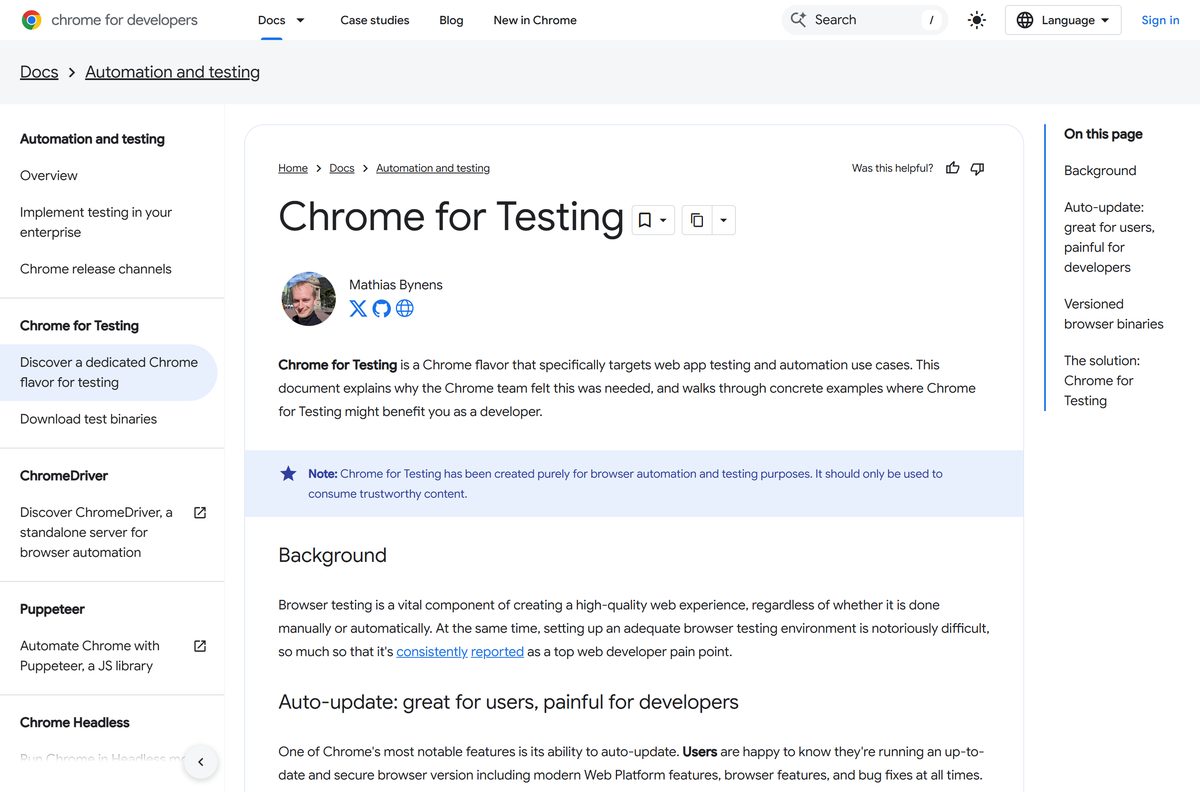
Install a Chromium snapshot to try the newest open-source code. Install Chrome for Testing when you need a build that matches a real Chrome release. Google notes that Chromium binaries are not reliably available on all platforms, cannot be mapped back to Chrome releases, and differ from Chrome. Chrome for Testing ships for every Stable, Beta, Dev and Canary release without auto-update.
Is Chromium free?
Yes. Chromium is a free, open-source browser project, and its snapshot builds cost nothing. There is no paid Chromium edition or licence key. A site charging for Chromium, or bundling it in a custom installer, is not the Chromium project.
How to update Chromium or get an older build
Chromium does not update itself. The build number you downloaded is its version, so write it down.
- To update, open the snapshot index, select your platform, and read the LAST_CHANGE file.
- If that number is higher than your build, download the new zip.
- Close Chromium, delete the old extracted folder, and extract the new one in its place.
- For an old version, find the Chrome version in the Chrome Releases blog, then look up its base position with the Position Lookup tool.
- Open the continuous builds archive, select your platform, and paste the position number into the filter field.
- If there is no exact match, lower the number step by step until a build appears.
Google does not offer old Chrome builds because they lack current security fixes. An old Chromium build has the same problem, so use it only for testing.
Fix Chromium not installing or not opening
Nothing happens when you double-click the download
Windows is showing the contents of the zip without extracting it.
- Right-click the zip and select Extract All.
- Run Chromium from the extracted folder, not from inside the zip.
Chromium will not run on Windows 7 or 8.1
Chrome 109 was the last release for Windows 7, 8 and 8.1, and current snapshots are far newer code from the same project.
- Upgrade to Windows 10 or Windows 11.
- Download the latest snapshot again after the upgrade.
A new snapshot crashes or misbehaves
Snapshots are built from arbitrary revisions on a best-effort basis, so one build can carry a fresh bug.
- Download an earlier build number from the same platform folder.
- Report the problem through the Chromium bug-reporting guidelines on chromium.org.
You need a stable browser that stays patched
Chromium builds do not auto-update.
- Install Google Chrome for everyday use.
- Keep Chromium for testing new builds.
How to uninstall Chromium
A snapshot build never registers an installer, so removing it means deleting its folder.
- Close every Chromium window.
- Unpin Chromium from the taskbar or Dock if you pinned it.
- On Windows, delete the extracted Chromium folder in File Explorer.
- On a Mac, drag Chromium from Applications to the Trash.
- Empty the Recycle Bin or Trash.
Which Google browser build should you use instead?
Google ships several builds from the Chromium code. Pick by how much stability and updating you need.
| Build | Best for | Auto-update | Link |
|---|---|---|---|
| Google Chrome Stable | Everyday browsing on Windows, Mac and Linux | Yes | Download Google Chrome |
| Chrome Canary | Previewing tomorrow’s features on Windows and Mac | Yes, daily | Chrome Canary |
| Chrome Dev | Web developers tracking upcoming changes | Yes | Chrome Dev |
| Chrome for Testing | Automated tests pinned to a Chrome release | No | Chrome for Testing |
| Chromium built from source | Custom builds and contributing code | No | Get the Code |
The Chrome team does not recommend third-party portable Chromium builds because of security concerns.
Frequently asked questions
Is Chromium free?
Yes. Chromium is a free, open-source browser project. There is no paid edition, licence key or account, and the official snapshot builds are linked from chromium.org.
Where is the official Chromium download?
The official starting point is chromium.org/getting-involved/download-chromium. It links download-chromium.appspot.com for the latest build and the chromium-browser-snapshots index for every platform and build number.
Does Chromium have an installer for Windows 11 or 10?
No. Each Chromium snapshot for Windows is a zip file. Extract it and run the executable inside with no setup wizard.
Is there a Chromium offline installer?
The snapshot zip already is the offline package. Once it is downloaded, you can copy the extracted folder to another PC and run it without an internet connection.
Does Chromium update automatically?
No. Chromium builds do not auto-update. To get a newer build, download a fresh snapshot and replace the old folder.
Is Chromium the same as Chrome?
No. Chromium is the open-source project behind Google Chrome, but Google states that Chromium is different from Chrome. Chrome auto-updates and has crash reporting infrastructure that Chromium builds lack.
Is there Chromium for Mac?
Yes. The snapshot index has a Mac folder alongside Win, Linux and ChromiumOS. Download the zip from the Mac folder and open the app inside.
Can I download an old Chromium version?
Yes, from the continuous builds archive. Look up the Chrome version’s base position, then filter the snapshot index for that number. Google does not offer old Chrome builds because they lack security fixes.
Is Chromium safe to use?
Official snapshots are built by the Chromium project. They do not auto-update, so replace them often. The Chrome team does not recommend third-party portable Chromium builds because of security concerns.