The Uber app download is free on every device you own: the Microsoft Store has a Windows app, and m.uber.com installs as an app from Chrome or Edge. On a Mac, the same booking site runs in any browser, and iPhone and Android get the full phone app.
One Uber account works everywhere, so payment methods, saved places and receipts follow you between devices.
This guide covers the official links, installing Uber on Windows 11 and 10, booking from a Mac browser, the phone apps, and fixes for sign-in and request errors.
Which Uber download do you need?
Match your device to the row below. Every route uses the same account and the same fares.
| Your device | Get this | Size and notes |
|---|---|---|
| Windows 11 or Windows 10 PC | Uber booking site at m.uber.com | No download; install it as an app from Chrome or Edge |
| Windows PC, and you prefer a Store app | Uber in the Microsoft Store | 134 KB, version 7.0.0.0, free |
| Mac, Intel or Apple silicon | Uber booking site at m.uber.com | Safari, Chrome or Edge; no macOS app exists |
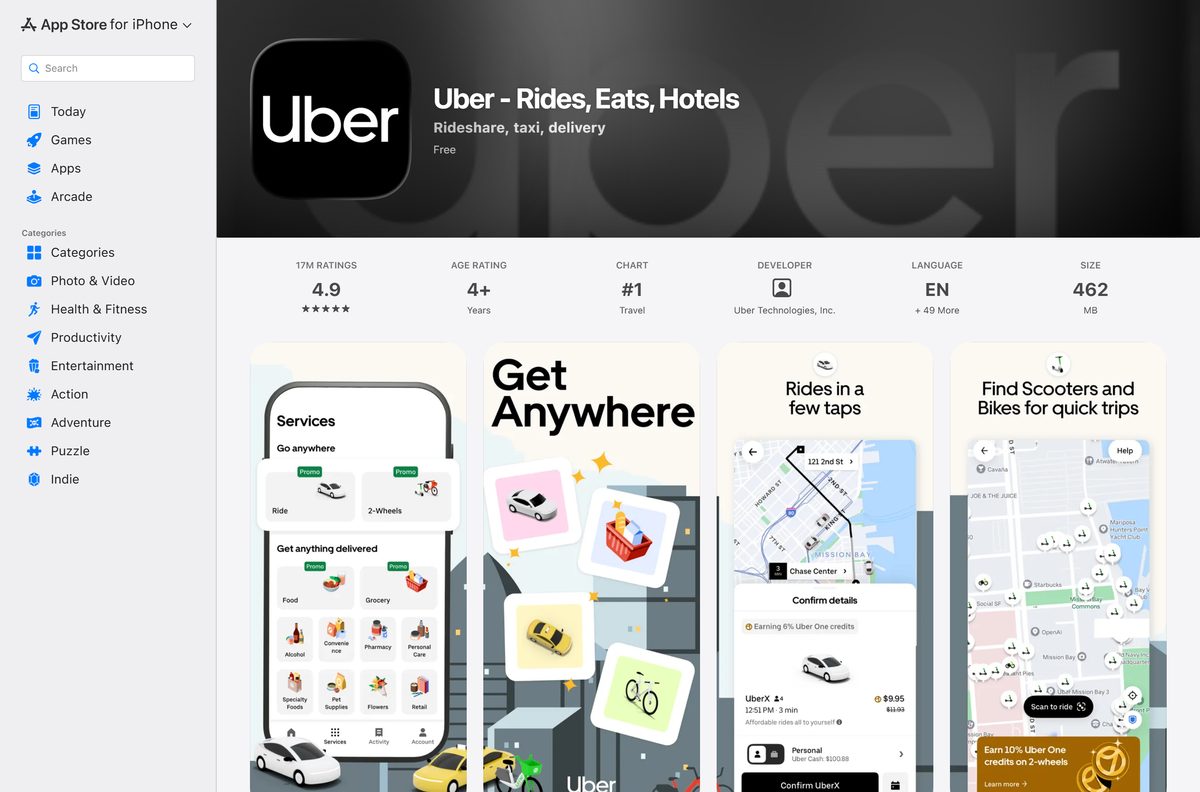
| iPhone or iPad | Uber on the App Store | Up to 462 MB, needs iOS 18 or iPadOS 18 |
| Android phone or tablet | Uber on Google Play | Free, more than 1 billion downloads |
| You drive or deliver for Uber | Uber Driver on Google Play | Phone app only; it is separate from the rider app |
Download Uber from the official links
Get Uber only from these addresses. Any site offering an Uber EXE for Windows is not Uber.
- Book a ride in your browser (m.uber.com) — works on Windows, Mac, ChromeOS and Linux
- Uber on the Microsoft Store — 134 KB · version 7.0.0.0, product ID 9WZDNCRFHXRD
- Uber on the App Store — up to 462 MB · iPhone and iPad, version 3.740.10001
- Uber on Google Play — Android phones and tablets
- Request an Uber ride without the app (Uber) — Uber’s own guide to booking on a computer
How to install Uber as an app on Windows 11 and 10
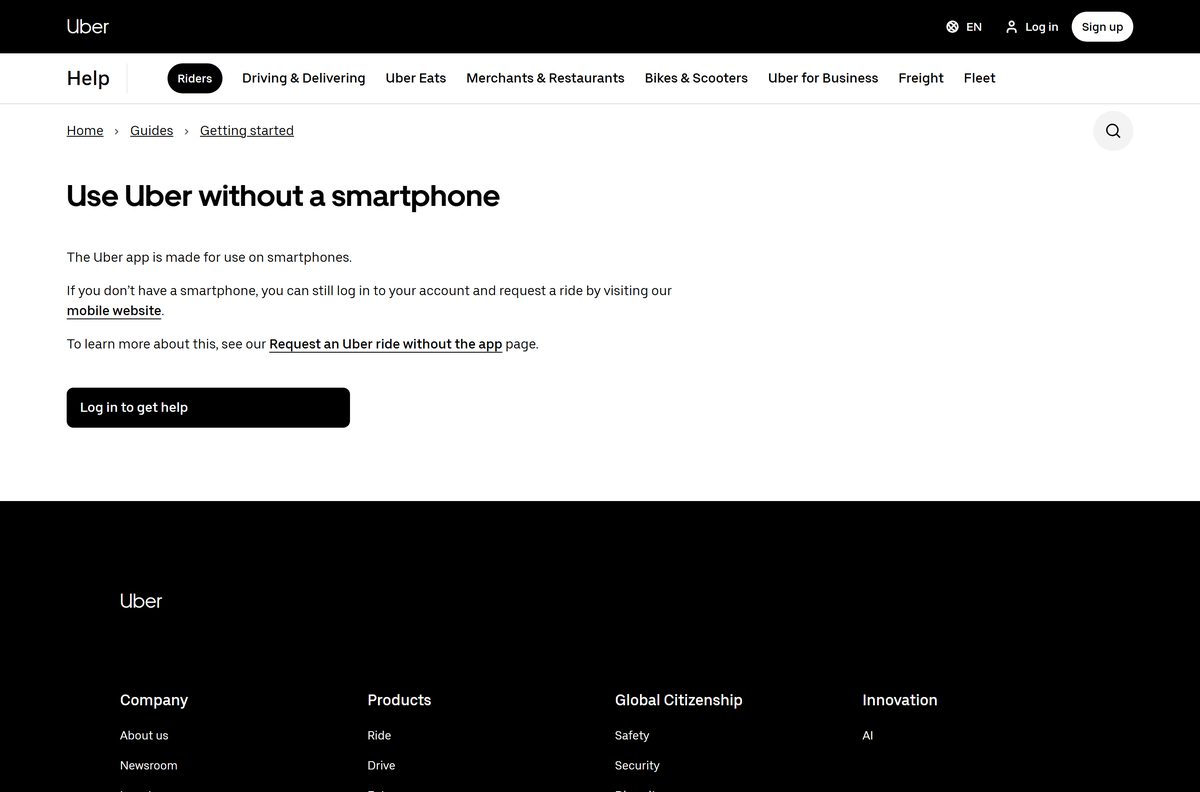
Uber’s help centre describes the phone app as made for smartphones and sends computer users to m.uber.com. Chrome and Edge can turn that page into a desktop app with its own window and taskbar icon, because the site publishes a web app manifest.
- Open m.uber.com in Microsoft Edge or Google Chrome.
- Select Login, enter your phone number or email, and type the code Uber sends you.
- In Edge, select Settings and more (the three dots), then Apps, then Install this site as an app.
- In Chrome, select the three-dot menu, then Cast, save, and share, then Install page as app.
- Keep the name Uber and select Install.
- Allow location access when the window asks, so the pickup point fills in on its own.
- Right-click the new Uber icon on the taskbar and select Pin to taskbar.
The installed app opens in its own window without tabs or an address bar. It updates itself whenever Uber changes the site.
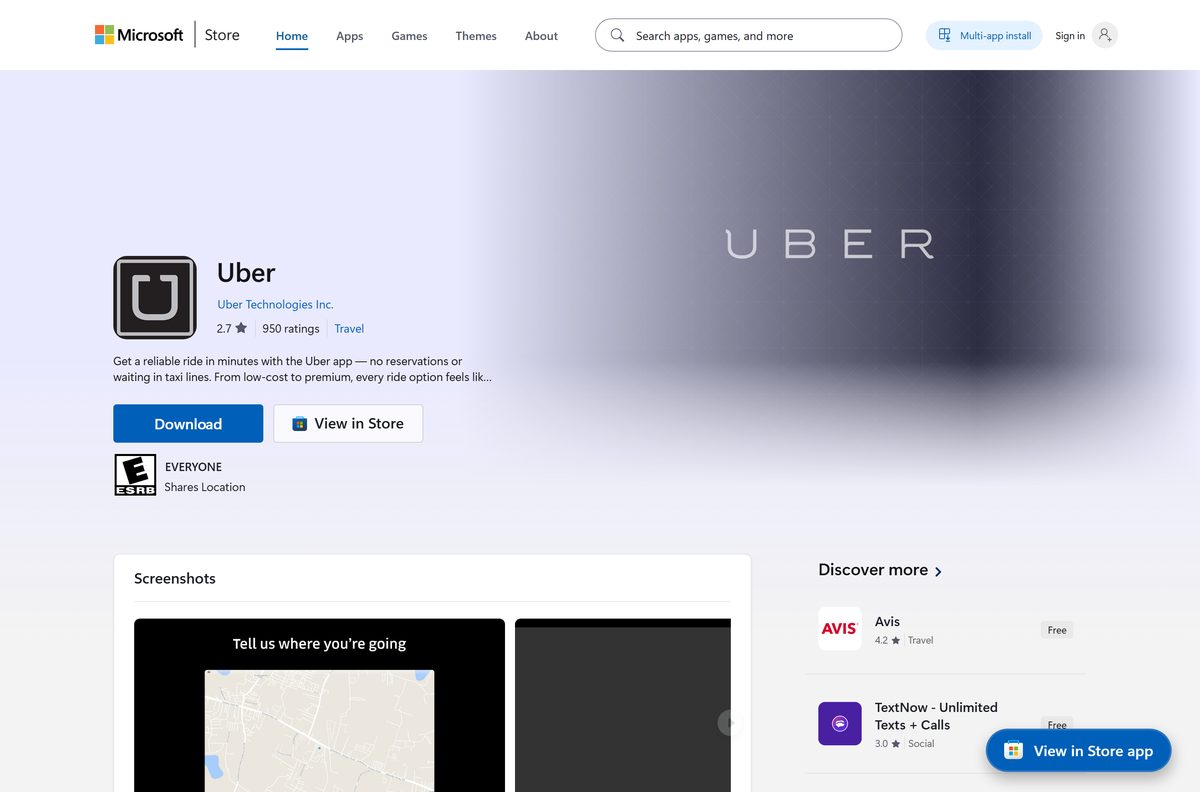
Install Uber from the Microsoft Store or with winget
Uber Technologies still publishes a Store listing, product ID 9WZDNCRFHXRD. The current package is only 134 KB and needs an internet connection to work.
- Open the Store listing in your browser.
- Select Get in Store app, then select Open Microsoft Store when the browser asks.
- Confirm the publisher reads Uber Technologies Inc. before you continue.
- Select Get and wait a few seconds for the install to finish.
- To use the command line instead, open Terminal and run winget install 9WZDNCRFHXRD -s msstore .
- Add –accept-package-agreements –accept-source-agreements when you script the command.
- Open Uber from Start and sign in with your phone number or email.
The package is architecture-neutral, so the same listing installs on Intel, AMD and Arm PCs.
How to book an Uber ride from a PC browser
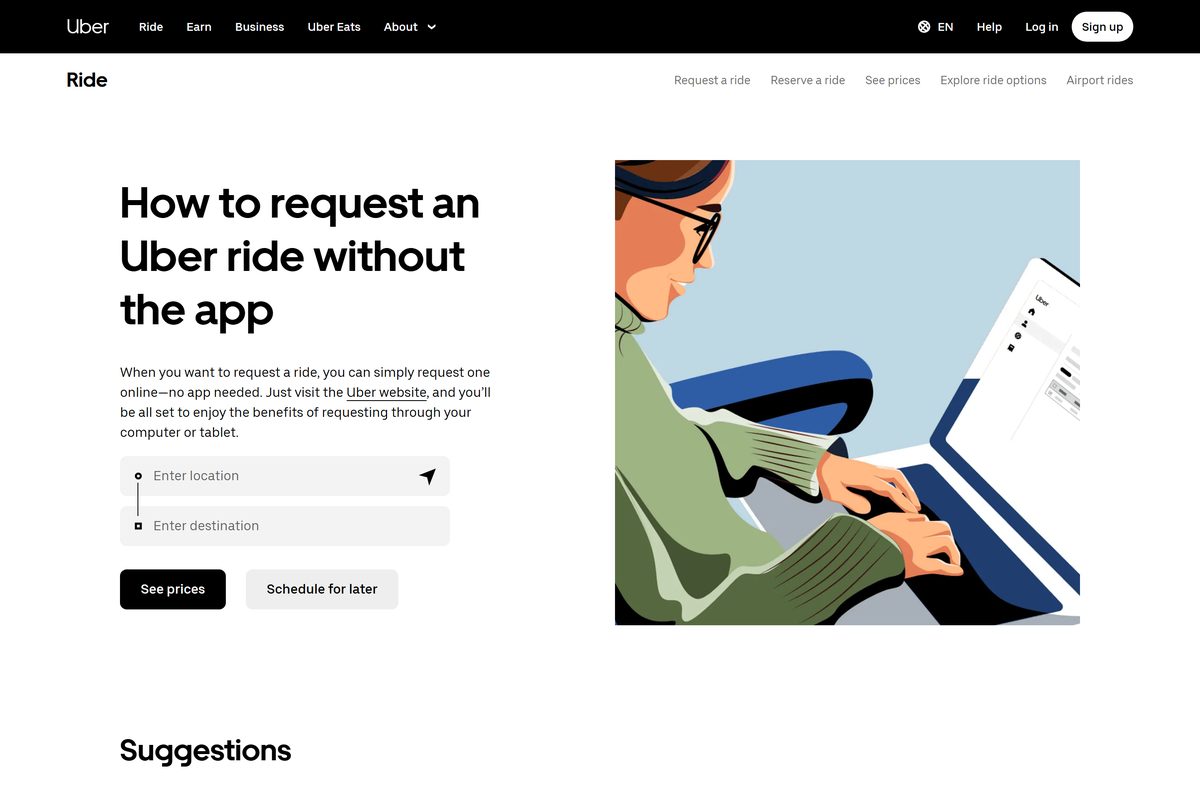
The booking site needs no install, which suits a work laptop or a shared computer.
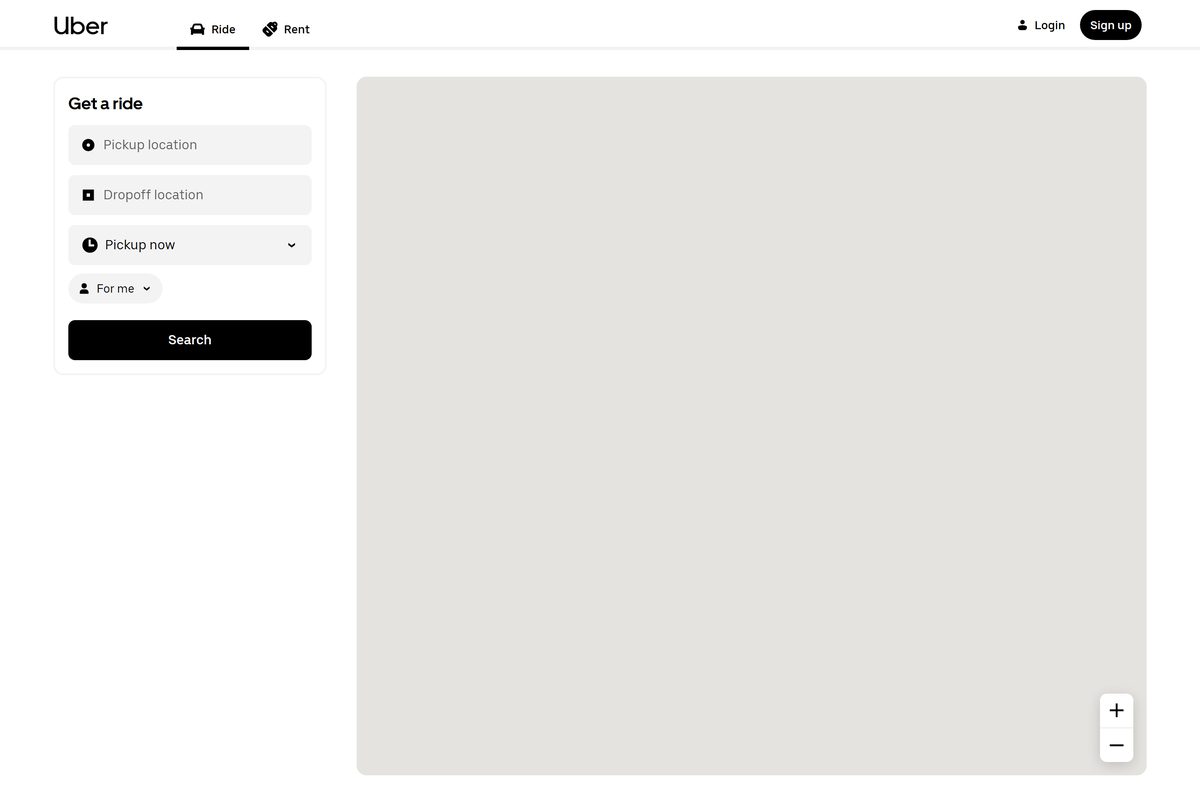
- Go to m.uber.com, or type uber.com/go into the address bar.
- Select Login and enter your phone number. Select Sign up instead if you are new.
- Allow the site to use your location, or type the pickup address by hand.
- Enter the destination in the Dropoff location field.
- Leave Pickup now selected, or change it to schedule the ride for later.
- Switch For me to Order ride for someone else to book for a friend, and add their name and number.
- Select Search, pick a ride type, check the price, and confirm the ride.
An email receipt arrives after the trip. Past receipts are also at riders.uber.com.
Which Uber download do you need for your Mac?
There is no macOS app. The App Store listing covers iPhone and iPad only, so every Mac uses the booking site.
| Your Mac | What to use | How it behaves |
|---|---|---|
| MacBook, iMac or Mac mini with Apple silicon | m.uber.com in Safari | Full booking, scheduling and ride for someone else |
| Intel Mac on an older macOS | m.uber.com in Chrome or Edge | Same page, no minimum macOS version |
| You want a Dock icon | m.uber.com in Safari | Choose File, then Add to Dock |
| You also carry an iPhone | Uber on the App Store | Live driver tracking on the phone while you book on the Mac |
Is Uber free?
Yes. The Microsoft Store lists Uber at $0.00, and the App Store and Google Play list the phone app as free. You pay only for the rides, deliveries and rentals you book, at the upfront price shown before you confirm. Uber One is an optional paid membership for delivery fee and ride discounts, and nothing requires it. Any site charging for an Uber installer is selling something Uber gives away.
Should you use the Uber website or the Store app on a PC?
Both routes come from Uber and use the same account.
Use m.uber.com in Chrome or Edge, and install it as an app if you want a taskbar icon. Uber’s own help pages point computer users to the booking site, and the site changes the moment Uber ships a feature. The Store listing was first published in 2014, and its current package is 134 KB and needs an internet connection. Keep the Store app only if your PC blocks browser app installs.
How to check your Uber version and update it
The booking site and the browser-installed app update themselves. Only the Store app and the phone apps have a version to check.
- Open the Microsoft Store from Start.
- Select Library in the lower-left corner.
- Select Get updates and install anything listed for Uber.
- Open Settings, then Apps, then Installed apps, and find Uber.
- Select the … menu, then Advanced options, to read the installed version.
- On an iPhone, open the App Store, tap your profile picture, and pull down to refresh updates.
- On Android, open Google Play, tap your profile icon, then Manage apps & device, then Update all.
The current Windows package is 7.0.0.0; the iPhone and iPad app is 3.740.10001.
Check whether your device meets the Uber requirements
The Windows package targets Windows 10 version 1511 and later. The iPhone app needs iOS 18, so older iPhones book through Safari instead.
| Field | Value |
|---|---|
| Software | Uber |
| Developer | Uber Technologies, Inc. |
| Latest version | 7.0.0.0 on Windows, 3.740.10001 on iPhone and iPad |
| License | Free; you pay per ride |
| Download size | 134 KB on Windows, up to 462 MB on iPhone and iPad |
| Supported OS | Windows 11, Windows 10 version 1511 or later, iOS 18, iPadOS 18, Android, any modern browser |
| Architecture | Architecture-neutral Windows package: x64, x86 and Arm |
| Mac app | None; use m.uber.com in Safari, Chrome or Edge |
| Official download source | Microsoft Store (9WZDNCRFHXRD), App Store, Google Play, m.uber.com |
| Offline installer | No; no EXE or MSI exists |
| Last verified | 2026-09-24 |
Fix Uber not installing, not signing in or not booking on Windows
Most failures come from the Store cache, the browser’s location setting, or the account itself.
The Store install stalls or the Get button does nothing
A stuck Microsoft Store cache blocks new downloads.
- Press Windows + R, type wsreset.exe , and select OK.
- Wait for the Store to reopen on its own.
- Install any pending updates in Settings, then Windows Update.
- Return to the listing and select Get again.
The pickup point is wrong or stays blank
The browser or Windows has location access turned off for the site.
- Select the lock icon in the address bar on m.uber.com.
- Set Location to Allow and reload the page.
- Open Settings, then Privacy & security, then Location, and turn on Location services.
- Type the pickup address by hand if the PC has no location hardware.
You cannot sign in to your account
A temporary outage, an old app version, or a restricted account.
- Wait a few minutes and try again.
- Sign in from the booking site if the app fails, or from the app if the site fails.
- Update the phone app and your phone’s operating system.
- Follow Uber’s sign-in help page and submit the support form if the error stays.
The request fails with an error message
A payment problem, a pending account action, or a short service outage.
- Open Account, then Wallet, and check that your payment method is current.
- Open your account profile and complete any action or identity check it asks for.
- Try the request again on the web or on another device.
- Read Uber’s request help page and contact support with the error text.
How to uninstall Uber from Windows
Removing the app leaves your account, payment methods and trip history untouched.
- Press the Windows key and type Uber .
- Right-click the result and select Uninstall.
- Select Uninstall again in the confirmation dialog.
- For the Edge app, open edge://apps , select the three dots on the Uber tile, and select Uninstall.
- For the Chrome app, open chrome://apps , right-click Uber, and select Remove from Chrome.
- Sign out of m.uber.com in any browser you used on a shared PC.
Run winget uninstall 9WZDNCRFHXRD to remove the Store app from the command line.
Frequently asked questions
Is the Uber app free to download?
Yes. The Microsoft Store lists Uber at $0.00, and the App Store and Google Play list the phone app as free. The booking site at m.uber.com costs nothing either. You pay only for the rides and deliveries you book, and Uber One membership is optional.
What is the official Uber download page?
Uber’s phone apps come from the App Store and Google Play, and the Windows app comes from the Microsoft Store under product ID 9WZDNCRFHXRD. On a computer, Uber’s own help centre points you to m.uber.com, which books rides in any browser.
Can I download the Uber app on a Windows 11 PC?
Yes. The Microsoft Store listing supports Windows 11 and Windows 10 from version 1511 onwards. You can also open m.uber.com in Edge or Chrome and install it as an app, which gives Uber its own window and taskbar icon.
How big is the Uber download?
The Windows Store package is 134 KB, and the app needs an internet connection to work. The iPhone and iPad app is up to 462 MB on the App Store. The browser version at m.uber.com needs no download at all.
Is there an Uber offline installer or EXE for Windows?
No. Uber publishes no EXE, MSI or offline installer for Windows. The only Windows package comes from the Microsoft Store, and booking a ride needs an internet connection on every platform anyway.
Is there an Uber app for Mac?
No. The App Store listing covers iPhone and iPad only. On a Mac, open m.uber.com in Safari, Chrome or Edge to book rides, and use File then Add to Dock in Safari for a Dock icon.
Does Uber work on 64-bit and Arm Windows PCs?
Yes. The Microsoft Store package is architecture-neutral, so it installs on 64-bit Intel and AMD PCs, older 32-bit systems and Arm laptops alike. The browser version works on any processor.
Is the Uber app safe to install?
Yes, when it comes from the Microsoft Store, the App Store, Google Play or m.uber.com. Check that the publisher reads Uber Technologies. Avoid APK sites and download portals, which repackage apps and are not controlled by Uber.
What is the latest version of Uber?
The Windows Store package is version 7.0.0.0, and the iPhone and iPad app is version 3.740.10001. The booking site at m.uber.com has no version number, because Uber updates it on the server.
Why won’t Uber install on my PC?
A stuck Microsoft Store cache is the usual cause. Press Windows + R, run wsreset.exe, install pending Windows updates and select Get again. If the Store is blocked on your PC, book at m.uber.com in the browser instead.
Can I request an Uber without the app?
Yes. Go to m.uber.com or uber.com/go, sign in with your phone number, set the pickup and dropoff, pick a ride type and confirm. The site also schedules rides ahead and books rides for someone else.
Can I use the Uber Driver app on a PC?
No. Uber – Driver is a phone app on Google Play and the App Store, and it is separate from the rider app. The Microsoft Store listing and m.uber.com are for riders only.