SoundCloud installs on Windows 11 and Windows 10 as a free Microsoft Store app, and on a Mac as the Desktop Player straight from Chrome, Brave or Edge. Both sign in with the same account you use on soundcloud.com and on your phone.
Listening is free with ads. SoundCloud Go and Go+ remove the ads and let you save music offline in the phone apps.
Below are the official links, the Windows and Mac setup, what every plan costs, how to download tracks the legitimate way, and fixes for an app that will not install.
Which SoundCloud download do you need?
Match your device to a row. One free account works on all of them.
| Your device | What to get | Size or requirement |
|---|---|---|
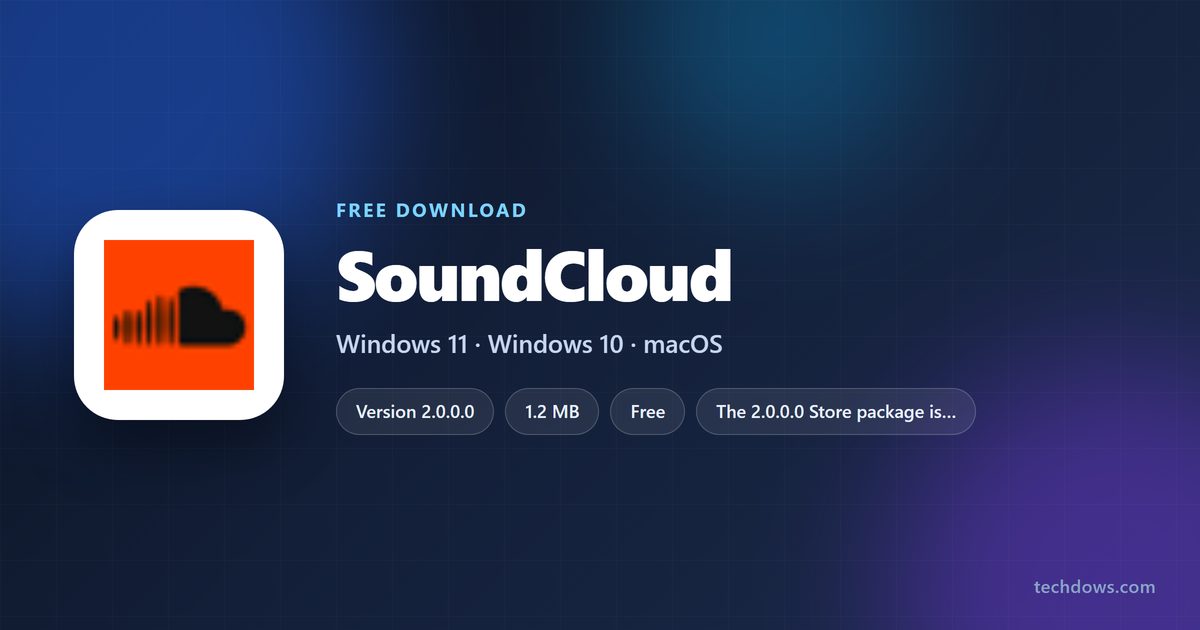
| Windows 11 or Windows 10 PC | SoundCloud – Play Music, Podcasts & New Songs in the Microsoft Store | 1.2 MB |
| Windows PC or Xbox, Xbox-style layout | SoundCloud, optimized for Xbox, in the Microsoft Store | 6.7 MB, x64 |
| Mac, or a PC where you prefer a browser app | Desktop Player, installed from soundcloud.com | Chrome, Brave or Edge |
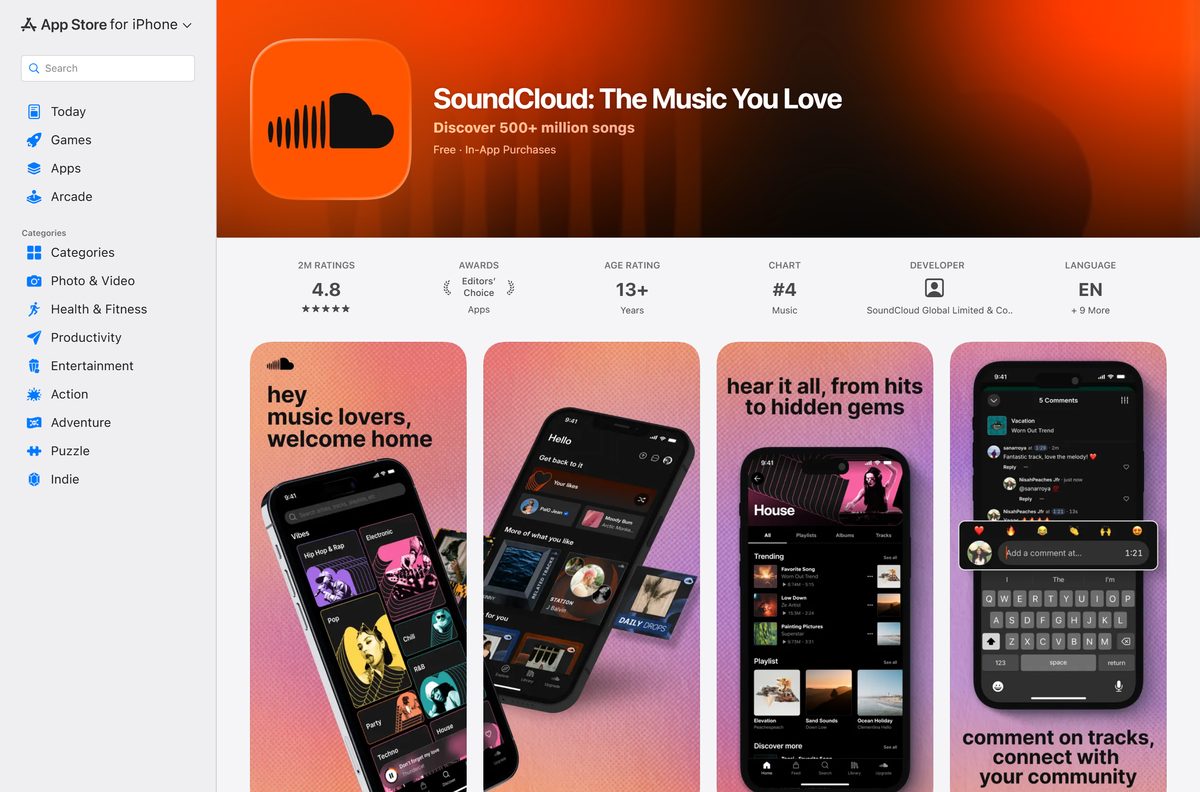
| iPhone or iPad | SoundCloud: The Music You Love on the App Store | 271.1 MB, iOS 16.4 or later |
| Android phone or tablet | SoundCloud: The Music You Love on Google Play | Android 8 or later |
The first Store listing is the one SoundCloud’s own help center links to for Windows.
Download SoundCloud from its official links
Every link below is published by SoundCloud or by the store that distributes its apps.
- SoundCloud for Windows in the Microsoft Store — 1.2 MB · version 2.0.0.0; rated 4.1 from 8,461 ratings
- SoundCloud, optimized for Xbox, in the Microsoft Store — 6.7 MB · version 2.11.2.0; x64; Windows 10 build 17763 or later
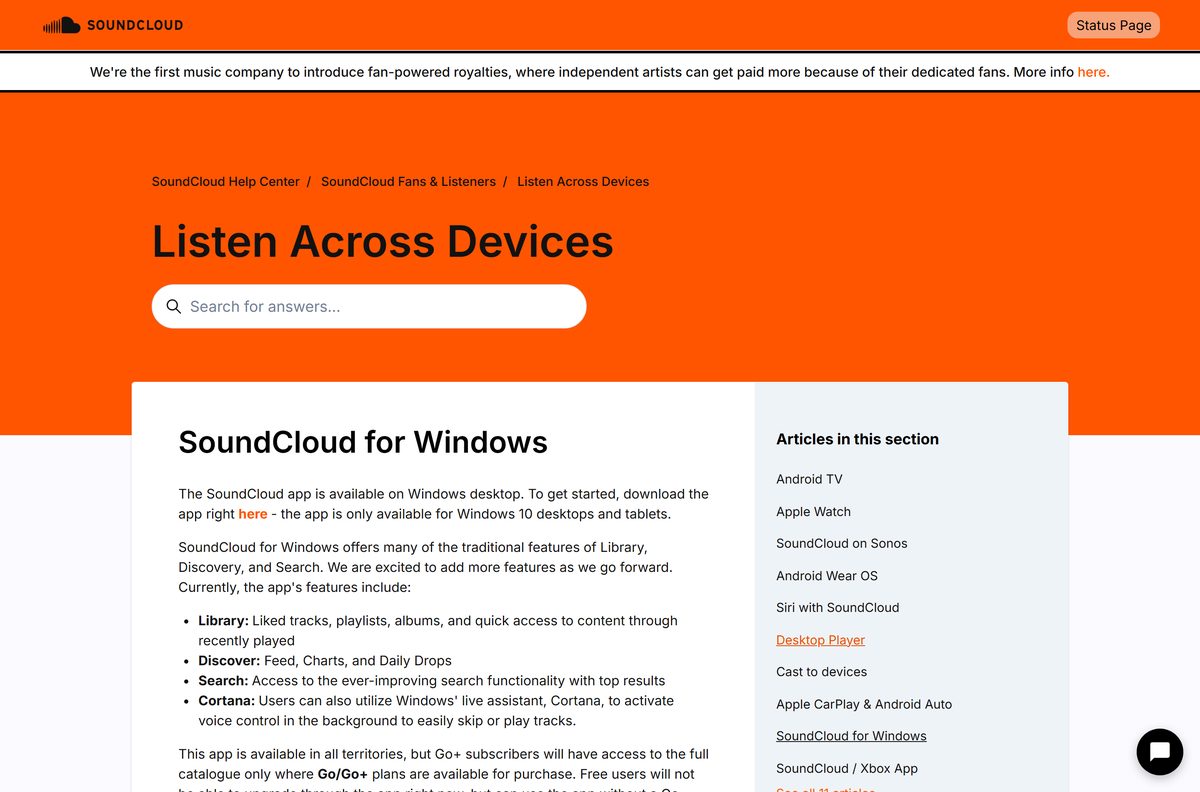
- SoundCloud for Windows, official help article — features and limits of the Windows app
- Desktop Player setup, official help article — Chrome, Brave and Edge
- SoundCloud on the App Store — 271.1 MB · version 8.79.0; iOS 16.4 or later
- SoundCloud on Google Play — package com.soundcloud.android; 100M+ downloads
- SoundCloud plans for fans, artists and DJs — Go, Go+, Student, Artist, Artist Pro, DJ
A site offering a SoundCloud .exe or a “SoundCloud downloader” is not SoundCloud. The official Windows builds come only from the Microsoft Store.
How to install SoundCloud on Windows 11 and 10 from the Microsoft Store
The Store app gives you Library, Discover and Search in its own window, with Cortana voice control for skipping and playing tracks.
- Open the SoundCloud listing in the Microsoft Store.
- Check that the publisher reads SoundCloud Global Limited & Co. KG.
- Select Get or Install.
- Wait for the 1.2 MB package to finish, then select Open.
- Select Sign in and log in, or create a free account.
- Open Library to find your liked tracks, playlists, albums and recently played.
- Right-click SoundCloud in the Start menu and choose Pin to taskbar.
Free accounts work in the Windows app, but you cannot upgrade to Go from inside it. Buy a plan on soundcloud.com, and it carries over to the app.
Install the SoundCloud Desktop Player from Chrome, Brave or Edge
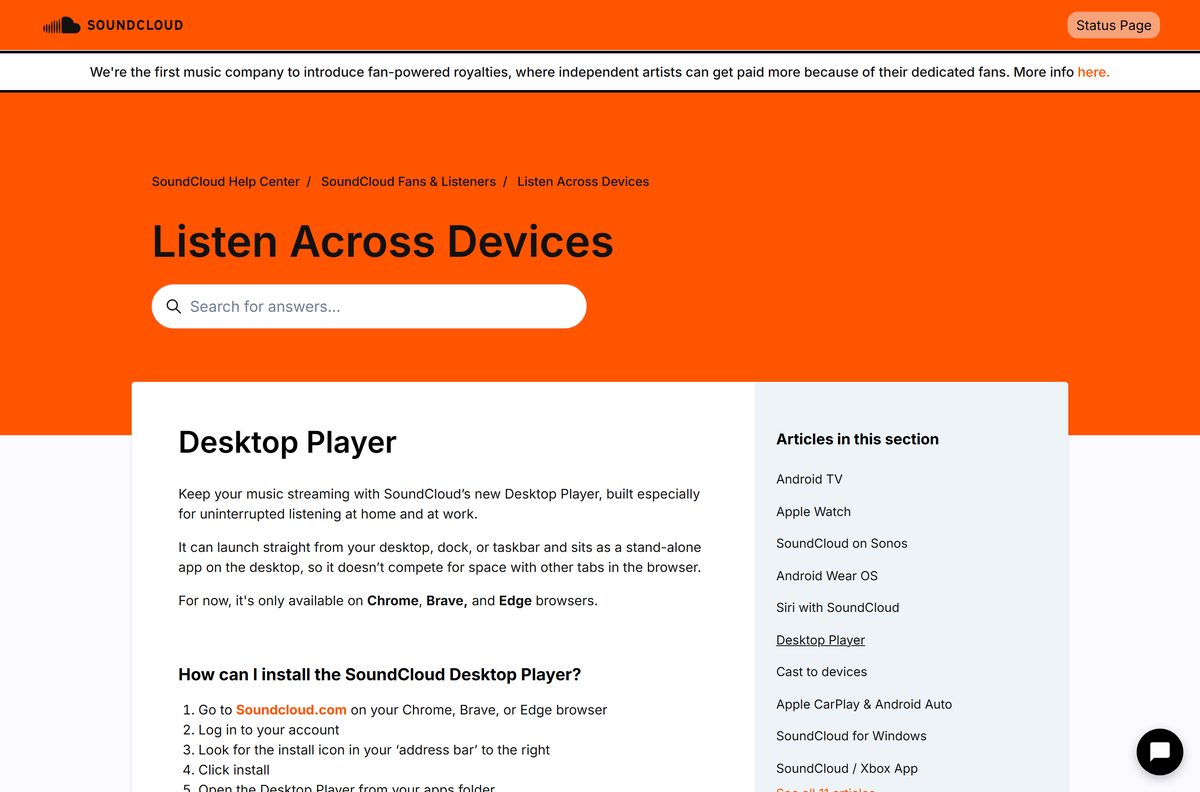
The Desktop Player runs as a stand-alone window outside your browser tabs. It launches from the desktop, Dock or taskbar like any other app.
- Open soundcloud.com in Google Chrome, Brave or Microsoft Edge.
- Select Sign in and log in to your account.
- Look for the install icon at the right end of the address bar.
- Click Install.
- Open the Desktop Player from your apps folder, or from the Start menu on Windows.
- Right-click the SoundCloud icon and add it to the Dock or taskbar.
Safari and Firefox do not offer the Desktop Player. Use Chrome, Brave or Edge for this route.
Which SoundCloud download do you need for your Mac?
There is no SoundCloud app from SoundCloud in the Mac App Store, so the Desktop Player is the Mac app.
| You use | What to install | Note |
|---|---|---|
| Chrome, Brave or Edge on the Mac | The Desktop Player from soundcloud.com | Opens from your apps folder and the Dock |
| Safari only | soundcloud.com in Safari 17 or newer | No Desktop Player install in Safari |
| An iPhone alongside the Mac | SoundCloud on the App Store | Offline saving with Go or Go+ |
Apple silicon and Intel Macs take the same route, because the Desktop Player runs through the browser you install it from.
Is SoundCloud free?
Every SoundCloud app is free to install. The plans decide ads, offline saving and upload limits.
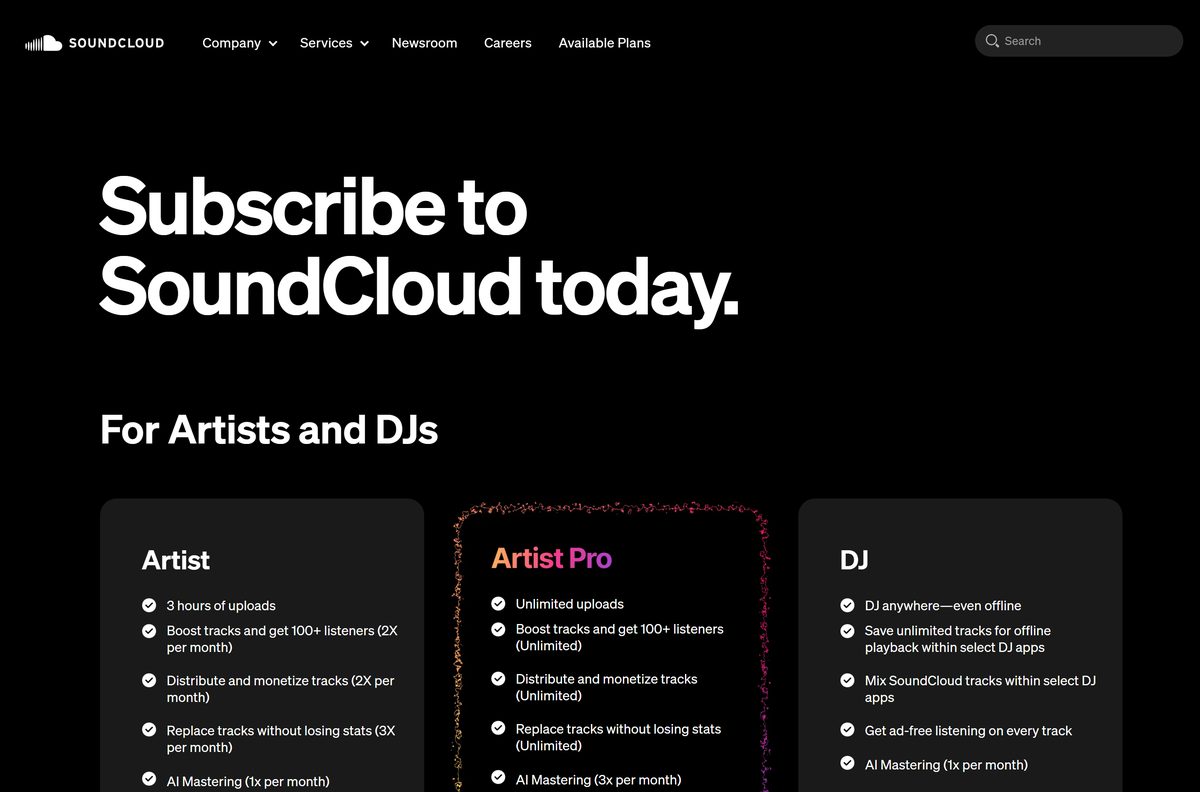
Yes. Listening is free with ads, SoundCloud Go costs $4.99 a month and Go+ costs $10.99 a month. Go and Go+ both add ad-free listening, unlimited offline saves, the full catalog and high quality audio. Go+ adds mixing in select DJ apps and comes with a 30-day free trial; Go has a 7-day trial. Students pay $5.99 a month for Go+. Creators upload 2 hours free, Artist costs $3.25 a month billed yearly at $39, and Artist Pro costs $8.25 a month billed yearly at $99. The DJ plan is $19.99 a month.
Should you pick SoundCloud Go or Go+?
Both plans remove ads and unlock offline listening. The gap is the DJ-app mixing and the trial length.
Take Go at $4.99 to drop the ads, and Go+ only if you mix SoundCloud tracks in a DJ app. Go already includes ad-free listening, unlimited offline saves, the full catalog and high quality audio. Go+ adds mixing within select DJ apps for $6 more a month. Uploaders should look at Artist Pro instead, which adds unlimited uploads, three mastering credits a month and 50% off Go+.
Check the SoundCloud system requirements
Compare your device with the table, then update the browser or phone if it falls short.
| Field | Value |
|---|---|
| Software | SoundCloud |
| Developer | SoundCloud Global Limited & Co. KG |
| Latest version | 2.0.0.0 (Microsoft Store app); 8.79.0 (iPhone) |
| License | Free with ads; Go, Go+, Artist, Artist Pro and DJ plans |
| Windows | Windows 11 and Windows 10, Microsoft Store app or Desktop Player |
| macOS | Desktop Player through Chrome, Brave or Edge |
| Architecture | Architecture-neutral Store package, x64 and ARM64 |
| Browsers | Chrome 109, Firefox 121, Edge 121, Safari 17, Opera 106 or newer |
| Mobile | iOS 16.4 or later; Android 8 (Oreo) or later |
| File size | 1.2 MB (Microsoft Store package) |
| Offline installer | No |
| Official source | Microsoft Store and soundcloud.com |
| Last verified | 2026-09-24 |
A page that lags or fails to load is usually fixed by updating the browser.
Which SoundCloud app does what you need?
Pick the app by the feature you need most. Offline saving lives only in the phone apps.
| App | Offline listening | Buy a plan inside | Track downloads |
|---|---|---|---|
| Windows Store app | No | No | No |
| Desktop Player | No | Yes, as soundcloud.com | Yes, where the uploader allows |
| soundcloud.com in a browser | No | Yes | Yes, where the uploader allows |
| iPhone and Android apps | Yes, with Go or Go+ | Yes | No |
The Desktop Player is soundcloud.com in its own window, so it shares the website’s features.
How to check your SoundCloud version and update it
The Store apps update through the Microsoft Store. The Desktop Player needs no update of its own.
- Open Settings, then Apps, then Installed apps.
- Find SoundCloud, select the three dots and choose Advanced options.
- Read the version number near the top of the page.
- Open the Microsoft Store and select Library.
- Select Get updates to install any pending SoundCloud update.
- Restart the SoundCloud app.
On the phone, update SoundCloud from the App Store or Google Play like any other app.
Fix SoundCloud not installing or loading on Windows 11 or 10
Find the symptom that matches, then work through its fix in order.
The Microsoft Store will not install SoundCloud
A stale Store cache or a pending Windows update.
- Open Settings, then Windows Update, and install every update.
- Press Win + R, type wsreset.exe and press Enter.
- Sign in to the Microsoft Store with your Microsoft account.
- Open the SoundCloud listing again and select Get.
The install icon does not appear in the address bar
The browser is not Chrome, Brave or Edge, or you are signed out.
- Open soundcloud.com in Chrome, Brave or Edge.
- Select Sign in and log in.
- Update the browser, then reload the page and look for Install again.
Pages lag or tracks will not load
The browser is older than SoundCloud supports.
- Update to Chrome 109, Edge 121, Firefox 121, Safari 17 or Opera 106 or newer.
- Close and reopen the browser or the Desktop Player.
- Reload the track.
The Windows app has no upgrade button
Free users cannot upgrade inside the Windows app.
- Open the SoundCloud plans page in a browser.
- Choose Go or Go+ and finish checkout.
- Sign out of the Windows app and sign back in.
Fix a missing download button and save SoundCloud tracks offline
SoundCloud offers two legitimate routes: the uploader’s download button and offline saving with Go. Ripper sites and downloader extensions are not SoundCloud tools.
You want to download a track on a PC or Mac
Downloads work only on the web and only where the uploader enabled them.
- Open the track on soundcloud.com and select Sign in.
- Click the download file button beneath the waveform.
- Save the file, which arrives in the format the artist uploaded.
There is no download button under the track
The uploader did not make it downloadable, or it is a playlist.
- Open the individual track rather than the playlist.
- Like the track or add it to a playlist instead.
- Save it for offline listening on your phone with Go or Go+.
You want your Likes and playlists offline on a phone
Offline saving needs a Go or Go+ subscription.
- Open Library, then Likes, and tap the download button.
- Open a playlist and tap the small arrow next to the heart.
- Go to Settings, then Downloads, and turn on Download automatically.
- Turn on Only download via Wi-Fi to save mobile data.
Uninstalling the phone app or signing out deletes every offline track, so save them again afterwards.
How to uninstall SoundCloud
Removing an app does not touch your account, Likes or playlists.
- On Windows, open Settings, then Apps, then Installed apps.
- Find SoundCloud, select the three dots and choose Uninstall.
- Confirm with Uninstall again.
- For the Desktop Player, open it and select the three-dot menu in its title bar.
- Choose Uninstall SoundCloud and confirm.
- On a Mac, drag any leftover SoundCloud shortcut out of the Dock.
Cancel a Go or Go+ plan separately. Uninstalling an app does not stop the billing.
Frequently asked questions
Is SoundCloud free to download?
Yes. The Windows app is free in the Microsoft Store, the Desktop Player installs free from Chrome, Brave or Edge, and the phone apps cost nothing. Free listening carries ads, and Go and Go+ remove them.
What is the official SoundCloud download page for Windows?
SoundCloud’s own help article for Windows links to the Microsoft Store listing called SoundCloud – Play Music, Podcasts & New Songs. The Mac route is the Desktop Player, installed from soundcloud.com in Chrome, Brave or Edge.
Does SoundCloud work on Windows 11?
Yes. The Microsoft Store app installs on Windows 11 and Windows 10, and the Desktop Player runs in Chrome, Brave or Edge on either version. Both sign in with the same account as the website.
How big is the SoundCloud download for PC?
The Microsoft Store package for the main Windows app is 1.2 MB. The separate Xbox-optimized SoundCloud app is 6.7 MB on a PC, and the iPhone app is 271.1 MB.
Is there a SoundCloud offline installer?
No. SoundCloud publishes no standalone setup file for Windows or Mac. The Windows app comes through the Microsoft Store, and the Desktop Player installs from the browser once you sign in at soundcloud.com.
Is there a SoundCloud app for Mac?
Yes, as the Desktop Player. Open soundcloud.com in Chrome, Brave or Edge, sign in, and click the install icon in the address bar. It then opens from your apps folder and sits in the Dock.
Does SoundCloud have a 64-bit or ARM64 version for Windows?
The main Microsoft Store package is architecture-neutral, so the same listing installs on x64 and ARM64 PCs. The Xbox-optimized SoundCloud app ships an x64 package only.
Is SoundCloud safe to download?
Yes, from the official sources. The Windows apps are published by SoundCloud Global Limited & Co. KG in the Microsoft Store, and the Desktop Player installs from soundcloud.com. A setup file from any other site is not from SoundCloud.
What is the latest SoundCloud version?
The main Windows Store app is 2.0.0.0, the Xbox-optimized Store app is 2.11.2.0, and the iPhone app is 8.79.0. The Desktop Player loads soundcloud.com, so it is always current.
Why won’t SoundCloud install on my PC?
Update Windows, reset the Microsoft Store cache with wsreset, and check that you are signed in to the Store. If the Desktop Player icon is missing, sign in at soundcloud.com in Chrome, Brave or Edge first.
Can you download songs from SoundCloud?
Only when the uploader allows it. On the web, sign in and click the download button beneath the waveform. Go and Go+ subscribers save Likes and playlists for offline listening in the mobile app instead.
Is SoundCloud ad free?
Not on the free plan. SoundCloud Go at $4.99 a month and Go+ at $10.99 a month remove the ads, add unlimited offline saves and unlock the full catalog.