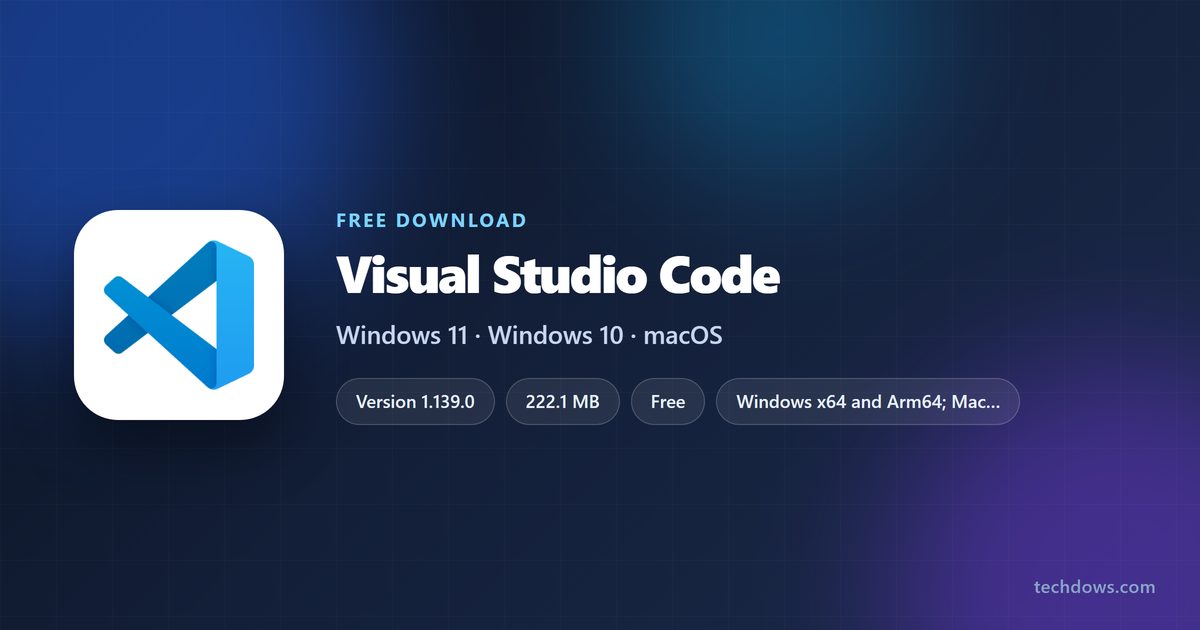
The Visual Studio Code download is free from code.visualstudio.com, and it installs on Windows 11, Windows 10, macOS and Linux. On Windows, the User installer is the right pick for most people and needs no administrator rights.
The current release is version 1.139.0, dated September 23, 2026. The Windows x64 User installer is a 222.1 MB file, and it is a complete setup that works offline.
This guide covers the official links for every platform, User vs System setup, the Store and portable options, updates, install fixes and clean removal.
Which Visual Studio Code download do you need?
Match your machine to a row. On Windows, check Settings > System > About and read System type to see whether you run x64 or ARM64.
| Your machine | File to get | Size |
|---|---|---|
| Windows 11 or 10 PC, Intel or AMD, your account only | User Installer x64 | 222.1 MB |
| Windows 11 on ARM, such as a Snapdragon laptop | User Installer Arm64 | 212.2 MB |
| Shared Windows PC where every account needs the editor | System Installer from the download page | Pick x64 or Arm64 under Other downloads |
| Locked-down PC, or a copy on a USB stick | .zip archive from the download page | Pick x64 or Arm64 under Other downloads |
| Any Mac, or you are not sure which chip it has | Mac Universal .dmg | 469.1 MB |
| Ubuntu or Debian | .deb x64 | 225.7 MB |
| Fedora or Red Hat | .rpm x64 | 325.0 MB |
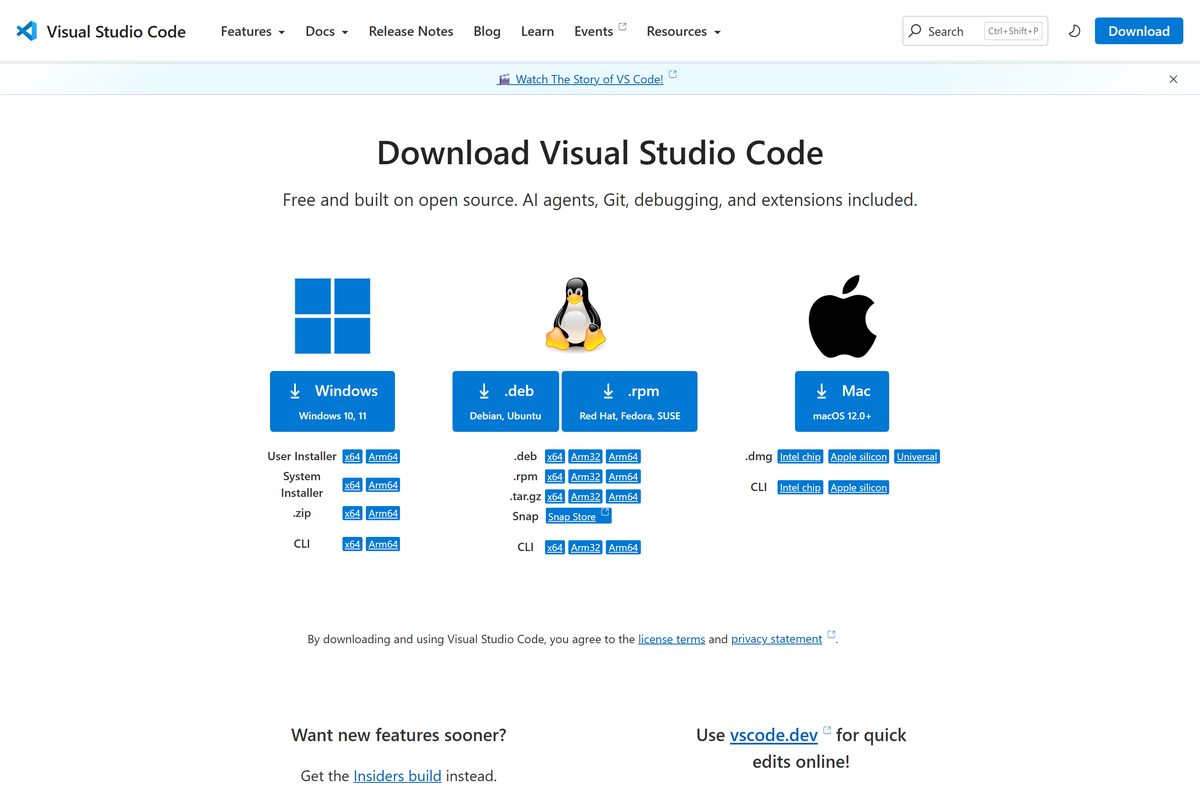
Download Visual Studio Code from the official Microsoft site
Every link below resolves to Microsoft’s own download server.
- Visual Studio Code download page — Windows, macOS and Linux, plus Insiders and SHA-256 hashes
- VSCodeUserSetup-x64-1.139.0.exe — 222.1 MB · Windows 11 and 10, x64
- VSCodeUserSetup-arm64-1.139.0.exe — 212.2 MB · Windows on ARM
- Mac Universal .dmg — 469.1 MB · Intel and Apple silicon
- Linux .tar.gz x64 — 326.0 MB · any distribution
- Release notes and older versions — per-release download links
By downloading, you accept the license terms and privacy statement linked under the download buttons.
Should you pick the User or System installer?
Both installers put the same editor on your PC. They differ in where it lands, who can open it, and how updates run.
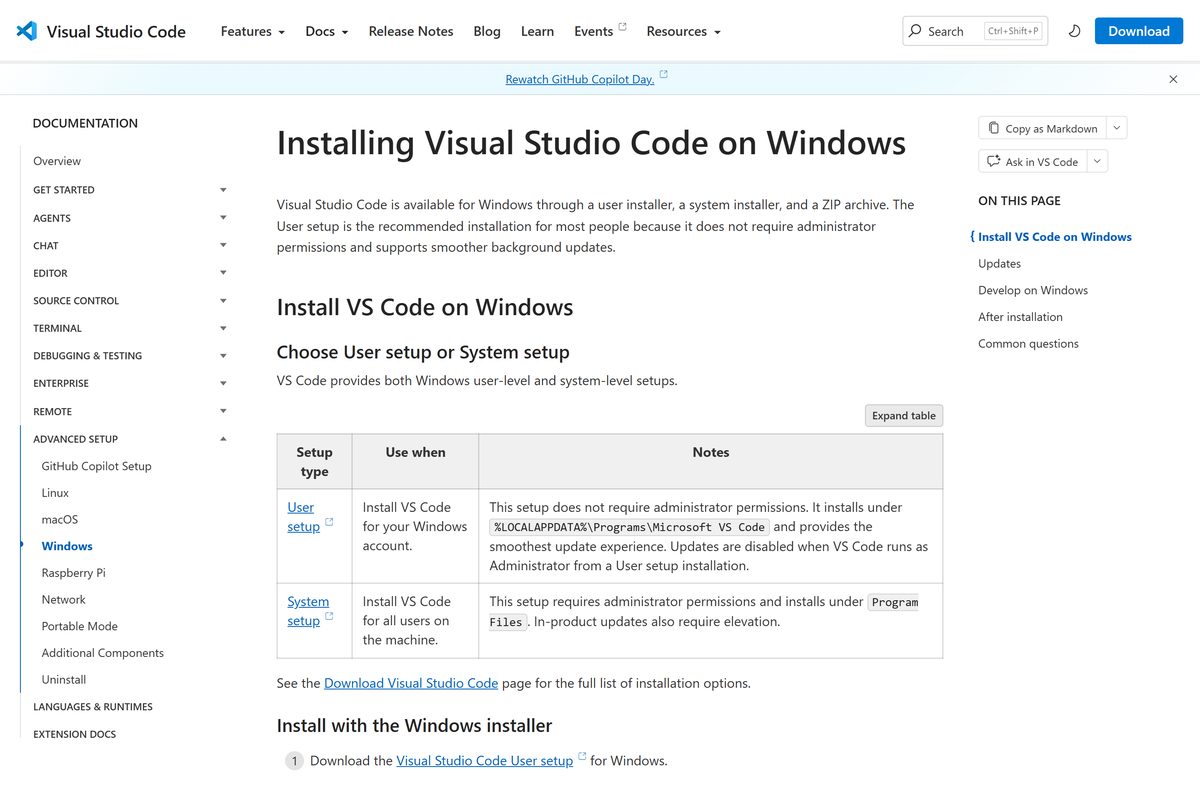
Install the User setup unless several Windows accounts on one PC need the editor. The User setup needs no administrator rights, installs to %LOCALAPPDATA%\Programs\Microsoft VS Code, and updates in the background. The System setup installs to Program Files for every account, needs administrator rights, and every update asks for elevation.
Pick System setup for a classroom PC or a shared workstation. Pick the .zip archive when you cannot run installers at all, and update it by hand with each release.
How to install Visual Studio Code on Windows 11 and 10
These steps use the User setup. The System setup is identical apart from the User Account Control prompt at the start.
- Open the download page and select the Windows button.
- Open your Downloads folder and double-click VSCodeUserSetup-x64 followed by the version number.
- Select I accept the agreement, then select Next.
- Keep the default install folder and select Next.
- Leave Add to PATH ticked so the code command works in a terminal.
- Tick Add “Open with Code” action entries if you want the right-click menu shortcut.
- Select Install, then Finish to launch the editor.
- Restart any open terminal, then run code . inside a project folder to open it.
Git is a separate install. Get it from the Git for Windows guide before you use source control inside the editor.
Install Visual Studio Code from the Microsoft Store
Microsoft also publishes the editor in the Microsoft Store. Use it when your PC blocks installers from the web but allows Store apps.
- Open the Visual Studio Code Store listing in your browser.
- Select Get or View in Store to open the Microsoft Store app.
- Select Install and wait for the setup to finish.
- Open the editor from the Start menu.
Run Visual Studio Code from a USB stick in portable mode
Portable mode keeps settings and extensions beside the program. It works with the Windows .zip, the Linux .tar.gz and the regular Mac app.
- Download the .zip archive for x64 or Arm64 from the download page.
- Extract it to the USB stick or any folder you control.
- Create a folder named data next to Code.exe.
- Run Code.exe. All settings and extensions now save inside data .
- To update, extract the newer .zip and copy your data folder into it.
Never set up portable mode on a copy from the User or System installer. On a Mac, name the folder code-portable-data and place it beside the app.
How to verify the Visual Studio Code installer
Microsoft lists a SHA-256 hash for every file. A matching hash proves the file you have is the file Microsoft published.
- Open the download page and select See SHA-256 hashes.
- Open PowerShell in your Downloads folder.
- Run Get-FileHash .\VSCodeUserSetup-x64-1.139.0.exe -Algorithm SHA256 .
- Compare the Hash value with the one Microsoft lists for that file.
- Delete the file if the two strings differ, and download it again from code.visualstudio.com.
On a Mac or Linux terminal, shasum -a 256 followed by the file name returns the same hash.
Which Visual Studio Code download do you need for your Mac?
Open the Apple menu and select About This Mac. The Chip or Processor line tells you which row applies.
| Your Mac says | Download | Size |
|---|---|---|
| Apple M1, M2, M3, M4 or later | Apple silicon .dmg | 268.5 MB |
| Intel Core | Intel chip .dmg | 287.1 MB |
| Not sure, or you copy apps between Macs | Universal .dmg | 469.1 MB |
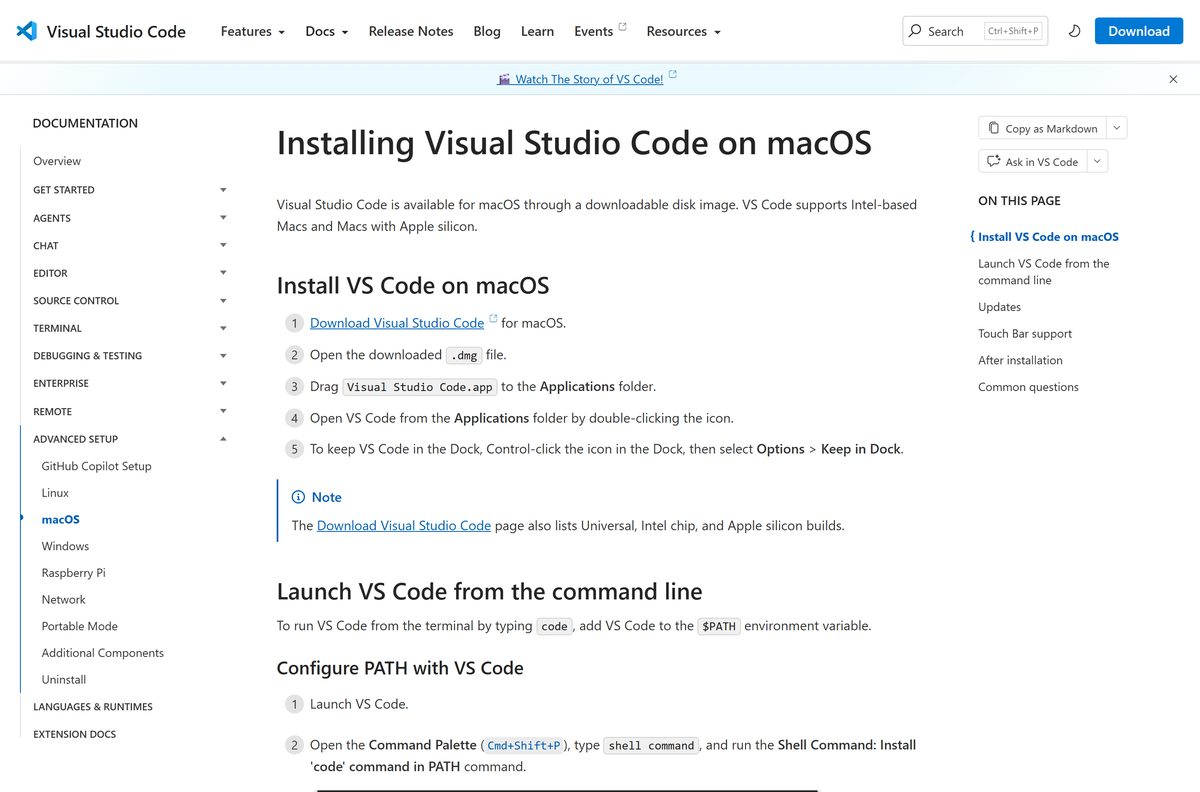
Open the .dmg and drag Visual Studio Code.app into Applications. It needs macOS 12.0 or later.
To use code in Terminal, press Cmd+Shift+P and run Shell Command: Install ‘code’ command in PATH.
Is Visual Studio Code free?
Microsoft states that the editor is free for private or commercial use. The source lives in the Code – OSS repository under the MIT license.
Download it free from code.visualstudio.com, including for work and commercial projects. The Microsoft build adds branding and Marketplace integration under a Microsoft product license, and that license still costs nothing.
Any site that charges for the installer, or sells a “Pro” or “Premium” edition, is not Microsoft. No paid edition of the editor exists.
Check the Visual Studio Code system requirements
The editor runs on modest hardware. Heavy extensions and large projects need more memory than the minimum.
| Field | Value |
|---|---|
| Software | Visual Studio Code |
| Developer | Microsoft Corporation |
| Latest version | 1.139.0, released September 23, 2026 |
| Licence | Free for private and commercial use |
| File size | 222.1 MB (Windows x64 User installer) |
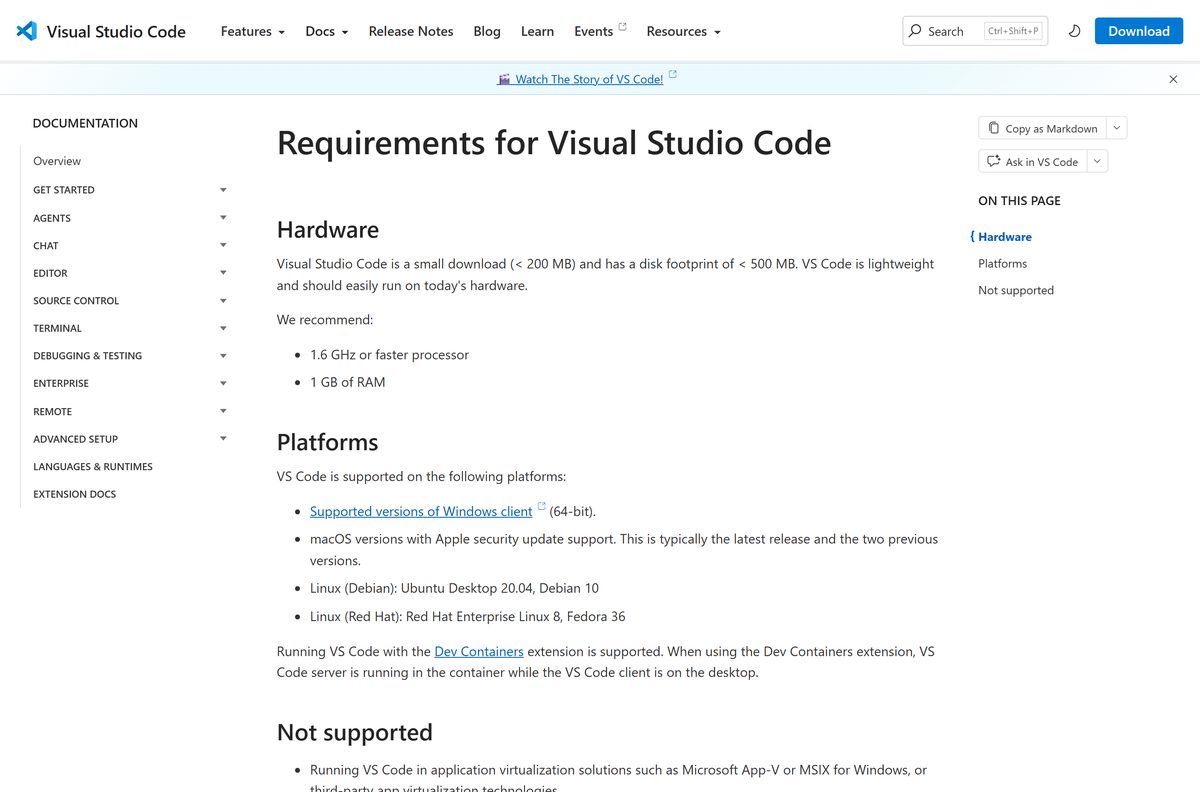
| Windows | Windows 10 or 11, 64-bit only |
| macOS | macOS 12.0 or later |
| Linux | Ubuntu Desktop 20.04, Debian 10, RHEL 8, Fedora 36 or later; GLIBC 2.28+ |
| Architecture | Windows x64 and Arm64; Mac Intel and Apple silicon; Linux x64, Arm32 and Arm64 |
| Processor | 1.6 GHz or faster |
| Memory | 1 GB of RAM |
| Disk space | Under 500 MB installed |
| Offline installer | Yes, the User and System setups and the .zip are complete files |
| Official download source | code.visualstudio.com |
| Last verified | 2026-09-24 |
32-bit Windows lost support after release 1.83. Windows Server, App-V and MSIX virtualization are not supported either.
How to check your Visual Studio Code version and update it
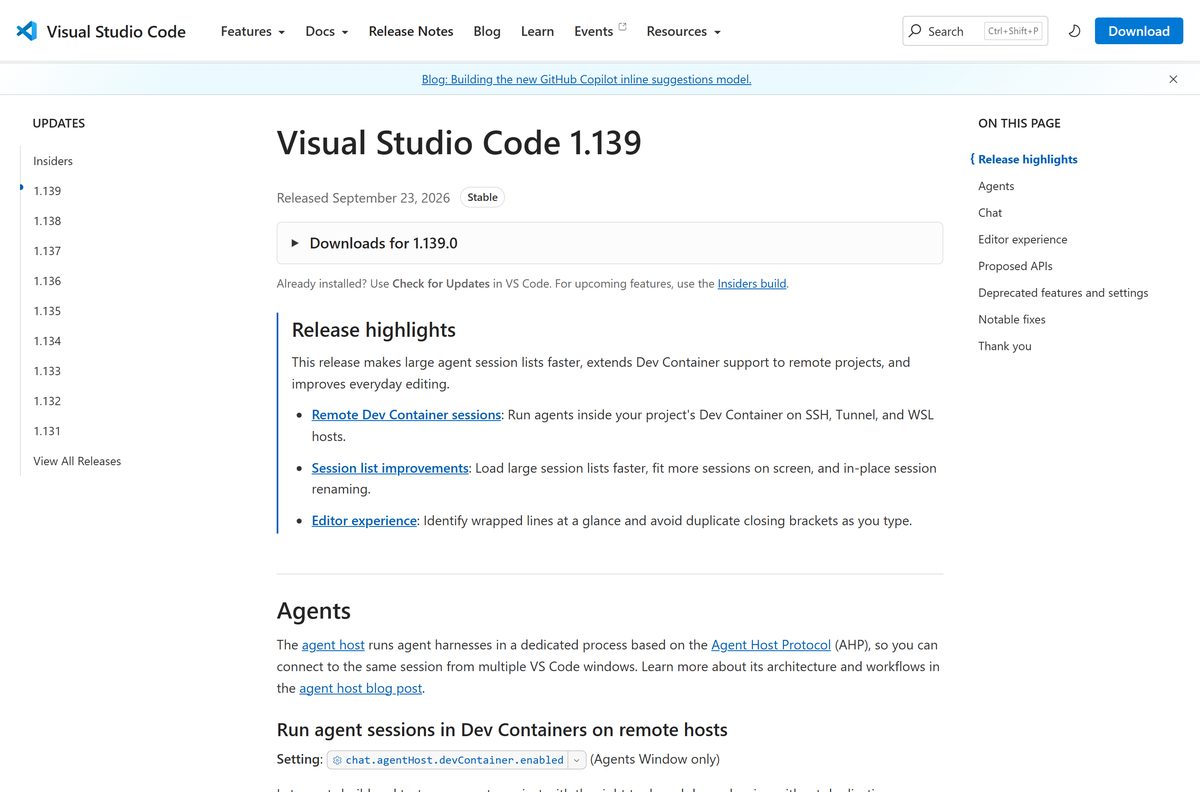
Stable releases ship weekly, and the installed editor updates itself when one lands.
- Open the editor and select Help > About to read your version number.
- Compare it with the newest entry on the release notes page.
- Select Help > Check for Updates on Windows and Linux, or Code > Check for Updates on a Mac.
- Select Restart to Update when the download finishes.
- To stop automatic updates, open File > Preferences > Settings and set Update: Mode to none.
A .zip copy never updates itself. Download the newer archive and move your data folder across if you use portable mode.
Older builds download from https://update.code.visualstudio.com/{version}/{platform}/stable , where {version} is a release number such as 1.138.0.
Fix Visual Studio Code not installing on Windows 11 or 10
Find your symptom and work through the fix under it.
The installer fails or rolls back
Security software or a damaged download blocks the setup.
- Download the .zip archive from the download page.
- Extract it to %LOCALAPPDATA%\Programs.
- Run Code.exe from the extracted folder.
The setup says it needs administrator rights
You launched the System installer on an account without admin rights.
- Cancel the setup.
- Download the User Installer for your processor instead.
- Run it from your own account.
The editor opens to a blank window under AppLocker
AppLocker conflicts with the Chromium sandbox the editor uses.
- Press Ctrl+Shift+P and run Preferences: Configure Runtime Arguments.
- Add “disable-chromium-sandbox”: true to argv.json .
- Save the file and restart the editor.
The code command is not recognized
The terminal was open before setup added the editor to PATH.
- Close every terminal window.
- Open a new one and run code –version .
- Reinstall with Add to PATH ticked if the command still fails.
Setup refuses to run on 32-bit Windows
Windows x86 builds stopped after release 1.83.
- Open Settings > System > About and read System type.
- Move to 64-bit Windows to run a current, supported release.
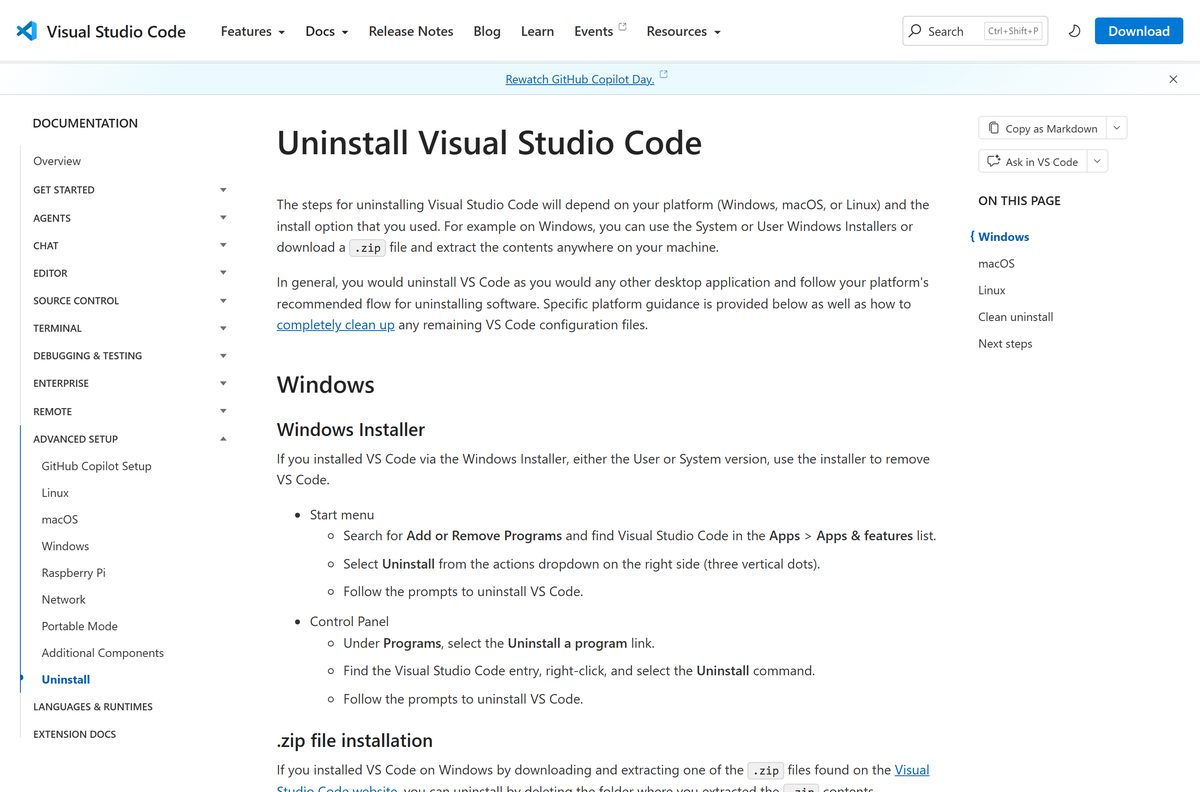
How to uninstall Visual Studio Code completely
The uninstaller removes the program but leaves your settings and extensions behind. Delete those folders too for a clean slate.
- Search the Start menu for Add or Remove Programs.
- Find Visual Studio Code in the list of installed apps.
- Select the three dots on the right, then Uninstall, and confirm.
- Press Win+R, type %APPDATA%\Code and delete that folder.
- Delete %USERPROFILE%\.vscode to remove installed extensions.
- Delete %USERPROFILE%\.vscode-shared if it exists.
For a .zip copy, delete the extracted folder. On a Mac, move the app to Trash, then delete ~/Library/Application Support/Code , ~/.vscode and ~/.vscode-shared .
Choose a different Microsoft code tool if you need one
Visual Studio Code is a lightweight editor that grows through extensions. Two related Microsoft downloads suit different jobs.
| Tool | Choose it when | Get it |
|---|---|---|
| Visual Studio Code Insiders | You want new features daily, side by side with the Stable build | Download Insiders |
| Microsoft Visual Studio | You build large .NET or C++ solutions on Windows 11 and want a full IDE | Visual Studio download guide |
| GitHub Desktop | You want a visual Git client next to the editor | GitHub Desktop download guide |
For most coding on Windows 10, Mac or Linux, stay with Visual Studio Code. The full Visual Studio IDE is Windows-only.
Frequently asked questions
Is Visual Studio Code free?
Yes. Microsoft states that Visual Studio Code is free for private or commercial use. The Code – OSS source is MIT licensed, and the Microsoft build ships under a Microsoft product license that costs nothing.
Is Visual Studio Code free for commercial use?
Yes. Microsoft’s own FAQ confirms the editor is free for commercial use, so companies and freelancers can install it on work machines without buying a licence.
What is the official Visual Studio Code download page?
The official page is code.visualstudio.com/download. It serves Windows, macOS and Linux builds, the Insiders build and SHA-256 hashes, and every file comes from Microsoft’s own servers.
Does Visual Studio Code run on Windows 11 and Windows 10?
Yes. The download page lists Windows 10 or 11, 64-bit, as the requirement. Both x64 and Arm64 installers are available, and 32-bit Windows is no longer supported.
How big is the Visual Studio Code download?
The Windows x64 User installer is 222.1 MB, and the Arm64 installer is 212.2 MB. The Mac Universal .dmg is 469.1 MB. Once installed, the editor takes under 500 MB of disk space.
Is there a Visual Studio Code offline installer?
Yes. The User and System setup files and the .zip archive are complete installers, not web bootstrappers. Copy one to a PC without internet access and it installs normally.
What is the difference between the User and System installer?
The User installer needs no administrator rights, installs for your account only and updates in the background. The System installer installs to Program Files for every account and needs administrator rights for setup and updates.
Is there Visual Studio Code for Mac?
Yes. Microsoft ships a .dmg for Apple silicon, one for Intel Macs and a Universal build that runs on both. It requires macOS 12.0 or later and updates itself automatically.
Does Visual Studio Code support ARM64?
Yes. Windows has an Arm64 User and System installer, Macs have an Apple silicon build, and Linux has Arm64 and Arm32 packages. There is no 32-bit x86 Windows build after release 1.83.
Is Visual Studio Code safe to download?
It is safe when downloaded from code.visualstudio.com or the Microsoft Store. Compare the file’s SHA-256 hash with the one on the download page to confirm it is untouched.
What is the latest version of Visual Studio Code?
The latest Stable release is version 1.139, released on September 23, 2026. Stable builds ship weekly, and an installed copy updates itself unless automatic updates are turned off.
Why won’t Visual Studio Code install?
The most common causes are running the System installer without admin rights, security software blocking setup, or 32-bit Windows. Use the User installer, or extract the .zip archive to AppData\Local\Programs and run it from there.