Firefox 64 gets support for native Windows 10 notifications. Until now, when a website you allowed to notify you sent an alert, Firefox drew its own small pop-up in the corner of the screen. With this change, Firefox hands the alert to Windows instead, so it appears as a regular Windows 10 toast and stays in the Action Center like the notifications from Mail, Calendar and other apps.
What changed
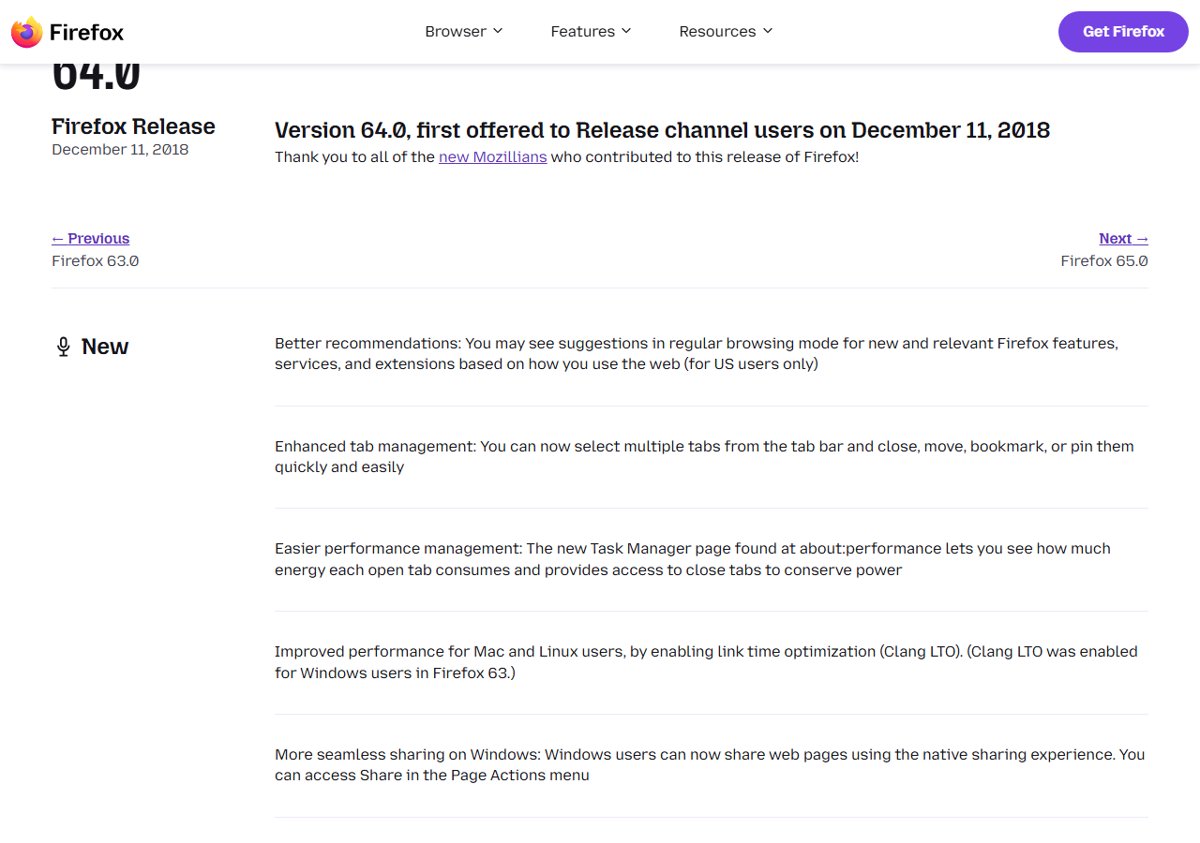
The work is tracked in Mozilla bug 1155505, “Implement ToastNotification for Action Center (Notification Center) on Windows 10”. Mozilla marked it fixed on October 4, 2018, with the target milestone set to Firefox 64. Firefox 64 then reached the release channel on December 11, 2018.
Using the Windows notification system has a few practical benefits:
- Notifications are not lost. If you miss a toast, it waits in the Action Center until you clear it.
- They look native. Website alerts use the same style, position and sound as every other Windows 10 notification.
- Windows settings apply. Quiet hours and the per-app notification switches in Windows Settings now cover Firefox too.
How to get website notifications in Firefox
- Update Firefox to version 64 or later from Menu > Help > About Firefox.
- Open a site that offers notifications, such as a web mail or chat service.
- When Firefox asks whether the site may send notifications, choose Allow.
- When the site sends an alert, it now appears as a Windows 10 toast, and you can find it again in the Action Center.
How to control Firefox notifications in Windows 10
- Open Settings > System > Notifications.
- In the list of apps and senders, find Firefox.
- Turn its notifications on or off, or open it to change banners and sounds.
To stop a single site instead of all of them, click the padlock in the Firefox address bar and remove its notification permission.
For web developers
Nothing changes in code. Sites still use the standard Web Notifications API (the Notification interface and its permission request); Firefox decides where the alert is shown.
Today
Native notifications are the default in current Firefox on both Windows 10 and Windows 11. If a site’s alerts stop appearing, check the Windows notification settings for Firefox first, then the site’s permission in Firefox. Our guide to Windows 11 System settings shows where the notification controls live on newer PCs.