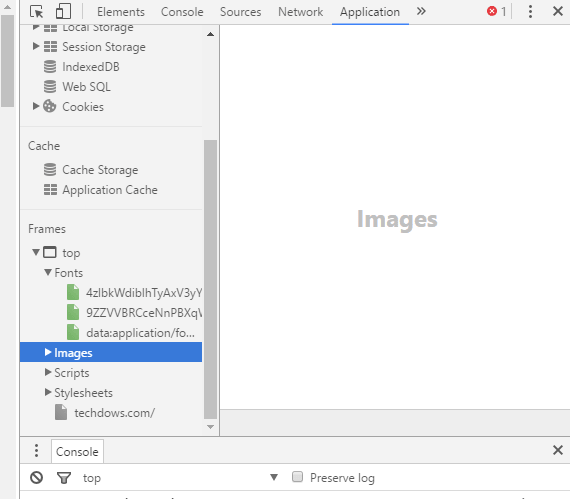
Recently, Google has made a change to dev tools in Chrome browser, Resources tab has been removed and replaced it with Application. Only the name has changed, advanced users or developers, can still access all the resources of a page such as frames, images, style sheets, etc by by visiting the Application panel.
Here is how to open the new Application tab in dev tools.
1. Press Ctrl+Shift+I to open developer tools
2. Click on >> icon and select Application, and check the Frames section at the bottom on left side.
READ: Firefox 50: Fonts View Re-enabled by Default
How to Run JavaScript Commands in Chrome and Firefox Browsers?




