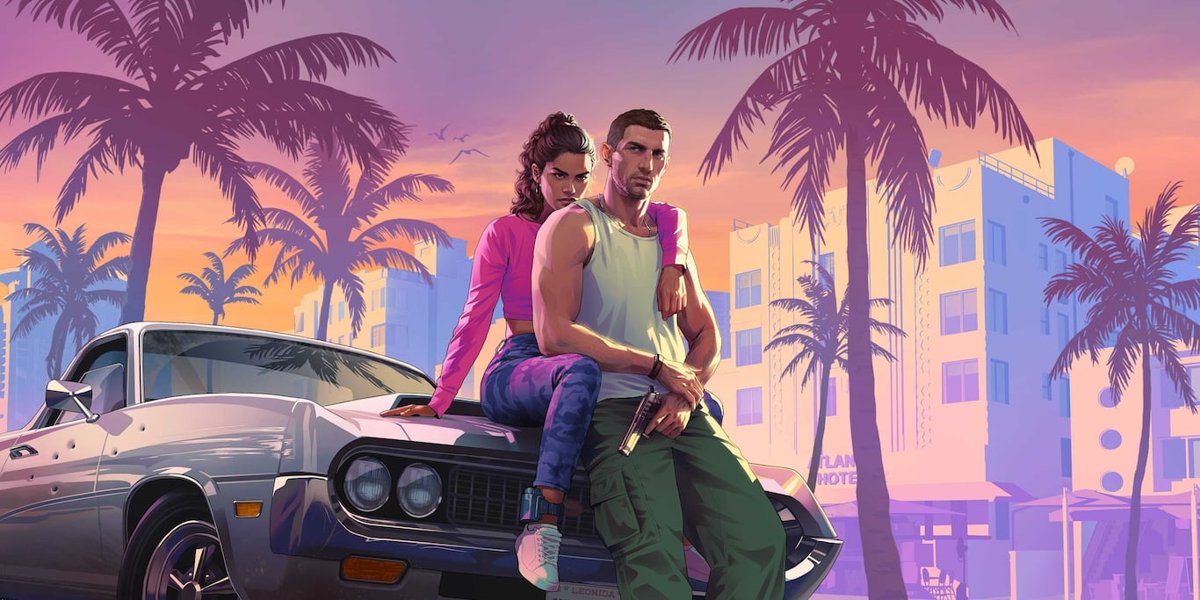
Rockstar has published 99 official GTA 6 screenshots on its Grand Theft Auto VI media page, plus 51 Ultimate Edition and 12 Vintage Vice City Pack shots, and every one is named after the character or region it shows.
They show Jason and Lucia, six supporting characters and six Leonida regions, but they do not show frame rate or which hardware captured them.
Where to see every official GTA 6 screenshot
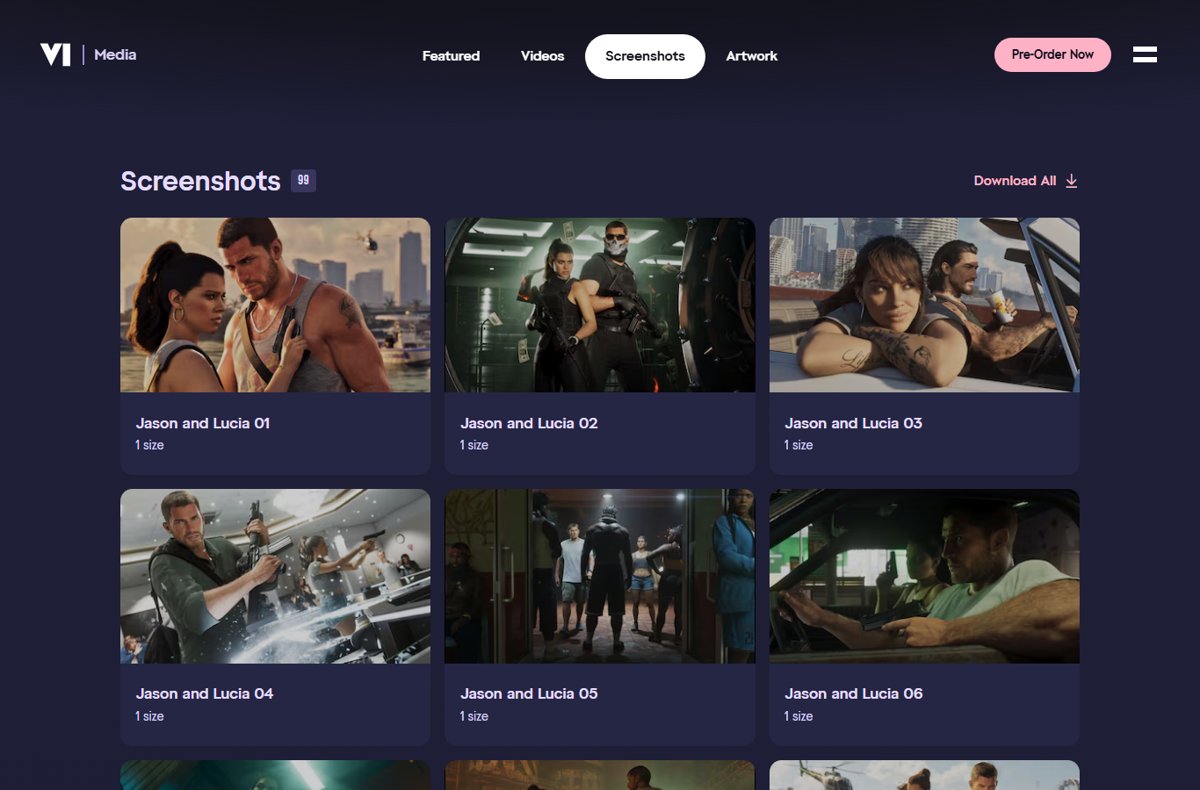
- Open rockstargames.com/VI in a browser.
- Scroll to Media & Artwork and select See All.
- Select Screenshots to open the 99 main screenshots.
- Scroll further down the same page for Ultimate Edition Benefits (51) and Vintage Vice City Pack (12).
- Click any image to open it at full size, or use Download All to get a whole set as one zip file.
These are the only screenshots Rockstar itself has published. Anything else labelled an official GTA 6 screenshot is a trailer frame, a preview capture or a fake.
GTA 6 screenshot sets and image counts
Rockstar published 70 screenshots with Trailer 2 in May 2025. The set now holds 99, and the newest images sit at the top of the page.
| Set | Screenshots | What it shows |
|---|---|---|
| Jason and Lucia | 13 | The two protagonists together |
| Jason Duval | 10 | Jason on his own |
| Lucia Caminos | 10 | Lucia on her own |
| Supporting characters | 24 | Four each of Cal Hampton, Boobie Ike, Dre'Quan Priest, Real Dimez, Raul Bautista and Brian Heder |
| Vice City | 12 | The Miami-inspired city |
| Leonida Keys | 6 | The island chain inspired by the Florida Keys |
| Port Gellhorn | 6 | One of the state's other towns |
| Ambrosia | 6 | One of the state's other towns |
| Grassrivers | 6 | The wetlands inspired by the Everglades |
| Mount Kalaga National Park | 6 | The state's national park |
The six regions in these sets are the named parts of the GTA 6 map Rockstar has shown so far.
GTA 6 screenshots of Jason and Lucia
Thirty-three screenshots feature the protagonists. Read them alongside Rockstar's own character notes, which explain who they are and why they team up.
| Character | Screenshots | What Rockstar says about them |
|---|---|---|
| Jason Duval | Jason Duval 01 to 10 | Grew up around grifters and crooks, served in the Army, then worked for drug runners in the Keys; wants an easy life |
| Lucia Caminos | Lucia Caminos 01 to 10 | Taught to fight by her father; fighting for her family put her in Leonida Penitentiary; fresh out and committed to her plan |
| Jason and Lucia | Jason and Lucia 01 to 13 | The pair at the centre of the story, pulled into a criminal conspiracy after an easy score goes wrong |
The screenshots make more sense once you know Jason's background in the Keys and Lucia's prison history.
GTA 6 supporting character screenshots
Each of the six supporting characters has four screenshots and a matching piece of artwork. Rockstar's descriptions explain how they connect to the leads.
| Character | Who they are, per Rockstar |
|---|---|
| Cal Hampton | Jason's friend and an associate of Brian's; stays home snooping on Coast Guard radio traffic |
| Boobie Ike | A Vice City legend whose empire spans real estate, a strip club and a recording studio |
| Dre'Quan Priest | Aspiring music mogul running Only Raw Records with Boobie |
| Real Dimez | Bae-Luxe and Roxy, a rap duo with a viral past, now signed to Only Raw Records |
| Raul Bautista | A seasoned bank robber recruiting talent for bigger scores |
| Brian Heder | A veteran Keys drug runner who lets Jason live rent-free at one of his properties |
These six are the only GTA 6 characters revealed with their own screenshot sets so far.
GTA 6 Leonida location screenshots
Forty-two screenshots show places across Leonida, the Florida-inspired state. Rockstar describes Leonida as home to the neon-soaked streets of Vice City and beyond.
| Region | Screenshots | Real-world inspiration |
|---|---|---|
| Vice City | Vice City 01 to 12 | Miami |
| Leonida Keys | Leonida Keys 01 to 06 | The Florida Keys |
| Grassrivers | Grassrivers 01 to 06 | The Everglades |
| Port Gellhorn | Port Gellhorn 01 to 06 | Not stated by Rockstar |
| Ambrosia | Ambrosia 01 to 06 | Not stated by Rockstar |
| Mount Kalaga National Park | Mount Kalaga National Park 01 to 06 | Not stated by Rockstar |
Beyond Miami, the Florida Keys and the Everglades, the regions have no stated link to real Florida locations.
GTA 6 Ultimate Edition and Vintage Vice City Pack screenshots
These 63 images show edition content rather than story moments. Their names tell you exactly what each one depicts.
| Category | Screenshots | Examples by name |
|---|---|---|
| Ultimate Edition vehicles | Cars, a buggy, a motorcycle, a kayak and a boat | '95 Grotti Cheetah, Classic Car Collection, '67 Vapid Dominator Buggy, Dinka Enduro Motorcycle, Crest Kayak, Shitzu Squalo, Ganado Retro Build |
| Ultimate Edition weapons | Revolvers and weapon variants | Hawk & Little Morgan Revolvers, Personalized Weapon Variants |
| Ultimate Edition locations | Shops and businesses | Rideout Customs Mod Shop, One-Eyed Willie's Mod Shop, Sara's Unisex Salon, Stock 305 Clothing Store, Electric Fang Tattoo, PTT YOUNGIN$ Illegal Goods Store |
| Ultimate Edition style | Clothing and safehouse | Vice City Style 01 to 05, Jason's Safehouse Vehicles, Goodtime Gear |
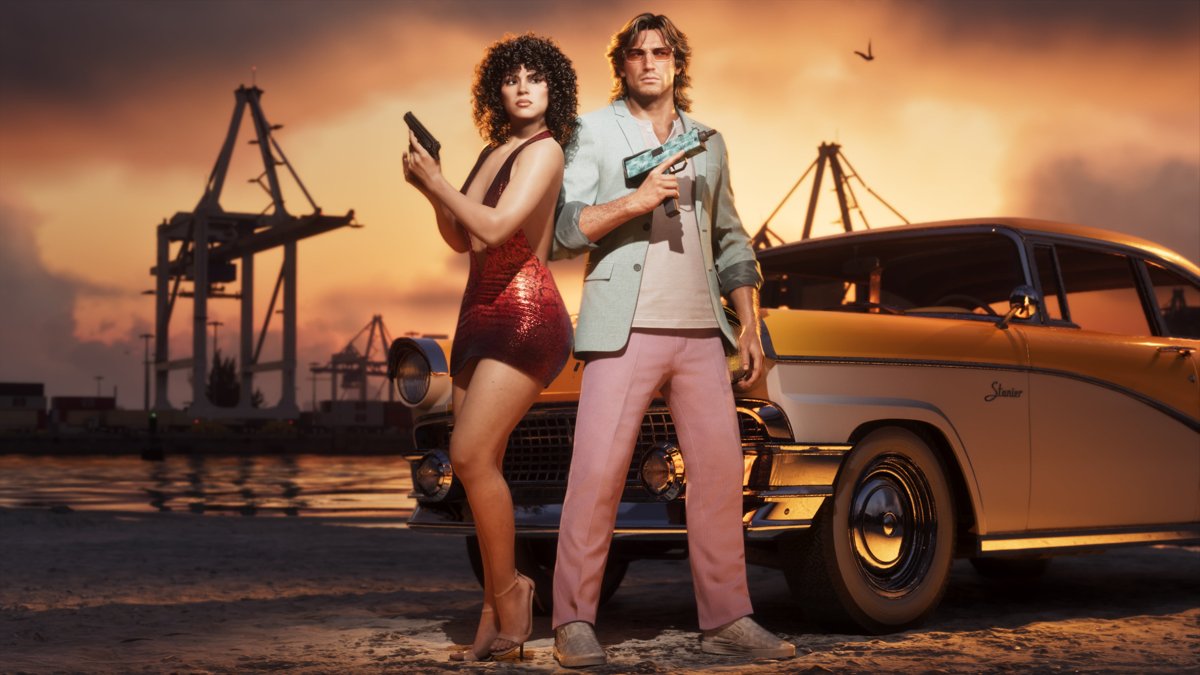
| Vintage Vice City Pack | 12 pre-order bonus shots | '55 Vapid Stanier, Vintage Vice City Outfits and Hairstyles, Vintage Vice City Weapon Pattern |
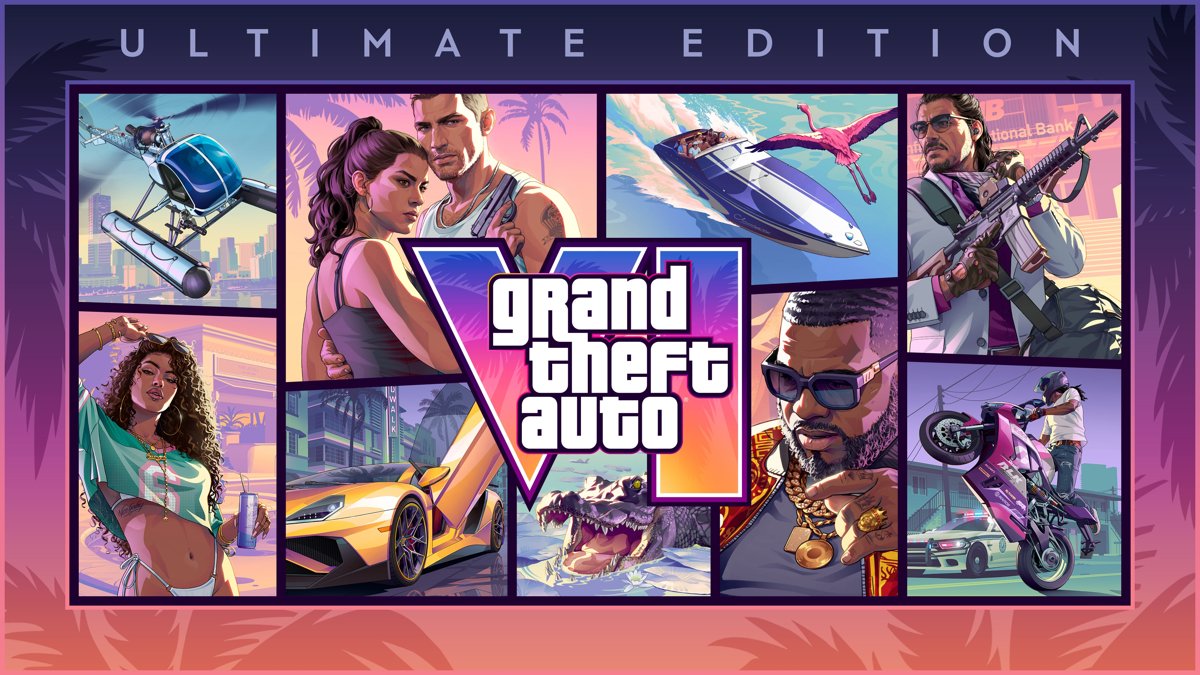
Only the Ultimate Edition unlocks the items in the 51 benefit shots, so check the GTA 6 editions before you pre-order.
GTA 6 details the screenshots confirm and leave out
Screenshots show places, people and items that exist in the game. They do not show performance, and Rockstar has not said which console or settings captured the stills.
| Question | Answer from official sources |
|---|---|
| Are the places in the final game? | Yes; every region in the screenshots appears on Rockstar's Only in Leonida pages |
| Were the screenshots captured on PS5? | Not stated for the stills; Trailer 2 was recorded on PS5, and An Extended Look was captured entirely from in-game footage on PS5 |
| Do they show the frame rate? | No; Rockstar's own pages give no frame rate, though press outlets reported a 30 fps launch target in August 2026 |
| Do the edition shots show content everyone gets? | No; the Ultimate Edition shots show Ultimate-only items, and Vintage Vice City Pack shots show the pre-order bonus |
| Is there a PC version shown? | No; GTA 6 is announced for PS5 and Xbox Series X|S only |
For how the moving footage looks, the trailers say more about GTA 6 graphics than any still.
How to use GTA 6 screenshots as wallpapers or save a trailer frame
- Open the screenshot on Rockstar's media page and save it at its full size.
- Check its dimensions in the file's Properties > Details tab on Windows.
- For artwork in several sizes, use the Artwork tab instead, which offers up to seven sizes per image.
- To grab a moment from a trailer, pause Trailer 1, Trailer 2 or An Extended Look at the highest quality setting.
- Press Win + Shift + S on Windows to capture the frame with Snipping Tool.
The artwork set makes better GTA 6 wallpapers in 4K, and Snipping Tool is only one way to take a screenshot on Windows 11.
Frequently asked questions
How many official GTA 6 screenshots are there?
Rockstar's media page lists 99 main screenshots, plus 51 Ultimate Edition Benefits screenshots and 12 Vintage Vice City Pack screenshots. That makes 162 official stills, alongside 23 artwork and wallpaper images and a set of video clips.
Where are the new GTA 6 screenshots?
At the top of the Screenshots section on rockstargames.com/VI. The newest batch includes Jason and Lucia 01 to 13, new Jason and Lucia solo shots, and extra images of Vice City, Ambrosia, Grassrivers, Port Gellhorn and the Leonida Keys.
Are GTA 6 screenshots available in 4K?
Each screenshot is offered in one size on Rockstar's media page. Save it and check the dimensions in the file properties. For several resolutions, including the largest, use the Artwork & Wallpapers set, which offers up to seven sizes per image.
Do the GTA 6 screenshots show cars?
Yes. The Ultimate Edition Benefits set shows the '95 Grotti Cheetah, a Classic Car Collection, the '67 Vapid Dominator Buggy and more, and the Vintage Vice City Pack shows a '55 Vapid Stanier. Other GTA 6 vehicles appear only in the trailers.
Were the GTA 6 screenshots taken on PS5?
Rockstar has not stated the capture platform for the stills. It did say An Extended Look was captured entirely from in-game footage on PS5, and Trailer 2 was recorded on PS5, so the videos are confirmed console footage.
Which places appear in the GTA 6 screenshots?
Six regions: Vice City, the Leonida Keys, Port Gellhorn, Ambrosia, Grassrivers and Mount Kalaga National Park. Vice City is based on Miami, the Keys on the Florida Keys and Grassrivers on the Everglades.
Can I use official GTA 6 screenshots on my site or channel?
Rockstar's media page invites visitors to download and share its official videos and screenshots. They remain Rockstar's copyright, so credit Rockstar Games, do not edit them to mislead, and check Rockstar's legal terms before any commercial use.