Cisco AnyConnect for Mac ships as Cisco Secure Client, and a Mac gets it from the VPN portal your organisation runs, from the Cisco.com Software Center, or as the free Cisco Secure Client app in the App Store.
Release 5.1.20.333, dated 11 September 2026, is the build Cisco recommends for every user. It covers macOS 15 Sequoia, macOS 26 Tahoe and macOS 27 Golden Gate, on Intel and Apple silicon alike.
This guide covers which package to ask for, the official links, the install steps, the App Store app, licensing, updates, module support, clean removal and the documented fixes.
Which Cisco Secure Client package do you need for your Mac?
The organisation that runs the VPN decides which file reaches your Mac. Match your case to a row.
| Your situation | What to install | Where it comes from |
|---|---|---|
| An employer or university runs the VPN | The macOS predeploy DMG, or whatever your MDM pushes | Secure Firewall ASA portal or an MDM |
| Your Cisco.com ID carries a service contract | The macOS predeploy DMG, built for a local install | Cisco Software Center |
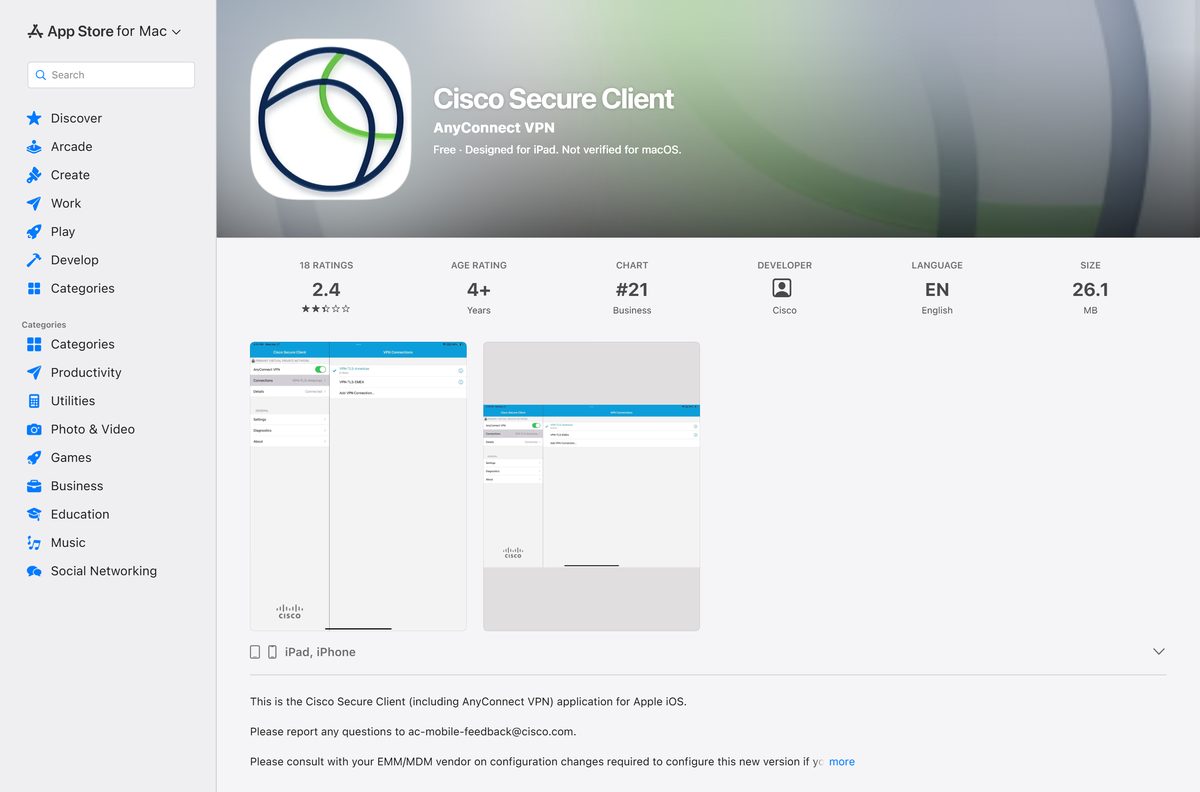
| You want it without a corporate file | Cisco Secure Client, 26.1 MB, free to download | App Store listing |
| Your organisation uses Cisco Secure Access | The macOS installer under End User Connectivity | Secure Access download page |
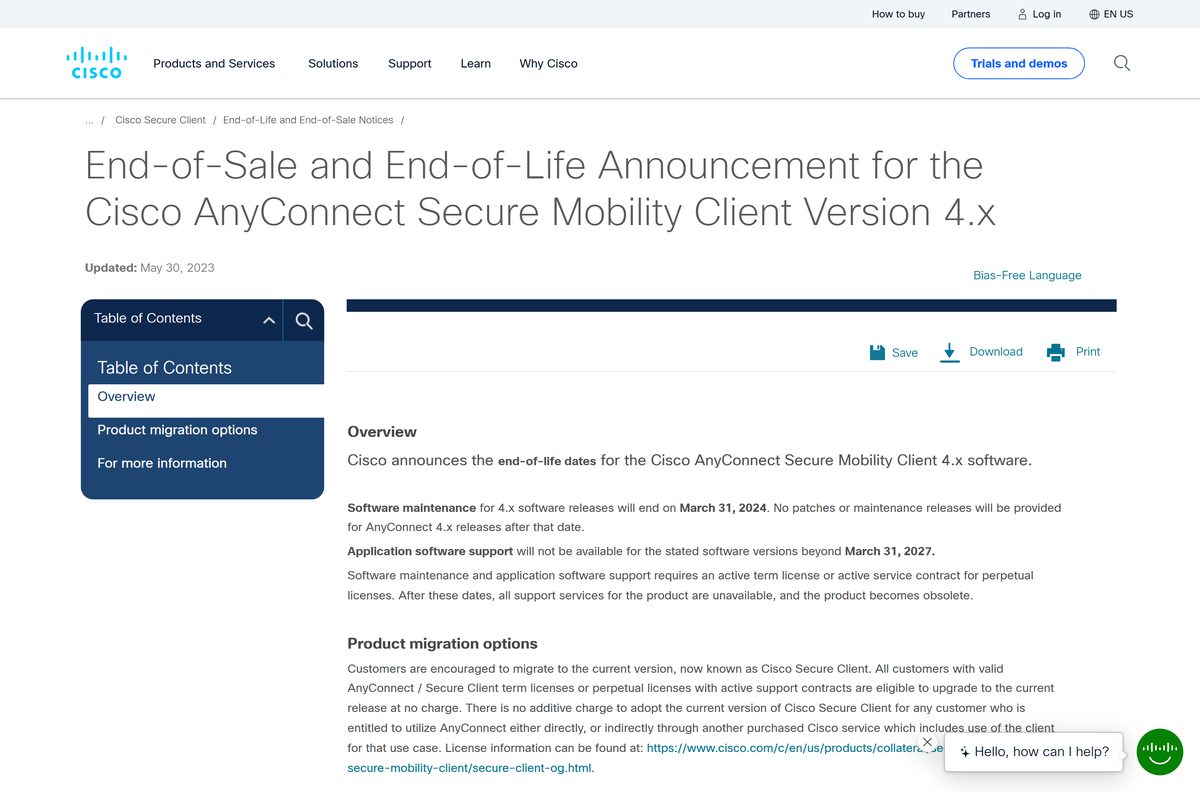
| A Mac still running AnyConnect 4.x | Secure Client 5.1, free for entitled customers | AnyConnect 4.x end-of-life notice |
Automatic web launch runs on Windows with Internet Explorer only. On a Mac you open the portal, select Start AnyConnect Client, and download the package by hand.
Check the Cisco Secure Client system requirements for your Mac
The macOS release rules a Mac out, not the hardware. Cisco states the client runs on whatever minimum Apple specifies.
| Field | Value |
|---|---|
| Software | Cisco Secure Client (including AnyConnect) |
| Former name | Cisco AnyConnect Secure Mobility Client |
| Developer | Cisco Systems, Inc. |
| Latest version | 5.1.20.333, dated 11 September 2026 |
| App Store version | 5.1.16.264, 26.1 MB |
| Licence | Paid; Premier, Advantage or VPN Only, bought by an organisation |
| Supported macOS | macOS 15 Sequoia, macOS 26 Tahoe, macOS 27 Golden Gate |
| Architecture | 64-bit only; one package covers Intel and Apple silicon |
| Display | 1024 by 640 pixels minimum |
| Install rights | One-time administrator privileges on macOS 13 and later |
| Download size | Not published by Cisco |
| macOS packages | cisco-secure-client-macos-version-predeploy-k9.dmg and -webdeploy-k9.pkg |
| Offline installer | Yes, the predeploy DMG |
| Official download source | Cisco Secure Client software downloads |
| Last verified | 2026-10-25 |
Which build does your macOS version need?
Open the Apple menu and select About This Mac to read your macOS release, then match it below.
| Your macOS release | Minimum build | Note |
|---|---|---|
| macOS 27 Golden Gate | 5.1.20.333 | Support arrived in the September 2026 release |
| macOS 26 Tahoe | 5.1.12.146 or later | Named on Cisco’s supported operating systems list |
| macOS 15 Sequoia | 5.1.6.103 or later | The oldest release Cisco still lists |
| macOS 14 Sonoma or older | None on the supported list | macOS 11 support ended at release 5.1.3.62 |
Cisco fixes defects only in the most recent Version 5 release, so an older Mac keeps the build it was given.
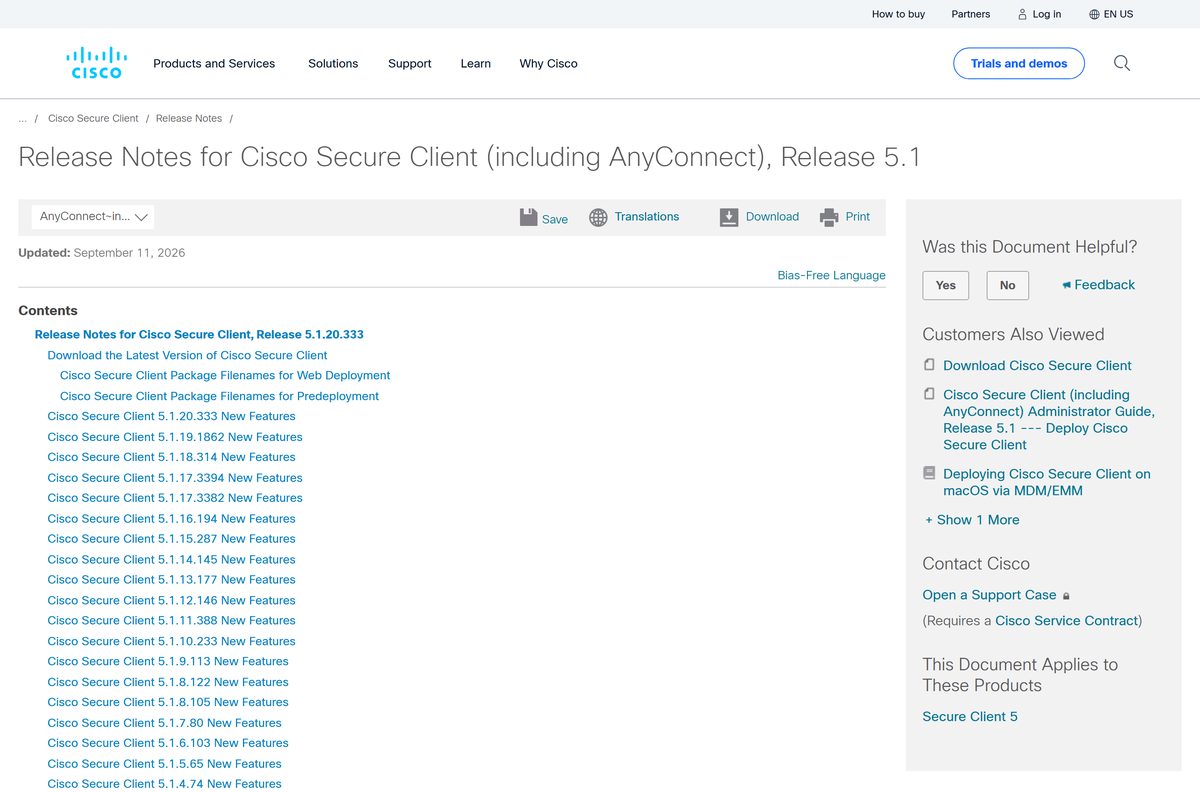
Download Cisco Secure Client for Mac from the official Cisco sources
Five Cisco-run pages matter here. Every download route on the list checks who you are, apart from the App Store.
- Cisco Secure Client software downloads — carries the Download Software link; needs a contract-linked Cisco.com ID
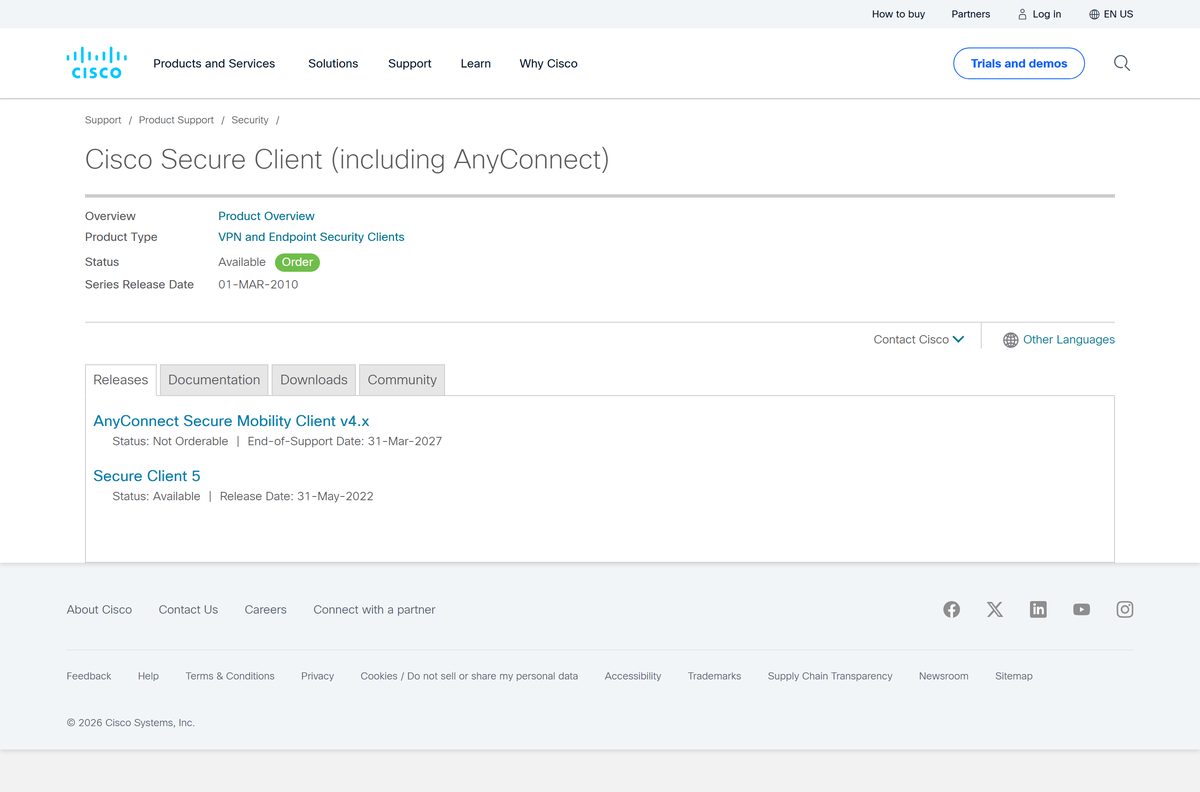
- Cisco Secure Client product page — the current product page, renamed from AnyConnect
- Cisco Secure Client on the App Store — 26.1 MB · free to download; an active contract is still needed to connect
- Cisco Secure Access download guide — the End User Connectivity route and the module configuration files
- Release notes for release 5.1 — the current build, the macOS support table and the package filenames
Download portals rank for this search and serve whatever file they last fetched. Cisco ships no public installer to mirror.
How to install Cisco Secure Client on your Mac
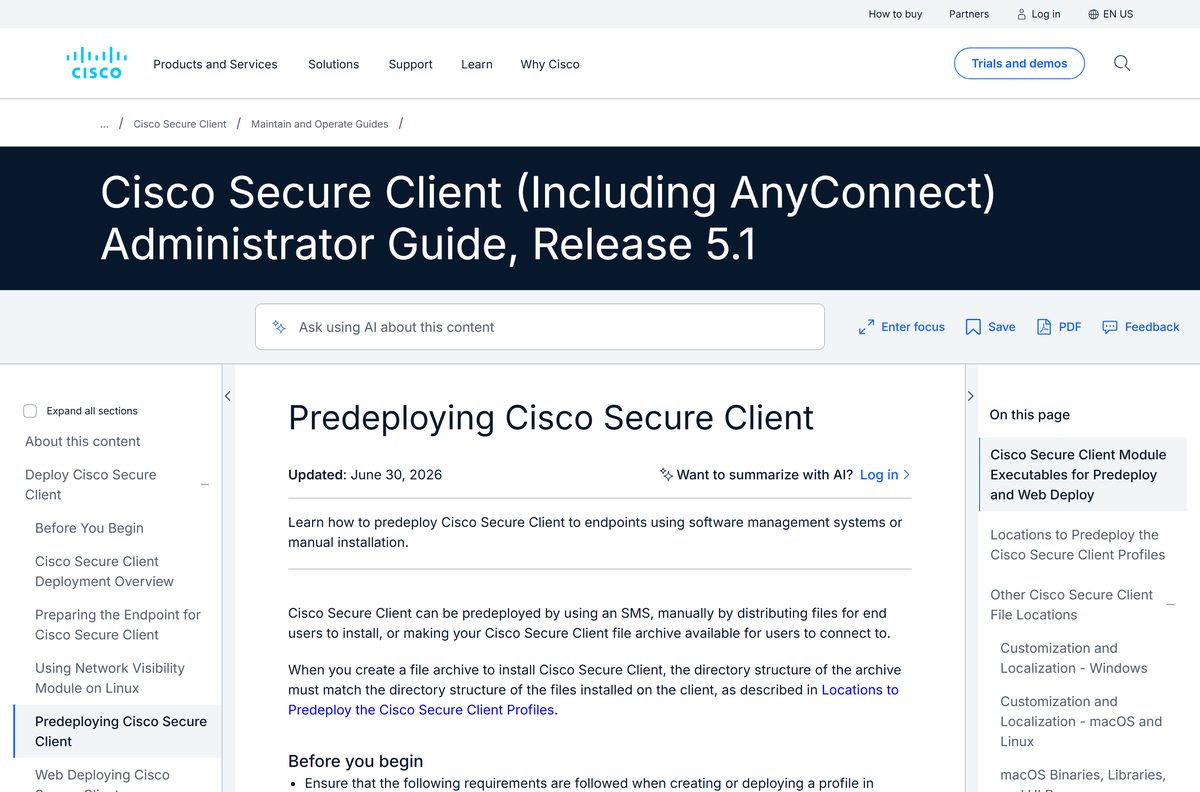
The DMG holds every module. macOS asks for an administrator password once, then for permission to load the system extensions.
- Get the macOS DMG from your VPN portal, your MDM, or the Download Software link on the Cisco Secure Client support page.
- Open the downloaded cisco-secure-client-macos-5.1.20.333-predeploy-k9.dmg file.
- Run cisco-secure-client.pkg from the volume that mounts.
- On the Installation Type screen, select the modules to install. AnyConnect VPN is the core module and the others sit on top of it.
- Enter your Mac password when the installer asks for administrator privileges.
- Approve the system extensions prompt that appears during installation.
- Open Applications > Cisco > Cisco Secure Client once the installer finishes.
- Enter the VPN address your administrator gave you, then supply the group, username and password.
Leave Gatekeeper on App Store and identified developers. Cisco signs the client with an Apple-issued certificate and notarizes it, and the Mac App Store setting alone blocks the install.
Install the Cisco Secure Client app from the App Store
One App Store listing covers iPhone, iPad, Apple Vision and Apple silicon Macs. It needs no file from IT.
- Open the Cisco Secure Client listing in the App Store.
- Read the Compatibility section. Apple lists macOS 11.0 or later with an Apple M1 chip or later under Mac.
- Select Get to install the 26.1 MB app.
- Check the licence with your administrator. Cisco states an active AnyConnect Plus, Apex or VPN Only contract is required.
- Install the macOS DMG instead when you need ISE Posture, Umbrella Roaming Security, Network Visibility or Zero Trust Access.
That listing runs its own release line and sits at 5.1.16.264, behind the macOS build.
How to check the Mac installer really came from Cisco
Releases since 4.8 are notarized, and Cisco staples the ticket to the disk image. A stapled image proves itself with no network lookup.
- Take the DMG from your VPN portal, your MDM or the Cisco Software Center, and from nowhere else.
- Open the DMG. A genuine, stapled image mounts with no Gatekeeper warning.
- Open System Settings > Privacy & Security if macOS refuses the file, and read the option under Security.
- Set that option to App Store and identified developers, which is both the macOS default and what Cisco requires.
- Run spctl -a -t exec -vv “/Applications/Cisco/Cisco Secure Client.app” in Terminal afterwards. Apple’s code-signing note treats an accepted result with a Developer ID source as the pass.
A file that triggers Apple’s unknown-developer warning is not a Cisco build. Apple’s guidance is to discard it, not override the block.
Is Cisco AnyConnect free for Mac users?
No. The download costs an end user nothing, and the licence behind it is bought by an organisation. Cisco Secure Client 5.1 requires a Premier or Advantage licence, or a VPN Only perpetual licence. Advantage and Premier run as 12- to 60-month subscriptions with a minimum of 25 unique users, and Advantage perpetual and VPN Only need a separate SWSS subscription before Cisco grants software access. Cisco publishes no consumer price and sells through resellers. A 4-week Premier evaluation licence covers the Advantage tier.
The App Store listing shows Free, because downloading it is free. Connecting needs an active AnyConnect Plus, Apex or VPN Only contract.
Should you install AnyConnect 4.x or Cisco Secure Client 5?
Install Cisco Secure Client 5. The 4.x line stopped receiving patches on 31 March 2024. Cisco ended software maintenance for AnyConnect 4.x on 31 March 2024, and no patch has shipped for it since. Application software support runs out on 31 March 2027, after which the product is obsolete. Anyone already entitled to AnyConnect moves across at no additional charge, and a Secure Client 5.1 licence also covers the earlier AnyConnect releases. The VPN module inside Secure Client is still called AnyConnect VPN.
Cisco fixes defects only in the most recent Version 5 release, so a Mac on 5.0.x needs an upgrade first.
How to check your Cisco Secure Client version and update it
The client asks the headend for a newer package on every connection, so most Macs update by connecting.
- Open Applications > Cisco > Cisco Secure Client.
- Connect to your VPN address. The client authenticates, then reports Checking for updates.
- Let the downloader finish. A web deploy update installs without administrator rights.
- Enter an administrator password if the jump crosses from 5.0.x to 5.1.x, which needs one-time privileges or MDM pre-approval.
- Choose the Statistics icon next to the gear to read the current session.
- Compare your build against 5.1.20.333, the release Cisco names for all users.
- Ask your administrator for the current DMG when the headend still serves an older package.
Cisco states that a version may stop being available for download later, which is why administrators archive the images they deploy.
What the Mac client installs besides the VPN
The DMG carries every module, and each brings its own macOS conditions.
| Module | macOS support | Condition |
|---|---|---|
| AnyConnect VPN | Yes | The core module. Install it first; everything else depends on it. |
| Zero Trust Access | Predeploy only | Absent from the macOS webdeploy package; needs user approval. |
| Umbrella Roaming Security | Yes | Needs OrgInfo.json in /opt/cisco/secureclient/umbrella. |
| ISE Posture | Yes | Installs to /opt/cisco/secureclient/iseposture. |
| Network Visibility Module | Yes | Installs to /opt/cisco/secureclient/NVM. |
| ThousandEyes Endpoint Agent | x64 installer only | Needs Rosetta on an Apple silicon Mac. |
| Endpoint Data Loss Prevention | Apple silicon only | Predeploy, and new in the September 2026 release. |
| Secure Firewall Posture | Yes | Installs after you reach a Secure Firewall ASA. |
| DART diagnostics | Yes | Needs administrator privileges to collect logs. |
Posture scans ask for access to Desktop, Documents, Downloads and network volumes on first run. Don’t Allow leaves the endpoint failing its compliance check.
Fix Cisco Secure Client not installing or not connecting on a Mac
The installer will not open
Gatekeeper is set to Mac App Store only. This build is a signed, notarized Developer ID app, not an App Store app.
- Open System Settings > Privacy & Security.
- Set the option under Security to App Store and identified developers.
- Open the DMG again and run cisco-secure-client.pkg.
- Control-click the file and choose Open when that setting is locked down for you.
The install stops and asks for a password you do not have
A fresh 5.1.x install on macOS 13 or later needs one-time administrator privileges.
- Ask an administrator to run the installer, or to pre-approve the app through your MDM.
- Let later updates run on their own, because those do not need the privileges.
- Approve the system extensions prompt when it appears, or the VPN and Zero Trust Access modules stay dormant.
The connection stays stuck on Connecting
An outdated build. Cisco resolved one macOS case by moving the affected Macs from 5.1.11 to 5.1.16.
- Read your build from the Statistics panel next to the gear.
- Get the current package from your administrator or the Software Center.
- Install it over the old copy and connect again.
- Choose Generate Diagnostic Report from the application menu to collect a DART bundle for your helpdesk.
Some sites load while others time out
Behind certain routers the client calculates the MTU incorrectly, so part of the traffic drops.
- Open Terminal.
- Run sudo ifconfig utun0 mtu 1200 .
- Reload the pages that failed.
Continuity Camera stops working on macOS 13 while a tunnel is up, which Cisco lists as a known issue.
How to uninstall Cisco Secure Client from your Mac
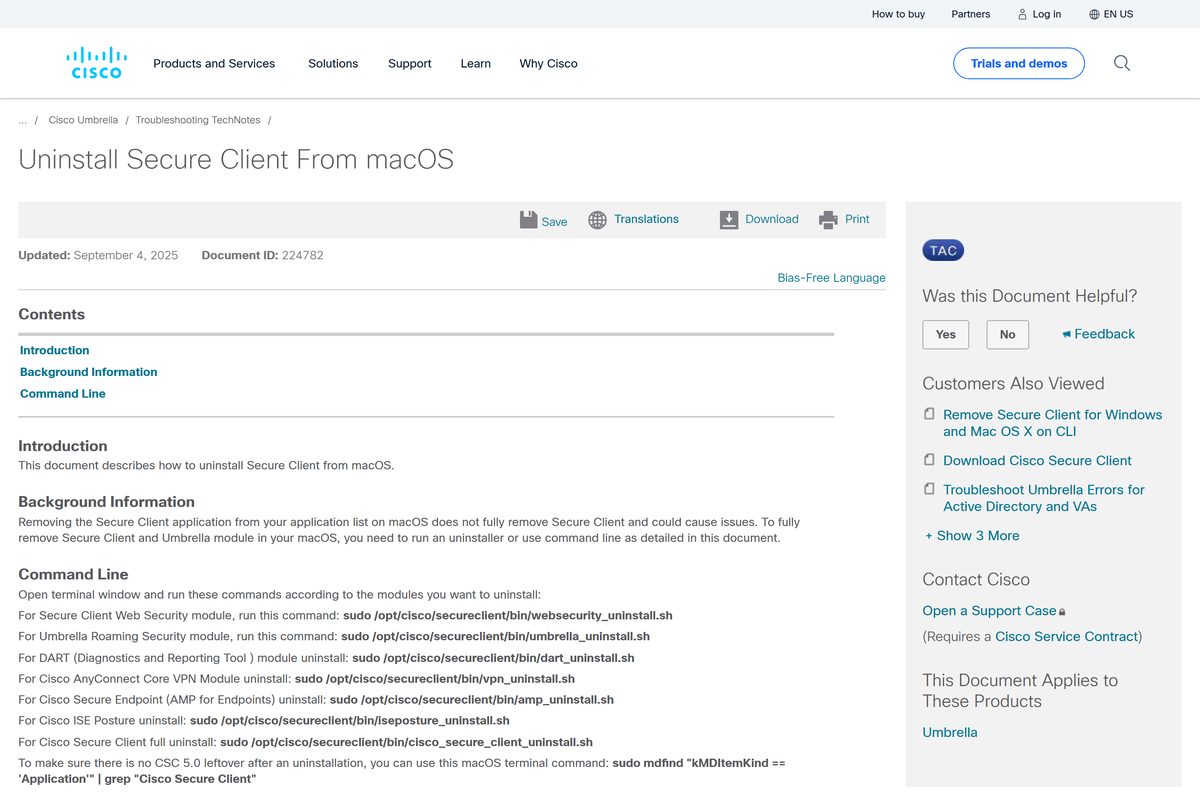
Dragging the app to the Trash leaves the modules running. Cisco states that removing it from the application list does not fully remove it.
- Open Finder and go to Applications > Cisco.
- Double-click Uninstall to remove the modules through the bundled uninstaller.
- Open Terminal instead for a complete removal.
- Run sudo /opt/cisco/secureclient/bin/cisco_secure_client_uninstall.sh .
- Run sudo /opt/cisco/secureclient/bin/vpn_uninstall.sh to drop only AnyConnect VPN, which takes Zero Trust Access with it.
- Run the matching script for a single module: umbrella_uninstall.sh , iseposture_uninstall.sh , websecurity_uninstall.sh , amp_uninstall.sh or dart_uninstall.sh .
- Check for leftovers with sudo mdfind “kMDItemKind == ‘Application'” | grep “Cisco Secure Client” .
Some XML files stay behind by design, so a residual folder is not a failed removal.
Frequently asked questions
Is Cisco AnyConnect free for Mac?
No. The download costs nothing and the licence behind it does not. Cisco Secure Client 5.1 needs a Premier, Advantage or VPN Only licence, bought by an organisation in tiers of at least 25 users.
What is the official Cisco AnyConnect download page for Mac?
Cisco’s Secure Client support page carries the Download Software link, and it needs a Cisco.com ID with a linked service contract number. The App Store listing needs no contract to download.
Is Cisco AnyConnect the same thing as Cisco Secure Client?
Yes. As of version 5, Cisco AnyConnect Secure Mobility Client is called Cisco Secure Client. The VPN module inside it is still named AnyConnect VPN, with new branding and icons.
How big is the Cisco Secure Client download for Mac?
Cisco publishes no size for the macOS package and serves it only from the Software Center behind a contract-linked sign-in. The App Store listing reports 26.1 MB for the app Apple distributes.
Which macOS versions does Cisco Secure Client support?
macOS 15 Sequoia needs build 5.1.6.103 or later, macOS 26 Tahoe needs 5.1.12.146 or later, and macOS 27 Golden Gate needs 5.1.20.333. Support for macOS 11 ended at release 5.1.3.62.
Does Cisco Secure Client run on Apple silicon Macs?
Yes. One 64-bit macOS package covers Intel and Apple silicon. The bundled ThousandEyes Endpoint Agent is an x64 installer that needs Rosetta, and Endpoint Data Loss Prevention runs on Apple silicon only.
Is there a Cisco AnyConnect offline installer for Mac?
Yes. The predeploy DMG is a standalone installer holding every module, and it installs with no network connection. Cisco built it for a local install, so an MDM push of it fails.
Which Cisco Secure Client version is current for macOS?
Release 5.1.20.333, dated 11 September 2026, is the build Cisco names as the primary recommended release for all users. Future defect fixes for the 5.x line land on the 5.1.x path.
Why will Cisco Secure Client not install on my Mac?
The documented causes are a Gatekeeper setting of Mac App Store only, a fresh 5.1.x install on macOS 13 or later needing one-time administrator privileges, and an unapproved system extensions prompt.
Is Cisco AnyConnect safe to download from other sites?
A portal copy is whatever build that site last fetched, wrapped in its own installer. Cisco ships no public installer to mirror, so take the DMG from your VPN portal or the Software Center.
How do you uninstall Cisco Secure Client from a Mac?
Open Applications > Cisco and double-click Uninstall, or run sudo /opt/cisco/secureclient/bin/cisco_secure_client_uninstall.sh in Terminal. Removing the app from the application list leaves the modules in place.