Adobe added a sandbox called protected mode to Flash Player for Firefox on Windows in June 2012. It made Flash harder to exploit, but on some PCs it also brought hangs, high CPU use and crashes. If Flash content stopped working in Firefox after that update, turning protected mode off was the fix most people used.
What Flash Player protected mode was
Adobe explained the design on its security blog on June 7, 2012. Flash ran inside Firefox’s plugin-container.exe process, which started a broker process. The broker then launched a fully sandboxed process, and that sandboxed process was where Flash read and drew web content. Adobe ran it at low integrity, so it could not write to most of your profile or the registry. Protected mode for Firefox needed Windows Vista or later, so Windows XP users never got it.
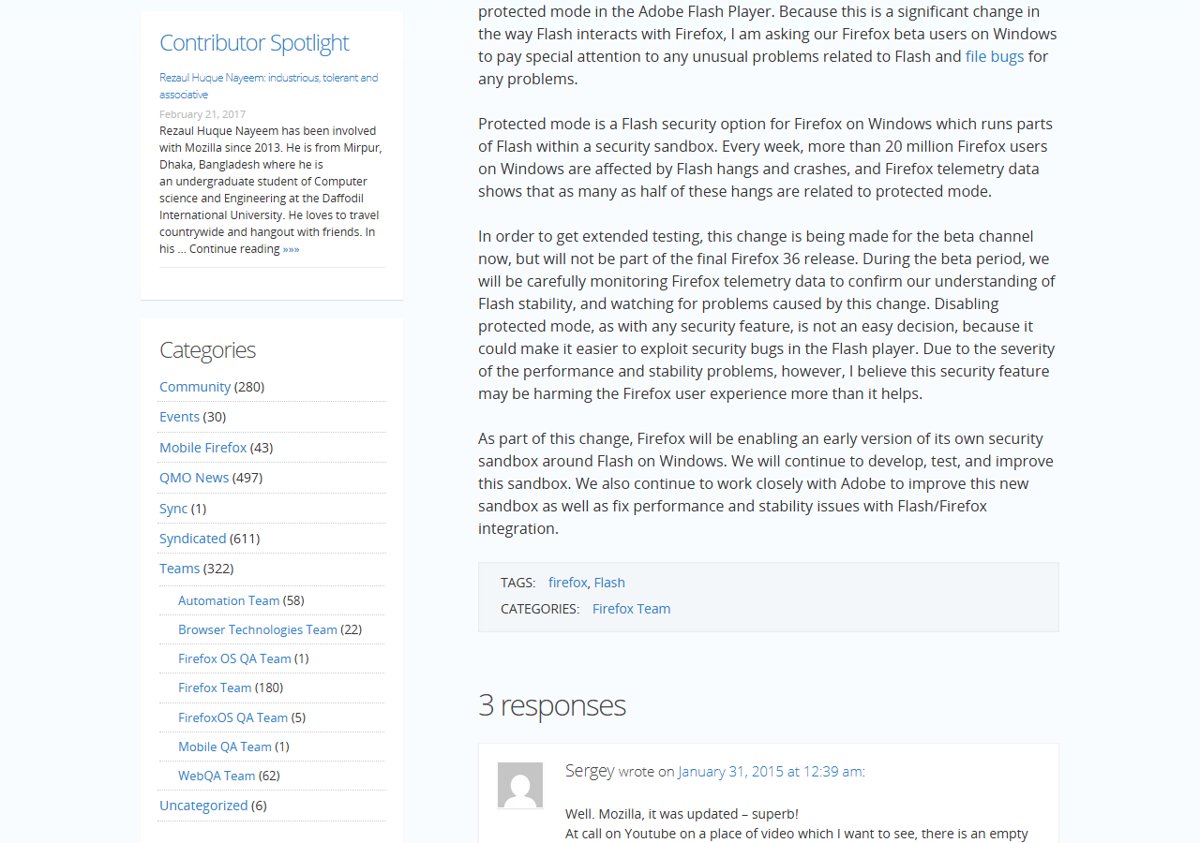
Mozilla later called protected mode “a Flash security option for Firefox on Windows which runs parts of Flash within a security sandbox”. It also said Firefox telemetry tied as many as half of all Flash hangs to it.
Disable protected mode with the mms.cfg file
Flash reads its settings from a text file called mms.cfg. Adding one line to that file turns protected mode off:
- Close Firefox.
- Open File Explorer and go to C:\Windows\SysWOW64\Macromed\Flash. If that folder does not exist, you are on 32-bit Windows, so open C:\Windows\System32\Macromed\Flash instead.
- Look for a file named mms.cfg. If it exists, drag it to your Documents folder so you can edit it without administrator prompts. If it does not exist, create a new text file in Documents and name it mms.cfg, making sure Windows does not save it as mms.cfg.txt.
- Open the file in Notepad and add this line on its own:
ProtectedMode=0 - Save the file and copy it back into the Flash folder from step 2. Approve the administrator prompt.
- Start Firefox again. The change applies once the Flash plugin has fully unloaded, so restart Firefox if Flash still behaves the same.
To turn protected mode back on, delete the line or change it to ProtectedMode=1.
Should you turn it off?
Only if Flash is unusable. Protected mode is a security layer, and Adobe built it so that a Flash exploit could not easily write to your system. Turning it off made Flash crash less on affected PCs, but it also gave up that protection. Mozilla made the same trade-off public in January 2015, when it tested Firefox 36 beta with protected mode disabled. It said that disabling it “could make it easier to exploit security bugs in the Flash player”. In the same post, Mozilla said Firefox would start its own early sandbox around Flash on Windows. You can read more about changing hidden Firefox settings in Firefox’s about:config editor.
Today: Flash is gone from Firefox
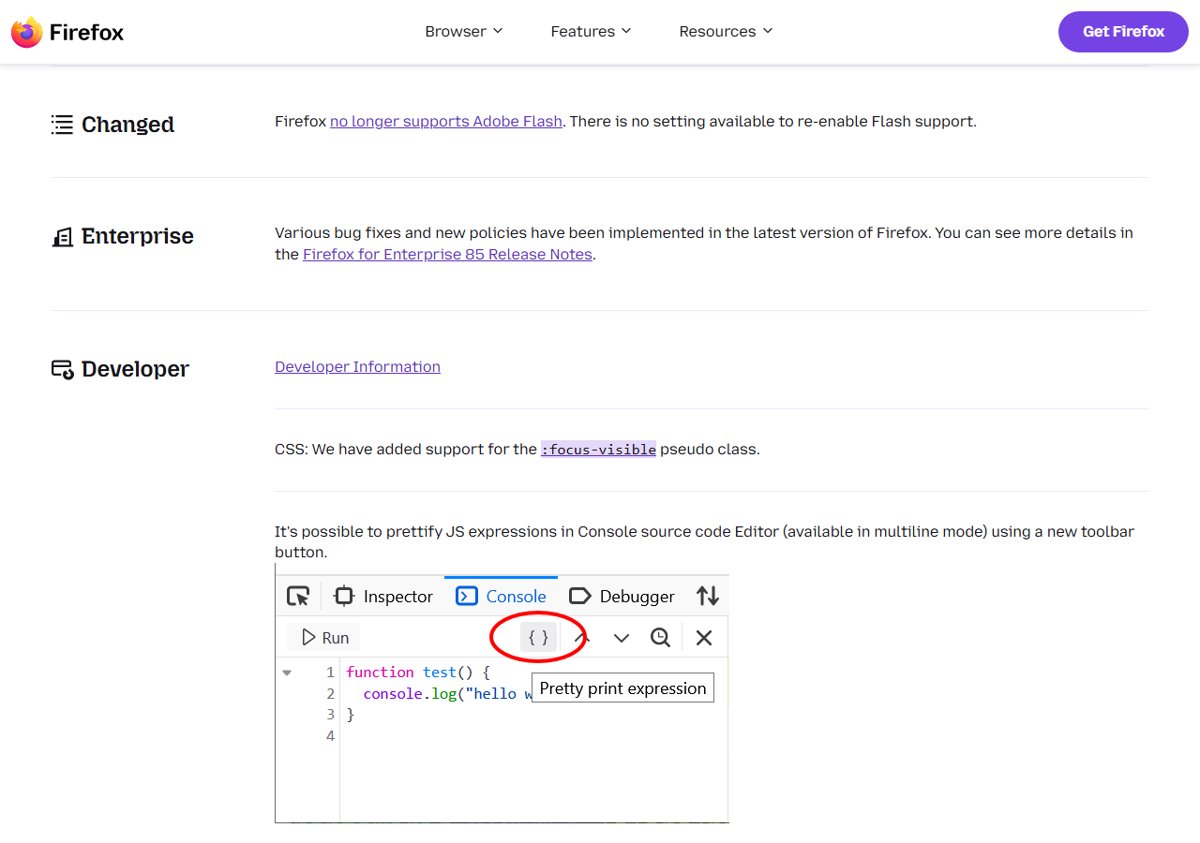
None of this applies to a current browser. Mozilla ended Flash support at the end of 2020. Firefox 84 was the last version to support it, and Firefox 85, released on January 26, 2021, shipped without Flash. There is no setting to bring it back. The Flash plugin itself also stopped loading Flash content on January 12, 2021, so even an old Firefox build cannot use it.
If an old PC still has Flash Player installed, uninstall it from Control Panel. Then run a scan from the Windows Security app to check the system is clean.