Your Lexmark Universal Print Driver download is a free package from lexmark.com that installs one driver for more than 200 Lexmark laser printers and multifunction printers. It runs on Windows 11 and Windows 10, and Lexmark ships separate color and mono packages for Mac.
The complete Windows package carries the PCL 5, PCL XL and PostScript 3 emulation drivers plus admin tools. Below: which file fits your machine, install steps for Windows and Mac, deployment, Windows ARM and Protected Print Mode, updates, fixes and removal.
Which Lexmark Universal Print Driver download do you need?
Lexmark splits the driver into several packages. Match your machine and printer to a row.
| Your machine | Download | Notes |
|---|---|---|
| Windows 11 or 10, Intel or AMD, you want every driver and tool | Complete drivers and software for Windows | PCL 5, PCL XL and PS3 emulation, 32 and 64-bit, plus admin utilities |
| Windows, you need only one printer language | Individual driver packages | Separate PCL 5, PCL XL and PS3 emulation packages |
| Windows, host-based (HBP) printing | Complete drivers and software (HBP) | February 2022 build |
| Windows 11 or 10 on an ARM PC | Generic v4 XL Print Driver Package (ARM 64) | The Windows UPD has no ARM support |
| Mac with a color Lexmark printer | Color driver package (DMG) | Apple silicon and Intel |
| Mac with a mono Lexmark printer | Mono driver package (DMG) | Apple silicon and Intel |
To check for ARM on Windows, open Settings > System > About and read System type.
Download the Lexmark Universal Print Driver from lexmark.com
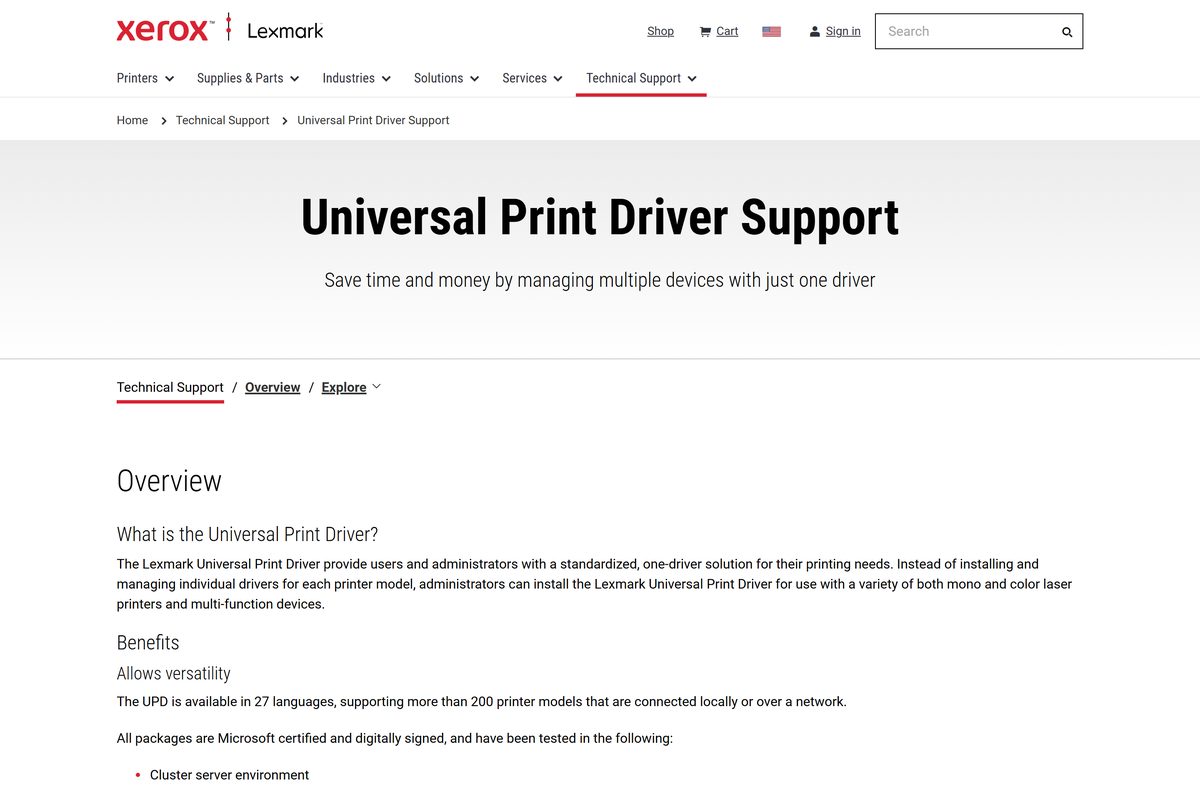
All packages sit on Lexmark’s Universal Print Driver Support page. The newest Windows release is 3.1.0.0 from June 2026, and each package upgrades an existing installation.
- Lexmark Universal Print Driver Support page — every Windows and Mac package, white papers and release notes
- Complete drivers and software for Windows — package dated 06092026
- Mac Color driver package — DMG for color printers
- Mac Mono driver package — DMG for mono printers
- Windows UPD release notes — changes and new models per version
- Lexmark Drivers & downloads — model-specific drivers and firmware
How to install the Lexmark Universal Print Driver on Windows 11 and 10
Connect the printer by USB, or put it on the same network as the PC and note its IP address from the printer display.
- Open the Lexmark UPD page and select Download under Complete drivers and software for Windows.
- Double-click the downloaded Lexmark_Universal_v2_UD1_Installation_Package file.
- Select Yes at the User Account Control prompt.
- Follow the on-screen instructions to finish the installer.
- Open Start > Settings > Bluetooth & devices > Printers & scanners.
- Select Add device next to Add a printer & scanner.
- If your Lexmark printer is not listed, select Add a new device manually and enter its IP address.
- Pick the Lexmark Universal v2 driver that matches your printer language when Windows asks for a driver.
- Print a test page from the printer’s settings to confirm it works.
How to deploy the Lexmark Universal Print Driver across many PCs
There is no MSI. For fleets, Lexmark bundles tools in the complete Windows package that build a preconfigured installer instead.
Test a custom package on one PC and one print queue before rolling it out.
| Tool or package | What it does | Where |
|---|---|---|
| Package Creation Utility | Builds a custom driver package with only the drivers and software you choose | Complete drivers and software for Windows |
| Printer Driver Configuration Utility | Saves driver settings to a Driver Configuration File (DCF) and locks settings users cannot change | Complete drivers and software for Windows |
| Travel Print | Lets mobile users discover printers at print time | Complete drivers and software for Windows |
| Lexmark Phone Book | Manages fax contacts | Complete drivers and software for Windows |
| PCL 5 package | PCL 5 emulation driver only | PCL5 package |
| PCL XL package | PCL XL emulation driver only | PCL XL package |
| PostScript 3 package | PS3 emulation driver only | PS3 emulation package |
| HBP package | Host-based printing driver only | HBP package |
Lexmark tests the drivers on cluster servers, Microsoft Terminal Server and Citrix XenApp and XenDesktop.
Which Lexmark Universal Print Driver do you need for your Mac?
The Mac driver comes in two DMG files. Both run on Apple silicon and Intel Macs, so only the printer type decides.
| Your printer | Download | Then |
|---|---|---|
| Color laser or color MFP | Color driver package | Open the DMG and run the installer inside |
| Mono laser or mono MFP | Mono driver package | Open the DMG and run the installer inside |
After installing, open System Settings > Printers & Scanners and select Add Printer, Scanner, or Fax.
For a network printer, enter its IP address, then choose Select Software in the Use menu and pick the Lexmark driver.
Is the Lexmark Universal Print Driver free?
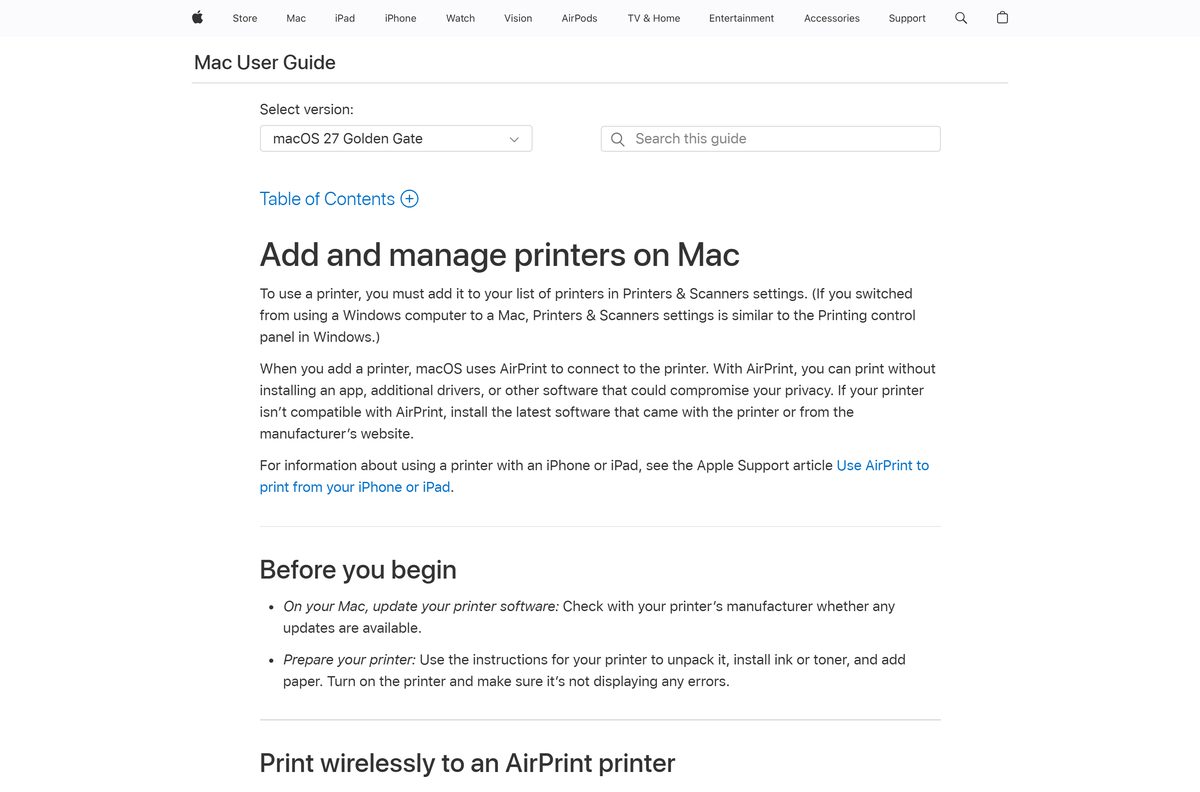
Yes. Every Lexmark Universal Print Driver package for Windows and Mac is a free download from lexmark.com. There is no license key, paid tier or subscription. Lexmark publishes the packages as Microsoft WHQL certified and digitally signed, so a site charging for the driver or offering a repacked copy is not Lexmark.
Which Lexmark driver should you install: UPD, Generic v4 XL or XPSE?
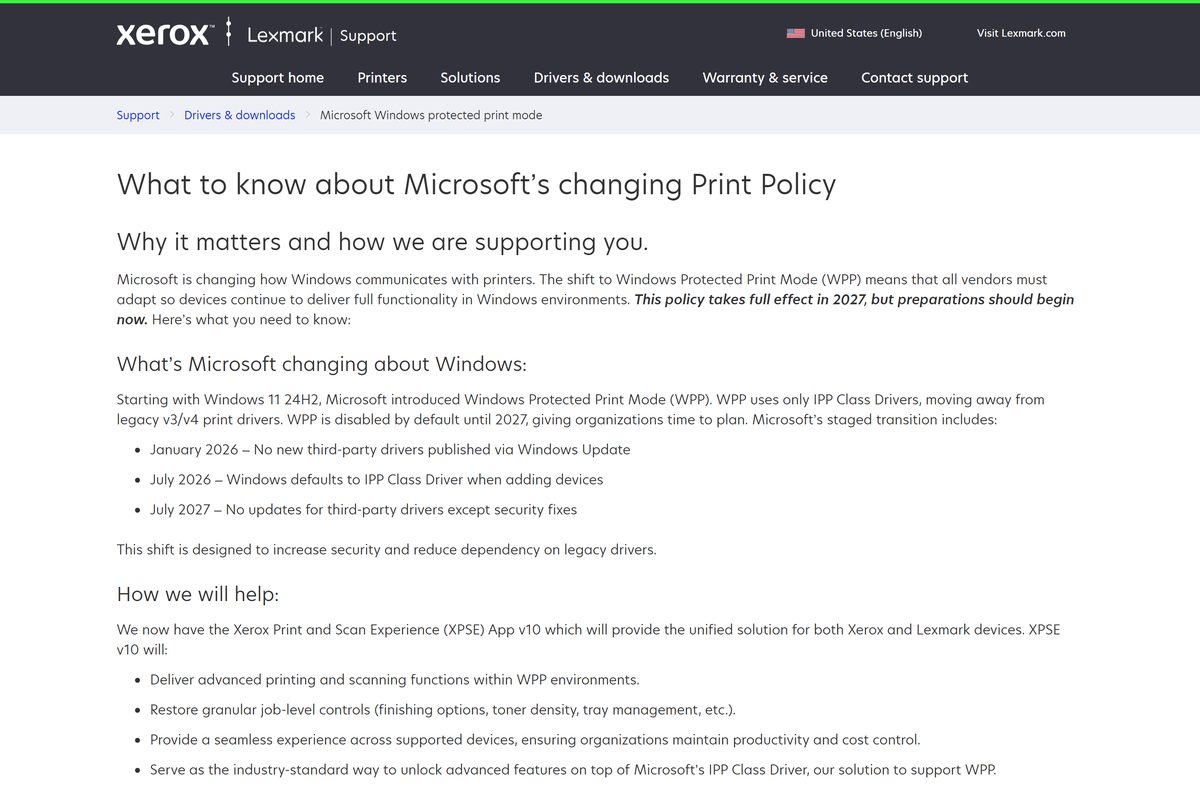
Windows 11 24H2 introduced Windows Protected Print Mode (WPP), which allows only IPP Class Drivers. Lexmark lists Microsoft’s schedule: no new third-party drivers through Windows Update from January 2026, IPP Class Driver as the default from July 2026, and security fixes only for third-party drivers from July 2027.
Install the Universal Print Driver on standard x86 and x64 Windows PCs. Use the Generic v4 XL ARM 64 package on ARM PCs, and the Xerox Print and Scan Experience app v10 where WPP is turned on. WPP moves Windows away from legacy v3 and v4 print drivers, and the UPD has no ARM build. Lexmark recommends XPSE v10 to keep finishing, tray and toner controls on top of Microsoft’s IPP Class Driver.
Read Lexmark’s Windows protected print mode page before planning a Windows 11 rollout.
How to check your Lexmark Universal Print Driver version and update it
The package file name ends in its release date, written as MMDDYYYY.
- Find the package you installed from, such as Lexmark_Universal_v2_UD1_Installation_Package_06092026.exe .
- Open the Lexmark UPD page and compare the date in each package name.
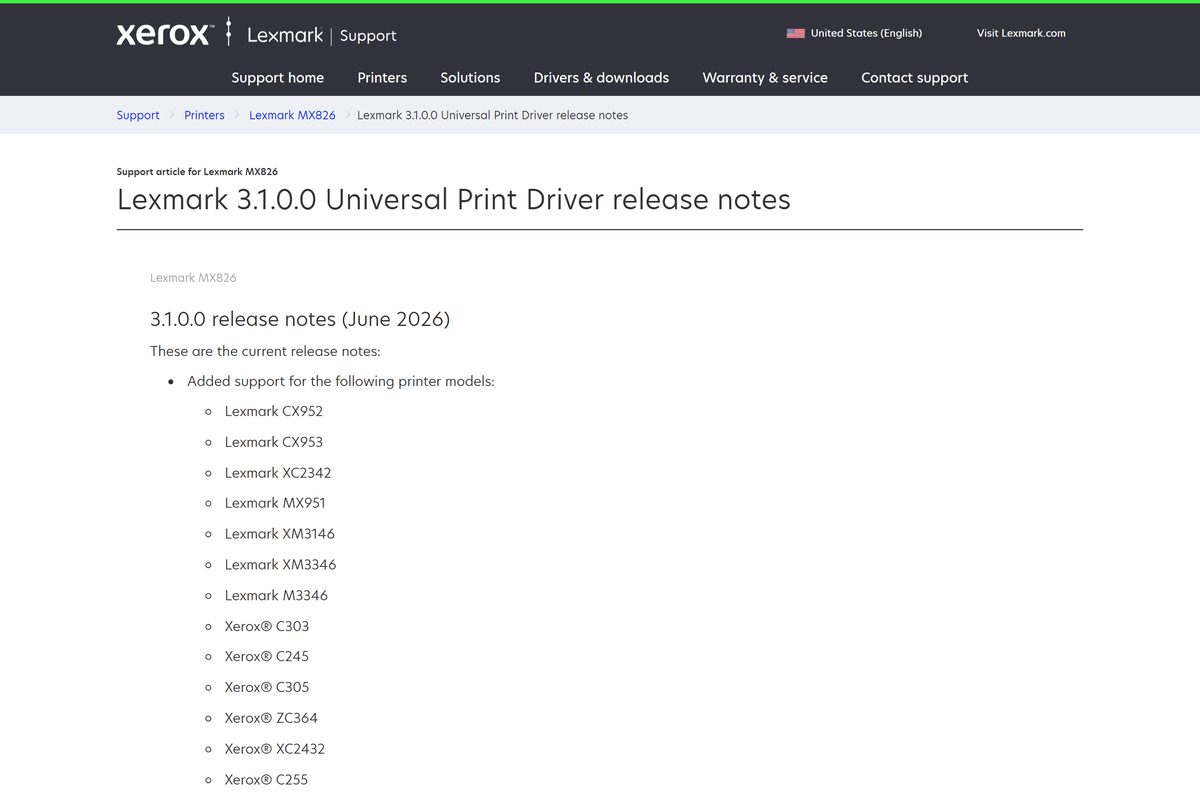
- Open the Windows UPD release notes to match the date to a version and see the new models.
- Download the newer package if the date is later than yours.
- Run it; Lexmark states each package upgrades the existing installation.
- Print a test page to confirm the queue still works.
Check the Lexmark Universal Print Driver system requirements
The driver needs little hardware. The operating system, processor type and printer model decide whether it works.
| Field | Value |
|---|---|
| Software | Lexmark Universal Print Driver (UPD v2) |
| Developer | Lexmark International, Inc., a Xerox company |
| Latest version | 3.1.0.0 for Windows (June 2026) |
| License | Free |
| Windows | Windows 7, 8, 8.1 and 10 (32 and 64-bit), Windows 11 (64-bit, including 24H2) |
| Windows Server | 2012, 2012 R2, 2016, 2019, 2022 and 2025 |
| Mac | Color and mono DMG packages for Apple silicon and Intel Macs |
| Architecture | x86 and x64 on Windows; no Windows ARM support |
| Printer languages | PCL 5, PCL XL and PostScript 3 emulation; separate HBP package |
| Languages | 27 |
| Offline installer | Yes, each package is a single full file |
| Official download source | lexmark.com |
| Last verified | 2026-09-25 |
Check whether your Lexmark printer works with the Universal Print Driver
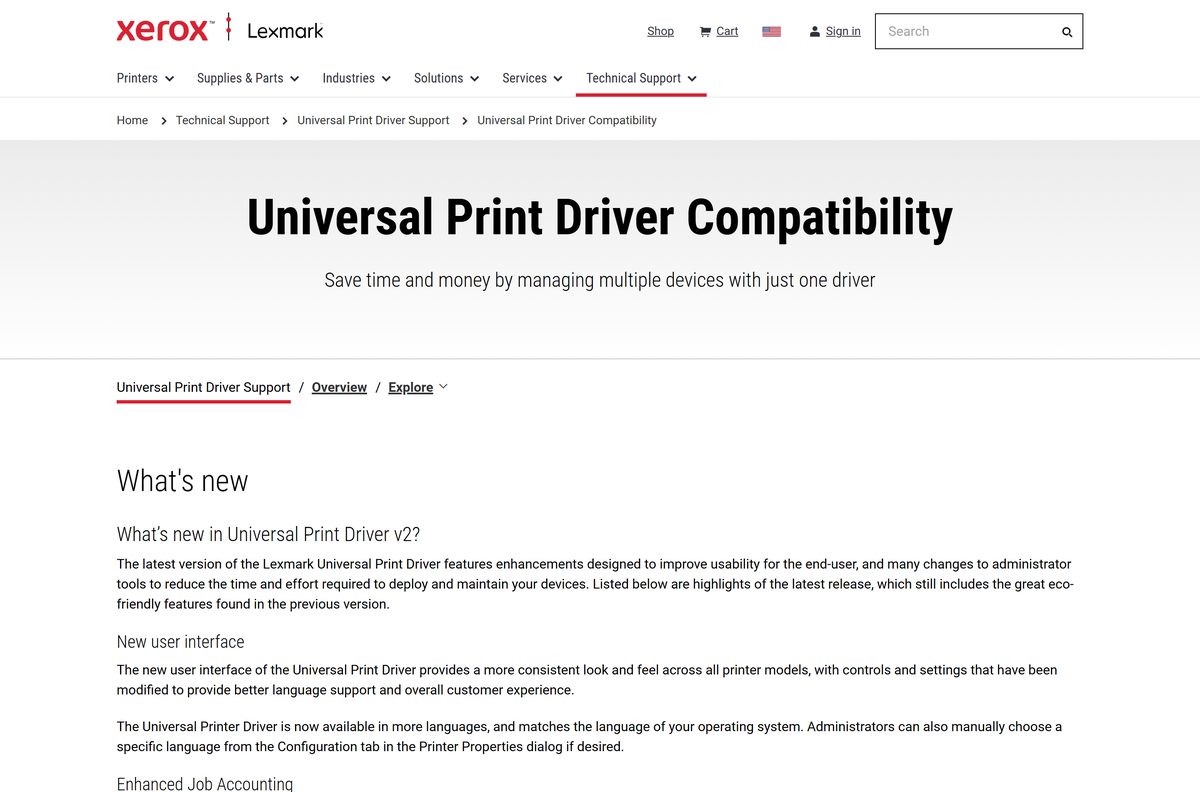
Lexmark’s compatibility page lists every supported model with a mark per printer language. Find your model before you pick a package.
| Printer family | Example models | Where to confirm |
|---|---|---|
| SMB printers | MC3224i, MC3326i, C3224dw, B3340dw | UPD compatibility list |
| Mono laser | E460dn, M5100 Series, MS810 Series | UPD compatibility list |
| Color laser | C950de, CS820 Series | UPD compatibility list |
| Multifunction | MX810 Series, XM7100 Series, CX820 Series | UPD compatibility list |
| Added in 3.1.0.0 | CX952, CX953, MX951, XM3146, XM3346, M3346, XC2342 | Windows UPD release notes |
Fix the Lexmark Universal Print Driver not installing on Windows 11 or 10
The installer fails on a Surface or Copilot+ PC
The PC has an ARM processor, and the Windows UPD has no ARM build.
- Open Settings > System > About and check System type.
- If it lists an ARM-based processor, download the Generic v4 XL Print Driver Package (ARM 64).
- Or add the printer through Printers & scanners so Windows uses its built-in driver.
Windows adds the printer with the Microsoft IPP Class Driver
Windows Protected Print Mode is on, or Windows defaulted to the IPP Class Driver.
- Ask your administrator whether Windows Protected Print Mode is enabled.
- If it is, install the Xerox Print and Scan Experience app v10 that Lexmark links from its WPP page.
- If it is not, remove the printer and add it again, choosing the Lexmark Universal v2 driver.
Windows cannot find the network printer
The printer and PC are on different networks, or discovery is blocked.
- Confirm the printer and PC are on the same network.
- Read the IP address at the top of the printer display.
- Select Add a new device manually in Printers & scanners and enter that IP address.
The PostScript driver will not upgrade
Release 3.0.2.0 renamed the PostScript driver to include “Emulation”, and a renamed driver does not upgrade in place.
- Remove the old PostScript printer from Printers & scanners.
- Install the PostScript 3 emulation package.
- Add the printer again with the Lexmark Universal v2 PostScript 3 Emulation driver.
How to uninstall the Lexmark Universal Print Driver
Remove each printer queue that uses the driver first.
- On Windows, open Start > Settings > Bluetooth & devices > Printers & scanners.
- Select the Lexmark printer that uses the Universal Print Driver.
- Select Remove and confirm.
- Repeat for every Lexmark queue on the PC.
- On a Mac, open System Settings > Printers & Scanners.
- Control-click the Lexmark printer, choose Remove Printer, then select Remove Printer again to confirm.
Choose between the Universal Print Driver and other Lexmark drivers
| Option | Best for | Where |
|---|---|---|
| Lexmark Universal Print Driver | One driver for many Lexmark models on x86 and x64 Windows and on Mac | Lexmark UPD page |
| Model-specific printer software | One printer with its print, scan and fax drivers | Lexmark Drivers & downloads |
| Lexmark Generic v4 XL packages | v4 drivers, including ARM 64 Windows PCs | Generic v4 XL ARM 64 package |
| Xerox Print and Scan Experience app v10 | Windows 11 with Protected Print Mode on | Lexmark WPP page |
| Microsoft IPP Class Driver or AirPrint | Basic printing with no Lexmark software | Add a printer in Windows |
Pick the Universal Print Driver when you manage mixed Lexmark models; pick model software when you also need scan and fax on one PC.
Frequently asked questions
Is the Lexmark Universal Print Driver free?
Yes. Lexmark offers every Universal Print Driver package for Windows and Mac as a free download on lexmark.com. There is no license key, trial period or subscription, so any site that charges for it is not Lexmark.
Where is the official Lexmark Universal Print Driver download?
The official download is on the Universal Print Driver Support page at lexmark.com, under Technical Support. It links the complete Windows package, the PCL 5, PCL XL, PostScript 3 and HBP packages, and the Mac color and mono DMG files.
Does the Lexmark Universal Print Driver work on Windows 11?
Yes. Lexmark lists Windows 11 (64-bit) as supported, and release 3.0.7.0 added Windows 11 24H2 and Windows Server 2025. If your organization turns on Windows Protected Print Mode, Lexmark points you to the Xerox Print and Scan Experience app instead.
How big is the Lexmark Universal Print Driver download?
Lexmark does not list a size for the Universal Print Driver packages on its download page. Each Windows package is a single .exe and each Mac package is a single DMG file, so you download one file and install it without further downloads.
Is there an offline installer for the Lexmark Universal Print Driver?
Yes. Every Windows package is a complete .exe that carries the drivers, and each Mac package is a full DMG. You can copy the file to a USB drive or network share and install it on a PC with no internet access.
Is there a Lexmark Universal Print Driver for Mac?
Yes. Lexmark offers two Mac packages in DMG format: a Color driver package for color printers and a Mono driver package for mono printers. Both run on Apple silicon and Intel Macs.
Does the Lexmark Universal Print Driver support ARM64 Windows PCs?
No. Lexmark’s release notes state that the Windows UPD has no ARM support. On a Windows 11 or Windows 10 ARM PC, install the Lexmark Generic v4 XL Print Driver Package (ARM 64) from lexmark.com instead.
What is the latest version of the Lexmark Universal Print Driver?
The latest Windows release is version 3.1.0.0 from June 2026. It adds support for printers such as the Lexmark CX952, CX953, MX951 and XM3346, plus several Xerox models. The complete package file name ends in 06092026.
Is the Lexmark Universal Print Driver safe?
Yes, when you download it from lexmark.com. Lexmark states that all Universal Print Driver packages are Microsoft WHQL certified and digitally signed. Release 3.0.6.0 also fixed the security issue CVE-2025-4044, so avoid installing older builds.
Which Lexmark printers does the Universal Print Driver support?
It supports more than 200 Lexmark mono and color laser printers and multifunction printers. The Universal Print Driver Compatibility page on lexmark.com lists every model with a mark for the PCL 5, PCL XL and PostScript emulation drivers.
Why won’t the Lexmark Universal Print Driver install?
The most common causes are an ARM-based Windows PC, which the Windows UPD does not support, and Windows Protected Print Mode, which allows only IPP Class Drivers. Check both first, then download a fresh package from lexmark.com and run it again.
What is the difference between the PCL XL, PCL 5 and PostScript 3 drivers?
They are three printer languages the Universal Print Driver can emulate. Lexmark marks each supported model for the PCL 5, PCL XL and PostScript drivers, so pick one your printer supports. PostScript 3 suits graphics apps that expect PostScript output.