Pascal case is a naming style that joins words without spaces and capitalizes the first letter of every word, including the first, as in StreamReader or PropertyDescriptor.
This guide covers its exact rules, how acronyms are handled in different languages, examples, how it differs from camel, snake and kebab case, and where each language expects it.
How to write any phrase in Pascal case
- Start with the plain phrase, for example
stream reader. - Split it into words and drop spaces, hyphens and underscores.
- Capitalize the first letter of every word, including the first:
Stream,Reader. - Make the remaining letters of each word lowercase.
- Join the words:
StreamReader. - Apply your language's acronym rule, for example
HtmlTagin .NET orHTTPServerErrorin Python.
What Is Pascal Case?
| Term | Meaning |
|---|---|
| Pascal case | Every word starts with a capital letter and words are joined with no separator: PascalCase |
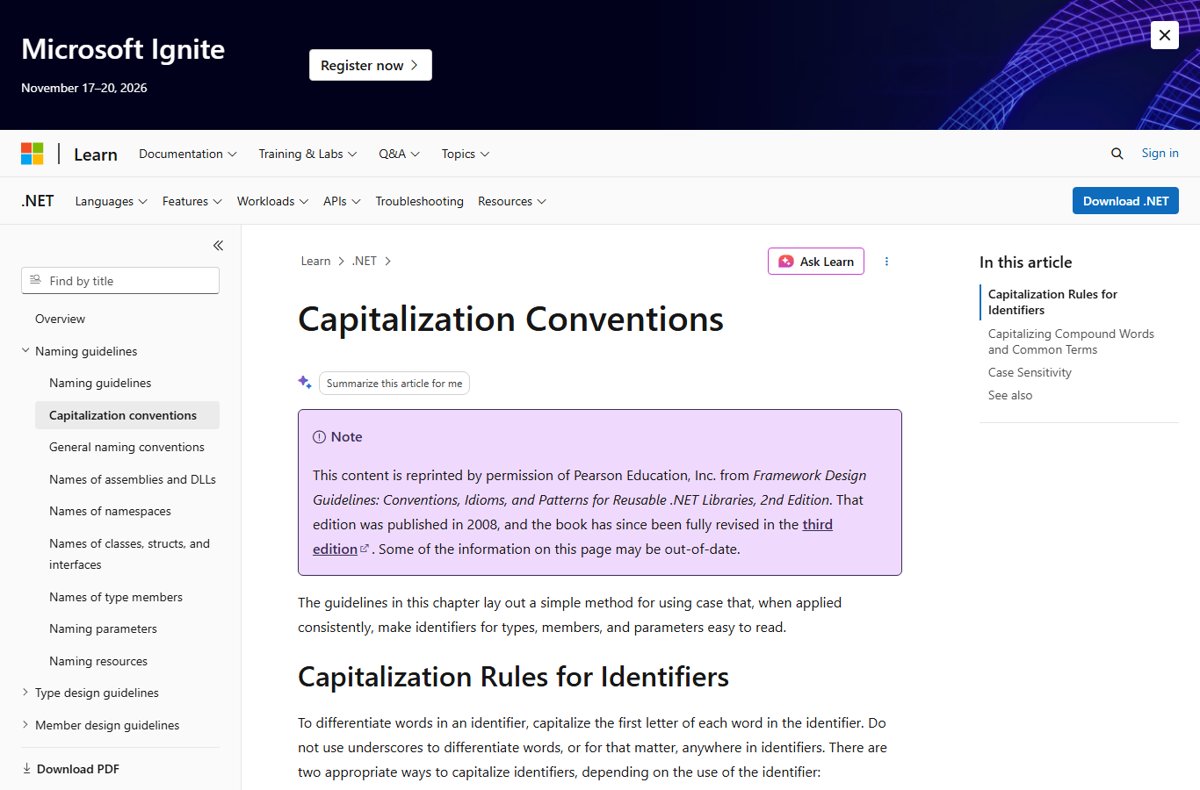
| Other names | Upper camel case; Python's PEP 8 calls it CapitalizedWords or CapWords, and notes it is sometimes called StudlyCaps |
| Format | Letters and digits only; no spaces, underscores or hyphens between words |
| Type of | Camel case, in the broad sense: MDN treats Pascal case as camel case with an uppercase first letter |
| Opposite style | Lower camel case (camelCase), where the first word starts lowercase |
How Pascal Case Works
The core rule is simple, but acronyms and compound words are where style guides differ. These are the types of Pascal case you will meet.
| Rule or variant | Example | Who uses it |
|---|---|---|
| Capitalize each word | PropertyDescriptor |
Every style guide |
| Acronyms over two letters: capitalize only the first letter | HtmlTag |
.NET Framework Design Guidelines |
| Two-letter acronyms: both letters capital | IOStream |
.NET Framework Design Guidelines |
| All acronym letters capital | HTTPServerError |
Python PEP 8 |
| Mixed acronym styles | XMLHttpRequest |
Some web platform names |
| Closed compound words count as one word | Metadata, not MetaData |
.NET Framework Design Guidelines |
| Interface prefix | IWorkerQueue |
C#, where interface names start with a capital I |
Pascal Case Examples
| Plain words | Pascal case | Where it appears |
|---|---|---|
| stream reader | StreamReader |
.NET class |
| message queue | MessageQueue |
.NET class |
| to string | ToString |
.NET method |
| file mode | FileMode |
.NET enum |
| array buffer | ArrayBuffer |
JavaScript built-in |
| raster delegate | RasterDelegate |
Java interface example |
| HTTP server error | HTTPServerError |
Python class name per PEP 8 |
Pascal Case vs Camel Case, Snake Case, and Kebab Case
| Style | Example | Rule | Typical use |
|---|---|---|---|
| Pascal case | UserAccount |
Every word capitalized, no separator | Class and type names in C#, Java and Python; public members in C# |
| Camel case | userAccount |
First word lowercase, later words capitalized | Java methods and variables, C# parameters and locals, JavaScript variables |
| Snake case | user_account |
Lowercase words joined by underscores | Python functions and variables |
| Screaming snake case | MAX_WIDTH |
Uppercase words joined by underscores | Constants in Java and Python |
| Kebab case | user-account |
Lowercase words joined by hyphens | CSS properties and HTML attributes, not variables, because many languages read the hyphen as minus |
Convert camel, snake or kebab case names to Pascal case
Renaming a variable into a class name, or porting code between languages, often means converting one style to another. The rule is the same for every source style.
| Starting name | What to change | Pascal case result |
|---|---|---|
userAccount (camel case) |
Capitalize the first letter only | UserAccount |
user_account (snake case) |
Remove underscores and capitalize each word | UserAccount |
MAX_WIDTH (screaming snake case) |
Remove underscores, lowercase all but each word's first letter | MaxWidth |
user-account (kebab case) |
Remove hyphens and capitalize each word | UserAccount |
html_tag for .NET |
Capitalize each word, then apply the .NET acronym rule | HtmlTag |
http_server_error for Python |
Capitalize each word, then keep the acronym in capitals | HTTPServerError |
Most code editors include a rename or refactor command that updates every reference to the name, which is safer than search-and-replace across a project.
Common Uses of Pascal Case in Programming
| Language | Pascal case for | Not for |
|---|---|---|
| C# and .NET | Namespaces, types, interfaces, methods, properties, events, public fields, enum values and constants | Parameters and local variables, which use camel case |
| Java | Class and interface names | Methods and variables (camel case) and constants (uppercase with underscores) |
| Python | Class names, type variables, and exception names | Functions and variables, which use lowercase with underscores |
| JavaScript | Constructors and classes, such as ArrayBuffer |
Most variables and functions, which use camel case |
| C# records | Positional record parameters, because they become public properties | Ordinary method parameters |
Best Practices for Using Pascal Case
| Practice | Why |
|---|---|
| Follow your language's style guide over personal taste | Readers expect HtmlTag in .NET but HTTPServerError in Python |
| Never use underscores between words | .NET guidelines forbid underscores in identifiers altogether |
| Treat closed compound words as one word | Write Placeholder, not PlaceHolder |
| Do not rely on case alone to tell names apart | Some languages that call your code are not case-sensitive |
| Use whole words, not abbreviations | Java conventions avoid abbreviations unless far more common, like URL or HTML |
| Name classes with nouns | Java conventions describe class names as nouns, such as Raster |
How to check a name is valid Pascal case
- Confirm the first character is an uppercase letter.
- Confirm there are no spaces, hyphens or underscores.
- Check that every new word starts with a capital letter.
- Check acronyms against your language's rule, such as
IOStreamandHtmlTagin .NET. - Run your project's linter or code analyzer, which flags names that break its configured style.
Frequently Asked Questions
What is meant by Pascal case?
Pascal case means writing a compound name with no spaces and an uppercase first letter on every word, such as StreamReader. It is also called upper camel case, and Python's style guide calls it CapWords.
What is Pascal case format?
The format is capital letter, then lowercase letters, repeated for each word with no separator: FirstSecondThird. Digits are allowed after the first letter, and acronyms follow the language's own rule.
What is Pascal case in Java?
Java uses Pascal case for class and interface names, such as Raster or RasterDelegate. Methods and variables use camel case, and constants use uppercase words joined by underscores, such as MAX_WIDTH.
What is Pascal case in Python?
PEP 8 calls it CapWords and uses it for class names, type variables and exception names. Acronyms are fully capitalized, so HTTPServerError is preferred over HttpServerError. Functions and variables use lowercase with underscores.
What is Pascal case in C#?
C# uses Pascal case for type names, namespaces, methods and all public members, and interface names add an I prefix, as in IWorkerQueue. Parameters, local variables and private fields use camel case.
Is Pascal case the same as camel case?
Not quite. Both join words without separators and capitalize later words, but Pascal case also capitalizes the first word. MDN describes Pascal case as upper camel case and camelCase as lower camel case.
What is the difference between Pascal case and title case?
Title case keeps spaces between words, as in a headline. Pascal case removes the spaces and joins the words into one identifier, such as UserAccount, so it can be used as a name in code.
Bottom Line
Use Pascal case for class and type names in almost every mainstream language, and for all public members in C#, then apply your language's acronym rule consistently. Language style guides agree on the core rule but differ on acronyms, so consistency within a codebase matters more than either acronym style.

![How to Change System Cooling Policy in Windows 11/10 [Guide]](https://techdows.com/wp-content/uploads/2026/09/Power-Options-Advanced-settings-with-System-cooling-policy-set-to-Active-600x338.jpg)