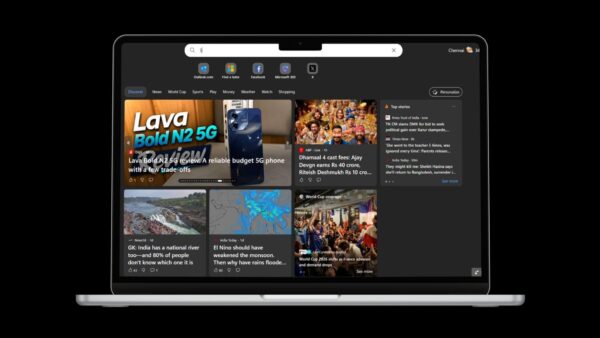
Google tested a new grid layout and animations for the shortcuts on Chrome’s New Tab page in May 2019. The shortcuts are the tiles under the search box that open your favorite or most visited sites. The experiment changed how those tiles were arranged and how they moved when you added, removed or rearranged them.
Like most Chrome experiments, it first appeared in a development build and was not guaranteed to reach stable Chrome in the same form. The good news is that you have full control over the New Tab shortcuts in current Chrome.
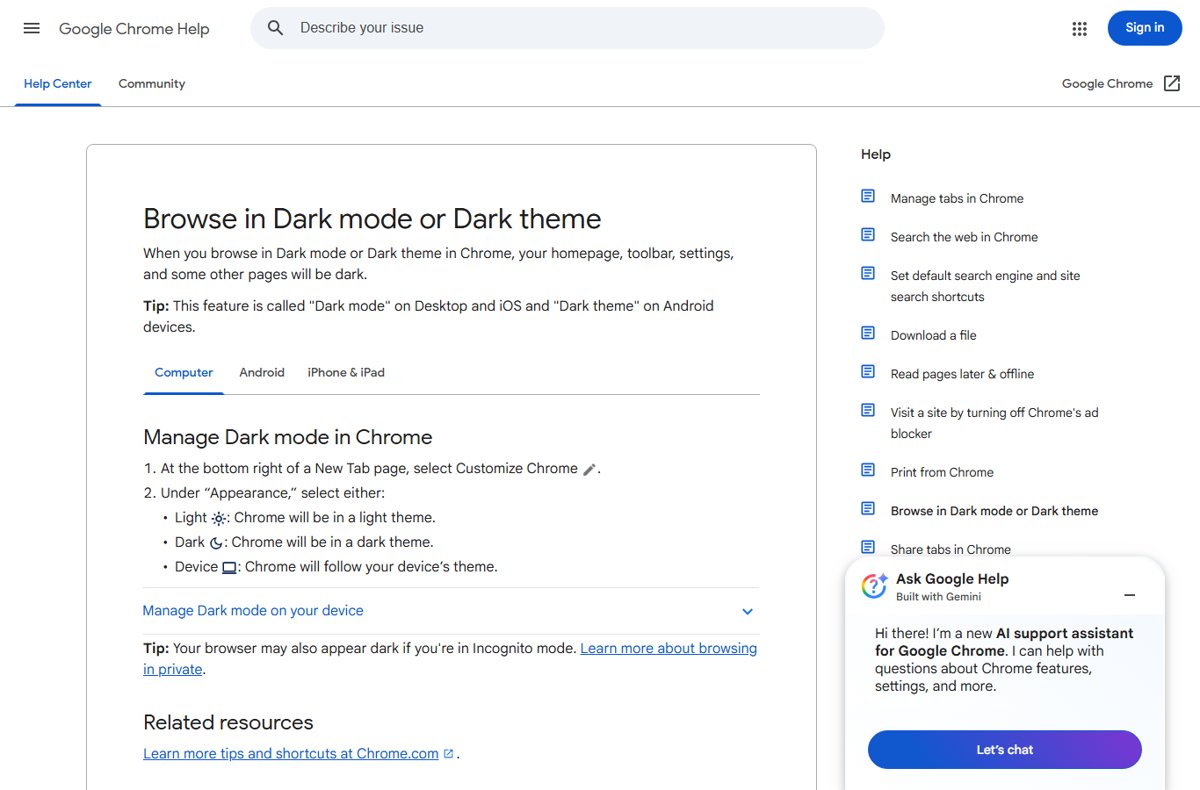
How to choose which shortcuts Chrome shows
- Open Chrome on your computer and open a New Tab page.
- At the bottom right, click Customize Chrome.
- Under Shortcuts, select My shortcuts to pick sites yourself, or Most visited sites to let Chrome fill the grid from your browsing.
How to hide the New Tab shortcuts
In the same Shortcuts section, turn off Show shortcuts. Turn it back on whenever you want the tiles back.
How to edit or remove a shortcut
- Point to the shortcut’s icon on the New Tab page.
- Click More at the top right of the tile.
- Select Edit shortcut to change its name or URL, or Remove to delete it.
To see more tiles, click Show more.
If you can’t customize the New Tab page
- Google says you must be signed in to your Google Account and use Google as your default search engine. With another engine, you may not control what appears below the search box.
- An extension or program that replaced your New Tab page can hide these options. Resetting Chrome settings restores the default page.
- Make sure you are running the latest version of Chrome.
Today
The New Tab page in current Chrome keeps shortcuts in a tidy grid under the search box, and you can switch between your own shortcuts and most visited sites, edit tiles or hide them entirely from the Customize Chrome panel.