Get Kroger digital coupons by installing the Kroger app, signing in with a Kroger digital account, and clipping the offers you want so they apply at checkout.
This article covers the phone setup, your Rewards ID, Kroger's sister-store apps, more ways to save, and what to do when you can't get coupons.
How to get Kroger digital coupons?
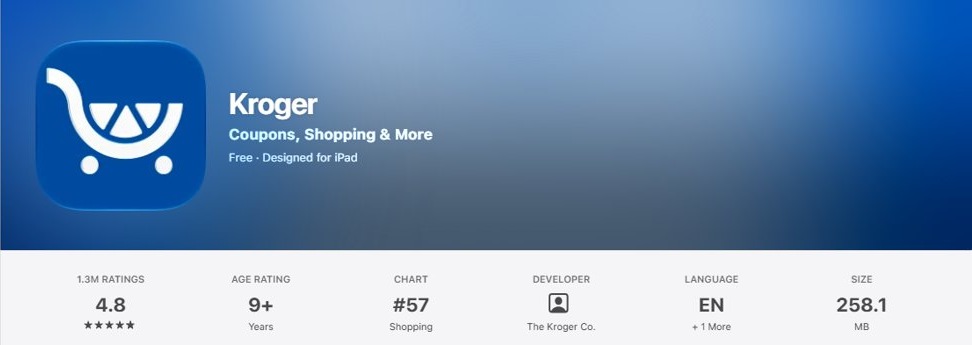
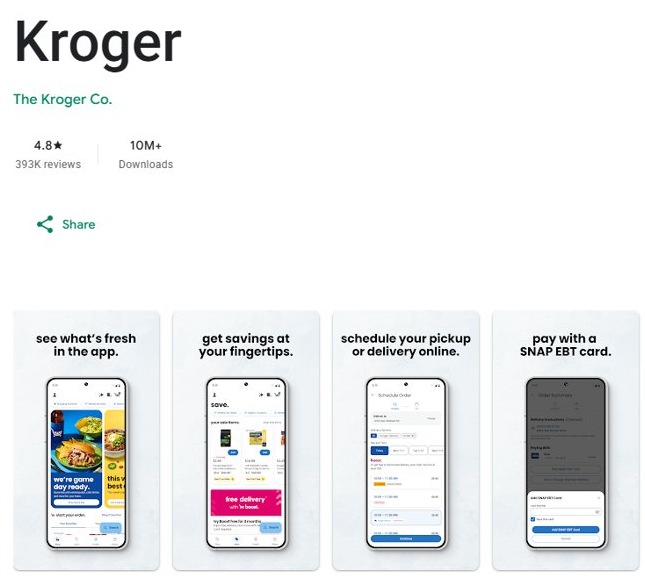
The Kroger app is free in the App Store and also available on Google Play. You need a Kroger digital account to use it, and you must be 18 or older to register.
- Install the Kroger app from The Kroger Co.
- Create a Kroger digital account in the app, or sign in to your existing one.
- Link your Kroger Rewards ID, or enroll in the Rewards Program to get a new one.
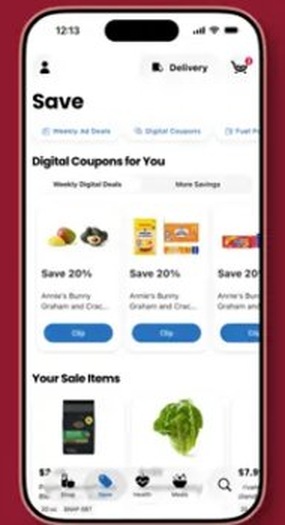
- Open the app's digital coupons and clip the offers you want.
- Buy the items and let the clipped coupons apply at checkout.
What are Kroger digital coupons?
Kroger digital coupons are savings offers you clip inside the Kroger app. No paper coupon is involved, and the discount applies when you check out.
| Question | Answer |
|---|---|
| Where you find them | In the Kroger app, alongside weekly ads and personalized savings |
| How you collect them | You clip each coupon in the app |
| When they apply | At checkout |
| What you need | A Kroger digital account, which you can create in the app |
| Who can register | People aged 18 or older |
| Cost of the app | Free in the App Store |
How to get Kroger digital coupons on my phone
Check that the developer reads The Kroger Co. before you install. iPhone needs iOS 16.0 or later for the current version.
| Your phone | Steps | After you install |
|---|---|---|
| iPhone | Go to the App Store app, tap Search, enter Kroger, then open the listing from The Kroger Co. and download it. | Open the app and sign in or create a digital account. |
| Android | Open the Google Play Store app, search for Kroger, tap the listing from The Kroger Co., then tap Install. | Open the app and sign in or create a digital account. |
Sign-in comes before coupons, because the app requires the digital account.
Can I get a digital Kroger card?
Yes. A Kroger Rewards ID comes with enrollment in the Rewards Program, so you can get one without a plastic card. The App Store version of the app also lets you add your Plus Card to Apple Wallet.
- Open the Kroger app and start creating a digital account.
- Link your Kroger Rewards ID if you already have one.
- Enroll in the Rewards Program if you do not, and the app gives you a new Rewards ID.
- On iPhone, add your Plus Card to Apple Wallet from the app if you want it ready at the register.
How do I find my coupons on the Kroger app?
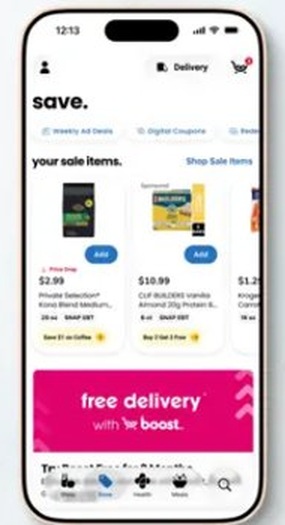
iPhone release notes from September 3 to October 27, 2026 list updates to clippable coupons, and version 100 moved Meals into the bottom navigation. Menu positions can differ by version, so update the app first.
- Update the Kroger app in the App Store or Google Play.
- Open the app and sign in to your digital account.
- Find the digital coupons area in the app's navigation.
- Clip each coupon you plan to use before you check out.
How to get and use Kroger digital coupons at checkout
Clipping is only half the job. Each clipped coupon applies at checkout, and the Kroger app supports Pickup, Delivery and in-store shopping.
| How you shop | What the Kroger app offers | Availability |
|---|---|---|
| In-store | Kroger Pay for checkout; Plus Card in Apple Wallet on iPhone | Use the store locator to find the nearest store |
| Pickup | Order groceries in the app | Where available |
| Delivery | Order groceries in the app | Offered in the app |
| Repeat purchases | View purchase history and reorder favorite items | In the app after you shop |
How to get more Kroger coupons?
Digital coupons are one of several savings tools in the Kroger app, so check the others in the same visit.
| Kroger app feature | How to use it |
|---|---|
| Weekly ads and sales | Browse them before you build your list |
| Personalized deals | Open them in the app after you sign in |
| Bonus rewards | Look for them alongside personalized deals |
| Cash Back offers | Check for them before you buy |
| Fuel points | Track them and redeem them for gas savings |
| Recipe scanning (iPhone) | Scan a recipe, add its ingredients to your cart, then look for matching coupons |
Digital coupons at Kroger, Ralphs, Fred Meyer and Harris Teeter
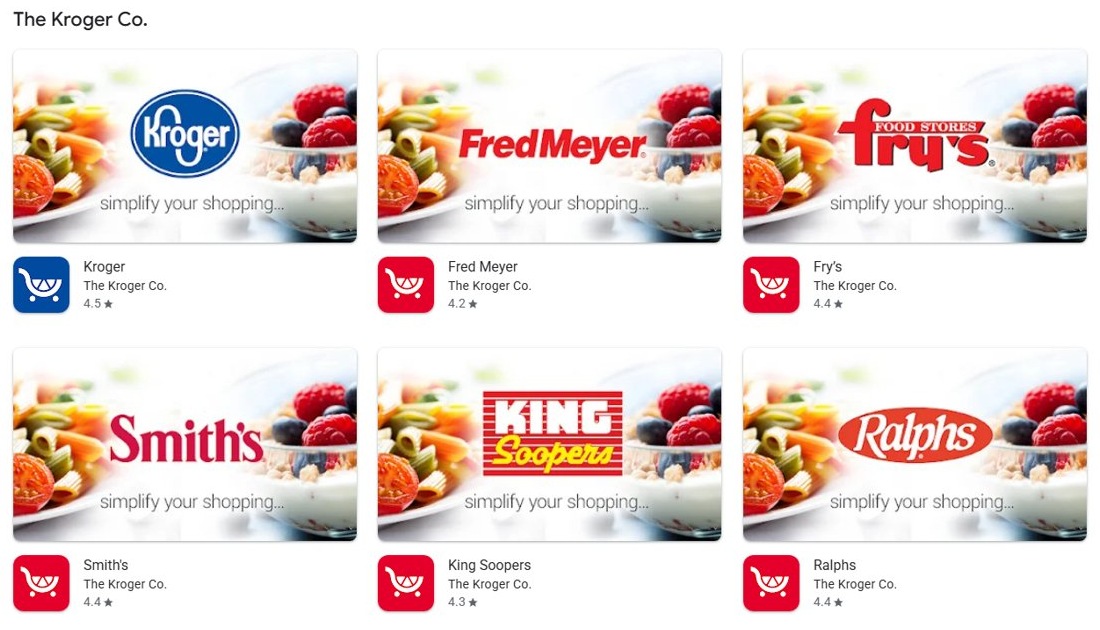
The Kroger Co. publishes separate apps for its store brands. Install the app for the store you use, because each one asks for its own digital account.
| Store app | Clip digital coupons | Account you need |
|---|---|---|
| Kroger | Yes | Kroger digital account |
| Ralphs | Yes | Ralphs digital account |
| Fred Meyer | Yes | Fred Meyer digital account |
| Harris Teeter | Yes | Harris Teeter digital account; VIC Card in Apple Wallet on iPhone |
Other apps from The Kroger Co. include Fry's, Smith's, King Soopers, Food 4 Less, Dillons, Pick 'n Save, Marianos, QFC, City Market, Foods Co, JayC, Metro Market, Baker's, Pay Less and Gerbes. Check the listing for your store before you install.
Why can't I get Kroger digital coupons?
The Kroger app asks you to sign in before you see coupons
The app requires a Kroger digital account.
- Create a digital account in the app.
- Link your Rewards ID, or enroll in the Rewards Program to get one.
You can't register for a Kroger account
You must be 18 to register for an account or join the rewards program.
- Check that the person registering is 18 or older.
- Ask an adult to create the account if not.
The Kroger app will not install on an iPhone
The current version requires iOS 16.0 or later.
- Update the iPhone to iOS 16.0 or later if the phone supports it.
- Return to the App Store and install the app again.
Your store's account or card does not work in the Kroger app
Sister brands such as Ralphs and Fred Meyer have their own apps and digital accounts.
- Install the app for your store from The Kroger Co.
- Sign in with that store's digital account and look for its digital coupons.
Kroger digital coupons look different or are hard to find
Recent app versions changed the design and the clippable coupon experience.
- Update the app to the latest version.
- Sign in again and reopen the coupon area.
- Call the Kroger Customer Service Center at 1-800-576-4377 if coupons still do not appear.
Kroger digital coupons FAQ
What is a Kroger digital coupon?
A Kroger digital coupon is an offer you clip in the Kroger app instead of cutting from paper. Once clipped, the coupon applies at checkout. You need a Kroger digital account to use the app.
How do you get digital coupons from Kroger?
Install the Kroger app, create or sign in to a digital account, link your Rewards ID, and clip the offers you want. If you have no Rewards ID, you get one when you enroll in the Rewards Program.
How to get Kroger digital coupons on my phone?
Install the Kroger app from the App Store or Google Play, and confirm that the developer is The Kroger Co. Then sign in with your digital account and clip coupons in the app. iPhone needs iOS 16.0 or later.
Does Kroger accept digital coupons?
Yes. Kroger's own app lets you clip digital coupons and apply them at checkout. The app also works with Kroger Pay for in-store checkout, and iPhone users can add a Plus Card to Apple Wallet.
Why can't I get Kroger digital coupons?
The usual blocks are no digital account, a registrant under 18, an iPhone below iOS 16.0, or the wrong store's app. Update the app and sign in again. Kroger's Customer Service Center is at 1-800-576-4377.
Do I need a physical Kroger card for digital coupons?
The Kroger app asks for a digital account, and you can link a Rewards ID through it. You get a new Rewards ID when you create a digital account and enroll in the Rewards Program, so a plastic card is not part of those steps.