You can install Twitch as a desktop app on Windows 11, Windows 10 and Mac in a few clicks, and get the official apps on mobile and console. This guide covers each route.
On a computer, twitch.tv in a browser is the Twitch app. Edge and Chrome install that site as a windowed app with its own icon, which is as close to a Twitch client as a PC gets.
This guide covers the apps that do exist, installing twitch.tv as a desktop app, what Mac owners get, what Twitch costs, downloading your own VODs and clips, and fixes.
Which Twitch download do you need for your device?
Find your device below. The first three rows cover most people, and none of them installs a file.
| Your device | What to get | Download size |
|---|---|---|
| Windows 11 or Windows 10 PC | Nothing to install. Open twitch.tv | 0 |
| Windows PC, and you want a desktop icon | Install twitch.tv as an app in Edge | 0 |
| Mac, Apple silicon or Intel | Nothing to install. Open twitch.tv | 0 |
| Android phone or tablet | Twitch on Google Play | Varies by device |
| iPhone or iPad | Twitch on the App Store | 450.9 MB |
| Xbox console | Twitch on the Microsoft Store | 14.1 MB |
| Fire TV, Apple TV, Meta Quest | Twitch downloads page | Varies |
Twitch’s downloads page carries no Windows section and no macOS section. That absence is the answer, not a gap.
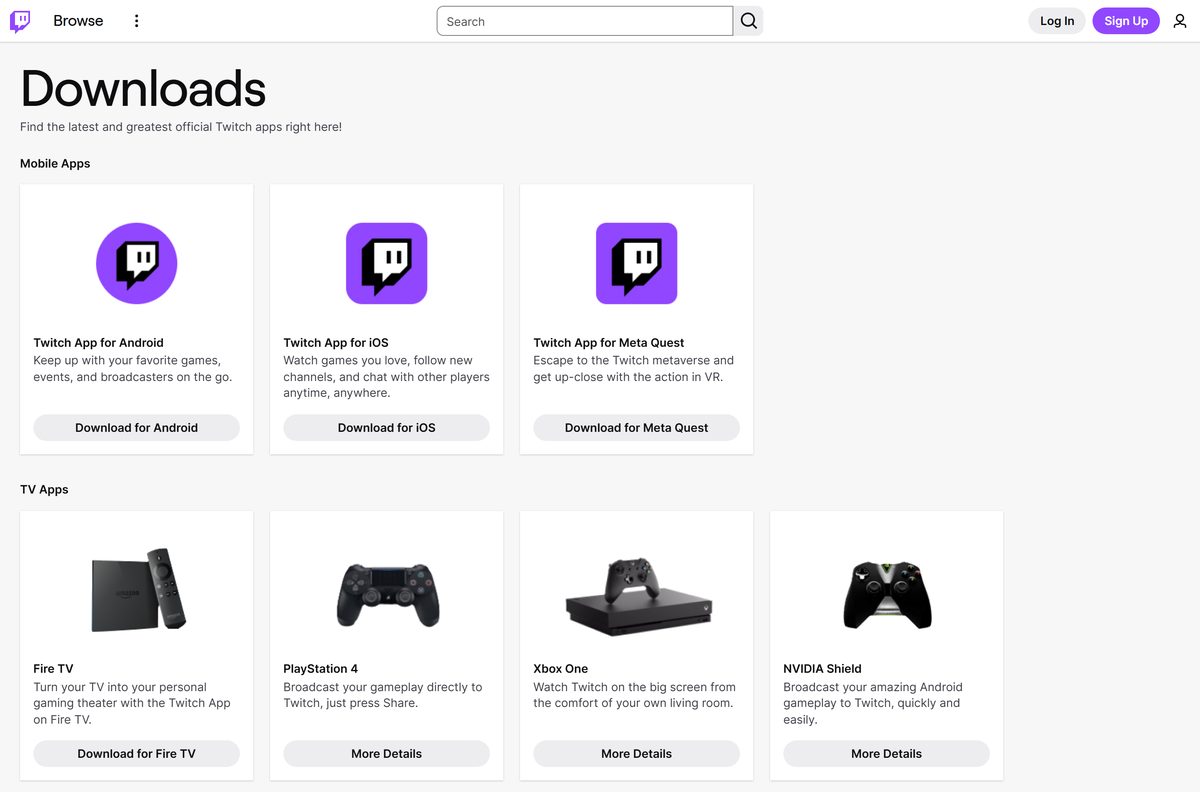
Where the official Twitch apps come from
Twitch ships through app stores and the website. No installer file is served from twitch.tv.
- Twitch downloads page — the full list of official apps
- twitch.tv in a browser — the desktop experience
- Twitch on Google Play — published by Twitch Interactive, Inc.
- Twitch on the App Store — 450.9 MB · version 31.1, iOS 16.4 or later
- Twitch on the Microsoft Store — 14.1 MB · the Xbox app
- Twitch on Fire TV
The Twitch Desktop App opened as a beta in 2017 and was deprecated on 30 April 2022. Twitch’s announcement post carries that notice at the top.
Check the Twitch specifications and system requirements
A current browser is the whole requirement on a computer.
| Field | Value |
|---|---|
| Developer | Twitch Interactive, Inc. |
| Latest version | Web player, auto-updating. App Store build 31.1, Store package 13.0.3.0 |
| License / Price | Free. Turbo is an optional $11.99 a month in the United States |
| Windows download | None. The Twitch Desktop App was deprecated on 30 April 2022 |
| Mac download | None. The App Store listing is iPhone and iPad only |
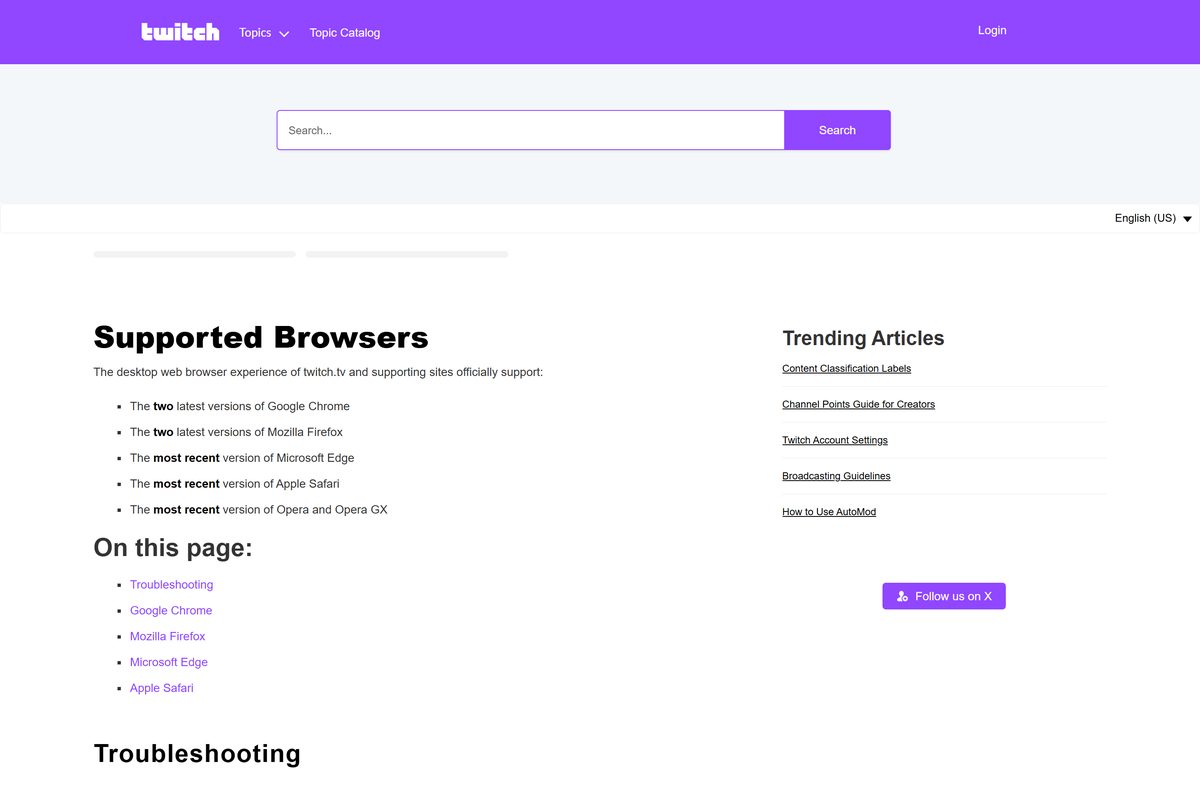
| Supported browsers | Two latest Chrome and Firefox; newest Edge, Safari, Opera and Opera GX |
| Supported OS | Windows 11, Windows 10 and macOS via browser; Android; iOS 16.4 or later; Xbox |
| Architecture | Browser-based on PC and Mac. The Microsoft Store package is x64 |
| File size | 0 on PC and Mac; 450.9 MB on iOS; 14.1 MB for the Xbox package |
| Offline installer | No |
| Official download source | twitch.tv/downloads |
| Last verified | 2026-09-10 |
How to install Twitch as a desktop app on Windows 11 and 10
Edge turns twitch.tv into a windowed app with its own icon, no tab strip and no address bar.
- Open Microsoft Edge and go to twitch.tv.
- Sign in, so the app opens on your followed channels every time.
- Select Settings and more, the three-dot button at the top right.
- Select More tools, then Apps, then Install this site as an app.
- Check the name in the dialog and select Install.
- Open edge://apps later to launch, rename or remove it.
Chrome does the same on Windows and macOS. Select More, then Cast, save, and share, then Install page as app.
The installed app is still the website, so it never needs a patch download.
How to install the Twitch app on an Xbox from the Microsoft Store
The Microsoft Store listing for Twitch is the Xbox app. Twitch files it under Xbox One, and Microsoft’s short link for it opens the Xbox console apps page.
- Press the Xbox button on the controller and open the Store.
- Search for Twitch, or open the Microsoft Store listing and send it to the console.
- Check the publisher line reads Twitch Interactive, Inc.
- Select Get, then Install, and wait for the 14.1 MB package.
- Launch Twitch and note the activation code on screen.
- Open twitch.tv/activate in any browser, enter the code and select Activate.
On a Windows PC that listing is not the way in. The browser carries the same chat, sign-in and following list.
Which Twitch download do you need for your Mac?
None. Twitch publishes no macOS application, and its App Store listing covers iPhone and iPad only.
| What you want to do on a Mac | What to use | Cost |
|---|---|---|
| Watch and chat | twitch.tv in Safari, Chrome, Firefox or Edge | Free |
| Keep Twitch in its own window | Install page as app, from the Chrome menu | Free |
| Stream from the Mac | OBS Studio or Streamlabs Desktop for macOS | Free |
| Download your own past broadcasts | Video Producer in the Creator Dashboard | Free |
| Run the iPhone app on Apple silicon | Not offered. The listing is iPhone and iPad only | n/a |
Safari sits on Twitch’s supported list beside Chrome, Firefox, Edge and Opera, so no browser choice on a Mac costs features.
Is Twitch free?
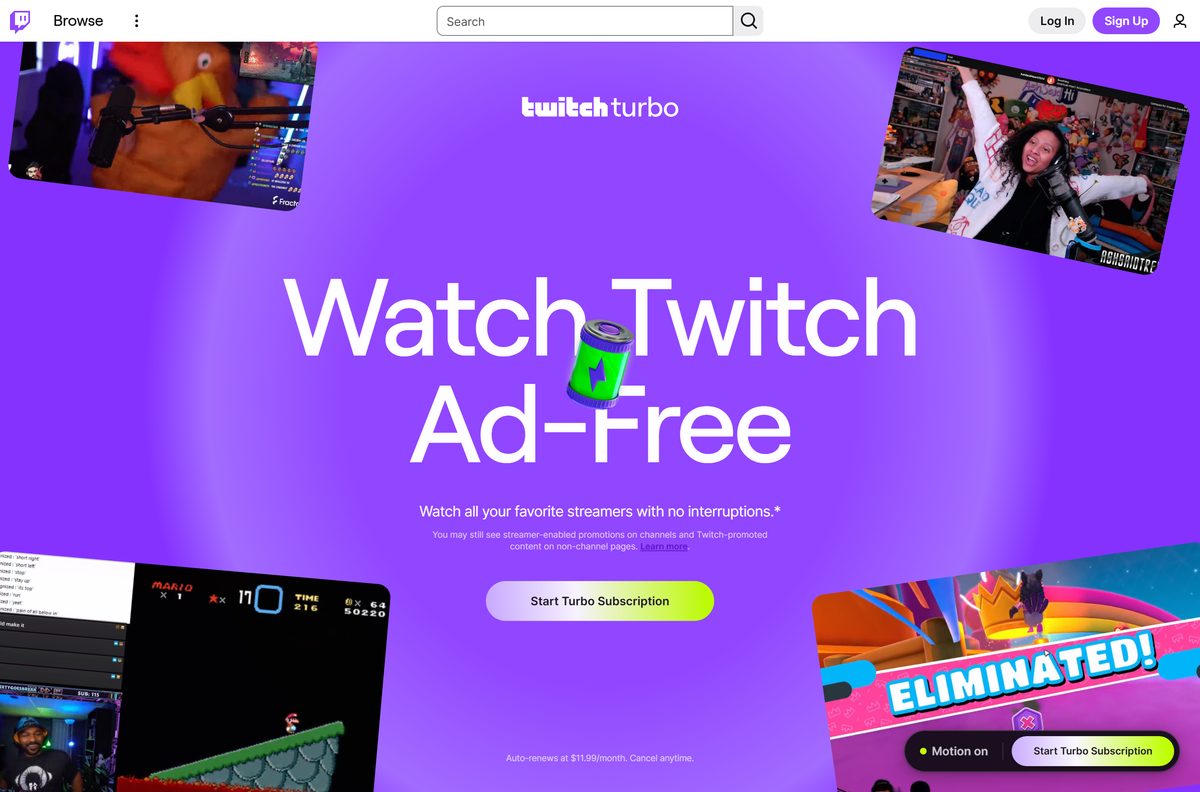
Yes. An account, watching, chatting and going live all cost nothing. Money is optional: channel subscriptions you buy to back a streamer, Bits you cheer with, and Turbo. Turbo auto-renews at $11.99 a month in the United States and $13.99 in Canada, removes pre-roll, mid-roll and banner ads, and extends past broadcast storage to 60 days. Broadcasting software costs nothing either, because the applications Twitch lists are free.
What you can download from Twitch, and what you cannot
The other half of the twitch download question is video, not software.
| Content | Can you download it | Where |
|---|---|---|
| Your own past broadcast | Yes | Video Producer, three-dot menu, Download |
| Your own clip | Yes | Clips Manager, landscape or portrait |
| A clip you made of another channel | Yes, until that channel edits it | Clips Manager |
| All your videos at once | No | Twitch offers no bulk download |
| Another streamer’s past broadcast | No | Twitch provides no download for it |
| A muted past broadcast, unmuted | No | The download keeps the muted audio |
| Any of your videos, sent to YouTube | Yes | Link the accounts, then use Export |
Past broadcasts expire. Non-monetized channels keep them 7 days, Affiliates 14 days, and Partners, Prime and Turbo users 60 days.
Twitch Support cannot recover a broadcast that was never saved.
How to download your own Twitch VODs and clips
Everything below happens in a browser on Windows or macOS. No downloader software is involved.
- Turn on Store Past Broadcasts in Stream Settings before you go live, or nothing is saved.
- Open the Creator Dashboard after the stream ends.
- Select Content, then Video Producer.
- Filter the list by Past Broadcasts, Highlights or Uploads.
- Select the three vertical dots beside the video you want.
- Select Download and leave the tab open while the file builds.
- For a clip, open your Clips Manager and download the landscape or the portrait version.
Store Past Broadcasts appears only in the Creator Dashboard on the web, so streaming from the phone saves nothing until you switch it on there.
How to check a Twitch download is genuine
Twitch signs nothing for Windows or macOS. Every Twitch setup file for a PC came from someone else.
- Check the address bar reads twitch.tv before you type a password.
- On Google Play, the App Store and the Microsoft Store, confirm the publisher reads Twitch Interactive, Inc.
- Treat any EXE, MSI or DMG named after Twitch as third-party software and leave it alone.
- If one already ran, open Windows Security, select Virus & threat protection, then Quick scan.
Fix Twitch not loading, not playing or not installing
Twitch will not load in your browser
An extension or a stale cache is blocking the player.
- Update the browser to its current version.
- Disable every extension, developer and ad-related ones first.
- Clear the cache and cookies, after disabling the extensions.
- Restart the browser and open twitch.tv again.
- Sign out of any VPN, then reload the page.
Video buffers, stalls or drops out
The path between the device and Twitch is unstable.
- Switch networks, from Wi-Fi to mobile data or to another Wi-Fi.
- Try a second device to see whether the problem follows you.
- Lower the quality with the gear icon in the player.
A Twitch installer will not install on Windows 11 or 10
No Twitch installer exists for Windows, so the file came from elsewhere.
- Delete the downloaded file.
- Open Windows Security, select Virus & threat protection, then Quick scan.
- Open twitch.tv in Edge or Chrome, and install the site as an app.
The Microsoft Store shows Twitch but your PC will not install it
That listing is the Xbox app.
- Open twitch.tv in a browser on the PC.
- Install it as an app from the Edge or Chrome menu.
- Use the Store listing on an Xbox console instead.
Your past broadcast is missing
Store Past Broadcasts was off, or the retention window closed.
- Open Stream Settings and turn on Store Past Broadcasts.
- Check the window: 7 days, 14 for Affiliates, 60 for Partners, Prime and Turbo.
- Download future videos from the Video Producer before that window closes.
How to uninstall Twitch from Windows 11 and 10
Two different things answer to the name Twitch on a PC: the site installed as an app, and the retired desktop client left behind from before 2022.
- Open edge://apps in Edge, or chrome://apps in Chrome.
- Right-click the Twitch tile and select Uninstall, or Remove from Chrome.
- Tick the box that also clears the app’s data if the sign-in should go too.
- For the retired desktop client, open Settings > Apps > Installed apps.
- Search for Twitch, select the three dots beside it, then Uninstall.
- Select the padlock on twitch.tv and clear Cookies and site data to finish.
Signing out is a different job. Select your profile picture on twitch.tv and select Log Out instead.
What to use instead of a Twitch desktop app
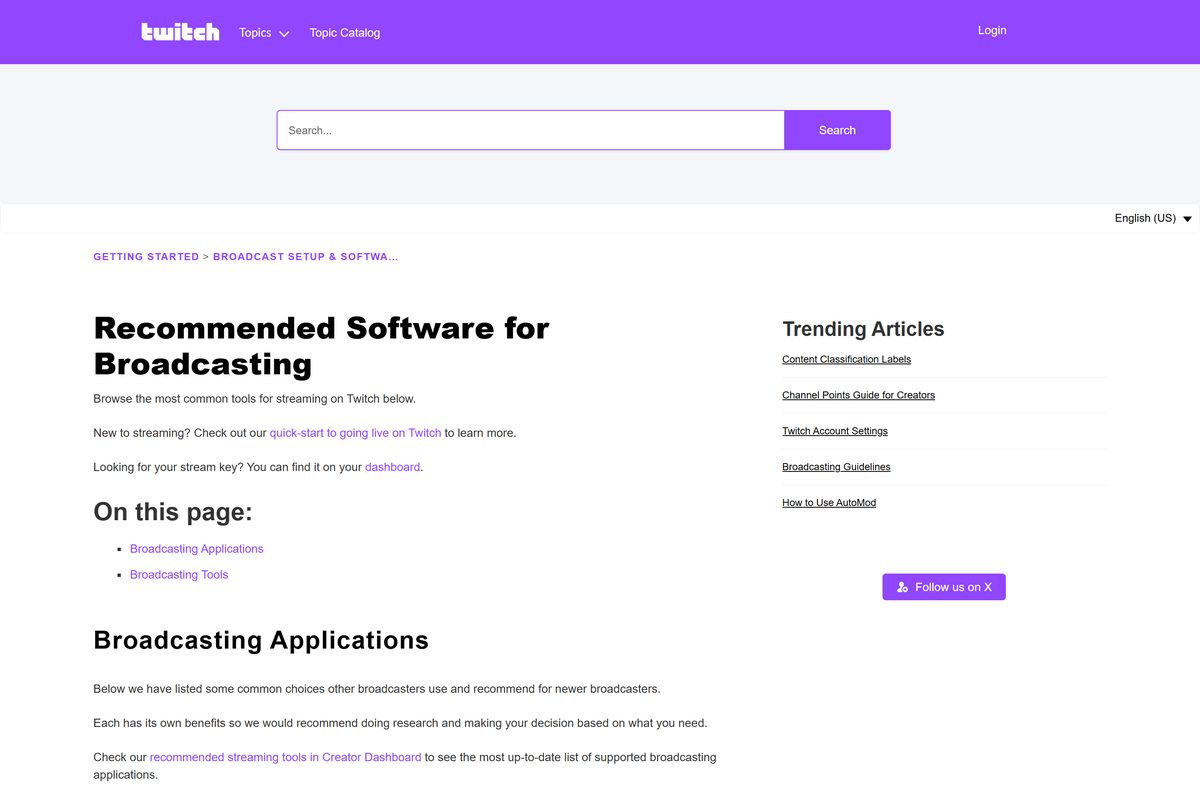
Twitch publishes a list of broadcasting applications with the platforms and licence for each.
| Tool | Platforms | Licence | Best for |
|---|---|---|---|
| OBS Studio | Windows, Mac, Ubuntu | Free | Full control of scenes and encoding |
| Streamlabs Desktop | Windows, Mac | Free | Guided setup with alerts built in |
| PRISM Live Studio Desktop | Windows, Mac | Free | A lighter layout than OBS |
| Talk Studio | Web browser | Free, Paid | Going live without installing anything |
| twitch.tv in a browser | Windows, Mac, Linux | Free | Watching and chatting on a computer |
| Twitch mobile app | Android, iOS | Free | Watching and going live from a phone |
Twitch Studio is not on that list any more, and OBS Studio is the closest free replacement for a new streamer.
Frequently asked questions
Is there a Twitch download for a Windows PC?
No. Twitch publishes no installer for Windows 11 or Windows 10, and it deprecated the Twitch Desktop App on 30 April 2022. Open twitch.tv in a browser instead.
Is Twitch free?
Yes. An account, watching, chatting and going live all cost nothing. The paid extras are optional: channel subscriptions, Bits, and Turbo at $11.99 a month in the United States.
Is Twitch free with Amazon Prime?
Twitch costs nothing with or without Prime. Linking an Amazon Prime account adds Prime Gaming, which Twitch shows beside Turbo in a combined Prime tab in your settings.
What is the official Twitch download page?
The page at twitch.tv/downloads. It lists the Android, iOS, Meta Quest, Fire TV, Apple TV and console apps, and carries no Windows or macOS section.
Does Twitch work on Windows 11?
Yes, through the browser. Twitch supports the newest Microsoft Edge and the two latest Chrome and Firefox builds, and Edge installs twitch.tv as a windowed app.
Is there a Twitch offline installer?
No. An offline installer needs a standalone setup file, and Twitch distributes none for Windows or macOS. Any file offering one for a PC came from a third party.
Is there a Twitch app for Mac?
No. Twitch publishes no macOS application, and its App Store listing covers iPhone and iPad only. Safari, Chrome, Firefox and Edge all run twitch.tv with chat intact.
Do I need the 64-bit or the ARM64 Twitch download?
Neither. Twitch has no architecture-specific download for a computer, so an ARM64 Surface and an x64 desktop open the same site. The Store package for Xbox is x64.
How big is the Twitch download?
Nothing on a PC or Mac. The App Store build is 450.9 MB, the Google Play build varies by device, and the Microsoft Store package for Xbox is 14.1 MB.
Which Twitch version is current?
The web player has no version and loads the current build on every page open. The App Store build is 31.1, from 8 September 2026, and the Store package is 13.0.3.0.
Why will the Twitch app not install on my PC?
Because Twitch does not make one. Delete the setup file, open twitch.tv in a browser, and install the site as an app if a desktop icon was the point.
Is a Twitch installer from another site safe?
Treat it as third-party software. Twitch signs no EXE, MSI or DMG, so nothing carrying that name is a Twitch build. Sign in on twitch.tv instead.
Can I download Twitch videos and VODs?
You can download your own past broadcasts, highlights and clips from the Video Producer and Clips Manager. Twitch offers no bulk download and none of another streamer’s videos.






Download HBO Max for PC, Windows 11/10, Mac, iPhone & Android - Techdows
[…] Streaming still needs a plan on every one of these, and one account covers the lot. Techdows also covers Twitch on the desktop. […]