The official Discord download for Windows 11 and Windows 10 is DiscordSetup.exe on discord.com, and it costs nothing. The x64 file is 132 MB and the ARM64 file is 135 MB.
Mac users get Discord.dmg, a single 205 MB disk image that covers Apple silicon and Intel. Discord dropped 32-bit Windows on 15 June 2024, and macOS 12 loses support on 17 September 2026.
This guide covers which file matches your PC, installing on Windows and Mac, the Microsoft Store and winget routes, what the setup file contains, what Nitro costs, and fixes for Discord not installing.
Which Discord download do you need?
Discord serves a different file for each processor and each operating system. Match the row to your machine and take the link beside it.
| Your machine | Download | Size |
|---|---|---|
| Windows 11 or 10 on an Intel or AMD processor | DiscordSetup.exe (x64) | 132 MB |
| Windows 11 on a Snapdragon or other Arm processor | DiscordSetup.exe (ARM64) | 135 MB |
| A Mac on macOS 12 or later | Discord.dmg | 205 MB |
| Ubuntu, Debian, Fedora or openSUSE | Linux deb package | 2.1 MB |
| 32-bit Windows, or Windows 7, 8 or 8.1 | Use Discord in a browser | No download |
Press Windows + I, open System > About and read the System type line to tell an x64 PC from an ARM64 one.
The last row is an answer, not a gap. Discord ended 32-bit Windows support on 15 June 2024, so the browser client is the supported route there.
Download Discord for Windows 11 and 10 from the official source
Discord’s download page carries two Windows buttons, one per architecture. Both save a file named DiscordSetup.exe, so rename one if you keep both.
- Discord for Windows, x64 — 132 MB · host build 1.0.9256
- Discord for Windows, ARM64 — 135 MB · host build 1.0.48
- Discord for Mac — 205 MB · Discord.dmg, build 0.0.411
- discord.com/download — the page those links come from, plus four Linux formats
- Discord in a browser — no installer, and it works on PCs the app no longer supports
Techdows breaks the architecture choice down further in Discord 64-bit, 32-bit and ARM64.
How to install Discord on Windows 11 and 10
Setup asks nothing and installs into your user profile. The only thing to watch is the progress window, which is where a failed install shows itself.
- Open discord.com/download in your browser.
- Select x64 under Windows, or ARM64 if the PC runs Windows on Arm.
- Save DiscordSetup.exe, then double-click it when the download finishes.
- Leave the progress window alone while it installs to %LocalAppData%\Discord.
- Open Discord from the Start menu when setup finishes, if it has not opened already.
- Select Log In to sign in, or Register to create an account.
- Right-click the taskbar icon and select Pin to taskbar to keep it there.
Discord installs per user, into %LocalAppData%\Discord, and keeps settings in %AppData%\Discord. Both folders matter in the fixes below.
Install Discord from the Microsoft Store or with winget
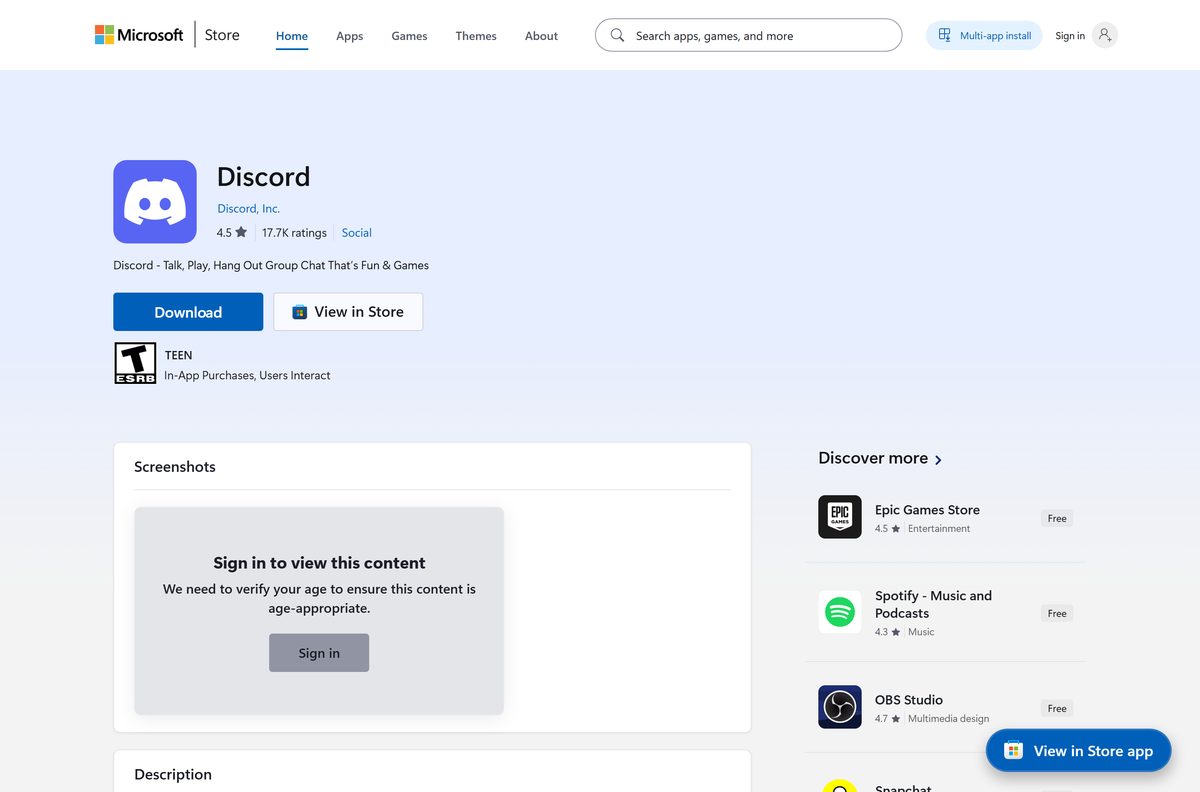
The Store entry for Discord is a wrapper rather than a packaged app. It fetches the same DiscordSetup.exe from Discord and runs it with the –silent switch.
- Open Microsoft Store from the Start menu.
- Search for Discord, or open product XPDC2RH70K22MN directly.
- Check the publisher line reads Discord, Inc. before you select Get.
- For a command line instead, open Terminal and run winget install –id Discord.Discord –source winget .
- Run winget upgrade –id Discord.Discord later to update the same install.
Store metadata points at host build 1.0.9188 while discord.com serves 1.0.9256, so a Store install starts behind and catches up at launch.
How to check the Discord installer is genuine
Every Discord installer is signed. The signature separates the real file from a lookalike with the same name.
- Right-click the downloaded DiscordSetup.exe and select Properties.
- Open the Digital Signatures tab. No such tab means the file did not come from Discord.
- Select the signature in the list and click Details.
- Confirm the signer name reads Discord Inc.
- Click View Certificate and confirm DigiCert issued it.
- Delete the file and download again from discord.com/download if any check fails.
The x64 setup returns a valid signature for CN=Discord Inc., O=Discord Inc., L=San Francisco, S=California, C=US, issued by DigiCert Trusted G4 Code Signing RSA4096 SHA384 2021 CA1.
Which Discord download do you need for your Mac?
Discord ships one Mac file, and it covers Apple silicon and Intel. The decision is about your macOS version, not your chip.
| Your Mac runs | What to do | Size |
|---|---|---|
| macOS 13 Ventura or later | Download Discord.dmg | 205 MB |
| macOS 12 Monterey | Download Discord.dmg, then upgrade macOS | 205 MB |
| macOS 11 Big Sur or older | Use Discord in a browser | No download |
Open the disk image, drag the Discord icon onto Applications, then eject the image. Discord ends macOS 12 support on 17 September 2026, which makes macOS 13 the minimum. The Mac install steps cover the rest.
Is Discord free?
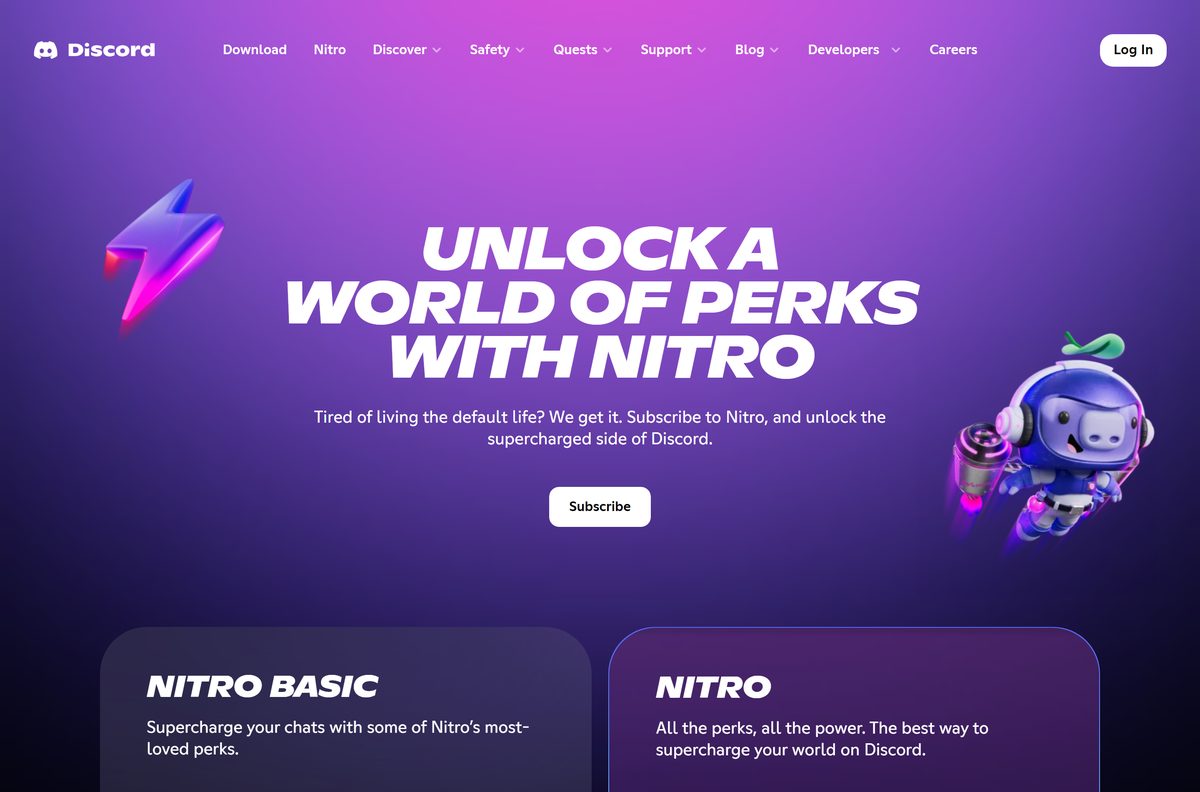
Discord is free, and the desktop app has no paid unlock. Servers, voice channels, video calls, screen sharing and messages cost nothing, on as many servers as you join. The optional tiers are Nitro Basic at $2.99 a month or $29.99 a year, and Nitro at $9.99 a month or $99.99 a year in the United States, and Discord adjusts those figures by region. Nobody sells a Discord licence key, so treat any site offering one as a scam.
Nitro raises the upload limit to 500 MB and Nitro Basic to 50 MB, against 10 MB on a free account, across Discord’s free and paid tiers.
Should you install Discord Stable, PTB or Canary?
Install Stable unless you are testing features or filing bugs. Discord calls Stable the standard version, describes the public test build as buggier, and calls Canary the most unstable version with lots of updates. The PTB x64 setup and the Canary x64 setup are both about 139 MB, and each ships under its own name: DiscordPTBSetup.exe and DiscordCanarySetup.exe.
Both channels also run in a browser, at ptb.discord.com and canary.discord.com, which is the faster way to look before installing anything.
How to check your Discord version and update it
Discord updates itself at launch. Read the build number when you need proof that it worked.
- Open Discord and select the cogwheel in the bottom-left corner to open User Settings.
- Scroll to the bottom of the left column, where the client info sits.
- Click the version line to copy it to your clipboard.
- Close Discord from the system tray, not just the window, then reopen it to force an update check.
- Reinstall from discord.com/download if the number never changes.
Discord ships a different host build per platform: 1.0.9256 on Windows x64, 1.0.48 on ARM64 and 0.0.411 on macOS. A lower number on an Arm laptop is not an old install.
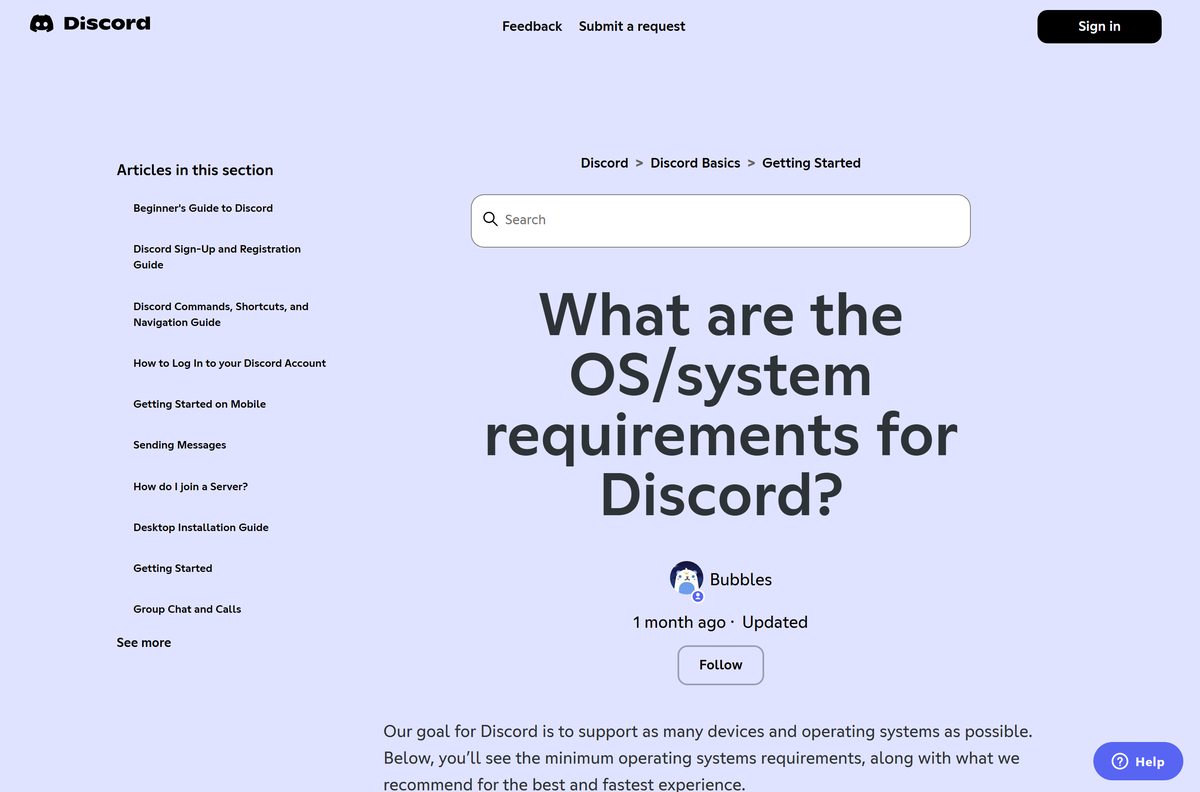
Check the Discord system requirements and download size
Discord asks almost nothing of the hardware. The operating system is where the limits are.
| Field | Value |
|---|---|
| Developer | Discord Inc. |
| Latest version | 1.0.9256 on Windows x64, 1.0.48 on Windows ARM64, 0.0.411 on macOS |
| Price | Free, with optional Nitro Basic and Nitro subscriptions |
| Windows | Windows 10 or later, 64-bit only |
| macOS | macOS 12 or later, and macOS 13 or later from 17 September 2026 |
| Linux | Ubuntu 20.04+, Debian 11+, openSUSE 16.2+, Fedora 32+ |
| Architecture | x64 and ARM64 on Windows, one universal build on macOS |
| Download size | 132 MB x64, 135 MB ARM64, 205 MB macOS |
| Installer file | DiscordSetup.exe on Windows, Discord.dmg on macOS |
| Offline installer | None published, though the Windows setup already carries the full app package. There is no MSI |
| Browser minimums | Chrome 108, Firefox 142, Edge 86, Opera 72, Safari 15.4 |
| Microsoft Store | Product XPDC2RH70K22MN, publisher Discord, Inc. |
| winget package | Discord.Discord |
| Signed by | Discord Inc., certificate issued by DigiCert |
| Official download source | discord.com/download |
| Last verified | 2026-09-10 |
Windows 10 itself left support on 14 October 2025. Discord still runs there, but the system under it stops getting security updates.
Run Discord without installing it
Discord publishes no portable build and no ZIP archive. The browser client is the supported way to use your account on a PC you cannot install software on.
- Open discord.com/app in Chrome, Edge, Firefox, Opera or Safari.
- Select Log In and sign in with your email address and password.
- Allow microphone access when the browser asks, or voice channels stay silent.
- Keep the tab open while you talk, because closing it drops you out of voice.
- Sign out before you walk away from a shared computer.
The minimums are Chrome 108, Firefox 142, Edge 86, Opera 72 and Safari 15.4. Discord does not support a mobile browser.
Where else you can run Discord
| Platform | How you get it | Notes |
|---|---|---|
| Windows 10 and 11 | DiscordSetup.exe | 64-bit only, x64 or ARM64 |
| macOS 12 or later | Discord.dmg | One build for Apple silicon and Intel |
| Linux | deb, tar.gz, rpm or pkg.tar.zst | The 2.1 MB deb installs an updater that fetches the client |
| iPhone and iPad | App Store | iOS 16 or later |
| Android | Google Play | Android 7 or later, on devices with Google Play Services |
| Any desktop browser | discord.com/app | No install and no admin rights |
| PlayStation and Xbox | Link your console | No console installer. You link an existing account |
Fix Discord not installing on Windows 11 or 10
The installer fails or the progress window never finishes
Files from an earlier install are still on disk, and setup will not write over them.
- Close Discord from the system tray and end every Discord process in Task Manager.
- Press Windows + R, type %appdata% , and delete the Discord folder.
- Press Windows + R, type %localappdata% , and delete the Discord folder there too.
- Restart the PC.
- Download DiscordSetup.exe again from discord.com/download and run it.
Discord says your installation is corrupt
The banner reads Well, it looks like your Discord installation is corrupt, which means the client cannot repair its own files.
- Work through the five steps above, in that order.
- Check the Startup apps tab in Task Manager for a stray Discord entry first.
- Set the app in %LocalAppData%\Discord to run as administrator if the banner returns.
The install or update never finishes on a Mac
An older copy is left behind in the two Application Support folders.
- Quit Discord with Command + Q and end every Discord process in Activity Monitor.
- Open Finder, press Shift + Command + G, go to ~/Library/Application Support and delete the Discord folder.
- Repeat for /Library/Application Support , which often holds no Discord folder at all.
- Drag Discord from Applications to the Trash, then empty the Trash.
- Restart the Mac and install again from the Mac download.
Windows says it protected your PC
SmartScreen has not seen this build often enough yet. The file is still signed.
- Select More info on the dialog.
- Read the Publisher line and confirm it says Discord Inc.
- Select Run anyway once the publisher matches.
- Delete the file and download again from discord.com/download if that line is blank.
Techdows has the longer walk-through in Fix Discord not downloading or installing.
How to uninstall Discord from Windows and Mac
Uninstalling leaves two folders behind on Windows. Delete them, or the next install inherits whatever broke the last one.
- Open Settings, select Apps, then Installed apps.
- Find Discord, select the three dots beside it, and select Uninstall.
- Press Windows + R, type %appdata% , and delete the Discord folder.
- Press Windows + R, type %localappdata% , and delete the Discord folder.
- On a Mac, quit Discord with Command + Q and drag Discord from Applications to the Trash.
- Delete the Discord folder in ~/Library/Application Support , then empty the Trash.
Check the Startup apps tab in Task Manager if the icon returns after a reboot. How to completely uninstall Discord covers the leftovers.
What to use instead of Discord
Pick by the reason you are leaving. Each of these covers one part of what Discord does, and none covers all of it.
| Instead of Discord | What it is | Where to get it |
|---|---|---|
| Discord in a browser | The same account and servers, with no installer | discord.com/app |
| Microsoft Teams (free) | Chat, calls and meetings aimed at work | microsoft.com |
| Slack | Threaded team chat with app integrations | slack.com |
| TeamSpeak | Lightweight voice chat on a server you control | teamspeak.com |
| Element | Matrix chat you can self-host | element.io |
None of them import a Discord server. Moving a community means rebuilding channels and roles by hand.
Frequently asked questions
Is Discord free to download?
Yes. The Windows and Mac apps cost nothing, and servers, voice channels, video calls and screen sharing are free. Nitro Basic and Nitro are optional subscriptions that add bigger uploads and cosmetics, never access.
What is the official Discord download page?
discord.com/download. It holds the Windows x64 and ARM64 buttons, the Mac disk image and four Linux formats. The Microsoft Store entry, product XPDC2RH70K22MN, fetches the same setup file from Discord.
Does Discord work on Windows 11?
Yes. Discord supports Windows 10 and later on 64-bit hardware, and publishes a native ARM64 build for Windows on Arm PCs alongside the x64 one. Both come from the same download page.
How big is the Discord download?
The Windows x64 setup is 132 MB and the ARM64 setup is 135 MB. The Mac disk image is 205 MB. The Linux deb is only 2.1 MB because it installs an updater that fetches the client.
Is there a Discord offline installer?
There is no separate offline setup, but DiscordSetup.exe is not a stub either. The 132 MB Windows file carries the full application package inside it. Discord publishes no MSI for deployment.
Is there a Discord app for Mac?
Yes. Discord.dmg is a 205 MB disk image that runs on Apple silicon and Intel Macs. It needs macOS 12 or later today, and macOS 13 or later from 17 September 2026.
Does Discord have a 64-bit or ARM64 version?
Both. The download page offers an x64 build and a native ARM64 build for Windows. Discord ended support for 32-bit Windows on 15 June 2024, so use the browser client on those PCs.
Is Discord safe to download?
Files from discord.com are signed by Discord Inc. with a DigiCert certificate. Right-click the setup, open Properties, and check the Digital Signatures tab. A copy without that tab did not come from Discord.
What is the latest Discord version?
Discord’s servers return host build 1.0.9256 for Windows x64, 1.0.48 for Windows ARM64 and 0.0.411 for macOS. Read your own build at the bottom of User Settings in the app.
Why is Discord not installing on Windows 11?
Leftover files are the usual cause. End every Discord process, delete the Discord folders under %appdata% and %localappdata%, restart the PC, then run DiscordSetup.exe again from the official page.

Download Overwolf for PC, Windows 11 and Windows 10 (Free) - Techdows
[…] Techdows download guide […]
How to make a webhook in Discord – full guide - Techdows
[…] you do not have the app, download Discord for Windows or Mac, or use Discord in a web browser […]
Download TeamSpeak for PC, Windows 11/10 & Mac (Free) - Techdows
[…] Discord download guide […]
What is Discord Canary and how to download it - Techdows
[…] cover a Discord Canary download on Windows 11 and Windows 10. If you only need the normal app, download the regular Discord app […]
What is Discord and how do you use it? - Techdows
[…] need to be at least 13 years old, or older where local law sets a higher minimum age. You can download Discord for PC and phones, or skip the install and use Discord in a web […]