The osu download for Windows 11 and Windows 10 is a free installer from osu.ppy.sh. Run it, sign in or create an account, and grab beatmaps to start clicking circles to the beat.
Mac players get osu! through the lazer build, and iPhone owners have the official osu!stream spin-off. osu! costs nothing, shows no ads, and the paid supporter tag never buys a gameplay advantage.
This guide covers which build to pick, installing on Windows and Mac, adding beatmaps and skins, fixing installer errors, and removing the game cleanly.
Which osu! download do you need?
osu! ships two Windows builds and a separate route for Mac. Match your device in the first column.
| Your device | Download | Notes |
|---|---|---|
| Windows 11 or 10 PC, 64-bit | osu! for Windows 10 or later (x64) | Current build, recommended |
| Windows PC, prefer the classic client | osu!(stable) installer | Legacy build, 4.3 MB, needs .NET Framework 4+ |
| Mac with Apple silicon or Intel | osu!(lazer) macOS guide | Download osu!.app.zip from the lazer release page |
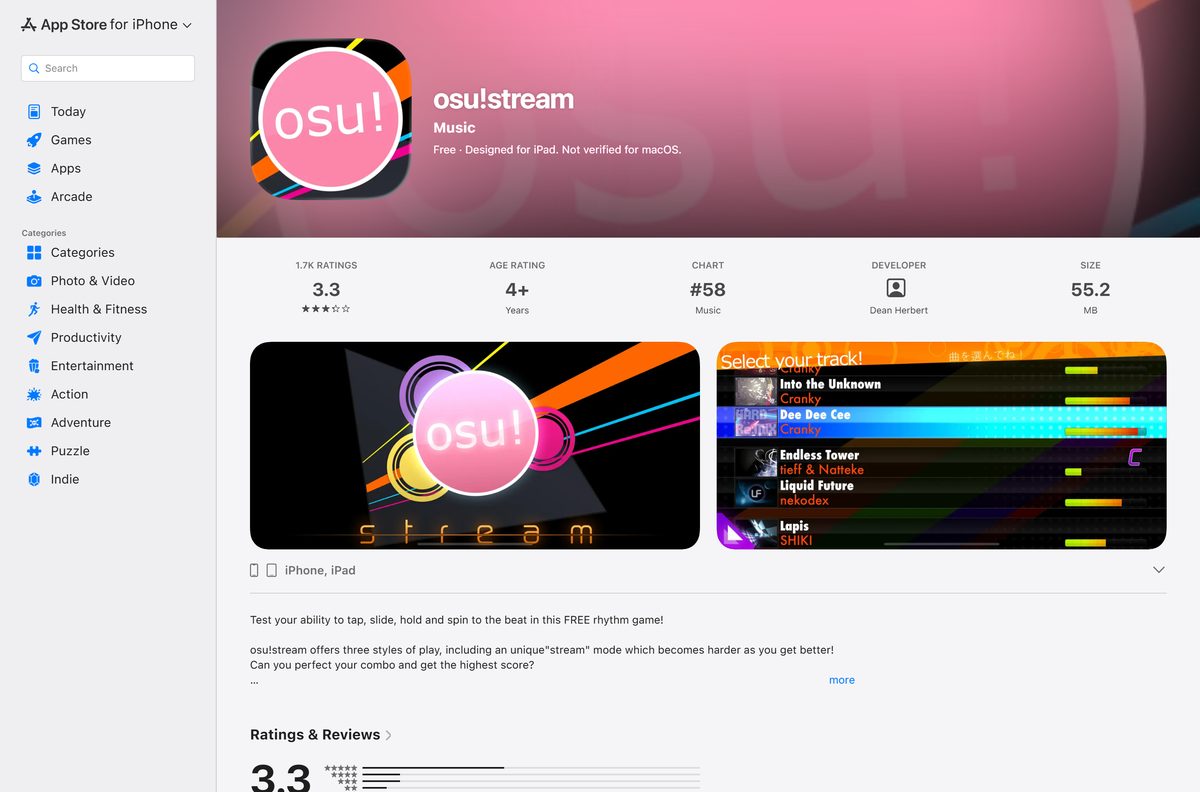
| iPhone or iPad | osu!stream on the App Store | Official free spin-off, 55.2 MB |
Pick the current build unless a tournament, a mod or a group of friends needs the stable client.
Download osu! from the official osu.ppy.sh page
The osu! team publishes every installer through osu.ppy.sh. The big button on that page always carries the newest build and its version number.
- osu! download page — current build for Windows 10 or later (x64)
- osu!(stable) for Windows — 4,541,216 bytes
- osu!(stable) mirror — same file from the second server
- Mac installation guide — osu!(lazer) for macOS
- Windows installation guide — install location, beatmaps and skins
Use the mirror only when the first stable link stalls. Both serve the same installer.
How to install osu! on Windows 11 and 10
The installer asks almost nothing. The only real choice is the install folder, and the stable installer gives you ten seconds to change it.
- Open the osu! download page and click Download osu! for Windows 10 or later (x64).
- Open your Downloads folder and double-click the installer.
- Click More info and then Run anyway if Microsoft Defender SmartScreen shows a warning.
- For osu!(stable), click the text under Hi! within ten seconds to pick a different install folder.
- Wait for the installer to finish, then open osu! if it does not start on its own.
- Follow the prompts to sign in or create a new osu! account.
- Browse the beatmap listing and download a few maps to start playing.
osu!(stable) fetches a set of starter beatmaps through osu!direct right after the first launch, so a new install is playable straight away.
Which osu! download do you need for your Mac?
macOS gets osu! through the lazer build, which runs natively. The old stable client only ran on a Mac inside a wrapper, and it is no longer supported online.
| Your situation | What to install | Online play |
|---|---|---|
| Any current Mac, Apple silicon or Intel | osu!(lazer) osu!.app.zip | Yes |
| Want the stable client on a Mac | Stable macOS notes | No, unsupported for online play |
| Mac with Apple M1 or later, touch-style game | osu!stream | Separate spin-off game |
To install lazer, download osu!.app.zip from the release page linked in the Mac guide, double-click it, and confirm when macOS asks to open it.
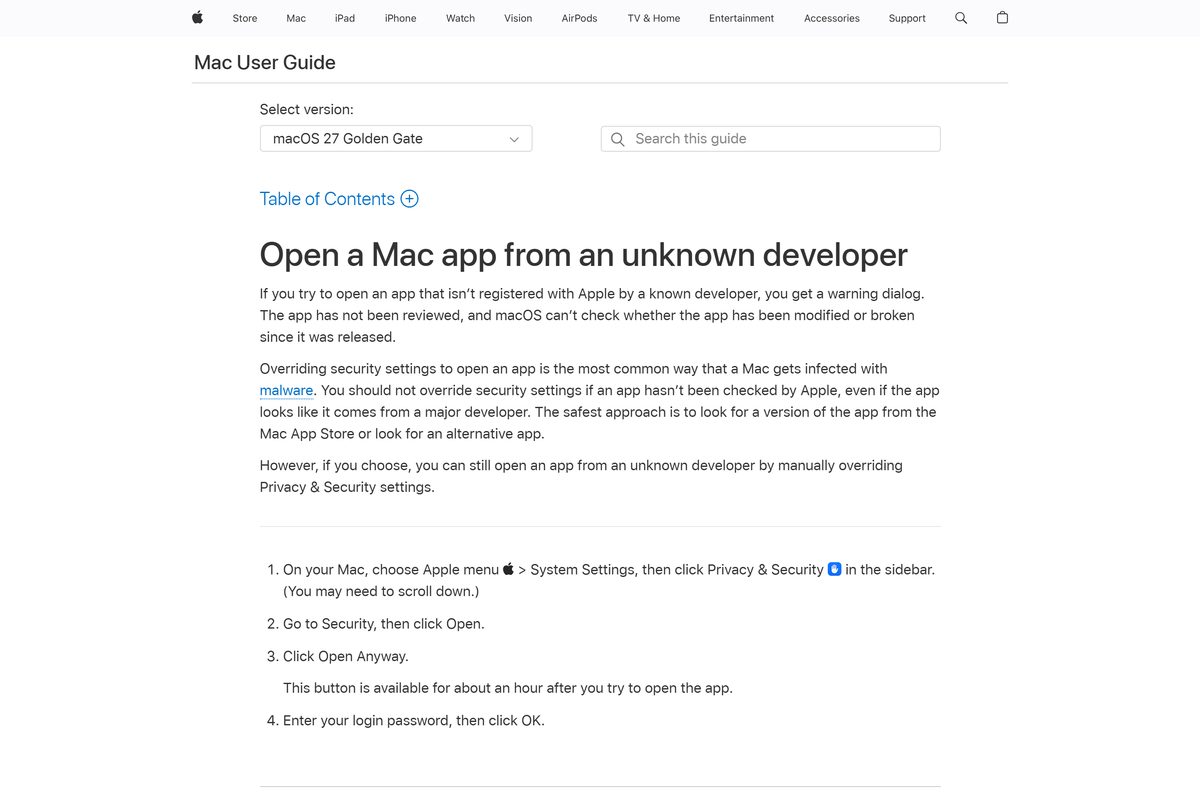
If macOS blocks the app, open System Settings > Privacy & Security and click Open Anyway. Grant keystroke permission if macOS asks for it.
Is osu! free?
Yes. The osu! support page describes the game as free-to-win and states the team avoids advertising and partnerships.
Download osu! from osu.ppy.sh and play every mode for free. osu!supporter is an optional subscription that adds osu!direct in-game map downloads, friend and country rankings, extra filters and profile perks. It gives no competitive advantage, and it funds servers, staff and Featured Artist licensing.
A site charging for an osu! installer or a “premium” build is not official. The only paid item is supporter, bought through the osu! store.
Should you install osu! or osu!(stable)?
The current osu! build started life as “lazer”, a complete rewrite of the client. The download page now offers it first and lists stable under older builds.
Install the current osu! build on Windows 11, Windows 10 and Mac. It is the build the team keeps updating, it is open source, and it is the only one that runs natively on macOS. osu!(stable) stays available for players who rely on the classic client and its tools.
Stable needs .NET Framework 4 or later and a 4.3 MB installer. The current build needs a 64-bit copy of Windows 10 or later.
Check the osu! system requirements and package details
osu! runs on modest hardware. The osu! wiki asks only for a decent graphics card on Windows and a decent computer running macOS.
| Field | Value |
|---|---|
| Game | osu! |
| Developer | ppy Pty Ltd, created by Dean Herbert |
| Latest version | 2026.921.0 |
| License | Free to play; optional osu!supporter subscription |
| Windows | Windows 10 or later, 64-bit (x64) |
| macOS | osu!(lazer) osu!.app.zip |
| osu!(stable) needs | .NET Framework 4 or later and a decent graphics card |
| Stable installer size | 4.3 MB (4,541,216 bytes) |
| Offline installer | Not offered |
| Official source | osu.ppy.sh |
| Last verified | 2026-09-25 |
Install osu!stream on iPhone and iPad
osu!stream is the official touch-screen spin-off from osu! creator Dean Herbert. It is a separate game with its own songs, not a port of the PC version.
- Open the osu!stream App Store listing on your iPhone or iPad.
- Tap Get, then confirm with Face ID, Touch ID or your password.
- Open osu!stream from the Home Screen once it installs.
- Pick a song and play in the tap, slide, hold and spin styles.
The listing requires iOS 9.0 or later and a 55.2 MB download. Its last update arrived in February 2020, and all formerly paid content is now free.
How to add beatmaps and skins to osu!
A fresh install has only a few songs. Beatmaps and skins come from the osu! website and forums.
| What you want | How to add it |
|---|---|
| Beatmaps from the website | Sign in on the beatmap listing and download a map |
| Beatmaps without leaving the game | Use osu!direct, which needs osu!supporter |
| A map that does not appear (stable) | Put the file in the Songs folder and press F5 |
| A skin in .osk format | Double-click the file to import it |
| A skin in a zip or rar archive | Extract it into the Skins folder |
Pressing F5 makes osu!(stable) rescan the Songs folder for new maps.
Fix osu! not installing on Windows 11, 10 or Mac
Most install failures trace back to .NET Framework on stable, leftovers from an old copy, or macOS security. Find your symptom below.
osu!(stable) installer errors or closes on Windows
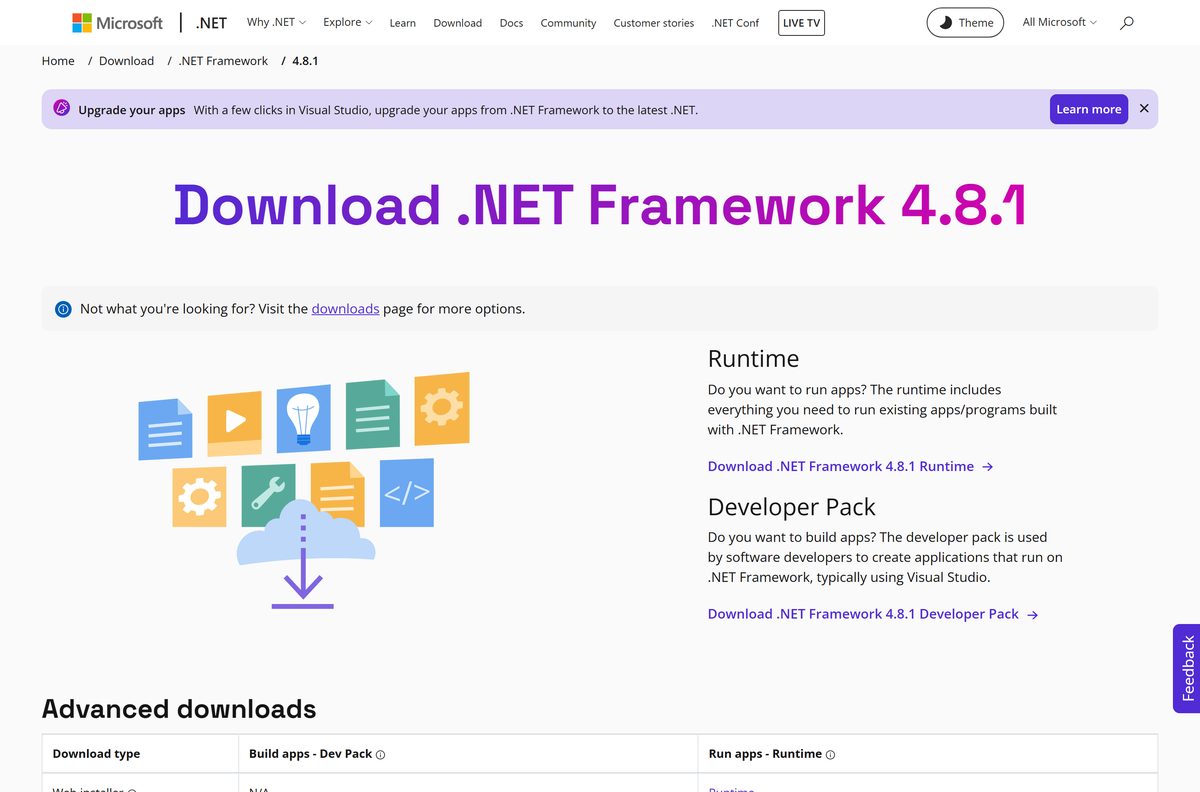
The .NET Framework the stable client needs is missing or damaged.
- Open the .NET Framework 4.8.1 download page from Microsoft.
- Click Download .NET Framework 4.8.1 Runtime and run it.
- Restart the PC and run the osu! installer again.
Installer fails after removing an older osu!
Registry entries from the previous copy are still on the system.
- Uninstall any remaining osu! entry in Settings > Apps > Installed apps.
- Restart Windows.
- Run a fresh installer from osu.ppy.sh.
The current build refuses to run
It needs a 64-bit copy of Windows 10 or later.
- Press Windows + I and open System > About.
- Check that System type says 64-bit operating system.
- Install osu!(stable) instead on an older or 32-bit machine.
osu! will not open on a Mac
An outdated macOS, a bad extraction, or antivirus interference.
- Update macOS, especially on Catalina 10.15.4 or earlier.
- Extract osu!.app.zip with Archive Utility.
- Pause third-party antivirus while you open the app the first time.
- Post in the osu! Help forum if it still fails.
How to uninstall osu!
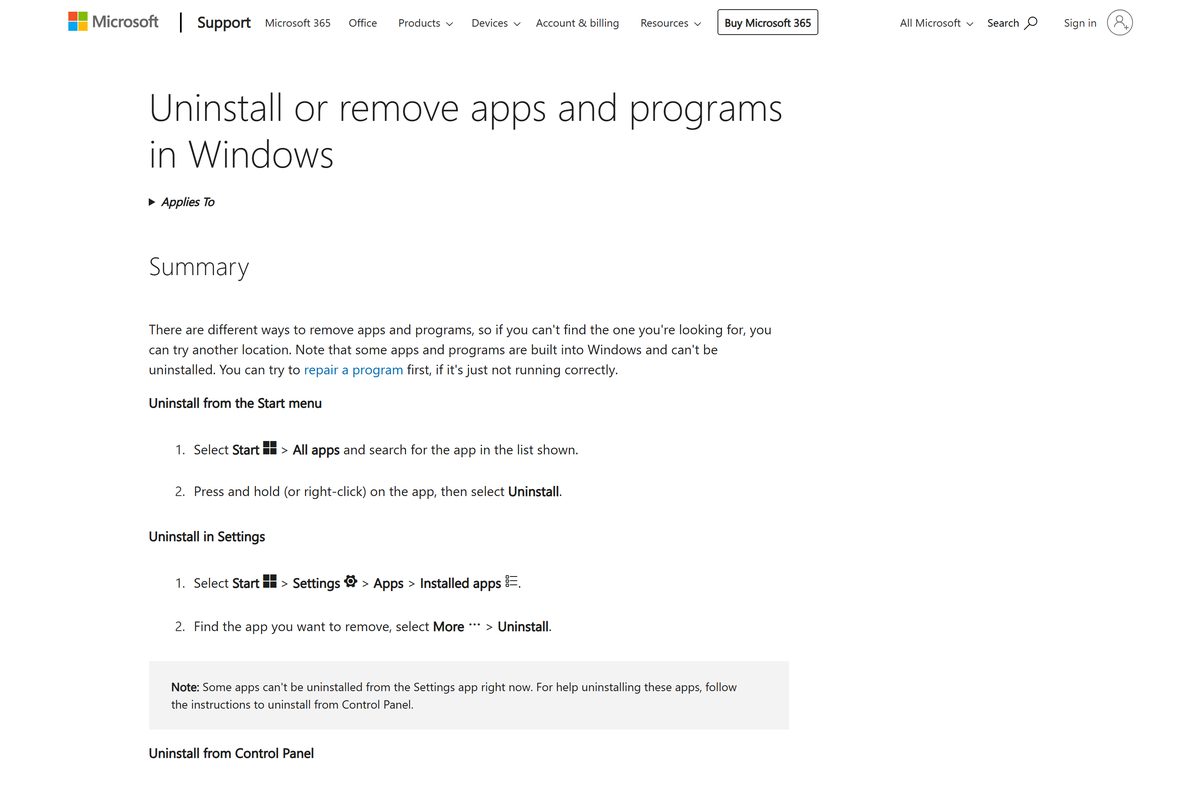
Windows lists osu! like any other program. On a Mac, the game lives in its app bundle.
- Close osu! completely.
- Press Windows + I and open Apps > Installed apps.
- Find osu!, click the three-dot menu and select Uninstall.
- Confirm with Uninstall again and wait for it to finish.
- On a Mac, drag osu!.app from its folder to the Trash, then empty it.
osu!(stable) on a Mac keeps beatmaps and skins inside osu!.app, so deleting the app removes them too. Copy the Songs and Skins folders first if you want to keep them.
Choose another osu! client or rhythm game
The official client is the one to install for ranked play and accounts. The options below cover phones and unofficial clients.
| Option | Platforms | Official? | Price |
|---|---|---|---|
| osu! (current build) | Windows 10 or later, macOS | Yes | Free |
| osu!stream | iPhone, iPad, Apple silicon Mac | Yes, spin-off | Free |
| McOsu | Windows, SteamOS and Linux | No, by McKay | Free |
| opsu! | Windows, macOS, Linux, Android | No, Java port | Free |
Stick with the official client for ranked scores. McOsu and opsu! are community projects with their own rules.
Frequently asked questions
Is osu! free?
Yes. osu! is free to download and free to play, with no advertising. The optional osu!supporter subscription adds extras such as osu!direct and friend rankings, but the osu! team states it gives no competitive advantage.
What is the official osu! download page?
The official page is osu.ppy.sh/home/download. It carries the current osu! installer for Windows 10 or later, the osu!(stable) installer with a mirror, and a pointer for macOS users. Any other site offering osu! is a copy.
Does osu! work on Windows 11?
Yes. The current osu! build is listed for Windows 10 or later on 64-bit PCs, which covers Windows 11. Download the installer from osu.ppy.sh, run it, and sign in or create an account when the game opens.
How big is the osu! download?
The osu!(stable) installer for Windows is 4,541,216 bytes, about 4.3 MB. The download page does not print a size for the current osu! installer. Beatmaps are downloaded separately, so the installed game grows as you add songs.
Is there an osu! offline installer?
No separate offline package is listed. The download page offers one installer per build, and beatmaps come from the online beatmap listing or osu!direct after installation. Keep the downloaded maps if you want to play them later without fetching them again.
Is osu! available for Mac?
Yes, through osu!(lazer). The osu! wiki tells Mac users to download osu!.app.zip from the lazer release page, open it, and grant keystroke permission if macOS asks. The older osu!(stable) Mac wrapper is no longer supported for online play.
Is there a 64-bit or ARM64 version of osu! for Windows?
The current Windows build is 64-bit, labelled x64 on the download page. No separate ARM64 Windows build is listed there, so check the download page before installing on a Windows on ARM laptop.
Is osu! safe to download?
Yes, when it comes from osu.ppy.sh. The game is free, so any site charging for osu! or bundling it with a download manager is not official. The current client is open source, and its code is public.
What is the latest version of osu!?
The current osu! build on the official download page is 2026.921.0, from the release stream known as lazer. osu!(stable) remains available below it as the legacy Windows build for players who still prefer it.
Why won’t osu! install on my PC?
For osu!(stable), the usual cause is a missing or broken .NET Framework, or registry entries left by an earlier copy of osu!. Reinstall .NET Framework 4.8.1 from Microsoft, then run the installer again. The current build needs Windows 10 or later, 64-bit.
Is osu! free on Steam?
osu! is not sold or listed on Steam by its developer. Download it free from osu.ppy.sh instead. McOsu on Steam is a separate free client made by another developer, not the official game.
Can you play osu! on a phone?
The official iPhone and iPad option is osu!stream, a free spin-off by osu! creator Dean Herbert on the App Store. The osu! FAQ states the main game does not support mobile platforms, and Android has no official version.