Autodesk Fusion 360 for Mac installs from a 29.7 MB disk image that Autodesk serves from its own host. The file is a streaming installer, so the Mac stays online while it pulls the application down.
A free personal use licence covers non-commercial design and home fabrication. Commercial work needs a paid subscription, and every fresh install opens as a 30-day trial at full capability.
Below are the official links, the macOS setup, the Mac models Autodesk supports, the version check, and fixes for installs that stop early.
Which Fusion download do you need for your Mac?
Open the Apple menu and select About This Mac to read the chip and the macOS version, then match the row.
| Your Mac | What to download | Size |
|---|---|---|
| Apple silicon: M1 to M4, or the A18 Pro in a MacBook Neo | Fusion Client Downloader.dmg | 29.7 MB |
| Intel Mac with an 8th-generation Core i3 or better | Fusion Client Downloader.dmg | 29.7 MB, until March 2027 |
| Managed or classroom Mac, installed for every account | Autodesk Fusion Admin Install.pkg | 3.64 GB |
| Mac running macOS 14 Sonoma or older | Autodesk macOS requirements | Upgrade macOS first |
| Subscriber or verified student who wants no local install | Fusion web client | Browser only |
One macOS download covers both chips. Autodesk publishes no separate Apple silicon and Intel disk images, and no Mac App Store edition.
Check the Fusion system requirements for your Mac
Storage and the macOS version rule out more Macs than the processor does.
| Field | Value |
|---|---|
| Software | Autodesk Fusion, formerly Fusion 360 |
| Developer | Autodesk, Inc. |
| Latest version | 2706.14, published 20 October 2026 |
| Licence | Free for personal, non-commercial use; paid subscription for commercial work, with a 30-day trial |
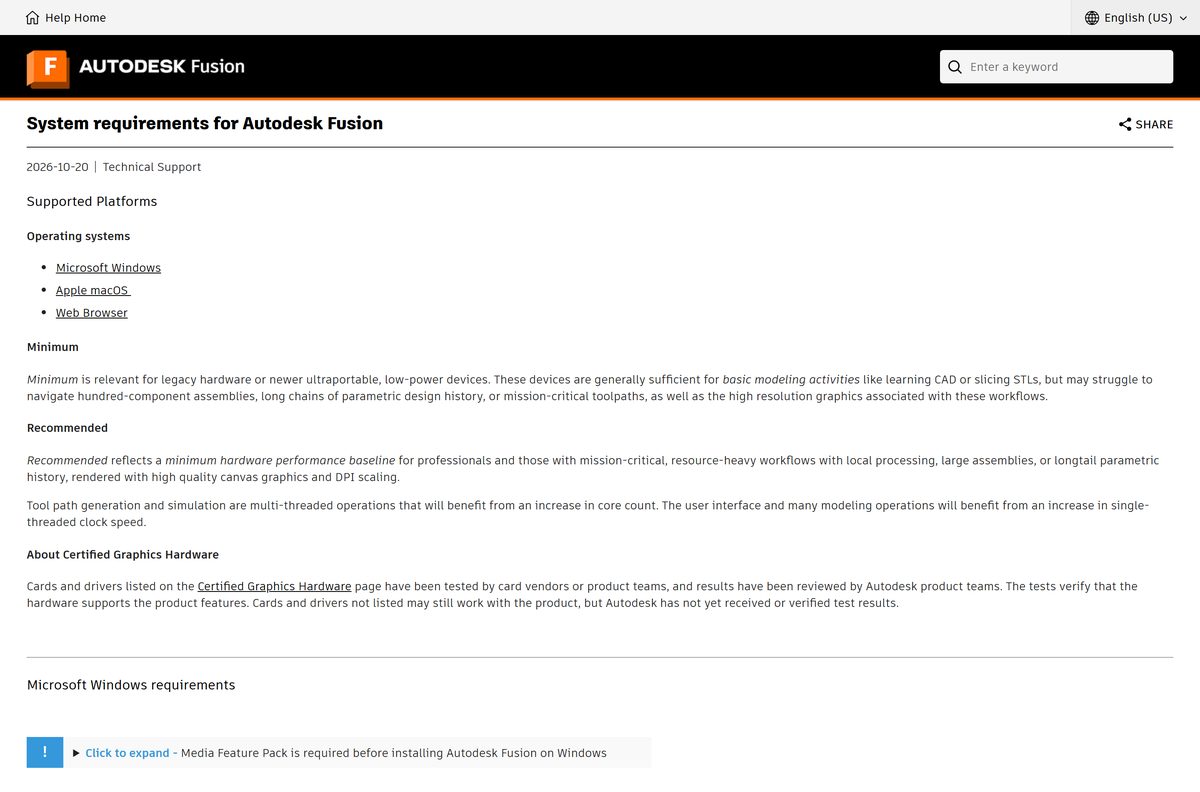
| Minimum macOS | macOS 15 Sequoia (macOS 26 Tahoe recommended) |
| Processor | Apple A18 Pro, M1 or any later M-series chip; or an 8th-generation Intel Core i3 at 3.6 GHz, quad-core |
| Memory | 8 GB minimum, 16 GB or more recommended |
| Storage | 8.5 GB to install, 15 GB or more with cached data |
| Download size | 29.7 MB disk image, or 31,091,283 bytes |
| Offline installer | No. The disk image streams the application during setup |
| Mac App Store | Not published there |
| Official download | help.autodesk.com |
| Last verified | 2026-10-25 |
Autodesk excludes pre-release macOS builds from support, and does not support Macs upgraded past Apple’s limits with OpenCore Legacy Patcher.
Download Fusion for Mac from Autodesk’s official pages
Both macOS files sit on dl.appstreaming.autodesk.com, Autodesk’s own installer host.
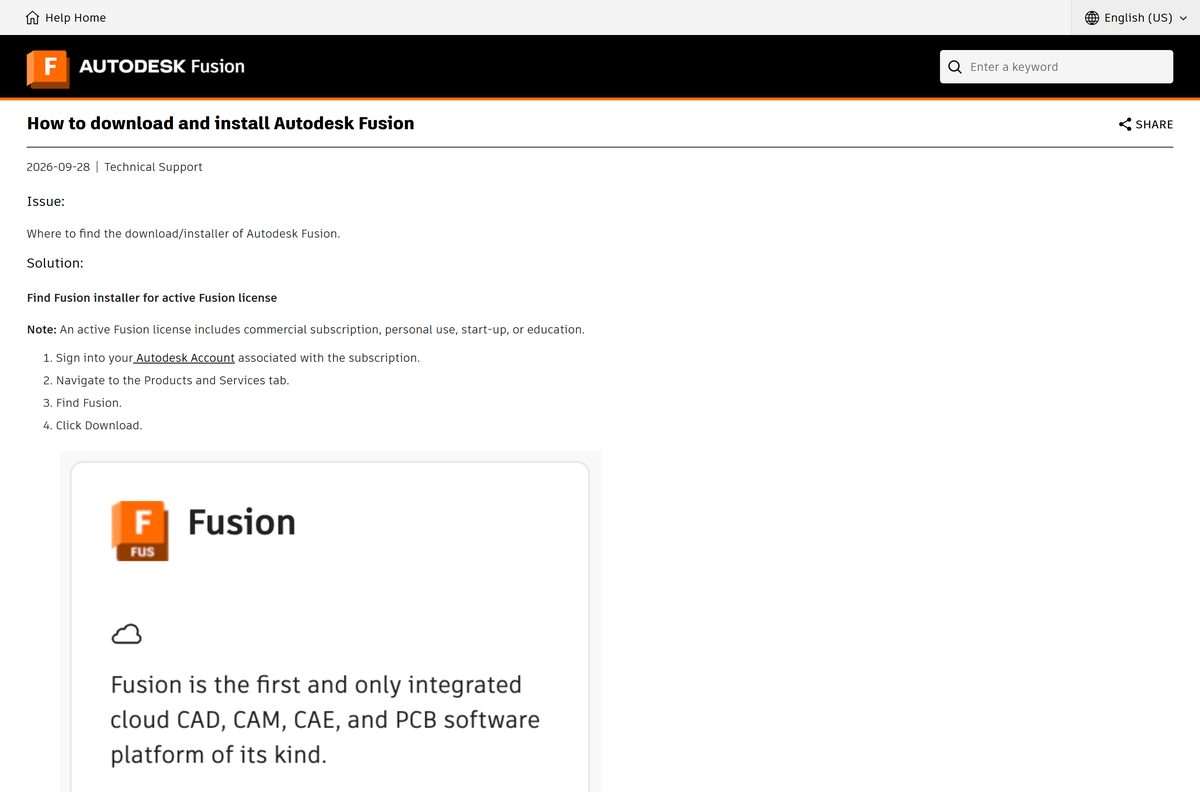
- How to download and install Autodesk Fusion — Autodesk’s own article, naming both routes
- Fusion Client Downloader.dmg — 29.7 MB · macOS streaming installer, dated 21 October 2026
- Autodesk Fusion Admin Install.pkg — 3.64 GB · Complete macOS package, for per-machine installs
- Autodesk Fusion for personal use — Free licence for non-commercial projects
- Autodesk Account — All Products & Services, then Fusion, then Download
Autodesk Account is the route for a licence you already hold, and an active trial downloads from its Trials tab. Techdows covers the Windows side in the Autodesk Fusion download guide.
Should you download the client downloader or the admin package?
Take the 29.7 MB client downloader unless you are setting up a Mac for several accounts. Fusion Client Downloader.dmg fetches the application during setup and installs it under one user account, which is why it is only 31,091,283 bytes. Autodesk Fusion Admin Install.pkg on the same host is 3,908,225,014 bytes, because it carries the application instead of downloading it.
Autodesk’s deployment article covers the per-machine route; classroom Macs use the lab install package.
How to install Fusion on your Mac
The installer needs no administrator rights, because it installs into your own user library.
- Open the Autodesk Fusion for personal use page, or the Fusion product page to start a trial.
- Select Get Autodesk Fusion for personal use at the bottom of the personal use column.
- Sign in to your Autodesk Account, or select Create Account.
- Complete the form and select Next.
- Select DOWNLOAD NOW. The browser saves Fusion Client Downloader.dmg to your Downloads folder.
- Open the disk image, then open the installer inside it.
- Select Open when macOS asks about an application downloaded from the internet.
- Leave the installer running until Fusion starts. It needs 8.5 GB of free storage and an open connection.
- Sign in to Fusion with the same Autodesk Account.
- Choose Design, Manufacturing or Electronics when Fusion asks what you plan to do.
Autodesk grants a personal licence up to 30 minutes after DOWNLOAD NOW, so sign in after that gap. A fresh install reports a 30-day commercial trial by design, and the trial has to expire before the personal licence takes over.
How to check the Fusion download on your Mac is genuine
macOS records where a downloaded file came from, and Gatekeeper reads its signature.
- Open Finder and go to your Downloads folder.
- Right-click Fusion Client Downloader.dmg and select Get Info.
- Confirm Where from names an autodesk.com address.
- Confirm the size reads 31,091,283 bytes.
- Open Terminal and run mdls -name kMDItemWhereFroms ~/Downloads/Fusion*.dmg to read the same value as text.
- Run spctl -a -t open –context context:primary-signature ~/Downloads/Fusion*.dmg and confirm the reply reads accepted .
- Move the file to the Trash if the source names any other host.
Techdows covers the shell itself in how to open Terminal on Mac.
Is Fusion free on a Mac?
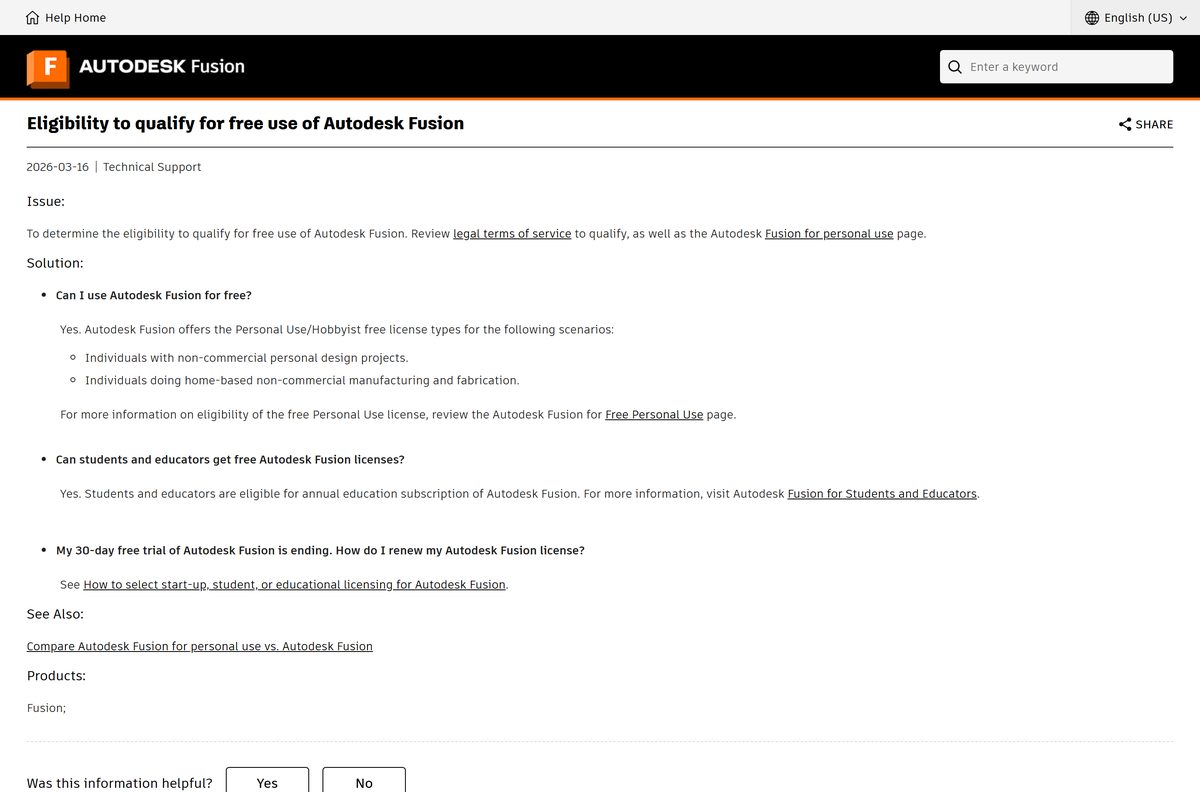
Yes for non-commercial work, and no for everything else. Autodesk grants a free Fusion for personal use licence to individuals with non-commercial personal design projects, and to individuals doing home-based, non-commercial manufacturing and fabrication. Students and educators qualify for a free annual education subscription instead. Commercial work needs a paid subscription, which opens as a 30-day free trial at full capability. A site selling a lifetime licence or a pre-activated installer is selling something Autodesk does not publish.
The personal use licence runs on a renewable term and trims the feature set. Autodesk’s own list covers what it leaves out.
Which Macs does Fusion still support?
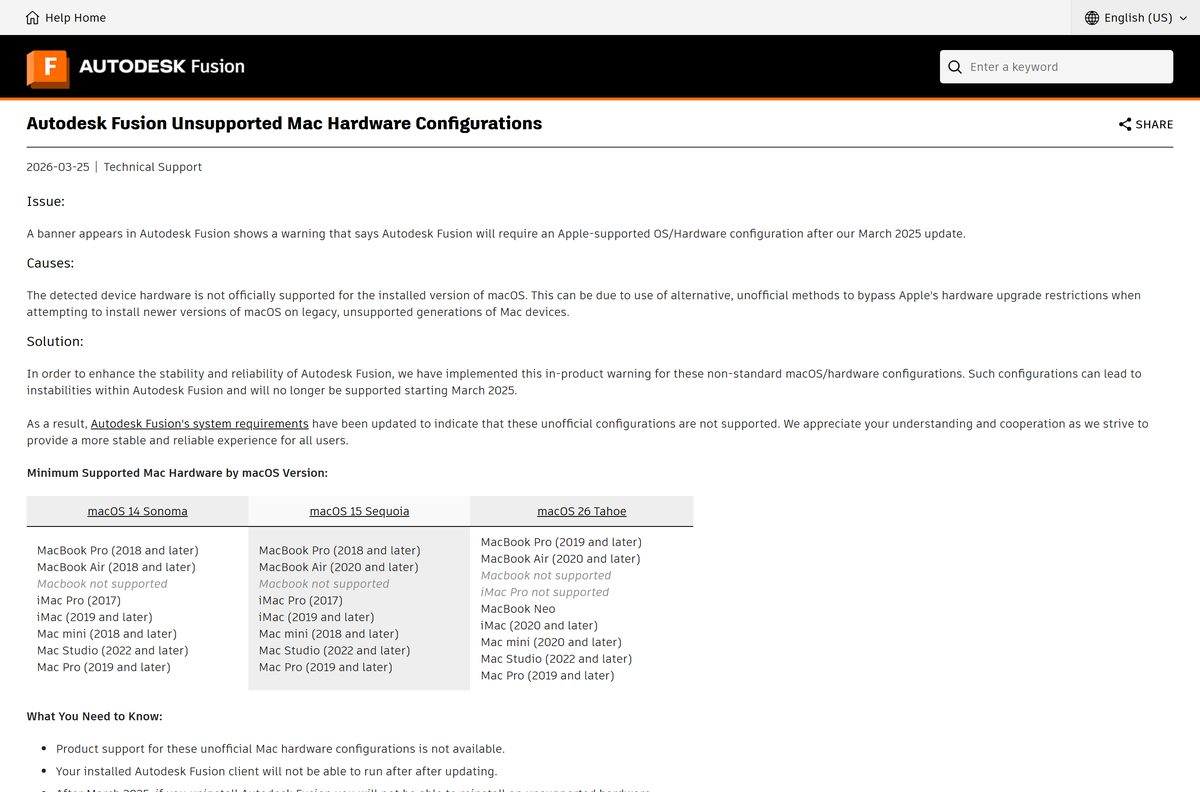
Autodesk publishes a model floor per macOS release, because a supported macOS on an unsupported Mac triggers an in-product warning.
| macOS release | Oldest Macs Autodesk supports | Not supported |
|---|---|---|
| macOS 15 Sequoia | MacBook Pro 2018, MacBook Air 2020, iMac Pro 2017, iMac 2019, Mac mini 2018, Mac Studio 2022, Mac Pro 2019 | MacBook |
| macOS 26 Tahoe | MacBook Pro 2019, MacBook Air 2020, MacBook Neo, iMac 2020, Mac mini 2020, Mac Studio 2022, Mac Pro 2019 | MacBook, iMac Pro |
| Any macOS installed with OpenCore Legacy Patcher | None | Every model |
Autodesk Fusion will require Apple silicon at the end of March 2027, and the final Intel-compatible build may keep launching for up to eight months after release. On unsupported hardware a removed copy cannot be reinstalled.
How to check your Fusion version and update it
Autodesk enforces a floor on the build it will launch, so a Mac left alone for months stops opening Fusion.
- Click the question mark icon in the upper right corner of Fusion.
- Select About. The version appears under the white box.
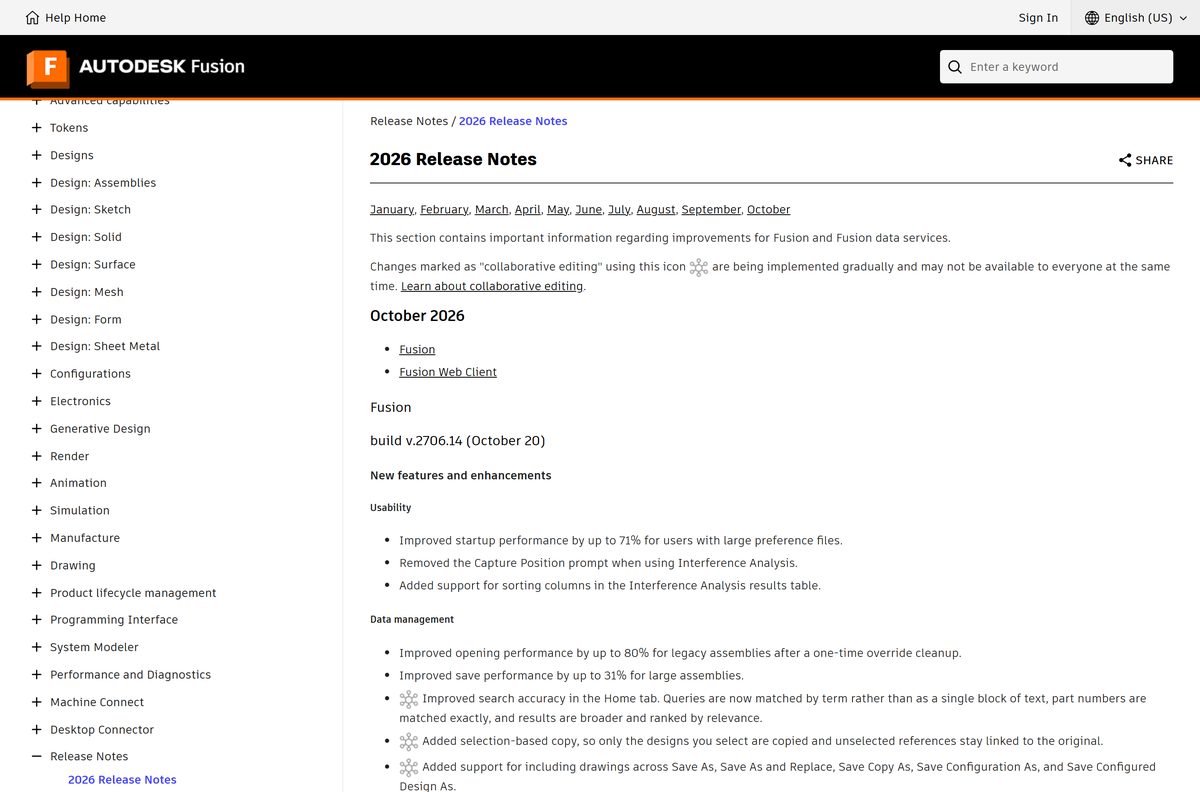
- Compare it with the current build in Autodesk’s release notes, which is 2706.14 from 20 October 2026.
- Select Check for Updates when Fusion reports one in its job status.
- Sign in to manage.autodesk.com, open Products and Services, find Fusion and select Download to apply an update by hand.
- Run the Repair Fusion command from the Service Utility if the in-product update never appears.
Installs older than the May 2026 release, build 2703.1.11, stopped launching after 7 September 2026. The orange banner that warned about it pointed at the same manual download route.
Run Fusion on a Mac without installing it
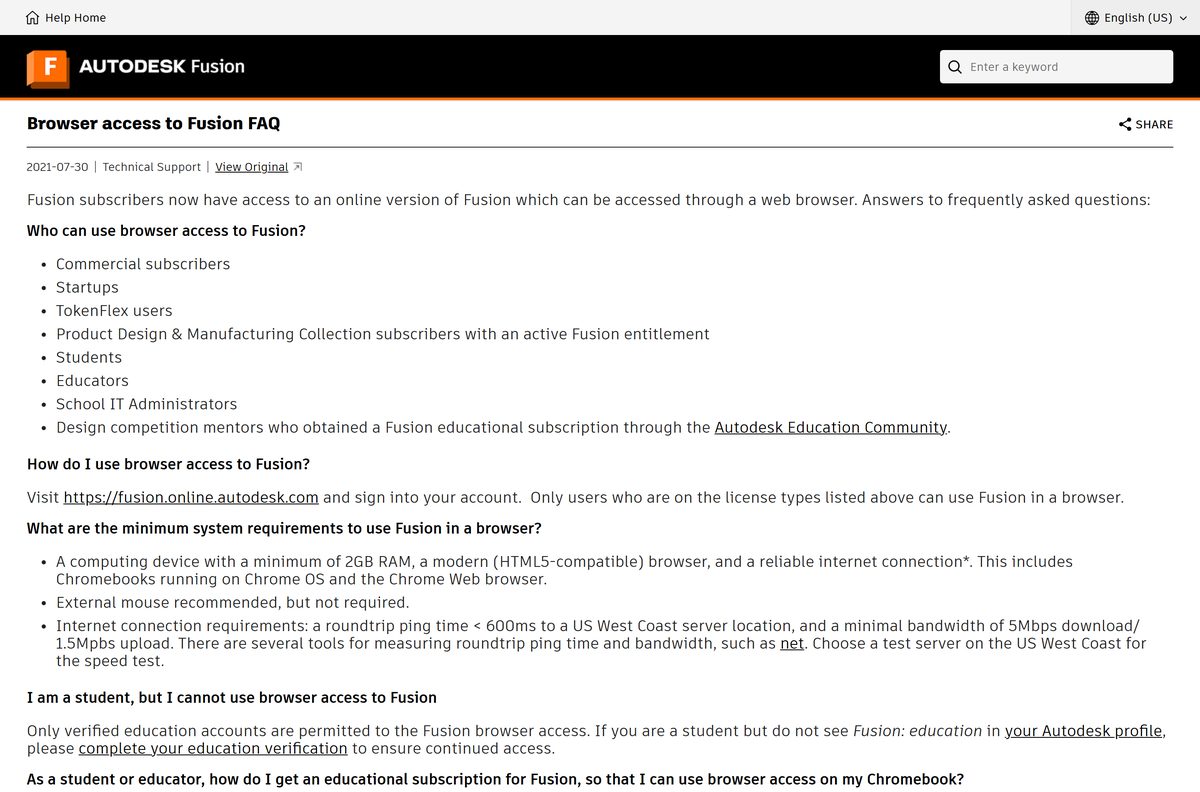
The Fusion web client opens designs in a browser and needs 2 GB of memory, so a Mac that fails the desktop requirements still gets in.
- Open fusion.online.autodesk.com in Safari, Chrome, Firefox or Edge.
- Sign in with the Autodesk Account that holds the entitlement.
- Sign out of any other Autodesk account first if the eligible one is not picked up.
- Select the hub you work in when the web client asks for one.
- Return to Home and start again if Launch Fusion stalls or errors.
Browser access covers commercial subscribers, startups, TokenFlex users, students, educators and school IT administrators. Trial accounts and personal licences do not have it, and the service excludes iPads and iPhones.
Fix Fusion not installing or not launching on a Mac
A Problem installing Fusion message stops the setup
The installer writes a log that names the cause, and the fix depends on which line appears.
- Open Finder, select Go > Go to Folder, and enter ~/Library/Logs .
- Open autodesk.webdeploy.streamer.log .
- Search it for Errno , SSL , Socket , Connection , Gaierror , Getaddrinfo or Timeout .
- Quit the installer and run it again for an SSL or Socket line.
- Use an Ethernet cable rather than Wi-Fi for a Connection line.
- Shut the Mac down completely and start it again for an Errno 13 line, because a restart alone does not clear it.
- Install from an administrator account if Errno 13 returns, which points at folder permissions.
- Confirm the ports and domains Fusion needs are reachable for a Timeout line.
Fusion will not start, or Spotlight cannot find it
Autodesk deploys the application into a hidden user library, and the Dock entry points at an alias rather than the application.
- Select Go > Go to Folder in Finder and enter ~/Applications .
- Drag Autodesk Fusion from there onto the Dock.
- Hold Option and select Go > Library when ~/Applications holds no copy.
- Open Application Support/Autodesk/webdeploy/production , then the folder named with a long version id, then Autodesk Fusion.
- Right-click the Dock icon and select Options > Keep in Dock.
- Run the Reset command from the Service Utility when neither location has it.
The Service Utility starts itself after two consecutive launch failures. Reach it by hand from Help > Support and Diagnostics > Service Utility inside Fusion.
How to uninstall Fusion from your Mac
The Service Utility removes the application. The folder list below clears what it leaves behind.
- Open Help > Support and Diagnostics > Service Utility inside Fusion.
- Select Uninstall, then select Yes, Proceed.
- Use the Remove application Autodesk installs alongside Fusion when Fusion no longer starts.
- Select Go > Computer in Finder and delete /Library/Application Support/Autodesk and /Library/Logs/Autodesk .
- Delete com.autodesk.adskaccessservicehost.plist and com.autodesk.AdskLicensingService.plist from /Library/LaunchDaemons .
- Hold Option, select Go > Library, and delete Application Support/AdSSO-v2 , Application Support/Autodesk , Application Support/Autodesk Installer , Logs/Autodesk and Logs/Autodesk Installer .
- Delete every com.autodesk.* file from ~/Library/Logs and ~/Library/Preferences .
- Restart the Mac.
That folder list removes every Autodesk product on the Mac, not Fusion alone. Designs sit in Autodesk’s cloud, so the removal leaves them untouched.
Frequently asked questions
Is Fusion 360 free for Mac?
Yes for personal, non-commercial use. Autodesk grants a free personal use licence for personal design projects and home-based fabrication. Commercial work needs a paid subscription, which starts as a 30-day trial.
What is the official Fusion download page for Mac?
Autodesk names two routes. New users start on the Fusion product page or the personal use page and select Download Now. An existing licence downloads from manage.autodesk.com under Products and Services.
How big is the Fusion download for Mac?
The macOS disk image is 29.7 MB, or 31,091,283 bytes. That file only starts the install; the application needs 8.5 GB of free storage, and 15 GB once Fusion caches data.
Does Fusion run natively on Apple silicon Macs?
Yes. Autodesk Fusion has run natively on M-series Apple silicon since July 2023, so Rosetta is not involved. A MacBook Neo with the A18 Pro chip also meets the processor requirement.
Which macOS version does Fusion need?
macOS 15 Sequoia is the current minimum, and Autodesk recommends macOS 26 Tahoe or macOS 27 Golden Gate. A Mac upgraded with OpenCore Legacy Patcher is not supported at all.
Is there a Fusion offline installer for Mac?
Not in the usual sense. The 29.7 MB disk image streams the application during setup. Autodesk’s 3.64 GB admin install package carries the application itself, and Fusion still needs the internet.
Is Fusion on the Mac App Store?
No. A United States Mac App Store search for Autodesk Fusion returns no Fusion title; Autodesk’s listings there are FBX Review and Motion FX. The product page is the only macOS route.
Which Fusion version is current for macOS?
Build 2706.14, published on 20 October 2026. Read your own build from the question mark icon in the upper right corner, then About, where the version sits under the white box.
Why will Fusion not install on my Mac?
The installer writes autodesk.webdeploy.streamer.log to your user Library Logs folder, and the error line names the cause. Errno 13 means folder permissions, while Connection and Timeout point at the network.
Can Fusion work without an internet connection?
Only for a while. Autodesk Fusion is cloud-based and needs a connection at least every two weeks, after which it reports that the allowed offline period has been exceeded.
Is it safe to download Fusion from other sites?
A copy from anywhere else is whatever build that site last repackaged, and nothing proves the signature survived. Autodesk serves both macOS files from dl.appstreaming.autodesk.com.