The MyRadar download for PC is a free Microsoft Store app that installs on Windows 11 and Windows 10 in about a minute. The same animated radar is free on iPhone, iPad and Android, with ads and optional paid upgrades.
This guide covers which MyRadar download fits your device, the official links, Store and winget install steps, what the upgrades cost, what Mac owners can use, and fixes for common install problems.
Which MyRadar download do you need?
Match your device to a row. Every MyRadar build installs from an official app store.
| Your device | What to install | Size |
|---|---|---|
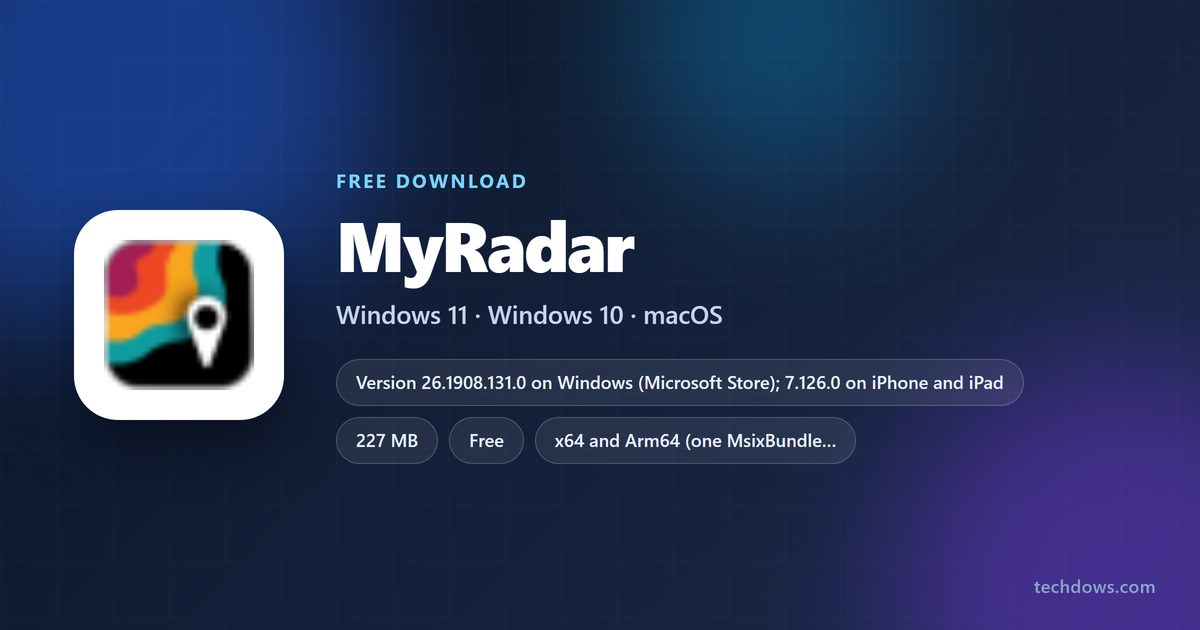
| Windows 11 or Windows 10 PC, Intel, AMD or Arm | MyRadar in the Microsoft Store | 227 MB bundle |
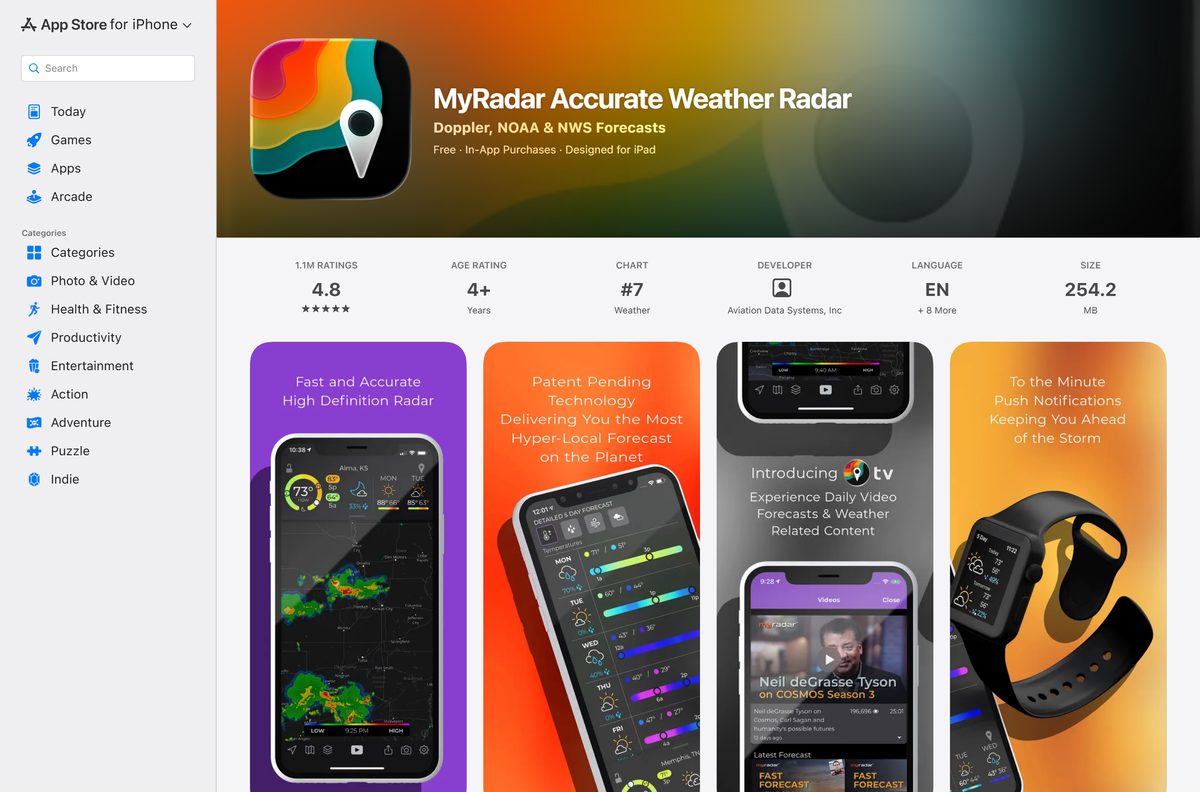
| iPhone or iPad on iOS 16.6 or later | MyRadar Accurate Weather Radar on the App Store | 254.2 MB |
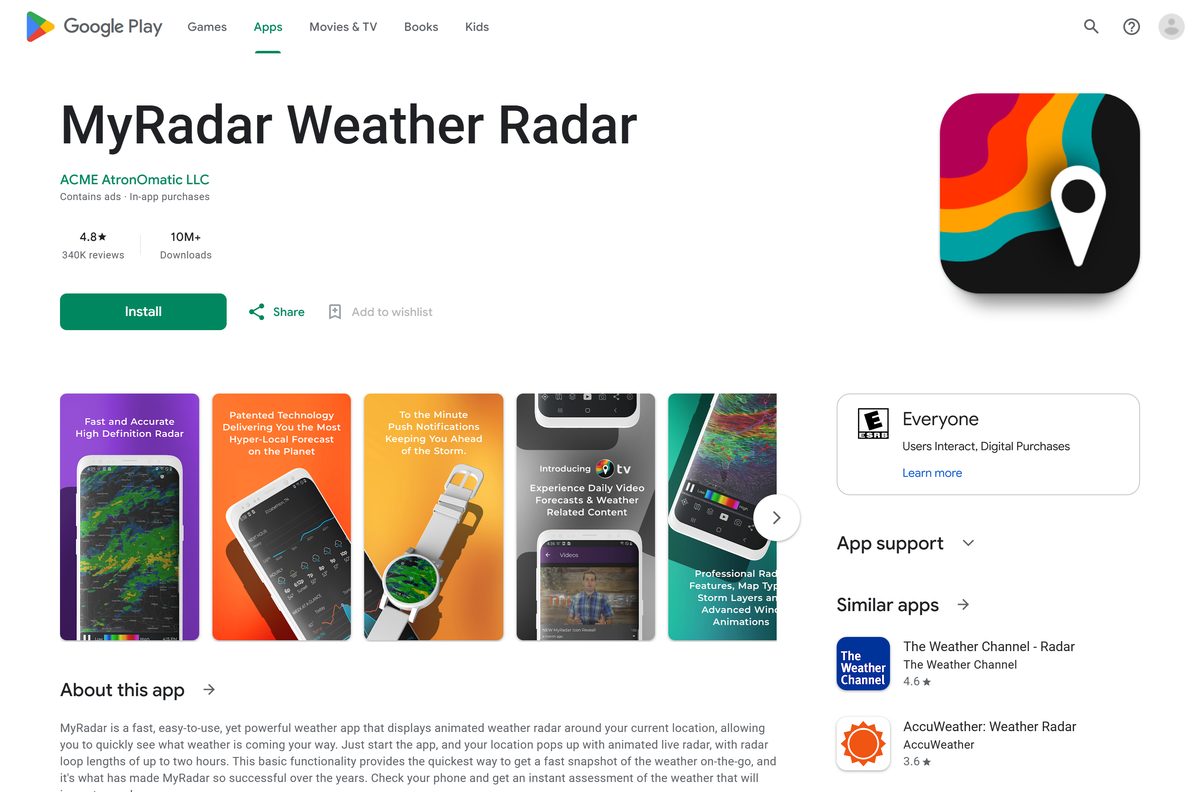
| Android phone, tablet or Wear OS watch | MyRadar Weather Radar on Google Play | Play states no size |
| Apple Watch or Apple TV | The same App Store listing, which covers both | Covered by the iPhone listing |
The 227 MB Windows figure is the Store’s maximum download size for one bundle that holds both the x64 and Arm64 builds.
Download MyRadar from the official sources
ACME AtronOmatic publishes MyRadar through these listings. The App Store names the seller as Aviation Data Systems, Inc, and the copyright line reads ACME AtronOmatic, LLC.
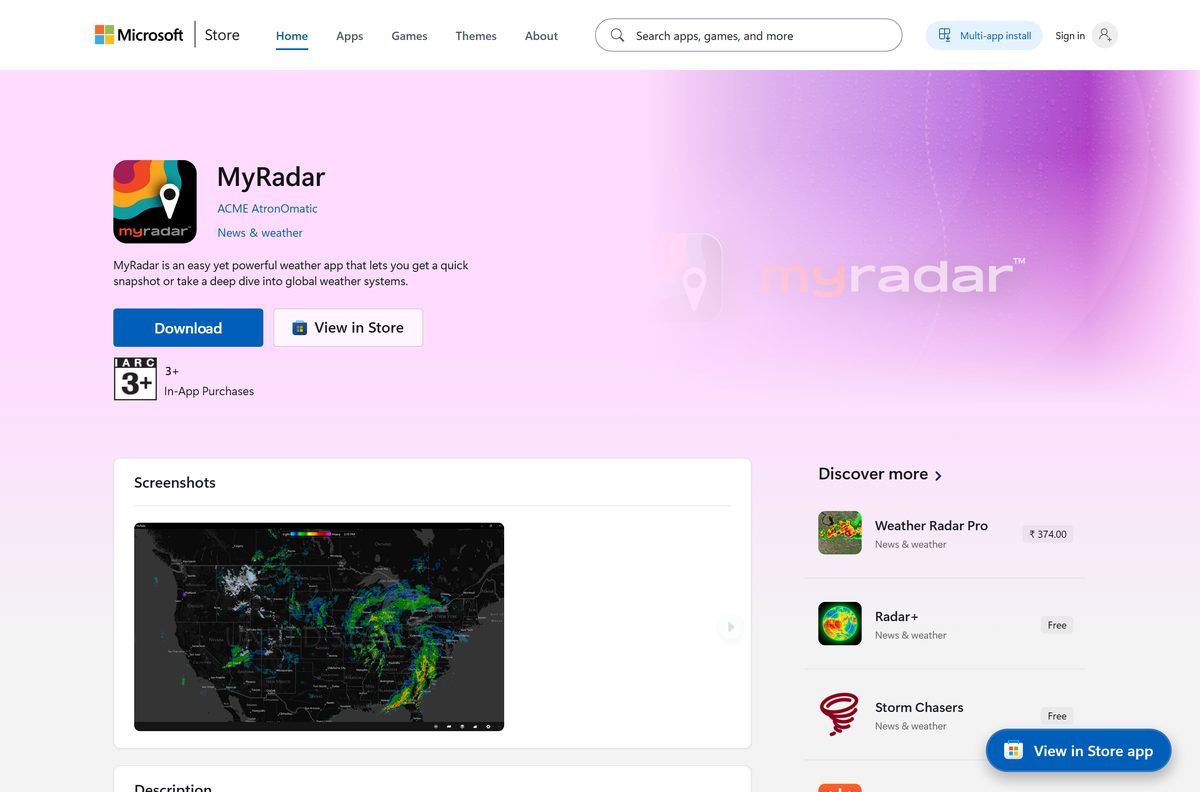
- MyRadar on the Microsoft Store — 227 MB · free, publisher ACME AtronOmatic, x64 and Arm64
- MyRadar Accurate Weather Radar on the App Store — 254.2 MB · free with in-app purchases, iOS 16.6 or later
- MyRadar Weather Radar on Google Play — contains ads, in-app purchases, 10M+ downloads
- myradar.com — the vendor site, with a form that texts a download link to your phone
The Windows listing shows 4.8 stars from more than 35,000 ratings and a Store update dated 23 September 2026.
Check the MyRadar requirements for your PC
The Microsoft Store blocks the install on anything older than Windows 10 version 2004, which is build 19041.
| Field | Value |
|---|---|
| App | MyRadar |
| Developer | ACME AtronOmatic, LLC |
| Latest version | 26.1908.131.0 on Windows; 7.126.0 on iPhone and iPad |
| Price | Free with ads; optional in-app upgrades |
| Windows | Windows 10 version 19041.0 or higher, and Windows 11 |
| Architecture | x64 and Arm64 |
| Download size | 227 MB bundle on Windows; 254.2 MB on iPhone and iPad |
| iPhone and iPad | iOS 16.6 or later, plus Apple Watch and Apple TV |
| Android | Phones, tablets and Wear OS through Google Play |
| Mac | No macOS app |
| Offline installer | None; Windows installs from the Microsoft Store only |
| Official source | Microsoft Store, App Store and Google Play |
| Last verified | 2026-09-25 |
How to install MyRadar on Windows 11 and 10 from the Microsoft Store
The Store handles the download, the install and future updates. You need a Microsoft account signed in to the Store app.
- Open the MyRadar listing in your browser.
- Select Get in Store app, then allow the browser to open Microsoft Store.
- Check that the publisher reads ACME AtronOmatic.
- Select Get and wait for the download to finish.
- Select Open, or find MyRadar in the Start menu.
- Select Allow when Windows asks for location access, so the radar centres on your area.
- Right-click MyRadar in the Start menu and select Pin to taskbar if you want it one click away.
The listing also requests access to your pictures and video libraries, which MyRadar uses for sharing weather photos.
Install MyRadar with winget instead
winget pulls MyRadar from the msstore source, which is the Microsoft Store catalog. Use this route to script the install or skip the Store window.
- Right-click Start and select Terminal.
- Run winget install –id 9WZDNCRFHZN6 –source msstore .
- Type Y to accept the Microsoft Store source agreement if winget asks.
- Wait for the Successfully installed message.
- Open MyRadar from the Start menu.
The msstore package installs for the current user only, on x64 and Arm64 PCs.
What can you use on a Mac instead of MyRadar?
ACME AtronOmatic publishes no macOS build. The App Store listing covers iPhone, iPad, Apple Watch and Apple TV, and a Mac App Store search returns no MyRadar app.
| Your situation | What to do | Source |
|---|---|---|
| You own an iPhone or iPad | Install MyRadar there, 254.2 MB | Apple App Store |
| You use an Android phone | Install MyRadar from Google Play | Google Play |
| You also have a Windows PC | Install the free Windows app | Microsoft Store |
Skip Mac App Store radar apps that borrow a similar name. None of them come from ACME AtronOmatic or Aviation Data Systems.
Is MyRadar free?
Yes. MyRadar is free on Windows, iPhone, iPad and Android, with ads and optional paid upgrades. The free app shows animated radar, temperatures, clouds, weather alerts and aviation layers. On Windows, add-ons remove ads, turn on the live tile, and unlock the Hurricane Tracker and historical animated radar. On the App Store, a Premium Features subscription with a free trial adds the Hurricane Tracker, Pro Radar and ad removal, and Aviation Charts costs $59.99. Google Play labels the app as containing ads with in-app purchases.
Separate paid Pro listings also exist: MyRadar Pro costs $13.99 in the Microsoft Store, and MyRadar Weather Radar Pro costs $5.99 on the App Store and Google Play.
Should you install MyRadar or MyRadar Pro on Windows?
Install the free MyRadar first, and buy an add-on only for the feature you miss. The free Windows app and MyRadar Pro come from the same publisher and show the same animated radar. The free app lets you pay only for ad removal, the Hurricane Tracker or historical radar, while MyRadar Pro is a separate $13.99 purchase. Starting free also confirms the app runs well on your PC before you spend anything.
MyRadar Pro has its own Store listing, product ID 9WZDNCRDC354, from ACME AtronOmatic.
How to check your MyRadar version and update it
Store apps update themselves when automatic updates are on. Use these steps to force the update right away.
- Open Microsoft Store and select Downloads in the lower-left corner.
- Select Check for updates and wait for the list to refresh.
- Select Update next to MyRadar if it appears.
- To see the installed version, open Settings > Apps > Installed apps, select the three dots next to MyRadar and choose Advanced options.
- On an iPhone, open the App Store, tap your profile picture and tap Update next to MyRadar.
- On Android, open Google Play, tap your profile picture, then Manage apps & device, and update MyRadar.
Windows release 26.1908 added meteorology notes on the map and an SPC Mesoscale Discussions layer that marks developing severe weather.
Fix MyRadar not installing or not showing your location
The Store says MyRadar does not work on this device
The PC runs a Windows 10 build older than 19041.
- Press Windows + R, type winver and press Enter to see your build.
- Open Settings > Update & Security > Windows Update and install the pending feature updates.
- Try the MyRadar listing again once the build reads 19041 or higher.
The Get button does nothing or the download stalls
The Store app or its cache is stuck.
- Sign out of Microsoft Store and sign back in with your Microsoft account.
- Press Windows + R, type wsreset.exe and press Enter to clear the Store cache.
- Run the winget command above as a fallback.
The radar does not centre on your area
Windows location access is off for MyRadar.
- Open Settings > Privacy & security > Location.
- Turn on Location services and Let apps access your location.
- Turn on the switch next to MyRadar and restart the app.
The iPhone app will not install
MyRadar needs iOS 16.6 or later.
- Open Settings > General > About to check the iOS version.
- Update through Settings > General > Software Update.
- Install MyRadar from the App Store again.
How to uninstall MyRadar and cancel an upgrade
Removing the app does not cancel a subscription. Cancel it through the store that billed you.
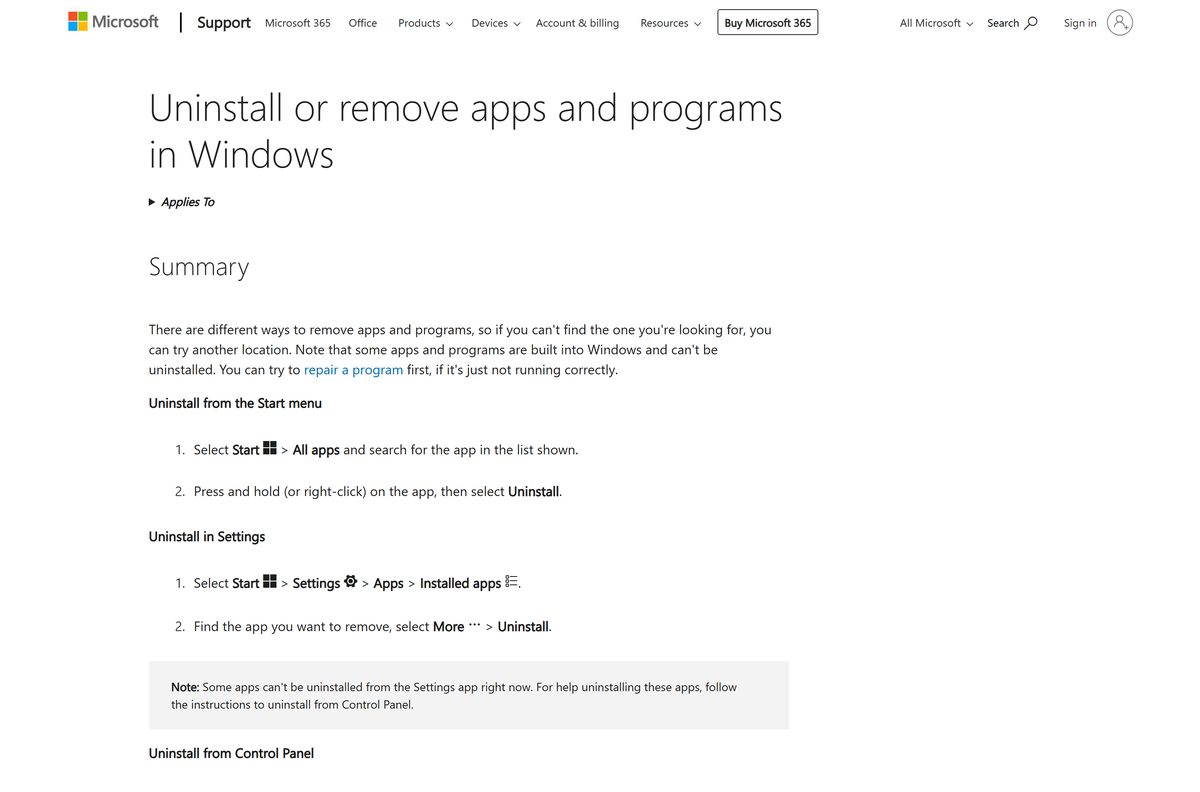
- On Windows, open Settings > Apps > Installed apps.
- Select the three dots next to MyRadar and choose Uninstall, then confirm.
- Alternatively, right-click MyRadar in the Start menu and select Uninstall.
- On an iPhone or Android phone, press and hold the MyRadar icon and choose the remove or uninstall option.
- To cancel an iPhone subscription, open Settings, tap your name, then Subscriptions.
- To cancel on Android, open Google Play, tap your profile picture, then Payments & subscriptions > Subscriptions.
Uninstalling on one device leaves MyRadar on your other phones, tablets and PCs untouched.
Which weather radar app should you use on Windows instead?
These Microsoft Store apps come from established publishers and install the same way.
| App | Publisher | Best for |
|---|---|---|
| MyRadar | ACME AtronOmatic | Free animated radar, alerts and aviation layers |
| MSN Weather | Microsoft Corporation | Microsoft’s own free forecast app |
| RadarScope | DTN, LLC | A paid radar app at $29.99 |
Pick MyRadar for a free radar map with alerts. Pick MSN Weather if you mainly want daily forecasts.

Frequently asked questions
Is MyRadar free to download?
Yes. MyRadar is free in the Microsoft Store, on the App Store and on Google Play. Ads pay for the free version, and optional upgrades remove ads or add the Hurricane Tracker and professional radar.
What is the official MyRadar download page?
On Windows, use the MyRadar listing from ACME AtronOmatic in the Microsoft Store. On iPhone and iPad, use MyRadar Accurate Weather Radar on the App Store, and on Android use MyRadar Weather Radar on Google Play.
Does MyRadar work on Windows 11?
Yes. MyRadar installs from the Microsoft Store on Windows 11 and on Windows 10 version 19041.0 or higher. It runs on both x64 and Arm64 PCs.
How big is the MyRadar download?
The Windows package is 227 MB in the Microsoft Store, a bundle that holds both the x64 and Arm64 builds. The iPhone and iPad app is 254.2 MB. Google Play shows no size for the Android app.
Is there a MyRadar .exe or offline installer?
No. MyRadar for Windows installs only from the Microsoft Store, either through the Store app or with winget and the msstore source. Neither route works without an internet connection.
Is there a MyRadar app for Mac?
No. ACME AtronOmatic publishes no macOS version, and the App Store listing covers iPhone, iPad, Apple Watch and Apple TV only. Mac owners can use MyRadar on an iPhone, iPad or Android phone instead.
Does MyRadar support ARM64 Windows PCs?
Yes. The Microsoft Store package ships x64 and Arm64 builds, so MyRadar runs natively on Windows on Arm laptops as well as on Intel and AMD PCs.
Is MyRadar safe to install?
Yes, when it comes from the official store listings published by ACME AtronOmatic. On Windows, the app asks for location, internet access and your pictures and video libraries, which it uses for local radar and photo sharing.
What is the latest version of MyRadar?
The Windows app is version 26.1908.131.0, updated in the Microsoft Store on 23 September 2026. The iPhone and iPad app is version 7.126.0. Store apps update themselves when automatic updates are on.
Why won’t MyRadar install on my PC?
The usual cause is a Windows 10 build older than 19041, which the Store blocks. Update Windows, then clear the Store cache with wsreset.exe, or install MyRadar with winget if the Get button stalls.
What is the difference between MyRadar and MyRadar Pro?
MyRadar Pro is a separate paid listing: $13.99 in the Microsoft Store and $5.99 on the App Store and Google Play. The free MyRadar shows ads but lets you buy only the upgrades you want.