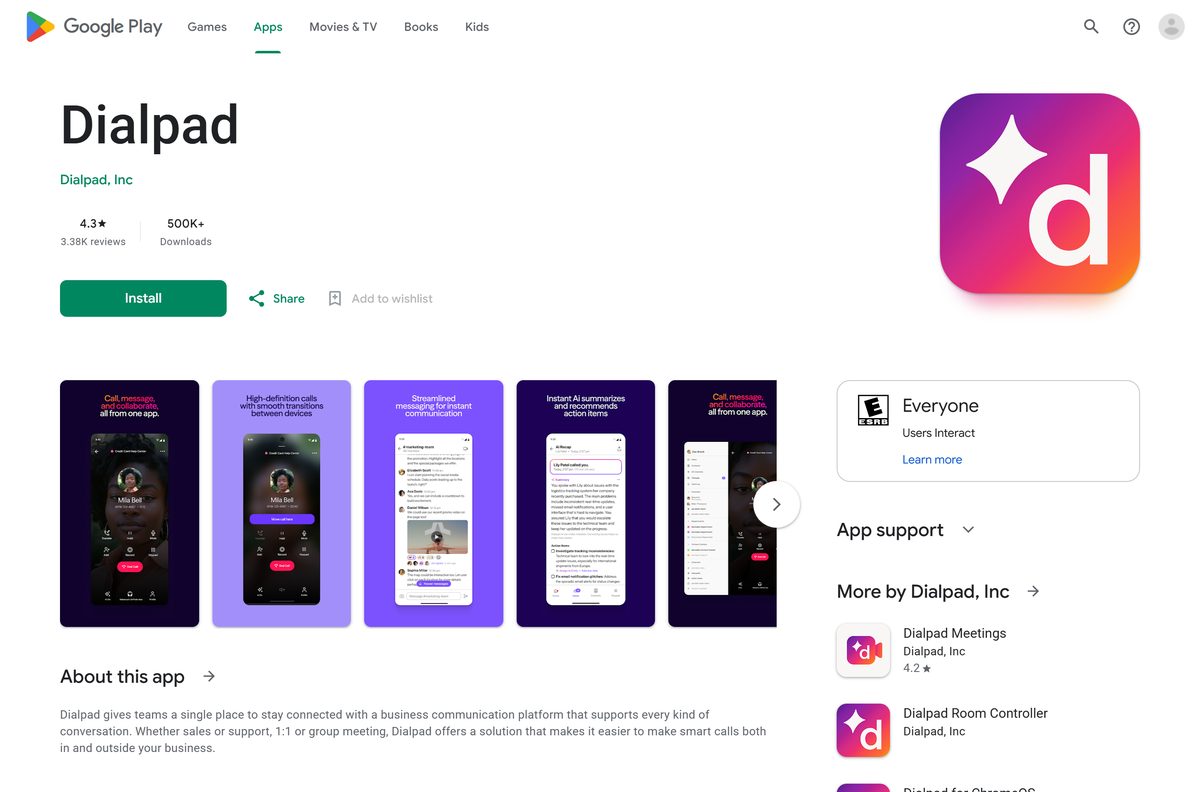
The Dialpad download for Windows 11, Windows 10 and Mac comes from the official Dialpad download page. Install the desktop app, sign in with your Dialpad account, and calls, messages and meetings sit in one window.
Windows gets an EXE for a single user and an MSI for IT teams. Mac has separate packages for Apple silicon and Intel chips. Phones get the app from the App Store and Google Play.
The download costs nothing. A new Dialpad account starts with a 14-day free trial, then moves onto a paid business plan.
Below you will find the right file for your machine, the install steps, deployment packages, the trial terms, requirements and fixes for failed installs.
Which Dialpad download do you need?
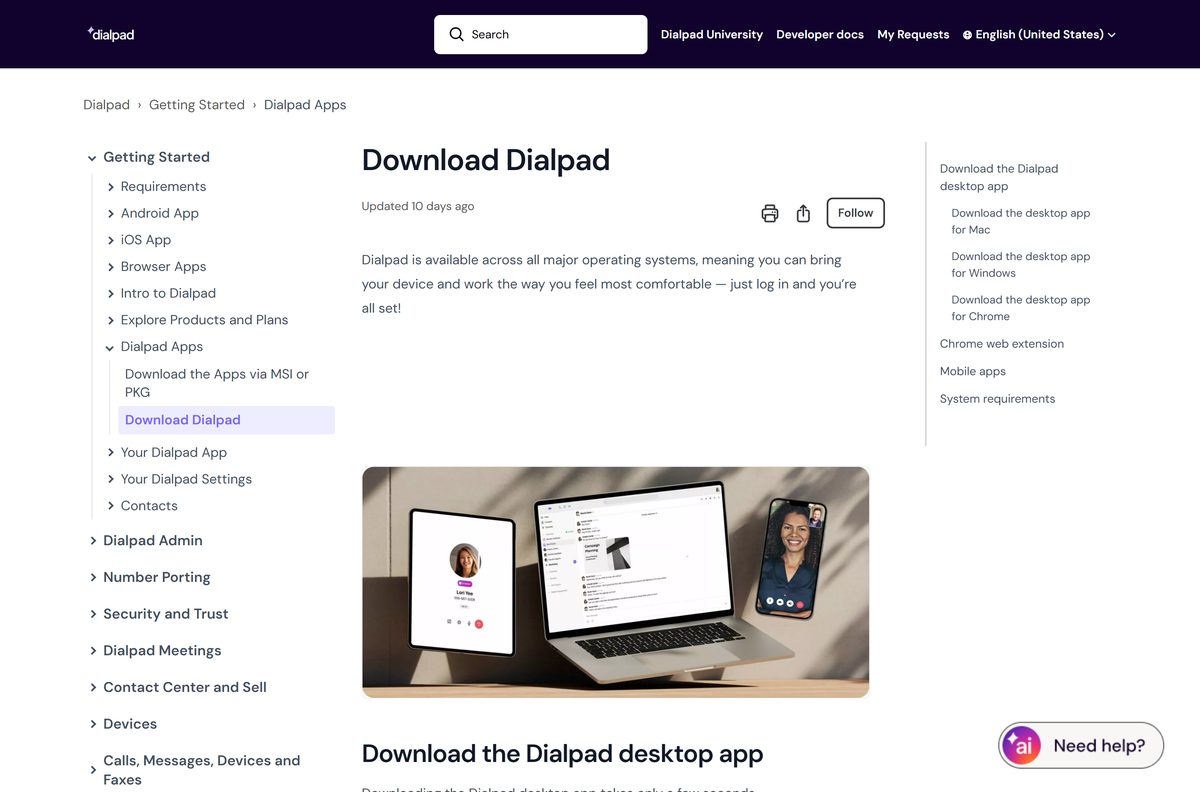
Match your device to a row and take that file. All desktop files come from download.dialpad.com , the server Dialpad’s own pages link to.
| Your device | File to download | Size |
|---|---|---|
| Windows 11 or Windows 10 PC, 64-bit | DialpadSetup_x64.exe | Not listed by the server |
| Windows PC, rolled out by IT | DialpadSetup_x64.msi | Not listed by the server |
| Windows on ARM (Surface Pro X, Copilot+ PCs) | Microsoft Store app | Store download |
| Mac with an Apple M-series chip | dialpad.pkg (Apple silicon) | 132.0 MB |
| Mac with an Intel processor | dialpad.pkg (Intel) | 136.7 MB |
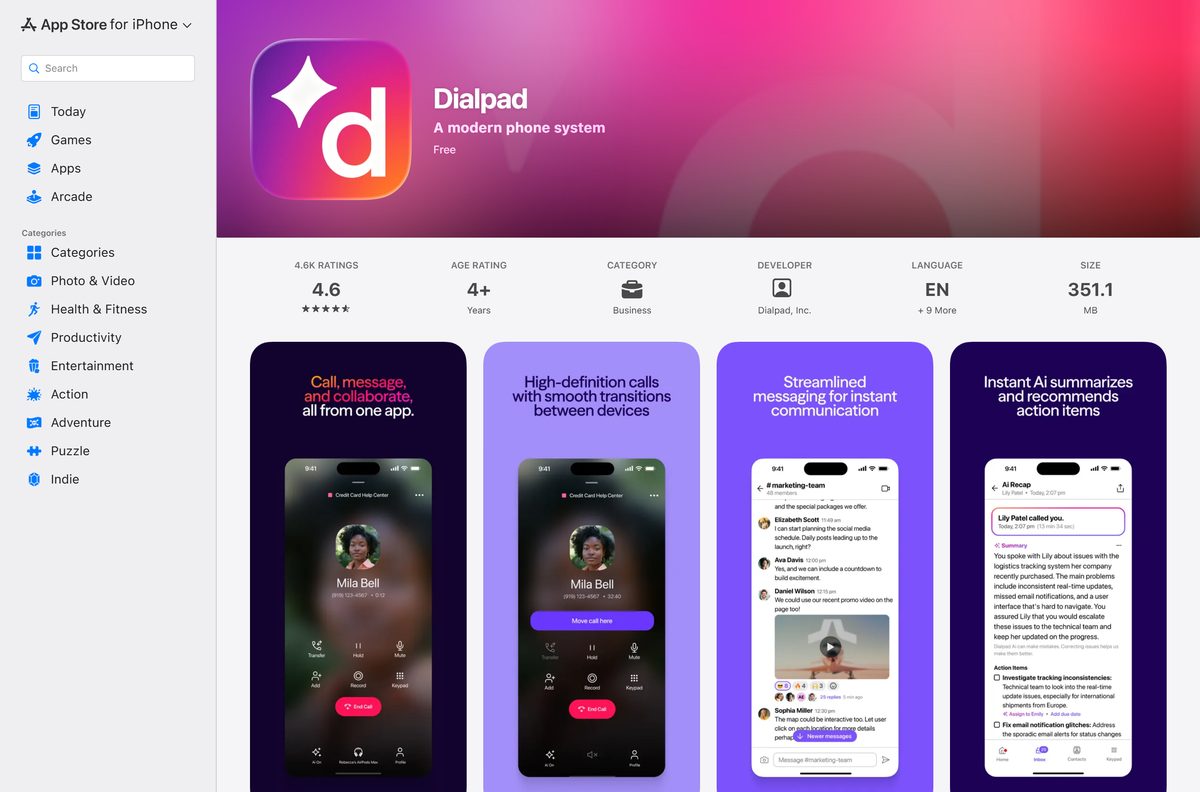
| iPhone or iPad | App Store listing | 351.1 MB |
| Android phone | Google Play listing | Store download |
| Chromebook | Google Play app for ChromeOS | Store download |
The Windows server sends no file size with its installers. The full Windows app package in the current release is 155.7 MB, so expect a download close to that.
Download Dialpad from the official page for Windows 11 and 10
Dialpad’s help center points Windows users to the download page and lists the direct package links. The links below go straight to Dialpad’s own download server.
- Dialpad download page — Desktop, iPhone and Android apps in one place
- Windows 64-bit EXE — Per-user install for Windows 11 and 10
- Windows 32-bit EXE — Only for old 32-bit Windows 10 machines
- Download the Apps via MSI or PKG — Every MSI, MSIX, PKG and DMG link
Dialpad calls the 32-bit build unsupported by Microsoft and points everyone to the 64-bit version. Take the 32-bit file only when System type in Settings > System > About says 32-bit.
How to install Dialpad on Windows 11 and 10
The EXE installs into your own user profile under %LOCALAPPDATA%\Dialpad , so it runs without administrator rights.
- Download DialpadSetup_x64.exe from Dialpad’s server.
- Open your Downloads folder once the file finishes saving.
- Double-click the file and wait while setup copies the app into your profile.
- Open Dialpad from the Start menu if it does not launch on its own.
- Sign in with Google, Office 365 or the email address tied to your Dialpad account.
- Select Allow when Windows asks for microphone access, or callers will not hear you.
- Place a short test call to confirm audio works both ways.
Install Dialpad from the Microsoft Store on an ARM PC
Dialpad publishes no native ARM64 Windows installer. For Surface Pro X, Surface Pro 11 and Copilot+ PCs, it recommends the Microsoft Store app, which runs natively on ARM.
- Open the Dialpad listing in the Microsoft Store.
- Select Get or Install and let the Store finish.
- Open Dialpad from the Start menu and sign in with your work account.
- Pin the app to the taskbar so incoming calls are one click away.
The x64 installer does run on ARM through Windows emulation. Dialpad does not support that route and warns of lower performance and shorter battery life.
Download the Dialpad MSI or MSIX package for deployment
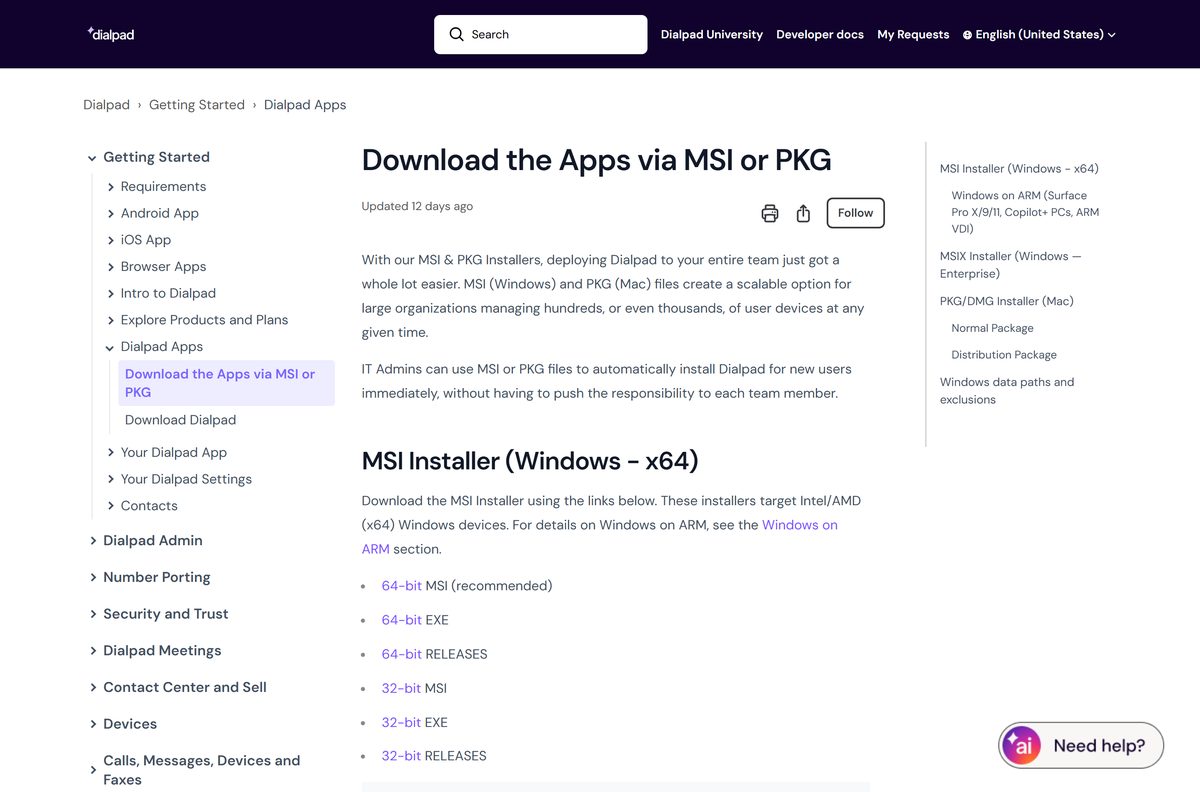
IT teams push Dialpad with an MSI, an MSIX or a Mac PKG. Pick the package that matches how you want updates handled.
| Package | Install behaviour | Updates |
|---|---|---|
| DialpadSetup_x64.msi | Runs at each user’s sign-in and installs to that user’s profile | The app updates itself weekly |
| DialpadSetup.msi (32-bit) | Same as the 64-bit MSI, for 32-bit Windows only | The app updates itself weekly |
| latest.msix | 64-bit only; Windows removes it cleanly on uninstall | Pushed through your endpoint manager |
| dialpad_dist.pkg (Apple silicon) | Distribution package for Mac fleet tools | The app updates itself weekly |
| dialpad_dist.pkg (Intel) | Distribution package for Intel Macs | The app updates itself weekly |
Neither the MSI nor the PKG opens the app after installing. Removing the MSI also leaves Dialpad in every user profile it reached, so plan a separate cleanup.
Keep %LOCALAPPDATA%\Dialpad\ out of logoff cleanup scripts. It holds the program files and Update.exe , and deleting it forces a reinstall.
Which Dialpad download do you need for your Mac?
Open the Apple menu and select About This Mac. The Chip or Processor line tells you which file to take.
| Your Mac says | Download | Size |
|---|---|---|
| Apple M1, M2, M3, M4 or later | dialpad.pkg (Apple silicon) | 132.0 MB |
| Apple chip, prefer drag-to-Applications | Dialpad.dmg (Apple silicon) | 132.0 MB |
| Intel Core i5, i7 or i9 | dialpad.pkg (Intel) | 136.7 MB |
| Intel, prefer drag-to-Applications | Dialpad.dmg (Intel) | 136.6 MB |
Double-click the PKG and follow the installer, or open the DMG and drag Dialpad into Applications. The app needs macOS 11 or later.
Is Dialpad free?
The store listings show Dialpad as free, and the desktop installers cost nothing. That covers the software, not the phone service behind it.
No. Dialpad is a paid business phone system, but every new account gets a 14-day free trial. Dialpad asks for a payment method at sign-up and starts the trial from there. Trial accounts work only in the country they were opened in, and toll-free or extra numbers wait for a paid plan.
Start the trial on dialpad.com through Login > Sign up, then choose Google, Office 365 or email. Cancel from the Billing Summary page before day 14 if you do not want to pay.
Plan prices sit on Dialpad’s pricing page. A cracked copy gets you nothing, because every sign-in checks Dialpad’s servers.
How to check your Dialpad version and update it
Dialpad ships a desktop update every week. A banner offers each one, and you can force it if you dismissed the banner.
- Open Dialpad App Preferences to see your current version number.
- On Windows, press Alt to show the menu bar, then select File > Check for Update.
- On a Mac, select Dialpad in the menu bar, then Check for Update.
- Restart the app when the update finishes downloading.
The current Windows release is version 2609.1.0. The iPhone and Android apps use separate numbering and update monthly.
Check the Dialpad system requirements before you install
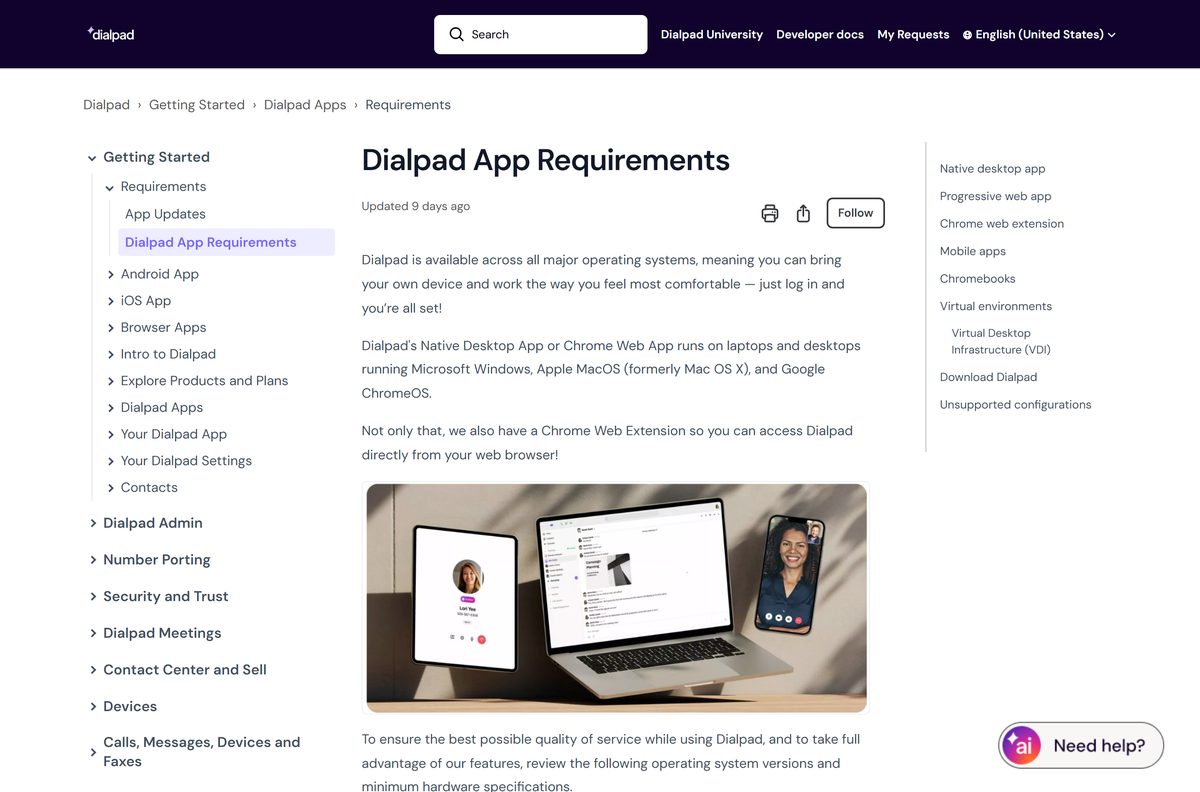
The desktop app is light. Four gigabytes of memory and a dual-core processor are enough to start.
| Item | Detail |
|---|---|
| Developer | Dialpad, Inc. |
| Latest version | 2609.1.0 for Windows, released September 17, 2026 |
| Licence | Free download, paid plan after a 14-day free trial |
| Windows | Windows 10 or later, 64-bit recommended, 32-bit still offered |
| macOS | macOS 11 or later, Intel and Apple silicon |
| Mac download size | 132.0 MB Apple silicon, 136.7 MB Intel |
| Processor | 1.3 GHz, 2 cores minimum; 2 GHz, 4 cores recommended |
| Memory | 4 GB minimum, 8 GB recommended |
| Disk space | 450 MB |
| Browser app | Chrome less than a year old |
| Mobile | iOS 17 and up, Android 12 or later; no Amazon tablets |
| Official download source | dialpad.com |
| Last verified | 2026-09-25 |
Full details sit in Dialpad App Requirements on the help center.
Fix Dialpad not installing or updating on Windows 11 and 10
Four problems cover most failed installs. Find your symptom and work through its fixes.
Setup finishes but the app never opens
An MSI install waits for the next sign-in and never auto-launches.
- Sign out of Windows and sign back in.
- Open Dialpad from the Start menu.
- Run DialpadSetup_x64.exe instead if the app still does not appear.
Antivirus blocks or deletes the app
Security software flags the update helper in your profile folder.
- Add an exclusion for %LOCALAPPDATA%\Dialpad\ .
- Add exclusions for %LOCALAPPDATA%\Dialpad\Update.exe and %LOCALAPPDATA%\Dialpad\app-.\dialpad.exe .
- Run the installer again.
Dialpad vanished after a restart or sign-out
A cleanup tool deleted the program folder under %LOCALAPPDATA%.
- Download the installer again from the Dialpad download page.
- Reinstall and sign in.
- Ask IT to exclude %LOCALAPPDATA%\Dialpad\ from profile cleanup.
The app is slow or drains the battery on an ARM laptop
The x64 build is running under emulation.
- Uninstall the desktop app from Settings > Apps > Installed apps.
- Install the Microsoft Store version instead.
How to uninstall Dialpad and clear its data
Uninstalling removes the program but leaves your settings and sign-in data behind. Clear that folder for a fresh start.
- Close Dialpad and make sure no call is in progress.
- Open Settings > Apps > Installed apps, find Dialpad, and select Uninstall.
- Press Windows + R, enter %APPDATA%\Dialpad , and delete that folder to remove logs, cookies and saved sessions.
- On a Mac, drag Dialpad from Applications to the Trash.
On a PC set up through the MSI, remove the MSI from the machine as well, or it reinstalls the app at the next sign-in.
Which Dialpad alternatives should you compare?
Each option below is a business platform billed per seat. Moving means porting your numbers, so compare before the contract renews.
| Platform | What it is | Official download |
|---|---|---|
| RingCentral | Cloud phone, messaging and video in one app | ringcentral.com |
| Zoom Workplace | Meetings first, with a paid phone add-on | zoom.us |
| Microsoft Teams | Chat and meetings for Microsoft 365 tenants | microsoft.com |
| Google Voice | Business numbers inside Google Workspace | workspace.google.com |
Frequently asked questions
Is the Dialpad download free?
Yes, the desktop and mobile apps are free to download. Using them needs a Dialpad account, which starts with a 14-day free trial and then moves to a paid business plan.
Where is the official Dialpad download page?
Dialpad hosts it at dialpad.com/download. The help center article on MSI and PKG downloads lists every Windows and Mac package, including the 32-bit and MSIX builds.
Does Dialpad run on Windows 11?
Yes. Dialpad supports Windows 10 or later, which includes Windows 11. Take the 64-bit installer, because Dialpad no longer recommends the 32-bit build for any PC.
Is there a Dialpad app for Mac?
Yes. Dialpad ships separate Mac packages for Apple silicon and Intel chips, each as a PKG or a DMG. The Apple silicon PKG is 132.0 MB and needs macOS 11 or later.
Does Dialpad work on Windows on ARM?
There is no native ARM64 desktop installer. Dialpad recommends its Microsoft Store app on ARM PCs, because it runs natively there. The x64 installer works through emulation but is not supported.
Is there a Dialpad machine-wide installer?
The MSI is the deployment package. It runs when each user signs in and installs into that user’s profile, rather than into Program Files. The MSIX suits endpoint managers that control updates.
How do I update Dialpad?
Updates arrive weekly with a banner. To force one on Windows, press Alt and select File, then Check for Update. On a Mac, open the Dialpad menu and select Check for Update.
Can I use Dialpad without installing anything?
Yes. Dialpad runs as a progressive web app in a current version of Chrome on Windows and Mac. A Chrome extension also launches calls and texts from the browser.
How much disk space does Dialpad need?
Dialpad asks for 450 MB of free disk space, 4 GB of memory and a 1.3 GHz dual-core processor at minimum. It recommends 8 GB of memory and a quad-core processor.
How do I uninstall Dialpad completely?
Uninstall it from Settings, Apps, Installed apps, then delete the Dialpad folder under %APPDATA% to clear saved sessions and logs. On MSI setups, remove the MSI too, or the app returns at sign-in.