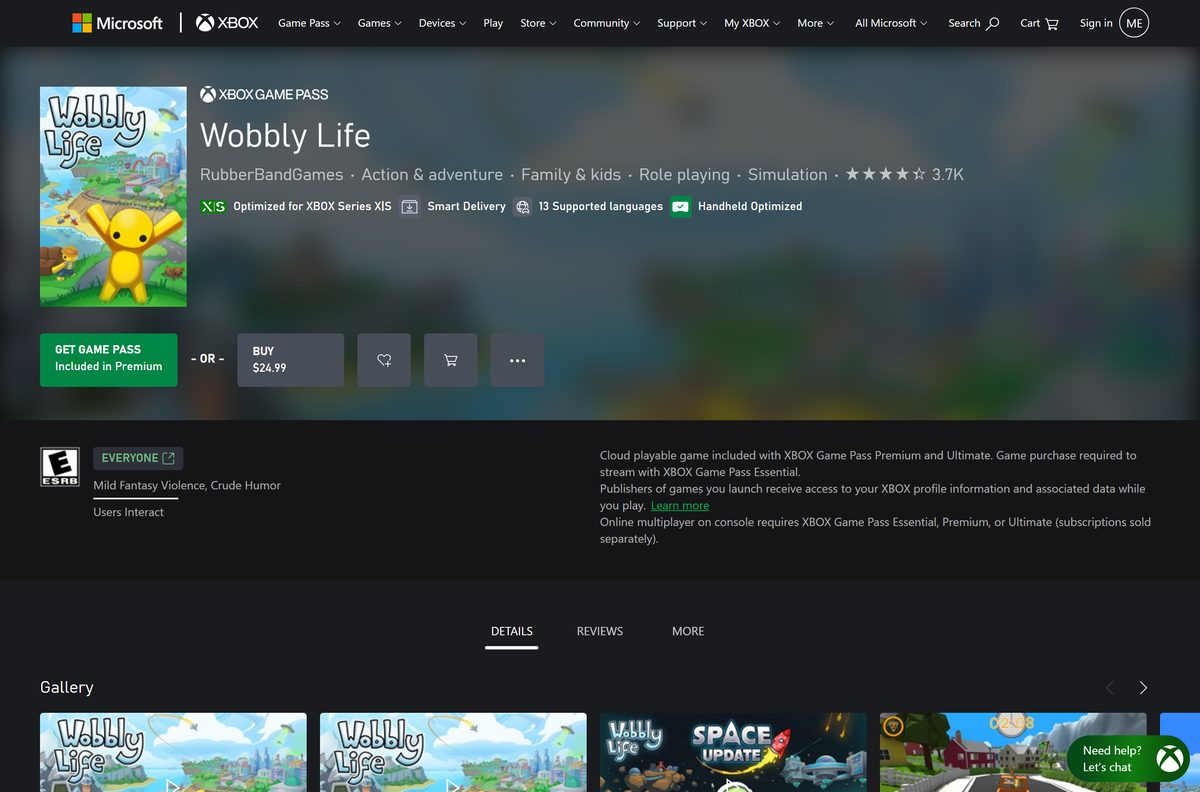
The Wobbly Life download for PC comes from Steam or the Xbox app on Windows 11 and Windows 10. Both stores sell the full game for $24.99 and install a 64-bit build of about 2 GB.
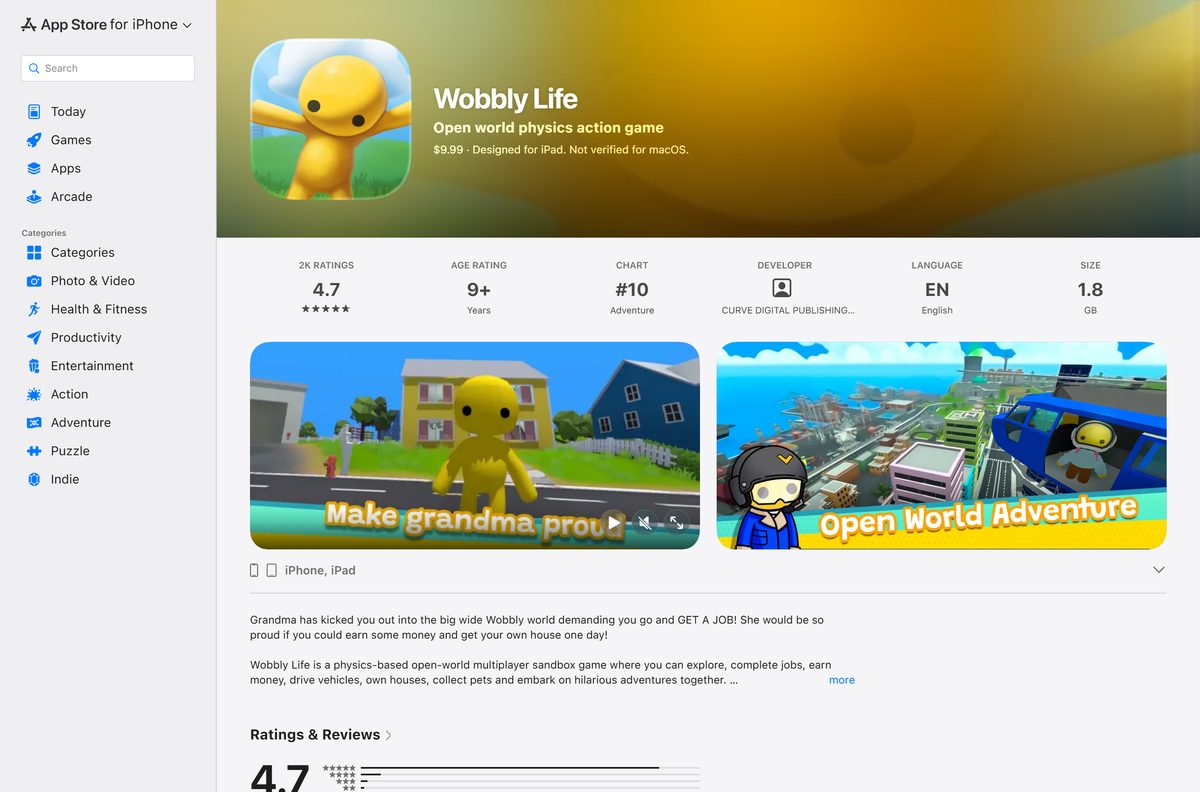
RubberBandGames develops the open-world physics sandbox, and you can play it solo or with up to four friends online or in split-screen co-op. The same game also sells for $9.99 on iPhone, iPad and Android.
This guide covers which store to pick, the official links, install steps for Steam and the Xbox app, what Mac owners can do, the PC specs, updates and fixes for failed installs.
Which Wobbly Life download do you need?
Match your device to a row. Since the v1.1 update, the PC and console versions play together through crossplay.
| Your situation | Where to get it | Price |
|---|---|---|
| Windows 11 or Windows 10 PC, most players | Steam store page | $24.99, with Steam Workshop and Steam Cloud |
| Windows PC with Xbox Game Pass, or an Xbox console too | Xbox store page | $24.99, or included with Game Pass Premium |
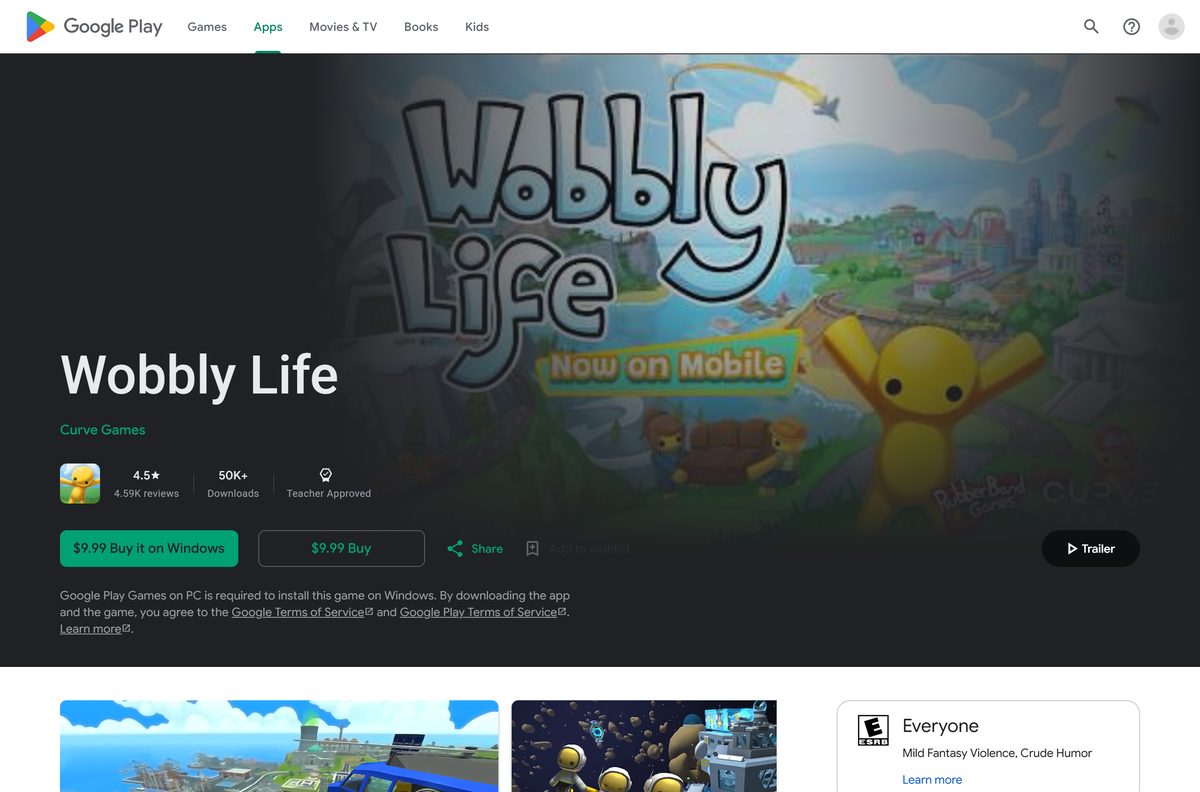
| Windows PC on a tight budget | Google Play listing | $9.99, runs through Google Play Games on PC |
| iPhone or iPad | App Store listing | $9.99, iPhone 12 or newer |
Each store sells a separate licence. Buying on Steam does not unlock the Xbox or mobile version.
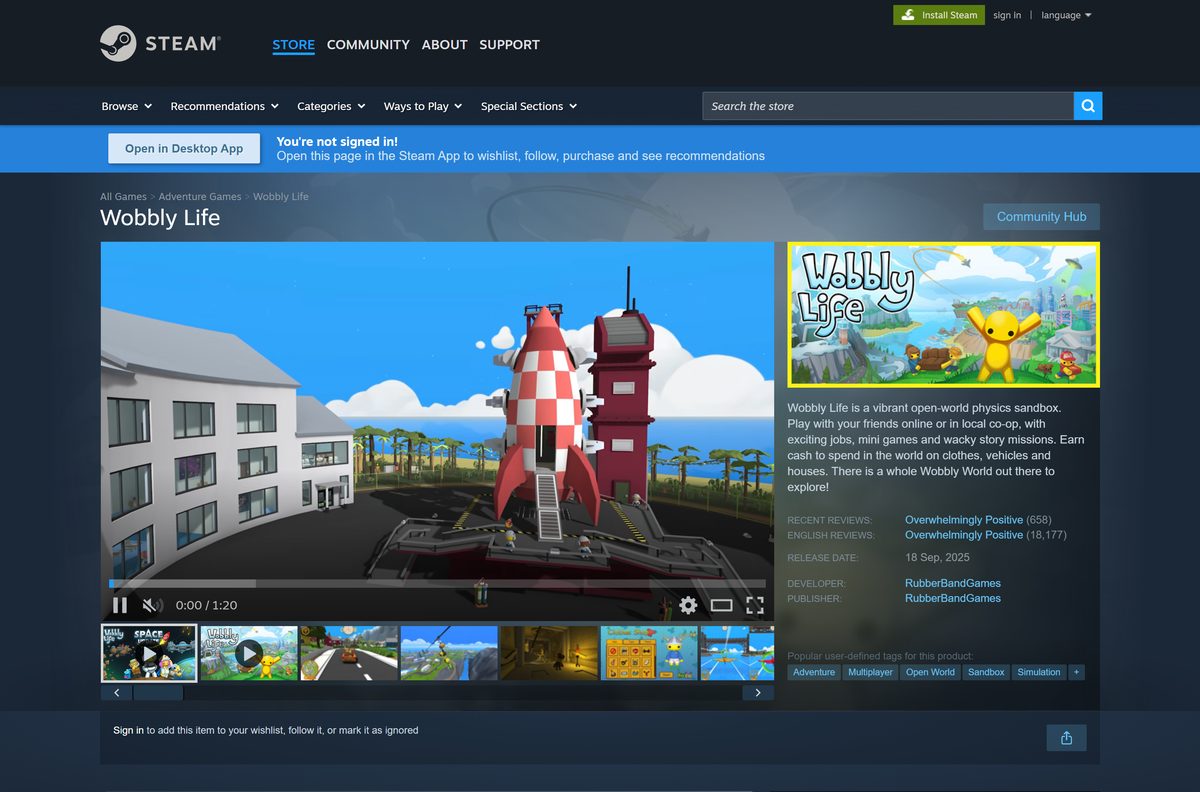
Download Wobbly Life from the official stores
RubberBandGames sells the PC game through Steam and the Microsoft Store. Curve Games publishes the iOS and Android versions.
- Wobbly Life on Steam — Windows, $24.99
- Wobbly Life on Xbox and the Microsoft Store — Windows PC and Xbox, $24.99, 2.32 GB PC package
- Wobbly Life on the App Store — iPhone and iPad, $9.99
- Wobbly Life on Google Play — Android and Google Play Games on PC, $9.99
- Wobbly Life news and patch notes — Update history on Steam
Any other site offering a free Wobbly Life setup file is not an official source.
How to install Wobbly Life on Windows 11 and 10 with Steam
Steam is the most common route on PC. You need the Steam client and a Steam account.
- Open the Wobbly Life Steam page and sign in to Steam.
- Select Add to Cart next to Wobbly Life.
- Open your cart and complete the purchase.
- Open the Steam app and go to your Library.
- Select Wobbly Life and click Install.
- Choose a drive with at least 2 GB free and confirm.
- Wait for the download to finish on the Steam Downloads page.
- Click Play to launch the game.
Steam keeps Wobbly Life on the latest patch automatically while the client is running.
Install Wobbly Life from the Xbox app on Windows
The Microsoft Store version installs through the Xbox app. It is the right pick when you already pay for Xbox Game Pass.
- Open the Xbox app on Windows 11 or Windows 10 and sign in with your Microsoft account.
- Search for Wobbly Life and open the game page from RubberBandGames.
- Click Buy to pay $24.99, or Install if your Game Pass plan includes it.
- Pick an install drive with at least 2.5 GB free.
- Wait for the download to finish in the Xbox app queue.
- Click Play to start the game.
The Microsoft Store PC package needs Windows 10 version 2004 (build 19041) or later.
Which Wobbly Life download works for Mac owners?
Steam lists Wobbly Life for Windows only, and the App Store build is for iPhone and iPad. Pick the device you want to play on.
| Your setup | Pick | Why |
|---|---|---|
| Mac only | Neither store | No macOS version of Wobbly Life exists on Steam or the Mac App Store |
| Mac plus an iPhone 12 or newer | App Store | $9.99, same content as the PC version |
| Mac plus a Windows PC | Steam | $24.99, full Windows game with Workshop support |
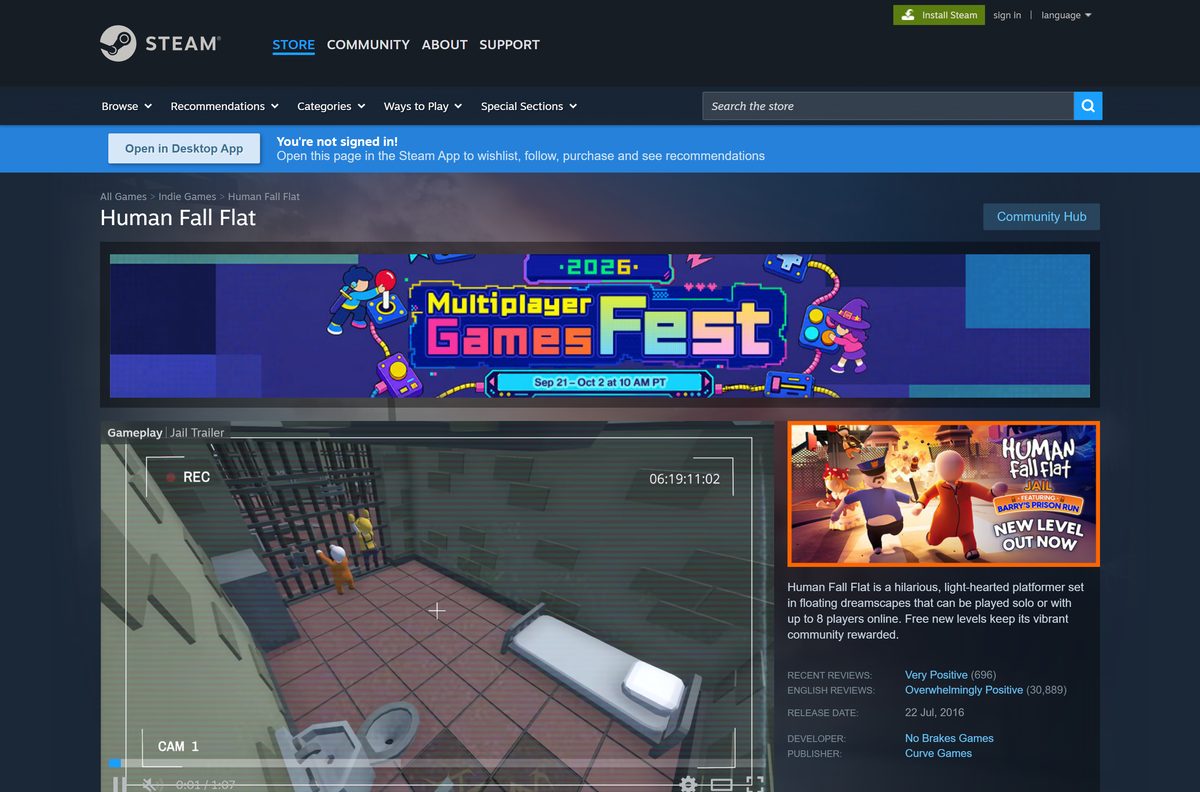
| You want a similar game that runs on macOS | Human Fall Flat on Steam | $19.99, Windows and Mac |
The iOS version needs a constant internet connection, because it signs in to platform services.
Is Wobbly Life free?
Steam and the Microsoft Store both list Wobbly Life at $24.99. The iOS and Android versions cost $9.99.
No. Wobbly Life is a paid game with no free version on any platform. The Xbox store page lists it as included with Xbox Game Pass Premium, the only way to play without buying it outright. Sites that offer a free full download, a crack or a repack are not RubberBandGames and are a common malware source.
The Wobbly Life Soundtrack is a separate $5.99 purchase on Steam and is not needed to play.
Check which platforms can play Wobbly Life together
The v1.1 Crossplay update on August 27, 2026 connected the PC and console versions. Friends on other platforms can join with an invite code.
| Platform | Store | Price | Crossplay with PC | |
|---|---|---|---|---|
| Windows 11 and 10 | Steam | $24.99 | Yes | |
| Windows 11 and 10, Xbox One and Series X | S | Xbox store | $24.99 | Yes |
| PS4 and PS5 | PlayStation Store | Check the store | Yes | |
| Nintendo Switch and Switch 2 | Nintendo eShop | Check the store | Yes | |
| iPhone and iPad | App Store | $9.99 | Plays with other mobile players | |
| Android | Google Play | $9.99 | Plays with other mobile players | |
| macOS | None | Not available | No |
The mobile versions have no in-game text or voice chat, because the game is rated for younger players.
How to update Wobbly Life to the latest version
The newest PC patch is v1.1, the Crossplay update. Store clients install patches for you.
- On Steam, right-click Wobbly Life in your Library and choose Properties.
- Open Updates and set it to keep the game updated.
- In the Xbox app, open My Library and install any pending update for Wobbly Life.
- On an iPhone, open the App Store, tap your profile picture and tap Update next to Wobbly Life.
- Read the Wobbly Life news page on Steam for patch notes.
Check the Wobbly Life system requirements
Steam lists a minimum and a recommended tier. Both need only 2 GB of storage.
| Field | Value |
|---|---|
| Game | Wobbly Life |
| Developer | RubberBandGames |
| Latest version | v1.1 Crossplay update on PC; 1.1.247 on iOS |
| Full release | September 18, 2025 |
| Price | Paid: $24.99 on Steam and Xbox, $9.99 on iOS and Android |
| Supported OS | 64-bit Windows 10 or Windows 11; no macOS version |
| Architecture | x64 only on Windows |
| Processor | Intel Core i7-6700 minimum; Intel Core i7-13700K recommended |
| Memory | 8 GB RAM minimum; 16 GB recommended |
| Graphics | GeForce GTX 1060 minimum; GeForce GTX 1650 recommended |
| DirectX | Version 11 minimum; version 12 recommended |
| Storage | 2 GB on Steam; the Microsoft Store PC package is 2.32 GB |
| Age rating | ESRB E, PEGI 7 |
| Offline installer | No, installs through Steam, the Xbox app or Google Play Games |
| Official sources | Steam, Xbox store, App Store, Google Play |
| Last verified | 2026-09-25 |
To check your PC, open Settings, select System, then About. System type shows whether Windows is 64-bit, and Installed RAM shows your memory.
Fix Wobbly Life not installing or starting
Find the symptom that matches your screen and follow the fixes under it.
The Steam download stops or the install fails
A full drive or damaged game files break the install.
- Free up at least 2 GB on the install drive.
- Right-click Wobbly Life in your Steam Library and choose Properties.
- Open Installed Files and click Verify integrity of game files.
- Restart Steam and resume the download.
The game crashes on launch or shows a graphics error
An old graphics driver or a card below the minimum spec stops the DirectX 11 renderer.
- Install every pending update in Settings > Windows Update.
- Update your graphics driver from NVIDIA, AMD or Intel.
- Confirm your PC matches the minimum specs in the table above.
- Restart the PC and launch Wobbly Life again.
Friends on another platform cannot join
Mismatched game versions or a wrong invite code stop crossplay sessions.
- Update Wobbly Life on every device to v1.1 or later.
- Host the game and share its invite code with your friend.
- Have your friend enter the code from the join menu.
- On an Xbox console, check that each player has a Game Pass tier that allows online multiplayer.
Mobile players with crashes can email the publisher at [email protected].
How to uninstall Wobbly Life
Remove the game from the store that installed it. The purchase stays on your account for a later reinstall.
- On Steam, right-click Wobbly Life in your Library.
- Select Manage, then Uninstall, and confirm.
- For the Xbox app copy, open Settings > Apps > Installed apps.
- Click the … menu next to Wobbly Life and choose Uninstall.
- On an iPhone, press and hold the Wobbly Life icon and tap Remove App.
Which Wobbly Life alternative should you download?
These physics co-op games sell on Steam and, unlike Wobbly Life, also run on a Mac.
| Game | Where to get it | Price | Platforms |
|---|---|---|---|
| Human Fall Flat | Steam | $19.99 | Windows, Mac |
| Gang Beasts | Steam | $19.99 | Windows, Mac, Linux |
| Wobbly Life | Steam | $24.99 | Windows |
Choose Human Fall Flat for puzzle levels on a Mac. Choose Wobbly Life for an open world with jobs, houses and vehicles.
Frequently asked questions
Is Wobbly Life free to download?
No. Wobbly Life is a paid game from RubberBandGames. It costs $24.99 on Steam and the Microsoft Store, and $9.99 on iPhone and Android. Xbox Game Pass Premium includes it, but there is no free version.
Where is the official Wobbly Life download?
The official sources are the Steam store page, the Xbox and Microsoft Store listing, the App Store and Google Play. Any other site offering a free Wobbly Life setup file is not an official source.
Does Wobbly Life work on Windows 11?
Yes. Steam lists 64-bit Windows 11 as the recommended operating system and 64-bit Windows 10 as the minimum. The PC needs 8 GB of RAM and a GeForce GTX 1060 or equivalent.
How big is the Wobbly Life download?
Steam asks for 2 GB of free space. The Microsoft Store PC package is 2.32 GB, so leave at least 2.5 GB free before you install from the Xbox app.
Can I play Wobbly Life on a Mac?
No. Steam lists Wobbly Life for Windows only, and there is no Mac App Store version. Mac owners can play the $9.99 iOS version on an iPhone 12 or newer, or try Human Fall Flat, which runs on macOS.
Is there a Wobbly Life offline installer?
No. Wobbly Life installs only through Steam, the Xbox app or Google Play Games on PC. None of them offers a standalone setup file.
Does Wobbly Life have crossplay?
Yes. The v1.1 update added crossplay between PC, Xbox One and Series, PS4 and PS5, Luna and Nintendo Switch. Players can also join each other with an invite code.
Can I play Wobbly Life on PC through Google Play?
Yes. The Google Play listing sells Wobbly Life for $9.99 and installs it on Windows through Google Play Games on PC. This is the mobile version, so it needs a constant internet connection.
Is Wobbly Life safe for kids?
Wobbly Life is rated ESRB E and PEGI 7 for mild fantasy violence and crude humor. The mobile versions leave out text and voice chat because the game targets younger players.
Why won’t Wobbly Life install or launch?
The usual causes are a full drive, damaged game files or an old graphics driver. Free up space, verify the game files in Steam, update Windows and your graphics driver, and check the minimum specs.
How do I uninstall Wobbly Life?
On Steam, right-click the game in your Library and select Manage, then Uninstall. For the Xbox app copy, open Settings, Apps, Installed apps and choose Uninstall.