You can install the Prime Video app on a Windows 11 or Windows 10 PC and on a Mac for free. Windows users get it from the Microsoft Store, and Mac users get it from the Mac App Store.
The Windows package is a 5.8 MB download that covers Intel, AMD and ARM PCs. Sign in with your Amazon account after it installs, and your watchlist and purchases follow you to your phone and TV.
Below are the official links, install steps for Windows and Mac, what the app costs to use, and fixes for an app that will not install or open.
Which Prime Video download do you need?
Match the device in front of you to a row. Every install is free and uses the same Amazon account.
| Your device | What to get | Size |
|---|---|---|
| Windows 11 or Windows 10 PC, version 2004 or newer | Prime Video for Windows on the Microsoft Store | 5.8 MB |
| Mac on macOS Big Sur 11.4 or newer | Amazon Prime Video on the App Store | 345.1 MB |
| iPhone or iPad on iOS 17.0 or newer | Amazon Prime Video on the App Store | 345.1 MB |
| A shared or locked-down computer | Amazon’s Prime Video app page, which points to the web player | 0 |
The Windows figure is the whole multi-architecture bundle, so no PC downloads more than 5.8 MB. It takes 26.8 MB once installed.
Download Prime Video from the official Microsoft, Apple and Amazon links
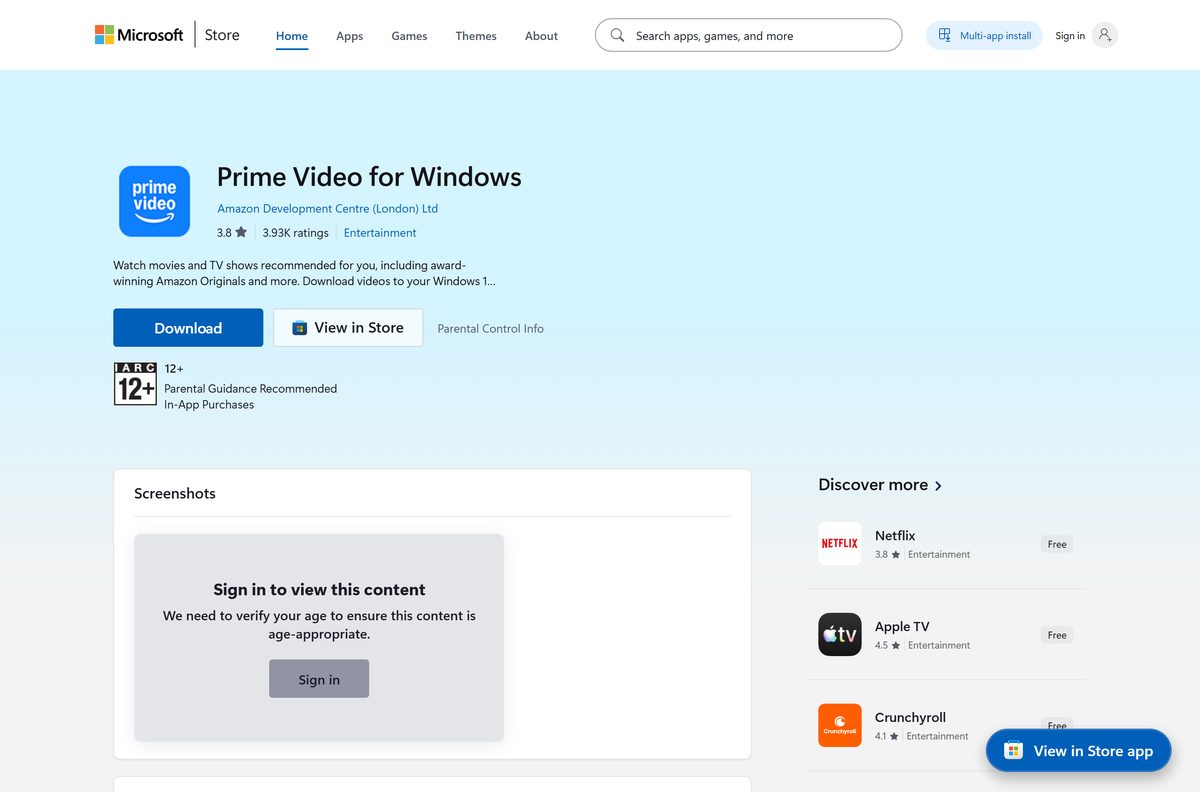
Amazon publishes the app through the Microsoft Store and the App Store. Use these links and nothing else.
- Prime Video for Windows on the Microsoft Store, product 9P6RC76MSMMJ — 5.8 MB · publisher Amazon Development Centre (London) Ltd, updates through the Store
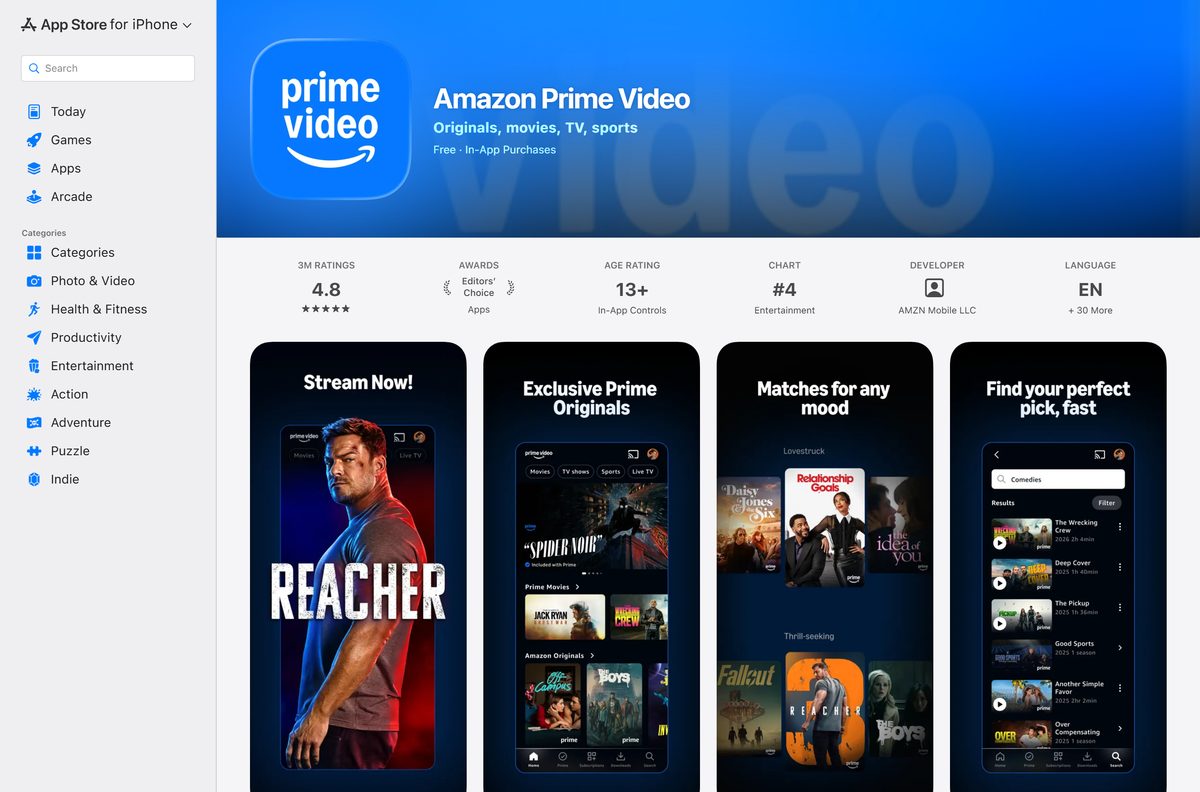
- Amazon Prime Video on the App Store, for Mac, iPhone and iPad — 345.1 MB · seller AMZN Mobile LLC
- Prime Video: Get the app, on amazon.com — Amazon’s own page for the apps and the web player at Amazon.com/primevideo
A setup file offered on any other site is not from Amazon. The Windows listing names Amazon Development Centre (London) Ltd as publisher, so check that line before you select Get.
Check the Prime Video system requirements before you install
Any PC on Windows 10 version 2004 or newer clears the Store floor. Windows 11 is covered by the same package.
| Field | Value |
|---|---|
| Software | Prime Video for Windows |
| Developer | Amazon Development Centre (London) Ltd |
| Latest version | 2.0.0.0 (Microsoft Store package); 10.148 on the App Store |
| Store package updated | 31 March 2026 |
| License | Free app with in-app purchases; videos need Prime, an add-on or a rental |
| Supported OS | Windows 11, Windows 10 build 19041 or later, macOS Big Sur 11.4 or later |
| Architecture | x86, x64, ARM and ARM64 in one bundle |
| Download size | 5.8 MB from the Microsoft Store |
| Installed size | 26.8 MB |
| Package type | MSIX bundle containing a packaged web app |
| Microsoft Store product | 9P6RC76MSMMJ, package AmazonVideo.PrimeVideo |
| Offline installer | No |
| Last verified | 2026-09-19 |
Press Windows + R, type winver and select OK to read your Windows build before you start.
Install Prime Video from the Microsoft Store or with winget
The Store is the only official route on Windows, and it keeps the app updated for you.
- Open Microsoft Store from the Start menu.
- Search for Prime Video, or open product 9P6RC76MSMMJ directly.
- Confirm the title reads Prime Video for Windows and the publisher reads Amazon Development Centre (London) Ltd.
- Select Get, or Install if the app was on this PC before.
- Select Open when the download finishes.
- Select Sign in and enter the email and password of your Amazon account.
- For a command line instead, run winget install 9P6RC76MSMMJ –source msstore in Terminal.
The winget command pulls the same Store package, so both routes end with an identical install.
Which Prime Video download do you need for your Mac?
Amazon ships one App Store listing for iPhone, iPad, Mac and Apple TV. On a Mac it installs the desktop app.
| Your Mac | What to do | Where to go |
|---|---|---|
| macOS Big Sur 11.4 or later | Open the App Store, search for Amazon Prime Video and select Get | Amazon Prime Video on the App Store |
| macOS older than Big Sur 11.4 | Update macOS first, or watch in the browser | Amazon’s Prime Video app page |
| Nothing installed | Watch at Amazon.com/primevideo in Safari or Chrome | Prime Video: Get the app |
Open the Apple menu and select About This Mac to read your macOS version. The app lands in Applications and signs in with the same Amazon account as Windows.
Is Prime Video free?
The app is free. What you watch in it depends on your Amazon plan or purchases. The Microsoft Store lists Prime Video for Windows at $0.00 and the App Store lists the Mac app as Free, both with in-app purchases. Prime Video benefits are included with an Amazon Prime membership. Without Prime you can still rent or buy new-release movies and TV shows, and add-on subscriptions such as Apple TV+ and Paramount+ play inside the same app where offered.
Should you use the Prime Video app or the web player on a PC?
Install the app on your own PC or Mac. Use the web player at Amazon.com/primevideo on shared or work computers. Both the Microsoft Store and App Store listings name offline downloads as an app feature, so the app is the one to take on a laptop you travel with. The web player needs no install rights, which suits a PC where an administrator has turned off the Microsoft Store.
How to check your Prime Video version and update it
A Store install updates through the Store, so the version check starts in Windows Settings.
- Open Settings, select Apps, then Installed apps.
- Select the three dots beside Prime Video for Windows and choose Advanced options.
- Read the number next to Version under Specifications.
- Open Microsoft Store and select Library in the sidebar.
- Select Get updates and install anything listed for Prime Video.
- On a Mac, open the App Store, select Updates and update Amazon Prime Video if it appears.
Compare the number with the versions in the requirements table above. A lower number means an update is waiting.
Fix Prime Video not installing or not opening on Windows 11 and 10
The Microsoft Store will not download Prime Video
A stale Store cache or a pending restart.
- Restart the PC if Windows installed updates since the last reboot.
- Press Windows + R, type wsreset.exe and select OK. A blank window closes and the Store reopens.
- Check that the date, time and region on the PC are correct, then select Get again.
The Store says the app does not work on this device
Windows is older than Windows 10 build 19041.
- Press Windows + R, type winver and select OK.
- If the build is lower than 19041, open Settings > Update & Security > Windows Update and install the offered updates.
- Return to the Store listing and select Get.
Prime Video installed but will not open or shows a blank window
A damaged install, which Windows can repair without touching your account.
- Open Settings > Apps > Installed apps.
- Select the three dots beside Prime Video for Windows, then Advanced options.
- Select Repair and reopen the app.
- If it still fails, select Reset and sign in again.
The Mac App Store will not install Prime Video
macOS is older than Big Sur 11.4.
- Open the Apple menu and select About This Mac to read the version.
- Open System Settings > General > Software Update and install the offered update.
- Return to the App Store listing and select Get.
How to uninstall Prime Video from Windows or Mac
Removing the app leaves your Amazon account, watchlist and purchases untouched. Videos downloaded inside the app are removed with it.
- Close Prime Video.
- On Windows, open Settings, select Apps, then Installed apps.
- Select the three dots beside Prime Video for Windows, choose Uninstall, then confirm.
- On a Mac, open Finder and select Applications.
- Drag Prime Video to the Trash, then empty the Trash.
Reinstalling later and signing in brings back your watchlist and purchases, because they live in your Amazon account.
Which way to watch Prime Video without the desktop app?
The same account works everywhere, so pick whichever screen is closest.
| Option | Best for | Link |
|---|---|---|
| Web player at Amazon.com/primevideo | Work PCs, Chromebooks and shared computers with no install rights | Prime Video: Get the app |
| iPhone and iPad app | Downloads to watch on the go | App Store listing |
| Microsoft Store app | Windows PCs where you want Store updates | Store product 9P6RC76MSMMJ |
The iPhone and iPad app needs iOS 17.0 or later. Amazon also offers the app on Android phones, tablets and select smart TVs.
Frequently asked questions
Is the Prime Video app free to download?
Yes. The Microsoft Store lists Prime Video for Windows at $0.00 and the App Store lists the Mac app as Free. Watching needs an Amazon Prime membership, an add-on subscription, or a rental or purchase.
Where is the official Prime Video download for PC?
The Microsoft Store listing for product 9P6RC76MSMMJ, titled Prime Video for Windows and published by Amazon Development Centre (London) Ltd. It is the only official Windows route.
Does Prime Video work on Windows 11?
Yes. The Store package runs on Windows 11 and on Windows 10 build 19041 or later. The same listing and the same winget command cover both systems.
How big is the Prime Video download?
The Windows package is a 5.8 MB download and takes 26.8 MB once installed. The Mac, iPhone and iPad app is a separate 345.1 MB download from the App Store.
Can I download Prime Video for Mac?
Yes. Amazon Prime Video is on the Mac App Store under the same listing as the iPhone app, and it needs macOS Big Sur 11.4 or later.
Can I download Prime Video movies to watch offline on a PC?
The Microsoft Store listing names downloading videos to watch offline as an app feature, and so does the App Store listing. Install the Store app on Windows or the App Store app on a Mac to use it.
Is there a Prime Video offline installer?
No. The Microsoft Store and winget deliver the package over the internet, and the Mac app comes only from the App Store, so you need a connection to install.
Can I install Prime Video with winget?
Yes. Run winget install 9P6RC76MSMMJ –source msstore in Terminal. It installs the same Microsoft Store package and updates through the Store afterwards.
Does Prime Video run on ARM Windows laptops?
Yes. The Store bundle contains x86, x64, ARM and ARM64 packages, and Windows installs the one that matches the PC automatically.
Why will Prime Video not open after installing?
Usually a damaged install. Open Settings, then Apps, then Installed apps, choose Advanced options for Prime Video for Windows and select Repair. If that fails, select Reset and sign in again.