The RKill download from BleepingComputer is a free 1.72 MB program that terminates known malware processes so your normal security software can run and clean the PC. Nothing is installed: the file you save is the whole program.
RKill is not an antivirus and it deletes no files. It stops the processes, repairs broken executable associations and clears the policies that block security tools, then logs what it terminated.
Below: which of the seven filenames to take, how to run it on Windows 11 and Windows 10, the archive route, the Windows releases the publisher lists, and what to scan with next.
Which RKill download do you need?
BleepingComputer publishes one program under several filenames, because some malware blocks a process by its name. Match your case to a row, then work down if the first file is stopped.
| Your situation | File to take | Where to get it |
|---|---|---|
| First attempt on a Windows PC | rkill.exe, the signed default | Download Now @BleepingComputer |
| The window opens and shuts at once | rkill.com | rkill.com |
| A .com file is stopped as well | rkill.scr | rkill.scr |
| The infection blocks files by name | iExplore.exe, already renamed | Download Now iExplore.exe |
| That name is blocked too | eXplorer.exe, uSeRiNiT.exe or WiNlOgOn.exe | eXplorer.exe |
| The signed file will not start at all | rkill-unsigned.exe | Download Rkill Unsigned |
| You are carrying the file from another PC | rkill.zip, password clean | Zip archive |
All seven named copies are the same 1,802,704-byte program, so the choice is only about which filename gets through.
Download RKill from the official BleepingComputer links
Every link below resolves to bleepingcomputer.com or its own download host. BleepingComputer states that no application may bundle the program or fetch it automatically without prior approval and licensing.
- RKill download page — 1.72 MB · Licence Free, author BleepingComputer
- Signed default copy — The first link on the page
- Pre-renamed iExplore.exe copy — For malware that blocks files by name
- Unsigned build — Labelled Download Rkill Unsigned
- Password-protected archive — Password: clean
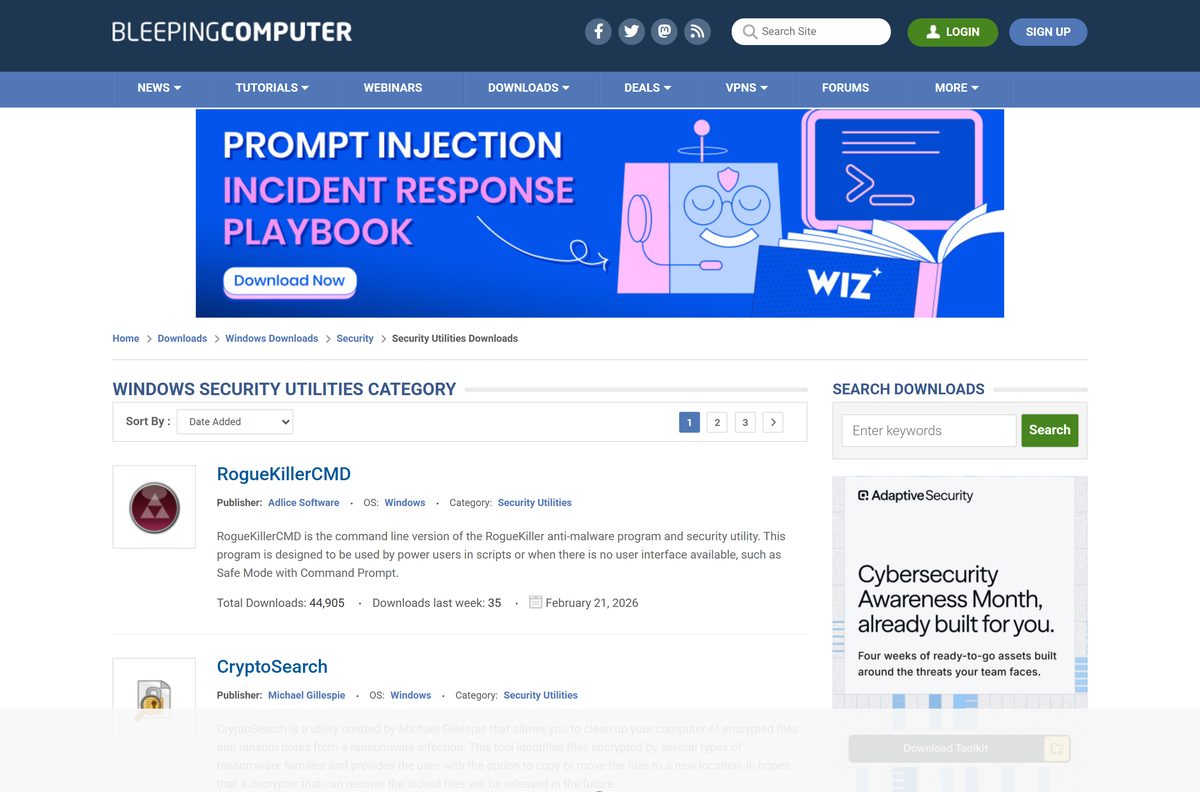
- Windows Security Utilities category — Weekly download counts per tool
The download page has recorded more than 17.5 million downloads of the program.

How to run RKill on Windows 11 and Windows 10
There is no setup wizard. The order of the last three actions matters more than anything else here.
- Open the official page at bleepingcomputer.com/download/rkill/.
- Select Download Now @BleepingComputer and save the file to your desktop.
- Leave your antivirus and Windows Security switched on, because the program runs beside them, not instead of them.
- Right-click the saved file and select Run as administrator.
- Select Yes at the User Account Control prompt.
- Wait for the black console window to work through the running processes and close.
- Read the log that opens at the end and leave it open.
- Do not restart the PC.
- Start a full scan with your anti-malware or antivirus software straight away.
A restart undoes the work, because malware set to start automatically starts again. Only processes were stopped, so the scan is what removes the files.
Run RKill from a USB stick on a PC that cannot get online
The archive copy exists for a machine that cannot reach the download page. Prepare it on a healthy PC.
- On a working PC, open the password-protected archive link and save rkill.zip .
- Copy the archive onto a USB stick.
- Plug the stick into the affected PC and open the archive.
- Enter the password clean when Windows asks for it.
- Drag the program out of the archive onto the desktop.
- Right-click it and select Run as administrator.
- Let the console window finish, then start a full scan on that PC.
No internet connection is needed on the affected PC, and nothing goes into Program Files.
How to check the RKill file before you run it
BleepingComputer publishes no checksum file, so the host, the size and the signature are what you have to work with.
- Confirm the address bar read bleepingcomputer.com before the transfer started.
- Right-click the saved file and select Properties.
- On the General tab, check the size reads 1.72 MB, or 1,802,704 bytes.
- Open the Digital Signatures tab. A missing tab means the unsigned copy was saved instead of the signed default.
- Keep your security software running throughout the check.
- Delete the file and take it again from the official page if the size is wrong.
- Send a file you still distrust to Microsoft for analysis.
A copy from a mirror or a download portal fails the first of those checks.
Which RKill download do you need for your Mac?
BleepingComputer runs a separate Mac catalogue, and this program is not in it. The table gives the answer for each system.
| Your machine | What to use | Where |
|---|---|---|
| Windows 11 or Windows 10 PC | RKill, free, 1.72 MB | Official download page |
| Mac on Apple silicon or Intel | No macOS build exists; pick a tool from the publisher’s Mac catalogue | Mac anti-malware downloads |
| Linux PC | No Linux build exists; that catalogue carries utilities only | Linux utilities |
A site offering a .dmg under this name is not BleepingComputer. The program is a Windows console executable.

Is RKill free?
Yes. RKill is free, with no trial period, no licence key and no paid tier. BleepingComputer lists the licence as Free and serves every copy from its own site with no purchase and no registration. The page adds that no application may bundle it without prior approval and approval, so a paid copy is not an authorised one.
The author accepts voluntary PayPal contributions through the download page, and no download is gated behind them.
Should you take the signed or the unsigned RKill build?
Take the signed default, and reach for the unsigned build only if the signed file will not start on that PC. The first Download Now link serves the signed build, which gives you a signature to inspect in Properties before anything runs. The unsigned copy sits behind its own link, labelled Download Rkill Unsigned.
Both builds are the same program at the same size, and only the signature differs.
How to check which RKill version you have and replace it
The program carries no updater. An old copy on a USB stick is replaced by taking the file again.
- Right-click your saved copy and select Properties.
- Open the Details tab and read the File version line.
- Compare it with the version on the official download page, currently 2.9.1.0.
- Delete your copy if the numbers differ.
- Open bleepingcomputer.com/download/rkill/ and save the file again.
- Check the new file reads 1.72 MB before you run it.
The download page gives 15 November 2018 as the last publisher update, so a later copy carries the same build.
Check RKill system requirements before you download it
A single 32-bit console executable, with no runtime prerequisite and no installer.
| Field | Value |
|---|---|
| Software | RKill |
| Developer | BleepingComputer |
| Latest version | 2.9.1.0 |
| Publisher’s last update | 15 November 2018 |
| License | Free |
| File size | 1.72 MB (1,802,704 bytes) |
| Supported OS, as listed | Windows XP, Vista, 7, 8 and Windows 10 |
| Windows 11 | Not named in the listing |
| Windows on ARM | Not named, and no ARM64 build is published |
| Architecture | 32-bit program, runs on a 32-bit or 64-bit Windows install |
| Mac and Linux | No build published |
| Offline installer | Not applicable, the download is the whole program |
| Official download source | bleepingcomputer.com/download/rkill/ |
| Last verified | 2026-10-25 |
On a Windows 11 PC the documented route is a full scan in Windows Security, or a manual pass with Microsoft Safety Scanner, which Microsoft lists for Windows 11.
Fix RKill not running or closing on its own
The console window flashes and shuts immediately
Malware on that PC is terminating the process by its filename, which is why several filenames exist.
- Take a differently named copy, such as rkill.com or the pre-renamed iExplore.exe.
- Right-click it and select Run as administrator.
- Work down the seven filenames until one stays open.
- Run a Microsoft Defender Offline scan if every filename is stopped, because it scans before Windows loads.
Your security software quarantines the file
Some products flag the renamed copies. BleepingComputer notes that the eXplorer.exe copy can raise a Malwarebytes alert.
- Leave your security software switched on.
- Take the signed default copy instead of a renamed one.
- Check it reads 1.72 MB and carries a Digital Signatures tab in Properties.
- Run a full scan instead if the alert persists, because a scanner that can quarantine a file can clean the PC.
- Send the file to Microsoft for analysis so the detection can be reviewed.
The log shows that nothing was terminated
No malware process that the program recognises was running at that moment.
- Leave the PC on and do not restart it.
- Run a full offline scan with Microsoft Defender Offline.
- Follow it with a second-opinion scan from AdwCleaner.
- Keep the log file in case a technician asks to read it.
Double-clicking the file does nothing
The program needs elevation, or the transfer finished incomplete.
- Right-click the file and select Run as administrator.
- Select Yes at the User Account Control prompt.
- Check the saved file is 1.72 MB rather than a part-sized file.
- Take it again from the official page if the size is wrong.
How to uninstall RKill
There is nothing to uninstall. No entry appears under Installed apps, because no installer ran.
- Open the folder where you saved the file.
- Select it and press Shift + Delete.
- Delete the log the program displayed, once a technician no longer needs it.
- Empty the Recycle Bin if you used a plain delete.
- Delete the copy on your USB stick as well.
- Leave your antivirus and Windows Security exactly as they were.
The executable associations and policies it repaired stay repaired after the file is gone.
Choose between RKill, AdwCleaner and Microsoft Safety Scanner
These tools do different jobs: one stops processes, the others scan and remove.
| Tool | What it does | Licence | Where |
|---|---|---|---|
| RKill | Stops known malware processes and repairs policies that block security tools | Free | BleepingComputer |
| AdwCleaner 8.8.1.639 | Finds and removes adware, toolbars, bundled apps and browser redirectors | Free | BleepingComputer |
| Microsoft Safety Scanner | Manual on-demand malware scan that expires 10 days after download | Free | Microsoft Learn |
| Microsoft Defender Offline | Scans before Windows starts, reaching threats that hide behind processes | With Windows | Microsoft Learn |
| Farbar Recovery Scan Tool | Produces a diagnostic system log for a technician to read | Free | BleepingComputer |
Microsoft states plainly that Safety Scanner does not replace an anti-malware product. The same holds for a process killer: it runs beside the protection already on the PC.
Frequently asked questions
Is RKill free?
Yes. BleepingComputer lists the licence as Free and serves every copy from its own site with no purchase, registration or licence key. The author accepts voluntary PayPal contributions, and no download is gated behind them.
Where is the official RKill download page?
The official page is bleepingcomputer.com/download/rkill/. It carries the signed default copy, a pre-renamed iExplore.exe copy, an unsigned build and a password-protected archive, plus the licence, size and version quoted above.
Does RKill work on Windows 11?
BleepingComputer’s listing names Windows XP, Vista, 7, 8 and Windows 10, and does not name Windows 11. On a Windows 11 PC, start with a full scan in Windows Security or a manual pass with Microsoft Safety Scanner.
How big is the RKill download?
The download page states 1.72 MBs, and every published filename returns exactly 1,802,704 bytes. That fits on any USB stick and transfers over a slow or shared connection.
Is there an RKill offline installer?
There is no installer at all. The downloaded file is the complete program, so a copy on a USB stick runs on a PC with no internet connection. The same program also ships inside a zip archive whose password is clean.
Is RKill available for Mac?
No. BleepingComputer publishes it for Windows only, and its separate Mac catalogue lists different anti-malware tools. Any site offering a .dmg under this name is not the publisher.
Is RKill safe for Mac users to download?
There is no genuine Mac build, so a Mac user has nothing to fetch under this name. Pick a macOS tool from the publisher’s Mac anti-malware catalogue instead, or use the security software already on the Mac.
Does RKill have a 64-bit or ARM64 download?
No. One 32-bit build covers everything, and BleepingComputer states that it runs on both a 32-bit and a 64-bit operating system. No separate 64-bit file and no ARM64 file are published.
Is RKill safe to download and run?
It is safe from the publisher’s own page. Some security products flag the renamed copies, and BleepingComputer notes that the eXplorer.exe copy can raise a Malwarebytes alert. Take the signed default and leave your protection running.
What is the latest version of RKill?
Version 2.9.1.0 is the current release, and the download page gives 15 November 2018 as the publisher’s last update. Any copy saved since that date carries the same build, so there is no newer file to look for.
Why won’t RKill run or install on my PC?
Nothing installs, so a failure to start is usually the infection terminating the process by its filename. Work down the seven filenames, run each with Run as administrator, and switch to a Microsoft Defender Offline scan if every name is stopped.