The Chrome Enterprise download is free from chromeenterprise.google for Windows 11, Windows 10 and Mac. Pick the MSI or the Enterprise Bundle for Windows, or the universal PKG for Mac, and push it to every managed computer.
The browser itself costs nothing, and so does Chrome Enterprise Core, Google’s cloud console for policies and extensions. Only Chrome Enterprise Premium, which adds data loss prevention and deeper threat scanning, is paid.
This guide covers picking the right package, installing and deploying it, enrolling browsers in Core, choosing a channel, checking updates, fixing failed installs and removing the browser.
Which Chrome Enterprise download do you need?
Match the machines you manage to a row. On Windows, open Settings > System > About and read System type to confirm 64-bit, 32-bit or ARM.
| You manage | Download | Size |
|---|---|---|
| 64-bit Windows 11 or 10 PCs, MSI only | googlechromestandaloneenterprise64.msi | 159.6 MB |
| 64-bit Windows PCs, MSI plus policy templates | GoogleChromeEnterpriseBundle64.zip | 221.4 MB |
| Windows 11 on ARM (Snapdragon) | googlechromestandaloneenterprise_arm64.msi | 165.0 MB |
| 32-bit Windows 10 PCs | googlechromestandaloneenterprise.msi | 148.1 MB |
| Macs pushed through an MDM | GoogleChrome.pkg (universal) | 251.9 MB |
| A single Mac installed by hand | googlechrome.dmg (universal) | 268.1 MB |
Every file here is a full offline installer, so target machines do not need to reach Google during setup. Take the Bundle the first time, because its templates are what let Group Policy control the browser.
Download Chrome Enterprise from the official Google links
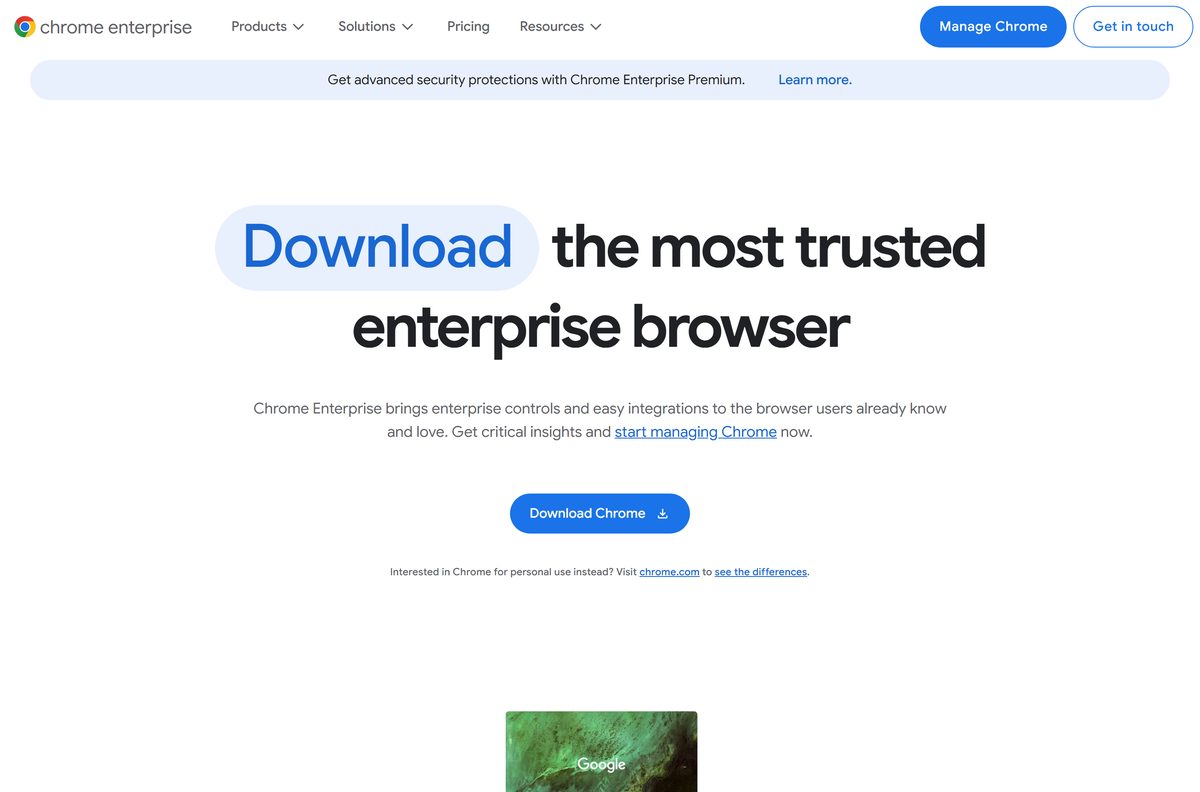
Google’s Chrome Enterprise download page lets you pick the platform, the package type and the Stable or Beta channel. Accept the Google Terms of Service and the Chrome and ChromeOS Additional Terms when the page asks.
- Chrome Enterprise download page — all platforms, Stable and Beta
- Enterprise Bundle, 64-bit — 221.4 MB
- Enterprise Bundle, 32-bit — 209.7 MB
- Enterprise Bundle, ARM64 — 226.2 MB
- Chrome policy templates (ADM/ADMX) — 115.4 MB
- Google Updater ADMX template — 2.0 MB
- Beta channel MSI, 64-bit — 160.4 MB · for a test group only
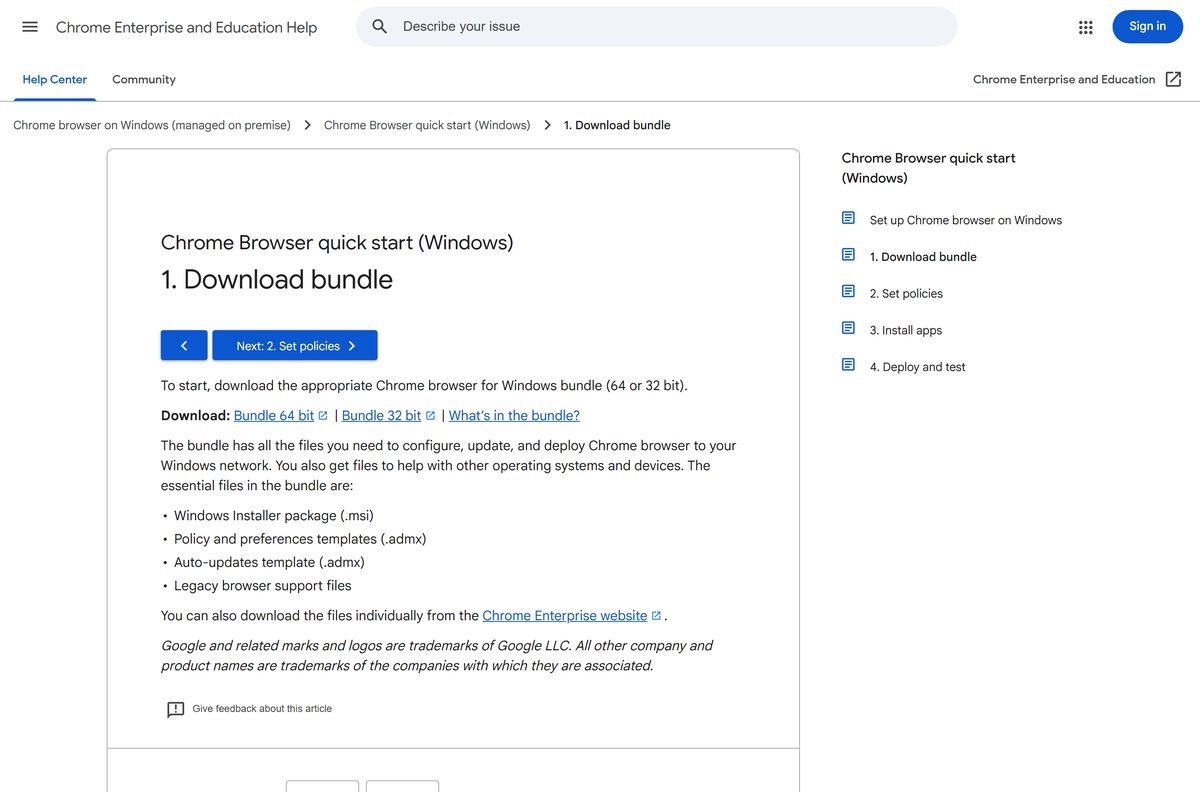
The Bundle holds the Windows Installer package, the policy and preferences templates, the auto-update template and the Legacy Browser Support files.
How to install the Chrome Enterprise MSI on one Windows PC
Install on a single test machine first. It shows how your policies land before the package reaches anyone else.
- Open chromeenterprise.google/download in any browser.
- Under Windows, select 64-bit, MSI and Stable, then click Download.
- Accept the terms in the dialog to start the download.
- Open your Downloads folder and double-click googlechromestandaloneenterprise64.msi.
- Select Yes at the User Account Control prompt.
- Wait for setup to finish; the browser installs for every user on the PC.
- Open Chrome and type chrome://policy in the address bar to see which policies apply.
Install Chrome Enterprise with winget
Windows Package Manager’s Google Chrome package installs the same machine-wide MSI, which suits a quick scripted setup.
- Right-click Start and select Terminal (Admin).
- Run winget install –id Google.Chrome –exact .
- Type Y if winget asks you to accept the source agreements.
- Close Terminal when it reports Successfully installed.
How to deploy Chrome Enterprise across Windows PCs
Google documents rollout through Active Directory Group Policy Management, Microsoft System Center Configuration Manager or HP Client Automation. Any tool that pushes an MSI works the same way.
A silent install from an elevated prompt is msiexec /i googlechromestandaloneenterprise64.msi /qn . Test it on one machine before pushing it to the fleet.
| Task | What to use | Where it comes from |
|---|---|---|
| Push the browser | The MSI from the Bundle | GoogleChromeEnterpriseBundle64.zip |
| Set browser policies | The Chrome .admx templates, added to Group Policy | Chrome policy templates |
| Control updates | Google Updater ADMX template | googleupdateadmx.zip |
| Manage from the cloud instead | Registry value CloudManagementEnrollmentToken under HKLM\SOFTWARE\Policies\Google\Chrome | Enroll cloud-managed browsers |
| Check the result | gpupdate /force, then chrome://policy on a test PC | Deploy and test guide |
Generate the enrollment token in the Google Admin console under Menu > Devices > Chrome > Managed browsers, then click Enroll. Set CloudManagementEnrollmentMandatory to true only if Chrome should refuse to start when enrollment fails.
Which Chrome Enterprise download do you need for your Mac?
Both Mac files are universal, so one download covers Apple silicon and Intel Macs running macOS 13 Ventura or later.
| Your situation | Download | Size |
|---|---|---|
| Deploying with Jamf, Intune or another MDM | GoogleChrome.pkg | 251.9 MB |
| Installing on one Mac by hand | googlechrome.dmg | 268.1 MB |
Set Mac policies by editing the com.google.Chrome.plist sample from the Bundle’s Configuration folder, converting it to a configuration profile, and pushing that profile with the PKG.
To enroll a Mac in Chrome Enterprise Core, put the token in the text file /Library/Google/Chrome/CloudManagementEnrollmentToken , or push it as the CloudManagementEnrollmentToken policy from your MDM.
Is Chrome Enterprise free?
Chrome Enterprise Core is Google’s cloud console for policies, extension control, browser reporting and Intune or Jamf integration. Chrome Enterprise Premium adds data loss prevention, context-aware access, deep malware scanning and an evidence locker.
Any site that charges for the MSI or asks for a licence key is not Google.
Yes. The browser, every MSI, PKG and Bundle, and Chrome Enterprise Core are free. Chrome Enterprise Premium is the only paid tier, at $6 per user per month, and you need it only for its extra security controls.
Which Chrome Enterprise channel should you deploy: Stable or Beta?
The download page offers every package on the Stable and Beta channels. Beta shows the next release early, so it reveals policy or extension breakage before your users meet it.
Deploy Stable to the whole fleet and Beta to a small test group. Stable is the supported release, while a few Beta machines give IT an early warning with little risk.
How to check your Chrome Enterprise version and update it
Chrome keeps itself current through Google Updater unless a policy says otherwise. Check a managed machine like this.
- Open Chrome and click More (the three dots) in the top-right corner.
- Select Help > About Google Chrome to see the installed version.
- Let Chrome download any pending update, then click Relaunch.
- Type chrome://policy in the address bar to confirm the browser still receives your policies.
- Control update timing fleet-wide with the Google Updater ADMX template rather than on each PC.
Can your computers run Chrome Enterprise? System requirements
Windows 7, 8 and 8.1 are not supported, so current MSI packages will not install on them.
| Detail | Chrome Enterprise |
|---|---|
| Developer | Google LLC |
| Latest version | 153.0.8010.53 (Stable channel, updates automatically) |
| Licence | Free browser and Core; Premium $6 per user per month |
| Windows (Intel/AMD) | Windows 10 or later, Windows Server 2016 or later; SSE3-capable processor |
| Windows on ARM | Windows 11 or later |
| Mac | macOS 13 Ventura or later, Apple silicon or Intel |
| Windows file size | 159.6 MB 64-bit MSI; 221.4 MB 64-bit Bundle |
| Mac file size | 251.9 MB PKG; 268.1 MB DMG |
| Offline installer | Yes, every MSI, Bundle, PKG and DMG |
| Official source | chromeenterprise.google |
| Last verified | 2026-09-19 |
Google’s full list sits on its Chrome system requirements page.
Fix Chrome Enterprise not installing on Windows 11 or 10
Match the symptom to a fix. Google’s general list is on its install problems page.
The MSI fails on PCs that already have Chrome
Chrome cannot install an older version over a newer one.
- Open Settings > Apps > Installed apps and note the installed Chrome version.
- Download a fresh MSI from chromeenterprise.google, which carries the current release.
- Redeploy the new package instead of the old one in your distribution share.
Policies do not appear after deployment
The PC has not pulled the new Group Policy yet, or the templates are missing.
- Add the Chrome .admx templates from the Bundle to Group Policy.
- Run gpupdate /force on the test PC.
- Open chrome://policy and confirm the policy is listed.
Chrome will not start after enrollment
Mandatory enrollment is on and the token failed.
- Generate a new token under Menu > Devices > Chrome > Managed browsers in the Admin console.
- Replace the CloudManagementEnrollmentToken value with the new token.
- Remove CloudManagementEnrollmentMandatory while you test, then restart Chrome.
Windows says it only runs apps from the Microsoft Store
The PC is in S mode.
- Open Settings > System > Activation.
- Under Switch out of S mode, select Go to the Store and click Get.
- Run the MSI again.
Error 0x80070070
The system drive is out of space.
- Open Settings > System > Storage and run Cleanup recommendations.
- Free space on drive C: and run the installer again.
How to uninstall Chrome Enterprise
Removing the browser does not remove your Admin console settings or the token from the registry, so clear those too if the machine is leaving management.
- On Windows, close every Chrome window.
- Open Settings > Apps > Installed apps and find Google Chrome.
- Click the three dots, select Uninstall, then confirm with Uninstall.
- To remove it silently across PCs, run msiexec /x googlechromestandaloneenterprise64.msi /qn from an elevated prompt.
- On a Mac, quit Chrome, open Finder > Applications and drag Google Chrome to the Trash.
- Delete the CloudManagementEnrollmentToken value or file if the device should leave Chrome Enterprise Core.
Which managed browser to deploy instead of Chrome Enterprise
Both alternatives below are free and ship their own policy files.
| Browser | Packages | Best for |
|---|---|---|
| Microsoft Edge for Business | Windows, macOS and Linux downloads with policy files | Microsoft 365 shops already managing Windows with Intune |
| Firefox for Enterprise | MSI for the latest release and ESR, plus policy templates | Teams that want a yearly ESR major release |
| Chrome Enterprise | MSI, Bundle, PKG and DMG | Google Workspace users and cloud policy through Core |
Stay on Chrome Enterprise when your staff already use Chrome. Core then manages it at no extra cost.
Frequently asked questions
Is Chrome Enterprise free?
Yes. The Chrome browser for enterprise, its MSI, PKG and Bundle downloads, and Chrome Enterprise Core management are all free. Only Chrome Enterprise Premium is paid, at $6 per user per month, for extra data loss prevention and threat protection.
Where is the official Chrome Enterprise download page?
The official page is chromeenterprise.google/download. The MSI, Bundle, PKG and DMG files it links to are served from dl.google.com, Google’s own download server.
Does Chrome Enterprise work on Windows 11?
Yes. Chrome supports Windows 11 and Windows 10 on Intel and AMD processors, plus Windows Server 2016 or later. On ARM processors it needs Windows 11 or later, and Google publishes a separate ARM64 MSI for them.
How big is the Chrome Enterprise download?
The 64-bit Windows MSI is 159.6 MB and the 64-bit Enterprise Bundle is 221.4 MB. On Mac, the universal PKG is 251.9 MB and the DMG is 268.1 MB.
Is there a Chrome Enterprise offline installer?
Yes. Every Chrome Enterprise package is a full offline installer. The MSI, the Enterprise Bundle and the Mac PKG carry the whole browser, so machines install it without reaching Google, and the browser updates itself afterwards.
Is Chrome Enterprise available for Mac?
Yes. Google ships a universal PKG for MDM deployment and a universal DMG for manual installs. Both run natively on Apple silicon and Intel Macs with macOS 13 Ventura or later.
Is there a 64-bit or ARM64 Chrome Enterprise MSI?
Yes. Google offers 64-bit, 32-bit and ARM64 MSI packages for Windows, and a matching Enterprise Bundle for each. Pick the ARM64 file for Snapdragon laptops running Windows 11.
Is it safe to download Chrome Enterprise?
Yes, when the file comes from chromeenterprise.google or dl.google.com. Avoid download portals that repackage the MSI, because a modified package can carry unwanted software onto every PC you deploy it to.
What is the latest version of Chrome Enterprise?
Chrome Enterprise uses the same version as consumer Chrome, currently the Chrome 153 Stable release. Open More, then Help, then About Google Chrome on any managed PC to see the exact build installed.
Why won’t the Chrome Enterprise MSI install?
The usual causes are a newer Chrome already on the PC, Windows in S mode, or a full system drive. Deploy the current MSI, switch the PC out of S mode, free space on drive C: and run setup again.
What is the difference between Chrome and Chrome Enterprise?
Chrome Enterprise is the same browser packaged for IT teams. It adds MSI and PKG installers, policy templates and free cloud management through Chrome Enterprise Core, so admins control settings and extensions across a fleet.
How do I enroll browsers in Chrome Enterprise Core?
Create an enrollment token in the Google Admin console under Devices, Chrome, Managed browsers. Put it in the CloudManagementEnrollmentToken registry value on Windows, or in the matching file under /Library/Google/Chrome on a Mac.