Your Word document is black with white text because Word's Dark Mode is on, usually from the Black Office Theme or a Windows dark theme that Office follows.
This guide shows how to turn the page white again in Word for Windows, Mac and the web, how to stop it coming back, and what it means for printing.
Word document is black with white text
The fastest fix keeps the dark menus but turns the page itself back to white.
- Open the document in Word for Windows.
- Select the View tab on the ribbon.
- Select Switch Modes.
- Confirm the page is now white with black text. Word remembers this choice for later documents.
If Switch Modes is missing, Dark Mode is not on. A black page then comes from a page background color set in the file itself.
Why is my Word document background black?
| What you see | Cause | Fix |
|---|---|---|
| Black ribbon and black page | Office Theme set to Black | Change the Office Theme, or use Switch Modes |
| Black page appeared after you turned on Windows dark mode | Office Theme set to Use system setting | Pick a non-Black Office Theme, or stop the page color changing |
| Black page only in Word for the web | Browser or OS dark theme | View > Switch Backgrounds |
| Black page on Mac | macOS Appearance set to Dark or Auto | View > Switch Modes, or Turn off Dark Mode |
| Black page only in one file, no Switch Modes button | A page background color saved in the document | Remove the page color from the Design tab |
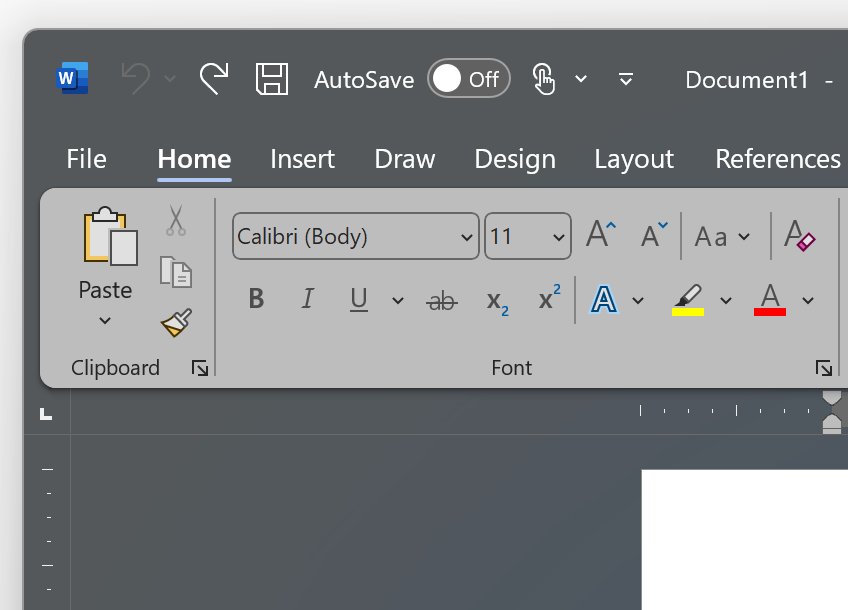
How to turn off dark mode in Word Office 365
| Word version | Turn off dark mode | Keep dark menus, white page |
|---|---|---|
| Word for Windows | File > Account > Office Theme, choose a theme other than Black | View > Switch Modes |
| Word for Mac | Word > Preferences > General > Personalize > Turn off Dark Mode | View > Switch Modes |
| Word for the web | View tab, toggle Dark Mode off | View > Switch Backgrounds |
The Office Theme on Windows applies to every Office app, so Excel and PowerPoint change too. Settings do not carry over between Windows, Mac and the web.
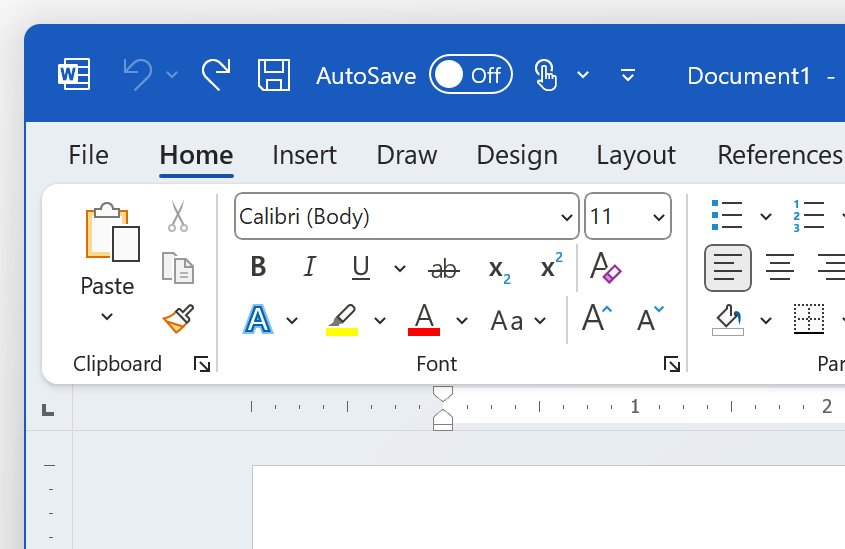
Keep the Word page white in dark mode
Use this if you like the Black theme for the ribbon but never want a black page.
- Select File > Options.
- Select General and find Personalize your copy of Microsoft Office.
- Under the Office Theme box, check Never change the document page color.
- Select OK.
On a Mac, open Word > Preferences > General > Personalize and select Dark Mode has a white page color.
How to make the Word document black
Turn Dark Mode on deliberately if you prefer white text on a dark page while you write.
- Select File > Account.
- Open the Office Theme list.
- Choose Black, or choose Use system setting to follow Windows light or dark mode.
- If the page stays white, select View > Switch Modes.
Does Word dark mode change how the document prints?
- Select View > Switch Modes to show the light page.
- Check the page now matches what you expect on paper.
- Select File > Print and confirm the preview shows a white page.
Documents always print with the light page color, whatever Dark Mode shows. Collaborators who open the file see their own view settings, not your dark page.
Word dark mode problems
Pasted text shows black on a white box inside the dark page
The text was pasted with its original formatting.
- Undo the paste with Ctrl + Z.
- Paste the text only with Ctrl + Shift + V.
Charts, text boxes or equations stay light in dark mode
Some objects do not map to Dark Mode colors.
- Select View > Switch Modes to check how the object really looks.
- Edit the object on the light page, then switch back.
The page turns black again after you fixed it
The Office Theme follows the Windows theme, or another platform still has Dark Mode on.
- Set File > Account > Office Theme to a theme other than Use system setting or Black.
- Repeat the change in Word for Mac or the web if you use them.
How to use Readability Statistics in Word
Once the page is readable again, Word can score how easy the text is to read.
- Select File > Options > Proofing.
- Under When correcting spelling and grammar in Word, check Check grammar with spelling.
- Check Show readability statistics and select OK.
- Run Spelling & Grammar and work through the suggestions.
- Read the Flesch Reading Ease and Flesch-Kincaid Grade Level scores in the Readability Statistics window.
A Flesch Reading Ease of 60 to 70 and a grade level of about 7 to 8 suit most documents.
Word document black background FAQ
Why is my Word document black?
Word's Dark Mode is on. It turns on when the Office Theme is set to Black, or to Use system setting while Windows is in dark mode. Select View > Switch Modes to make the page white again.
Why is my Word document black in Office 365?
Microsoft 365 applies Dark Mode to the page when the Office Theme is Black. Change it at File > Account > Office Theme, or keep the theme and check Never change the document page color in File > Options > General.
Why has my Word document gone black suddenly?
The most common trigger is switching Windows to dark mode while the Office Theme is set to Use system setting. Office then picks the Black theme automatically and darkens the page.
Does Microsoft Office have a dark mode?
Yes. Word, Excel and PowerPoint use the Black Office Theme on Windows, macOS Dark appearance on Mac, and a Dark Mode toggle on the View tab in Word for the web.
Will a black Word document print black?
No. Word always prints with the light page color, whatever Dark Mode shows on screen. Use View > Switch Modes to preview the light page before printing or sharing.
Do other people see my Word document as black?
No. Dark Mode is a view setting on your device. Collaborators see the document with their own view preferences.
How do I make my Word document black on purpose?
Select File > Account, open Office Theme and choose Black. If the page stays white, select View > Switch Modes to turn the dark page on.
Is Dark Mode better for the eyes?
Microsoft describes Word's Dark Mode as a darker color scheme that may reduce eye strain. It is a comfort preference, and you can switch the page back to white at any time with Switch Modes.