A GameChanger download takes about a minute. On an iPhone, iPad or Android phone, you get the free GameChanger app from the App Store or Google Play. On a Windows 11 or Windows 10 PC or a Mac, you install web.gc.com as a desktop app from Edge, Chrome or Safari.
The phone app keeps score, streams games and runs team chat for more than 20 sports. The desktop app signs in to the same account to watch live streams, manage rosters and schedules, and export season stats.
Below are the official links, install steps for each device, what Plus and Premium cost, and fixes for GameChanger not installing or loading.
Which GameChanger download do you need?
Match your device to a row. Phone rows install from the store, and desktop rows install from the browser.
| Your device | What to install | Size |
|---|---|---|
| iPhone or iPad on iOS 17.0 or later | GameChanger on the App Store | 362 MB |
| Android phone or tablet on Android 11 or later | GameChanger on Google Play | Play states no size |
| Windows 11 or Windows 10 PC | web.gc.com, installed as an app in Edge or Chrome | Nothing to download |
| Mac on macOS Sonoma 14 or later | web.gc.com, added to the Dock from Safari | Nothing to download |
Every route signs in to the same GameChanger account, so teams, messages and subscriptions match across devices.
Download GameChanger from the official sources
The developer, part of the DICK’S Sporting Goods family, distributes the app through two stores and runs the web portal at web.gc.com. Use these links and nothing else.
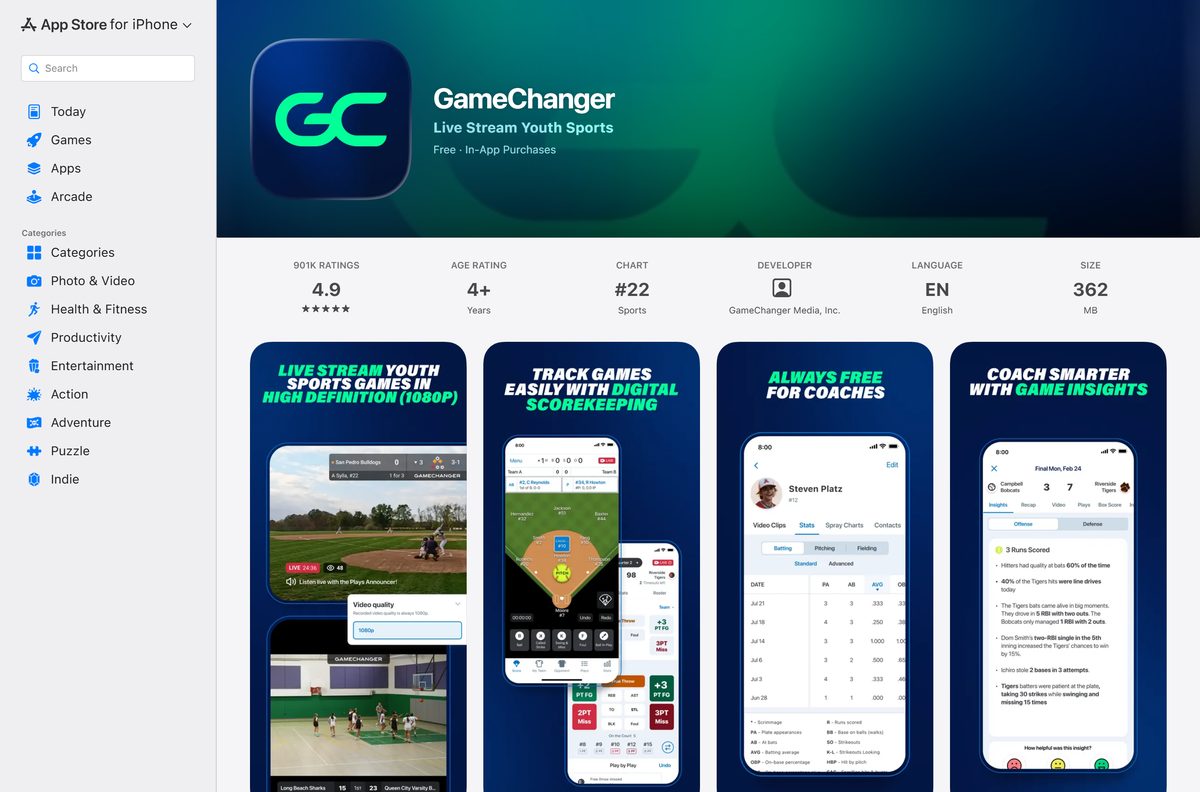
- GameChanger on the App Store — 362 MB · GameChanger Media, Inc., iOS 17.0 or later
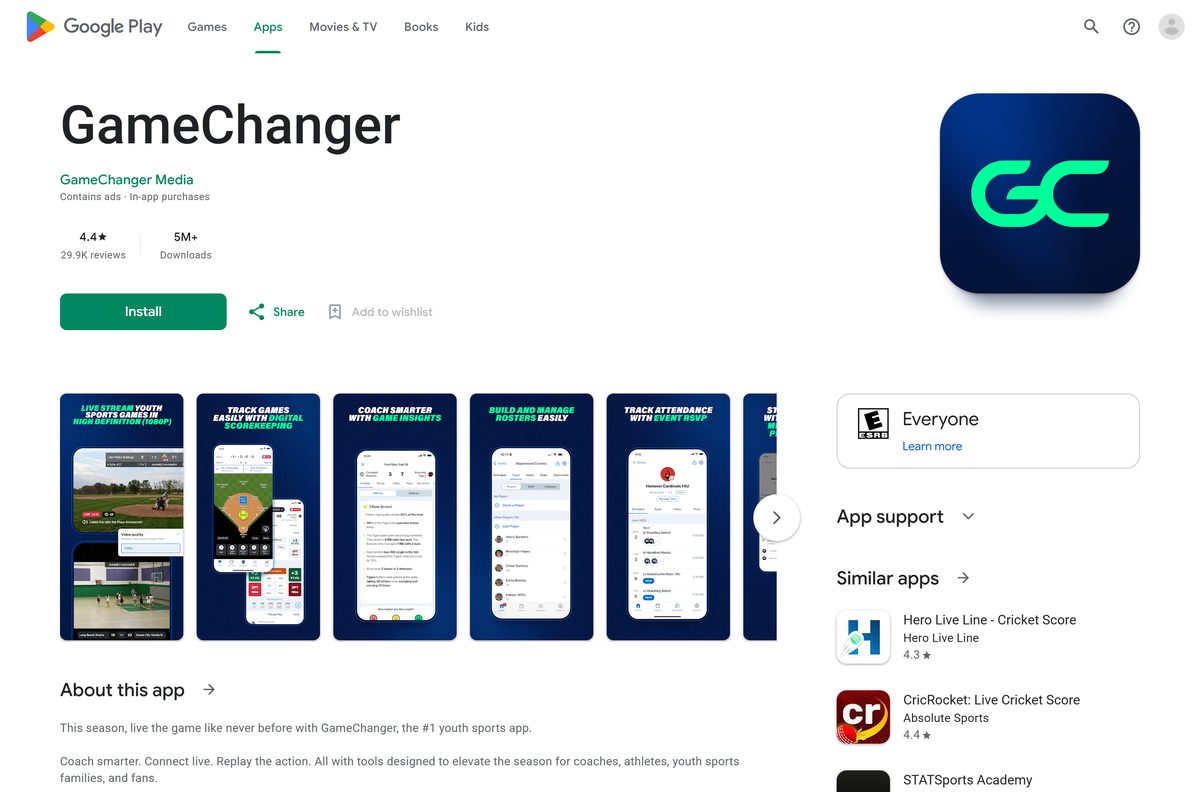
- GameChanger on Google Play — GameChanger Media, 5M+ downloads, updated 17 September 2026
- web.gc.com — sign in here and install it as an app on Windows and Mac
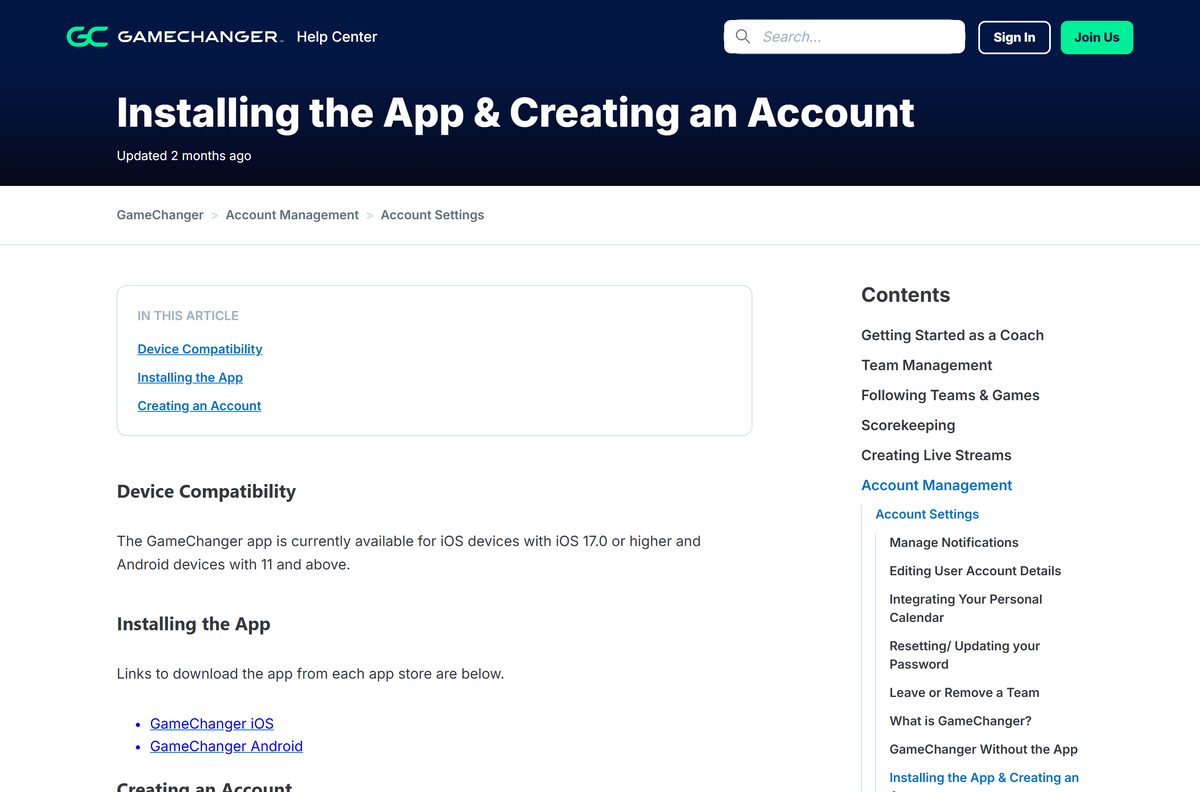
- GameChanger Help Center: Installing the App & Creating an Account — the vendor’s page with both store links
You can create the account in the phone app or on web.gc.com. Either way, it needs a valid email address and a password of at least 8 characters.
Check the GameChanger app requirements
The desktop app has no hardware floor of its own. The browser you install it with sets the minimum.
| Field | Value |
|---|---|
| App | GameChanger |
| Developer | GameChanger Media, Inc. |
| Latest version | 2026.37.0 on iPhone and iPad; the web app updates itself |
| Price | Free, with in-app purchases |
| iPhone and iPad | iOS 17.0 or later, 362 MB |
| Android | Android 11 or later, through Google Play |
| Windows | Windows 11 and Windows 10 through Edge or Chrome |
| Mac | macOS 13 Ventura or later in Chrome; macOS Sonoma 14 or later for a Safari web app |
| Architecture | Uses the browser’s build: Chrome runs on Intel Windows 10 or later and ARM Windows 11 |
| Region and language | Not offered in GDPR countries; English only |
| Offline installer | None |
| Official source | gc.com, the App Store and Google Play |
| Last verified | 2026-09-25 |
How to install GameChanger on Windows 11 and 10 with Edge
Edge ships with Windows 11 and Windows 10 and turns web.gc.com into a windowed app with its own taskbar icon.
- Open Microsoft Edge and go to web.gc.com.
- Enter your email, select Continue and finish signing in.
- Select Settings and more, the three-dot button at the top right.
- Select More tools, then Apps, then Install this site as an app.
- Name the app GameChanger and select Install.
- Go to edge://apps, select Details on the GameChanger card, then Pin to taskbar or Pin to Start.
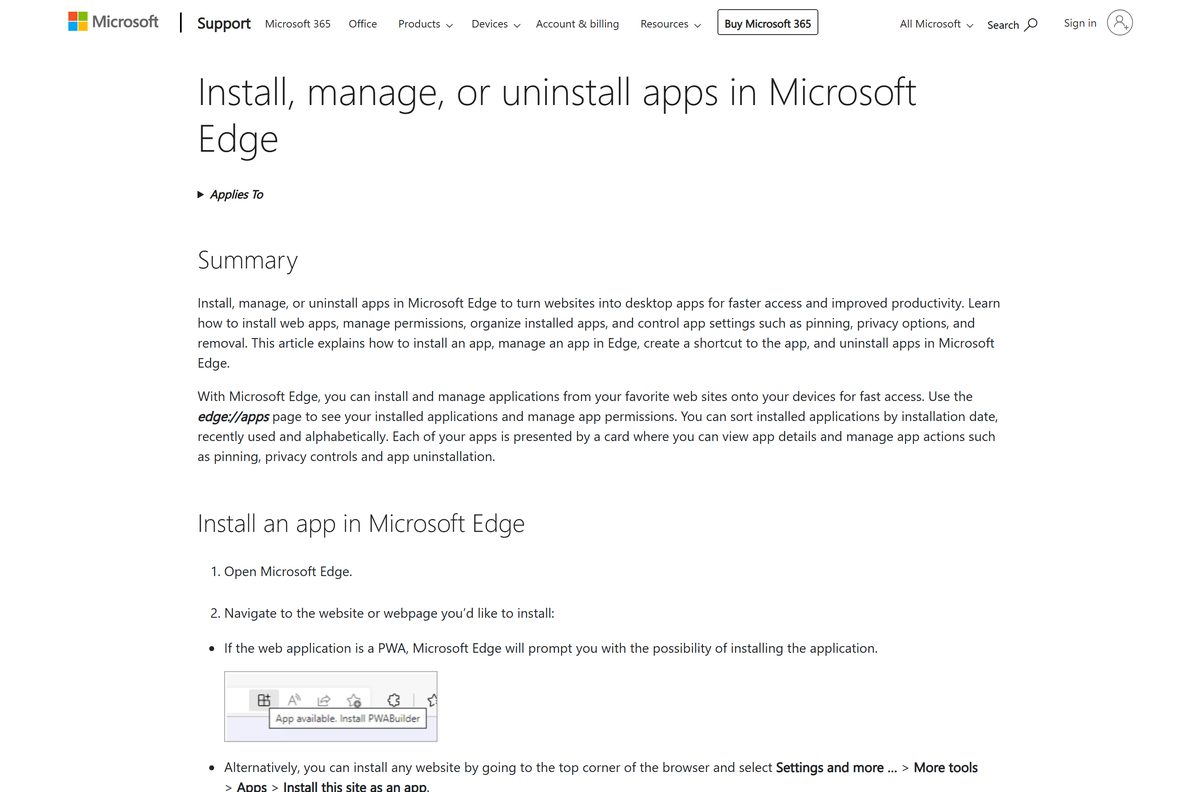
Microsoft’s Edge apps guide covers app permissions and shortcuts.
Install GameChanger on Windows with Chrome instead of the Store
Chrome builds the same windowed app. Skip the Microsoft Store, because its listing under this name is a different product.
- Open Chrome and go to web.gc.com, then sign in.
- Select More, the three-dot button at the top right.
- Select Cast, save, and share, then Install page as app.
- Follow the on-screen prompt and select Install.
- Right-click the new window’s taskbar icon and select Pin to taskbar.
The Microsoft Store’s GameChanger comes from a company called Prowess and sends plays to player wristbands. It has no connection to GameChanger Media’s scorekeeping and streaming app.
Which GameChanger download do you need for your Mac?
The App Store lists the app for iPhone and iPad only. On a Mac, use the web.gc.com portal as a Dock app.
| Your Mac | What to do | Source |
|---|---|---|
| macOS Sonoma 14 or later | Safari: File > Add to Dock on web.gc.com | Apple |
| macOS 13 Ventura | Chrome: More > Cast, save, and share > Install page as app | |
| macOS 12 Monterey or earlier | web.gc.com in Safari as a normal tab | GameChanger |
| You score or stream games | GameChanger on the App Store for iPhone, 362 MB | Apple App Store |
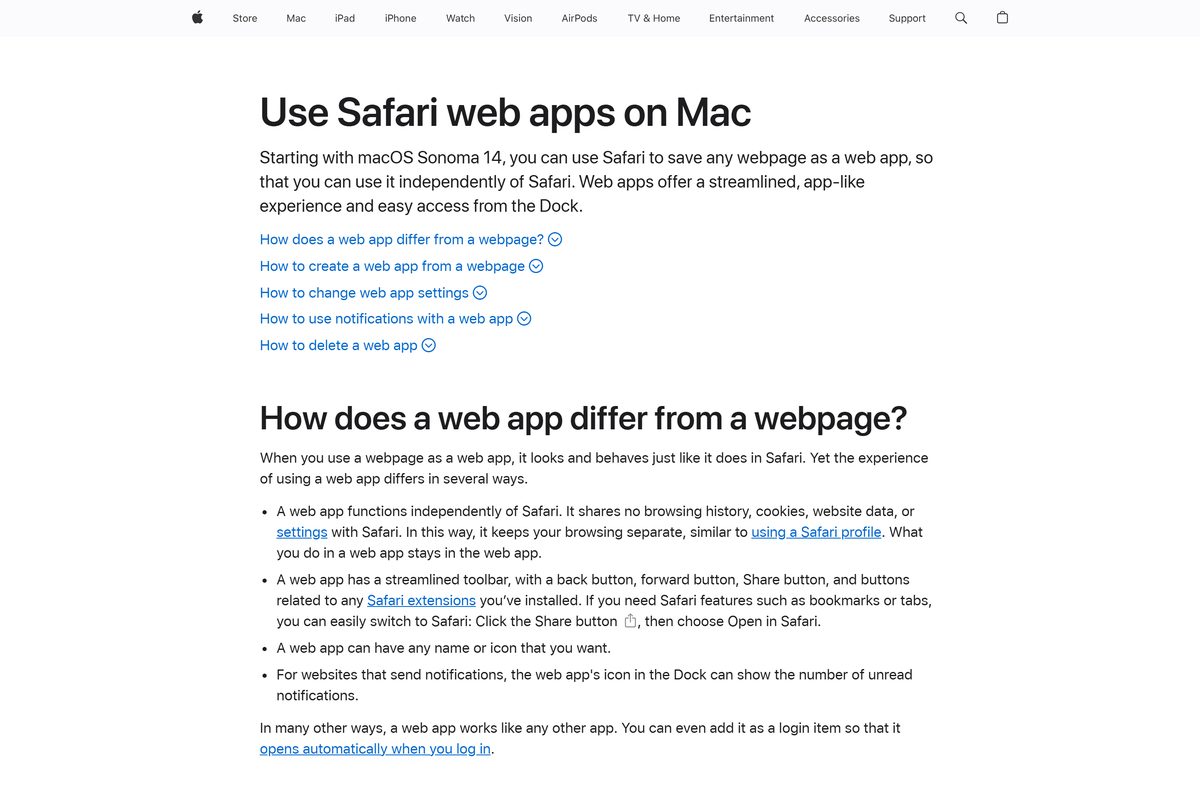
To add the Safari app, open web.gc.com, choose File > Add to Dock, type a name and click Add. Safari saves it to the Applications folder in your home folder, and you can open it from the Dock or Spotlight.
Is GameChanger free?
Yes. Downloading GameChanger, managing a team, keeping score and streaming games are free. A free account also gets team messaging, game alerts, the Animated GameStream and unlimited live streams in every sport except baseball and softball, which allow five free streams. Coaches and team staff get every feature free for the teams they manage. Fans pay for Plus at $9.99 a month or $39.99 a year, or Premium at $14.99 a month or $99.99 a year, which adds post-game video, highlights and season stats. The Family Plan shares Premium across four accounts for $179.99 a year and is sold only on web.gc.com.
First-time subscribers get a 7-day free trial on the App Store, Google Play or the website. GameChanger’s Individual Subscription FAQs list what each plan unlocks.
Should you use the GameChanger phone app or the desktop app?
Install the phone app to score and stream games, and add the desktop app to watch streams and manage the team from a keyboard. Live streaming starts from Record Video in the phone app, and the app page describes scorekeeping as needing only a mobile device. web.gc.com plays live streams for every sport, manages rosters and schedules, exports season stats as a CSV file and sells the Family Plan. Advanced users can also stream from a PC camera through OBS Studio, using the stream URL and key copied from the phone app.
GameChanger’s web live stream guide and OBS guide cover both desktop routes.
How to check a GameChanger download is genuine
Store searches for the name also surface unrelated apps. Check the publisher before you install.
- On the App Store, confirm the developer under GameChanger reads GameChanger Media, Inc.
- On Google Play, confirm the name under the app title reads GameChanger Media.
- On a PC or Mac, confirm the address bar shows web.gc.com before you install the page as an app.
- Delete any .exe, .msi, .dmg or APK from another site that claims to be GameChanger, because GameChanger Media publishes none.
The genuine App Store listing carries the subtitle Live Stream Youth Sports and more than 900,000 ratings.
How to check your GameChanger version and update it
The desktop app has no version number. It loads the current web.gc.com every time it opens.
- On iPhone or iPad, open the App Store, tap your profile picture and pull down to refresh the update list.
- Tap Update next to GameChanger, or turn on automatic updates.
- On Android, open Google Play, tap your profile icon, then Manage apps & device, and update GameChanger.
- On a PC or Mac, keep Edge, Chrome or Safari up to date, because the desktop app runs inside the browser.
The App Store listed version 2026.37.0, released on 17 September 2026. Phones below iOS 17.0 or Android 11 cannot install the current app.
Fix GameChanger not installing or loading on PC, Mac or phone
The App Store or Google Play says the app is not compatible
The phone runs an older system than GameChanger supports.
- Update the iPhone or iPad to iOS 17.0 or later, or the Android phone to Android 11 or later, if the device allows it.
- Install GameChanger again from the store.
- On a phone that cannot update, use web.gc.com in the browser to follow teams and watch streams.
The Microsoft Store shows the wrong GameChanger
The Store listing belongs to a company called Prowess, a different company.
- Close the Store.
- Open web.gc.com in Edge or Chrome.
- Install the page as an app with the steps above.
A live stream or video is locked on the web
The team restricted its stream audience to confirmed members.
- Select the team on web.gc.com.
- Request team membership from the team’s staff.
- Reload the team page once they approve you.
You cannot sign in on web.gc.com
A forgotten password or a mistyped email.
- Enter the email address of your GameChanger account at web.gc.com.
- Click Forgot Password? to receive a reset link.
- Open the Reset password email, set a new password and select Save.
The phone app keeps misbehaving
Local app data needs a look from GameChanger support.
- On the Home tab, tap Account in the top left corner.
- Choose Contact Support, then Send Packaged Data.
- Tell the support team you sent it, so they can review the data.
How to uninstall GameChanger from a PC, Mac or phone
Removing the app removes a window and a shortcut. Your teams, stats and subscription stay on your account.
- In Edge, go to edge://apps, select Details on the GameChanger card, then Uninstall, and confirm with Uninstall.
- In Chrome, open the GameChanger app window, select More, then Uninstall, and confirm.
- On a Mac, choose Go > Home in Finder, open the Applications folder and drag the GameChanger web app to the Trash.
- On an iPhone or Android phone, press and hold the GameChanger icon and choose the remove or uninstall option.
To close the account, tap Account, then Edit account, then Delete account in the app. Deleting the account does not cancel a subscription, so cancel first through the App Store, Google Play or Account > Manage Subscription on web.gc.com, as the cancel guide explains.
Which other team app should you use instead of GameChanger?
The app combines scorekeeping, streaming and team chat on gc.com. Other publishers split those jobs across their own free apps.
| App | Publisher | Price | Use it for |
|---|---|---|---|
| GameChanger | GameChanger Media, Inc. | Free | Scoring, live streams and team chat in one app |
| TeamSnap | TeamSnap | Free | Schedules, availability and team payments |
| SportsEngine – Team management | SPORTSENGINE, LLC | Free | Club and league team management |
| iScore Baseball and Softball | Faster Than Monkeys | Free | Baseball and softball scorekeeping |
Pick GameChanger when fans need to watch or follow the game live. Pick TeamSnap or SportsEngine when the job is mostly scheduling and admin.
Frequently asked questions
Is GameChanger free to download?
Yes. The App Store and Google Play list GameChanger as free with in-app purchases. A free account can manage a team, keep score, stream games and message the team. Plus and Premium subscriptions add paid viewing features for fans.
Can I download GameChanger on a PC or laptop?
GameChanger ships its app for iPhone, iPad and Android. On a Windows 11 or Windows 10 PC, sign in at web.gc.com in Edge or Chrome and install the page as an app, which gives it its own window and taskbar icon.
Is there a GameChanger app for Mac?
Yes, as a web app. On macOS Sonoma 14 or later, open web.gc.com in Safari and choose File, then Add to Dock. On macOS 13 Ventura, install the page as an app from Chrome.
Can I watch GameChanger live streams on a computer?
Yes. Log in at web.gc.com, select the team, and an active live stream appears on the team’s home page. Teams can limit streams to confirmed members, so request team membership if the stream is locked.
How much does GameChanger Plus or Premium cost?
Plus costs $9.99 a month or $39.99 a year. Premium costs $14.99 a month or $99.99 a year. The Family Plan shares Premium with up to four accounts for $24.99 a month or $179.99 a year, and is sold only on the website.
Do coaches pay for GameChanger?
No. Accounts listed as Staff get every feature free for the teams they manage, including stats, spray charts, highlights and full game video. That free access does not cover opponents or teams you follow as a fan.
What does the GameChanger app need to run?
The phone app needs iOS 17.0 or later on iPhone and iPad, or Android 11 or later. The iPhone and iPad download is 362 MB on the App Store.
Is the GameChanger app in the Microsoft Store the real one?
No. The Microsoft Store listing named GameChanger is published by a company called Prowess and sends plays to player wristbands. The youth sports app from GameChanger Media, Inc. has no Windows Store listing, so use web.gc.com instead.
Can I use GameChanger outside the United States?
Not in every country. GameChanger apps and sites are not available in countries subject to the GDPR, such as those in the European Union.
Does uninstalling GameChanger cancel my subscription?
No. Removing the app or deleting your account leaves the subscription running. Cancel it where you bought it: the App Store, Google Play, or Account then Manage Subscription on web.gc.com.






