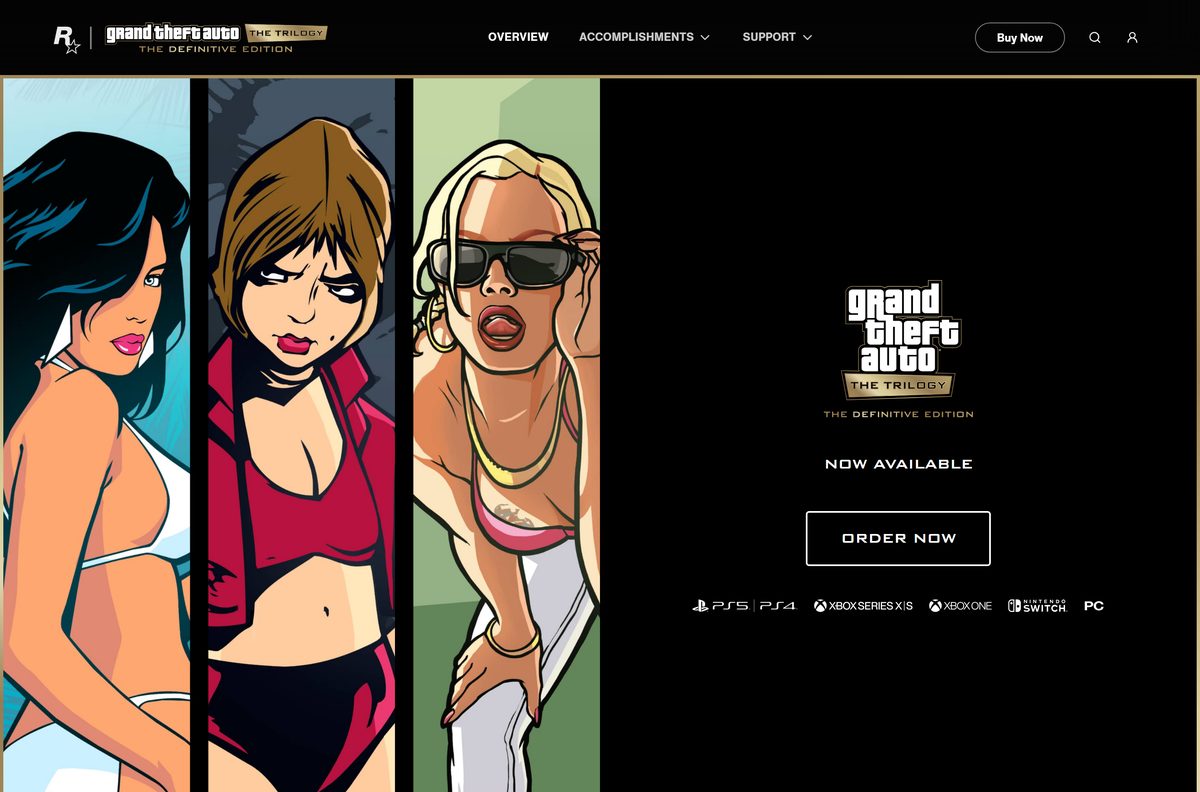
You get the Grand Theft Auto: San Andreas download for PC from the Rockstar Store or Steam, as San Andreas – The Definitive Edition. It comes in Grand Theft Auto: The Trilogy – The Definitive Edition, alongside GTA III and Vice City.
This guide covers the official store links, the install on Windows 11 and Windows 10, the GTA+ route, the phone versions, the system requirements and fixes for a download that stalls.
Which Grand Theft Auto: San Andreas download do you need?
Rockstar sells one PC version of San Andreas today: the Definitive Edition inside the Trilogy. The choice is the store, or a phone instead of a PC.
| Your situation | What you get | Where to go |
|---|---|---|
| Windows 11 or Windows 10 PC, new buyer | The Trilogy – The Definitive Edition, installed by Rockstar Games Launcher | Rockstar Store |
| Windows PC with a Steam library | The same Trilogy at a $59.99 list price, installed by Steam | Steam store page |
| You already pay for GTA+ | The Trilogy included with the subscription | GTA+ on the Rockstar Store |
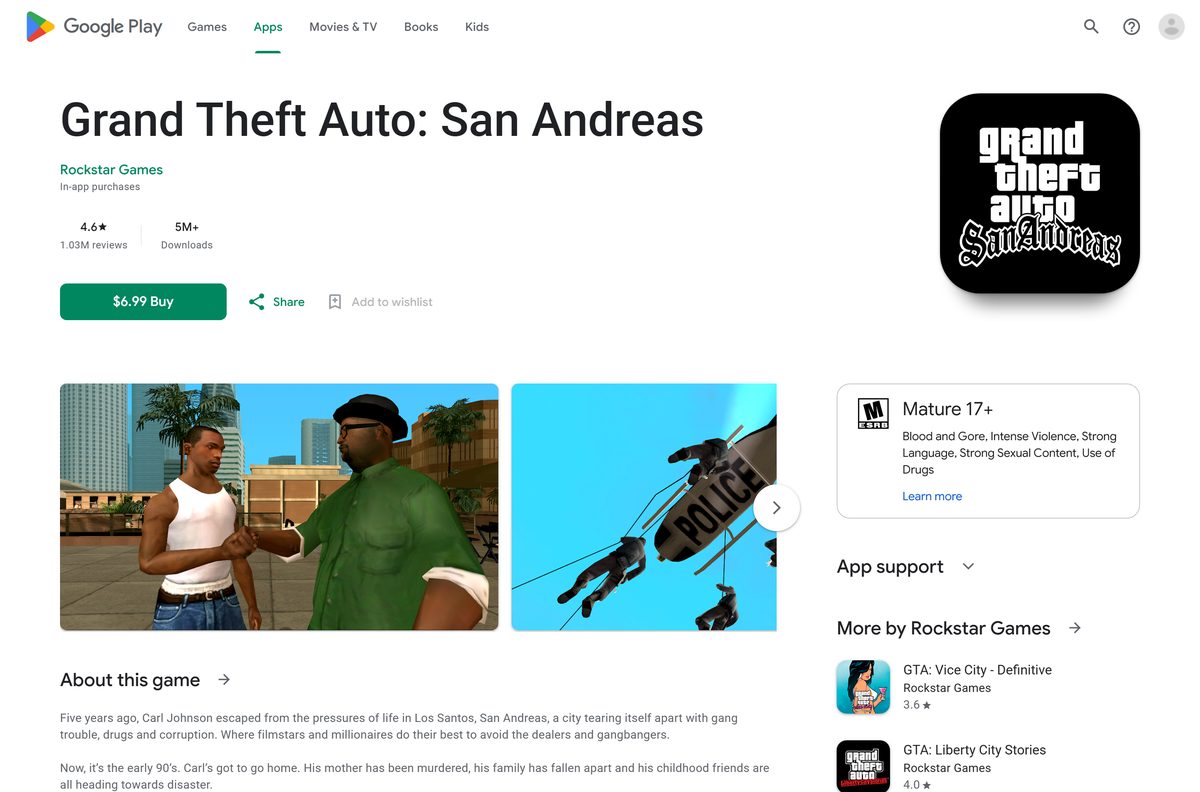
| iPhone or iPad | The classic mobile port ($6.99) or GTA: San Andreas – Definitive ($19.99) | App Store listing |
| Android phone or tablet | The classic mobile port at $6.99 | Google Play listing |
Both PC stores install the identical Windows game. The store you pick decides which launcher starts it.
Download Grand Theft Auto: San Andreas from the official stores
There is no standalone setup file. Each store hands the download to its own launcher after you buy.
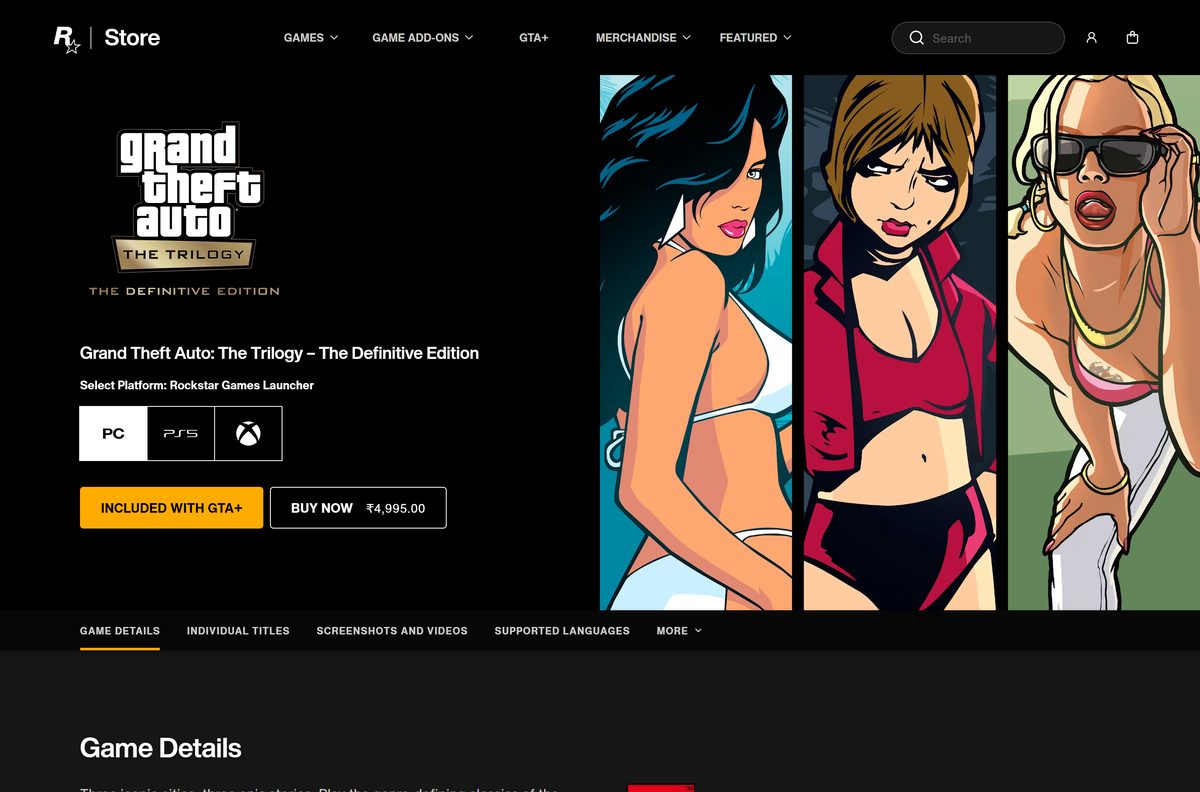
- Rockstar Store: GTA The Trilogy – The Definitive Edition — 45 GB for all three games · Sold for the Rockstar Games Launcher
- Steam: San Andreas – The Definitive Edition — 19 GB for San Andreas · Bought as the Trilogy package, Windows only
- Rockstar Games downloads page — Free Rockstar Games Launcher a Rockstar Store copy needs
- Rockstar San Andreas game page — Official page with trailers and specifications
Steam users need the Steam client first. The Steam download guide covers that setup.
How to install Grand Theft Auto: San Andreas on Windows 11 and 10
Clear the disk space before you buy. Keep the PC online, because activation needs a connection.
- Free at least 45 GB if you plan to install all three games, or 19 GB for San Andreas alone.
- Open the Rockstar Store Trilogy page and select Buy Now.
- Finish the purchase with your Rockstar Games account.
- Install Rockstar Games Launcher from the Rockstar downloads page if the PC does not have it.
- Open the launcher and sign in with the same Rockstar Games account.
- Open your library and select Grand Theft Auto: San Andreas – The Definitive Edition.
- Select Install, choose the install folder, then confirm.
- Select Play when the launcher reports the install finished.
Rockstar also lists DirectX, the Microsoft Visual C++ 2015-2019 Redistributables (x64) and the Social Club framework as required installs. Only one PC can sign in to a Social Club account at a time.
Install Grand Theft Auto: San Andreas from Steam
Steam gives San Andreas its own app page, but the purchase box sells the whole Trilogy. Steam also requires a Rockstar Games Social Club account.
- Open the Steam store page in the Steam app or a browser.
- Find Buy Grand Theft Auto: The Trilogy – The Definitive Edition and select Add to Cart.
- Finish the purchase.
- Open Library in Steam and select Grand Theft Auto: San Andreas – The Definitive Edition.
- Select Install, pick the drive, then confirm the 19 GB download.
- Select Play and sign in to your Rockstar Games Social Club account when asked.
- Link that account to Steam so the purchase activates.
GTA III and Vice City appear in the same library as separate installs. Skip them to save disk space.
Should you look for classic GTA San Andreas or buy the Definitive Edition?
Buy the Definitive Edition; it is the only San Andreas for PC that Rockstar sells. The original 2005 PC release still has a Steam page, but it carries no price and no purchase button, and it targets Windows 2000/XP. The Definitive Edition adds rebuilt lighting, higher-resolution textures, longer draw distances, GTA V-style controls and targeting, and NVIDIA DLSS on PC. Any site offering a free download of the classic game is not Rockstar and does not sell a licence.
Steam lists 13 languages for the Definitive Edition, with full audio in English.
Is Grand Theft Auto: San Andreas free?
No. Every official version costs money, either as a purchase or through GTA+. On PC, Steam lists the Trilogy at $59.99 and sales cut that price; it sold for $19.79 in September 2026. The Rockstar Store sells the same Trilogy at a regional price. GTA+ includes the Trilogy for as long as you subscribe; Steam lists it at $7.99 per month. On phones, the classic port costs $6.99 and the iOS Definitive version costs $19.99.
Check the Steam page before you buy, because the sale price changes from week to week.
Which Grand Theft Auto: San Andreas option works on your Mac?
There is no macOS version on sale. Steam marks the Definitive Edition Windows only, and the Mac App Store has no San Andreas listing.
| Your setup | What to do | Where |
|---|---|---|
| You also own a Windows PC | Install Steam Link on the Mac and stream the game from the PC | Steam Link and Remote Play |
| You own a Mac and an iPhone or iPad | Play the iOS version on the phone or tablet instead | App Store listing |
| You plan to buy a Windows PC | Buy on Steam now and install when the PC arrives | Steam store page |
Steam lists macOS among the Steam Link client platforms, so the Mac acts as a screen for the Windows PC.
Install Grand Theft Auto: San Andreas on iPhone and Android
Rockstar sells San Andreas on phones as separate purchases. A PC copy does not unlock them.
- Open the App Store listing on iPhone, or the Google Play listing on Android.
- Pick GTA: San Andreas – Definitive instead on iPhone if the device runs iOS 16 or later.
- Check that the device has about 3 GB free; the iOS builds are 2.66 GB and 2.81 GB.
- Tap the price button, then confirm the purchase.
- Wait for the download to finish on Wi-Fi.
- Open the game and sign in to Rockstar Games Social Club for cloud saves across devices.
The classic iOS port needs iOS 13 or later. Rockstar credits War Drum Studios with the classic mobile version.
Check the Grand Theft Auto: San Andreas system requirements
These are the PC figures for San Andreas – The Definitive Edition. The game needs 64-bit Windows.
| Field | Value |
|---|---|
| Game | Grand Theft Auto: San Andreas – The Definitive Edition |
| Developer | Rockstar Games, adapted by Grove Street Games (original by Rockstar North) |
| Publisher | Rockstar Games |
| Latest version | Definitive Edition, released November 11, 2021; no public PC version number |
| License / Price | Paid: $59.99 list for the Trilogy on Steam, or included with GTA+ |
| File size | 19 GB for San Andreas (Steam); 45 GB for the Trilogy (Rockstar Store) |
| Supported OS | Windows 10 64-bit or later, including Windows 11 |
| Architecture | 64-bit processor and operating system required; no macOS or Linux build |
| Processor (minimum) | Intel Core i5-6600K or AMD FX-6300 |
| Processor (recommended) | Intel Core i7 class or AMD Ryzen 5 2600 |
| Memory | 8 GB minimum; 16 GB recommended |
| Graphics (minimum) | Nvidia GeForce GTX 760 2GB or AMD Radeon R9 280 3GB |
| Graphics (recommended) | Nvidia GeForce GTX 970 4GB or AMD Radeon RX 570 4GB |
| Network | Internet for activation and periodic entitlement checks |
| Mac version | None |
| Official download source | store.rockstargames.com |
| Offline installer | No; the store launcher delivers the game |
| Last verified | 2026-09-25 |
Open Settings, select System, then About to read your own processor and RAM before you pay.
Fix Grand Theft Auto: San Andreas not downloading or installing
Most failures trace back to disk space, activation or the account link. Work through the symptom that matches.
The download stalls or fails partway
A full drive or a dropped connection interrupts the transfer.
- Open File Explorer and confirm the target drive has 19 GB free for San Andreas.
- Pause the download in the launcher, wait ten seconds, then resume it.
- Move the PC onto a wired Ethernet connection.
- Pick a different install drive in the launcher and start again.
The game asks you to buy it again or will not activate
Activation needs a signed-in Social Club account and an internet connection.
- Sign out of the launcher and sign back in with the account that bought the game.
- Link that Rockstar Games account to Steam if you bought the Steam copy.
- Sign out of Social Club on any other PC, because only one PC log-in is allowed.
- Allow the launcher through Windows Defender Firewall in Settings.
Only GTA III or Vice City shows up in the library
The Trilogy lists each game separately, and San Andreas may sit further down.
- Open your library in Rockstar Games Launcher or Steam.
- Search the library for San Andreas.
- Select Grand Theft Auto: San Andreas – The Definitive Edition, then select Install.
The game installs but crashes at launch
Outdated graphics drivers or missing runtimes stop it at start-up.
- Open Settings, select Windows Update, then select Check for updates.
- Install the current driver for your card from Nvidia or AMD.
- Verify the game files from the launcher that installed it.
- Restart the PC and start the game from the launcher.
Rockstar support handles account and entitlement cases that survive these steps.
How to uninstall Grand Theft Auto: San Andreas
Remove the game through the launcher that installed it. The other two Trilogy games stay installed.
- Close the game and the launcher.
- Open your library in Rockstar Games Launcher or Steam.
- Select San Andreas, open its settings or right-click menu, then select Uninstall.
- Confirm the removal and wait for the drive space to come back.
- Open Settings, select Apps, then Installed apps to remove any leftover entry.
- Delete the remaining game folder from the install drive if one is left.
The purchase stays on your account, so a reinstall costs only the download.
Which other Rockstar game should you buy instead?
The Rockstar Store sells the rest of the catalogue under the same account and launcher.
| If you want | Buy this | Where |
|---|---|---|
| The modern Los Santos with online play | Grand Theft Auto V | GTA V download guide |
| Liberty City with the two Episodes | Grand Theft Auto IV: The Complete Edition | Rockstar Store |
| Another Rockstar open world | Red Dead Redemption 2 | Rockstar Store |
| A smaller Rockstar story game | Bully: Scholarship Edition | Rockstar Store |
Pick GTA V for San Andreas’s home city with an online mode.
Frequently asked questions
Is Grand Theft Auto: San Andreas free to download?
No. On PC it comes in the Trilogy – The Definitive Edition, which Steam lists at $59.99, or with a GTA+ subscription. The classic phone version costs $6.99. Any site offering a free full copy is not Rockstar.
What is the official Grand Theft Auto: San Andreas download page?
Rockstar sells the PC game at store.rockstargames.com under Grand Theft Auto: The Trilogy – The Definitive Edition. Steam sells the same Windows game, and each store delivers the download through its own launcher.
Does GTA San Andreas work on Windows 11?
Yes. Rockstar and Steam list Windows 10 64-bit as the minimum, with no upper limit, so a 64-bit Windows 11 PC that meets the hardware requirements installs and runs the Definitive Edition.
How big is the GTA San Andreas download?
Steam asks for 19 GB of free space for San Andreas – The Definitive Edition. The Rockstar Store lists 45 GB for the whole Trilogy with GTA III and Vice City. The iPhone versions are about 2.7 to 2.8 GB.
Is there a GTA San Andreas offline installer?
No. The PC game arrives through Rockstar Games Launcher or Steam, and Rockstar requires an internet connection for activation and periodic entitlement checks. There is no standalone setup file.
Is there a Mac version of GTA San Andreas?
No version is on sale for macOS. Steam marks the Definitive Edition Windows only. A Mac can run the Steam Link client and stream the game from a Windows PC, or you can play the iPhone or iPad version.
Does GTA San Andreas need 64-bit Windows?
Yes. Steam states the Definitive Edition requires a 64-bit processor and operating system, and Rockstar lists Windows 10 64-bit. There is no 32-bit, ARM, macOS or Linux build of the PC game.
Is the GTA San Andreas download safe?
Yes, when it comes from the Rockstar Store, Steam, the App Store or Google Play. Those stores deliver the files directly, so no third-party installer, crack or key generator is involved.
What is the latest version of GTA San Andreas on PC?
San Andreas – The Definitive Edition, released on November 11, 2021 as part of the Trilogy, is the current PC version. Rockstar publishes no version number, and the launcher applies updates automatically.
Can I still buy the original GTA San Andreas on PC?
No. The original PC release still has a Steam page, but it shows no price or purchase button and lists Windows 2000/XP requirements. The Definitive Edition is the only San Andreas that Rockstar sells for PC.
Why won’t GTA San Andreas install?
The usual causes are a drive with under 19 GB free, a dropped connection, a Social Club account that is not signed in, or the same account signed in on another PC at the same time.