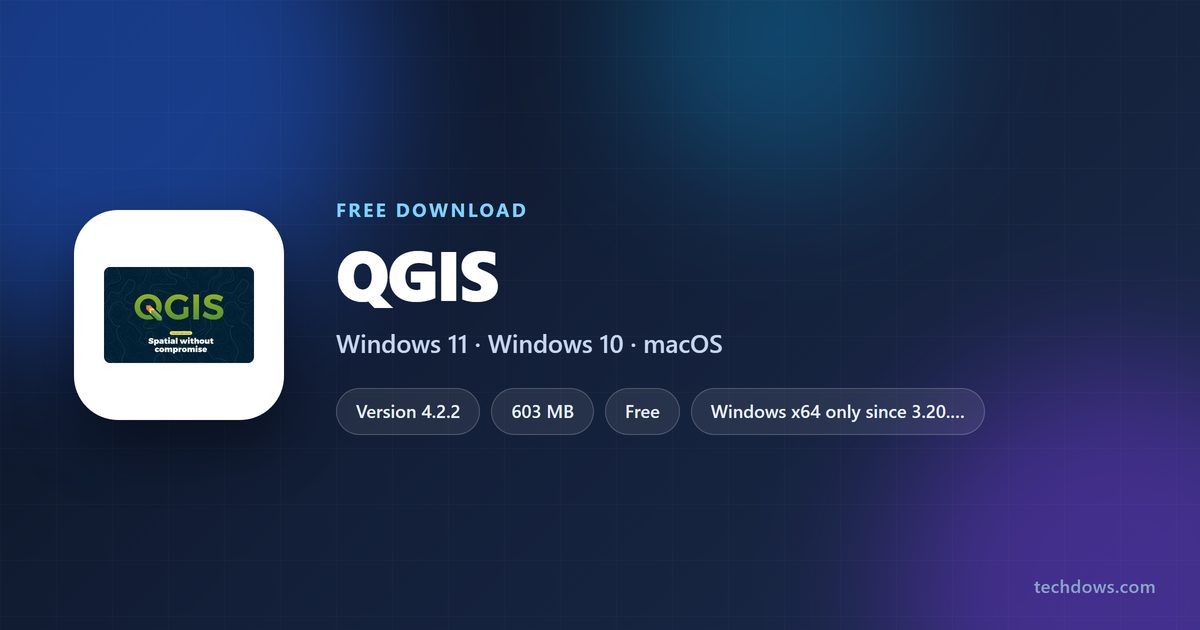
The QGIS download for Windows 11, Windows 10 and Mac is free from qgis.org, with two builds to choose from: QGIS 4.2.2 and the 3.44.14 Long Term Release. Windows gets a single offline MSI installer, and Mac gets one disk image for Intel and Apple silicon.
This guide covers which file to pick, installing on Windows, Mac and Linux, checking the installer, updating, and fixing the common install problems.
Check the QGIS system requirements
QGIS runs on 64-bit Windows, macOS 10.14 or newer, and most Linux distributions. The table below covers what each download needs.
| Field | Value |
|---|---|
| Software | QGIS |
| Developer | QGIS project (QGIS.org, an OSGeo project) |
| Latest version | 4.2.2 Belém do Pará, released 2026-08-28 |
| Long Term Release | 3.44.14 Solothurn LTR |
| Licence | Free and open source |
| Windows | 64-bit only, since QGIS 3.20 |
| macOS | 10.14 or newer, Intel x64 and Apple silicon |
| Linux | Debian, Ubuntu, Fedora, Flatpak and more |
| File size | 603 MB (4.2.2 MSI), 556 MB (LTR MSI) |
| Offline installer | Yes, the standalone MSI |
| Official download source | qgis.org/download |
| Last verified | 2026-09-25 |
Open Settings > System > About and check that System type reads 64-bit before you download.
Which QGIS download do you need?
qgis.org offers every build in two release lines. Match your system and your need for stability to one row.
| Your machine and goal | Take this | Size |
|---|---|---|
| Windows 11 or 10, stable daily work | QGIS 3.44.14 LTR MSI | 556 MB |
| Windows 11 or 10, newest features | QGIS 4.2.2 MSI | 603 MB |
| Offline Windows PC that needs reprojection grids | QGIS 4.2.2 MSI with grids | 1.32 GB |
| Same, on the LTR | QGIS 3.44.14 LTR MSI with grids | 1.29 GB |
| Mac, stable daily work | QGIS 3.44.14 LTR DMG | 1.45 GB |
| Mac, newest features | QGIS 4.2.2 DMG | 1.48 GB |
| Linux | QGIS installation guide | Via package manager |
The default installers leave out the optional projection grids. QGIS asks for them at runtime only when a reprojection needs one.
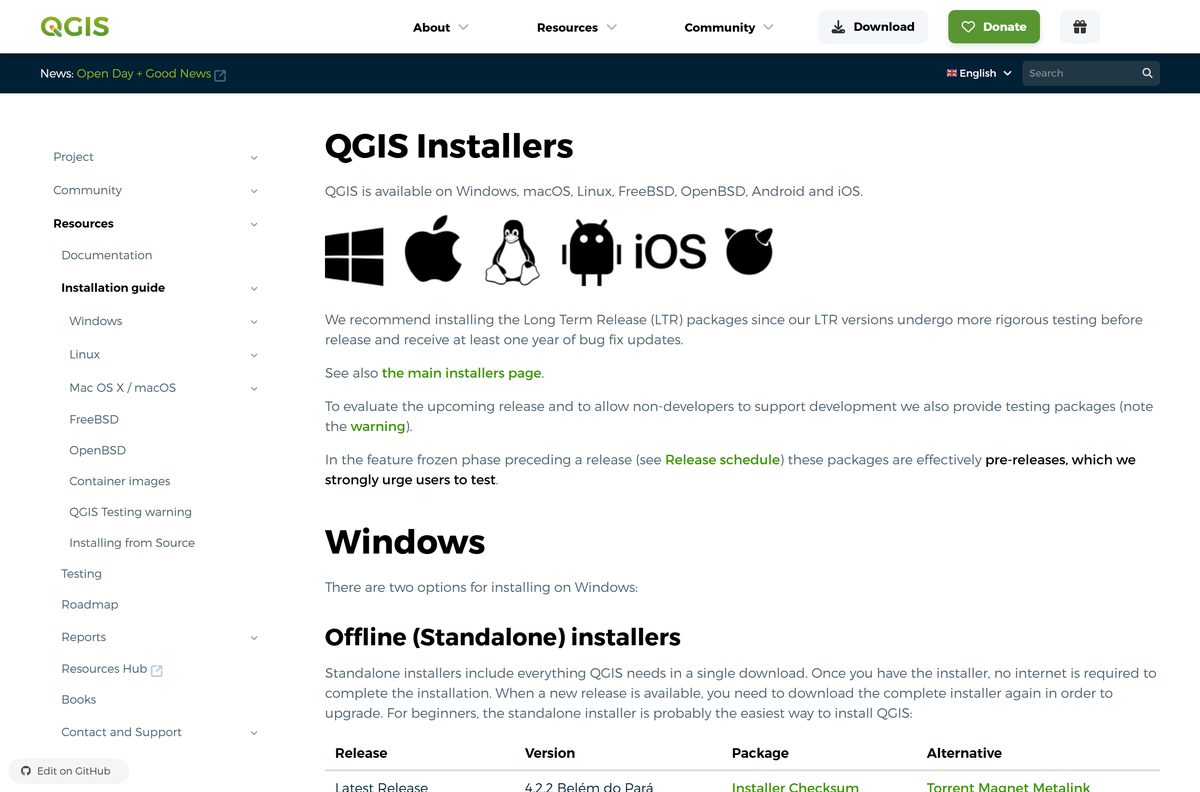
Download QGIS from qgis.org
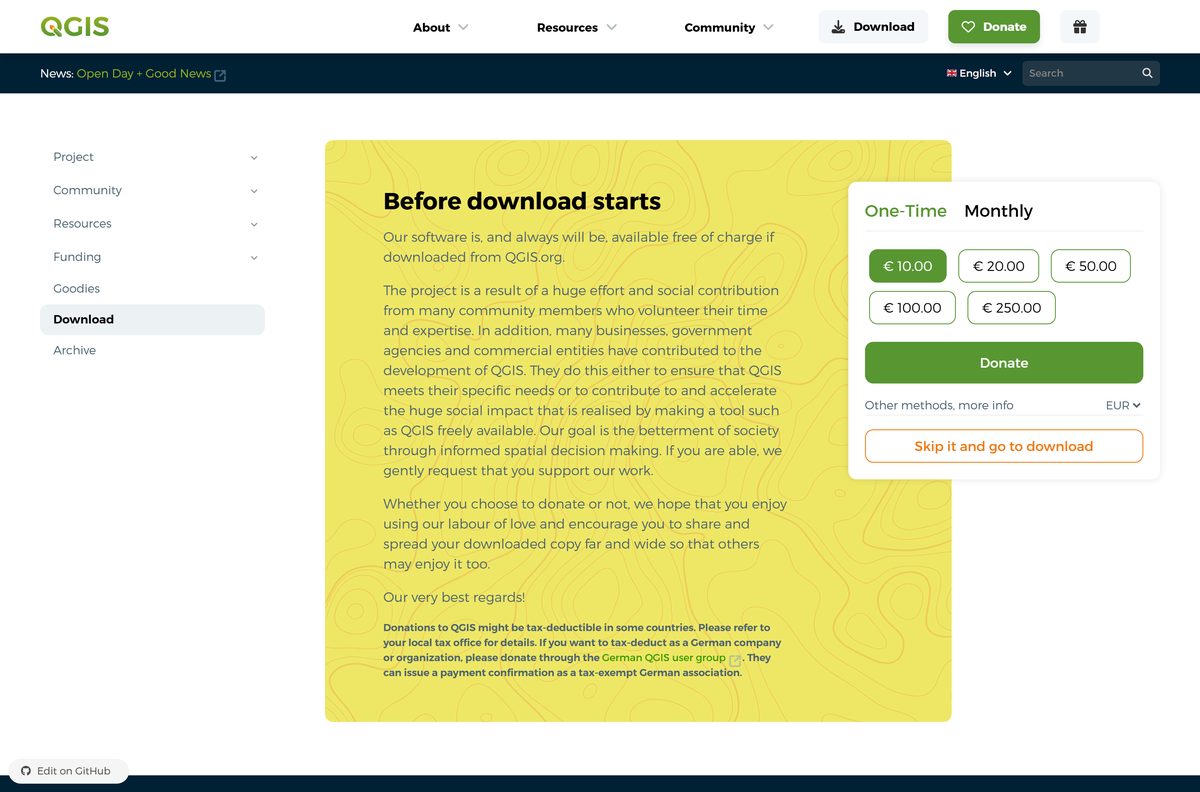
Every official build starts on qgis.org. A Before download starts screen asks for an optional donation; select Skip it and go to download to reach the files.
- QGIS download page — Windows, macOS, Linux and source code
- QGIS installation guide — every installer, checksum and the OSGeo4W network installer
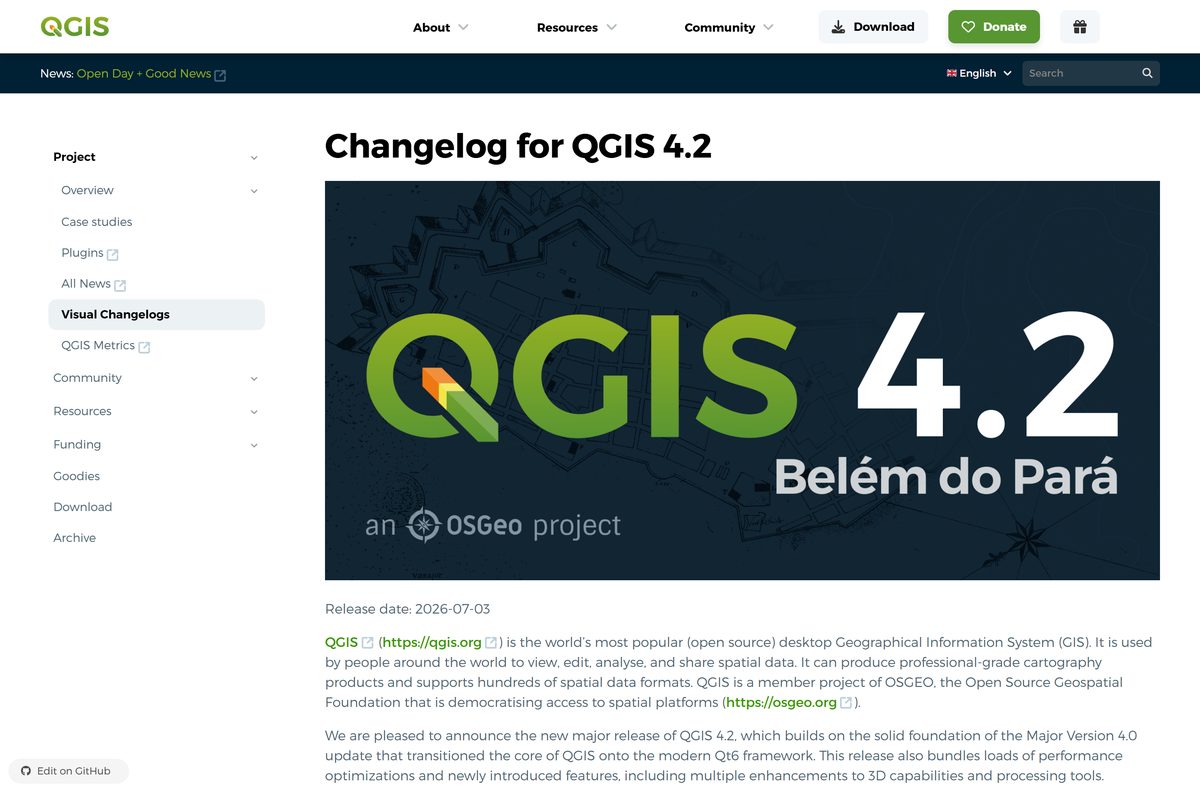
- QGIS 4.2 visual changelog — what changed in the latest release
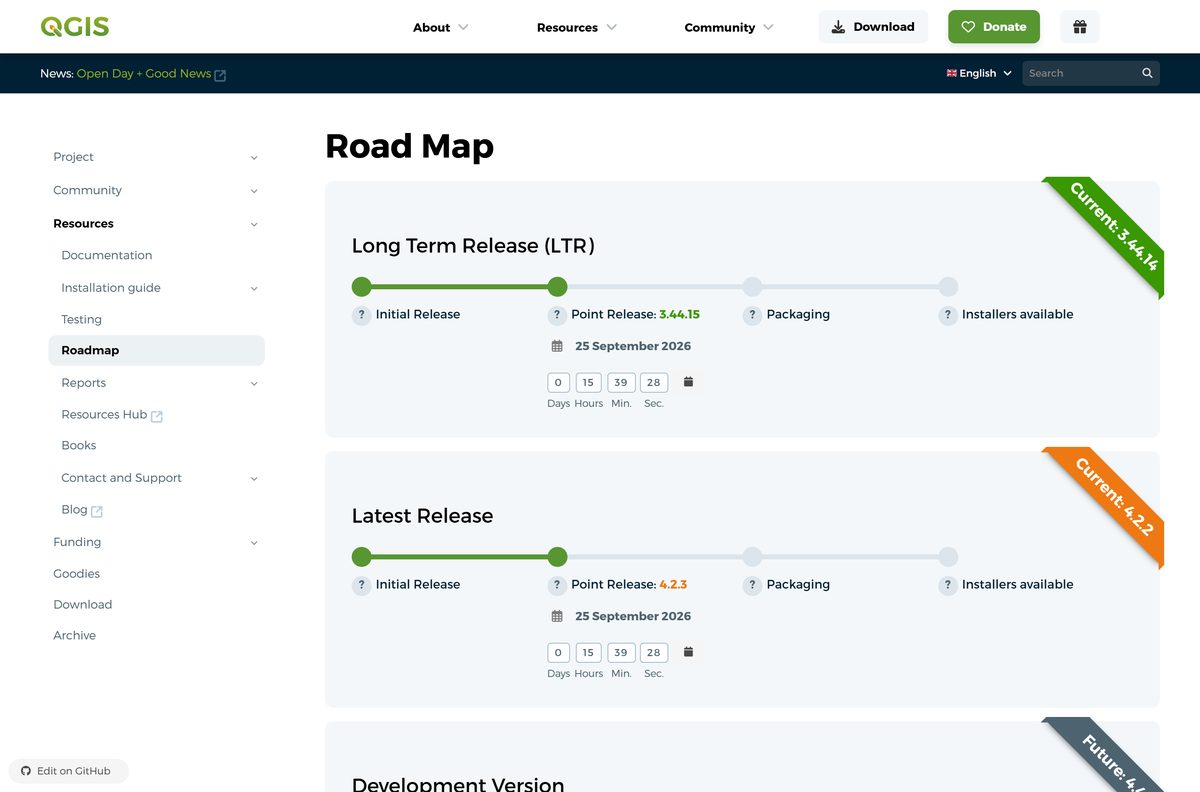
- QGIS release schedule — dates for the next point release and LTR
Each installer also has Torrent, Magnet and Metalink options on the installation guide, which help on slow or unreliable connections.
Should you install the QGIS LTR or the latest release?
QGIS publishes a new release every four months, and every third release becomes a Long Term Release. Point releases arrive monthly for both lines.
Install the 3.44 LTR for production work; install 4.2 only if you need its new features or want to move to QGIS 4 now. The QGIS project recommends the LTR because it gets more rigorous testing and at least one year of bug fixes. QGIS 4 moved to Qt6, and plugins written against older APIs need updates for it.
QGIS 4.4.0 is scheduled for October 30, 2026 as the next LTR. The 3.44 line stays in the LTR repositories until 4.6.0 arrives in March 2027.
How to install QGIS on Windows 11 and 10
The standalone MSI holds everything QGIS needs, so no internet connection is required once the file is saved.
- Open the QGIS download page.
- Select Skip it and go to download on the donation screen.
- Pick the Long Term Version or Latest Version offline installer for Windows.
- Double-click the saved .msi file and select Yes at the User Account Control prompt.
- Select Next, accept the licence agreement and keep the default install folder.
- Select Install and wait for the files to copy.
- Select Finish, then open QGIS from the Start menu.
To upgrade the standalone install later, download the complete new MSI and run it again.
Install QGIS on Windows with OSGeo4W, or on Linux
The OSGeo4W network installer suits advanced users. It installs several QGIS versions side by side and downloads only changed parts on each update. Its link sits on the installation guide.
Windows with the OSGeo4W installer
- Open the QGIS installation guide and select Download OSGeo4W Installer.
- Run the installer and select Express Install.
- Tick QGIS for the latest release, QGIS LTR for the long term release, or both.
- Finish the wizard, then open QGIS from the Start menu.
Linux with Flatpak
- Open a terminal.
- Run flatpak install flathub org.qgis.qgis and pick the version when prompted.
- Start it from your app launcher, or run flatpak run org.qgis.qgis .
Fedora
- Open a terminal.
- Run sudo dnf install qgis python3-qgis qgis-grass .
On Debian and Ubuntu, add the qgis.org repository from the installation guide first, then run sudo apt install qgis qgis-plugin-grass .
How to verify the QGIS installer
Every Windows and Mac installer on the installation guide has a Checksum link to a .sha256sum file.
- Open the QGIS installation guide and select Checksum beside your installer.
- Note the SHA-256 value in the file.
- On Windows, open PowerShell in your Downloads folder and run Get-FileHash .\QGIS-OSGeo4W-4.2.2-1.msi -Algorithm SHA256 .
- On Mac, open Terminal and run shasum -a 256 ~/Downloads/qgis_pr_final-4_2_2.dmg .
- Compare the result with the value from the checksum file, and download again if they differ.
Which QGIS download do you need for your Mac?
The official macOS installers are signed and notarized, and one disk image covers both Intel and Apple silicon Macs.
| Your Mac | Download | Size |
|---|---|---|
| macOS 10.14 or newer, stable work | QGIS 3.44.14 LTR DMG | 1.45 GB |
| macOS 10.14 or newer, newest features | QGIS 4.2.2 DMG | 1.48 GB |
| Testing upcoming changes | QGIS nightly DMG | Changes nightly |
Open the DMG file and drag the QGIS application into the Applications folder. MacPorts users can install the qgis3 or qgis3-ltr port instead.
Is QGIS free?
The download page shows a donation form first. It is optional and does not unlock anything.
Yes. QGIS is free and open source, with no paid edition, from qgis.org. qgis.org states the software is, and always will be, available free of charge from QGIS.org. A site charging for a QGIS installer is reselling a free program.
How to check your QGIS version and update it
QGIS does not patch a standalone install in place. A new release means a new installer.
- Open QGIS and select Help > About to read the installed version.
- Select Help > Check QGIS Version to compare it with the current release.
- Open the QGIS download page and download the new installer for your release line.
- Run the new installer as in the steps above.
- Open Plugins > Manage and Install Plugins and upgrade any plugins that report updates.
OSGeo4W users rerun the OSGeo4W installer instead, which fetches only the changed packages.
Fix QGIS not installing or working on Windows 11 or 10
Most QGIS install problems come from the system type, a broken download, or the jump from QGIS 3 to QGIS 4.
The installer will not run on an older PC
QGIS has shipped only 64-bit Windows builds since 3.20.
- Open Settings > System > About.
- Check that System type reads 64-bit operating system.
- On a 32-bit system, stay off QGIS 3.20 and later, which will not install.
The installer reports a damaged or incomplete file
The download stopped early or was corrupted.
- Delete the partial file.
- Download it again, or use the Torrent or Metalink option on the installation guide.
- Compare the SHA-256 value with the Checksum file before you run it.
QGIS asks for projection grids
The default installers leave out the optional grids to save space.
- Accept the download prompt QGIS shows when a grid is needed.
- Without internet, install the with grids MSI instead.
- OSGeo4W users can add the proj-data package through OSGeo4W Setup.
Settings or plugins are missing after moving to QGIS 4
QGIS 4 keeps its settings separate from QGIS 3 and uses Qt6.
- Start QGIS 4 once so it migrates your profile.
- Open Plugins > Manage and Install Plugins and reinstall or update each plugin.
- Keep the 3.44 LTR installed for any plugin not yet ported to QGIS 4.
How to uninstall QGIS
Each standalone QGIS release installs as its own app, so remove the versions you no longer use.
Windows 11 and 10
- Select Start > Settings > Apps > Installed apps.
- Find the QGIS version to remove.
- Select More > Uninstall and confirm.
- For an OSGeo4W install, rerun the OSGeo4W installer and remove the packages there.
Mac
- Quit QGIS.
- Open Finder > Applications.
- Drag QGIS to the Trash and empty it.
Microsoft covers the Settings route in its uninstall guide.
Frequently asked questions
Is the QGIS download free?
Yes. QGIS is free and open source, and qgis.org states it is and always will be available free of charge from QGIS.org. The donation screen before the download is optional; select Skip it and go to download to continue.
Where is the official QGIS download page?
The official page is qgis.org/download. It lists the Windows MSI installers, the macOS disk images, the Linux instructions and the source code, each for both the latest release and the Long Term Release.
What is the latest version of QGIS?
QGIS 4.2.2 Belém do Pará, released on August 28, 2026, is the latest release. The Long Term Release is 3.44.14 Solothurn. Point releases arrive monthly, and QGIS 4.4.0 is scheduled for October 30, 2026 as the next LTR.
How big is the QGIS download for Windows?
The QGIS 4.2.2 MSI is 603 MB, and the 3.44.14 LTR MSI is 556 MB. The versions that bundle the projection grids are 1.32 GB and 1.29 GB. The macOS disk images are about 1.45 to 1.48 GB.
Does QGIS work on Windows 11?
Yes. QGIS ships 64-bit Windows installers, and Windows 11 is a 64-bit system. The same MSI files install on 64-bit Windows 10. There has been no 32-bit Windows build since QGIS 3.20.
Is there a QGIS offline installer?
Yes. The standalone MSI installers on qgis.org include everything QGIS needs in a single file. Once you have it, no internet connection is required to finish the install, so you can copy it to a USB drive or network share.
Is there a QGIS download for Mac?
Yes. qgis.org offers signed and notarized disk images for the latest release, the LTR and nightly builds. They run on macOS 10.14 and newer, on both Intel and Apple silicon Macs.
Does QGIS support ARM64 and Apple silicon?
On Mac, yes: one disk image covers Intel x64 and Apple silicon. On Windows, qgis.org ships x64 installers only. On Linux, the Debian and Ubuntu repositories are listed for amd64.
Should I download QGIS LTR or the latest release?
Take the LTR for day-to-day work. QGIS recommends it because LTR versions get more rigorous testing and at least one year of bug fixes. Take the latest release only if you need features added since 3.44.
Is QGIS safe to download?
Yes, from qgis.org. The macOS installers are signed and notarized, and every Windows and Mac installer has a SHA-256 checksum file next to it. Copies on download portals are repackaged by third parties, so skip them.
Why won’t QGIS install on my PC?
The most common cause is a 32-bit Windows system, which QGIS stopped supporting after 3.20. A partial download is the next cause: compare the file against its SHA-256 checksum, or fetch it again through the torrent or metalink option.
Can QGIS 3 and QGIS 4 be installed side by side?
Yes, through the OSGeo4W installer, which can install several QGIS versions in parallel. QGIS 4 also stores its settings separately from QGIS 3 and migrates your profile once on first start.