You can get the Godot Engine download for Windows 11, Windows 10 and Mac free from godotengine.org, and Linux builds sit on the same site. Godot Engine 4.7.2 is the current stable release, and it builds 2D and 3D games with no fees or royalties.
Below you will find which file matches your PC or Mac, the standard and .NET editions, how to run the editor, the Steam option, system requirements, fixes for slow or frozen starts, and clean removal.
Which Godot Engine download do you need?
Godot offers a standard editor and a .NET editor with C# support for each system. Find your machine and language in the left column, then click the matching button on the official page.
| Your setup | Click this button | Architecture | Start here |
|---|---|---|---|
| Windows 11 or 10 PC with an Intel or AMD chip, GDScript | Godot Engine | x86_64 | Godot for Windows |
| Windows PC with a Snapdragon or other ARM chip | Windows – arm64 | arm64 | Godot for Windows |
| Older 32-bit Windows PC | Windows – x86_32 | x86_32 | Godot for Windows |
| Windows PC and you write games in C# | Godot Engine – .NET | x86_64, x86_32 or arm64 | Godot for Windows |
| Any Mac, Apple Silicon or Intel | Godot Engine or Godot Engine – .NET | Universal | Godot for macOS |
| Linux desktop | Godot Engine | Per distribution build | Godot for Linux |
The .NET binaries run only on a Windows PC with the matching architecture. Emulation is not supported, so an ARM PC needs the arm64 .NET build.
Download Godot Engine from the official site
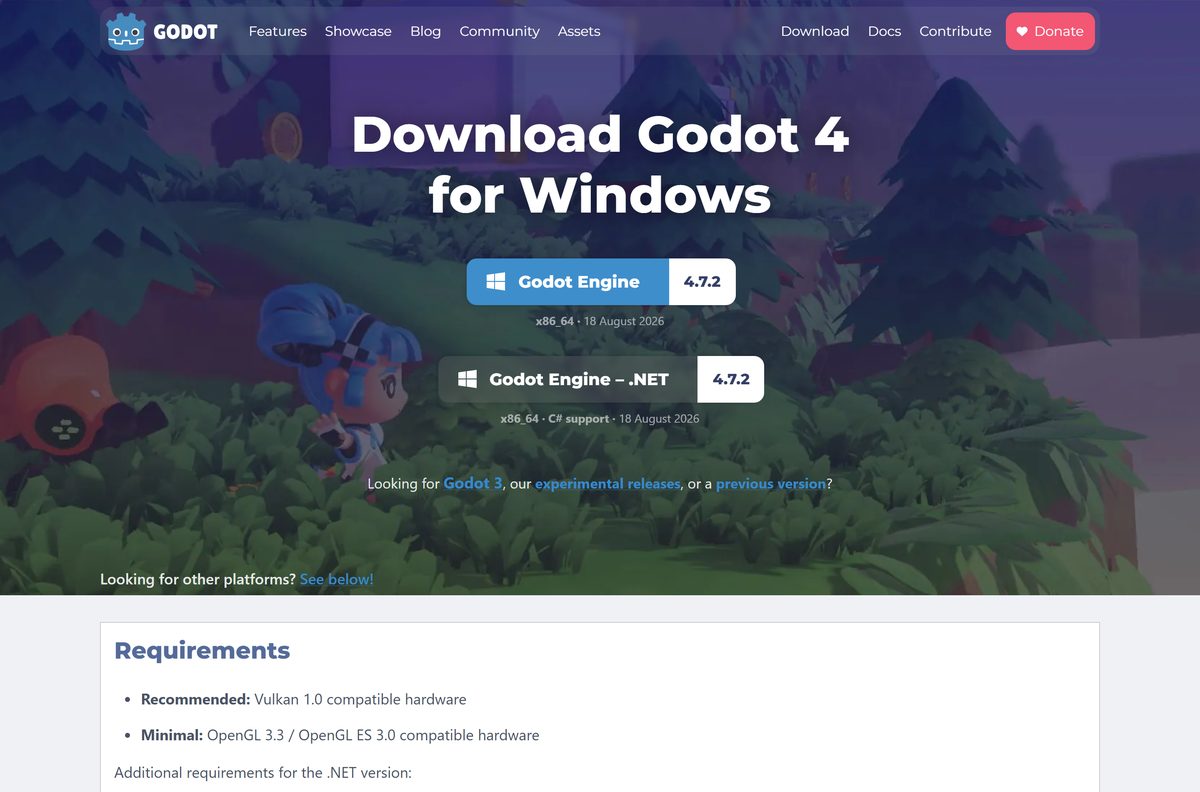
The official Windows page is godotengine.org/download/windows. The zip starts downloading straight away, with no account or sign-up.
Export templates are a separate download. Get them only when you are ready to export a finished game to other platforms.
- Godot Engine for Windows — Standard and .NET builds for x86_64, x86_32 and arm64, plus export templates
- Godot Engine for macOS — Universal build for Apple Silicon and Intel Macs
- Godot Engine for Linux — Linux editor builds
- Godot 4.7.2 release announcement — Changes in the 18 August 2026 maintenance release
- Release archive — Godot 3.6.3, 4.6.3 and every earlier version
How to install Godot Engine on Windows 11 and 10
Godot has no setup wizard. The zip holds a self-contained editor that runs as soon as you extract it.
- Open godotengine.org/download/windows and click Godot Engine, or Godot Engine – .NET for C#.
- Wait for the zip file to finish downloading.
- Right-click the zip in File Explorer and choose Extract All.
- Pick a permanent folder, such as C:\Godot or a folder in Documents, and click Extract.
- Open the extracted folder and double-click the Godot executable.
- Click Create in the Project Manager to start a new project, or Import to open an existing one.
- Right-click the executable and choose Pin to Start so you can find it again.
Windows executables are code-signed by Prehensile Tales B.V. The .NET edition also needs the .NET SDK, .NET 8 or later, from dotnet.microsoft.com.
Install Godot Engine from Steam
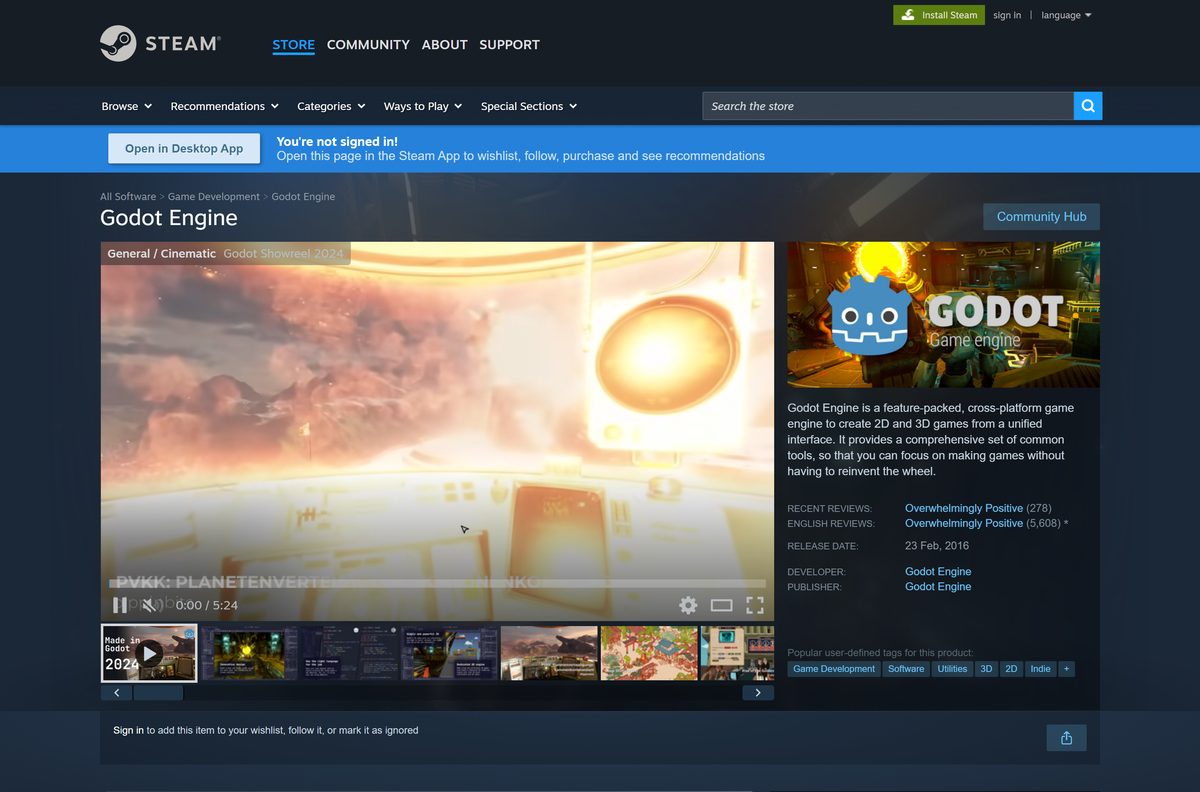
Steam lists Godot Engine as free, for Windows, macOS and Linux. Steam then keeps the editor updated for you.
Store copies do not include .NET or C# support. Use the zip from godotengine.org if you write C#.
- Open the Godot Engine Steam page.
- Sign in to Steam and click the free button in the Use Godot Engine box to add it to your library.
- Open Library in the Steam app and select Godot Engine.
- Click Install and confirm the drive.
- Click Launch when the download finishes.
The Steam release runs in self-contained mode, so its settings stay inside its own install folder. Godot is also listed on itch.io and the Epic Games Store.
Run Godot Engine from a USB stick with self-contained mode
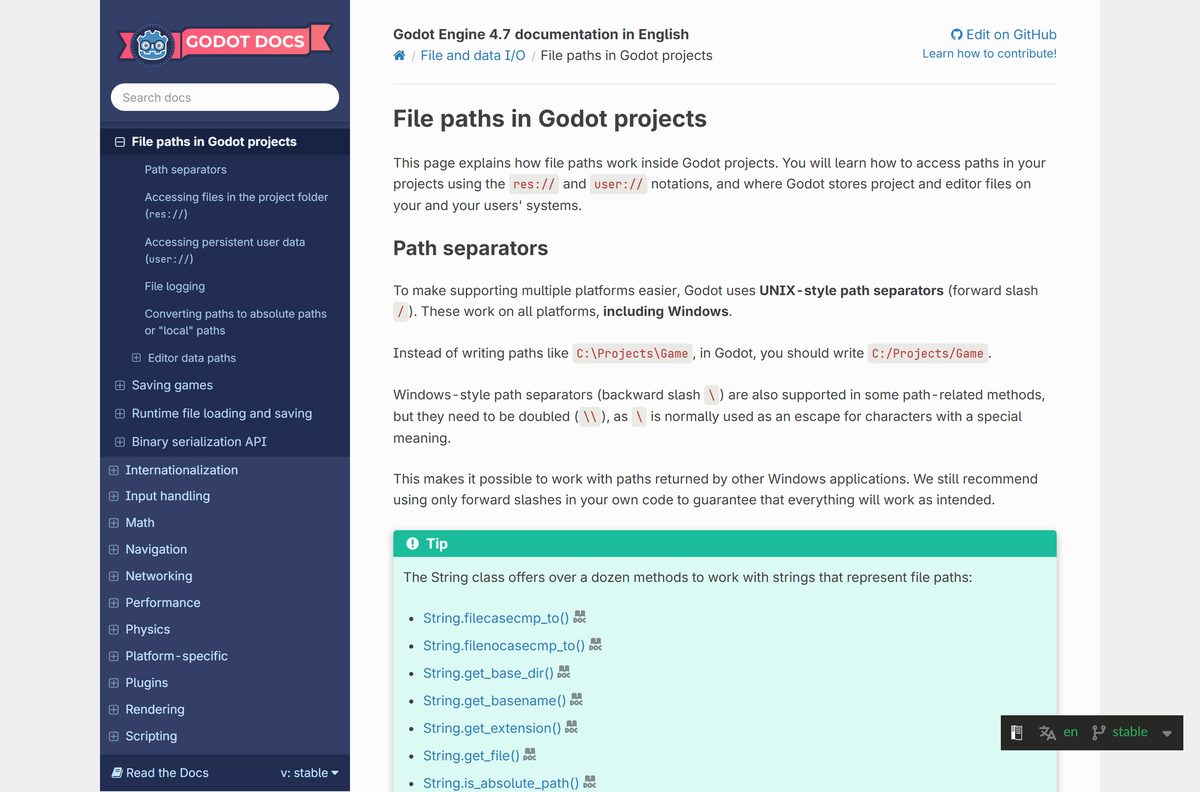
By default, Godot stores its settings and export templates in your user profile. Self-contained mode keeps all of it next to the editor, so the whole folder travels with you.
- Download the zip from godotengine.org/download/windows and extract it into a folder on your USB stick.
- Open that folder in File Explorer.
- Right-click an empty area, choose New, then Text Document.
- Name the file _sc_ with no extension. Turn on File name extensions under View to remove .txt .
- Start Godot. It now writes its data to an editor_data folder beside the executable.
A file named ._sc_ works the same way. Self-contained mode applies to the editor only, not to exported games.
Which Godot Engine download do you need for your Mac?
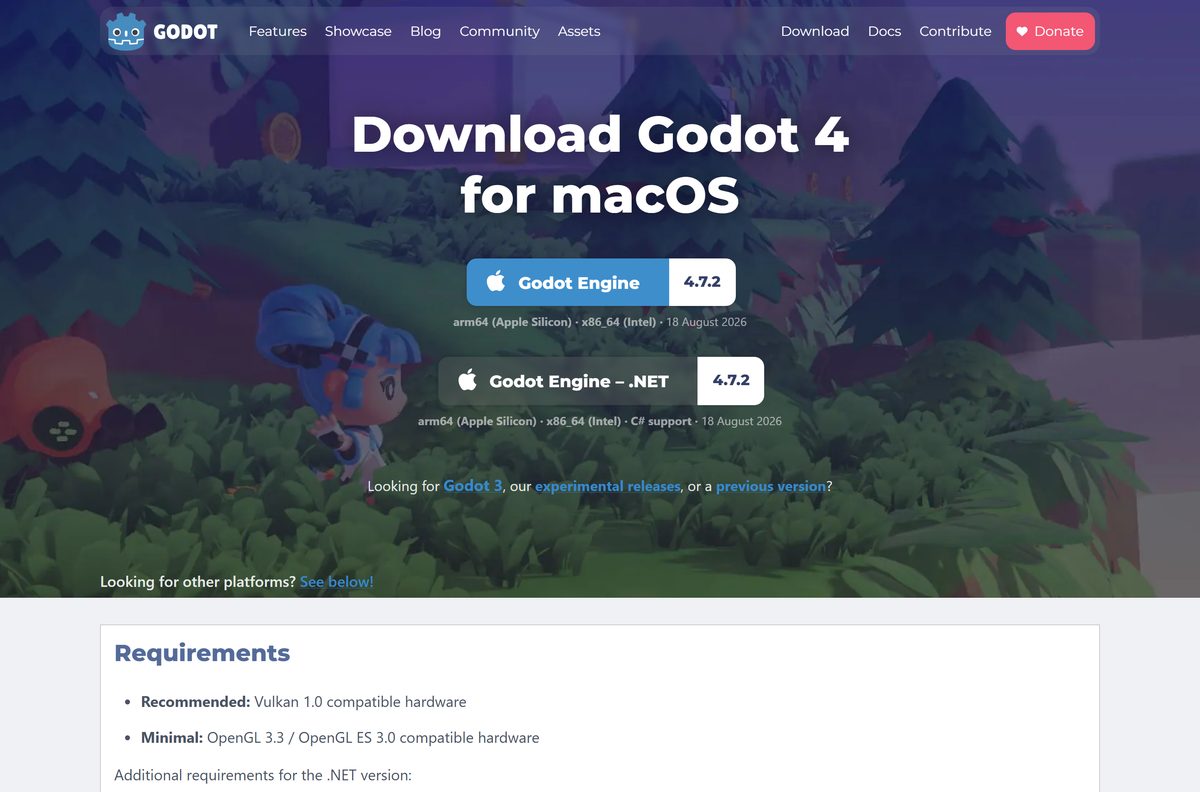
Every Mac gets the same universal file, which runs natively on Apple Silicon and Intel. The only choice is the language you script in.
| You script in | Click this button | What you get | Start here |
|---|---|---|---|
| GDScript, or you are new to Godot | Godot Engine | Universal zip, arm64 and x86_64 | Godot for macOS |
| C# | Godot Engine – .NET | Universal zip with C# support; install the .NET SDK too | Godot for macOS |
Open the downloaded zip to extract Godot.app, drag it into Applications, and open it from there.
The macOS builds are code-signed and notarized by Prehensile Tales B.V., so Gatekeeper lets them open normally.
Is Godot Engine free for commercial games?
Godot has no paid tier, no subscription and no revenue share.
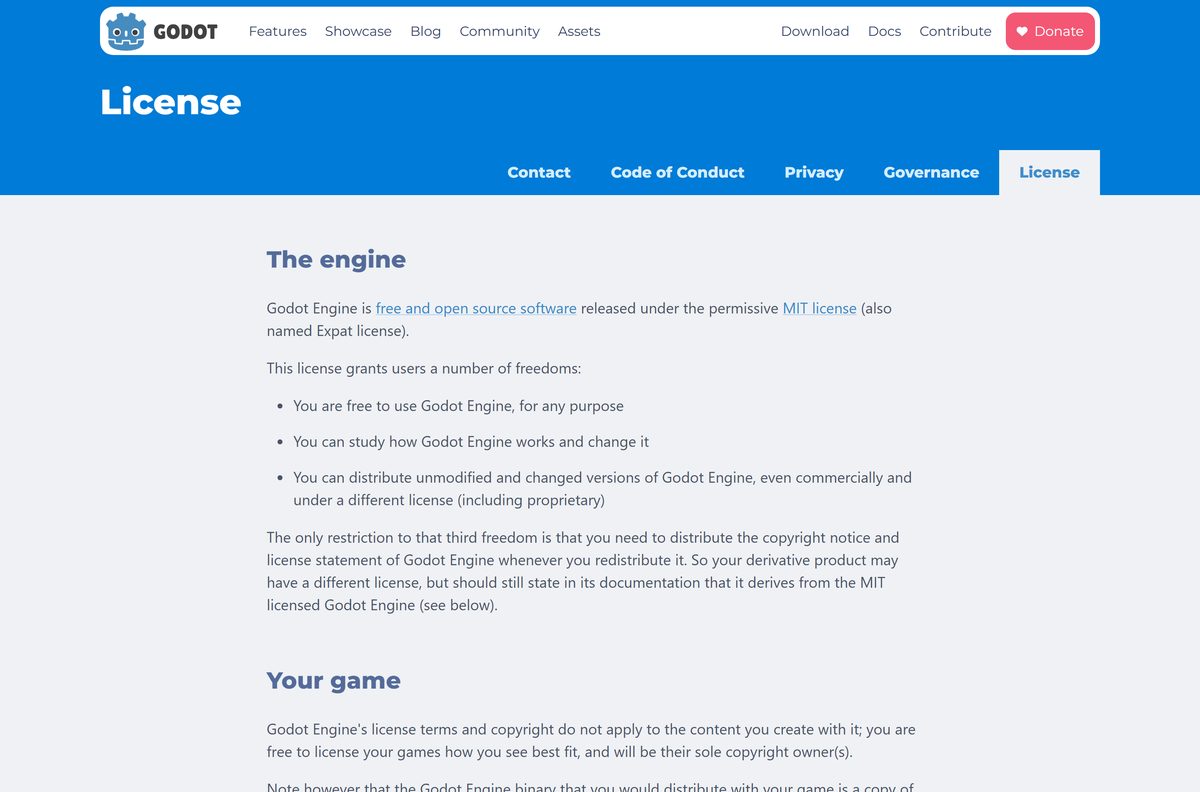
Yes. Godot Engine is free for personal and commercial games, with no royalties at any revenue level. Godot is released under the MIT license. You can use, modify and sell games made with it, and you are the sole copyright owner of those games. The only condition is keeping Godot’s copyright notice, and a link to its license page in your game’s credits or documentation satisfies it. A site that charges for Godot or asks for a license key is not the Godot project.
Choose between Godot standard and .NET
Both editions are the same engine. The .NET edition adds C# scripting alongside GDScript.
Install the standard edition unless you already know you will write C#. The standard edition needs nothing else and exports to every platform, including the web. The .NET edition needs the .NET SDK, and C# projects cannot export to the web in Godot 4. Android export from C# needs .NET 9 or later. The Steam, itch.io and Epic Games Store copies are standard only, so C# users must download from godotengine.org.
How to update Godot Engine to a new release
The zip version does not update itself. You replace the editor, and your settings carry over because they live in your user profile.
- Commit your project to version control or copy its folder as a backup.
- Download the new zip from godotengine.org/download/windows or the macOS page.
- Close every open Godot window.
- Extract the new zip, then delete or archive the old editor executable.
- Start the new editor and open your project from the Project Manager.
- Download matching export templates before your next export, since templates must match the editor version.
The current release fixes mouse performance with high polling rates on Windows and has no known incompatibilities with 4.7.1. Steam copies update automatically.
Check the Godot Engine system requirements
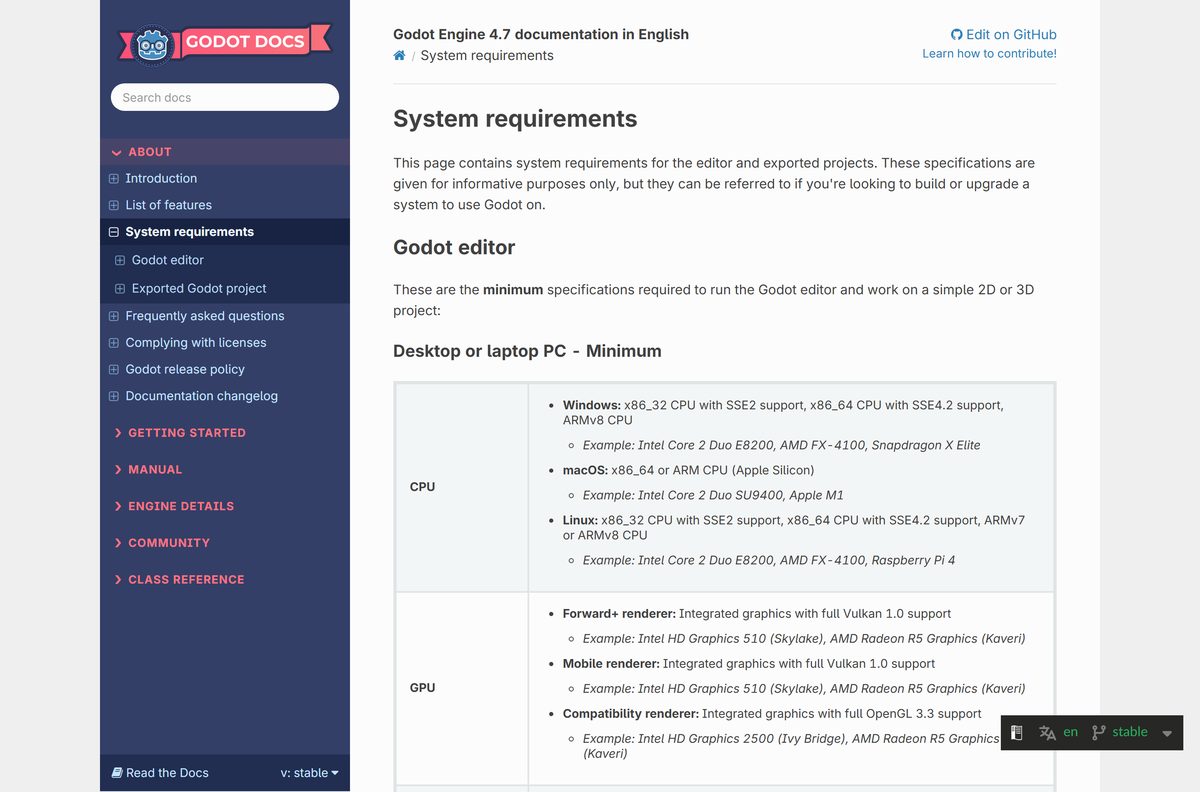
The Compatibility renderer needs OpenGL 3.3. The Forward+ and Mobile renderers need Vulkan.
| Field | Value |
|---|---|
| Software | Godot Engine |
| Developer | Juan Linietsky, Ariel Manzur and contributors (Godot Foundation) |
| Latest version | 4.7.2 (released 18 August 2026) |
| License | Free and open source, MIT |
| Windows | Windows 10 or later |
| Mac | macOS 10.13 (Compatibility) or 10.15 (Forward+ and Mobile), Apple Silicon or Intel |
| Linux | Distributions released after 2018 |
| Architecture | x86_64, x86_32 and arm64 on Windows; universal on Mac |
| Minimum CPU | x86_64 with SSE4.2 (x86_32 with SSE2, or ARMv8) |
| Minimum GPU | Integrated graphics with Vulkan 1.0 or OpenGL 3.3 |
| RAM | 4 GB minimum, 8 GB recommended |
| Storage | 200 MB, plus 1.3 GB for export templates |
| Offline installer | Yes, a self-contained zip |
| Official download source | godotengine.org |
| Last verified | 2026-09-25 |
Press Windows + R, type winver and press Enter to see your Windows version. A PC with four physical cores and a Vulkan 1.2 graphics card meets the recommended level.
Fix Godot Engine starting slowly or freezing
Each problem below has one cause and one fix.
The first launch takes a long time
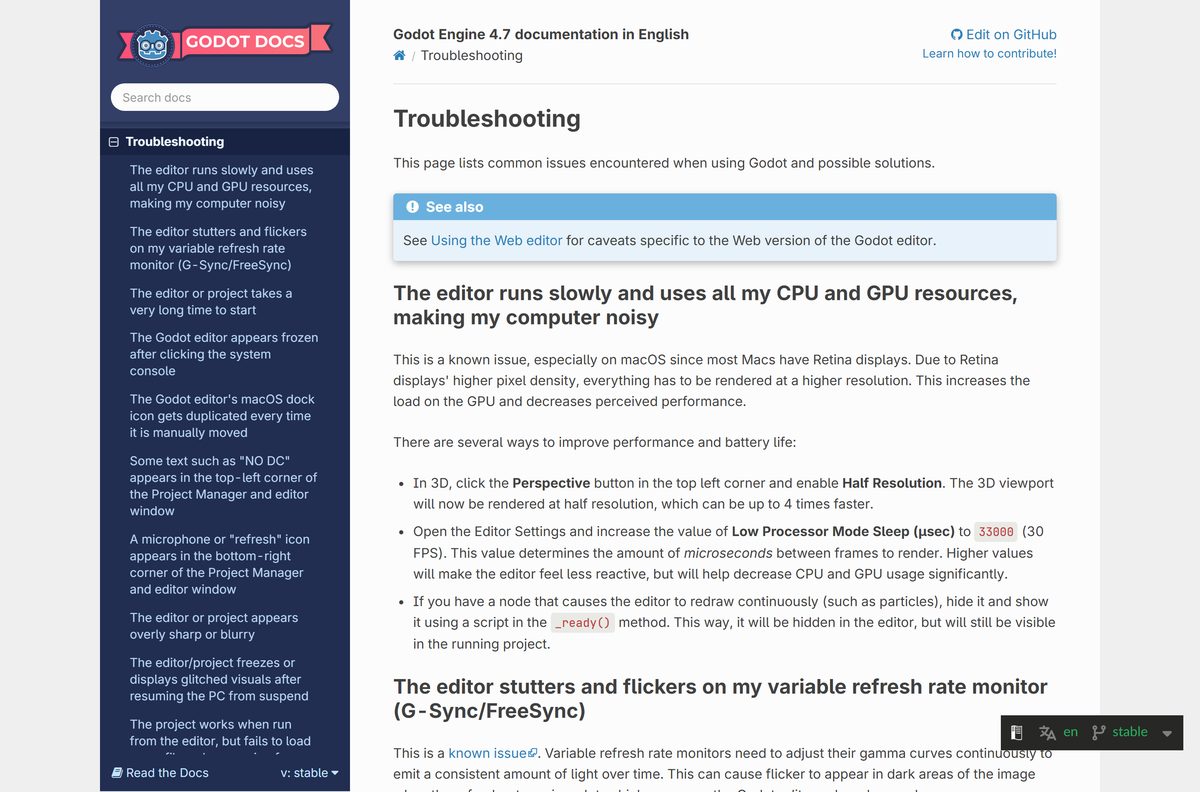
Forward+ and Mobile compile shaders on first start, after an update, a driver update or a graphics card change.
- Wait for the first start to finish.
- Close and reopen the project. Later starts use the cached shaders.
Every start stays slow on Windows
Some USB peripheral software, such as Corsair iCUE, slows startup.
- Update the drivers for your USB peripherals.
- If that fails, unplug the device before opening Godot, then plug it back in.
Projects take long to run and print() output never shows
Firewall software is blocking the debug port 6007.
- Open Editor Settings.
- Go to Network > Debug > Remote Port.
- Change 6007 to another value above 1024, such as 7007 .
The first project load after booting is slow
Windows Defender scans every project file.
- Open Windows Security and select Virus & threat protection.
- Click Virus & threat protection settings, then Add or remove exclusions.
- Add your project folder.
The editor froze after you clicked the console window
Clicking the Windows system console turns on selection mode, which pauses Godot.
- Select the console window.
- Press Enter to leave selection mode.
How to uninstall Godot Engine
The zip version never registered with the system, so removal means deleting files. Your projects stay wherever you saved them.
On Windows 11 or 10
Godot keeps settings and export templates in AppData.
- Close every Godot window.
- Delete the folder you extracted Godot into.
- Press Windows + R, type %APPDATA%\Godot and press Enter, then delete that folder.
- Press Windows + R, type %TEMP%\Godot and delete that cache folder too.
On a Mac
Godot keeps data under your Library folder.
- Quit Godot and drag Godot.app from Applications to the Trash.
- In Finder, press Shift + Command + G and open ~/Library/Application Support/Godot .
- Delete that folder, then delete ~/Library/Caches/Godot .
- Empty the Trash.
Installed through Steam
Steam manages the files, and self-contained mode keeps settings in the install folder.
- Open Library in Steam.
- Right-click Godot Engine and choose Manage, then Uninstall.
Frequently asked questions
Short answers to the questions people ask before installing Godot.
Is Godot Engine free?
Yes. Godot Engine is free and open source under the MIT license. There is no paid edition, no subscription and no royalty, and the games you make with it belong entirely to you, even when you sell them commercially.
Where is the official Godot Engine download page?
The official pages are on godotengine.org: godotengine.org/download/windows for Windows, plus separate macOS and Linux pages. Godot is also listed on Steam, itch.io and the Epic Games Store, but those store copies lack C# support.
Does Godot Engine work on Windows 11?
Yes. Godot lists Windows 10 as its minimum, and the same x86_64 and arm64 builds are the ones to use on Windows 11. Pick the arm64 file if your PC has a Snapdragon or other ARM processor.
How big is the Godot Engine download?
Godot’s download page lists no file size. Its documentation says the editor needs about 200 MB of storage, plus 1.3 GB if you install export templates, and 1.5 GB of space is recommended for comfortable use.
Is there an offline installer for Godot Engine?
Yes. Every desktop download is a complete zip file with no installer at all. Extract it and run the editor, and it works without an internet connection. Only the export templates are a separate download.
Is Godot Engine available for Mac?
Yes. Godot offers a universal macOS build that runs natively on Apple Silicon and Intel Macs. It needs macOS 10.13 or later for the Compatibility renderer and 10.15 or later for Forward+ and Mobile.
Does Godot Engine support ARM64 and 32-bit Windows?
Yes. The Windows page offers x86_64, x86_32 and arm64 builds of both the standard and .NET editions. The .NET binaries only run on a PC with the matching architecture, not under emulation.
Is Godot Engine safe to download?
Yes, when you download it from godotengine.org or its official store listings. Windows executables are code-signed by Prehensile Tales B.V., and the macOS builds are code-signed and notarized by the same company.
What is the latest version of Godot Engine?
Godot Engine 4.7.2, released on 18 August 2026, is the latest stable version. The project recommends it for all 4.7 users. Godot 3.6.3 remains available for older projects, and 4.8 is in development.
Why won’t Godot Engine install?
Godot does not install at all. You extract the zip and run the executable inside it. If it opens slowly, wait for the first shader compile to finish, and add your project folder to the Windows Defender exclusions.
Do I need the .NET version of Godot?
Only if you plan to write scripts in C#. The standard edition uses GDScript and exports to the web. The .NET edition adds C#, needs the .NET SDK installed, and cannot export C# projects to the web.
Can I use Godot without installing anything?
Yes. Godot is self-contained. Create a file named _sc_ next to the editor executable, and it stores all settings and templates in an editor_data folder beside it, which makes the whole folder portable.