A Google Drive download on a computer means one file: Drive for desktop, the official sync app from Google. GoogleDriveSetup.exe is 277.7 MB on Windows and GoogleDrive.dmg is 137.2 MB on macOS.
The app costs nothing. Every Google Account carries 15 GB of storage shared with Gmail and Google Photos, and a paid Google One plan raises that ceiling.
Below: the right file for your device, install steps for Windows 11 and Mac, a silent command for several PCs, offline files, sync fixes and clean removal.
Which Google Drive download do you need?
Match your machine to a row. The Windows and Mac files are the same ones Google links from its own help pages.
| Your device | What to download | Size |
|---|---|---|
| Windows 11 or Windows 10, 64-bit | GoogleDriveSetup.exe | 277.7 MB |
| Windows 11 and up on ARM64 | GoogleDriveSetup.exe | 277.7 MB |
| Mac with Apple silicon or Intel, macOS 13 and up | GoogleDrive.dmg | 137.2 MB |
| Android phone, tablet or Chromebook | Google Drive on Google Play | Play states no size |
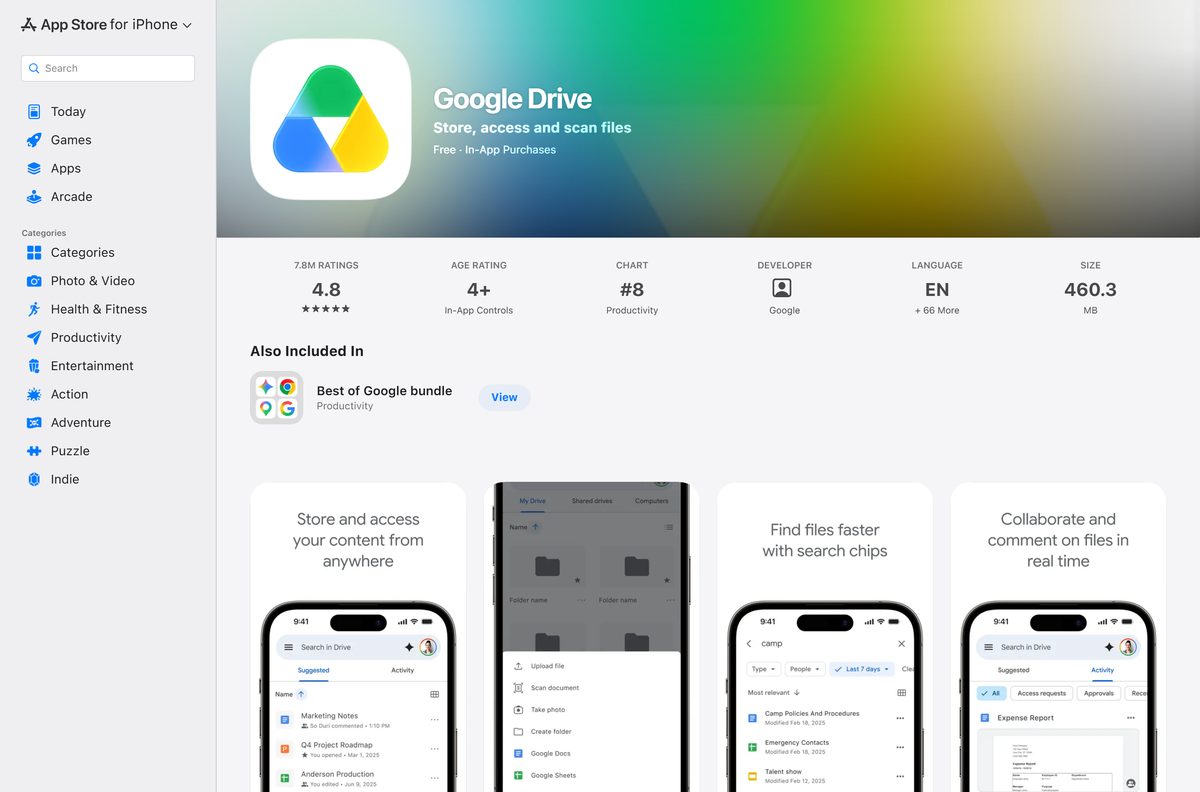
| iPhone or iPad | Google Drive on the App Store | 436.1 MB |
| Linux PC, or 32-bit Windows | drive.google.com in a browser | No download |
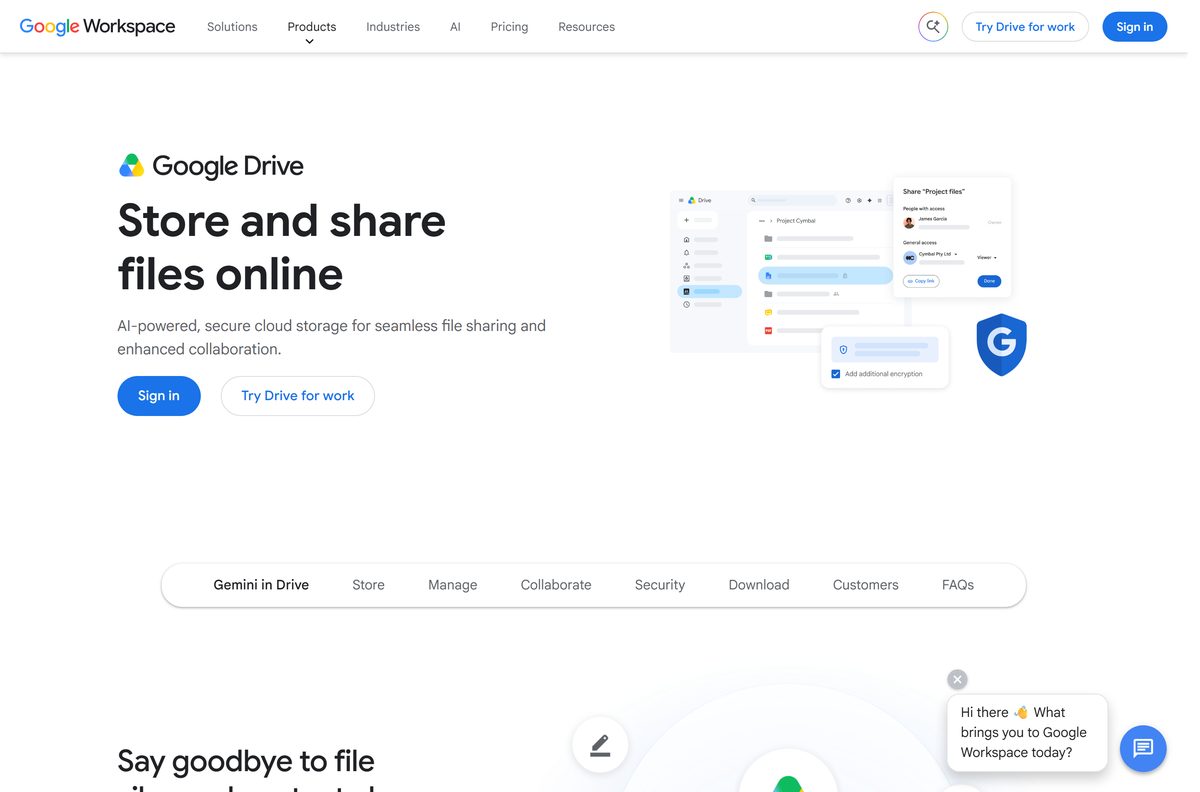
Download Google Drive from Google’s official sources
Google publishes the desktop app at these addresses. A portal offering a repackaged setup file adds nothing and cannot be checked against the release notes.
- Drive for desktop download page — Google’s own page, it opens the Drive product page
- GoogleDriveSetup.exe for Windows — 277.7 MB · 64-bit Windows 10 and up, ARM64 from Windows 11
- GoogleDrive.dmg for macOS — 137.2 MB · macOS Ventura 13.0 or higher
- Google Drive on the web — nothing to install, works in any current browser
- Google Drive on Google Play — Google LLC, 10B+ downloads, updated 18 September 2026
- Google Drive on the App Store — 436.1 MB · iPhone and iPad, iOS 17.0 or later
Check the Google Drive system requirements
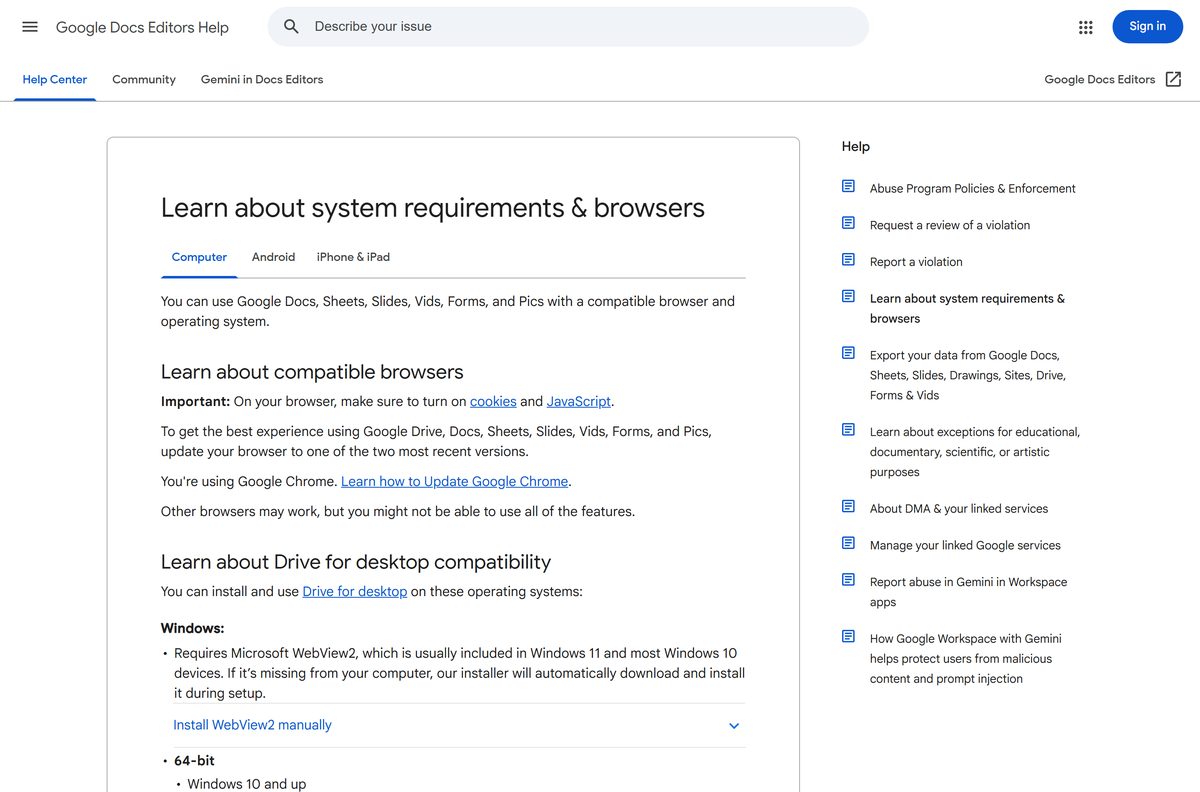
The desktop app is 64-bit only and needs Microsoft WebView2, which Windows 11 and most Windows 10 machines already carry.
| Field | Value |
|---|---|
| Developer | Google LLC |
| Latest version | 131.0, released 8 September 2026 |
| Price | Free, with 15 GB of account storage |
| Windows | Windows 10 and up 64-bit, Windows Server 2016 and up, ARM64 from Windows 11 |
| macOS | Ventura 13.0 or higher, Apple silicon and Intel |
| Not supported | 32-bit Windows, beta builds of either system, Linux |
| Extra component | Microsoft WebView2 on Windows |
| Windows file | GoogleDriveSetup.exe, 277.7 MB |
| macOS file | GoogleDrive.dmg, 137.2 MB |
| Accounts at once | 4 |
| Official source | google.com/drive/download |
| Last verified | 2026-09-22 |
Work and school accounts may be locked down by an administrator, who installs the app centrally instead.
How to install Google Drive on Windows 11 and 10
Setup adds a virtual drive in File Explorer, usually lettered G:. Your files stream from the cloud until you mark them for offline access.
- Download GoogleDriveSetup.exe from Google.
- Open the file and accept the Windows prompt.
- Leave Add an application shortcut to your desktop ticked if you want the icons.
- Select Install and wait for setup to finish.
- Select Sign in with browser, then pick your Google Account.
- Select Sign in on the confirmation page, then return to the app.
- Open File Explorer and confirm the Google Drive entry appears in the sidebar.
Add up to four accounts from the profile picture in the app menu. Disconnecting one removes its offline files from the machine.

Which Google Drive file do you need for your Mac?
One disk image covers every supported Mac. Open the Apple menu and select About This Mac if you are unsure which macOS you run.
| Your Mac | What to do | File |
|---|---|---|
| Apple silicon, macOS 13 Ventura or newer | Open the disk image and run the installer package | GoogleDrive.dmg, 137.2 MB |
| Intel Mac, macOS 13 Ventura or newer | Open the disk image and run the installer package | GoogleDrive.dmg, 137.2 MB |
| macOS 12 Monterey or older | Stay on the browser version, the app needs Ventura | drive.google.com |
After setup, the mounted drive appears in Finder under Locations, and the menu bar icon shows sync activity.
Install Google Drive silently on several computers
Google ships no MSI. The same setup file installs without a window when you pass the flags below, so it suits a deployment script.
GoogleDriveSetup –silent –desktop_shortcut Run it from the folder holding GoogleDriveSetup.exe. Add –skip_launch_new to stop the app opening afterwards, or –gsuite_shortcuts=false to skip the Docs editors shortcuts. On a Mac, mount GoogleDrive.dmg and install GoogleDrive.pkg with sudo installer .
Test on one machine first. Each user still signs in individually the first time the app runs.
Is Google Drive free?
The app and the website cost nothing. Storage is the part you can outgrow.
Drive for desktop is free, and your account starts with 15 GB shared across Drive, Gmail and Google Photos. Only the files you own count toward that quota, and syncing a shared folder uses your own hard disk instead. More space comes from a paid Google One plan, while a Google Workspace plan gives business accounts up to 5 TB per user. Any site charging for the installer itself is selling a free file.
Run past the quota and uploads stop, Gmail stops receiving, and Photos stops backing up. Two years over the limit puts that content at risk of deletion.
Documents you create in Google Docs land in the same 15 GB.
Should you install Drive for desktop or use the website?
Both reach the same files. The difference is where the files live while you work.
Install the desktop app if you open Drive files in Word, Excel, Photoshop or any other installed program. The app gives File Explorer and Finder a drive letter, so desktop software can open and save straight to it. The website is the better choice on a Chromebook, a Linux PC, 32-bit Windows or a shared computer where nothing may be installed.
How to check your Google Drive version and update it
The desktop app keeps itself current in the background. Check the number when a fix in the release notes matters to you.
- Press Windows + I to open Settings.
- Select Apps, then Installed apps.
- Search for Google Drive and read the version beside it.
- Compare it with the Drive for desktop release notes.
- Download GoogleDriveSetup.exe again if your build is older.
- Run the file and let it install over the existing copy, which keeps your accounts and settings.
On a Mac, open Finder, select Applications, then read the version from Get Info on the app.
What Drive for desktop does with your files
Two sync modes and two offline settings decide how much disk space Drive uses. All four sit in the app menu.
| Setting | What it does | Where to set it |
|---|---|---|
| Stream files | Keeps files in the cloud and opens them through the virtual drive | Settings, Preferences, Folders from Drive |
| Mirror files | Downloads My Drive into a folder you choose, on the disk and in the cloud | Settings, Preferences, Folders from Drive, My Drive syncing options |
| Available offline | Keeps chosen files and folders on the disk, marked with a green tick | Right-click the file, Offline access |
| Pause syncing | Stops updates to streamed and mirrored files until you resume | Settings, Pause syncing |
| Offline Docs, Sheets and Slides | Edits those files with no connection | drive.google.com/drive/settings |
The space tracker in the app shows room left on your hard disk, not your Google storage.
Fix Google Drive not installing or syncing on Windows 11 and 10
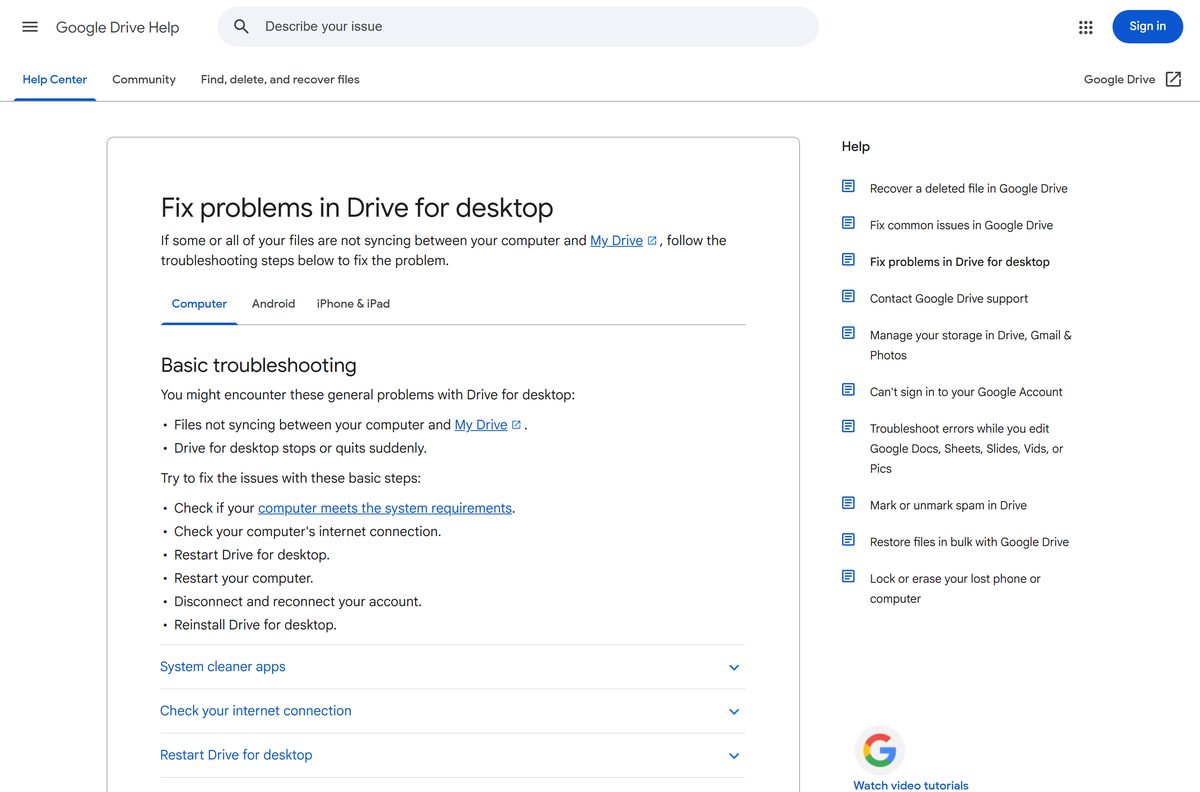
Work down the symptom that matches. Reinstalling is the last step, not the first.
Setup fails or the app will not start
The machine misses a requirement, or WebView2 is absent.
- Confirm the machine runs 64-bit Windows 10 or later, or Windows 11 on ARM64.
- Install Microsoft Edge WebView2 Runtime if setup complains about it.
- Right-click the setup file and select Run as administrator.
- Restart the computer and run the file again.
Files are not syncing to My Drive
The connection dropped, or the app stalled.
- Check the connection, then open the app and select Settings.
- Select Resume syncing if syncing shows as paused.
- Select Settings, then Quit, and open the app again.
- Restart the computer if the queue still does not move.
The app quits on its own
The signed-in account has lost its token.
- Open Settings, then Preferences, then Advanced settings.
- Find the account and select Disconnect account.
- Sign in again and choose a location for the folder.
- Reinstall from Google’s download page if it repeats.
Files appear in a Lost & Found folder
Those items could not upload.
- Open the Lost & Found folder in the Drive folder.
- Move the files back into My Drive to retry the upload.
- Free disk space if Windows reports the drive is full.
- Ask the file owner for edit access when a permission error shows.
Uploads stop and the quota looks full
The account has run out of its 15 GB.
- Open drive.google.com and empty the trash.
- Delete large files, then allow up to 72 hours for the figure to update.
- Buy more space on a Google One plan if the account stays full.
How to uninstall Google Drive cleanly
Disconnect the account first. Removing the app while it is signed in leaves offline copies behind.
- Open the app menu and select Settings, then Preferences.
- Select Advanced settings, then Disconnect account, and confirm.
- Select Settings, then Quit.
- Press Windows + I, select Apps, then Installed apps.
- Select the three dots beside Google Drive, then Uninstall.
- On a Mac, drag the app from Applications to the Bin instead.
- Delete the leftover Drive folder if you chose mirroring and no longer need the copies.
Files stay in your account either way. Anything only on the computer is gone once you delete the folder.
Which Google Drive alternatives fit your setup?
Stay with the same account where you can. These cover the cases the desktop app does not.
| If you need | Use this instead | Where to get it |
|---|---|---|
| Access with nothing installed | Google Drive on the web | drive.google.com |
| Files that follow an iPhone or Mac | iCloud Drive, 5 GB free | apple.com/icloud |
| Documents to write and share | Google Docs | Docs download guide |
| Team messages beside the files | Google Chat | Chat download guide |
| Coursework handed in and marked | Google Classroom | Classroom download guide |
Frequently asked questions
Is Google Drive free?
Yes. Drive for desktop and the website cost nothing, and every Google Account includes 15 GB of storage shared with Gmail and Google Photos. Extra space comes from a paid Google One plan, and Workspace accounts get up to 5 TB per user.
What is the official Google Drive download page?
google.com/drive/download, which opens Google’s Drive product page. The installer files themselves sit on dl.google.com as GoogleDriveSetup.exe for Windows and GoogleDrive.dmg for macOS.
Does Drive for desktop work on Windows 11?
Yes. It supports Windows 10 and up and Windows Server 2016 and up on 64-bit, plus Windows 11 and up on ARM64. Microsoft WebView2 is required and ships with Windows 11 already.
What is the Google Drive download size?
GoogleDriveSetup.exe is 277.7 MB and GoogleDrive.dmg is 137.2 MB. The iPhone and iPad app is 436.1 MB, and Google Play states no size for the Android app.
Is there a Google Drive offline installer?
The Windows and macOS files are full packages rather than stub downloaders, so you can copy either one to another computer and install it there. Signing in and syncing still need a connection.
Can I install Google Drive on a Mac?
Yes. Download GoogleDrive.dmg, open it and run the installer package. macOS Ventura 13.0 or higher is required, and the same file covers Apple silicon and Intel Macs.
Is Google Drive 64-bit or 32-bit?
64-bit only. It runs on x64 Windows and on ARM64 from Windows 11 up, and on both Mac chip families. There is no 32-bit build, so older machines use the website.
Is the Google Drive installer safe to run?
It is safe when it comes from google.com or dl.google.com. Download portals repackage installers with their own wrappers, and the file they serve cannot be matched against the release notes.
What is the latest Google Drive version?
Drive for desktop 131.0, released on 8 September 2026. The app updates itself in the background, so a machine left online moves to each new build without any action.
Why will Google Drive not install or sync?
Check the system requirements first, then the connection. Quit and reopen the app, restart the computer, disconnect and reconnect the account, and reinstall from Google’s page only if the problem survives all of that.
Is there a Google Drive app for Linux?
No. Google ships no Linux desktop version, so use drive.google.com in a browser. The same applies to Chromebooks, where Drive is already built into the Files app.