You can install Gmail as a desktop app on Windows 11, Windows 10 and Mac in about a minute, straight from Chrome or Edge. It gets its own window, its own taskbar icon and offline access.
Chrome and Edge turn mail.google.com into a windowed app with its own taskbar icon. That is what most people mean by a Gmail app on a PC.
This guide covers what to install on each device, the official Google links, Gmail offline in Chrome, the Mac position, the MSI for Outlook admins, and fixes for Gmail not loading.
Which Gmail download do you need?
Match your device to a row. Most rows end at a browser, because that is where Gmail runs.
| Your device | What to use | Size |
|---|---|---|
| Windows 11 or Windows 10 PC | mail.google.com, installed as an app in Chrome or Edge | Nothing to download |
| Mac | mail.google.com in Safari or Chrome | Nothing to download |
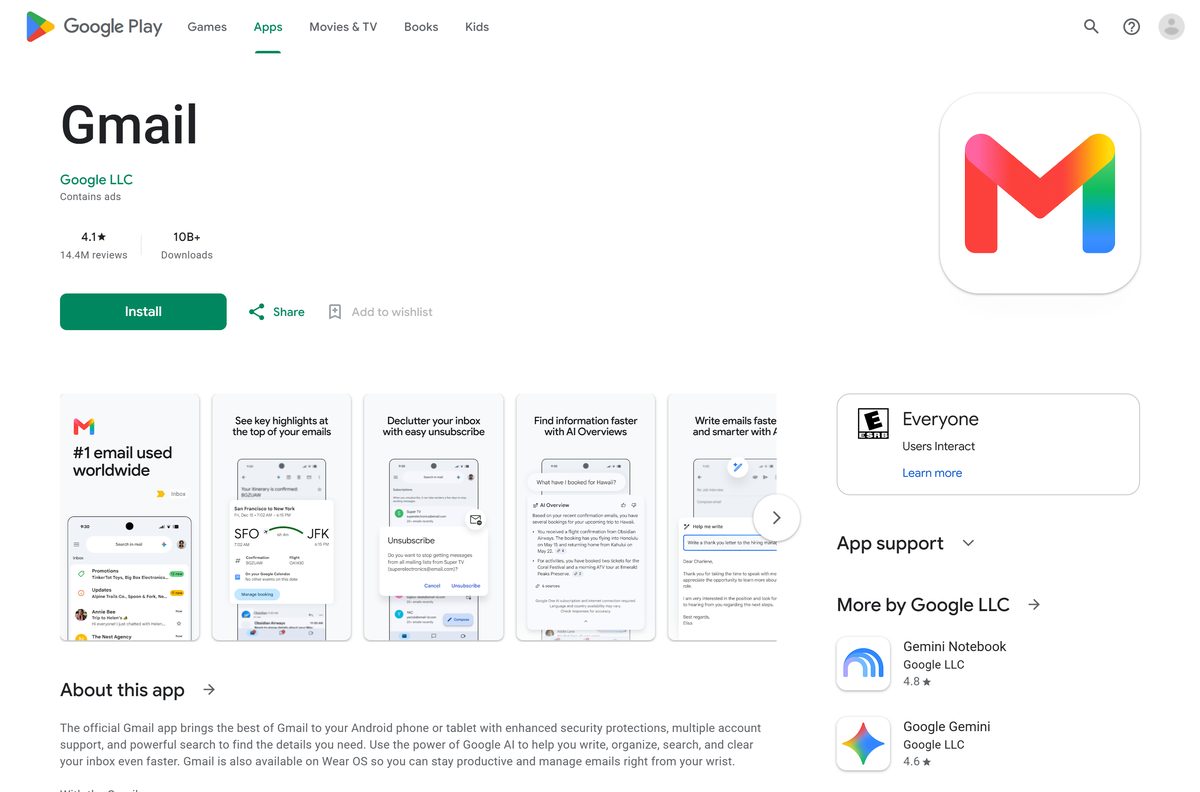
| Android phone, tablet or Chromebook | Gmail on Google Play | Play states no size |
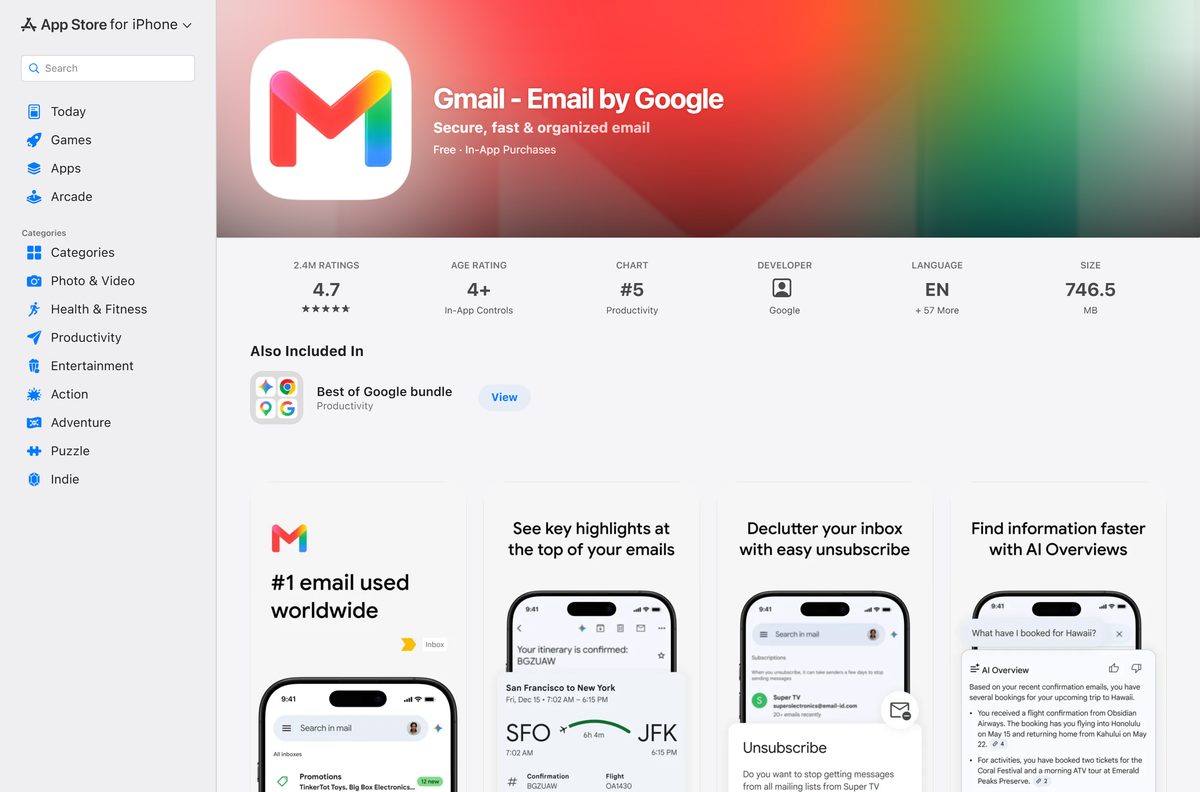
| iPhone or iPad | Gmail – Email by Google on the App Store | 746.5 MB |
| Classic Outlook, Google Workspace account | enterprise_gsync.msi, 64-bit | 72.5 MB |
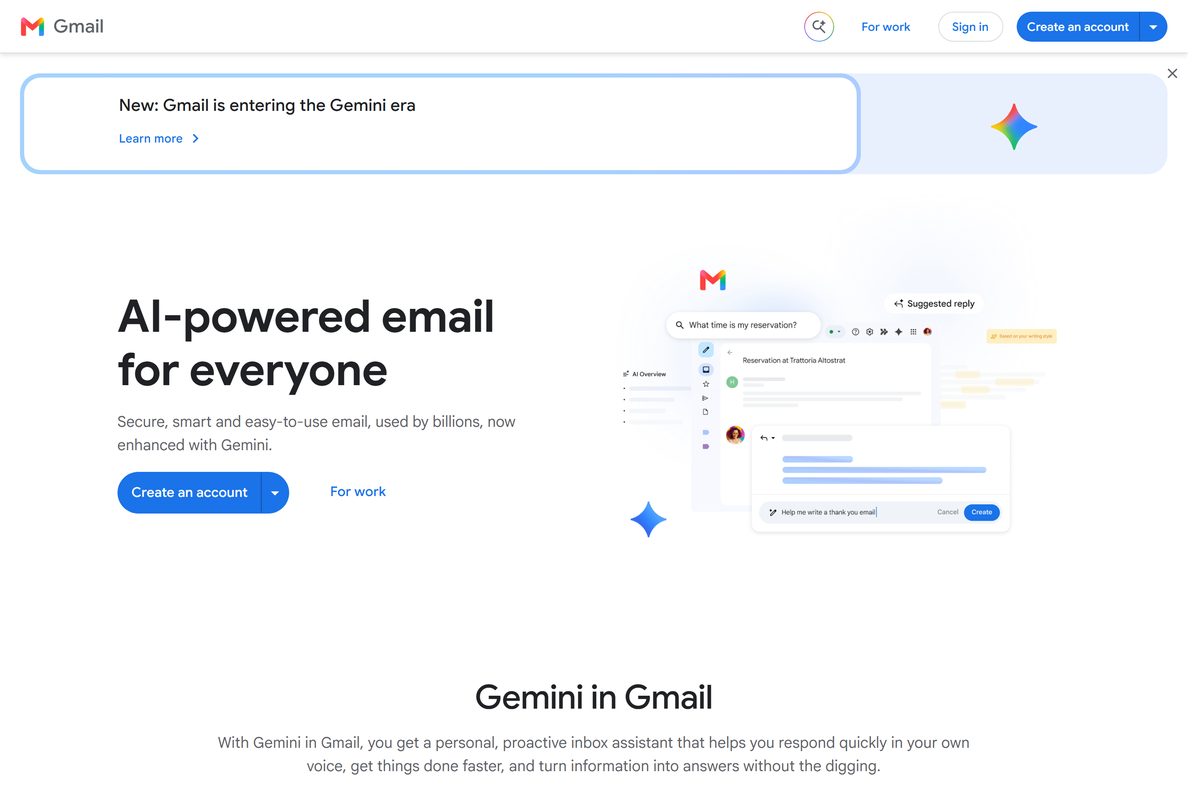
Google’s own Gmail page links the App Store and Google Play and offers no desktop download at all.
Download Gmail from Google’s official sources
Google publishes Gmail at three addresses, plus two supporting downloads. Every other result wraps a browser window around the same website.
- Gmail on the web — sign in with a Google Account
- Gmail on Google Play — Google LLC, updated 9 September 2026
- Gmail – Email by Google on the App Store — 746.5 MB · iOS and iPadOS 18.0 or later
- Google Workspace Sync for Microsoft Outlook — the only Windows installer Google ships for its mail service
- Google Chrome — needed for Gmail offline and for installing Gmail as an app
Files called Gmail Setup or Gmail Desktop are separate programs by other publishers that frame mail.google.com. To reach the inbox faster, use the direct Gmail sign-in link.
Check the Gmail system requirements
Gmail sets no hardware requirements of its own. The browser sets the floor.
| Field | Value |
|---|---|
| Developer | Google LLC |
| Latest version | Web-based, auto-updating |
| Price | Free with a Google Account |
| Storage included | 15 GB shared with Google Drive and Google Photos |
| Supported OS | Windows 11, Windows 10, macOS, ChromeOS, Linux, Android, iOS and iPadOS 18.0 or later |
| Browsers | Chrome, Firefox, Safari and Edge, newest and previous version |
| Architecture | None of its own, Gmail uses the browser’s build |
| Desktop installer | None for Windows or macOS |
| Offline installer | None |
| iPhone and iPad app size | 746.5 MB |
| Attachment limit | 25 MB per message, larger files become a Drive link |
| Official source | mail.google.com |
| Last verified | 2026-09-10 |
Chrome sets the strictest floor: Windows 10 or later on Intel, Windows 11 and up on ARM, and macOS 13 Ventura and up.
How to install Gmail on Windows 11 and 10 as a desktop app
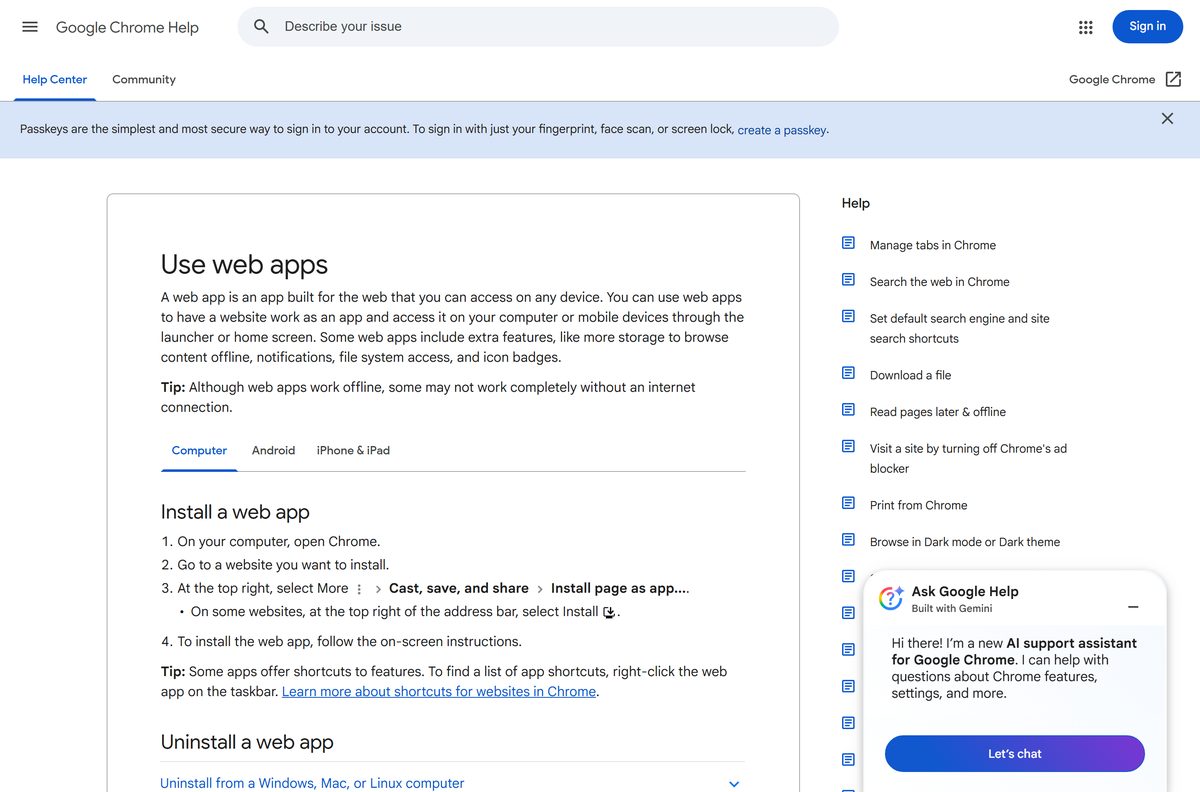
Chrome turns a site into a windowed app with its own taskbar icon and Alt + Tab entry. Gmail then opens with no tabs and no address bar.
- Open Chrome and go to mail.google.com.
- Sign in to the account the app should open.
- Select More, the three-dot button at the top right.
- Select Cast, save, and share, then Install page as app.
- Confirm the name and select Install.
- Right-click the new window’s taskbar icon and select Pin to taskbar.
- Open it from the Start menu and confirm the inbox loads with no browser tab around it.
The result is a shortcut, not a program. Nothing appears under Settings > Apps > Installed apps.
Why Gmail is missing from the Microsoft Store, and what to install instead
Gmail has no Microsoft Store package and no winget package. Edge builds the same windowed app Chrome does, with no extra download.
- Open Microsoft Edge and go to mail.google.com.
- Select Settings and more, the three-dot button at the top right.
- Select More tools, then Apps, then Install this site as an app.
- Name the app and select Install.
- Open edge://apps, then Details on the card, to add a desktop shortcut.
The Store does carry Outlook for Windows at no cost, and Microsoft names Gmail among the accounts it connects.
Which Gmail download do you need for your Mac?
None. The App Store listing covers iPhone and iPad and names no Mac, and Google ships no DMG.
| What you want | What to use | Where it comes from |
|---|---|---|
| Gmail in a window of its own | Install mail.google.com as an app in Chrome | |
| Gmail in the Mac’s built-in mail app | Mail > Add Account, then Google | Apple |
| Gmail on an iPhone or iPad | Gmail – Email by Google, 746.5 MB | Apple App Store |
| Gmail with the network down | Chrome for Mac, then Gmail offline |
Apple Mail signs in through Google and downloads nothing at all.
Is Gmail free?
Yes. Gmail costs nothing with a Google Account. Every Google Account includes 15 GB of storage shared across Gmail, Google Drive and Google Photos. The paid plans buy storage and business features rather than software: Google One raises the storage limit, and Google Workspace adds mail on a custom domain. Any page charging for a Gmail installer is charging for a file Google does not make.
The Android listing carries a Contains ads label. Google shows ads inside Gmail, separately from what the account costs.
Run Gmail without installing anything, including offline
Gmail offline keeps recent mail inside Chrome, so the inbox opens with the network down. It is the closest thing to a standalone Gmail.
- Open Chrome 61 or later. An Incognito window will not work.
- Go to the Gmail offline settings.
- Tick Enable offline mail.
- Choose 7, 30 or 90 days of messages to sync. The default is 30.
- Pick Keep offline data on my computer or Remove offline data from my computer.
- Select Save changes and leave the tab open until the first sync finishes.
- Disconnect the network and reload mail.google.com to confirm the inbox appears.
Keep Gmail in a single tab. Chrome allows Gmail’s native offline mode to use up to 60% of the drive’s free space.
Download the Gmail MSI for Outlook deployment
Google Workspace Sync for Microsoft Outlook is the one Windows installer Google publishes for its mail service. It syncs mail, calendar and contacts into classic Outlook over HTTPS, without IMAP or SMTP.
| File | Architecture | Size | Use it for |
|---|---|---|---|
| enterprise_gsync.msi | 64-bit | 72.5 MB | 64-bit Outlook, deployed by an admin |
| enterprise_gsync.msi | 32-bit | 68.9 MB | 32-bit Outlook, deployed by an admin |
Supported releases are Outlook 2016, 2019, 2021 and the Microsoft 365 desktop app. Google’s list excludes new Outlook, Outlook from the Microsoft Store, and the macOS, Android and iOS versions.
Installing needs local administrator rights and port 443 open for Outlook.exe and ProfileEditor.exe.
How to check a Gmail download really came from Google
Any file offering a Gmail installer for Windows or macOS came from somebody other than Google.
- Read the address bar before signing in. Gmail runs at mail.google.com, and sign-in happens at accounts.google.com.
- On Google Play, confirm the line under the title reads Google LLC.
- On the App Store, confirm the seller reads Google LLC.
- Right-click any .exe or .msi claiming to be Gmail, open Properties, then Digital Signatures, and reject any signer that is not Google.
How to check your Gmail version and update it
Gmail on the web carries no version number. Google updates the servers, and the browser loads the current build.
- On Android, open Google Play, select your profile picture, then Manage apps & device.
- Select Updates available, find Gmail and select Update.
- On iPhone or iPad, open the App Store, select your profile picture and scroll to the app list.
- On a PC or Mac, update the browser instead, through Help > About Google Chrome.
The App Store listed 6.0.260824 for iPhone and iPad, released on 31 August 2026. Google Play publishes no version string at all.
Fix Gmail not loading, not installing or not opening
Gmail will not load in the browser
Gmail needs JavaScript and cookies, and a browser version Google still supports.
- Update the browser. Gmail supports the newest and previous version of Chrome, Firefox, Safari and Edge.
- Turn JavaScript and cookies back on in the browser’s site settings.
- Clear cached files and cookies, then reload mail.google.com.
- Open Gmail in a private window to rule out an extension.
- Turn extensions off one at a time if the private window loads normally.
Windows search finds no Gmail app to install
There is none. Google publishes no Gmail package for the Store or winget.
- Install mail.google.com as an app in Chrome or Edge, using the steps above.
- Ignore Store and winget results named Gmail from other publishers.
- Add the account to Outlook for Windows or Apple Mail for a real desktop client.
Gmail offline opens an empty inbox
Offline data only syncs while Chrome is online, outside Incognito, in one tab.
- Reconnect, open Gmail in a single Chrome tab and let the sync finish.
- Confirm Enable offline mail is still ticked in the offline settings.
- Free disk space. Chrome caps the offline store at 60% of the drive’s free space.
- Lower the sync window from 90 days to 30 or 7 days.
When a session breaks mid-action, Gmail throws an error that has its own fix for "Action failed due to an error".
How to uninstall Gmail from a PC or Mac
Removing the app removes a shortcut. The mailbox stays in the account until it is deleted at Google.
- Open the Gmail app window in Chrome.
- Select More at the top right, then Uninstall Gmail.
- Tick Also delete data from Chrome to clear the offline copy, then select Remove.
- In Edge, open edge://apps, select Details on the Gmail card, then Uninstall.
- On a Mac, open Mail > Settings > Accounts, select the Google account and select the minus button.
Leaving Also delete data from Chrome unticked keeps the offline copy of the mail on the disk.
What to use instead of a Gmail desktop app
A mail client reads the same account and works with the network down, without keeping Chrome open.
| Client | Publisher | Cost | Handles Gmail |
|---|---|---|---|
| Outlook for Windows | Microsoft | Free on the Microsoft Store | Yes, Microsoft lists Gmail among supported accounts |
| Apple Mail | Apple | Included with macOS | Yes, through Mail > Add Account |
| Mozilla Thunderbird | MZLA Technologies | Free, open source | Yes, through the account setup wizard |
| Google Workspace Sync | Free | Workspace accounts only, classic Outlook | |
| Gmail in Chrome or Edge | Free | Yes, the full interface |
Other office and productivity apps for PC include TurboTax and Notion.
Frequently asked questions
Why will the Gmail app not install on my PC?
Because Google makes no PC app to install. Any installer offering one came from a third party. Install mail.google.com as an app in Chrome or Edge instead.
Is Gmail free?
Yes. Gmail costs nothing with a Google Account, which includes 15 GB of storage shared with Google Drive and Google Photos. Google One sells extra storage, Google Workspace sells a custom domain.
What is the official Gmail download page?
There is no download page. Google’s Gmail site links Google Play and the App Store and offers nothing for a desktop. On a PC or Mac, mail.google.com is the product.
Does Gmail work on Windows 11?
Yes, in any current browser. Windows 11 has no Gmail app to install, because Google publishes none for the Microsoft Store or winget. Installing the site as an app creates a shortcut.
What is the Gmail download size?
Nothing downloads on a PC or Mac, because no installer exists. The iPhone and iPad app is 746.5 MB, and Google Play publishes no size for the Android app.
Is there a Gmail offline installer?
No. Gmail offline is a Chrome setting, not a setup file. Tick Enable offline mail, sync 7, 30 or 90 days of messages, and the inbox opens with the network down.
Is there a Gmail app for Mac?
No. The App Store listing covers iPhone and iPad and names no Mac. Use mail.google.com in Safari or Chrome, or add the account to Apple Mail through Mail > Add Account.
Is Gmail 64-bit or 32-bit?
Neither. Gmail has no build of its own and runs inside the browser, so the browser’s architecture applies. Chrome needs Windows 10 or later on Intel, Windows 11 on ARM.
Is it safe to download Gmail from other sites?
Those files are not Google’s. They wrap a browser window around mail.google.com and carry another publisher’s signature, or none at all. Check Properties, then Digital Signatures, first.
Which Gmail version is current?
Gmail on the web has no version number and updates on Google’s servers. The App Store listed 6.0.260824 for iPhone and iPad on 31 August 2026. Google Play lists none.
Can I install a Gmail APK on Windows 11?
No. Windows Subsystem for Android and the Amazon Appstore left the Microsoft Store on 5 March 2025, so Android packages no longer run on Windows 11. Use a browser.
Can I get an older version of Gmail?
No. Gmail runs on Google’s servers, so there is no version history to download. Basic HTML view was the last alternative interface, and it worked through February 2024.