The new Microsoft Edge is built on Chromium, the open-source project behind Google Chrome. That means changes Google makes to Chromium’s interface reach Edge too. In 2019 one of them was a slimmer right-click menu on tabs, which Chrome got first and Edge’s Insider builds then picked up.
What changed in the tab right-click menu
In the Chrome 78 Canary build, Google removed four options from the menu you get when you right-click a tab:
- New tab
- Close other tabs
- Reopen closed tab
- Bookmark all tabs
Chrome’s developers had wanted to trim this menu since 2015, saying the same actions were available in other ways. Usage data posted during the discussion showed how rarely some items were used. Duplicate (23.21%) and Reload (22.74%) were the most used. Reopen closed tab stood at 8.92%, New tab at 6.63%, Close other tabs at 2.20% and Bookmark all tabs at just 0.64%.
Why it reached Edge
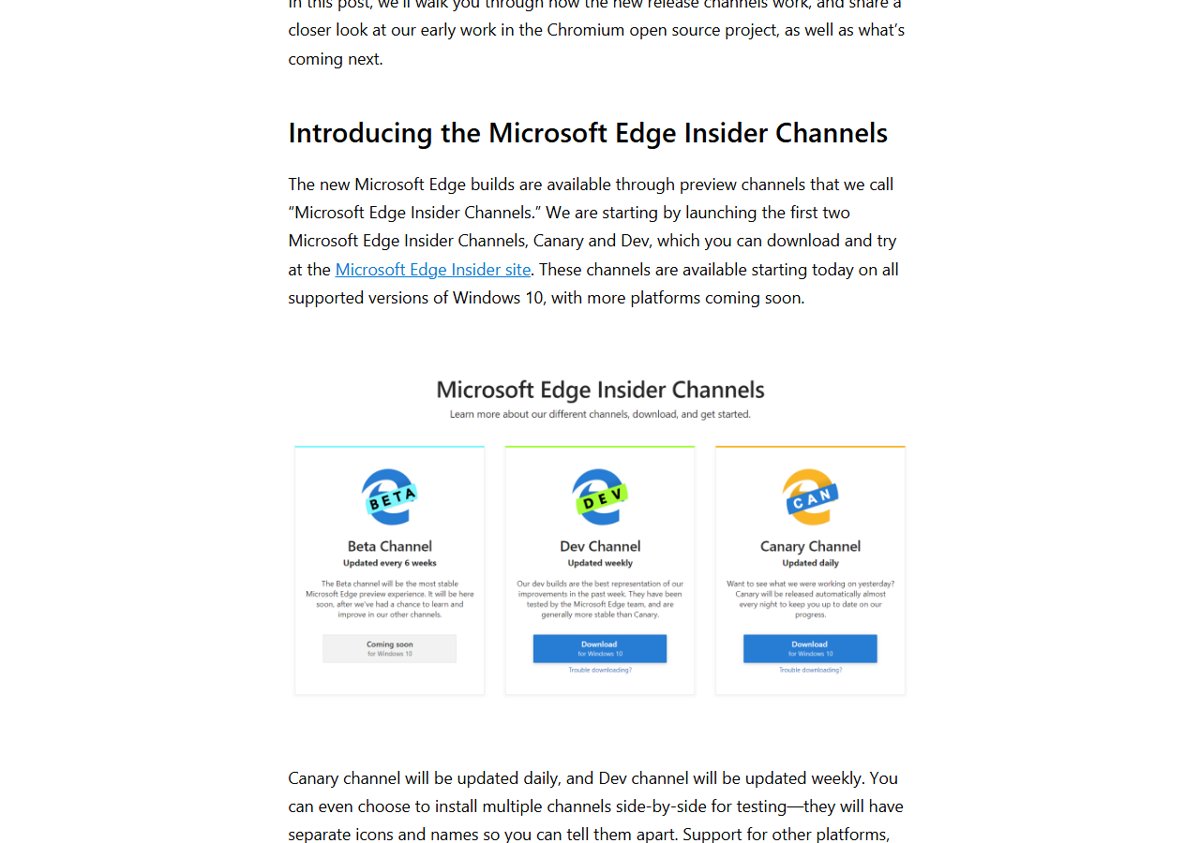
Microsoft ships Edge through Insider Channels. Canary is updated daily and Dev weekly, so Chromium changes appear there first, before they reach Beta and Stable. When Google trimmed the tab menu in Chromium, the same shorter menu showed up in Edge Insider builds.
How to do the removed actions without the menu
- New tab: press Ctrl+T, or click the + button next to your tabs.
- Reopen closed tab: press Ctrl+Shift+T. Repeat to bring back more tabs in the order you closed them.
- Bookmark all tabs: press Ctrl+Shift+D.
- Close other tabs: Google’s suggestion was to Shift+click or Ctrl+click the tabs you want to close, then close them together.
More time-saving key combinations are in our list of Ctrl keyboard shortcuts.
What stayed in the menu
The trimmed menu kept the options people used most. Duplicate, Reload, Pin or Unpin tab, Close tab, Close tabs to the right and Mute or Unmute site all stayed. Pinning a tab, for example, still works with a right-click and keeps a site like your email open at the left of the tab strip.
“Close other tabs” came back
Removing “Close other tabs” drew complaints, since for people who used it the change meant more work. Google then reversed course: a new code commit added “Close other tabs” back to Chrome’s tab menu. The other three options were not restored. Since Edge shares Chromium’s code, the restored option was expected to reach Edge as well.
Keep Edge up to date
To get Chromium changes and fixes as they arrive, keep Edge updated. Our guide on updating Microsoft Edge shows how. If you want Edge to look different as well, here is how to turn on dark mode in Edge.