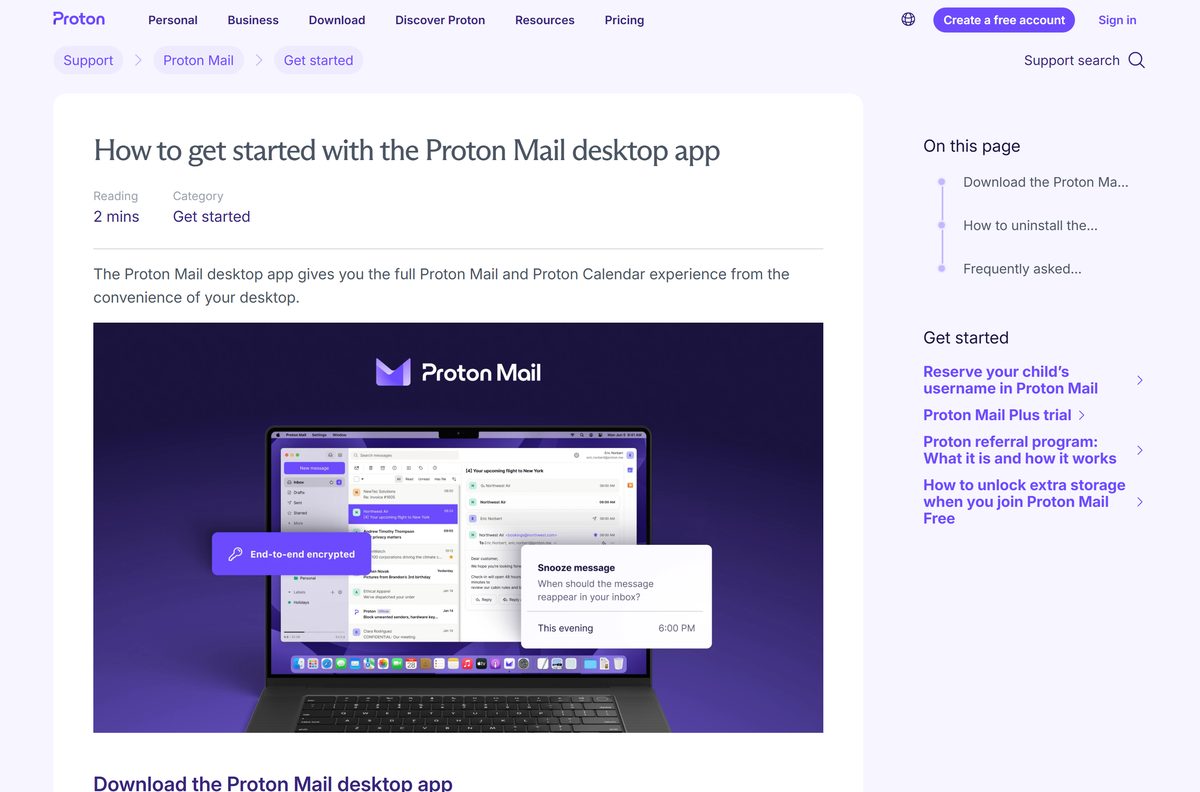
The ProtonMail download for the desktop now ships as the Proton Mail app, and it installs on Windows 11, Windows 10 and macOS in about two minutes from proton.me.
The Windows installer is 132.6 MB and carries version 1.14.0. The macOS disk image is 217.8 MB, carries 1.15.1 and needs macOS 12 or later.
Below: the file for your machine, the winget route, the plan rules, Bridge, checksums, fixes and a clean uninstall.
Which Proton Mail download do you need for your PC or Mac?
Proton ships one file per platform, so the choice comes down to your operating system and your plan.
| Your setup | File | Size | Download |
|---|---|---|---|
| Windows 11 or Windows 10 on a paid or trial plan | ProtonMail-desktop.exe | 132.6 MB | Windows installer |
| A Mac on macOS 12 or later, paid or trial plan | ProtonMail-desktop.dmg | 217.8 MB | macOS disk image |
| A free plan with the desktop trial already used | Nothing to install | 0 MB | Web app |
| Outlook, Thunderbird or Apple Mail on a paid plan | Bridge-Installer.exe or .dmg | 75.7 MB or 124.9 MB | Bridge |
| An iPhone, iPad or Android phone | Store app | Free | App Store |
Windows gets one x64 installer. There is no 32-bit build and no separate ARM64 setup file.
Download Proton Mail for Windows 11, Windows 10 and Mac
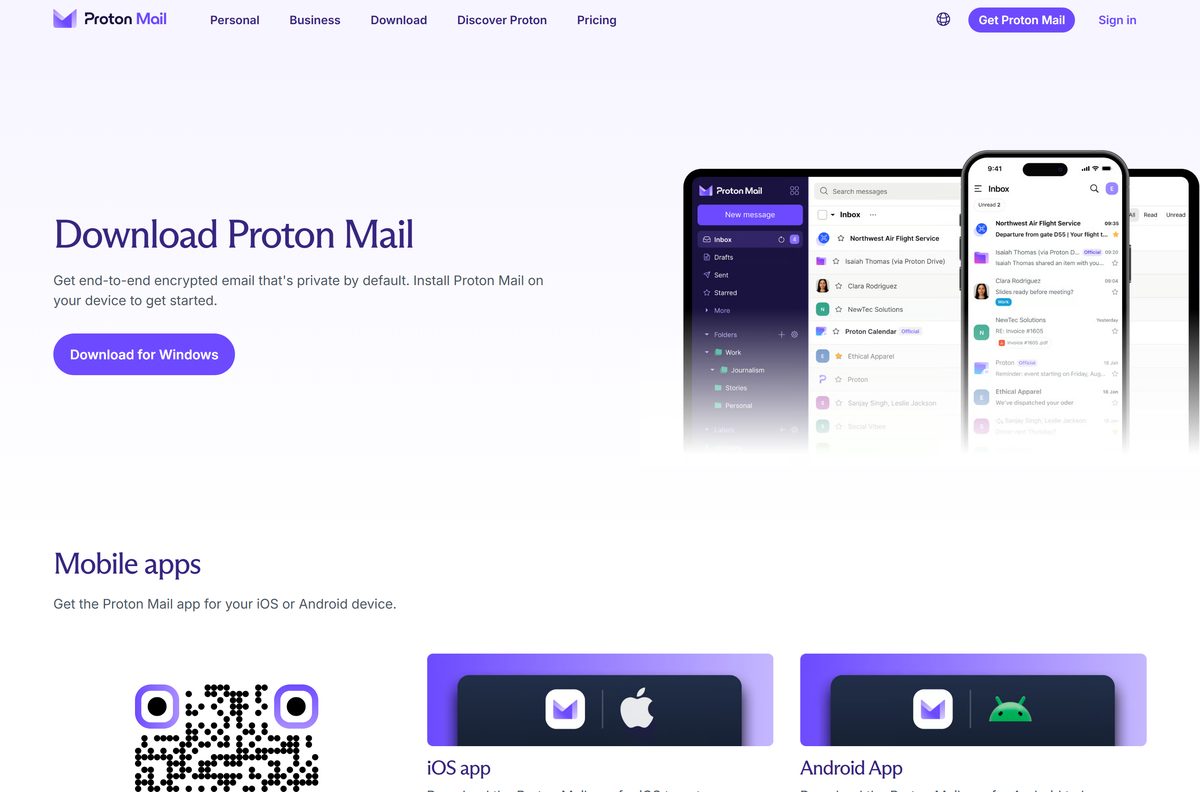
Every file below sits on proton.me, and the page button follows your browser, so check the platform first.
- Proton Mail download page — Windows, macOS, Linux, mobile and Bridge in one place
- Windows installer, version 1.14.0 — 132.6 MB · x64, Windows 10 and 11
- macOS disk image, version 1.15.1 — 217.8 MB · macOS 12.0 or later
- Bridge for Outlook, Thunderbird and Apple Mail — paid plans only, version 3.27.1
- Web app sign-in — works on the free plan, nothing to install
Proton publishes no Microsoft Store listing for Mail, so the multi-account mail apps there that advertise Proton support belong to other developers.
How to install Proton Mail on Windows 11 and Windows 10
- Open the download page and click Download for Windows.
- Keep the 132.6 MB ProtonMail-desktop.exe file in your Downloads folder.
- Run the file. Setup writes to your own profile, so Windows asks for no administrator password.
- Enter your address and password on the sign-in screen, then click Sign in.
- Enter the two-factor code if the account has two-factor authentication turned on.
- Start the 14-day desktop trial when the app offers it, if the account is on the free plan.
- Switch between Mail and Calendar in the sidebar, and open contacts from the side panel on the right.
A second route starts in the web app: open Quick settings, the gear icon, and click Get the Proton Mail apps. The installer carries the whole app, so setup downloads nothing else.
How to install Proton Mail with winget on Windows 11 and 10
The winget repository carries the package, and it pulls the same installer from proton.me rather than a mirror.
- Right-click Start and open Terminal.
- Run winget search Proton.ProtonMail to confirm the package is reachable.
- Run winget install –id Proton.ProtonMail –exact and accept the source agreement if prompted.
- Wait while winget fetches the 132.6 MB installer and runs it with the /S silent switch.
- Open the app from the Start menu and sign in to your Proton account.
- Run winget list Proton.ProtonMail afterwards to confirm the installed version.
The package installs for the current user, so no administrator prompt appears. Bridge has its own package, Proton.ProtonMailBridge , which installs for all users.
Which Proton Mail file do you need for your Mac?
One disk image covers every supported Mac. Proton publishes no separate Intel and Apple silicon downloads.
| Your Mac | What to get | Size | Download |
|---|---|---|---|
| macOS 12 or later, paid or trial plan | ProtonMail-desktop.dmg, version 1.15.1 | 217.8 MB | macOS disk image |
| macOS 11 or older | The web app in your browser | 0 MB | Web app |
| Apple Mail on macOS 15 or macOS 26, paid plan | Bridge-Installer.dmg | 124.9 MB | Bridge |
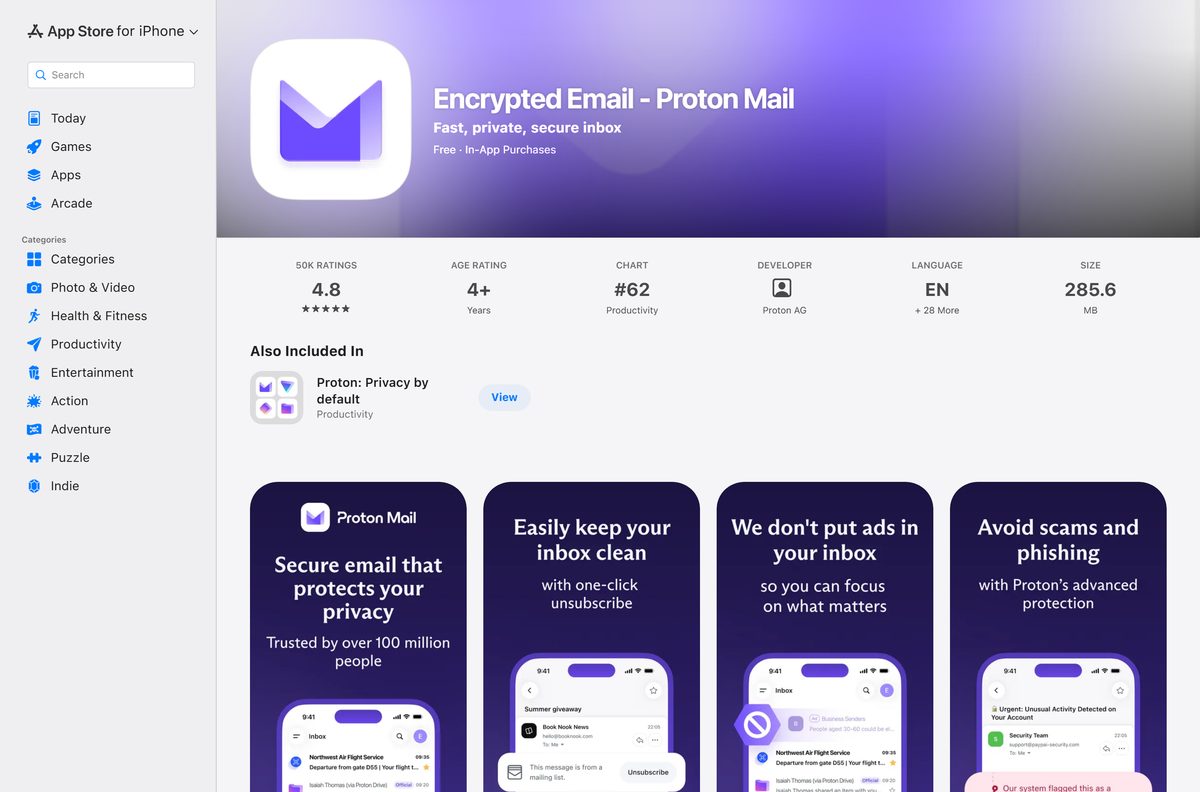
| iPhone or iPad on iOS 17.2 or later | Version 7.11.8, free | 272.3 MB | App Store |
Mount the image, drag the app to Applications, then launch it and sign in. Removal later uses the app’s own uninstall command, not the Bin.
Is Proton Mail free?
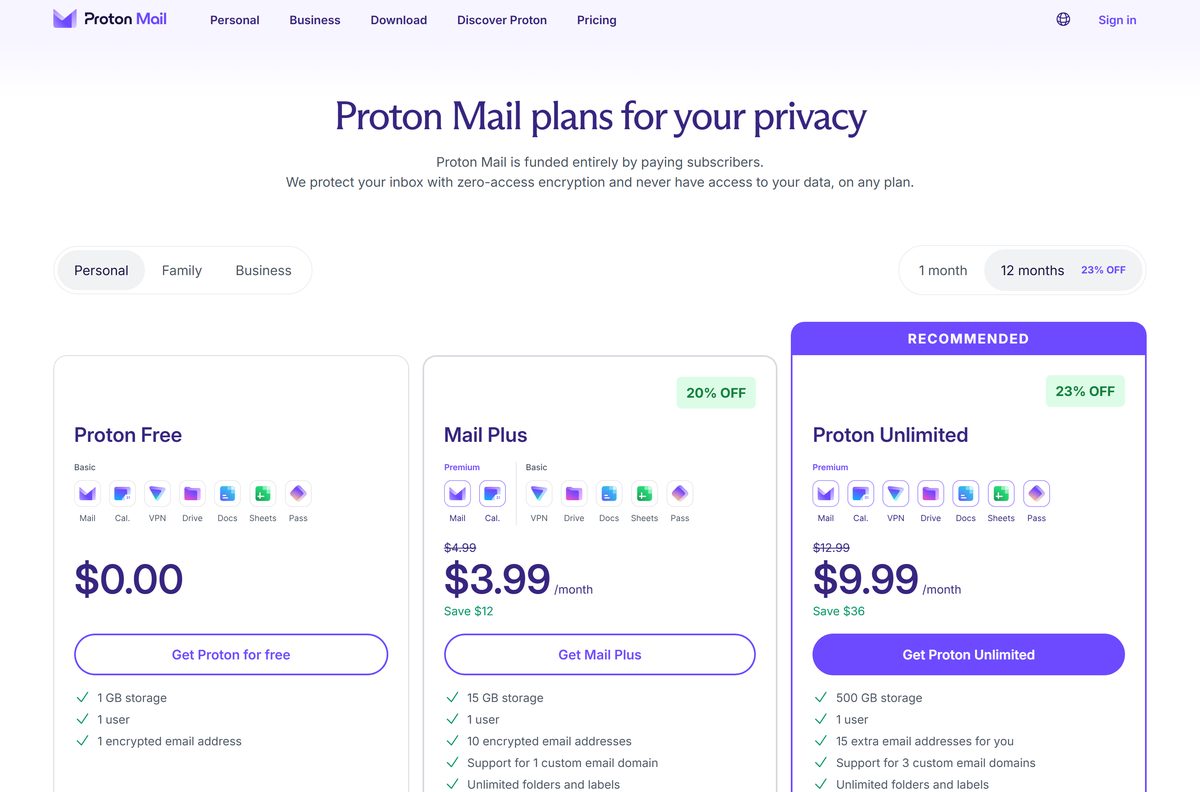
The service has a genuine free plan, but the Windows and macOS desktop apps need a paid Proton Mail plan or the 14-day desktop trial. Proton Free gives one encrypted address, up to 1 GB of storage and 150 messages a day. Mail Plus is $4.99 a month, or $47.88 yearly, for 15 GB and 10 addresses. Proton Unlimited is $12.99 a month, or $119.88 yearly, for 500 GB and 15 addresses.
A free account keeps the web app and both mobile apps once the desktop trial ends, with the same mailbox behind them. Bridge is paid-only as well.
Should you install the desktop app, the web app or Bridge?
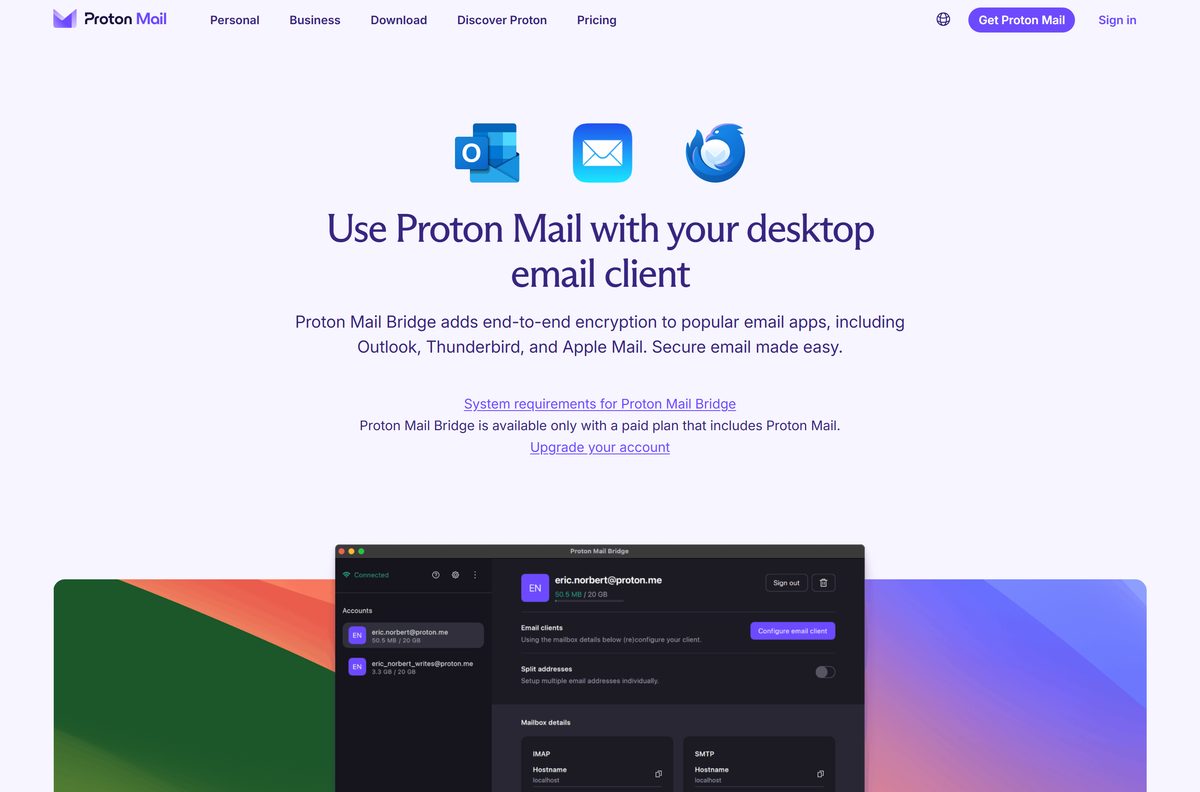
Install the desktop app on a paid plan, stay on the web app while you are on the free plan, and add Bridge only when the mail has to land in Outlook, Thunderbird or Apple Mail. Proton states the web and desktop apps carry the same Mail and Calendar features, and that the desktop build updates itself, shows notifications natively and keeps the mailbox away from browser extensions. Bridge is a local IMAP and SMTP server, so it feeds a client rather than showing a mailbox.
The three routes share one account, so a message read in Outlook through Bridge shows as read in the desktop app.
What each Proton Mail route gives you
The plan column is the part that catches people out: two of these four routes are closed to a free account.
| Route | Plan needed | Platforms | What you get |
|---|---|---|---|
| Desktop app | Paid plan, or a 14-day trial | Windows 10 and 11, macOS 12 or later, Linux beta | Mail, Calendar, contacts panel, native notifications |
| Web app | Free or paid | Any modern browser | The same Mail and Calendar features, nothing to install |
| Bridge 3.27.1 | Paid plan only | Windows 10 22H2 and 11, macOS 15 and 26 | Local IMAP and SMTP for Outlook, Thunderbird, Apple Mail |
| Mobile apps | Free or paid | iOS 17.2 or later, Android | Full mailbox with offline reading |
The Linux app is still beta and ships as a DEB or RPM package, with Ubuntu 20.04 LTS as the floor.
How to verify the Proton Mail installer before you run it
Proton lists a SHA-512 value beside every release in its version manifests, so a check takes two commands.
- Leave the downloaded file in Downloads and do not run it yet.
- Open Terminal in that folder and run certutil -hashfile ProtonMail-desktop.exe SHA512 .
- On a Mac, run shasum -a 512 ProtonMail-desktop.dmg instead.
- Open the Windows release manifest or the macOS release manifest.
- Find the Stable entry for the version you downloaded and compare its Sha512CheckSum value with your output.
- Install only on an exact match. On any difference, delete the file and download it again from proton.me.
The winget package publishes a SHA-256 value for the same Windows file, so winget install runs that check for you.
Check the Proton Mail system requirements before you download
| Field | Value |
|---|---|
| Software | Proton Mail desktop app |
| Developer | Proton AG |
| Latest version | 1.14.0 on Windows, 1.15.1 on macOS |
| Released | 26 August 2026 (Windows), 2 October 2026 (macOS) |
| Licence | Free plan available; the desktop app needs a paid plan or the 14-day trial |
| Supported OS | Windows 10 and Windows 11, macOS 12.0 or later |
| Architecture | 64-bit x64 on Windows, one disk image on macOS |
| Windows download | ProtonMail-desktop.exe, 132.6 MB |
| Mac download | ProtonMail-desktop.dmg, 217.8 MB |
| Install scope | Current user, no administrator rights |
| Offline installer | Yes, both files carry the whole app |
| Official download source | proton.me |
| Last verified | 2026-10-25 |
Bridge asks for more: 64-bit Windows 10 22H2 or Windows 11, or macOS 15 or 26, and no ARM device other than an Apple silicon Mac.
How to check your Proton Mail version and update it
- Run winget list Proton.ProtonMail in Terminal to print the installed Windows version.
- Compare it with the Stable entry in the Windows release manifest.
- Run winget upgrade –id Proton.ProtonMail –exact , or follow the app’s own update prompt.
- On a Mac, download the current disk image and drag the app over the installed copy.
- For Bridge, keep Keep the application up to date on under Settings and use Check for updates in the Help tab.
Stable reaches everyone, while early access and alpha builds go to a slice of machines first.
Fix Proton Mail not installing or not signing in on Windows 11 and 10
The app asks for an upgrade instead of opening the mailbox
The desktop app needs a paid plan, and a free account only gets 14 days of it.
- Open the web app to reach the same mailbox at no cost.
- Check what a plan costs on the pricing page if the desktop window matters to you.
- Keep the iOS or Android app, which stays free on every plan.
The download stops part way, or the installer refuses to start
A truncated 132.6 MB file fails its own integrity check and never unpacks.
- Delete the partial file from Downloads.
- Download it again from proton.me on a wired or stable connection.
- Run certutil -hashfile ProtonMail-desktop.exe SHA512 and compare the value with the release manifest.
- Run the installer again once the hash matches.
Outlook or Thunderbird cannot connect after Bridge is installed
Bridge stops serving mail while it is signed out, and each address has its own generated password.
- Open Bridge and sign in to the paid account again.
- Pick Outlook, Thunderbird or Apple Mail so the wizard writes the right settings.
- Copy the per-account details Bridge shows, including its generated password, into the client.
- Turn on Split addresses first if every address needs its own mailbox in the client.
The window shows a stale mailbox on a shared PC
The app keeps a local cache and a signed-in session until it is told otherwise.
- Open the Proton Mail menu and click Clear application data.
- Sign out, then sign in again and let the mailbox rebuild.
How to uninstall Proton Mail from Windows and Mac
- On Windows 11, open Start > All apps > Settings > Apps > Installed apps, find Proton Mail and click Uninstall.
- On Windows 10, open Start > Settings > Apps > Installed apps > Apps & features, then uninstall from there.
- Or run winget uninstall –id Proton.ProtonMail from Terminal.
- Clear the local cache first with Clear application data in the Proton Mail menu, if the machine is shared.
- On a Mac, click Proton Mail in the menu bar and choose Proton Mail Uninstall, which removes every trace of the app.
- Remove Bridge separately, because it installs for all users and leaves its own entry in Installed apps.
Nothing in the mailbox lives on the PC alone, so the web app still holds every message.
What to use instead of the Proton Mail desktop app
Each row reaches the same mailbox, so pick on cost and on where the mail has to appear.
| Option | Cost | Setup | Best for |
|---|---|---|---|
| Web app pinned to the taskbar | Free | Browser menu, install or pin | Free accounts and locked-down work PCs |
| Thunderbird with Bridge | Paid plan | Bridge, then the client wizard | One client for several mail accounts |
| Outlook with Bridge | Paid plan | Bridge, then IMAP and SMTP details | Offices already standardised on Outlook |
| iOS and Android apps | Free | Store install | Offline reading away from a desk |
The Linux desktop app is the fourth official route, still in beta, and it ships as a DEB or RPM package.
Frequently asked questions
Is Proton Mail free to download?
The account is free, and the web and mobile apps run on the free plan. The Windows and macOS desktop apps need a paid plan, though a free account gets a 14-day desktop trial.
Where is the official Proton Mail download page?
The official page is proton.me/mail/download. It serves the Windows installer, the macOS disk image, the Linux beta packages, Bridge and links to both mobile stores.
Does the Proton Mail desktop app run on Windows 11?
Yes. Windows 10 is the stated minimum, so Windows 11 is covered. The installer is 64-bit and writes to your own user profile, so no administrator password is needed.
How big is the Proton Mail download?
The Windows installer is 132.6 MB, or 139,061,096 bytes. The macOS disk image is 217.8 MB, the Windows Bridge installer is 75.7 MB and the Mac Bridge installer is 124.9 MB.
Is there an offline installer for Proton Mail?
Yes. Both the Windows .exe and the macOS .dmg contain the whole app, so setup fetches nothing else. Signing in and syncing mail still need a connection.
Which Proton Mail file do you need for a Mac?
One disk image serves every supported Mac, with macOS 12.0 as the floor. There are no separate Intel and Apple silicon downloads, and the Mac build is currently version 1.15.1.
Is the Proton Mail app 64-bit, and is there an ARM64 build?
The Windows app is x64 only, with no 32-bit and no separate ARM64 installer. Bridge supports no ARM hardware at all except Apple silicon Macs.
Is Proton Mail safe to download?
Yes, from proton.me. Each release entry in Proton’s version manifests carries a SHA-512 value, so the file can be checked before it runs. Mail apps elsewhere that advertise Proton support come from other developers.
What is the latest version of the Proton Mail desktop app?
The Windows stable build is 1.14.0, published on 26 August 2026. The Mac stable build is 1.15.1, published on 2 October 2026, and Bridge is on 3.27.1 from 29 September 2026.
Why won’t Proton Mail install or open on Windows?
Two causes cover most cases. A truncated download fails the installer’s own integrity check, so hash the file and fetch it again. A free account that has used its 14 days sees an upgrade prompt rather than a mailbox.
Is ProtonMail the same thing as Proton Mail?
Yes. Proton renamed the product Proton Mail on 25 May 2022 and moved the site to proton.me, and protonmail.com now redirects there. Existing addresses were untouched.