Visual Studio Community is Microsoft’s free edition of its Windows IDE, and the download is a 5.43 MB bootstrapper you run on Windows 11 or on a 64-bit Windows 10 PC. Version 18.11.1 comes straight from visualstudio.microsoft.com at no charge.
That small file is not the product. It installs the Visual Studio Installer, which fetches the workloads you tick, and a typical selection lands at 20 GB to 50 GB.
Below: the right build for your machine, the install steps, the offline layout, the licence limits for companies, the Mac position and setup fixes.
Which Visual Studio Community download do you need?
One bootstrapper per release train; the right one follows the Windows build underneath.
| Your machine | What to take | Size | Link |
|---|---|---|---|
| Windows 11, x64 | Visual Studio 2026 Community | 5.43 MB | vs_Community.exe |
| Windows 11 on Arm | Same file, ARM64 build | 5.43 MB | vs_Community.exe |
| 64-bit Windows 10 in support | Visual Studio 2022 Community, 17.14 | 4.27 MB | vs_community.exe |
| Windows Server 2025, 2022, 2019 | Visual Studio 2026 Community | 5.43 MB | vs_Community.exe |
| Build agent or container | Build Tools, no IDE | 5.43 MB | vs_BuildTools.exe |
| Mac, Apple silicon or Intel | Visual Studio Code, C# Dev Kit | n/a | code.visualstudio.com |
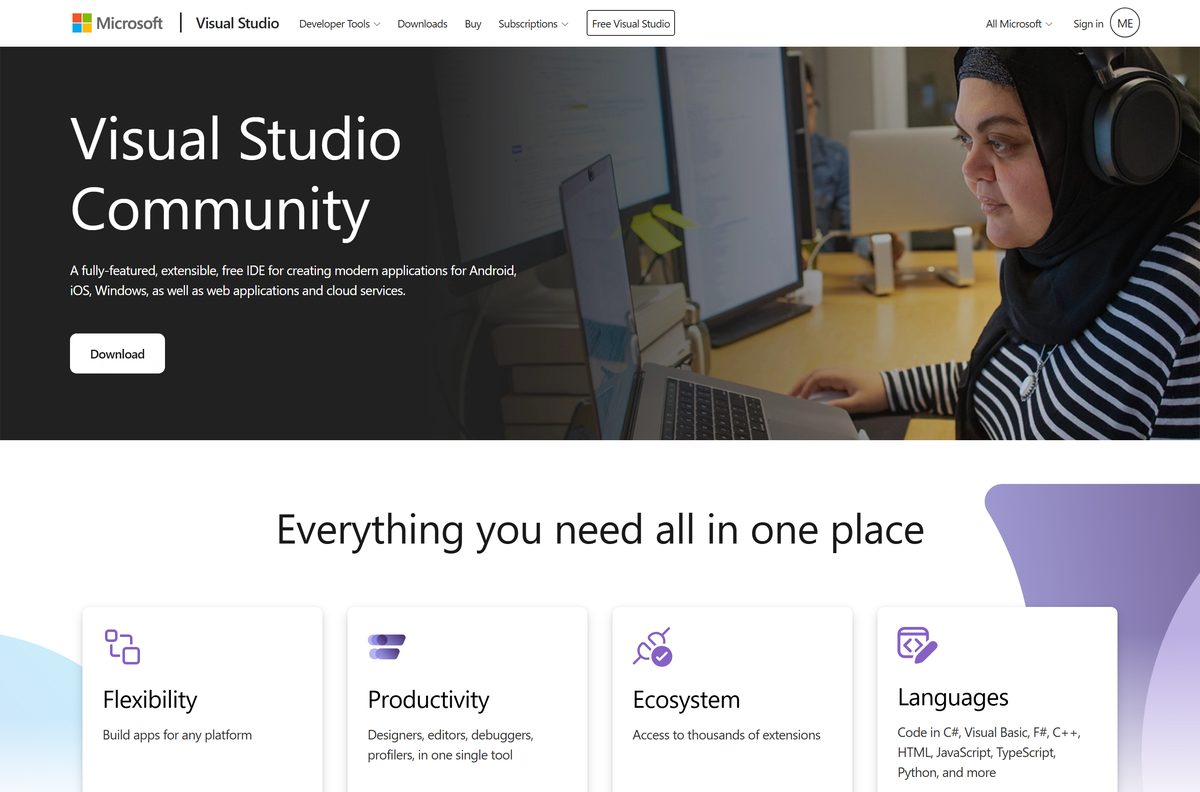
Download Visual Studio Community from the official Microsoft pages
Both Community links are evergreen and always fetch the newest servicing release on their channel.
- Visual Studio Community product page — Licence summary and download button
- 2026 Community bootstrapper — 5.43 MB · 5,689,016 bytes
- 2022 Community bootstrapper — 4.27 MB · The 17.14 train
- Build Tools bootstrapper — 5.43 MB · Compilers and MSBuild
- All Visual Studio downloads — Every edition
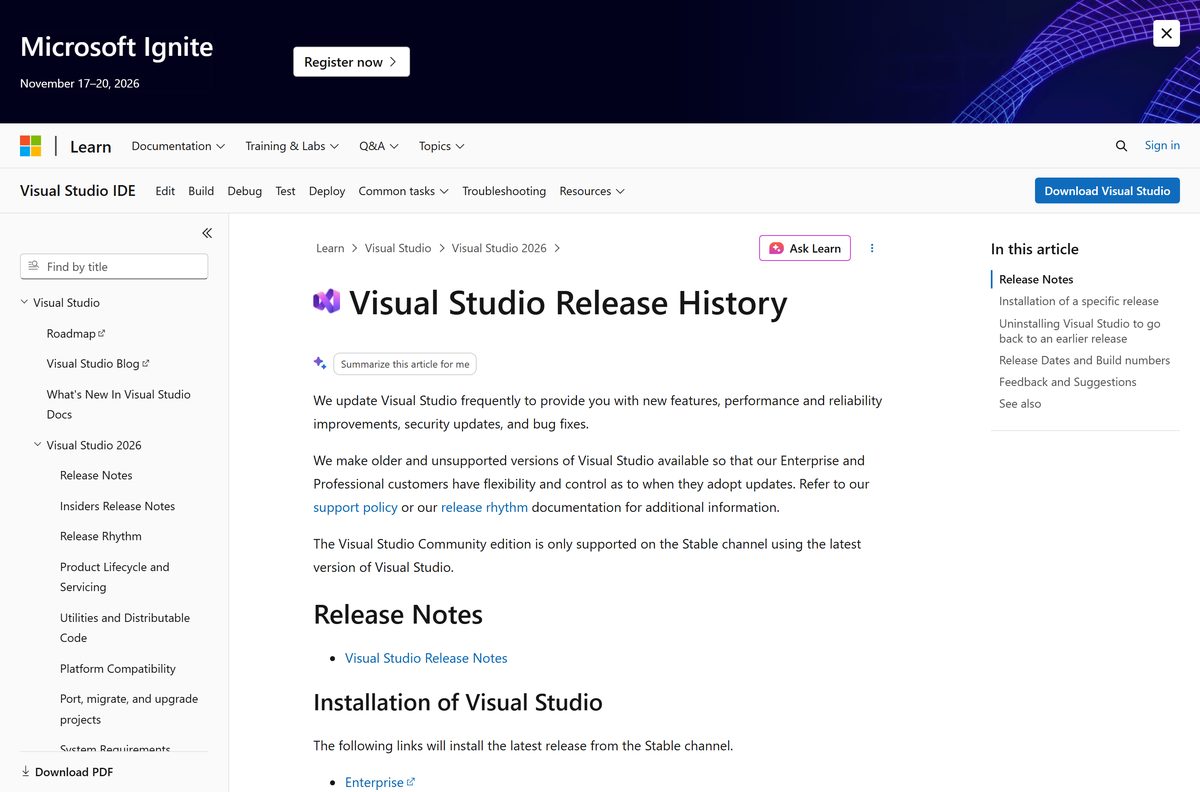
- Release history and build numbers — Dates and versions
Fixed-version bootstrappers exist for Enterprise, Professional and Build Tools only, so the evergreen link is the Community route.
How to install Visual Studio Community on Windows 11 and 10
Administrator rights are required. Setup adds .NET Framework 4.8 and the WebView2 runtime when they are absent.
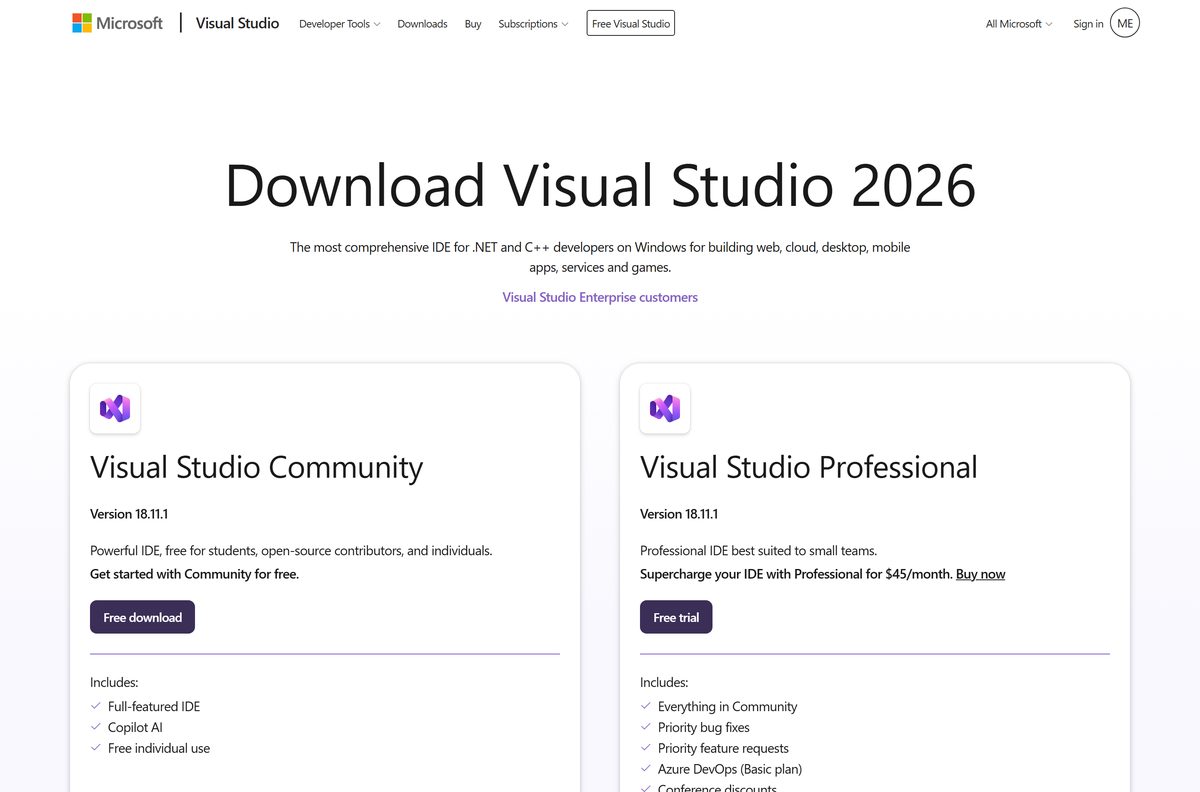
- Open visualstudio.microsoft.com/vs/community/ and select Download.
- Double-click the saved VisualStudioSetup.exe , or the file named vs_Community.exe .
- Select Yes at the User Account Control prompt.
- Read the licence terms and privacy statement, then select Continue.
- Pick a starting point: choose workloads manually, migrate the configuration from a 2022 instance, or import a .vsconfig file.
- On the Workloads tab tick what you need, then add anything missing from Individual components.
- Open Installation locations and set the drive for the IDE and the cache, because both paths are fixed after this install.
- Select Install, then Launch when it finishes.
Community needs no sign-in to use. Skipped workloads go in later from Tools > Get Tools and Features.
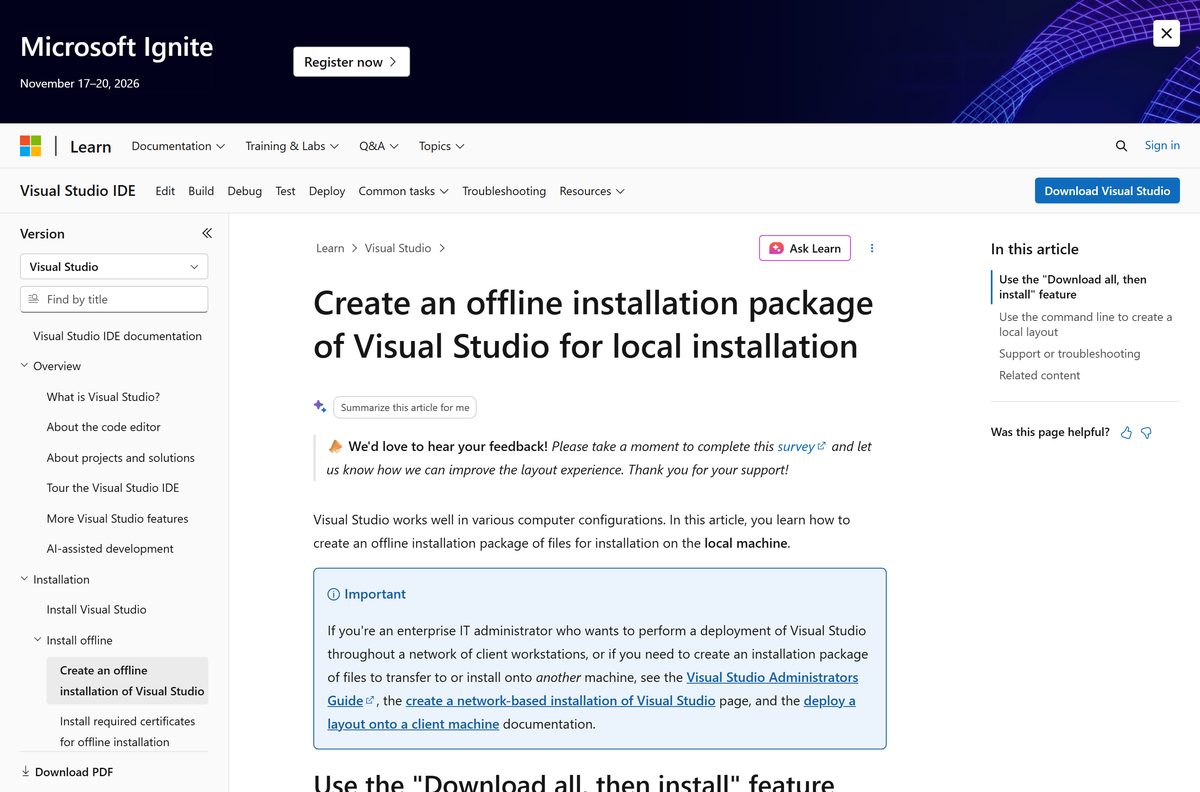
How to build an offline Visual Studio Community layout
No standalone setup exists to carry onto a disconnected PC. The bootstrapper builds a package cache instead, about 40 GB for one language.
Run these from an elevated prompt in the bootstrapper’s folder, and keep the layout path under 80 characters.
| Goal | Command |
|---|---|
| Cache every workload and language | vs_community.exe –layout c:\VSLayout |
| Cache one language only | vs_community.exe –layout c:\VSLayout –lang en-US |
| Install from it with no internet | c:\VSLayout\vs_community.exe –noWeb |
| List missing or invalid files | vs_community.exe –layout c:\VSLayout –verify |
| Refresh it to the newest release | vs_community.exe –layout c:\VSLayout –passive |
| Parameter reference | Offline installation guide @Microsoft Learn |
For one machine, Download all, then install at the foot of the Workloads tab is simpler, and that cache does not transfer elsewhere.
How to check which release a saved bootstrapper installs
The links are evergreen, so a file saved months ago no longer matches the current release.
- Right-click the saved file and select Properties.
- Open the Details tab and read Product Version.
- Read it as the newest servicing version of what it names: Visual Studio 2026 means the newest Stable build.
- Check the General tab reads 5,689,016 bytes for the current 2026 file, and open Digital Signatures to see the publisher.
- Take the file again from visualstudio.microsoft.com if either figure disagrees with the release history.
Is Visual Studio Community free?
Yes for any individual developer, and for classroom learning, academic research or open-source work at an organisation of any size. All other organisational use is capped at five people, and an enterprise cannot use it at all. Microsoft states that any individual developer can use Visual Studio Community to create their own free or paid apps. Within an organisation, unlimited users are allowed for classroom learning, academic research and open-source contribution, and other uses are limited to five users. An enterprise means more than 250 PCs or more than $1 million US dollars in annual revenue, and only those three scenarios are permitted there.
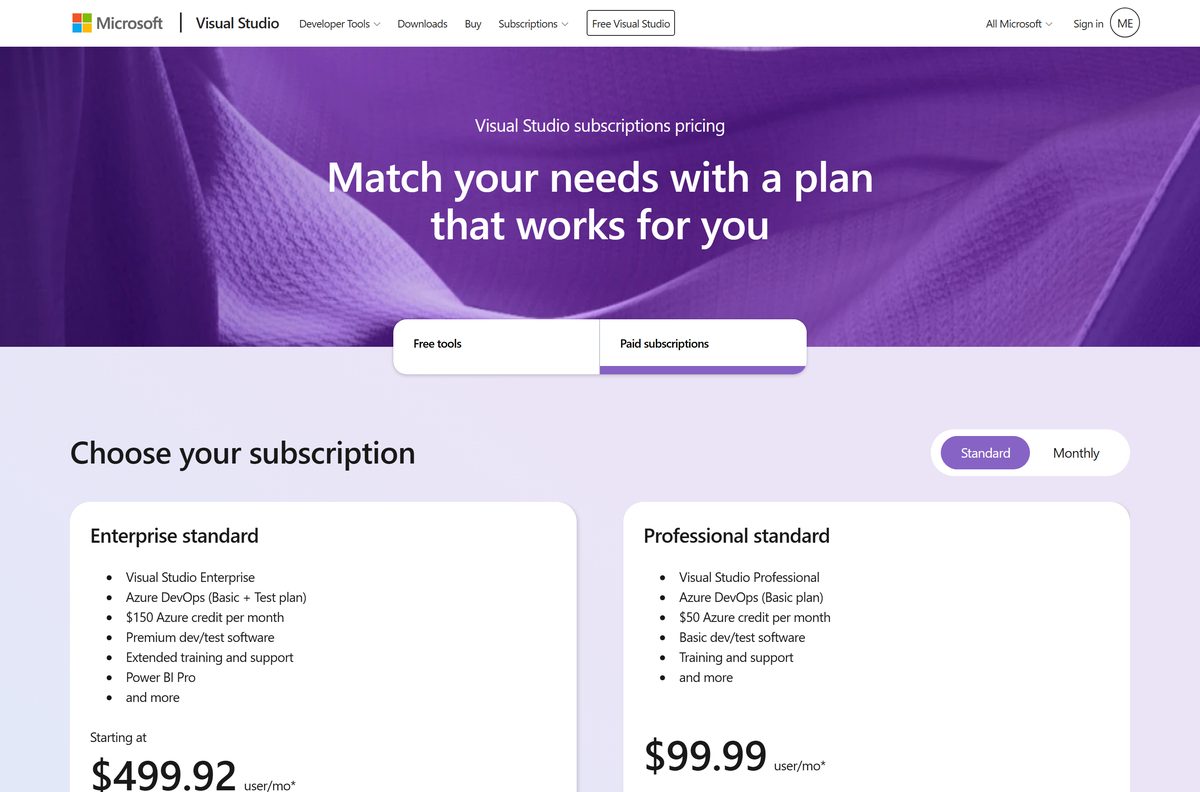
Past the cap the route is a paid licence: Professional at $45 per user each month, Enterprise at $250.
Should you install Visual Studio Community 2026 or 2022?
Install the 2026 release, version 18.11.1, unless the PC runs Windows 10 or a solution is pinned to the 2022 toolset. The free edition is supported only on the newest version of its channel, so a 2026 install stays current by design. Visual Studio 2026 retires on 10 November 2027 with no Extended Support for Community, while Visual Studio 2022 runs to 13 January 2027. The two install side by side, so an older solution keeps its toolset.
How to check your Visual Studio Community version and update it
Updates arrive on the Stable channel, and the free edition sits on no other.
- Select Help on the menu bar, then Check for Updates.
- Select Update in the Update available dialog, or Update on Close to defer it.
- Open the Visual Studio Installer from the Start menu when the IDE will not start.
- Select Update beside the Update available message on the installed edition.
- Select Tools > Options, expand Environment and open Product Updates.
- Set Always update on close, and pick Install while downloading or Download all, then install.
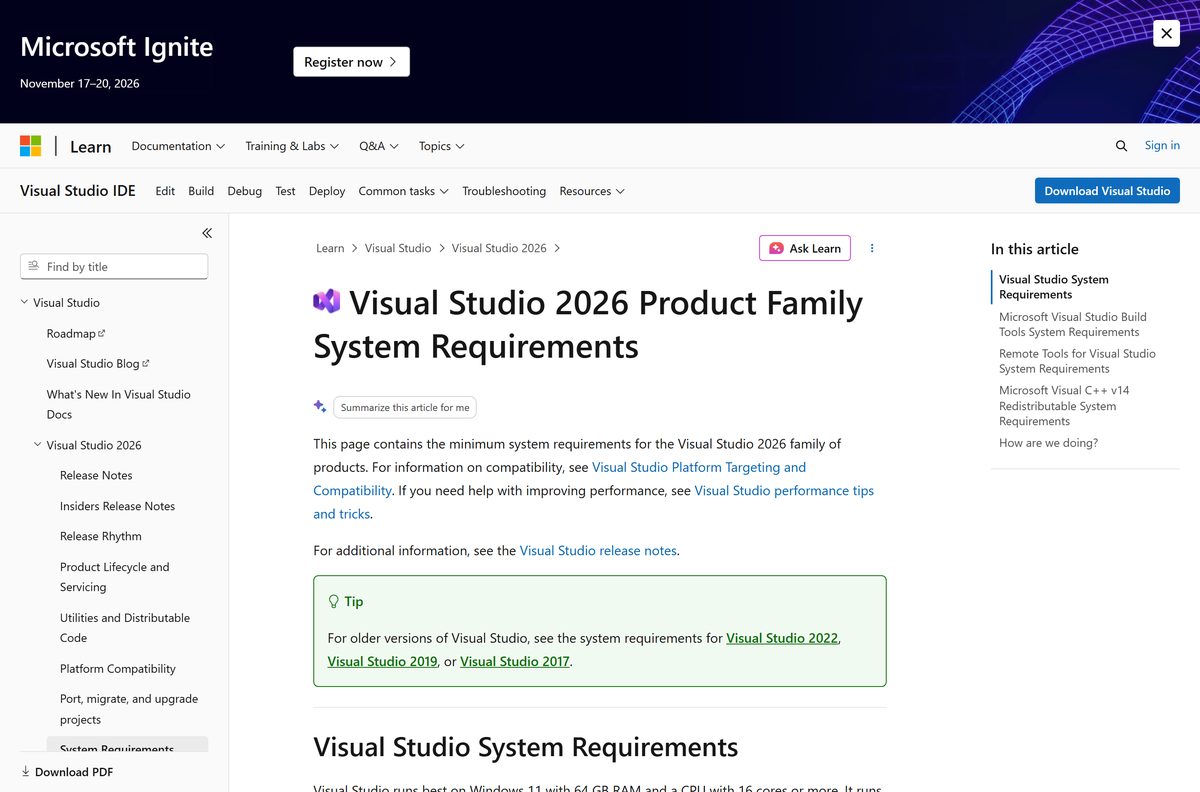
Check Visual Studio Community system requirements before you download
Minimum and recommended sit a long way apart, because the footprint follows the workloads rather than the edition.
| Field | Value |
|---|---|
| Software | Visual Studio Community |
| Developer | Microsoft Corporation |
| Latest version | 18.11.1, Stable channel, build 12315.225 |
| License | Free, under the organisation limits above |
| Download size | 5.43 MB (5,689,016 bytes), bootstrapper only |
| Disk space | 2.5 GB to 210 GB; 20 GB to 50 GB typical |
| Supported OS | Windows 11 including ARM64; Windows Server 2025, 2022, 2019 |
| Windows 10 | 64-bit editions in support; 1507 and 1511 refused |
| Architecture | x64 and ARM64; no 32-bit, no ARM32 |
| Processor and RAM | Quad-core or better; 4 GB minimum, 16 GB recommended |
| Prerequisites | .NET Framework 4.7.2 and 4.8, WebView2, admin rights |
| Offline installer | None; build a layout with –layout |
| Official source | visualstudio.microsoft.com |
| Last verified | 2026-10-25 |
Also ruled out: Windows in S mode, LTSC editions, non-persistent virtual machines and pooled virtual desktops. An ARM64 install drops the Azure, data science, Python and Office workloads.
Which Visual Studio download do you need for your Mac?
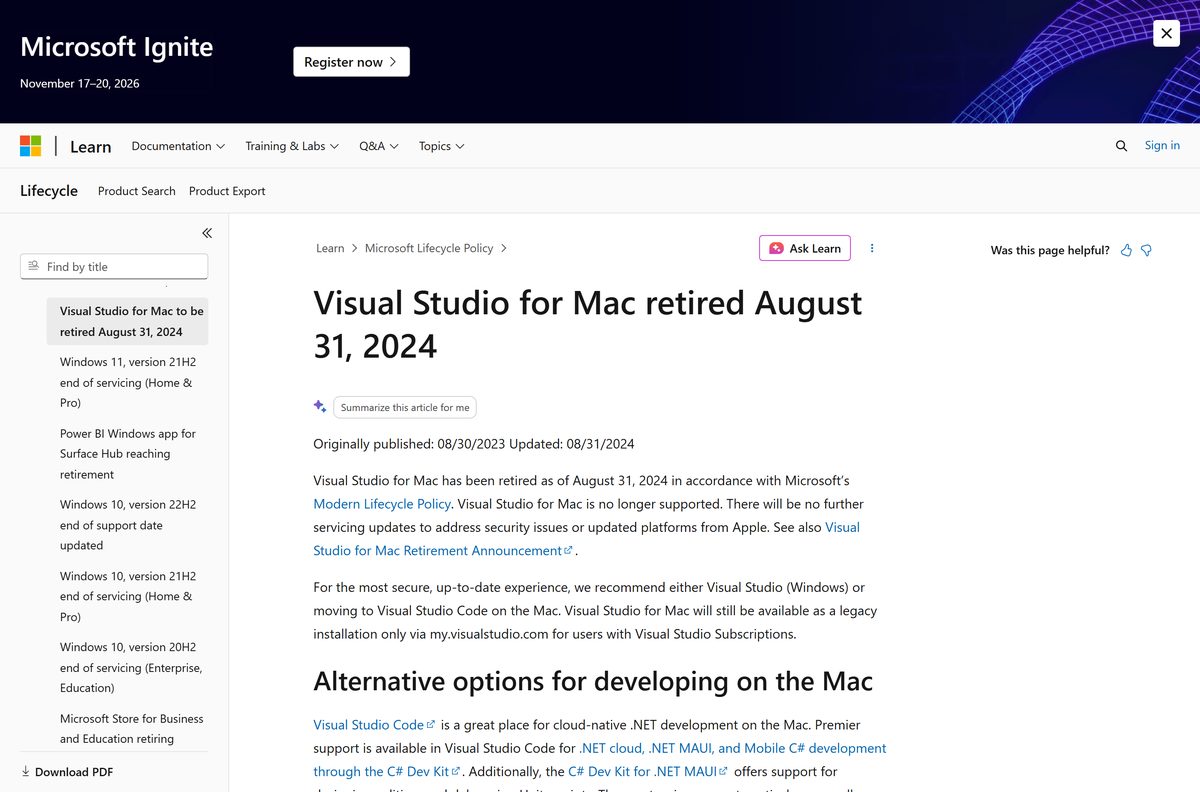
Visual Studio for Mac was retired on 31 August 2024, so no current macOS build exists.
| Your situation | What Microsoft points you to | Where |
|---|---|---|
| Mac, writing C# or .NET | Visual Studio Code with the C# Dev Kit | code.visualstudio.com |
| Mac, building .NET MAUI apps | The C# Dev Kit for .NET MAUI extension | Marketplace listing |
| Mac, and you want the full IDE | Windows 11 in a virtual machine, Community inside it | Product page |
| Mac, and a local VM is too heavy | Microsoft Dev Box, a cloud Windows VM | Dev Box overview |
| Subscriber needing the retired Mac IDE | A legacy install through the subscriber portal | Retirement notice |
The retired Mac IDE gets no further servicing updates for security or Apple platform changes. The same licence covers the Windows IDE inside a virtual machine on a Mac.
Fix Visual Studio Community not installing on Windows 11 or 10
Setup stops with an unsupported operating system error
Code 8010 means the Windows build fails the requirements. Setup refuses 32-bit Windows, ARM32, Windows 10 on ARM64, and versions 1507 and 1511.
- Open Settings > System > About and read Edition and System type.
- Install Visual Studio 2022 Community instead on a 64-bit Windows 10 PC still in support.
- Move to Windows 11 for the 2026 release, which the requirements page lists for Windows 11 and Windows Server.
Setup fails before the workload screen appears
A Group Policy block on the WebView2 runtime stops the installer.
- Ask your administrator to check the Microsoft Edge Install (WebView) policy, and InstallDefault when that one is unset.
- Install the WebView2 runtime first, then rerun the bootstrapper.
- Confirm the account running setup holds administrator rights.
An update fails and the installer keeps erroring
Damaged installer metadata survives a plain retry.
- Close the Visual Studio Installer and run Repair from its More menu.
- Delete C:\Program Files (x86)\Microsoft Visual Studio\Installer when repair fails, then rerun the bootstrapper.
- Select More > Rollback to previous version to return to the build you had.
- Run Collect.exe from aka.ms/vscollect under the same account, then send the vslogs.zip it writes to %TEMP% .
The download stalls or the drive fills up
A full install claims 2.5 GB to 210 GB, and the drive for the IDE and cache is chosen once.
- Run Disk Cleanup first and keep 20 GB to 50 GB free.
- Pick Download all, then install so the transfer finishes before setup starts.
- Build a layout on a drive with room, then install from it with –noWeb .
How to uninstall Visual Studio Community
The installer removes the product. Clearing the installer itself is a separate step.
- Open the Visual Studio Installer, or run C:\Program Files (x86)\Microsoft Visual Studio\Installer\setup.exe .
- Select More next to the installed edition, then Uninstall, then OK.
- Open Add or remove programs and uninstall Microsoft Visual Studio Installer.
- Clear the leftovers from Installed apps: .NET, SQL, IIS, the Visual C++ Redistributables and any SDKs.
- Run “C:\Program Files (x86)\Microsoft Visual Studio\Installer\InstallCleanup.exe” -f from an administrator prompt only when a normal uninstall has already failed.
The cleanup tool can remove features belonging to other Visual Studio installations, so it is the last resort.
Choose between Visual Studio Community, Code, Build Tools and the paid editions
Four products share one brand, and only one is the full Windows IDE.
| Product | What it is | Price | Where |
|---|---|---|---|
| Visual Studio Community | The full Windows IDE, under the limits above | Free | Product page |
| Visual Studio Code | Cross-platform editor for Windows, macOS and Linux | Free | code.visualstudio.com |
| Build Tools | Compilers and MSBuild, no IDE; the only edition supported in a container | Free | Bootstrapper |
| Visual Studio Professional | Same IDE, licensed past the five-user cap | $45 per user monthly | Pricing |
| Visual Studio Enterprise | The highest subscription tier listed | $250 per user monthly | Pricing |
| 2022 Community | The previous IDE train, supported to 13 January 2027 | Free | Bootstrapper |
Frequently asked questions
Is Visual Studio Community free?
Yes. Any individual developer can build free or paid apps with it at no charge. Inside an organisation, unlimited users are allowed for classroom learning, academic research and open source; other uses are capped at five.
Where is the official Visual Studio Community download page?
The official page is visualstudio.microsoft.com/vs/community/, which carries the licence summary and the free download button. The bootstrapper resolves from aka.ms/vs/stable/vs_community.exe to Microsoft’s own download host.
Does Visual Studio Community work on Windows 11 and Windows 10?
Microsoft lists supported versions of Windows 11, including ARM64 editions, plus Windows Server 2025, 2022 and 2019. Its support article adds 64-bit Windows 10 editions still inside their lifecycle, and refuses versions 1507 and 1511.
How big is the Visual Studio Community download?
The bootstrapper is 5.43 MB, or 5,689,016 bytes. It installs the Visual Studio Installer, which then downloads 2.5 GB to 210 GB of packages depending on workloads, with 20 GB to 50 GB typical.
Is there a Visual Studio Community offline installer?
No standalone setup is published. Run the bootstrapper with the layout switch to build a package cache instead, roughly 40 GB for one language, then install from that folder with the noWeb switch.
Is Visual Studio Community available for Mac?
No. Visual Studio for Mac was retired on 31 August 2024 and gets no further servicing updates. Microsoft points Mac developers to Visual Studio Code with the C# Dev Kit, or to the Windows IDE in a virtual machine.
Does Visual Studio Community have a 64-bit or ARM64 download?
One bootstrapper covers both. It installs the x64 build on an AMD64 PC and the ARM64 build on Windows 11 on Arm. No 32-bit or ARM32 build exists for either release train.
Is the Visual Studio Community download safe?
It is safe taken from visualstudio.microsoft.com or the aka.ms links Microsoft publishes, which resolve to download.visualstudio.microsoft.com. Check the saved file in Properties for 5,689,016 bytes and a publisher under Digital Signatures.
What is the latest version of Visual Studio Community?
Version 18.11.1 on the Stable channel, build 12315.225, released on 20 October 2026. The free edition is supported only on the newest Stable release, so the evergreen link always fetches it.
Why won’t Visual Studio Community install on my PC?
The common causes are an unsupported Windows build, which returns error code 8010, a Group Policy block on the WebView2 runtime, an account without administrator rights, and too little free disk space.