Node.js for Mac installs from one official package. The macOS installer on nodejs.org is 89.7 MB, carries both Apple silicon and Intel code in a single binary, and puts node and npm into /usr/local/bin .
The current long-term support build is Node.js 24.22.1 ‘Krypton’, released on 21 October 2026 with npm 11.19.1 inside it. Node.js 26.12.1 is the Current line and becomes Active LTS on 28 October 2026.
Below: the release and file for your chip, the installer walkthrough, checksum checks, Homebrew and nvm, an install with no admin password, fixes and a clean uninstall.
Which Node.js release should you download for your Mac?
Every line below ships the same universal macOS package. The release you pick decides how long it keeps getting security fixes.
| What you are doing | Release line | macOS package | Size |
|---|---|---|---|
| Running or shipping production code | Node.js 24 ‘Krypton’, LTS until 30 April 2028 | node-v24.22.1.pkg | 89.7 MB |
| Testing the next LTS before it lands | Node.js 26, Active LTS from 28 October 2026 | node-v26.12.1.pkg | 100.3 MB |
| Tied to an older toolchain | Node.js 22 ‘Jod’, Maintenance LTS until 30 April 2027 | node-v22.23.4.pkg | 84.4 MB |
An end-of-life line gets no security patches. Use one to reproduce a bug, never to serve traffic.
Download Node.js for Mac from the official nodejs.org page
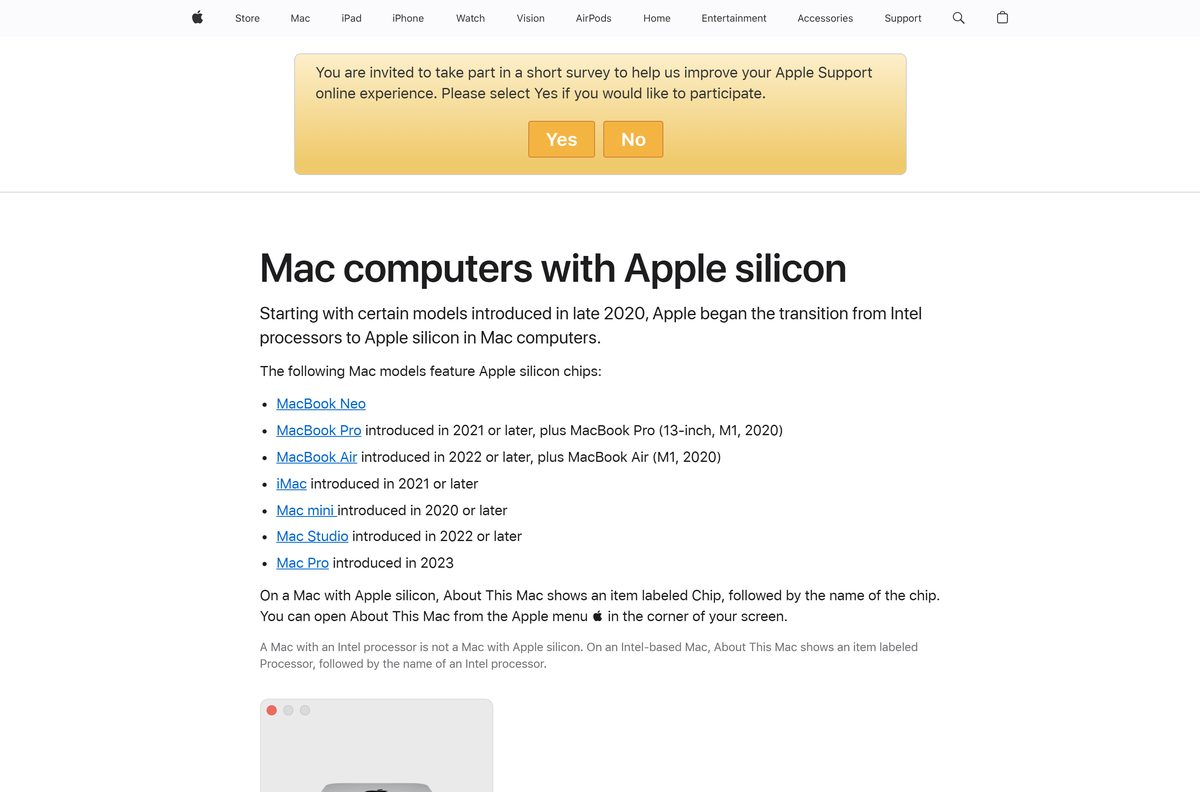
Set Operating System to macOS on the download page, then click macOS Installer (.pkg). The Standalone Binary button next to it hands you the tarball instead.
- Node.js download page — installer and tarball buttons for macOS
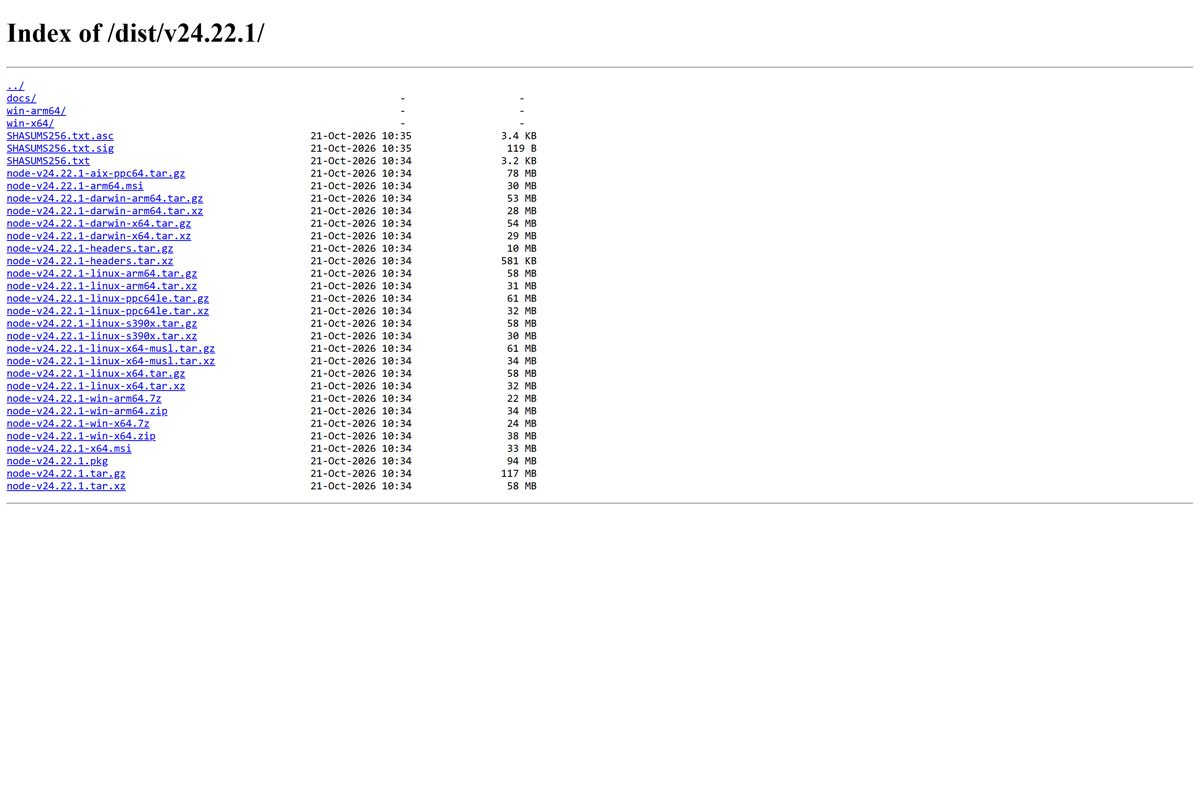
- Node.js 24.22.1 release folder — 89.7 MB package · every file with its size and checksums
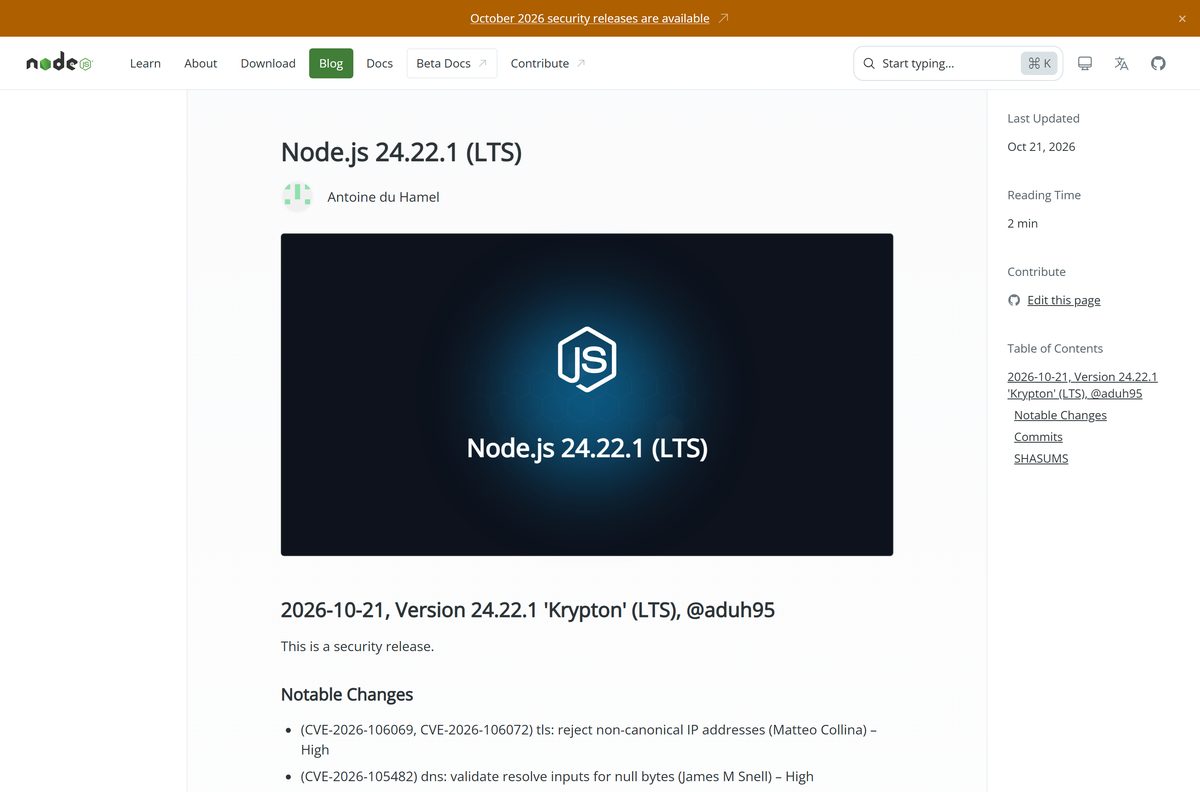
- Node.js 24.22.1 release notes — the eight CVEs closed on 21 October 2026
- Current release page — the Node.js 26 line
- Release archive — every version published, newest at the bottom
Download portals repackage the installer in their own wrapper. The files under nodejs.org are the ones the release team signs.
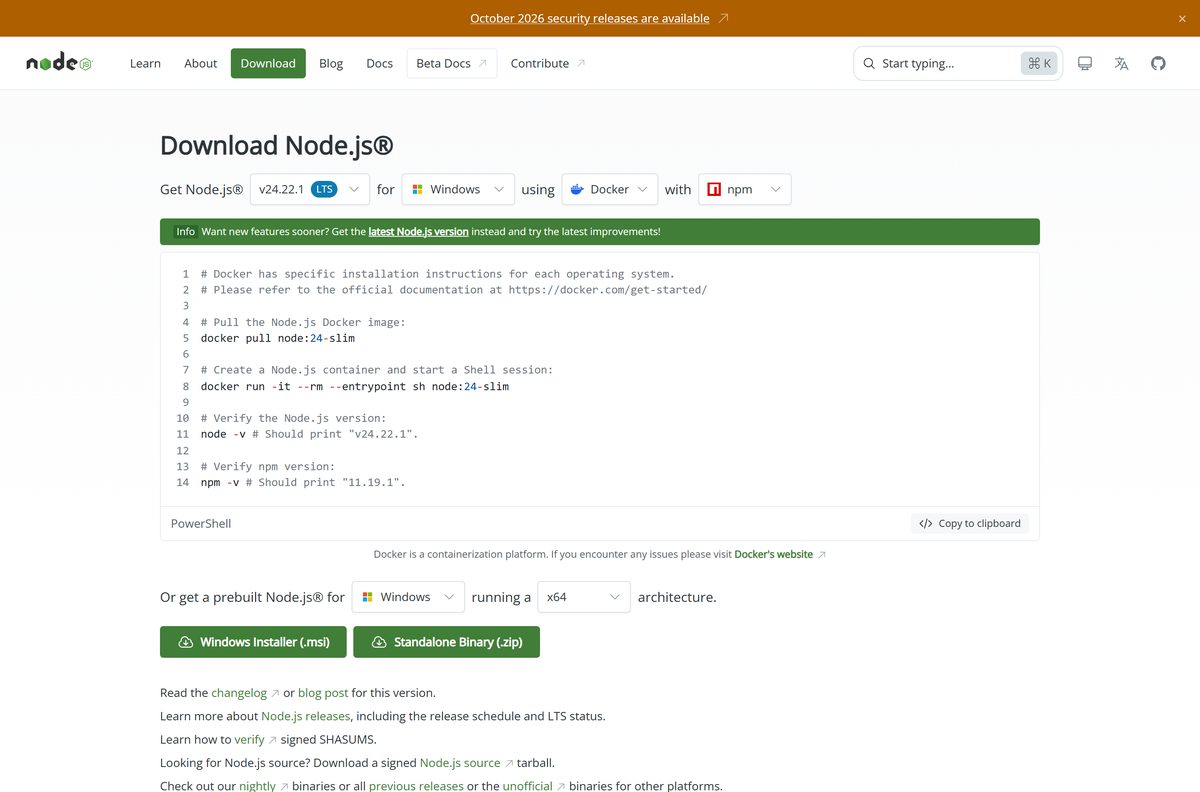
Which Node.js file do you need, Apple silicon or Intel?
Open the Apple menu and choose About This Mac. Apple silicon shows an item labelled Chip with the chip name; an Intel Mac shows Processor instead.
| Your Mac | File to download | Size |
|---|---|---|
| Apple silicon, macOS 13.5 or later | node-v24.22.1.pkg | 89.7 MB |
| Intel processor, macOS 13.5 or later | node-v24.22.1.pkg | 89.7 MB |
| Apple silicon, no administrator password | node-v24.22.1-darwin-arm64.tar.xz | 26.2 MB |
| Intel, no administrator password | node-v24.22.1-darwin-x64.tar.xz | 27.9 MB |
One installer covers both chips: the build merges an x86_64 and an arm64 binary with lipo , and declares x86_64,arm64 as its host architectures.
How to install Node.js on your Mac with the official package
- Open nodejs.org/en/download and set Operating System to macOS.
- Click macOS Installer (.pkg) and let the 89.7 MB file download.
- Open Downloads in Finder and double-click the package.
- Click Continue on Introduction, then Continue and Agree on the licence pane.
- Click Install, or Customize first and clear npm to install the runtime alone.
- Authenticate with Touch ID or your administrator password.
- Read the summary pane, which confirms /usr/local/bin/node and /usr/local/bin/npm , then click Close.
- Open Terminal and run node -v ; it prints v24.22.1 . Run npm -v for 11.19.1 .
The package is signed and notarized, so Gatekeeper opens it without a warning. The last pane repeats one requirement: /usr/local/bin on your $PATH .
How to verify the Node.js package you downloaded
Each release folder carries SHASUMS256.txt and a SHASUMS256.txt.asc signed by the releaser. Checking both proves the file is the one the project published.
- Open Terminal and run cd ~/Downloads .
- Fetch the signed list: curl -fsO https://nodejs.org/dist/v24.22.1/SHASUMS256.txt.asc .
- Fetch the keyring: curl -fsLo keys.kbx https://github.com/nodejs/release-keys/raw/HEAD/gpg/pubring.kbx .
- Check the signature: gpgv –keyring=./keys.kbx –output SHASUMS256.txt < SHASUMS256.txt.asc .
- Compare your file: shasum –check SHASUMS256.txt –ignore-missing .
- Read the line for the package. OK means the bytes match the release.
gpgv arrives with GnuPG, so install GnuPG when the command is missing. A failed checksum means the download stopped short: delete the file and fetch it again.
How to install Node.js with Homebrew or nvm on a Mac
The download page lists both next to the installer, and states that their installation scripts are not maintained by the Node.js project.
- Open Terminal.
- Install Homebrew with curl -o- https://raw.githubusercontent.com/Homebrew/install/HEAD/install.sh | bash .
- Install the LTS line with brew install node@24 .
- For nvm instead, run curl -o- https://raw.githubusercontent.com/nvm-sh/nvm/v0.40.8/install.sh | bash .
- Load nvm into the shell with \. “$HOME/.nvm/nvm.sh” .
- Install and select the release with nvm install 24 .
- Confirm with node -v and npm -v .
Use nvm when one project pins Node.js 20 and another needs 26. Use the package when one version per Mac is enough.
How to run Node.js on a Mac without admin rights
The tarball holds the same compiled binaries as the installer, with no receipt, no sudo and nothing written outside your home folder.
- Download the tarball for your chip from the release folder: darwin-arm64 for Apple silicon, darwin-x64 for Intel.
- Open Terminal and run mkdir -p ~/.local/node .
- Unpack it: tar -xJf ~/Downloads/node-v24.22.1-darwin-arm64.tar.xz -C ~/.local/node –strip-components=1 .
- Put it on your path: export PATH=”$HOME/.local/node/bin:$PATH” .
- Add that line to ~/.zshrc so new shells find it.
- Run node -v , then npm -v .
Global npm installs land in ~/.local/node/lib/node_modules here, so none of them needs an administrator.
Should you install Node.js 24 LTS or Node.js 26 on a Mac?
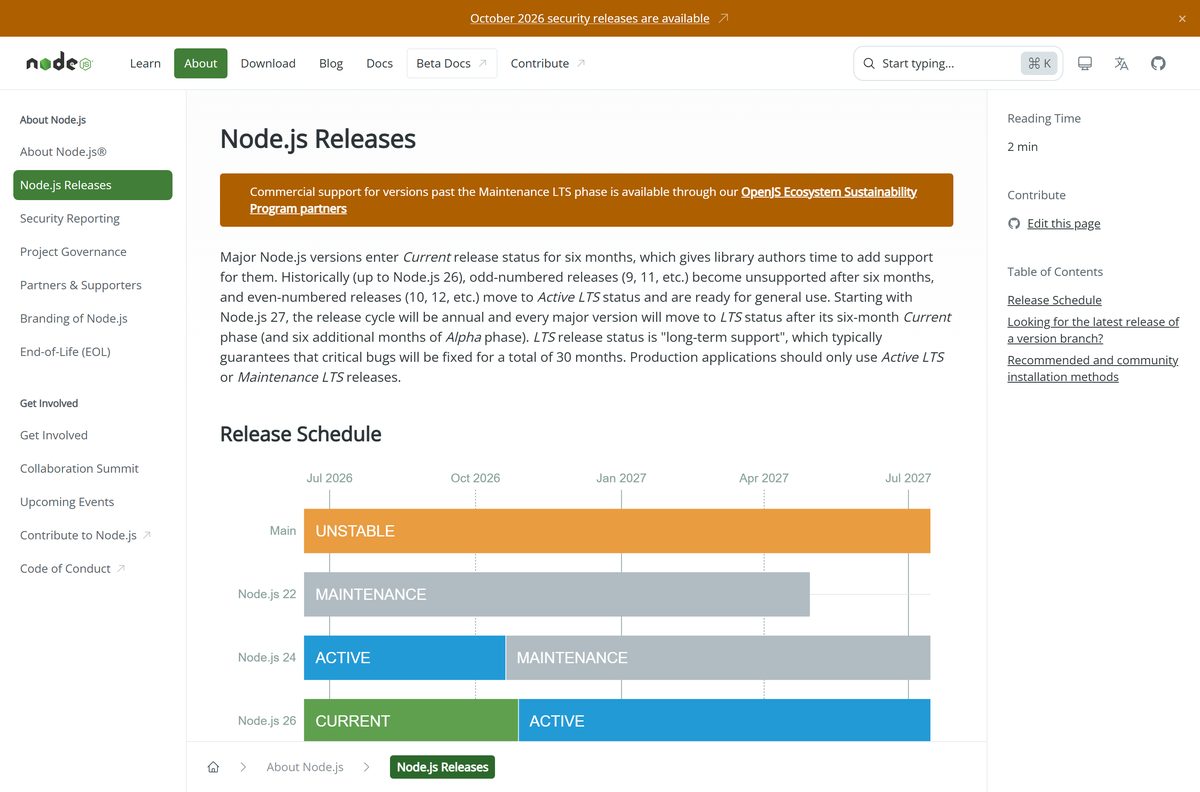
Install the Node.js 24 package on a Mac that runs production code, and Node.js 26 only to test what is coming. Node.js 24 entered its maintenance phase on 20 October 2026 and keeps getting critical fixes until 30 April 2028. Node.js 26 reaches Active LTS on 28 October 2026, so it is the line to move to next rather than the one to ship on today.
The chip shifts the weighting on an older Mac: Node.js 24 rates Intel macOS Tier 1, Node.js 26 rates it Tier 2. Intel drops to experimental in early 2028, when the project’s test provider ends Intel support.
Is Node.js free?
Download and run Node.js on macOS without paying. There is no paid edition, trial, seat count or licence key. The runtime is open source under the MIT licence, which permits commercial use, modification and redistribution with the copyright notice kept. Infrastructure and bandwidth are funded by the OpenJS Foundation and its download partners.
OpenJS Ecosystem Sustainability Program partners sell support for releases past the Maintenance LTS phase. That is a contract, not a licence. Any site charging for the macOS package is not official.
Check the Node.js system requirements for macOS
| Field | Value |
|---|---|
| Software | Node.js |
| Developer | OpenJS Foundation and Node.js contributors |
| Latest version | 24.22.1 LTS, codename Krypton |
| Released | 21 October 2026 |
| Current release | 26.12.1, Active LTS from 28 October 2026 |
| Licence | Free and open source, MIT |
| macOS | macOS 13.5 or later |
| Architecture | Universal: arm64 and x86_64 in one binary, 64-bit only |
| Mac download | node-v24.22.1.pkg, 89.7 MB |
| Bundled npm | 11.19.1 |
| Installs to | /usr/local/bin/node and /usr/local/bin/npm |
| Offline installer | Yes, no connection needed after download |
| Official download source | nodejs.org |
| Last verified | 2026-10-25 |
macOS binaries are compiled with 13.5 as the deployment target, which makes 13.5 a floor and not a recommendation.
What the Node.js macOS package puts on your Mac
| Component | Version | Where it lands |
|---|---|---|
| node runtime | 24.22.1 | /usr/local/bin/node |
| npm | 11.19.1 | /usr/local/bin/npm |
| npx | ships with npm | /usr/local/bin/npx |
| npm library | 11.19.1 | /usr/local/lib/node_modules/npm |
| V8 JavaScript engine | 13.6.233.17 | compiled into the node binary |
| Installer receipts | two | org.nodejs.node.pkg and org.nodejs.npm.pkg |
The two receipts are why the uninstall below runs pkgutil –forget twice.
How to check your Node.js version and update it on a Mac
Nothing on macOS updates the runtime for you. Each new build arrives as a fresh package that writes over the old binaries.
- Open Terminal and run node -v for the running version.
- Run npm -v for the npm that shipped with it.
- Compare both against the download page.
- For a package install, download the new .pkg and run it; it replaces node and npm in place.
- For Homebrew, run brew upgrade node@24 .
- For nvm, run nvm install 24 , then nvm use 24 .
Security releases land on every supported line at once. The 21 October 2026 set closed eight CVEs, four of them rated high.
Fix Node.js not installing or not running on your Mac
Terminal answers zsh: command not found: node
/usr/local/bin is not on your $PATH, which the installer’s last pane warns about.
- Run echo $PATH and look for /usr/local/bin .
- Add it: echo ‘export PATH=”/usr/local/bin:$PATH”‘ >> ~/.zshrc .
- Run source ~/.zshrc , then node -v again.
The package will not open on macOS 12 or earlier
Current macOS binaries are compiled for macOS 13.5.
- Open the Apple menu, choose About This Mac and read the macOS version.
- Update macOS from System Settings > General > Software Update.
- Open the package again.
The installer reports that the package is damaged
The download was cut short, so the file no longer matches its checksum.
- Delete the file from Downloads.
- Download it again from nodejs.org.
- Run shasum –check SHASUMS256.txt –ignore-missing before opening it.
npm install -g fails with an EACCES permission error
Global packages are written into /usr/local/lib/node_modules, which belongs to root.
- Prefix the command with sudo for a one-off install.
- For a permanent fix, switch to the tarball layout in your home folder.
- Confirm the target with npm config get prefix .
The wrong version runs after a fresh install
A Homebrew or nvm copy sits earlier on $PATH and wins.
- Run which -a node to list every copy.
- Run nvm use 24 , or remove the copy you do not want.
- Open a new Terminal tab and run node -v .
How to uninstall Node.js from your Mac
- Quit anything running the runtime, then open Terminal.
- Remove the binaries: sudo rm -f /usr/local/bin/node /usr/local/bin/npm /usr/local/bin/npx .
- Remove the npm library: sudo rm -rf /usr/local/lib/node_modules/npm .
- Forget the first receipt: sudo pkgutil –forget org.nodejs.node.pkg .
- Forget the second: sudo pkgutil –forget org.nodejs.npm.pkg .
- Run node -v ; command not found confirms the removal.
A Homebrew copy goes with brew uninstall node@24 , an nvm copy with nvm uninstall 24 . Project folders keep their own node_modules , untouched by the steps above.
Frequently asked questions
Is Node.js free for Mac?
Yes. The macOS installer on nodejs.org costs nothing, with no trial period or licence key. The runtime is open source under the MIT licence, which also permits commercial use, and npm ships inside the same package.
What is the official Node.js download page for macOS?
The official page is nodejs.org/en/download. Set Operating System to macOS and it offers two files: the installer package and a standalone tarball. Every release folder also sits under nodejs.org/dist with its checksums.
What is the latest version of Node.js?
The latest long-term support release is Node.js 24.22.1 ‘Krypton’, published on 21 October 2026 with npm 11.19.1 inside. The Current line is Node.js 26.12.1, which becomes Active LTS on 28 October 2026.
How big is the Node.js download for Mac?
The universal macOS package is 89.7 MB, or 94,089,204 bytes. The architecture-specific tarballs are far smaller: 26.2 MB for Apple silicon and 27.9 MB for Intel, because each holds a single build.
Does Node.js run on Apple silicon Macs?
Yes, natively. The installer holds one universal binary with both arm64 and x86_64 code, so the same file runs on M-series and Intel Macs. Apple silicon is a Tier 1 platform with full test coverage.
Which macOS version does Node.js need?
macOS 13.5 or later, on both Apple silicon and Intel. The project compiles its macOS binaries with 13.5 as the deployment target, so the package refuses to install on macOS 12 and earlier.
Is there an offline installer for Node.js on Mac?
Yes. The macOS package is a complete installer, not a downloader. Copy the 89.7 MB file to a USB drive and it installs the runtime and npm on a Mac with no internet connection.
Is Node.js safe to download?
Yes, from nodejs.org. The macOS package is signed and notarized by the release team, and each release folder carries a SHASUMS256.txt list plus a signed .asc file so you can check the bytes yourself.
Can you download an older version of Node.js for Mac?
Yes. Every release stays under nodejs.org/dist, each in its own folder with a macOS package. Node.js 22 ‘Jod’ is the oldest line still supported, with maintenance fixes until 30 April 2027.
Why won’t Node.js install on my Mac?
The three usual causes are a macOS version below 13.5, a download that stopped short and failed its checksum, and an interrupted install. Check the macOS version first, then re-download and verify the package.