An Okta Verify download takes a few minutes on any device you use for work or school. Get the free app from the App Store on a Mac, iPhone or iPad, from Google Play on Android, and from your organization’s Okta setup on a Windows 11 or Windows 10 PC.
Once installed, Okta Verify approves sign-ins with a push, a six-digit code, Windows Hello or Touch ID, so only you get into your Okta apps.
This guide covers which download fits your device, the official links, install steps for Windows and Mac, updates, fixes for setup errors and removal.
Which Okta Verify download do you need?
Match your device to a row. Phones and Macs install from a store, while Windows PCs get the installer through the organization.
| Your device | Where to get it | Size |
|---|---|---|
| Windows 11 or 10 PC, 64-bit | Your IT team or Okta dashboard setup | Not published |
| Mac on macOS 14 Sonoma or later | Okta Verify on the App Store | 97.1 MB |
| iPhone or iPad on iOS 17 or later | Okta Verify on the App Store | 97.1 MB |
| Android 13 or later | Okta Verify on Google Play | Play states no size |
| IT admin deploying to many PCs or Macs | Admin Console: Settings > Downloads | .exe or .pkg |
Okta Verify for Windows and macOS works only with orgs on Okta Identity Engine.
Download Okta Verify from the official sources
Okta distributes the app through these channels only. The Microsoft Store has no Okta Verify listing, so skip any Store result from another publisher.
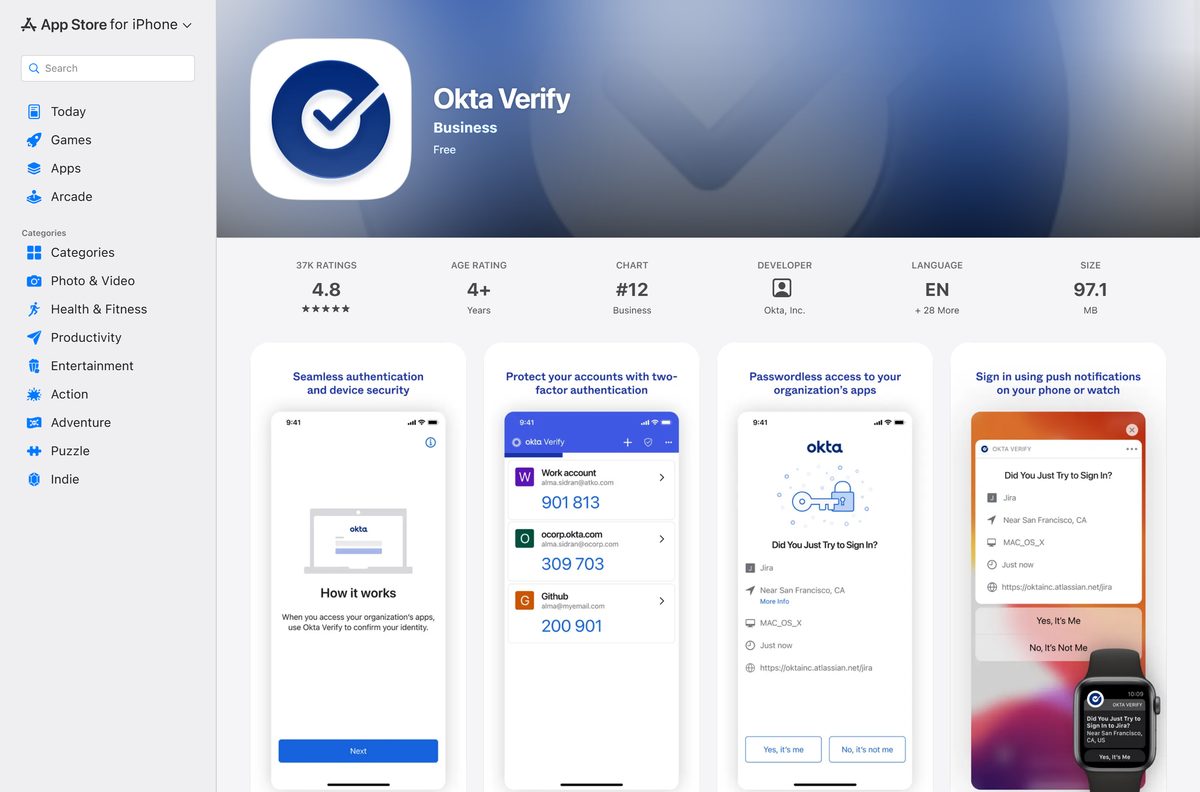
- Okta Verify on the App Store — 97.1 MB · iPhone, iPad and Mac, developer Okta, Inc.
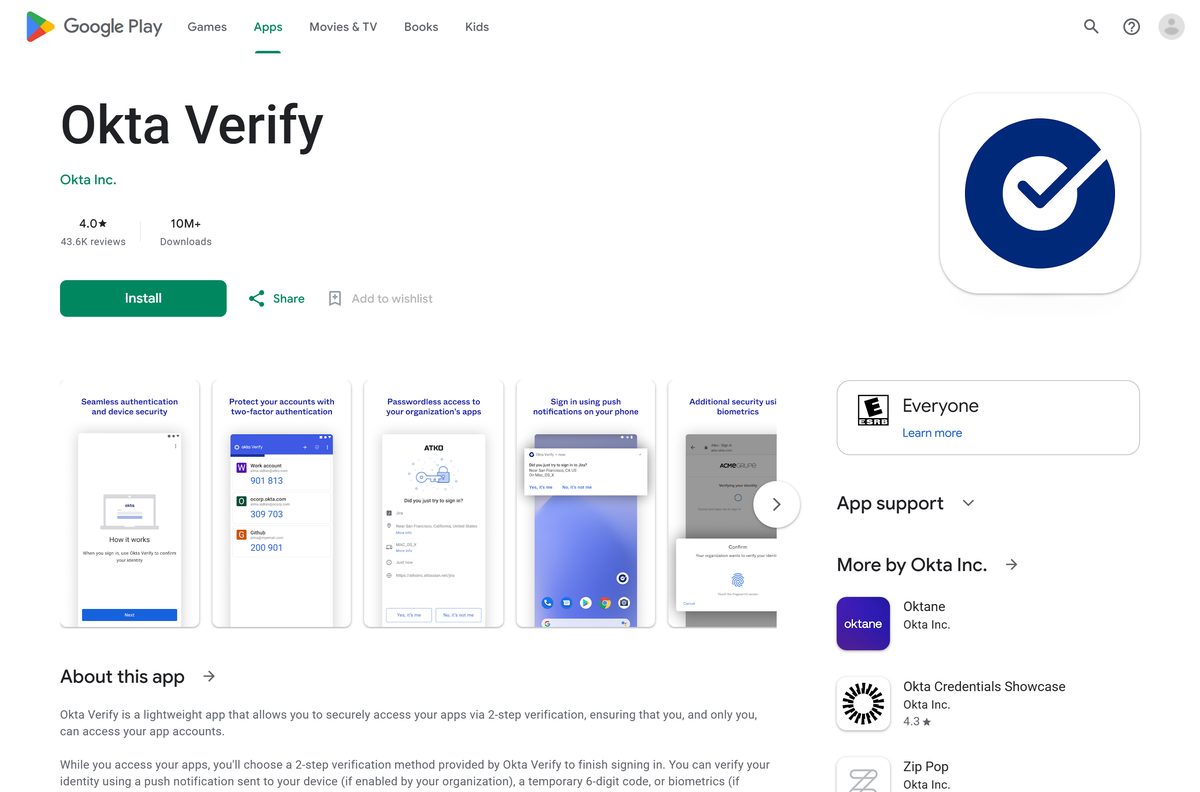
- Okta Verify on Google Play — Okta Inc., 10M+ downloads
- Get started with Okta Verify on Windows — Okta’s end-user setup guide for Windows
- Get started with Okta Verify on macOS — Okta’s end-user setup guide for Mac
- Deploy Okta Verify to Windows devices — admin guide to the .exe in the Admin Console
Check the Okta Verify system requirements
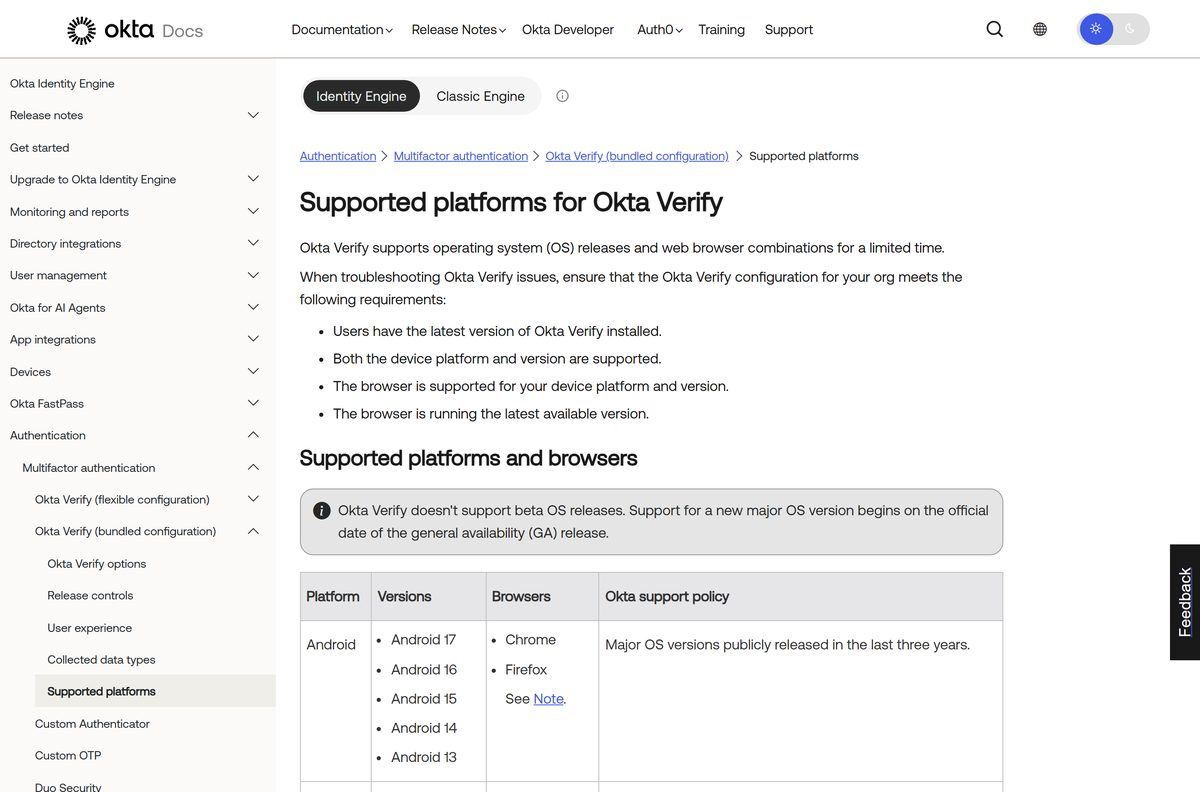
Okta supports each OS release for a limited time and does not support beta OS builds.
| Field | Value |
|---|---|
| App | Okta Verify |
| Developer | Okta, Inc. |
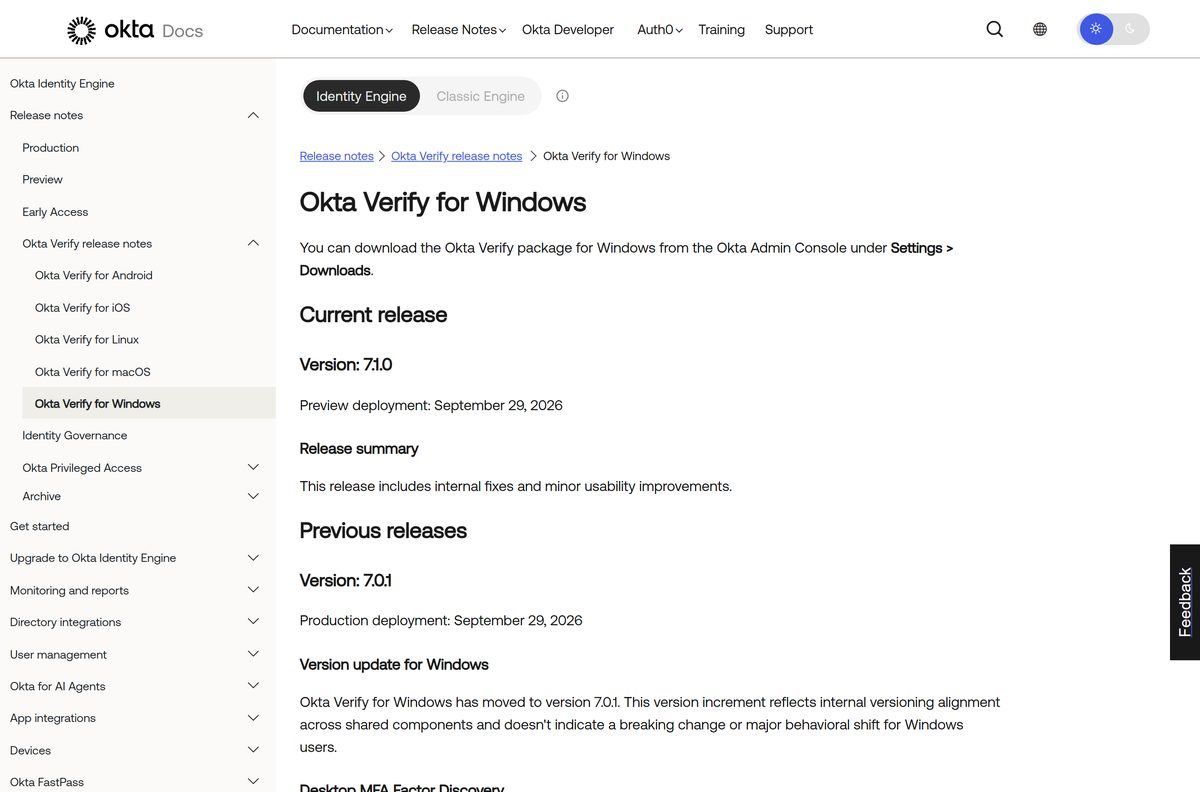
| Latest version | Windows 6.12.2 (7.0.1 in preview); macOS 9.69.0; App Store 9.71.1 |
| Price | Free; needs an Okta account from your organization |
| Windows | Windows 11 22H2 to 25H2, Windows 10 21H2 and 22H2 |
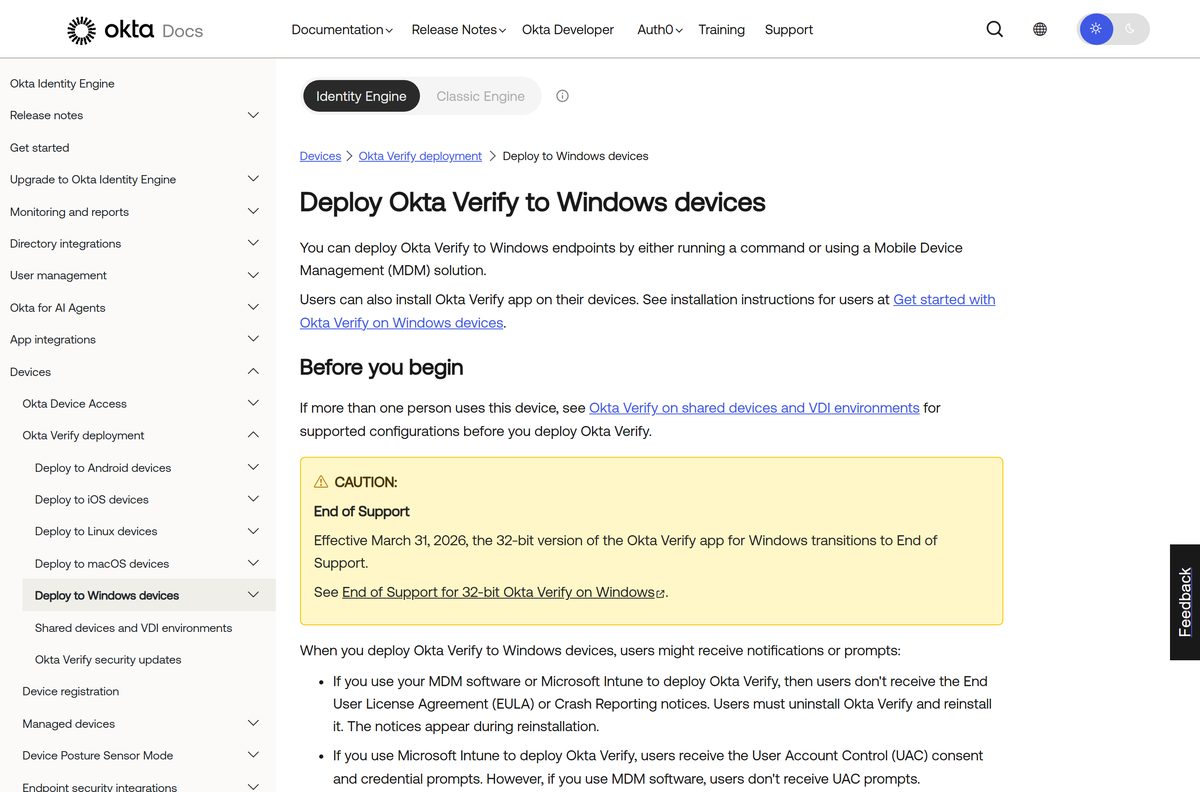
| Architecture | 64-bit Windows only; 32-bit ended with version 6.10.2 |
| Mac | macOS 26 Tahoe, 15 Sequoia, 14 Sonoma |
| iPhone and iPad | iOS and iPadOS 17, 18 and 26 |
| Android | Android 13 to Android 17 |
| Linux | Ubuntu 24.04 and 26.04 |
| Download size | 97.1 MB on the App Store |
| Offline installer | Yes for admins: .exe and .pkg in the Okta Admin Console |
| Official source | App Store, Google Play, Okta Admin Console |
| Last verified | 2026-09-25 |
Okta Verify does not run on ChromeOS or HarmonyOS.
How to install Okta Verify on Windows 11 and 10
On a managed work PC, IT usually installs Okta Verify for you. If it is missing, add it from your Okta dashboard.
- On your Windows PC, open a browser and sign in to your organization’s Okta End-User Dashboard.
- Click the arrow next to your name and select Settings.
- In the Security methods section, find Okta Verify and click Set up another.
- Follow the setup instructions to download and run the Okta Verify installer.
- Accept the User Account Control prompt if Windows shows one.
- Open Okta Verify and add your account with your organization’s sign-in URL.
- Turn on Windows Hello when Okta Verify asks, if your organization requires it.
If IT prompted you to set up Okta Verify, follow its instructions instead. When setup succeeds, Okta Verify shows a confirmation message.
How to deploy Okta Verify to company PCs
Admins download Okta Verify for Windows (.exe) from the Okta Admin Console under Settings > Downloads. The installer runs at system level only; per-user installs are not supported.
Test the install command on one PC before you push it through Intune or another MDM tool. Replace the file name with the version you downloaded and the URL with your Okta org.
| Task | Command or setting |
|---|---|
| Get the installer | Admin Console > Settings > Downloads > Okta Verify for Windows (.exe) |
| Quiet install (4.0.2 or later) | OktaVerifySetup-x.x.x.x-yyyyyyy.exe /q OrgUrl=https://customerorg.okta.com |
| Quiet install (older versions) | Use /q2 in place of /q |
| Quiet uninstall | OktaVerifySetup-x.x.x.x-yyyyyyy.exe /uninstall /q |
| Intune app type | Windows app (Win32), not line-of-business |
| Intune minimum OS | Windows 10 1709 |
| Intune detection rule | File OktaVerify.exe in Program Files > Okta > Okta Verify |
Apps deployed through MDM or Intune skip the license agreement and crash-reporting notices, and Intune installs still show User Account Control prompts.
Which Okta Verify download do you need for your Mac?
Most people install the App Store version. Company Macs often get a PKG pushed by IT instead.
| Your situation | What to install | Updates |
|---|---|---|
| Personal or unmanaged Mac | Okta Verify on the App Store | Through the App Store |
| Company Mac with Apple Business | App Store app pushed by your device management tool | Forced by the MDM |
| Admin without Apple Business support | PKG from Admin Console > Settings > Downloads | Manual; repeat for each release |
To add an account you already use on another device, sign in to the Okta End-User Dashboard on your Mac, open Settings and click Set up another under Okta Verify.
Is Okta Verify free?
Yes, Okta Verify is free to download and use, but it only signs you in to an organization that runs Okta. The App Store and Google Play list Okta Verify as free, and there is no paid tier for users. Your employer or school pays for Okta and enables Okta Verify for your account. Without that account, the app can still store one-time codes for other sites that support authenticator apps.
Any website that charges for an Okta Verify download or offers a “pro” version is not Okta.
How to check an Okta Verify download is genuine
Okta Verify guards access to your work apps. Confirm the source before you add an account.
- On the App Store, confirm the developer reads Okta, Inc.
- On Google Play, confirm the name under the title reads Okta Inc.
- On Windows, run only the installer your IT team sends or the file your Okta dashboard setup provides.
- Delete any Okta Verify .exe from a download portal or file host, because Okta does not publish one publicly.
- After installing, confirm the sign-in URL you add matches your organization’s Okta address.
How to check your Okta Verify version and update it
Okta Verify for Windows 5.6.6.0 and later updates itself. General releases roll out over seven days, from 5% of devices on days one to three to all devices on day seven.
- On Windows, leave Okta Verify running; the automatic update service installs new versions.
- If your copy is older than 5.6.6.0, ask IT for a current installer, because older builds cannot auto-update.
- On a Mac or iPhone, open the App Store and install any pending Okta Verify update.
- On Android, open Google Play, tap your profile picture, then Manage apps & device, and update Okta Verify.
- On a Mac that got the app as a PKG, ask IT for the new PKG, because that route does not auto-update.
Your organization can defer updates or use release controls, so your PC may get a new version a few days after others.
Fix Okta Verify not installing or adding an account
You get an error when you add an Okta Verify account
The device is offline, the Okta account cannot sign in, or the sign-in URL is wrong.
- Make sure your device has internet access.
- Open your Okta End-User Dashboard in a browser and confirm you can sign in.
- Check that you entered the correct sign-in URL.
- Right-click the Okta Verify icon and select Send feedback if it still fails.
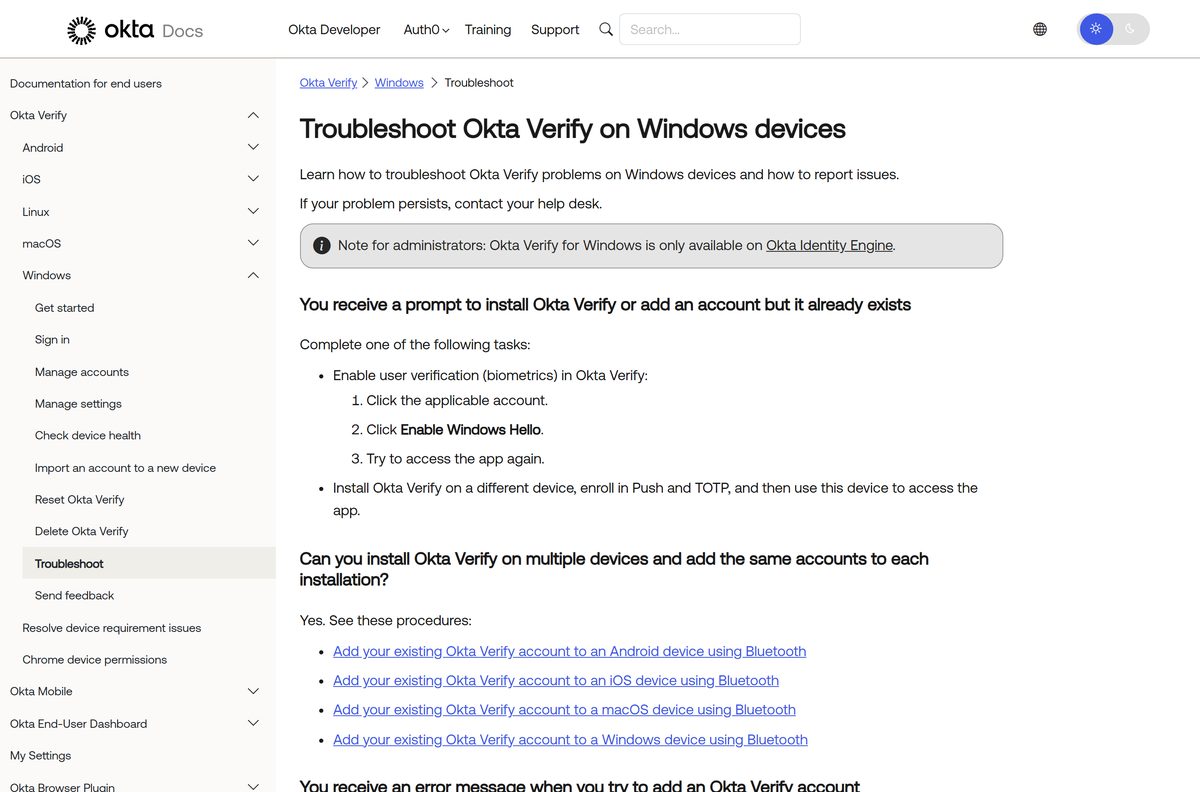
You are asked to install Okta Verify, but it is already installed
Your organization requires user verification such as Windows Hello.
- Open Okta Verify and click the affected account.
- Click Enable Windows Hello.
- Try to open the app again.
The account says it was invalidated
The Okta Verify account is no longer valid on this device.
- Re-enroll the account if Okta Verify offers the option.
- Otherwise, contact your help desk to reset it.
The first Windows Hello attempt fails
A known issue where Windows Hello does not come into focus.
- Click the Windows Hello prompt to bring it into focus.
- Then use the fingerprint reader, camera or PIN.
You reinstalled Okta Verify and setup fails
Reinstalling without help desk support needs administrator rights on the PC.
- Run the installer from an administrator account.
- Contact your help desk if enrollment still fails.
How to uninstall Okta Verify
Remove the account from Okta first, so the old device does not stay listed on your profile.
- Open your Okta End-User Dashboard in a browser.
- Go to Settings > Security Methods and find the Okta Verify entry for this device.
- Click Remove.
- On Windows, click Start > Add or remove programs, find Okta Verify and click Uninstall.
- On a Mac, drag Okta Verify from Applications to the Trash.
- Back in the dashboard, check that the device no longer appears under Okta Verify, and click Remove if it does.
On a PC managed by IT, your device management tool may reinstall Okta Verify automatically.
Which sign-in method should you use if Okta Verify is not an option?
Your organization decides which Okta authenticators you can use. These are common choices Okta supports.
| Method | Best for | Needs |
|---|---|---|
| Okta Verify | Push approvals and passwordless sign-in | A supported phone, Mac or Windows PC |
| Passkeys (FIDO2 WebAuthn) | Phishing-resistant sign-in | A security key or a device passkey |
| Google Authenticator | Six-digit codes on a phone | Your org to enable it |
| YubiKey OTP | Hardware one-time codes | A YubiKey from your org |
| Phone (Voice Call/SMS) or Email | Fallback when no app is allowed | A verified phone number or email |
Use Okta Verify whenever your organization offers it, because it supports push, codes and biometrics in one app.
Frequently asked questions
Is Okta Verify free?
Yes. The App Store and Google Play list Okta Verify as free, and there is no paid version. It works only with an Okta account from an employer or school that has turned Okta Verify on.
Where is the official Okta Verify download?
On iPhone, iPad and Mac, use Okta Verify on the App Store. On Android, use Google Play. On Windows, the installer comes from your IT team or your organization’s Okta setup flow, and admins get it from the Okta Admin Console under Settings, then Downloads.
Does Okta Verify work on Windows 11?
Yes. Okta supports Okta Verify on Windows 11 versions 22H2, 23H2, 24H2 and 25H2, and on Windows 10 versions 21H2 and 22H2. Your organization must use Okta Identity Engine for the Windows app to work.
How big is the Okta Verify download?
The App Store version for iPhone, iPad and Mac is 97.1 MB. Okta publishes no size for the Windows .exe or the macOS .pkg, and Google Play shows no size for the Android app.
Is there an Okta Verify offline installer for Windows?
Yes, for admins. The Okta Admin Console offers Okta Verify for Windows as a full .exe under Settings, then Downloads. IT teams deploy it with Intune or other device management, or run it with the /q switch for a quiet install.
Is there an Okta Verify app for Mac?
Yes. Okta Verify for macOS installs from the App Store, and admins can also download a PKG from the Okta Admin Console. Okta supports macOS 26 Tahoe, macOS 15 Sequoia and macOS 14 Sonoma.
Is Okta Verify for Windows 64-bit or ARM64?
Okta Verify for Windows is 64-bit only. The 32-bit build stopped at version 6.10.2 and reached End of Support on March 31, 2026. Ask your IT team whether its installer covers an Arm-based Windows PC.
Is Okta Verify safe?
Yes, when it comes from Okta. Check that the App Store developer reads Okta, Inc. and the Google Play publisher reads Okta Inc. On Windows, run only the installer your IT team or your Okta dashboard setup provides.
What is the latest version of Okta Verify?
Okta Verify for Windows 6.12.2 is the latest production release, with 7.0.1 in preview. The macOS release notes list 9.69.0, and the App Store build for iPhone, iPad and Mac is 9.71.1.
Why won’t Okta Verify install or add my account?
Most failures come from the account side. Check that your device is online, that you can sign in to your Okta End-User Dashboard in a browser, and that you typed the correct sign-in URL. If it still fails, contact your help desk.
Can I use Okta Verify without a work or school account?
Not for Okta sign-ins. Your organization creates the Okta account and enables Okta Verify. Once installed, the app can also hold one-time codes for other sites such as GitHub, Google or Facebook.
Can I install Okta Verify on more than one device?
Yes. Okta says you can install Okta Verify on several devices and add the same accounts to each. Use Set up another in your dashboard Settings, or import the account from another device over Bluetooth.