The Samsung Magician download is free from Samsung for Windows PCs and Macs, with an Android build as well. It installs the utility that checks drive health, updates firmware, runs benchmarks and securely erases Samsung SSDs, portable SSDs, memory cards and USB flash drives.
This guide shows which installer to pick, how to install Magician on Windows and Mac, how to update the app and your drive firmware without losing data, and what to do when Magician does not see your drive.
Which Samsung Magician download do you need?
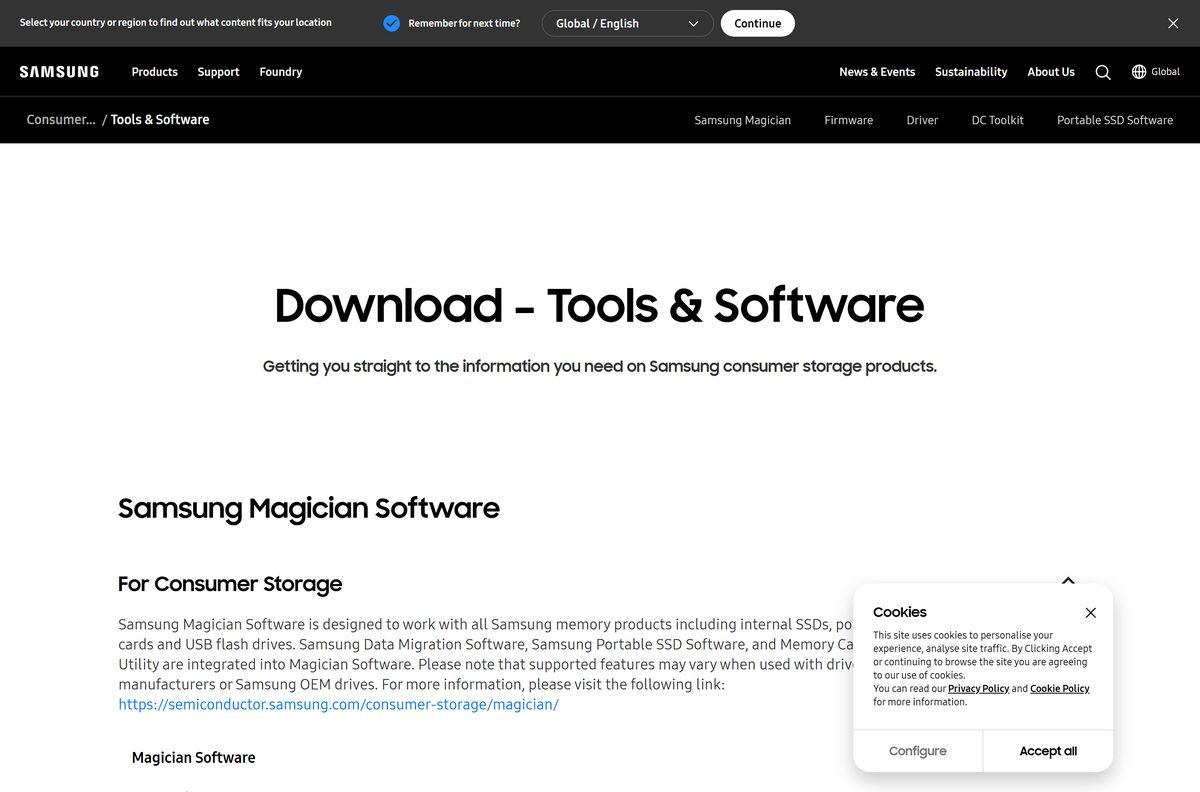
Samsung lists every Magician installer on its consumer storage Tools page. Match your device and drive to a row, then use that link.
| Your setup | Get this | What it manages |
|---|---|---|
| Windows 10 or 11 PC with a Samsung SSD inside | Samsung Magician for Windows (.exe) | Internal SSDs, portable SSDs, memory cards, USB flash drives |
| Mac with a Samsung portable SSD, card or USB drive | Samsung Magician for macOS (.pkg) | External Samsung drives only |
| Android phone or tablet with a Samsung external drive | Samsung Magician for Android (.apk) | External Samsung drives only |
| PC on Windows 8.1 or older | Samsung Tools page (Magician 7.3) | Samsung directs these systems to Magician 7.3 |
The Windows file is a full installer, not a small web stub. Save it once and reuse it on other PCs, even offline.
Download Samsung Magician from the official links
Samsung serves every Magician file from download.semiconductor.samsung.com. Copies on download portals can be old or repackaged, so skip them.
- Samsung consumer storage Tools page — Windows, macOS and Android installers plus the installation guide
- Samsung Magician product page — features, supported drives and operating systems
- Internal SSD firmware and software FAQ — firmware update rules and version checks
- Portable SSD firmware and software FAQ — T-series drives on Windows, Mac and iPhone
The Magician Software Installation Guide sits on the same Tools page. It lists the compatible SSD models in detail.
How to install Samsung Magician on Windows 11 and 10
Install Magician on the PC that holds the Samsung drive. Connect external Samsung drives before you start.
- Open the Samsung Tools page in your browser.
- Find Magician Software and select the Windows download.
- Open your Downloads folder and double-click Samsung_Magician_Installer_Official_9.0.1.950.exe .
- Select Yes when User Account Control asks for permission.
- Follow the setup prompts until the installer finishes.
- Open Samsung Magician from the Start menu.
- Select your Samsung drive in the list to see its health, firmware and capacity.
Magician lists only Samsung-brand storage. Drives from other makers do not appear in the app.
Which Samsung Magician features work on your Mac?
Samsung publishes one Magician package for macOS Catalina 10.15 and later. What it can do depends on the drive you connect.
| Drive on your Mac | What to do | Result |
|---|---|---|
| Samsung portable SSD (T5, T7, T9 series) | Install the macOS .pkg | Health checks and firmware updates from macOS |
| Samsung memory card or USB flash drive | Install the macOS .pkg | Supported, with a smaller feature set than Windows |
| Samsung internal SSD fitted inside the Mac | Samsung Magician OS support notes | Not supported on macOS; manage it from a Windows PC |
| Mac running macOS 10.14 Mojave or older | Magician system requirements | Update macOS to Catalina 10.15 or later first |
Double-click the downloaded .pkg file and follow the macOS installer. Connect your Samsung drive, then open Samsung Magician from Applications.
Is Samsung Magician free?
Yes. Samsung Magician is free for anyone with a Samsung SSD, portable SSD, memory card or USB flash drive. There is no paid edition, trial or licence key. The catch is scope rather than price: Magician manages Samsung-brand storage only and does not support drives from other makers. Any site that charges for Magician, or bundles a key with it, is not Samsung.
Samsung lists the supported product families on the Magician product page, from the 850 EVO through the 9100 PRO.
Should you install Samsung Magician 9 or Magician 7.3?
Install the current Magician 9 release on Windows 10 or later, macOS Catalina 10.15 or later and Android 7.0 or later. Install Magician 7.3 only on Windows 8.1 or older. Samsung states that Magician 9.0 supports Windows 10 in 32-bit and 64-bit, macOS Catalina 10.15 and Android 7.0 and above. For Windows 8.1 and lower it points users to Magician 7.3. Linux is not supported by any version.
Samsung recommends the latest Magician release for optimal performance. Older builds stay useful only on systems Magician 9 no longer covers.
How to update Samsung Magician and your SSD firmware safely
Samsung recommends running the latest Magician and the latest drive firmware together. Firmware updates do not erase data, yet Samsung still recommends a backup.
- Open Samsung Magician and click the Update button at the bottom left of the main screen.
- Install any Magician update it offers, then reopen the app.
- Back up the drive’s data to another disk.
- Close every other running application, leaving only Magician open.
- Turn off RAPID mode if it is enabled, because firmware cannot update while it is on.
- Connect an internal SSD directly inside the PC, not through a USB adapter.
- Start the firmware update for the drive and keep the power on until it finishes.
- Restart the PC when Magician asks you to.
Firmware cannot be rolled back once installed. Portable SSDs update from Windows or a Mac, but not while connected to an iPhone 15.
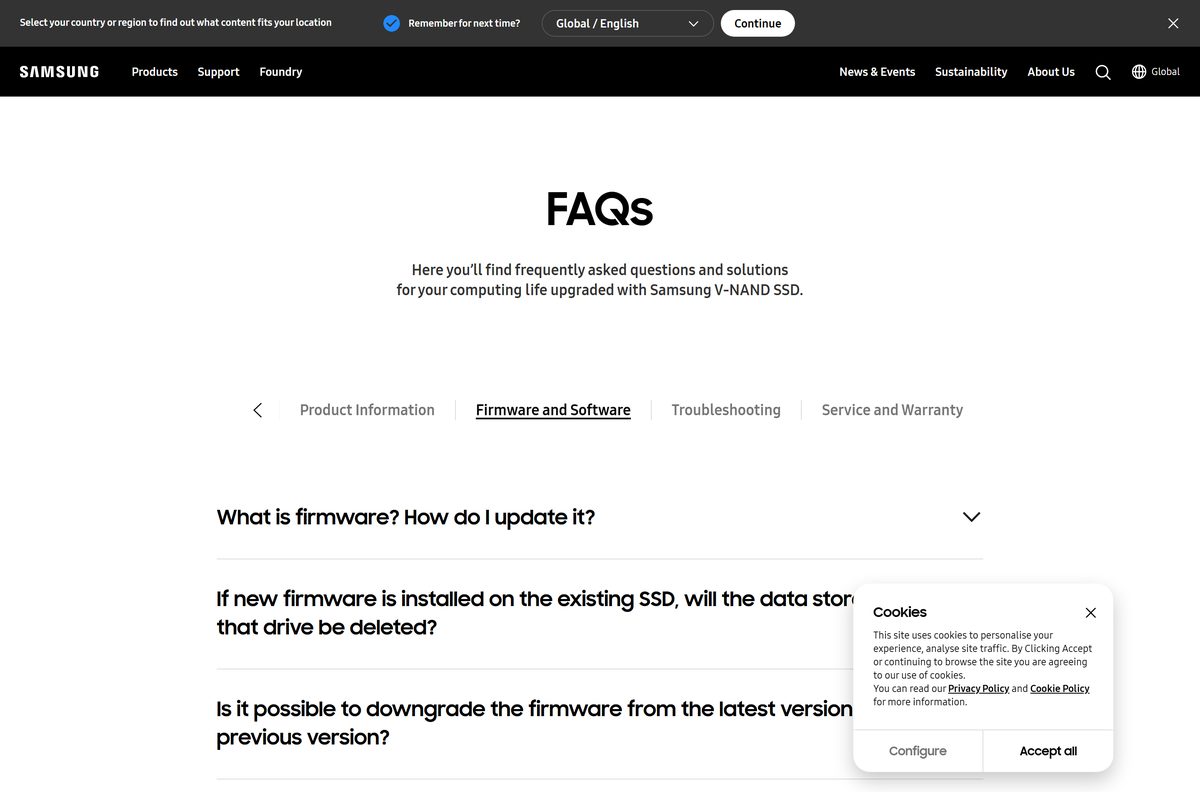
Check the Samsung Magician system requirements before you install
These values come from Samsung’s Magician product and Tools pages. Press Windows + R, type winver and select OK to confirm your Windows version.
| Field | Value |
|---|---|
| Software | Samsung Magician |
| Developer | Samsung Electronics |
| Latest version | 9.0.1 (Windows, macOS and Android) |
| Licence | Free for Samsung storage owners |
| Windows | Windows 10, 32-bit and 64-bit; Windows 8.1 and older use Magician 7.3 |
| macOS | macOS Catalina 10.15 and later; internal SSDs not supported |
| Android | Android 7.0 and later; internal SSDs not supported |
| Linux | Not supported |
| Supported drives | Samsung internal SSDs, portable SSDs, memory cards and USB flash drives |
| Languages | English, Korean, Spanish, German, French, Italian, Russian, Portuguese, Chinese, Japanese |
| Offline installer | Yes, the Windows .exe and macOS .pkg are full installers |
| Official download source | semiconductor.samsung.com Tools page |
| Last verified | 2026-09-19 |
Samsung’s requirement line names Windows 10 and does not list Windows 11 as a separate entry. The Tools page offers a single Windows installer for every current Windows PC.
Check which Samsung drives Magician can manage on each system
Feature coverage differs by operating system and drive type. Windows gets the widest feature set and is the only system that manages internal SSDs.
| Drive type | Windows | macOS | Android |
|---|---|---|---|
| Internal SSDs (850 EVO to 9100 PRO) | Supported | Not supported | Not supported |
| Portable SSDs (T5 to T9) | Supported | Supported | Supported |
| microSD and SD memory cards | Supported | Supported | Supported |
| USB flash drives | Supported | Supported | Supported |
| Non-Samsung drives | Not supported | Not supported | Not supported |
Samsung marks individual features per model on the Magician product page. Some features apply to only some models within a family.
Fix Samsung Magician not detecting a drive or failing to update
Magician does not list your drive
Magician supports Samsung-brand storage only.
- Check the label on the drive for the Samsung brand and model.
- For another brand, use that maker’s own drive tool instead.
An internal SSD is missing on a Mac
Samsung does not support internal SSDs on macOS or Android.
- Fit the SSD in a Windows PC, or connect it to one.
- Run Magician for Windows to check health or update firmware.
The firmware update will not start
RAPID mode is on, or the SSD is connected through USB.
- Turn off RAPID mode in Magician and restart the PC.
- Connect the internal SSD directly to the motherboard rather than through an external USB enclosure.
- Close every other app and run the update again.
Magician will not install on an older PC
Magician 9 does not support Windows 8.1 or older.
- Press Windows + R, type winver and select OK to check the version.
- On Windows 8.1 or older, use Magician 7.3 as Samsung directs, or upgrade Windows.
A portable SSD will not update from an iPhone
Samsung blocks firmware updates while the drive is connected to an iPhone 15.
- Connect the portable SSD to a Windows PC or a Mac.
- Install Magician on that computer and run the update there.
Samsung keeps more answers in its internal SSD firmware and software FAQ.
How to uninstall Samsung Magician on Windows
Removing Magician does not change your drive, its data or the firmware already installed.
- Close Samsung Magician if it is open.
- Open Settings > Apps > Installed apps on Windows 11, or Settings > Apps > Apps & features on Windows 10.
- Find Samsung Magician in the list.
- Select the three-dot menu, or the app entry on Windows 10, and choose Uninstall.
- Confirm with Uninstall and follow the removal prompts.
- Restart the PC before you install a fresh copy.
Microsoft explains the same route on its uninstall apps support page.
Which built-in tool should you use when Magician does not fit?
| Tool | Runs on | Use it for |
|---|---|---|
| Windows Optimize Drives | Windows 11 and 10 | TRIM and optimization for any SSD brand |
| macOS Disk Utility | macOS | Formatting, First Aid and partitions on any drive, including internal SSDs |
| Samsung Magician | Windows, macOS, Android | Firmware updates and health data for Samsung drives |
Built-in tools cannot flash Samsung firmware. Keep Magician installed if you own a Samsung SSD and want firmware fixes as Samsung releases them.
Frequently asked questions
Is Samsung Magician free?
Yes. Samsung Magician is a free download from Samsung for owners of Samsung SSDs, portable SSDs, memory cards and USB flash drives. There is no paid edition or licence key, and it does not support drives from other brands.
Where do I download Samsung Magician?
Download it from Samsung’s consumer storage Tools page at semiconductor.samsung.com/consumer-storage/support/tools/. The page carries the Windows, macOS and Android installers, plus the Magician installation guide with the full list of supported SSD models.
Does Samsung Magician work on Windows 11?
Samsung’s requirement line names Windows 10 in 32-bit and 64-bit and does not list Windows 11 separately. The Tools page offers a single Windows installer for current Windows PCs. Windows 8.1 and older need Magician 7.3.
Is there a Samsung Magician download for Mac?
Yes. Samsung offers a macOS package for Catalina 10.15 and later. On a Mac it manages portable SSDs, memory cards and USB flash drives, but it does not support internal SSDs fitted inside the Mac.
What is the latest version of Samsung Magician?
The Tools page lists Samsung Magician 9.0.1 for Windows, macOS and Android. To check your installed copy, click the Update button at the bottom left of the Magician main screen, and install any update it offers.
Will a firmware update in Magician delete my data?
No. Samsung states that the firmware update process does not affect stored data. It still strongly recommends a backup to another drive first, and firmware cannot be downgraded once the update is installed.
Why can’t Magician update my SSD firmware?
Samsung blocks firmware updates while RAPID mode is enabled and over an external USB connection for internal SSDs. Turn off RAPID mode, connect the SSD directly inside the PC, close other apps and try again.
Does Samsung Magician work with non-Samsung SSDs?
No. Samsung designed Magician specifically for Samsung-brand SSDs and storage, and it does not support drives from other makers. Use the drive maker’s own utility, or the built-in Windows and macOS tools, for other brands.
Is Samsung Magician available for Linux?
No. Samsung states that Linux is not supported by Magician. The app runs on Windows 10 and later, macOS Catalina 10.15 and later, and Android 7.0 and later.
Do I need Samsung Magician for my Samsung SSD?
The SSD works without it. Magician is the Samsung tool for firmware updates, drive health status, Secure Erase and total bytes written, so install it if you want those checks and firmware fixes.