To delete your Steam account permanently, sign in at help.steampowered.com, open My Account > Data Related to Your Steam Account, and submit the account deletion request; Valve deletes it after a 30-day grace period.
This guide covers the request itself, what to settle before you send it, what Valve keeps afterwards, how to delete only some personal data, and how to remove Steam from a PC without closing the account.
How to delete a Steam account
Valve handles account deletion through Steam Support, not through the Steam client settings. You need to be able to sign in to the account you are deleting.
- Open help.steampowered.com in a browser on your PC or phone.
- Sign in with the Steam account you want to delete and approve any Steam Guard prompt.
- Select My Account.
- Select Data Related to Your Steam Account.
- Choose the option to delete your Steam account and read the summary of what you will lose.
- Confirm and submit the account deletion request.
The request starts a 30-day grace period. During that window you can still restore the account, and after it ends Valve deletes the personal data tied to it, apart from the records described below.
What to settle before you delete your Steam account
Deletion is final once the grace period ends, and Valve's Subscriber Agreement says cancelling an account does not entitle you to any refund.
| If you have | What happens on deletion | Do this first |
|---|---|---|
| Steam Wallet balance | Funds are non-refundable and non-transferable, with no cash value | Spend the balance on games or items you can use elsewhere, or keep the account |
| Games bought on Steam | You lose access to every Subscription on the account | Decide whether a refund for a recent purchase applies before you request deletion |
| Retail or bundle activation keys | An activated key cannot be registered to another account | Accept that physical-copy keys go with the account |
| Items in your inventory or on the Community Market | You lose access to them with the account | Use or trade items before you submit the request |
| A developer or business role with Valve | Deletion is blocked until the role is transferred or the relationship dissolved | Transfer your Steamworks role to another user |
| Game accounts linked through Steam | You lose access to services you sign in to with Steam | Check each game's own account settings before you delete |
What happens when you delete your Steam account
| Stage | What Valve's Privacy Policy says |
|---|---|
| Immediately | You lose access to Steam services, Subscriptions, game information and other services you use the account for |
| Days 1-30 | The account is suspended and can be restored; Valve finalises financial and other activity you started before the request |
| After 30 days | Personal data linked to the account is deleted, subject to legal retention rules |
| Complex requests | Erasure can be extended by up to two further months |
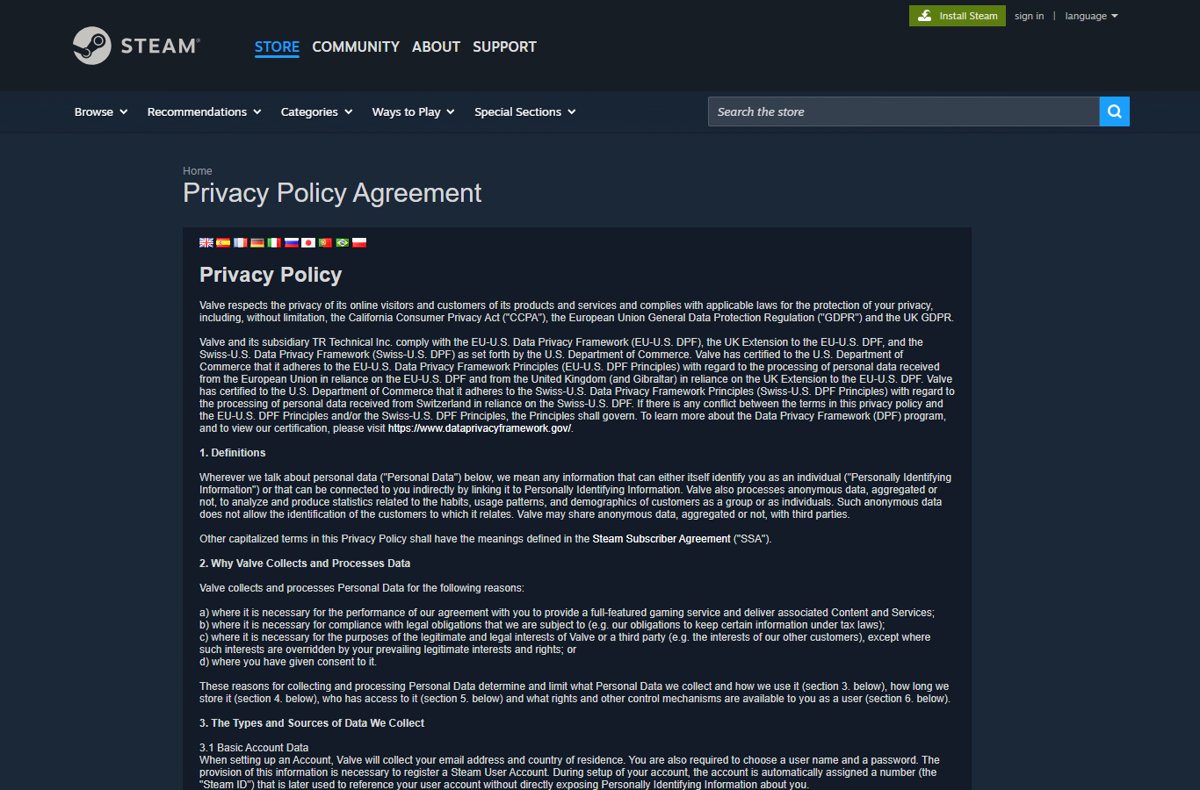
| Match and Market history | Matches that affect other players' matchmaking are kept, with your connection to them permanently anonymised |
| Purchase records | Valve keeps certain transactional data for up to ten years under commercial and tax law |
The grace period exists to protect against mistakes, lost credentials and hacking, so a hijacked account cannot be deleted out from under you without a chance to recover it.
Delete Steam account vs delete Steam data vs uninstall Steam
Three different actions get called "deleting Steam". Pick the one that matches what you want to end.
| Your goal | Action | Account and games kept? |
|---|---|---|
| Close Steam for good and erase your personal data | Account deletion request in Steam Support | No |
| Remove specific personal details but keep playing | Edit or delete items in the Privacy Dashboard | Yes |
| Free up disk space or stop Steam running on a PC | Uninstall the Steam app from Windows | Yes |
| Stop owning one game you no longer want | Ask Valve to end your access to that Subscription | Account yes, that game no |
Delete individual Steam personal data without closing the account
Valve's Privacy Dashboard lets you view, correct and delete personal data while the account stays open.
- Sign in at help.steampowered.com.
- Select My Account, then Data Related to Your Steam Account.
- Open the category that holds the data you want to change.
- Edit or remove the item where the dashboard offers it.
- If an item cannot be removed there, request its deletion through Steam Support while signed in.
Account details such as email, phone number and payment methods are managed separately under Manage Account Details (store.steampowered.com/account).
How to delete Steam from your PC without deleting the account
Uninstalling Steam removes the app from Windows only. Your account, library and purchases stay on Valve's servers, and you can reinstall the Steam client and sign in again on any PC.
- Quit Steam so it is not running.
- Select Start > Settings > Apps > Installed apps.
- Find Steam in the list.
- Select More (the three dots) next to it, then Uninstall.
- Confirm, and follow the Steam uninstaller to finish.
If Settings will not remove Steam, Microsoft lists Control Panel as the fallback for apps that cannot be uninstalled from the Settings app.
How to permanently delete leftover Steam files on your Windows PC
If a Steam folder or saved files are still on the drive after the uninstaller finishes, delete them yourself. Windows offers four ways, and only the plain Delete key sends files to the Recycle Bin first.
| Method | What to do | Recycle Bin? |
|---|---|---|
| File Explorer and the Delete key | Press Windows key + E, find the Steam folder, select it and press Delete, or select Delete on the ribbon | Yes, restore it from there if needed |
| Permanent delete shortcut keys | Select the folder in File Explorer and press Shift + Delete, then confirm | No, the files are removed permanently |
| Command Prompt or Windows Terminal | Run rmdir /s "<path to the Steam folder>" to remove the folder and all its subfolders; add /q to skip the confirmation prompt |
No |
| PowerShell or Windows Terminal | Run Remove-Item -Path "<path to the Steam folder>" -Recurse -Force; -Force also removes hidden and read-only files |
No |
Windows cannot delete a file while a program has it open. To deal with a Steam file that is in use, exit Steam completely, end any Steam process in Task Manager, and try again.
Hold Ctrl to select several files at once, or select the first file, hold Shift and select the last one to pick a whole run of them.
Request Steam account deletion when the Privacy Dashboard does not work
Valve accepts deletion requests outside the dashboard, but it must verify that you own the account before it acts.
- Sign in at help.steampowered.com and open the account data question form at help.steampowered.com/wizard/HelpAccountDataQuestion.
- Explain that you want the Steam account deleted and submit the form.
- If you cannot sign in at all, email [email protected] with your request.
- Complete Valve's Proof of Ownership process when Support asks for it.
- Wait for Steam Support to confirm the request before you assume the grace period has started.
If you lost access because the account was stolen, recover it first through My account is stolen or hijacked in Steam Support, then delete it.
Delete Steam account FAQ
Can I delete my Steam account?
Yes. Valve's Subscriber Agreement says you may cancel your account at any time, and its Privacy Policy describes a deletion request through Steam Support. The account is suspended for 30 days, then its personal data is deleted.
How do I delete my Steam account permanently?
Sign in at help.steampowered.com, open My Account, then Data Related to Your Steam Account, and submit the account deletion request. Do nothing during the 30-day grace period, and Valve deletes the account's personal data when it ends.
How do I delete my Steam account from a PC?
Use a browser on the PC to sign in at help.steampowered.com and submit the deletion request under My Account. Uninstalling the Steam app from Windows Settings only removes the program and leaves the account and its games intact.
Can I get my Steam account back after deleting it?
Only within 30 days of the request. Valve keeps the account restorable during that grace period to protect against mistakes, lost credentials and hacking. After the 30 days pass, the personal data is deleted and the account cannot be recovered.
Does Steam delete accounts after inactivity?
Valve's Subscriber Agreement and Privacy Policy do not list inactivity as a reason to close an account. They describe deletion on your request and termination for illegal conduct, cheating or breaches of the Steam Online Conduct Rules.
Does Steam delete inactive accounts?
Not under any rule Valve publishes. An unused Steam account keeps its games and Wallet balance, although Wallet funds deemed unclaimed property may be turned over to the relevant authority under the Subscriber Agreement.
Will I get a refund for my games and Wallet funds if I delete my Steam account?
No. Valve's Subscriber Agreement states that cancelling an account does not entitle you to any refund, including Subscription fees. Steam Wallet funds are non-refundable and have no cash value, so spend them first.
How do I delete a game account like Bloodstrike or Where Winds Meet that I play through Steam?
Deleting your Steam account removes your access to games and services you sign in to with Steam. Data a game publisher holds in its own account system falls under that publisher's policy, so use the game's own settings or support to delete it.
Does deleting a Steam account delete my email address?
No. Steam deletion closes only the Steam account. The email address stays active with your mail provider, and closing it, for example when you delete a Google account or close a Yahoo Mail account, is a separate step.