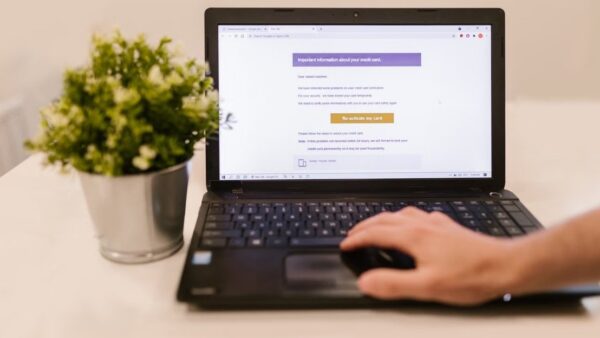
A text message that claims an Apple Store CA billing problem and asks you to tap a link is a phishing scam, so do not tap the link or reply to it.
This guide shows how to spot the fake text, report it to Apple, check your real Apple charges, and secure your Apple Account if you already entered details.
What to do with an Apple Store CA billing scam text
Apple states that it never asks you to log in to a website or to share your password, device passcode or two-factor authentication code.
- Do not tap the link, call the number, or reply to the message.
- Take a screenshot of the message, including the sender's number.
- Email the screenshot to [email protected].
- In Messages, tap Report Junk under the message.
- Delete the conversation once you have reported it.
Is the Apple Store CA billing text a scam?
Yes. The text copies Apple's name and creates urgency so you act before you think. Apple lists these warning signs for fraudulent messages.
| Warning sign | What it looks like in the billing text |
|---|---|
| Sender does not match the company | A random mobile number or email address instead of Apple |
| Link does not match apple.com | A look-alike domain with words such as billing, store or ca |
| Request for personal information | A form asking for card number, password or a security code |
| Strong urgency | Claims your account or Apple Pay will be suspended today |
| Unsolicited contact | You did not contact Apple and have no open support case |
| Different style from real Apple messages | Odd spelling, a strange price or an unknown order number |
How to report an Apple billing scam text to Apple
Apple asks for a screenshot of a suspicious SMS, not a forwarded text.
- Open the scam message in Messages.
- Press the Side button and volume up button together to take a screenshot.
- Open Mail and start a new message to [email protected].
- Attach the screenshot and send the email.
- Return to Messages and tap Report Junk under the message.
Report an Apple billing scam email or phone call
| What you received | Where to report it |
|---|---|
| Email that looks like Apple billing | Forward it to [email protected] |
| Spam in an iCloud.com, me.com or mac.com inbox | Mark it as Junk or move it to the iCloud Junk folder |
| Suspicious FaceTime call | Email a screenshot of the call information to [email protected] |
| Apple billing support phone call (US) | Hang up, then report it at reportfraud.ftc.gov or to local law enforcement |
On a Mac, use Forward As Attachment from the Message menu so Apple receives the email header information.
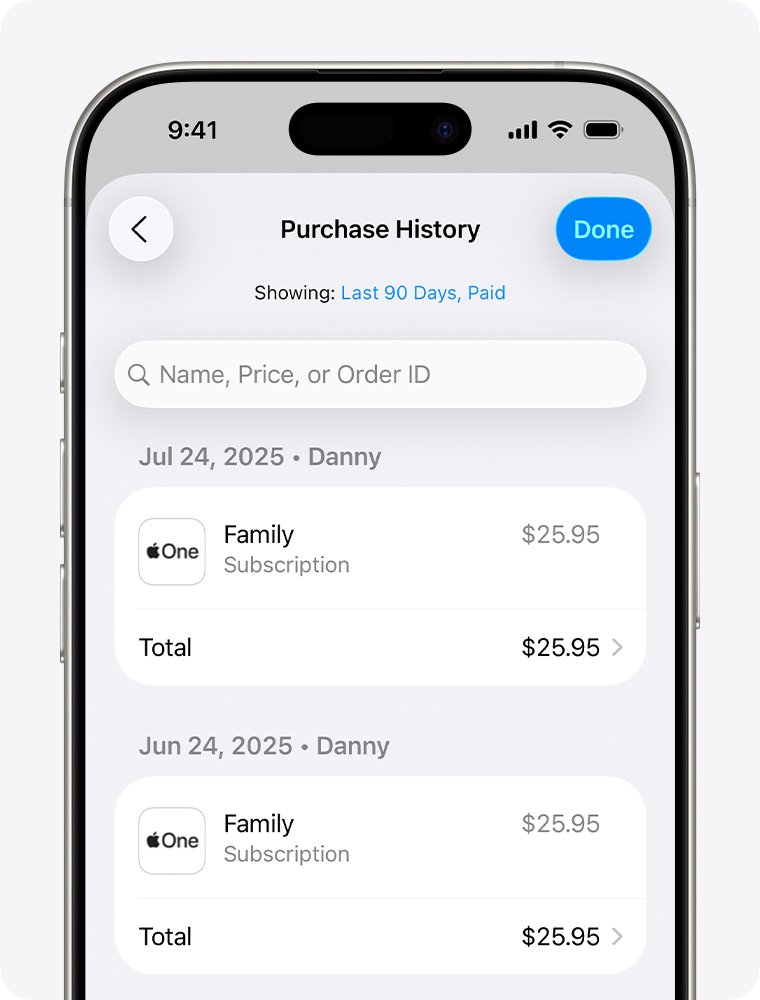
Check your real Apple purchase history
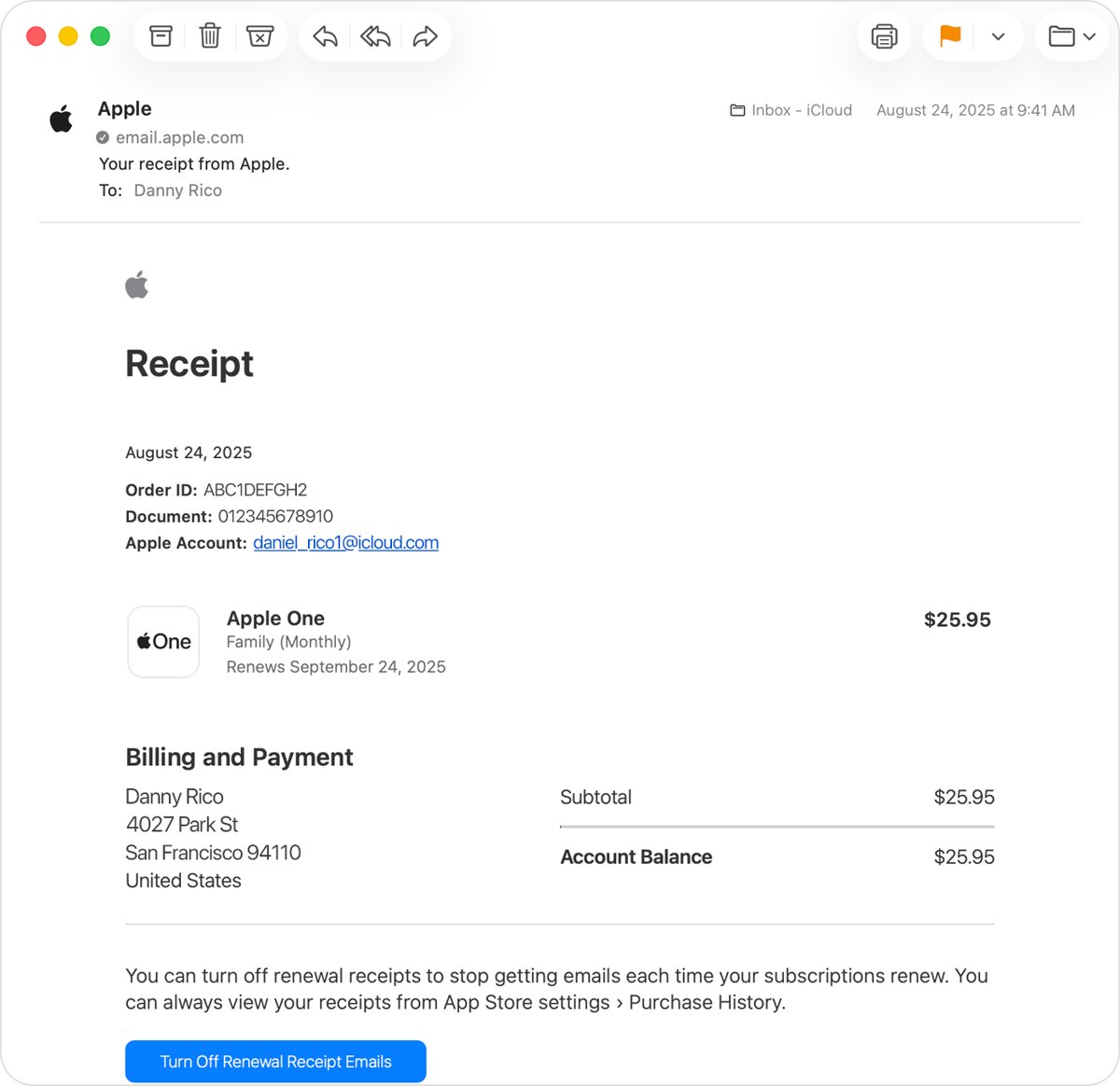
Real Apple charges appear in your purchase history. If the amount in the text is not there, the text is fake.
- Type reportaproblem.apple.com into your browser yourself instead of using any link from the text.
- Sign in with your Apple Account.
- Search for the amount mentioned in the text.
- On iPhone, you can also open the App Store, tap your photo, then tap Apps & Purchase History and Purchase History.
- Search your email for "receipt from Apple" to find genuine receipts.
How to request a refund for an Apple charge you did not make
If you find a real charge you do not recognise, request a refund from Apple directly.
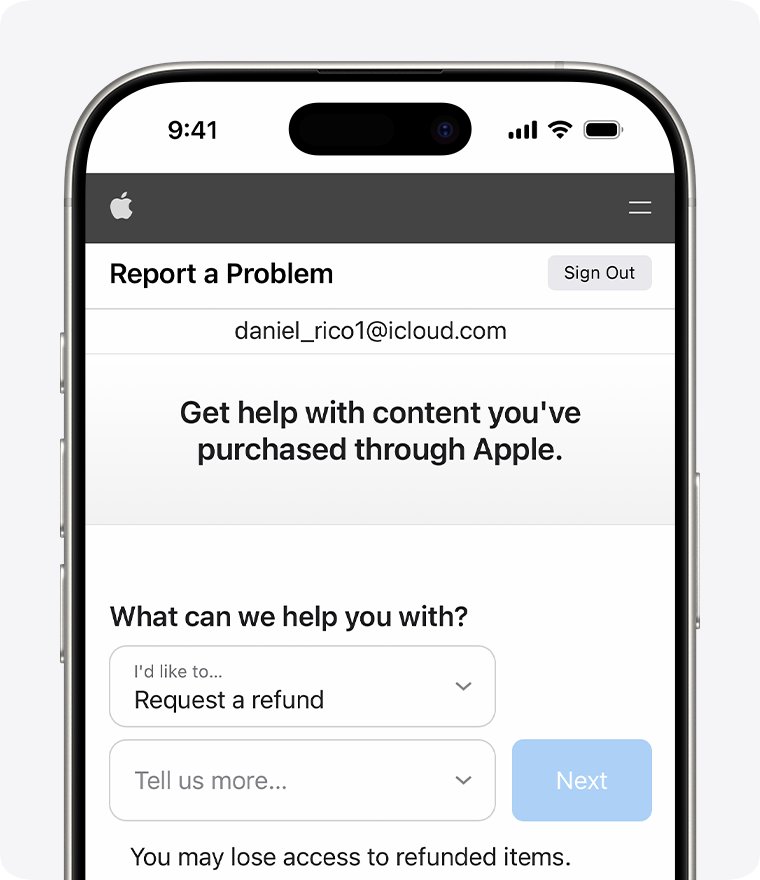
- Sign in to reportaproblem.apple.com.
- Click I'd like to, then choose Request a refund.
- Choose the reason for the refund, then choose Next.
- Choose the app, subscription or item, then choose Submit.
- Wait 24 to 48 hours for an update on your request.
What to do if you tapped the Apple billing scam link
You entered your Apple Account password on the fake page
The scammer may now have your sign-in details.
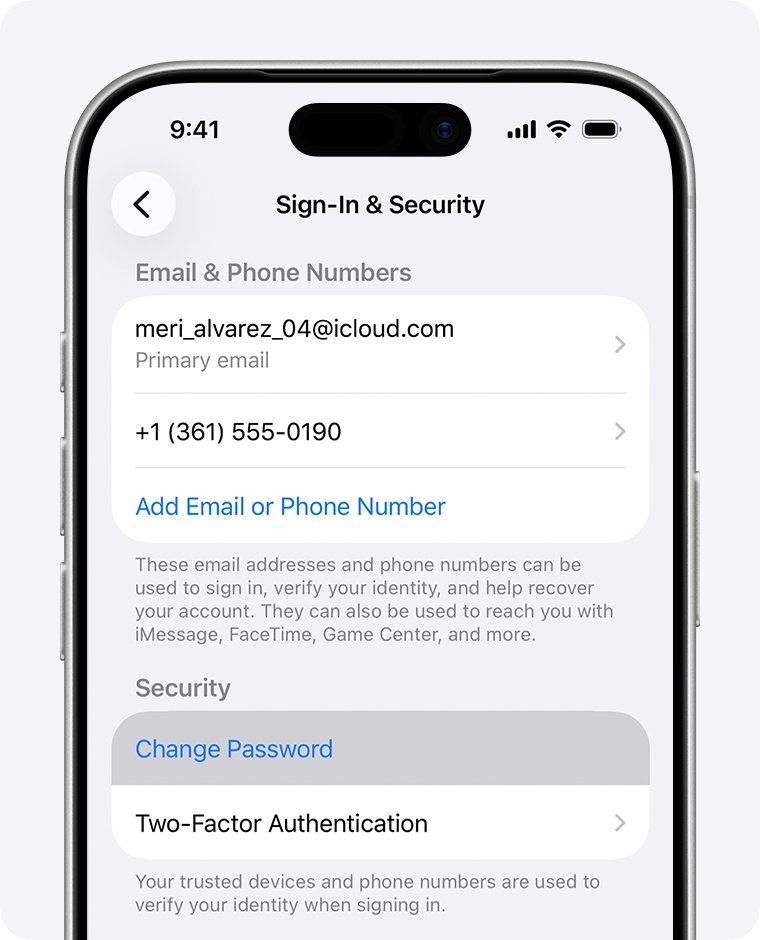
- Open Settings and tap your name.
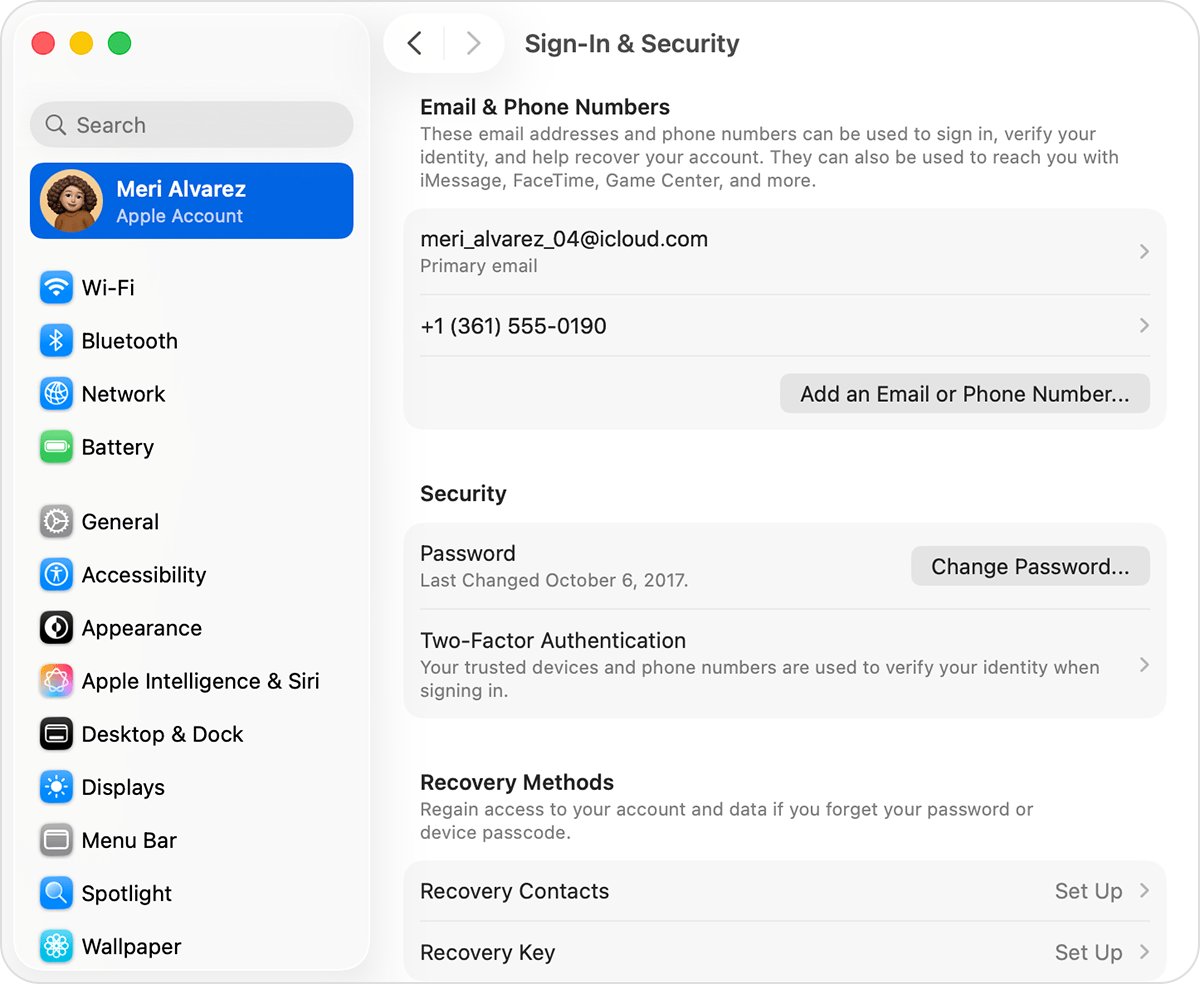
- Tap Sign-In & Security, then Change Password.
- Follow the onscreen instructions to set a new password.
- Tap Remove Other Devices to sign out unknown devices.
- Confirm that two-factor authentication is turned on.
You entered card details on the fake page
The card number was sent to the scammer, not to Apple.
- Call the number printed on the back of your card.
- Tell the bank the card details were entered on a phishing site.
- Ask the bank to block the card and review recent charges.
The scammer called and asked you to turn off a security feature
Apple never asks you to disable two-factor authentication or Stolen Device Protection.
- Hang up the call.
- Leave every security feature turned on.
- Contact Apple through the official support channels on apple.com.
How to avoid Apple billing scams in future
| Habit | Why it helps |
|---|---|
| Touch and hold a link to preview its URL | Shows a fake domain before the page opens |
| Never share passwords or security codes | Apple never asks for them to provide support |
| Never pay anyone with Apple Gift Cards | Gift card payment requests are a common scam |
| Keep two-factor authentication on | A stolen password alone cannot open your account |
| Block the sender after reporting | Stops repeat texts from the same number |
Apple Store CA billing scam text FAQ
Is the Apple Store CA text a scam?
Yes. Apple does not text you a link to fix a billing problem or ask you to log in to a website. Treat any Apple Store CA billing text as phishing, report it to [email protected] and delete it.
Does Apple send billing problem emails?
Apple does send real purchase receipts by email, but it never asks for your password or security code in a message. Check any billing claim yourself at reportaproblem.apple.com rather than through a link in the email.
How do I report an Apple billing scam email?
Forward the email to [email protected]. On a Mac, select the message and choose Forward As Attachment from the Message menu so Apple receives the full header information.
Is the Apple billing support phone number call a scam?
An unsolicited call claiming to be Apple billing support is a scam, even when the caller ID shows an Apple number. Apple says to hang up and contact Apple yourself through its official support channels.
What is an Apple billing alert scam?
It is a fake alert, sent by text or email, claiming a charge, a failed payment or a suspended account. It sends you to a copy of an Apple sign-in page to steal your password and card details.
Can someone use Apple Pay in a billing scam?
Scammers often claim someone made unauthorised Apple Pay charges and offer to reverse them. Apple says this is a social engineering tactic. Check your bank or card app directly, or contact Apple Pay support yourself, and never share codes.
What should I do if I clicked the Apple scam link?
If you only opened the page, close it. If you typed your password, change your Apple Account password in Settings and keep two-factor authentication on. If you typed card details, call your bank.
How do I find a real Apple purchase receipt?
Sign in to reportaproblem.apple.com and search for the amount, or search your email for the words receipt from Apple. A charge that appears in neither place did not come from Apple.