Installed Facebook Messenger for Windows recently? Then check your browser’s plugin list. You will probably find a new entry called Facebook Desktop. It shows up in Firefox, Google Chrome, Opera and even Thunderbird, but not in Internet Explorer. Here is what it is and how to turn it off or remove it.
What is the Facebook Desktop plugin
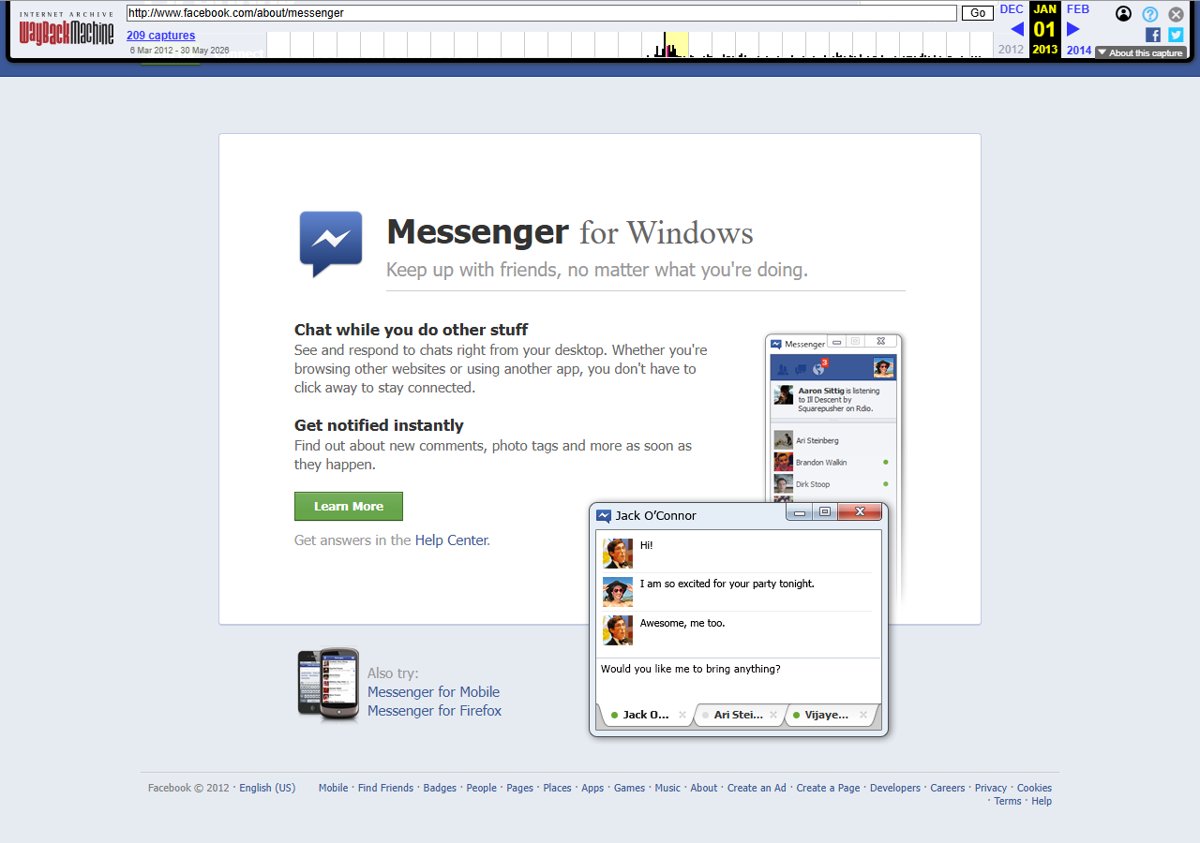
Facebook Messenger for Windows is a desktop chat app. It lets you chat with Facebook friends and get notifications about comments and photo tags without keeping Facebook.com open. During setup, it also adds a browser plugin, a file called npFbDesktopPlugin.dll, which every NPAPI-based browser on the PC picks up.
The plugin list tells you almost nothing: just a name, a short description and a version number. Chrome and Opera also show the file’s location, for example:
C:\Users\<your user name>\AppData\Local\Facebook\Messenger\2.1.4590.0\npFbDesktopPlugin.dll
Facebook has not published anything explaining what the plugin does. Turning it off or deleting it has no visible effect on Messenger, which keeps working as before. Since there is no clear purpose and no downside to removing it, it is reasonable to disable it.
How to disable the Facebook Desktop plugin
Disabling stops the plugin from loading, and you can turn it back on later if needed.
- Firefox: type about:addons in the address bar, open Plugins, find Facebook Desktop and click Disable.
- Google Chrome: type chrome://plugins, find the Facebook plugin and click Disable. Our guide on removing plugins from Chrome covers this page in more detail.
- Opera: type opera:plugins, scroll to Facebook Desktop and click Disable.
- Thunderbird: go to Tools > Add-ons > Plugins and click Disable next to Facebook Desktop.
How to remove the Facebook Desktop plugin
- Find the plugin’s path in Chrome or Opera’s plugin page, or use the path above with your own user name. The folder can differ on other versions of Windows.
- Close all browsers and Thunderbird.
- To be safe, move npFbDesktopPlugin.dll to another folder instead of deleting it, or back up the whole Facebook Messenger folder.
- Restart your browser and check that the plugin is gone.
Reinstalling Facebook Messenger puts the plugin back, so repeat the steps after any reinstall. The same approach works for other plugins that install themselves, such as the Chrome Remote Desktop Viewer plugin.
Today
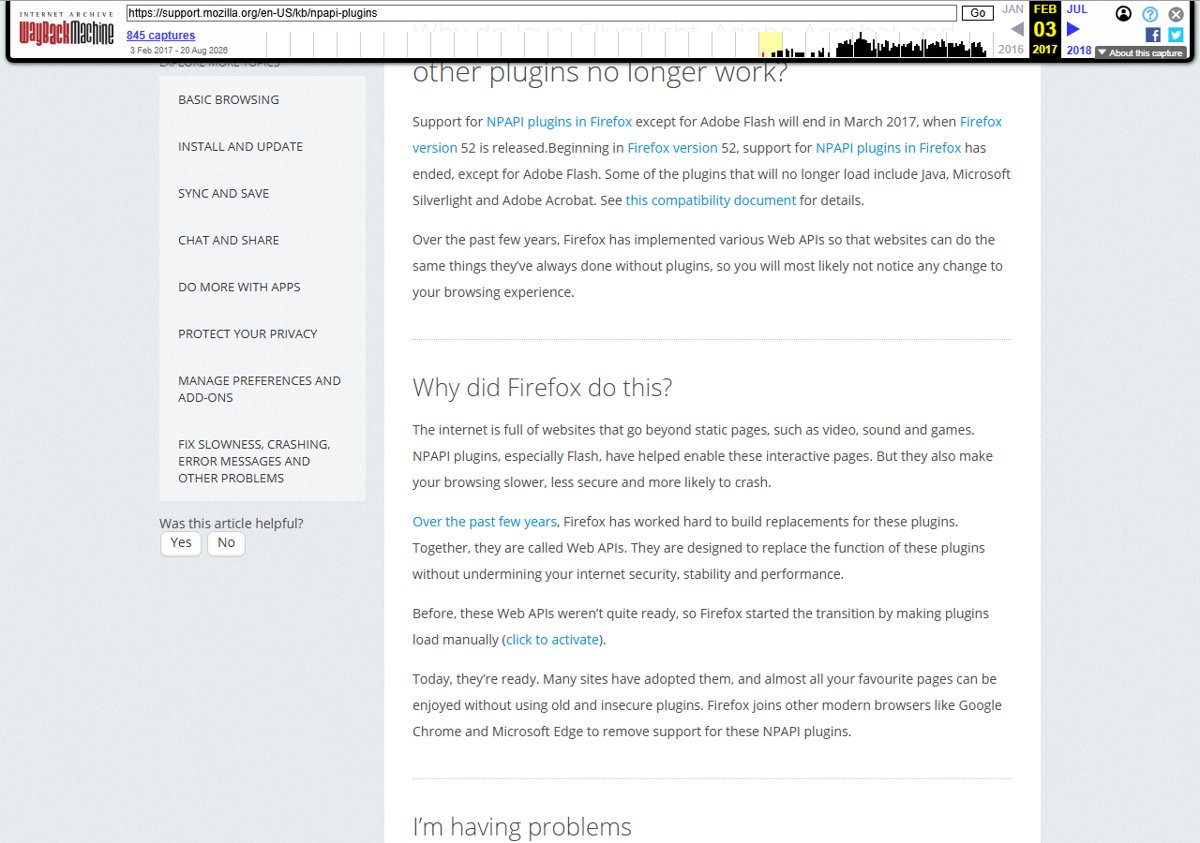
Both the app and the plugin are history. Facebook told Messenger for Windows users that it could no longer support the app and that it would stop working on March 3, 2014. The company said it was focusing on mobile messaging. Browsers have since dropped this kind of plugin as well. Starting with Firefox 52 in March 2017, Firefox stopped loading NPAPI plugins other than Adobe Flash.
If you want to cut back on Facebook more generally, see how to deactivate or delete your Facebook account.