Yes, Apple Pay works without data in stores, because your iPhone or Apple Watch sends the payment over NFC straight to the contactless reader, and Apple lists Apple Pay purchases among the things a disconnected Apple Watch can still do.
This guide covers what works with no data plan, what needs Wi-Fi, how to set Apple Pay up on Wi-Fi first, and what to check when a payment fails.
How to pay with Apple Pay in a store with no data
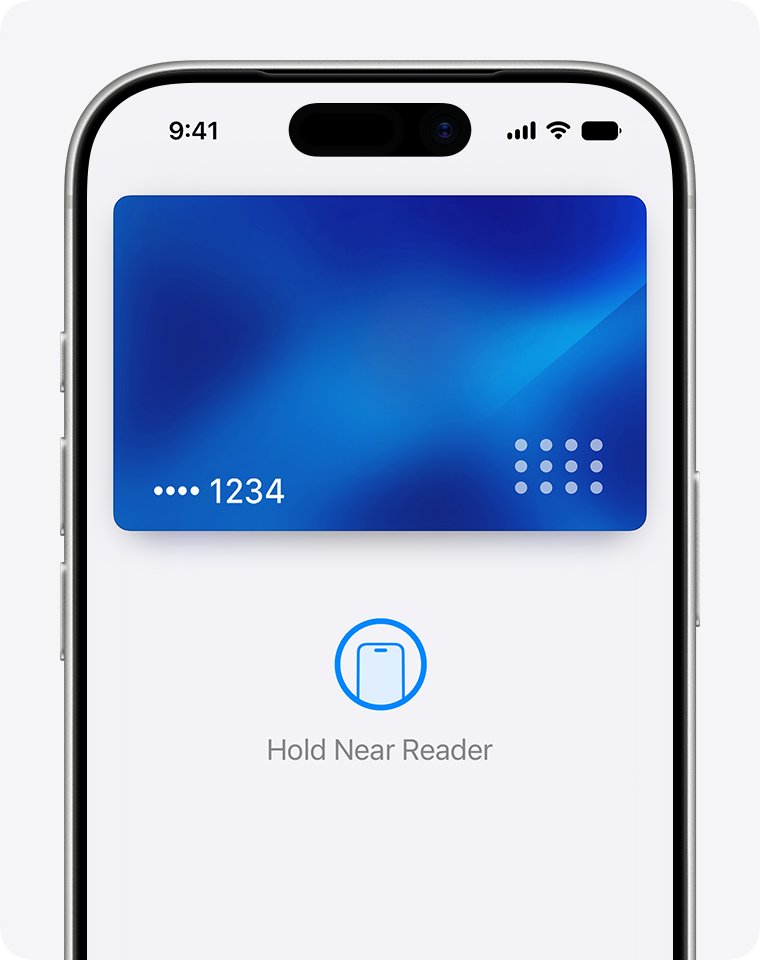
Nothing changes at the register when your phone has no cellular data. Look for the contactless payment symbol on the reader.
- On an iPhone with Face ID, double-click the side button and authenticate with Face ID or your passcode.
- On an iPhone with Touch ID, double-click the Home button and rest your finger on Touch ID.
- To use a different card, tap your default card and choose another, then authenticate.
- Hold the top of the iPhone near the contactless reader until Done and a checkmark appear.
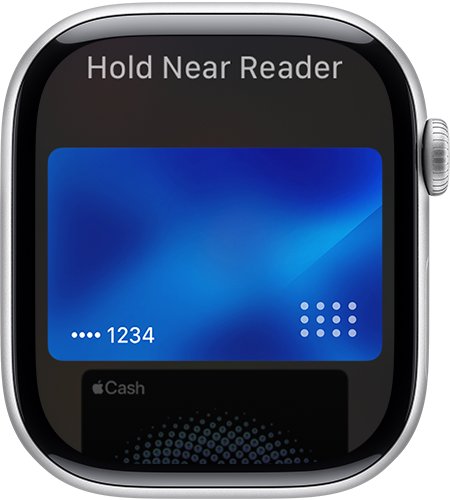
- On Apple Watch, double-click the side button and hold the display near the reader until you feel a gentle tap and hear a beep.
Why Apple Pay in stores does not need a data connection
Apple's platform security documentation describes the in-store flow entirely on the device and the store's terminal. The card is already stored on a chip in your phone, so there is nothing to download at checkout.
| Part | What it does at the register |
|---|---|
| Secure Element | A certified payment chip that holds your card as a Device Account Number |
| NFC controller | Routes the payment between the Secure Element and the point-of-sale terminal |
| Secure Enclave | Checks your Face ID, Touch ID or passcode before any payment data is sent |
| Device Account Number and security code | Sent to the terminal for each payment; your full card number is never shared with the merchant |
| Store terminal | Passes the payment to the card network and your card issuer over the store's own connection |
Payments inside apps work differently: the app requests a value from the Apple Pay servers before the Secure Element creates the payment, so it needs an internet connection.
What Apple Pay can and cannot do without data
| What you want to do | Works with no data? | Why |
|---|---|---|
| Pay at a contactless reader with iPhone | Yes | The payment travels over NFC from the Secure Element to the terminal |
| Pay at a contactless reader with Apple Watch | Yes | Apple lists Apple Pay purchases among features that work with no Wi-Fi, cellular or iPhone connection |
| Tap through transit gates with an Express Transit card | Yes | Supported iPhones can even use it in power reserve when iOS is not running |
| Pay inside an app | Only on Wi-Fi | The app contacts the Apple Pay servers during the payment |
| Pay on a website | Only on Wi-Fi | The merchant session is validated with an Apple server |
| Add a new debit or credit card | Only on Wi-Fi | Card details go to the Apple Pay server and your card issuer for approval |
| Verify a card by text message | Needs SMS | Some issuers send a code by text, email or call |
Set up Apple Pay on Wi-Fi before you need it
Adding a card is the one step that always needs a connection, so do it at home or on public Wi-Fi. You need a supported card, an Apple Account signed in, and Face ID, Touch ID or a passcode set on the device.
- Connect the iPhone to Wi-Fi.
- Open the Wallet app and tap the Add Card button.
- Tap Debit or Credit Card, or tap Cards Found For You to reuse a card you used before.
- Tap Continue.
- Hold your card close to the iPhone, or tap Enter Card Details Manually and follow the prompts.
- Complete any extra verification your bank asks for, such as a code by text or email.
- For Apple Watch, open the Apple Watch app on the iPhone, tap Wallet & Apple Pay in My Watch, then tap Add Card.
Use Apple Pay in apps and on websites over Wi-Fi
Online and in-app Apple Pay needs internet, but Wi-Fi is enough. A data plan is not required, and where a cafe or hotel posts a code you can join the Wi-Fi with a QR code.
- Connect to a Wi-Fi network.
- Tap the Apple Pay button or choose Apple Pay as the payment method.
- To use another card, tap Change Payment Method or tap your default card and swipe.
- Enter billing, shipping and contact details if asked.
- Confirm with a double-click of the side button and Face ID, or with Touch ID or your passcode.
- Wait for Done and a checkmark on the screen.
Use Apple Pay Express Transit with no data or a low battery
When a payment or transit card is set as your Express Transit card, supported iPhones can tap through transit readers without Face ID or a passcode. If iOS has shut down because the battery is low, power reserve may still allow Express Card transactions.
- Set a payment or transit card as your Express Transit card in Wallet while you have a connection.
- At the gate, hold the top of the iPhone near the reader; no authentication is needed.
- If the iPhone has run out of charge, press the side button: the screen shows low power and that Express Cards are available.
- Tap the reader as usual and feel for the haptic confirmation, since no visible notification appears in power reserve.
Power reserve does not work after a normal user-initiated shutdown, only when the iPhone has turned off because it needs charging.
Apple Pay not working without data: causes and fixes
A new card will not add to Wallet
Card provisioning goes through the Apple Pay server and your card issuer, so it needs internet.
- Join a Wi-Fi network and try again.
- If the bank asks for verification, pick email or a call if you cannot receive a text.
Apple Pay fails inside an app or on a website
In-app and web payments contact Apple Pay servers during the transaction.
- Connect to Wi-Fi and retry the payment.
- Pay at a physical contactless reader instead if no Wi-Fi is available.
Cards disappeared from Wallet
Signing out of iCloud or removing the device passcode removes every payment card from that device.
- Sign back in to iCloud and set a passcode.
- Re-add the cards on Wi-Fi.
The reader does not respond to the iPhone
The reader may not accept contactless payments, or the iPhone is not close enough.
- Look for the contactless payment symbol on the terminal.
- Hold the top of the iPhone near the reader until Done appears.
- Ask the merchant or your card issuer if the card is declined.
For problems that also happen on a full data connection, work through the general Apple Pay fixes.
Apple Pay without data FAQ
Does Apple Pay need cellular data in stores?
No. In stores, the iPhone or Apple Watch sends the payment over NFC from its Secure Element to the contactless reader, and the store's terminal handles the connection to the card network. A data plan is not needed at the register.
Does Apple Pay work on Apple Watch without iPhone or Wi-Fi?
Yes. Apple lists making purchases with Apple Pay among the things an Apple Watch can still do when it cannot connect to Wi-Fi, cellular or your iPhone. Add the card to the watch beforehand while connected.
Can I add a card to Apple Pay without data?
No. Adding a card sends the details to the Apple Pay server and your card issuer for approval, so you need Wi-Fi or cellular data. Once added, the card works in stores without a connection.
Does Apple Pay work in airplane mode?
Apple does not state this directly. In-store payments use NFC rather than cellular data, but airplane mode behaviour is not documented on Apple's Apple Pay pages, so test it at a reader before you rely on it.
Can I use Apple Pay online with only Wi-Fi?
Yes. Apps and websites need an internet connection for Apple Pay, and Wi-Fi provides it. A cellular data plan is not required for online or in-app purchases.
Does Apple Pay work if my iPhone battery is dead?
Only for Express Cards. If iOS has turned off because the iPhone needs charging, supported models can still use an Express Transit card or access card in power reserve. Regular Apple Pay purchases need the phone running.
Bottom line: Apple Pay with no data plan
Use Apple Pay freely at contactless readers without a data plan, and connect to Wi-Fi whenever you add a card or pay inside an app or on a website. The in-store payment stays between your device's Secure Element and the store terminal, while card setup and online payments rely on Apple Pay servers. Set up your cards on Wi-Fi once and the register works the same as on any other plan.

![How to change your user account picture in Windows 11? [Easy steps]](https://techdows.com/wp-content/uploads/2026/10/How-to-Change-Your-User-Account-Picture-in-Windows-11-Easy-Steps-600x338.jpg)