Yes, Apple caps education-priced purchases per year: one desktop, one Mac mini, one MacBook, one display, two iPads, one Apple Watch and two accessories.
This guide covers the full U.S. limit table, who qualifies through UNiDAYS, how the caps apply across online, in-store and campus purchases, and what happens when you go over.
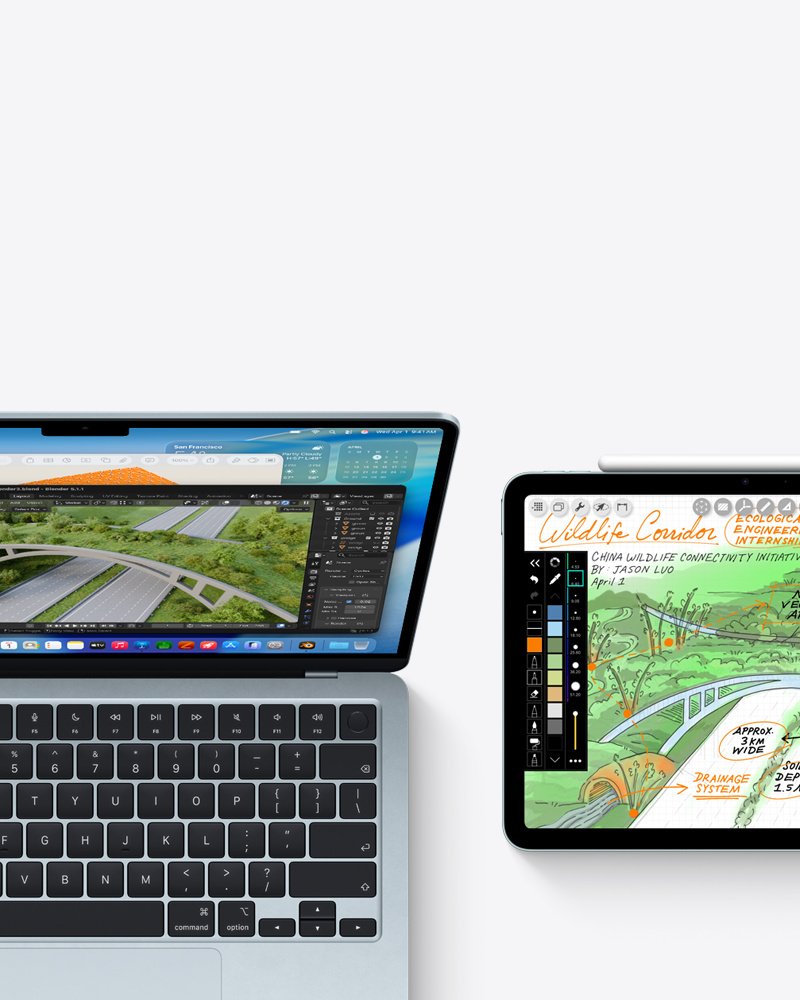
Apple education pricing limits per year
UNiDAYS only verifies that you qualify. The limits themselves come from the Apple Education Terms and Conditions, and they apply to every product bought with Education Pricing in a year.
| If you want to buy | Yearly limit with Education Pricing |
|---|---|
| Desktop (for example iMac or Mac Studio) | 1 per year |
| Mac mini | 1 per year |
| MacBook (MacBook Air, MacBook Pro and other Mac laptops) | 1 per year |
| Displays | 1 per year |
| iPad | 2 per year |
| Apple Watch | 1 per year |
| Accessories with Education Pricing | 2 per year |
Apple notes that not every product carries Education Pricing. Anything without an education price is sold at the regular price and does not count against these numbers.
How UNiDAYS verification works at Apple
In the U.S., Apple hands student and staff verification to UNiDAYS, a third-party service. You are sent to the UNiDAYS site, and UNiDAYS shares your verification status back with Apple.
| Question | What Apple states |
|---|---|
| Where to verify | Online during checkout, or in an Apple Store |
| Is verification required? | Yes, verification is required to check out with education savings |
| How long does it last? | A full year if you sign in with your Apple Account first |
| Who holds your data? | UNiDAYS owns and processes the data you give it, under its own privacy policy |
| Which store applies the price? | Only orders placed on your own country or region's Apple Education site |
| Which products are eligible? | Mac, iPad and Apple Watch may be eligible; Apple Watch Hermès is excluded |
Who can use UNiDAYS for Apple education pricing
| Group | Eligible? | Condition |
|---|---|---|
| College students | Yes | Attending, or accepted into, a higher education institution in the U.S. or Puerto Rico |
| Parents of college students | Yes | Buying on behalf of a child who attends or has been accepted into a higher education institution |
| College faculty and staff | Yes | Employed by a higher education institution in the U.S. or Puerto Rico |
| K-12 employees | Yes | Any employee of a public or private K-12 school, including homeschool teachers |
| School board members | Yes | Currently serving as elected or appointed members |
| PTA or PTO executives | Yes | Currently serving as elected or appointed officers |
| K-12 students | No | Apple's eligibility list covers K-12 employees, not K-12 students |
| Schools and institutions | No | Education Pricing is not for institutional purchase or resale |
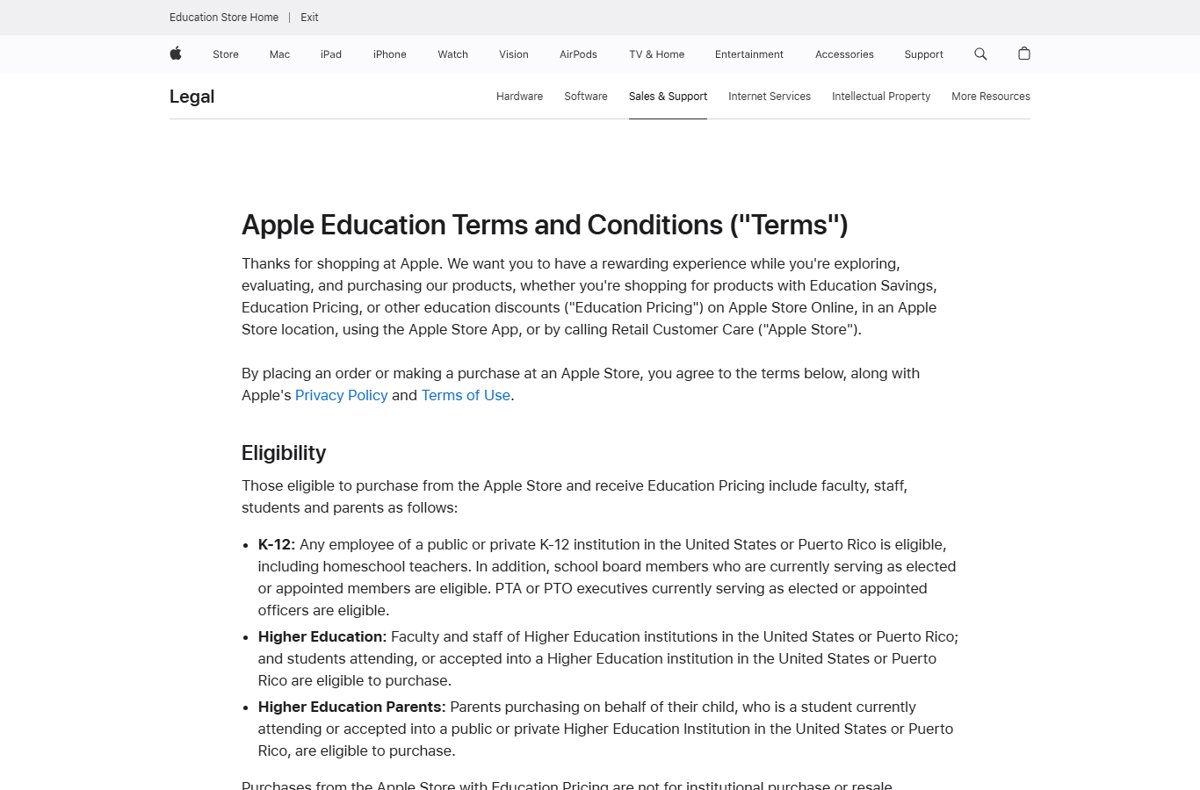
How to use the UNiDAYS discount at the Apple Education Store online
- Go to the Apple Education Store at
apple.com/us-edu/store. - Sign in with your Apple Account before you shop, so your verification lasts a full year.
- Choose a Mac, iPad, Apple Watch or accessory marked Education Savings.
- Configure the product and add it to your Bag.
- Start checkout and follow the prompt to verify with UNiDAYS.
- Complete verification on the UNiDAYS site and return to Apple to finish the order.
The education price only applies to orders on your own country or region's Apple Education site. A U.S. student cannot apply it on another country's store.
Can you use UNiDAYS in an Apple Store?
Yes. Apple says you can get verified for education savings online or in-store, and the same yearly quantities apply in both places.
- Find your nearest Apple Store on the Find a Store page.
- Tell the Specialist you want to buy with Education Pricing.
- Complete UNiDAYS verification as directed in the store.
- Check that the education price appears before you pay.
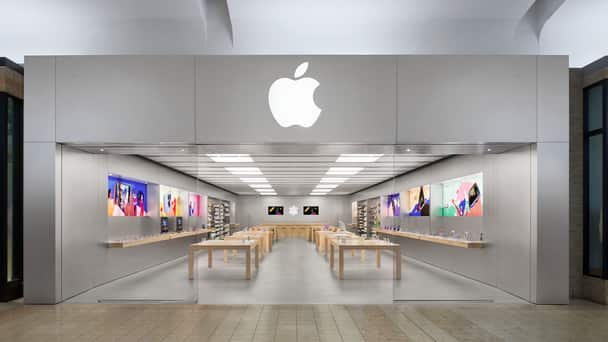
Do Apple education limits combine across online, in-store and campus purchases?
Yes. Apple's terms state that purchases can be made online, in an Apple Retail Store, or through an Authorized Campus Reseller, and the total product quantities remain the same wherever you buy.
| Your situation | Can you buy at Education Pricing? | Why |
|---|---|---|
| You bought one MacBook online and want a second in a store | No, not this year | The one-MacBook limit covers all channels combined |
| You bought one iPad and want another | Yes | The iPad limit is two per year |
| You bought a MacBook and want a Mac mini | Yes | Mac mini has its own one-per-year limit |
| You want a third education-priced accessory | No | Accessories are capped at two per year |
| You want a second Apple Watch | Only at the regular price | Apple Watch is one per year with Education Pricing |
| You want an iPhone | Regular price | Apple lists Mac, iPad and Apple Watch as the education-eligible devices |

What happens if you exceed Apple education purchase limits
| Apple policy | What it means for you |
|---|---|
| Apple may refuse or cancel any order or limit order quantity | An order over the cap can be cut down or cancelled |
| Apple routinely audits Education Pricing purchases | Buying past the limit can be found after the sale |
| Card payments: Apple may charge the difference | You pay the gap between your price and the public price on the order date |
| Other payment methods: Apple may invoice the difference | The invoice is due in 15 days, and unpaid invoices can lead to legal action |
| Not for resale | Apple can refuse or cancel orders it suspects are for resale |
If you need more units than the limit allows, buy the extra ones at the regular price on the standard Apple Store.
Other Apple student discounts outside the purchase limits
Some Apple education offers are subscriptions or coverage rather than hardware, and the hardware quantity table does not list them.
| Offer | What Apple lists | Who it is for |
|---|---|---|
| Apple Creator Studio | $2.99 per month, new subscribers only, verification required | College students and educators; not shared with a Family Sharing group |
| Apple Music Student Plan | Special student rate, with Apple TV included | Verified college students; not shared with a Family Sharing group |
| AppleCare+ | Save up to 10% on coverage for a new Mac or iPad | Students and educators |
| Apple Card Monthly Installments | Available at the Education storefront with the Education discount | Qualified customers, subject to Apple Card credit approval |

UNiDAYS not working at Apple checkout
UNiDAYS discount not showing on Apple products
You are on the standard Apple Store, or the product has no Education Pricing.
- Open
apple.com/us-edu/storeinstead of the regular store. - Look for the Education Savings label on the product.
- Remember that iPhone and Apple Watch Hermès are not sold at an education price.
UNiDAYS verification keeps asking you to verify again
You checked out without signing in, so the verification was not tied to your Apple Account.
- Sign in with your Apple Account on the Education Store first.
- Verify with UNiDAYS once while signed in.
- Shop with the same Apple Account for the rest of the year.
UNiDAYS verification fails or your account is restricted
Your status does not match an eligible group, or UNiDAYS could not confirm it.
- Compare your status with Apple's eligibility list above.
- Try verifying in an Apple Store instead of online.
- Call Apple at 1-800-MY-APPLE or contact Apple Support for help with the education order.
Education order cancelled or reduced
The order goes over a yearly product limit, or Apple suspects resale.
- Count the education-priced items you bought in the past year, across online, store and campus purchases.
- Reorder only what fits within the limit table.
- Buy any extra units at the regular price.
UNiDAYS Apple purchase limits FAQ
Can you use UNiDAYS in store at Apple?
Yes. Apple says you can get verified for education savings with UNiDAYS online or in an Apple Store. The yearly product limits are the same in both places and are counted together.
How does UNiDAYS work with Apple?
Apple redirects you to UNiDAYS to confirm your student or staff status. UNiDAYS shares the result with Apple, and the Education Store then lets you check out at the education price.
Is UNiDAYS at Apple for college students only?
No. In the U.S., Apple's Education Pricing also covers parents buying for a college student, college faculty and staff, K-12 employees, homeschool teachers, serving school board members and PTA or PTO officers.
Can university staff use UNiDAYS at Apple?
Yes. Faculty and staff of higher education institutions in the U.S. or Puerto Rico are eligible for Apple Education Pricing, with the same yearly product limits as students.
Can a UNiDAYS Apple discount be shared?
Not freely. Parents may buy on behalf of an eligible college student, but Education Pricing is not for institutional purchase or resale. Student subscription offers such as Creator Studio do not extend to a Family Sharing group.
How do you use the UNiDAYS discount online at Apple?
Open the Apple Education Store, sign in with your Apple Account, add an education-priced product to your bag, and verify with UNiDAYS when checkout asks. Signing in first keeps you verified for a year.
How do you get a UNiDAYS account for Apple?
Start checkout on the Apple Education Store. Apple sends you to the UNiDAYS website to register and verify, then returns you to finish the order.
How many MacBooks can you buy with a student discount?
One per year. Apple's education terms allow one MacBook with Education Pricing per year, whether you buy it online, in an Apple Store or through an Authorized Campus Reseller.
How many iPads can you buy with Apple education pricing?
Two per year. iPad is the only device in Apple's education terms with a limit of two; Mac and Apple Watch categories are limited to one each.
Bottom line: Apple UNiDAYS purchase limits
Plan your education-priced purchases around the yearly caps: one of each Mac type and display, two iPads, one Apple Watch and two accessories. UNiDAYS only confirms eligibility, while Apple counts every education-priced item across online, store and campus purchases and audits orders that go over.


![Troubleshooting headphone detection on Windows 11, 10 [Step-by-step]](https://techdows.com/wp-content/uploads/2026/10/Troubleshooting-Headphone-Detection-on-Windows-11-10-Step-By-Step-500x338.jpg)