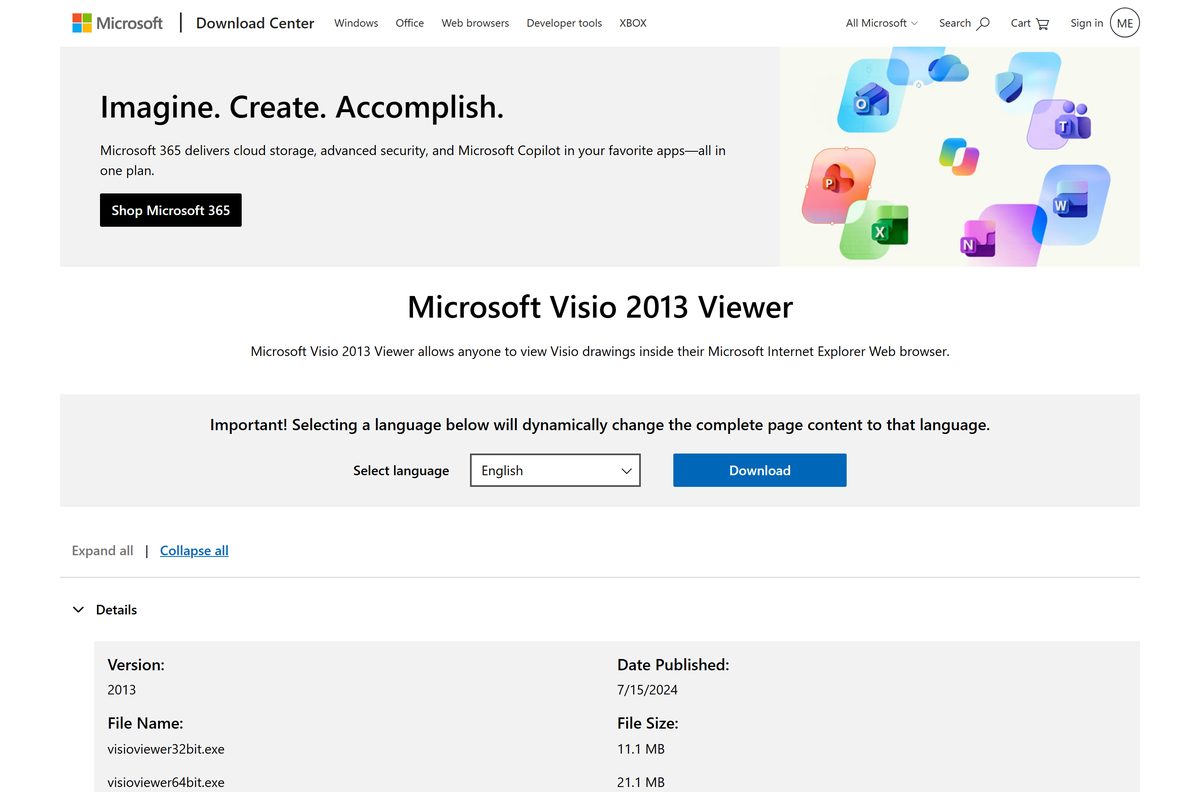
You can download Microsoft Visio Viewer free from the Microsoft Download Center and open Visio drawings on a Windows PC without buying Visio. The setup file is 21.1 MB for 64-bit Windows and 11.1 MB for 32-bit.
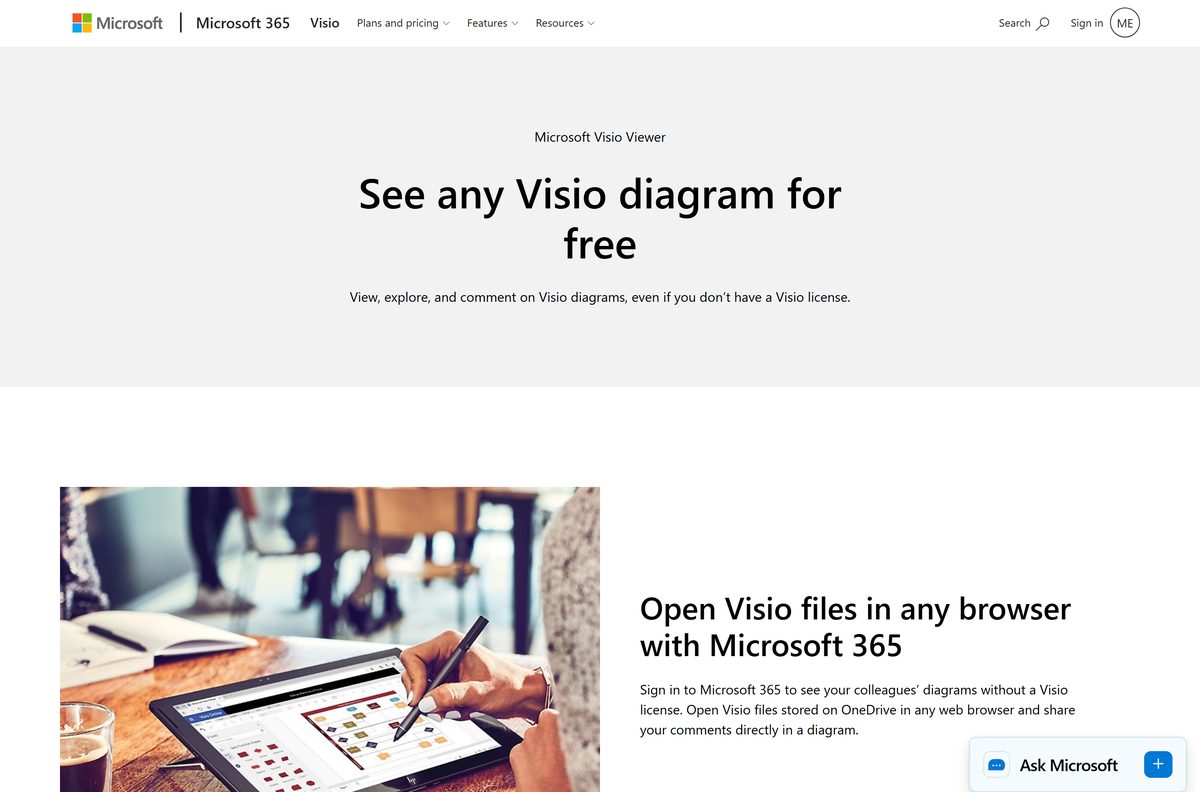
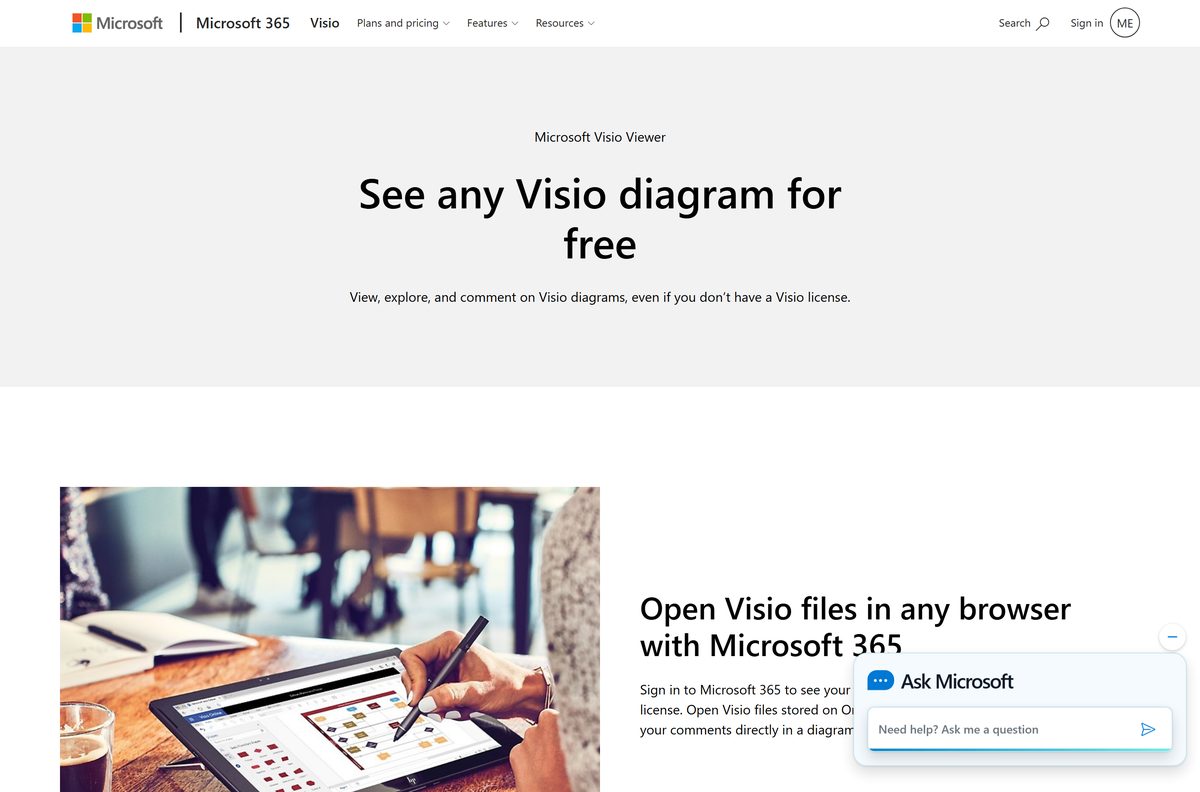
The viewer is a Windows program. On a Mac, an iPad or an Android phone, Visio for the web opens the same diagrams in a browser at no cost.
This guide covers the official download links, the 32-bit and 64-bit choice, install steps, the file types the viewer opens, and what to do when a drawing refuses to appear.
Which Visio Viewer download do you need?
Match your machine and your files to a row, then take the link in that row.
| Your situation | What to get | Size |
|---|---|---|
| 64-bit Windows PC, files saved as .vsdx or .vsd | visioviewer64bit.exe | 21.1 MB |
| 32-bit Windows PC | visioviewer32bit.exe | 11.1 MB |
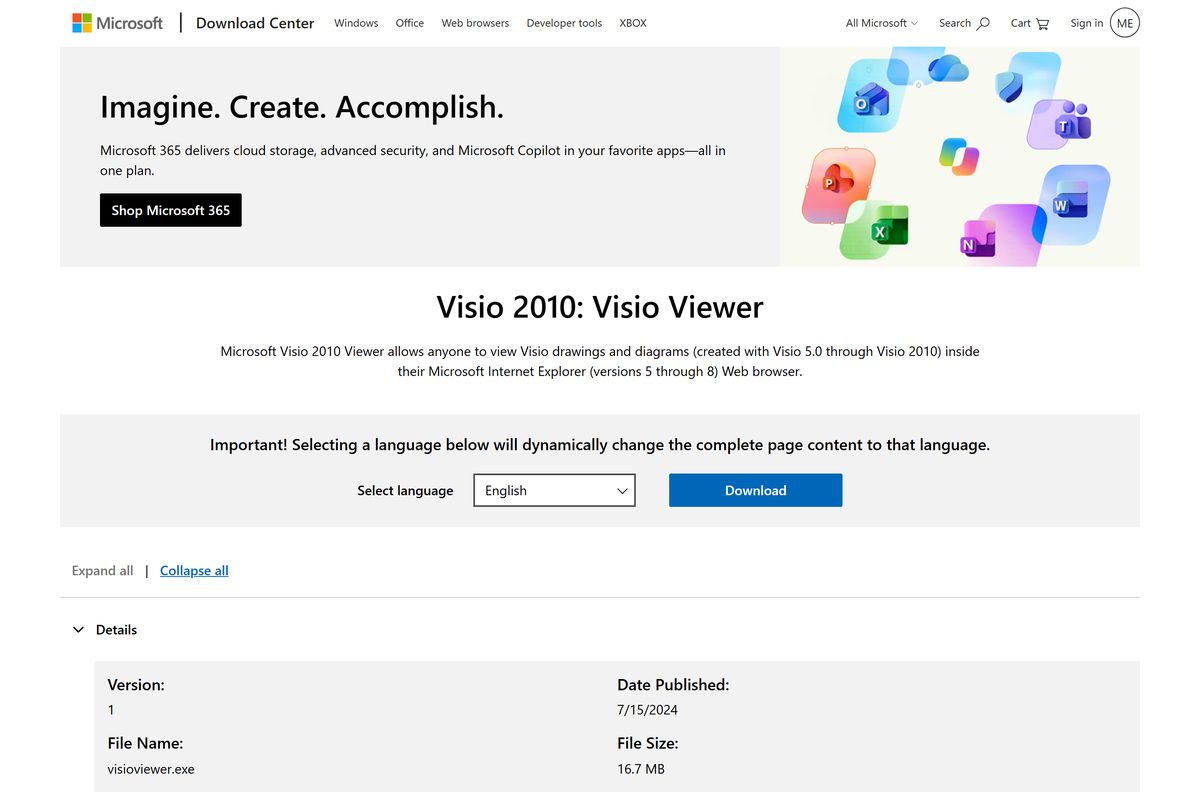
| Only old drawings made in Visio 5.0 through Visio 2010 | Visio 2010 Viewer | 16.7 MB |
| Mac, Chromebook, iPad or Android phone | Visio for the web | No download |
| Windows 11, where Internet Explorer is absent | Visio for the web | No download |
Open Settings > System > About and read System type if you do not know your bitness.
Download Visio Viewer from the official Microsoft Download Center
Microsoft hosts both setup files on its own Download Center. Every link below points there.
- Microsoft Visio 2013 Viewer download page — Published 15 July 2024, English plus 27 other languages
- visioviewer64bit.exe — 21.1 MB · 64-bit Windows
- visioviewer32bit.exe — 11.1 MB · 32-bit Windows
- Visio 2010 Viewer download page — 16.7 MB · visioviewer.exe, for drawings made before Visio 2013
Visio Viewer 2016 left extended support on 15 October 2025, so the 2013 release is the one Microsoft still publishes.
How to install Visio Viewer on Windows 11 and Windows 10
Setup takes about a minute and asks for administrator rights once.
- Open the Microsoft Visio 2013 Viewer page on the Download Center.
- Pick your language in the Select language list, then select Download.
- Tick visioviewer64bit.exe on a 64-bit PC, or visioviewer32bit.exe on a 32-bit PC, then select Next.
- Save the file to your Downloads folder.
- Double-click the saved file and select Yes at the User Account Control prompt.
- Accept the licence terms and select Continue.
- Wait for setup to finish, then select OK.
- Double-click any Visio drawing in File Explorer to check that it opens.
What Visio Viewer can open and what it cannot do
The viewer displays and prints diagrams. Creating, editing and saving a diagram needs Visio itself.
| File type | What it is | Which viewer opens it |
|---|---|---|
| .vsdx and .vsdm | Drawings from Visio 2013 and later | 2013 Viewer |
| .vsd and .vdx | Drawings from Visio 2010 and earlier | 2013 Viewer and 2010 Viewer |
| .vdw | Visio web drawing | 2013 Viewer |
| .vstx, .vstm and .vst | Templates | 2013 Viewer |
| .vtx | XML template | 2013 Viewer and 2010 Viewer |
| .vss and .vsx | Stencils | 2010 Viewer |
| Editing or saving changes | Any of the above | None. Use Visio or Visio for the web |
Shape data is readable too: open the Properties dialog box, then select a shape to read its fields.
Is Visio Viewer free?
Yes. Visio Viewer costs nothing, and it asks for no licence key, subscription or sign-in. Microsoft distributes it so that anyone can read a diagram a colleague sent, even with no Visio installed. The paid product is Microsoft Visio itself, which starts at a Visio Plan 1 subscription and runs up to a one-time Visio Professional 2024 purchase. Any page selling a Visio Viewer serial number or a paid installer is selling a file Microsoft gives away.
Which Visio Viewer option works on a Mac?
Microsoft ships no macOS build of the viewer, so a Mac reads Visio files in a browser instead.
| On your Mac | What to do | Cost |
|---|---|---|
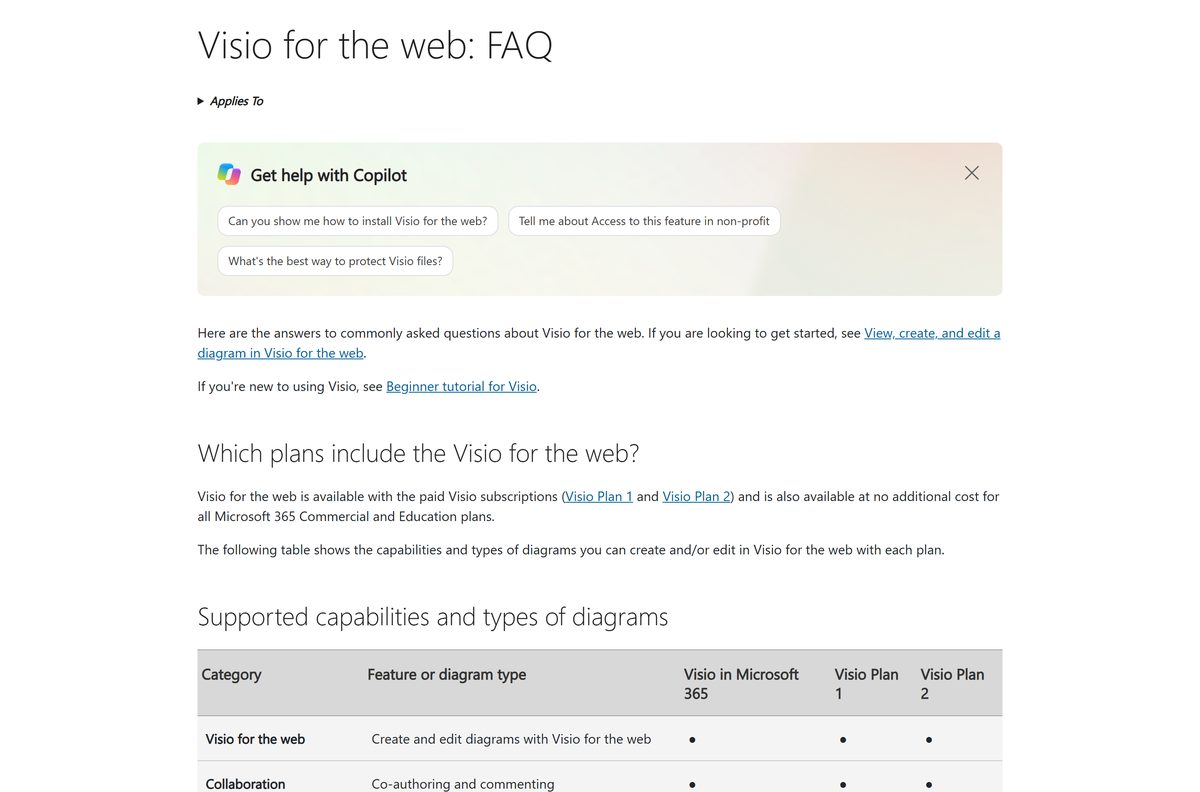
| Read a .vsdx someone sent you | Upload it to OneDrive and select it in Visio for the web | Free, read-only, Microsoft 365 sign-in needed |
| Read and comment inside a team chat | Open the file in Microsoft Teams | Free, with or without a Visio licence |
| Create or edit diagrams | Visio Plan 1 or Plan 2 | Paid subscription |
Safari 10 or later, Microsoft Edge, Firefox and Chrome all run the web version.
Check the Visio Viewer requirements before you install
These are the figures Microsoft publishes for the viewer.
| Field | Value |
|---|---|
| Software | Microsoft Visio Viewer |
| Developer | Microsoft Corporation |
| Latest version | 2013 Viewer, published 15 July 2024 |
| License | Free |
| File size | 21.1 MB (64-bit), 11.1 MB (32-bit) |
| Supported OS | Windows 7 and Windows 8 per the download page |
| Browser needed | Internet Explorer 8, 9 or 10 |
| Architecture | 32-bit and 64-bit, no ARM64 build |
| Mac | No build; Visio for the web instead |
| Offline installer | Yes, the setup file is complete |
| Languages | 28, chosen on the download page |
| Official download source | Microsoft Download Center |
| Last verified | 2026-09-22 |
Should you install the 2013 Viewer or the 2010 Viewer?
Install the 2013 Viewer. Reach for the 2010 Viewer only for stencil files. The 2013 release reads the modern .vsdx and .vsdm formats that Visio has saved since 2013, and it still opens the older .vsd and .vdx files. The 2010 release stops at .vsd, but it is the one that opens .vss and .vsx stencils. Installing both on one PC is rarely worth the clash, so start with the newer file.
How to check your Visio Viewer version and update it
The viewer carries no update button of its own. Windows Update delivers its fixes.
- Press Windows + I to open Settings.
- Select Apps, then Installed apps.
- Type Visio in the search box at the top of the list.
- Read the version number shown beside Microsoft Visio Viewer.
- Go back to Settings and select Windows Update.
- Select Advanced options, then turn on Receive updates for other Microsoft products.
- Select Check for updates and install anything offered for Office or Visio.
How to verify the Visio Viewer installer before you run it
Microsoft signs both setup files. Two checks confirm you have the real one.
- Confirm the address bar read microsoft.com while the file downloaded.
- Right-click the saved file in File Explorer and select Properties.
- Check the Size line: 21.1 MB for the 64-bit file, 11.1 MB for the 32-bit file.
- Open the Digital Signatures tab.
- Select the entry in the signature list, then select Details.
- Confirm the signer is Microsoft Corporation and that the certificate is valid.
- Delete the file and download it again from the Download Center if either check fails.
Fix Visio Viewer not installing or not opening a drawing
Double-clicking a .vsdx does nothing on Windows 11
The viewer renders drawings through Internet Explorer, and Windows 11 ships no Internet Explorer.
- Upload the drawing to OneDrive in a browser.
- Select the file in OneDrive to open it in Visio for the web.
- Use the zoom and page tabs in the browser to read the diagram.
- Select Print in the browser for a paper copy.
A warning says Internet Explorer restricted the page from running ActiveX controls
The viewer is an ActiveX control, and the local file is treated as untrusted content.
- Select Allow blocked content in the bar at the foot of the window.
- Reopen the drawing if it stays blank.
- Open a second drawing to confirm the fix applies to every file.
Setup refuses to run and reports the wrong architecture
The 64-bit file was downloaded onto a 32-bit installation of Windows, or the reverse.
- Open Settings > System > About.
- Read System type to see whether Windows is 32-bit or 64-bit.
- Download the matching file from the Download Center page.
- Run the new file and accept the User Account Control prompt.
An old .vsd or .vss file will not open
Stencil formats belong to the 2010 release of the viewer.
- Open the Visio 2010 Viewer page.
- Select Download and save visioviewer.exe.
- Run the file and follow the setup screens.
- Double-click the stencil again.
How to uninstall Visio Viewer from Windows
- Press Windows + I to open Settings.
- Select Apps, then Installed apps.
- Type Visio Viewer in the search box.
- Select the three dots beside the entry, then select Uninstall.
- Select Uninstall again to confirm and answer the User Account Control prompt.
- Restart the PC so the ActiveX control unregisters.
- Right-click a drawing and use Open with to pick a new default program.
Which free tools open a Visio file without the viewer?
Each option below comes from Microsoft, so the diagram renders the way its author drew it.
| Option | What you get | Cost |
|---|---|---|
| Visio for the web | Read-only view of basic files from OneDrive in any browser | Free with a Microsoft 365 sign-in |
| Microsoft Teams | View, comment and share inside a channel or chat | Free, licence or not |
| Visio in Microsoft 365 | Light web editing for flowcharts and org charts | Included with many commercial Microsoft 365 plans |
| Visio Plan 1 and Plan 2 | Full creation and editing, plus the Windows desktop app on Plan 2 | Paid subscription |
Frequently asked questions
Is Visio Viewer free?
Yes. Microsoft gives the viewer away on the Download Center, with no licence key, subscription or sign-in. It opens and prints diagrams that someone else created. Creating or editing a diagram is what needs a paid Visio plan.
What is the official Visio Viewer download page?
The Microsoft Visio 2013 Viewer page on the Microsoft Download Center, at microsoft.com/en-us/download/details.aspx?id=35811. It offers visioviewer32bit.exe and visioviewer64bit.exe in 28 languages and was last published on 15 July 2024.
Does Visio Viewer work on Windows 11?
The setup file installs, but the viewer draws diagrams inside Internet Explorer, and Windows 11 ships no Internet Explorer. On Windows 11, upload the file to OneDrive and read it in Visio for the web instead.
How big is the Visio Viewer download?
The 64-bit file, visioviewer64bit.exe, is 21.1 MB. The 32-bit file, visioviewer32bit.exe, is 11.1 MB. The older Visio 2010 Viewer file is 16.7 MB. Each one is a complete setup rather than a small downloader.
Is there an offline installer for Visio Viewer?
Yes. Both setup files hold the whole viewer, so you can copy one to a USB stick and install it on a PC with no internet connection. Nothing streams down during setup.
Is there a Visio Viewer download for Mac?
No. Microsoft publishes the viewer for Windows only. On a Mac, sign in to a Microsoft 365 account, upload the file to OneDrive and open it in Visio for the web with Safari 10 or later, Edge, Firefox or Chrome.
Does Visio Viewer have a 64-bit or ARM64 build?
There are 32-bit and 64-bit builds and no ARM64 build. Open Settings, System, then About and read System type to see which one your copy of Windows needs before you download.
Is Visio Viewer safe to install?
The file is safe when it comes from the Microsoft Download Center and carries a valid Microsoft Corporation signature. Check that on the Digital Signatures tab of the file’s Properties dialog. Portal sites wrap the same installer in their own downloaders.
What is the latest version of Visio Viewer?
Microsoft Visio 2013 Viewer, published on 15 July 2024, is the release on the Download Center today. Visio Viewer 2016 reached the end of extended support on 15 October 2025.
Why will Visio Viewer not install?
The usual cause is the wrong architecture: a 64-bit file on a 32-bit installation of Windows, or the reverse. Check System type under Settings, System, About, then download the matching file and answer the User Account Control prompt.