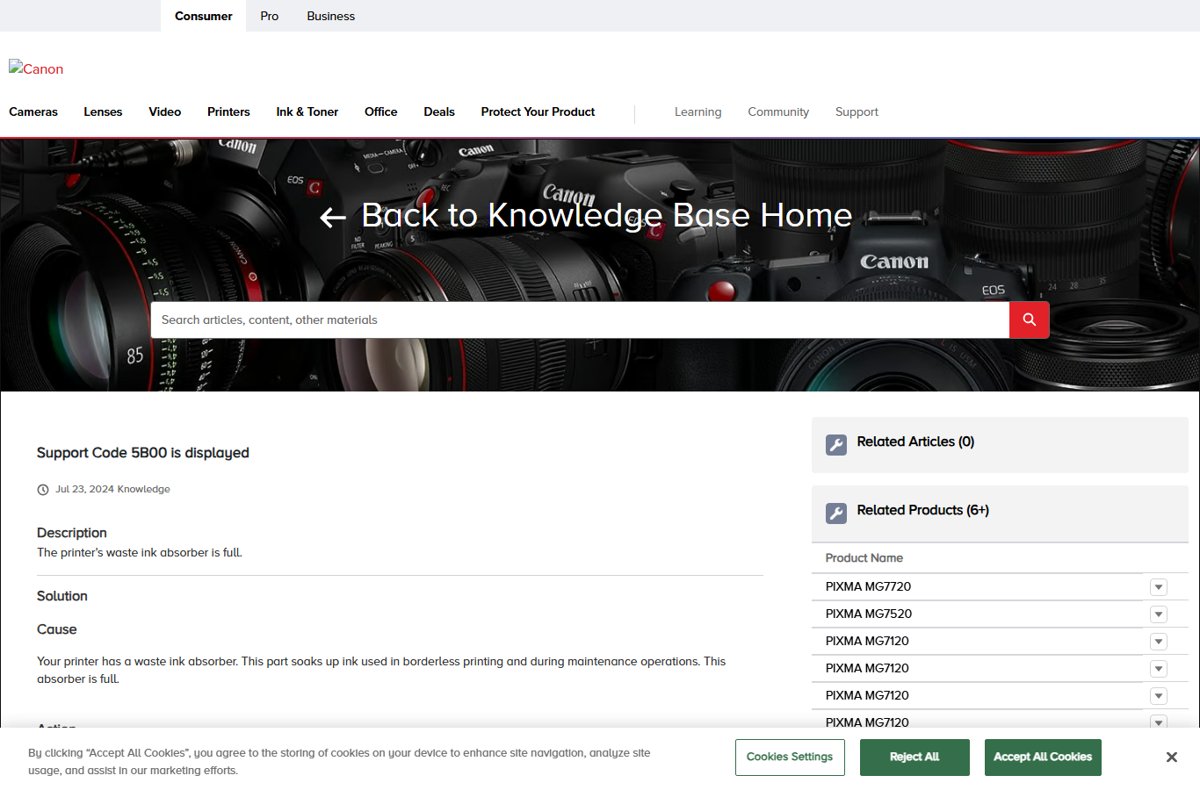
Canon support code 5B00 means the printer's waste ink absorber is full, and the fix Canon gives is service: the printer stops printing until the absorber is dealt with.
This guide explains the blinking orange and green lamps, how to confirm the code, how to request Canon service, what the service-mode counter reset really does and how to slow the problem on your next printer.
The fastest way to fix Canon error 5B00
Sign in to (or create) your Canon Account and open a service request for your printer model; Canon's own 5B00 articles say service is required and point owners to its support and service options. 5B00 is not a paper jam or a driver fault. The absorber inside the printer that soaks up ink from cleaning and borderless printing has reached its limit, and the printer blocks printing so ink does not overflow inside the case.
Canon 5B00 repair options compared
| Your situation | Best option | Why |
|---|---|---|
| Printer is under warranty | Canon service through your Canon Account | The repair is handled by the maker and keeps your warranty intact |
| Out of warranty, otherwise in good condition | Ask Canon for service options and a quote | A service visit deals with the absorber itself, not just the error |
| Out of warranty, old or low-value printer | Compare the service quote with a replacement printer | The absorber fills again at the same rate if your printing habits do not change |
| You only saw a 1700-series warning | Press OK (or RESUME/CANCEL) to continue and plan service | 1700 codes mean the absorber is almost full, not yet full |
Canon printer shows 5B00 error and orange/green lights keep blinking
The same fault looks different depending on whether your printer has a screen. On models without one, the lamps blink in a pattern and the support code appears on the connected computer.
| What you see | What it means | Where Canon documents it |
|---|---|---|
| Support code 5B00 on the printer's screen | Waste ink absorber is full | Canon's per-model 5B00 articles for MG, TS, TR and G series printers |
| Alarm (orange) lamp flashes 10 times, then repeats | 5B00 or 5B01 on models such as the PIXMA MG3020 | Canon's flashing-light error list for the MG3020/MG3022 |
| POWER/ON (green) and Alarm (orange) lamps flash alternately | An error that may require repair | Canon's alarm lamp articles for PIXMA models |
| Support code 5B00 in the printer status window on the computer | Same error, reported through the Canon printer driver | Canon notes that some errors show a support code on the computer screen |
| Printing stops; pages are not fed | The printer refuses jobs until serviced | Canon: service is required |
Codes 5B01 and 5B12 to 5B15 appear in the same Canon articles on newer TS models; treat them the same way.
Canon printer detects the used or waste ink counter overflow and stops working
Every PIXMA has a waste ink absorber, a pad that soaks up ink flushed during print head cleaning and other maintenance, plus the overspray from borderless printing. The printer keeps a count of that ink and acts when the count reaches its limit.
| Stage | Support code | What the printer does | What you do |
|---|---|---|---|
| Absorber almost full | 1700, 1701 (1702 to 1705 and 1712 to 1715 on some models) | Warns, but keeps printing | Press OK or RESUME/CANCEL to continue; arrange service soon |
| Absorber full | 5B00, 5B01 (5B12 to 5B15 on some models) | Stops printing | Contact Canon for service |
| Other repair errors | B200-series codes | Stops printing | Contact Canon; these are separate faults |
How to confirm the Canon 5B00 support code
Check the exact code before you contact Canon, because blinking lamps alone can point to several errors.
- Turn the printer off with its power button, wait a minute, and turn it on again to rule out a one-off glitch.
- If the printer has a screen, read the support code shown on it.
- If it has no screen, count the orange Alarm lamp flashes between pauses, or note whether the green and orange lamps flash alternately.
- On the connected computer, send a test page and read the support code in the printer status message.
- Write down the code, the model name and the serial number from the label on the printer.
How to fix Canon printer error 5B00 through Canon service
- Go to Canon support for your country (usa.canon.com in the US).
- Sign in to your Canon Account, or create one.
- Find your printer model and open its support and service options.
- State that the printer shows support code 5B00 and give the serial number and purchase date for warranty checks.
- Follow Canon instructions for repair, exchange or a quote, and keep your case number.
Leave the case closed and the absorber pad in place until Canon tells you what to do; the pad holds the waste ink the printer has collected.
Canon service mode and waste ink counter reset: should you do it?
A common workaround is to put a Canon printer into service mode with a button sequence and clear the used or waste ink counter with a downloaded resetter. Canon does not publish that procedure for owners.
Do not reset the waste ink counter as a fix; use Canon service instead. The counter is only a record of how much ink the pad has absorbed. Resetting it lets the printer print again but leaves the saturated pad in place, so ink can keep collecting with no warning left. Resetter tools also come from unofficial sites and are not Canon software.
Canon 5B00 error not going away: fixes
5B00 comes back every time the printer is turned on
The absorber limit has been reached, so the printer re-checks and blocks printing at each start.
- Stop restarting the printer repeatedly; it will not clear a full absorber.
- Note the code and serial number.
- Request service from your Canon Account.
The printer showed 1700 earlier and now shows 5B00
The almost-full warning was dismissed and printing continued until the absorber filled.
- Treat the printer as needing service now.
- Mention both codes in your Canon service request.
- Send important print jobs to a print shop meanwhile, or add a second printer in Windows 11.
Green and orange lamps flash alternately but the computer shows no 5B00
A different repair-level error, such as a B200-series fault, uses the same lamp pattern.
- Open the printer status window on the computer and read the support code.
- Look up that code on Canon's support site for your model.
- Contact Canon with the exact code.
How to repair Canon printer error 5B00 on a G-series MegaTank model
G-series ink tank printers such as the G5020 and G6020 report 5B00 with the same instruction: service is required.
- Confirm the code on the printer or computer.
- Sign in to your Canon Account.
- Request service for the G-series model.
How to slow waste ink absorber wear on a Canon printer
The absorber fills from cleaning cycles and borderless printing, so cutting those back extends the time before the next 1700 warning.
- Run print head cleaning only when a nozzle check pattern shows gaps or streaks.
- Avoid repeated deep cleaning cycles in a row; each one flushes ink into the absorber.
- Turn off borderless printing for everyday documents in the printer default settings and keep it for photos.
- Act on the first 1700-series warning by planning service instead of dismissing it again and again.
Canon 5B00 error FAQ
How do I fix Canon error code 5B00?
Contact Canon for service. Code 5B00 means the waste ink absorber is full, and Canon's articles direct owners to sign in to their Canon Account for support and service options. Restarting the printer or reinstalling drivers does not clear it.
What does Canon printer error 5B00 mean?
It means the waste ink absorber inside the printer is full. The absorber is a pad that soaks up ink from print head cleaning and borderless printing, and the printer stops printing once it reaches its limit.
How do I solve printer error 5B00 on a Canon without service?
There is no owner-level fix Canon documents. Unofficial service-mode resets only clear the counter and leave the full absorber in place, so Canon service is the safe route.
Can I reset the Canon 5B00 error code myself?
Canon does not publish a reset procedure for owners. Third-party resetters and service-mode button sequences exist, but they are unofficial and leave the saturated absorber pad inside the printer.
Why are the orange and green lights blinking on my Canon printer?
When the green POWER/ON lamp and the orange Alarm lamp flash alternately, Canon says an error that may require repair has occurred. Check the support code on the computer to see whether it is 5B00 or another repair code.
How many times does the light flash for 5B00?
On the PIXMA MG3020 and MG3022, Canon lists 5B00 and 5B01 as 10 flashes. Flash counts can differ between models, so confirm the support code on the computer or the printer screen.
Is the 5B00 error the same on G3000, G2010 and G4010 printers?
Canon publishes 5B00 articles for its G-series ink tank printers with the same instruction that service is required. Check the code on your printer and request service for your exact model.
What is the difference between Canon error 1700 and 5B00?
Code 1700 warns that the ink absorber is almost full, and you can press OK or RESUME/CANCEL to keep printing. Code 5B00 means the absorber is full, and the printer stops until it is serviced.