To update a PHP Docker image, pull the patched php tag (8.5.12, 8.4.27, 8.3.36 or 8.2.35), rebuild every image that starts FROM php with --pull, then recreate the running containers.
Part of our PHP security update guide, this article covers the official image tags, the rebuild and Compose commands for php-fpm and php-apache containers, and how to prove each container now runs the fixed PHP for CVE-2026-109618 and CVE-2026-109619.
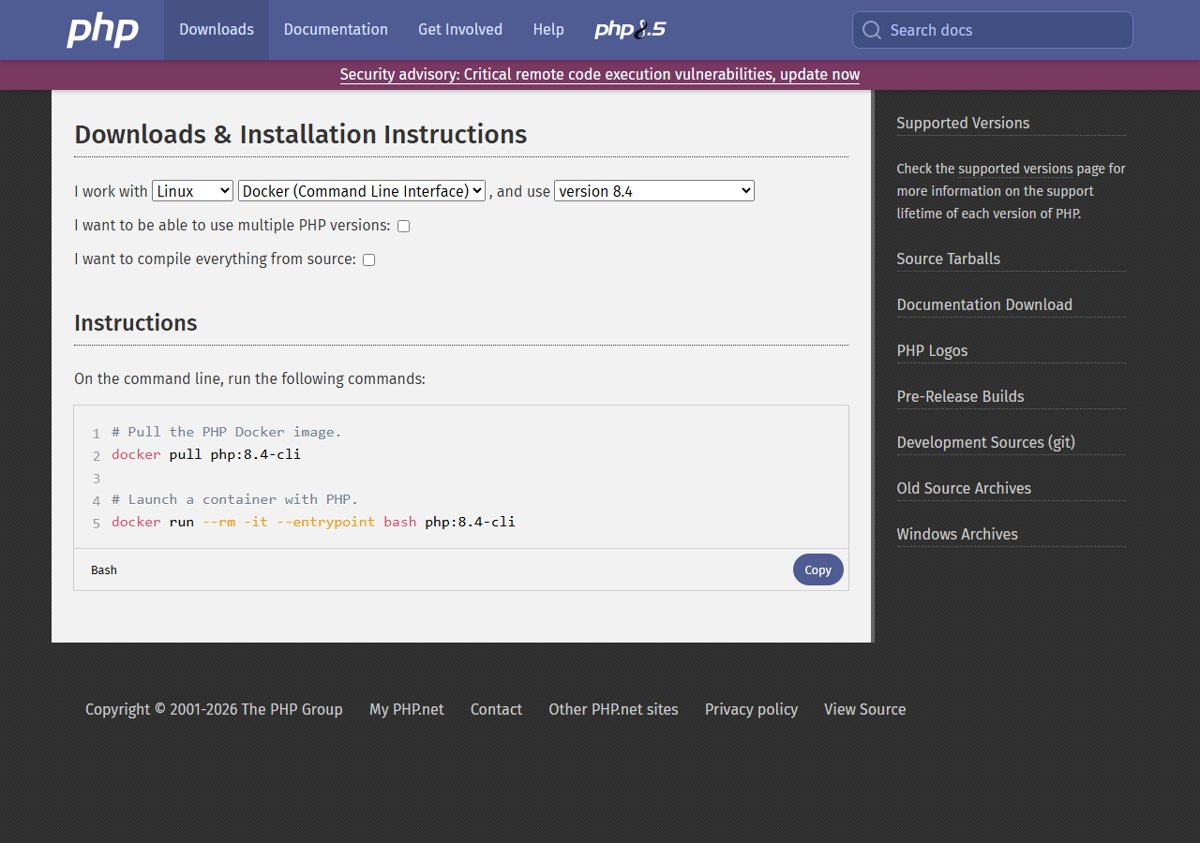
Fastest way to update a PHP Docker container to 8.4.27 or 8.5.12
These steps assume a Docker Compose project whose Dockerfile starts with an official php tag such as php:8.4-fpm. Run them from the folder that holds compose.yaml.
- Open the Tags page of the official
phpimage on Docker Hub and confirm a final tag for your branch exists, for example8.4.27-fpm(not8.4.27RC1). - Pull fresh base images and rebuild your services:
docker compose build --pull. - Pull any services that use the
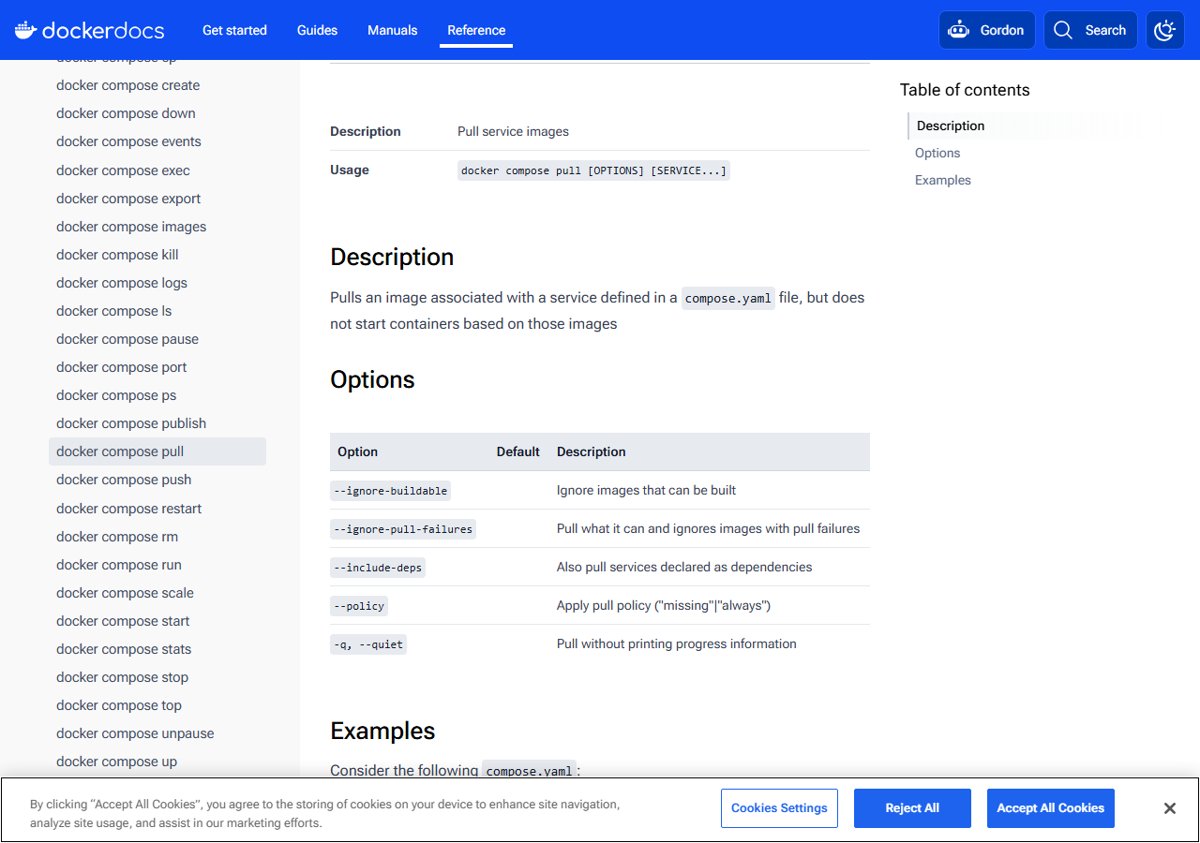
phpimage directly with no build step:docker compose pull. - Recreate the containers on the new images:
docker compose up -d. - Confirm the version inside the running service:
docker compose exec <service> php -v.
Compose stops and recreates a container only when its image or configuration changed, and it keeps mounted volumes.
Why PHP Docker images need updating for CVE-2026-109618 and CVE-2026-109619
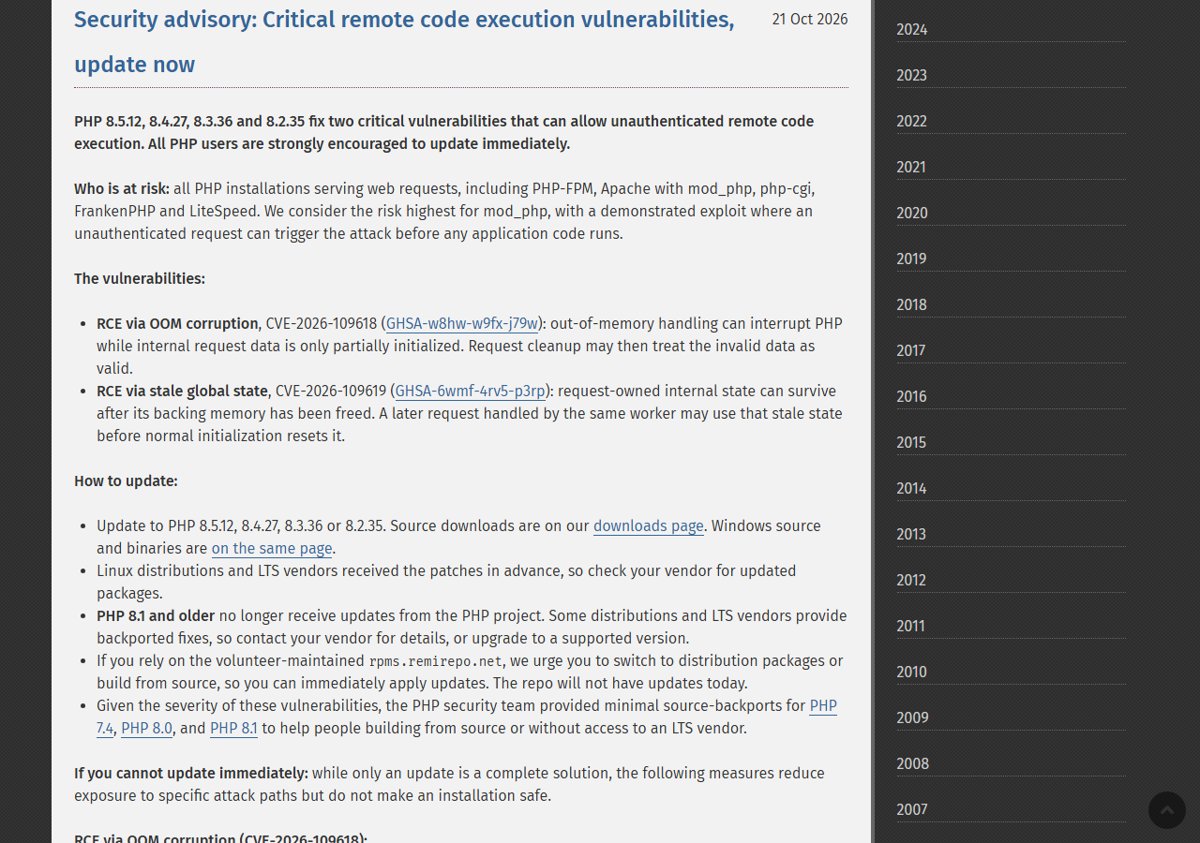
On 21 October 2026 php.net released PHP 8.5.12, 8.4.27, 8.3.36 and 8.2.35 to fix two critical PHP RCE flaws that can allow unauthenticated remote code execution.
A container keeps the PHP build it was created from. Nothing changes inside it until you pull a patched image and recreate the container.
| Item | Detail from php.net |
|---|---|
| CVE-2026-109618 (GHSA-w8hw-w9fx-j79w) | RCE via out-of-memory corruption during request cleanup |
| CVE-2026-109619 (GHSA-6wmf-4rv5-p3rp) | RCE via stale global state reused by a later request in the same worker |
| Fixed versions | 8.5.12, 8.4.27, 8.3.36, 8.2.35 |
| Who is at risk | All PHP serving web requests: PHP-FPM, Apache mod_php, php-cgi, FrankenPHP, LiteSpeed |
| Highest risk | mod_php, with a demonstrated exploit that runs before any application code |
| PHP 8.1 and older | No project updates; upgrade to a supported branch |
Official PHP Docker image tags
The php image on Docker Hub is a Docker Official Image maintained by the Docker Community, not by php.net. Its tags follow the pattern php:<version>-<variant>, with optional Debian (bookworm, trixie) or alpine suffixes.
| Tag example | What it contains | Moves to the fix? |
|---|---|---|
php:8.5.12-fpm, php:8.4.27-apache |
An exact patch release | Only that version; change the tag by hand |
php:8.4-fpm, php:8.3-apache |
Latest patch of a branch | Yes, once the patched build is pushed and you pull again |
php:<version>-cli |
PHP CLI only; the only variant with php-cgi |
Same rules as above |
php:<version>-apache |
Debian Apache httpd with PHP as mod_php (mpm_prefork) | Same rules; highest-risk setup per php.net |
php:<version>-fpm |
PHP-FPM; needs a reverse proxy such as NGINX | Same rules |
php:<version>-alpine |
Alpine Linux base with musl libc | Same rules |
php:8.5.12RC1-... |
A release candidate build | Not the final release; do not use in production |
Check the PHP version inside a container
Check every running container before you update, so you know which ones still run a vulnerable PHP build. Any version below the fixed one in its branch needs updating.
docker exec <container> php -vRuns the PHP CLI inside the running container. Every variant of the official image includes the CLI at /usr/local/bin/php. List container names with docker ps; in a Compose project use docker compose exec <service> php -v.
You should see: The first line names the PHP version, for example PHP 8.4.26 (cli), which means the container still needs the 8.4.27 update.
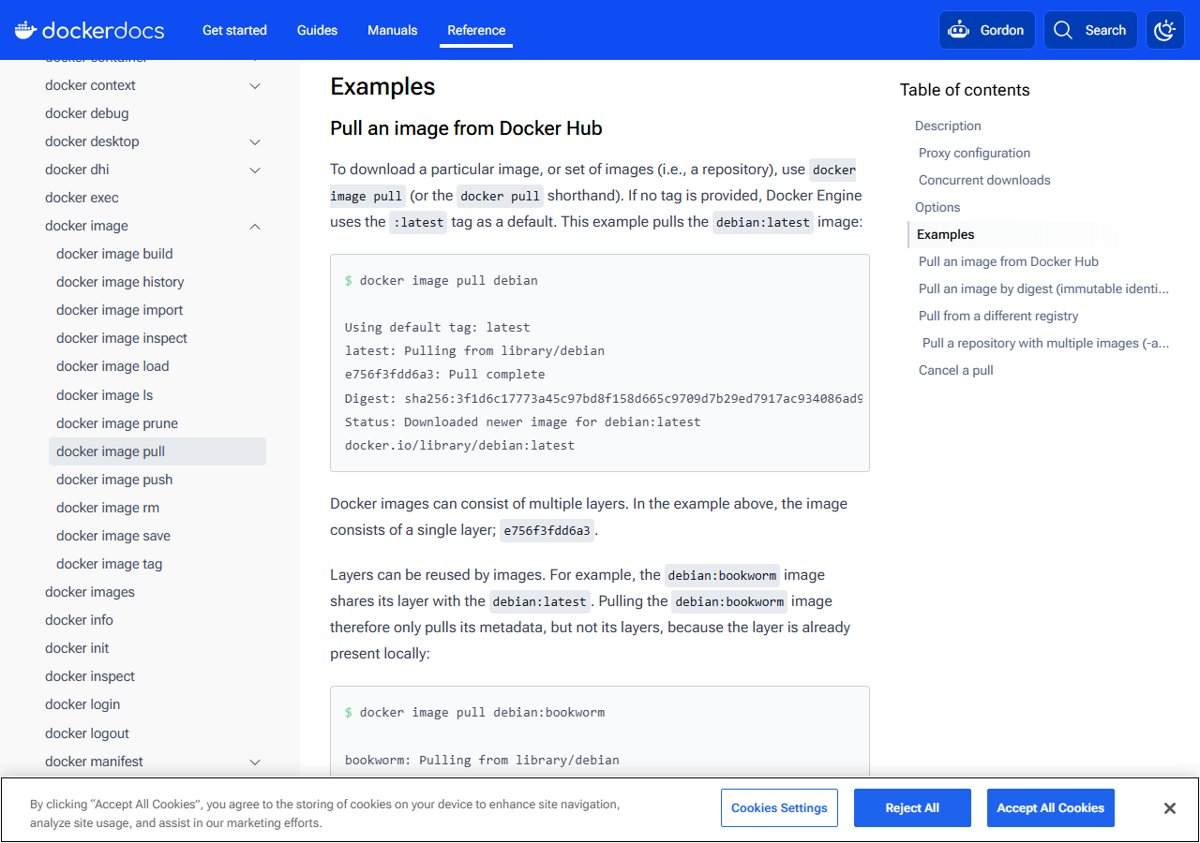
Pull the patched PHP image
Pulling only downloads the new image. Containers built from the old one keep running it until you recreate them.
- Pick the tag your containers use, for example
php:8.4-apache, or the exact fixed tag such asphp:8.4.27-apache. - Run
docker pull php:8.4-apache(swap in your own tag). - Look for Status: Downloaded newer image in the output; Image is up to date means the patched build is not on that tag yet.
- Run
docker image ls phpto confirm the tag now points at a newly created image ID. - For Compose services that use
image: php:...directly, rundocker compose pullinstead.
Rebuild images that use FROM php
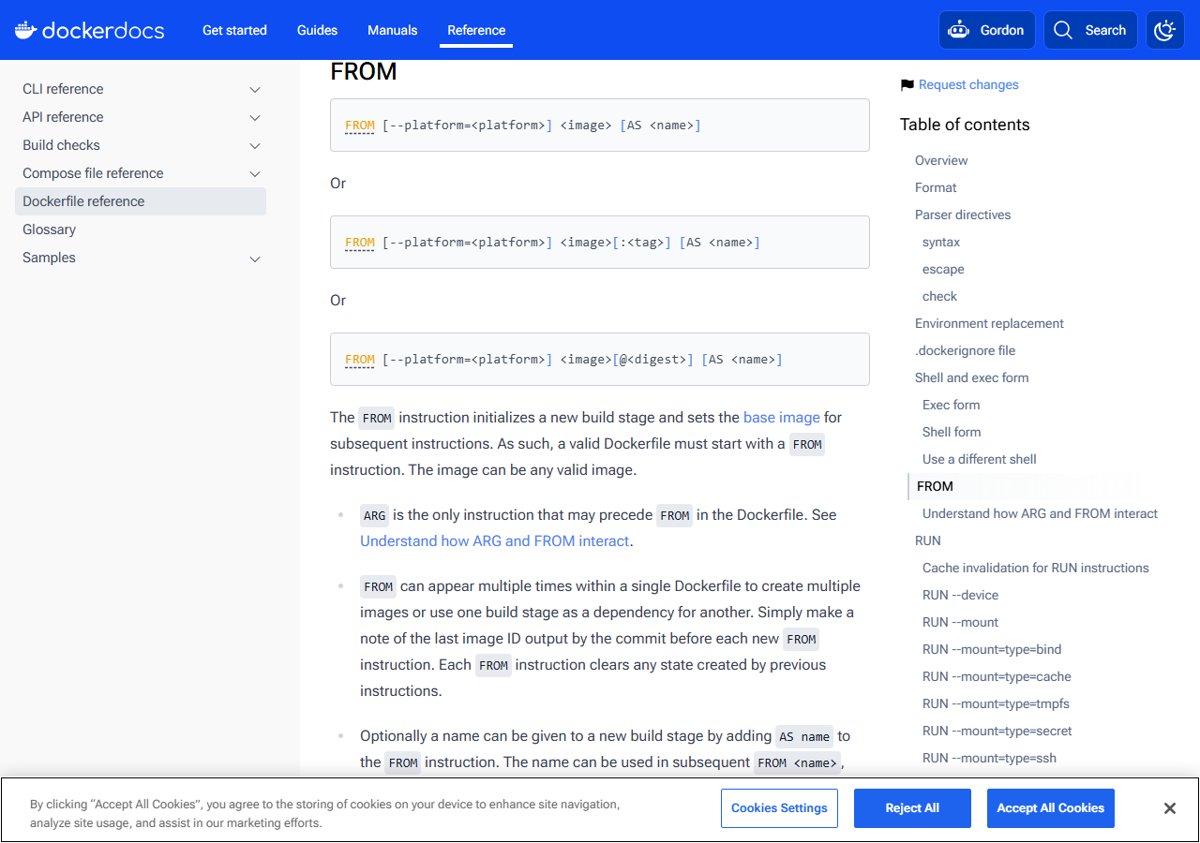
Most projects build their own image on top of php to add extensions with docker-php-ext-install or pecl. Those images need a rebuild, and the build must fetch the new base image instead of using a cached copy.
- Open your Dockerfile and check the
FROMline, for exampleFROM php:8.3-fpm. - If it pins an old patch release such as
FROM php:8.3.35-fpm, change it toFROM php:8.3.36-fpm. - Rebuild with a fresh base:
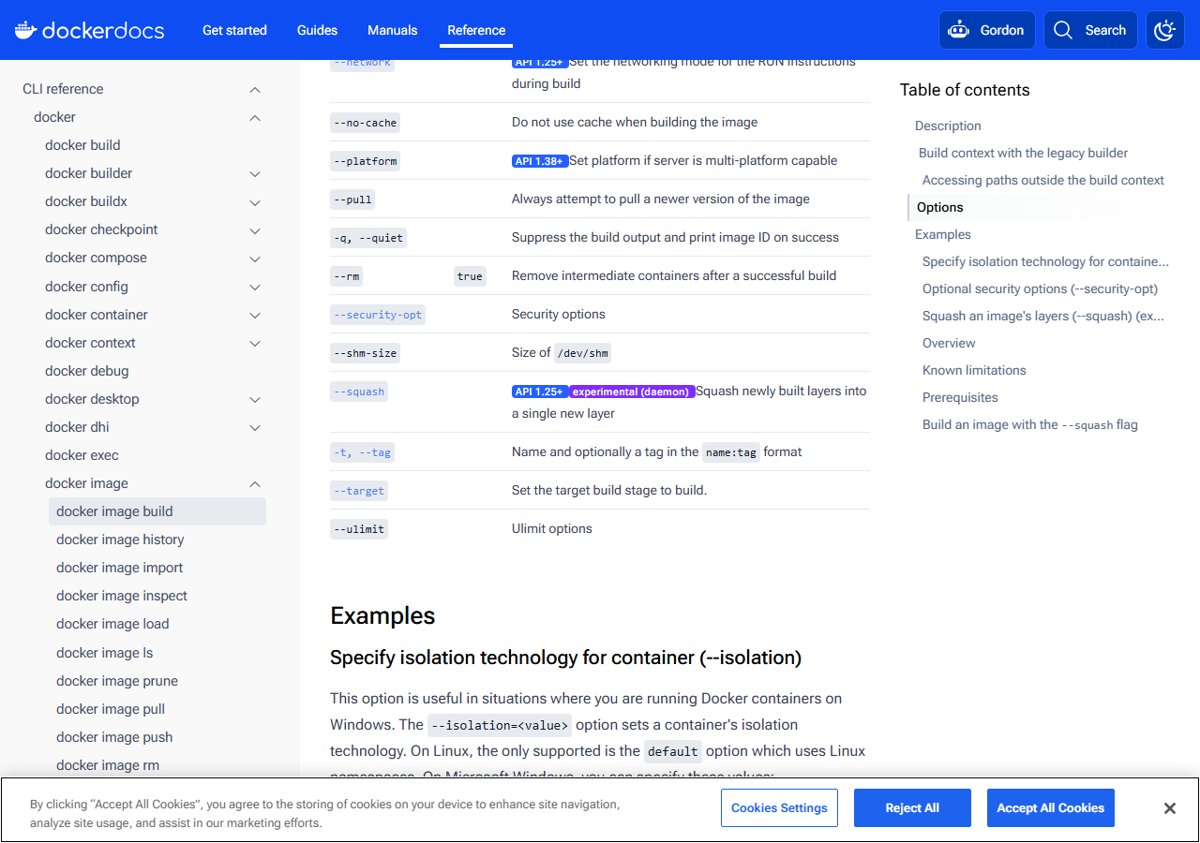
docker build --pull -t my-php-app . - Add
--no-cacheif you also want every layer, including extension installs, rebuilt from scratch. - For Compose builds, run
docker compose build --pullinstead. - Push the rebuilt image to your registry if other hosts or a CI pipeline deploy it.
Update php-fpm and php-apache containers
A container never switches images on its own. Replace it with one created from the patched image.
| How the container runs | Command to recreate it | Notes |
|---|---|---|
| Docker Compose | docker compose up -d |
Recreates only services whose image changed; mounted volumes are kept |
| Docker Compose, forced | docker compose up -d --force-recreate |
Recreates every container even if nothing changed |
| Compose with a build step | docker compose up -d --build --pull always |
Builds, pulls and recreates in one command |
Plain docker run (php-apache) |
docker stop and docker rm the old container, then repeat the original docker run command |
Reuse the same -p, -v and --name options |
Plain docker run (php-fpm) |
Same as above, then restart or reload the reverse proxy if it caches the upstream address | Do not publish the FPM port with -p; Docker Hub warns FastCGI is insecure outside a private network |
Recreating the container is what restarts every PHP worker. That matters here, because CVE-2026-109619 abuses state left behind in long-lived workers.
Verify the container runs the fixed PHP
- Run
docker psand check the CREATED column: the PHP containers should show they were created minutes ago. - Run
docker exec <container> php -vand confirm the version reads 8.5.12, 8.4.27, 8.3.36 or 8.2.35 (or newer in the same branch). - Compare the image ID from
docker image ls phpwithdocker inspect --format '{{.Image}}' <container>to confirm the container uses the new image. - Load a page served by the container to confirm the application still responds after the rebuild.
PHP Docker image still shows the old version: fixes
`php -v` still shows the old version after `docker pull`
The running container was created from the old image and was never recreated.
- Run
docker compose up -d, or stop, remove and re-run the container. - Check the version again with
docker exec <container> php -v.
A rebuilt image still has the old PHP
The build reused a locally cached base image or the FROM line pins an old patch tag.
- Change a pinned
FROM php:8.x.y-...tag to the fixed version. - Rebuild with
docker build --pull --no-cache -t my-php-app . - Recreate the containers from the rebuilt image.
`docker pull` says the image is up to date, or the 8.4.27 tag is not found
The Docker Official Image builds are published separately from php.net and the patched tag may not be pushed yet.
- Check the Tags page of the
phpimage on Docker Hub for a final tag withoutRCin its name. - Pull again once the tag appears.
- Until then, apply the partial PHP CVE-2026-109618 mitigations in your php.ini or FPM pool.
The container runs PHP 8.1, 8.0 or 7.4
Those branches no longer receive updates from the PHP project, so no patched image exists.
- Change the
FROMline to a supported branch, such asphp:8.4-fpm. - Rebuild and test the application against the new PHP version before you deploy it.
PHP Docker image update FAQ
Does docker pull update a running PHP container?
No. docker pull only downloads the new image. The running container keeps the old PHP build until you recreate it with docker compose up -d or by removing and re-running it with docker run.
Which PHP Docker tag should I use to get security fixes?
Use a branch tag such as php:8.4-fpm or php:8.5-apache if you want each new patch release when you pull. Pin an exact tag such as php:8.4.27-fpm if you prefer to change versions deliberately.
Is the php Docker image maintained by php.net?
No. Docker Hub lists the official php image as maintained by the Docker Community. php.net publishes the PHP source and Windows builds, and the image maintainers package each release afterwards.
Is php:8.5.12RC1 the security fix?
No. A tag with RC1 is a release candidate build. Use a final tag such as 8.5.12-fpm or the 8.5 branch tag once it points at 8.5.12.
Are php-apache Docker images affected by CVE-2026-109618?
Yes. The -apache variant runs PHP as mod_php, which php.net names as the highest-risk setup, with a demonstrated exploit that runs before any application code. Update these containers first.
Do Alpine PHP Docker images need updating too?
Yes. The fix is in PHP itself, so every variant needs the patched version, including -alpine, -cli, -fpm, -apache and -zts tags. Pull the matching patched tag and recreate the container.
Do I need –no-cache to update a PHP Docker image?
Not always. --pull makes the build fetch the newest base image, which carries the fixed PHP. Add --no-cache when your build cache still produces the old version or you want extensions recompiled from scratch.
How do I update PHP outside Docker?
Install the patched build from your distribution or from php.net. The steps for Windows, Linux and XAMPP are in the guide to update PHP to 8.4.27 and the other fixed versions.
Bottom line: update every PHP container now
Pull the patched tag, rebuild every image built FROM php with --pull, and recreate the containers, starting with php-apache ones. php.net states there are no complete mitigations for CVE-2026-109618 and CVE-2026-109619, and a container keeps its vulnerable PHP until it is recreated from a patched image.