Yes, WhatsApp calls are free: WhatsApp does not charge for voice or video calls, but every call uses internet data, and your mobile provider can bill you for that data.
This guide explains when a WhatsApp call really costs nothing, when it can show up on your phone bill, how international and roaming calls work, and how to cut call data use.
Are WhatsApp calls free? The short answer, yes, with a catch
WhatsApp states that it does not charge for messages, media, voice calls or video calls, and it stopped charging subscription fees in 2016.
The catch is the connection. A WhatsApp call travels over Wi-Fi or mobile data instead of your plan's calling minutes, so data charges from your provider can still apply.
- Connect your phone to a Wi-Fi network you already pay for or that is free to use.
- Open WhatsApp and open the chat with the person you want to call.
- Tap the voice call icon for an audio call, or the video camera icon for a video call.
- Wait for the other person to answer. They also need WhatsApp installed and an internet connection.
- Tap the red end-call button when you finish. On Wi-Fi, the call costs you nothing beyond your existing internet service.
You can also start a WhatsApp call from the Calls tab: tap the new-call icon, pick the contact, then tap the voice or video icon.
When WhatsApp calls cost money and when they are free
Find your situation in the left column. The cost never comes from WhatsApp itself; it comes from the network the call travels over.
| Your situation | What you pay | Why |
|---|---|---|
| Calling on home or office Wi-Fi | Nothing extra | The call uses the internet service you already have |
| Calling on mobile data with an unlimited plan | Nothing extra in most cases | The call data counts against your plan, which has no cap |
| Calling on mobile data with a capped plan | Data from your allowance, or overage fees | Your provider bills data, not WhatsApp |
| Calling while roaming abroad | Roaming data charges may apply | Roaming data can cost more than domestic data |
| Choosing Dial {phone number} for a number not on WhatsApp | Carrier call charges and data may apply | The call leaves WhatsApp and goes through your phone's carrier |
| Calling 911 or another emergency number | Not possible on WhatsApp | WhatsApp cannot reach emergency service numbers |
How WhatsApp calling really works: Wi-Fi vs. mobile data
WhatsApp voice calling uses your phone's internet connection rather than your mobile plan's minutes. That single fact explains every cost question below.
WhatsApp uses the same connection as web browsing and email on your phone. If the phone moves from Wi-Fi to mobile data during a call, the rest of that call uses mobile data.
| Connection | How the call is carried | Cost to you | Best for |
|---|---|---|---|
| Wi-Fi (the truly free method) | Over your home, work or public Wi-Fi internet link | No charge from WhatsApp or your carrier | Long calls, video calls and group calls |
| Mobile data (where costs can occur) | Over your 4G or 5G data connection | Counts against your data allowance; overage or roaming fees possible | Short voice calls when no Wi-Fi is available |
| Regular phone line | Not used for WhatsApp-to-WhatsApp calls | No calling minutes used | Only used if you choose Dial {phone number} for a non-WhatsApp number |
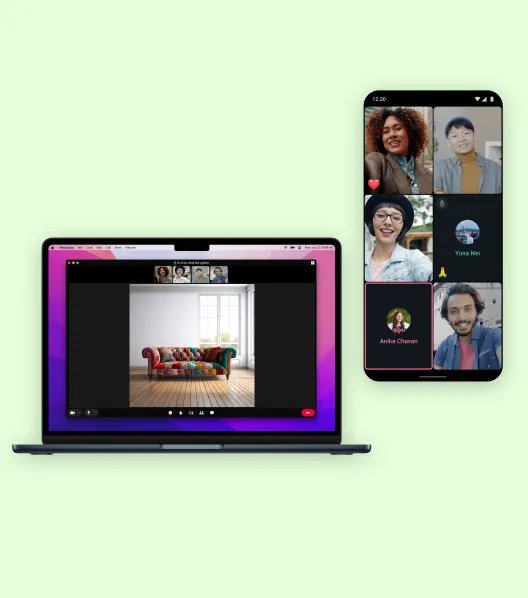
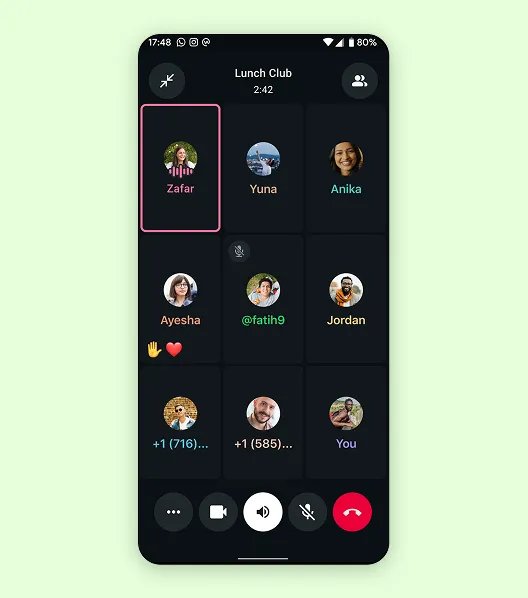
Both people need WhatsApp installed for a free call. Group voice and video calls hold up to 32 people and have no time limit.
How much data do WhatsApp calls use?
WhatsApp does not publish a fixed megabytes-per-minute figure, because call data depends on connection quality and call type. Use this ranking to plan, then check your real usage in the app.
| Call type | Relative data use | How to keep it down |
|---|---|---|
| 1:1 voice call | Lowest | Turn on Use less data for calls |
| Group voice call | Higher than 1:1 voice | Join on Wi-Fi when possible |
| 1:1 video call | Much higher than voice | Switch the video off and continue as a voice call |
| Group video call or screen sharing | Highest | Use Wi-Fi only |
Your exact totals appear under Settings > Storage and data > Network usage, covered in the check section below.
Are WhatsApp group calls free?
Group calls follow the same cost rule as one-on-one calls: WhatsApp charges nothing, and data charges from your provider may apply. Each extra person and each video feed adds to the data your phone handles, so group calls are where Wi-Fi matters most.
| Group calling feature | What WhatsApp offers | Cost note |
|---|---|---|
| Group voice and video calls | Up to 32 people in one call | Free from WhatsApp; uses Wi-Fi or mobile data |
| Call length | Unlimited duration for group calls | Long calls on mobile data can use a large share of a capped plan |
| Screen sharing | Show your phone, tablet or laptop screen to the group in real time | Adds data on top of the video call |
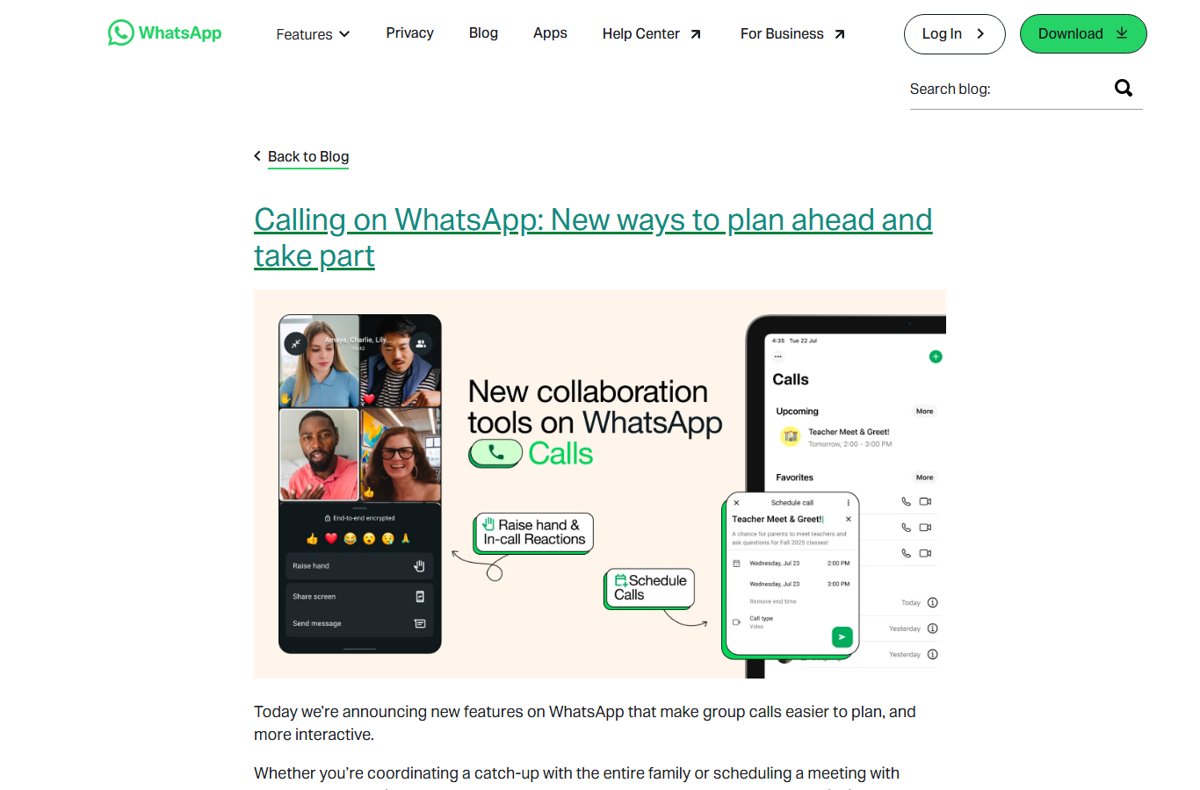
| Scheduled group calls | Schedule a call or create an event so the group knows when to join | No charge to schedule |
| Group calls on WhatsApp Web | Make and receive voice or video group calls from your browser | Uses the computer's internet connection |
Group calls are end-to-end encrypted like every other WhatsApp call.
Are WhatsApp calls free for international use?
Yes. WhatsApp says voice calling lets you call contacts for free even if they are in another country, because the call uses the internet and not international calling rates.
Two exceptions matter. Roaming data abroad can cost more than domestic data, and a Dial {phone number} call to someone not on WhatsApp goes through your carrier at its normal rates.
For international calls, put both phones on Wi-Fi or on a mobile plan that already covers the data, and WhatsApp-to-WhatsApp calls cost nothing extra. WhatsApp has no international calling fee. Only the data connection can cost money, and that cost depends on your provider and whether you are roaming.
If you travel with a local SIM card, WhatsApp keeps working with your home number. To re-verify the account, though, the matching SIM must be in the phone with phone or SMS service enabled.
3 tips to minimize WhatsApp call data usage and avoid charges
These three settings come from WhatsApp's own advice on saving data and avoiding roaming charges.
- Tip 1, call on Wi-Fi: connect to Wi-Fi before you place or answer a call, especially a video or group call.
- Tip 2, turn on low call data: open WhatsApp, go to Settings > Storage and data, and turn on Use less data for calls.
- Tip 3, stop roaming surprises: if you have no international data plan, turn off mobile data and data roaming in your phone settings while abroad.
- In the same Storage and data screen, turn off media auto-download over cellular and roaming so photos and videos do not eat the data you want for calls.
- During a video call, tap the video button to turn your camera off when a voice call is enough.
How to check WhatsApp call data usage
WhatsApp keeps its own data counter, so you can confirm what calls have used instead of guessing.
- Open WhatsApp.
- On Android, tap the three-dot menu, then Settings. On iPhone, tap Settings at the bottom.
- Tap Storage and data.
- Tap Network usage.
- Read the data totals WhatsApp lists there, then compare them with your plan's allowance.
If the calls figure is large and your plan is capped, move long calls to Wi-Fi and turn on Use less data for calls.
How to make, receive and answer WhatsApp calls
Answering a WhatsApp call is free in the same way as placing one: it uses data, not minutes.
- To call someone not saved in your contacts, go to Calls, tap the new-call icon, open the keypad, enter the number and tap the call icon.
- To answer when the phone is locked, swipe up on the incoming WhatsApp call screen.
- To answer when the phone is unlocked, tap Answer on the incoming voice call pop-up, or Video for a video call.
- To decline, tap Decline, or swipe to reject with a quick message.
- If the person does not pick up, tap Record voice message to leave a voice note instead.
Calls also work from a computer through WhatsApp Web or the WhatsApp desktop app for Windows, using the computer's internet connection.
Fix unexpected WhatsApp call charges and failed calls
A WhatsApp call appeared on my phone bill
The call went through your carrier, or you were roaming on mobile data.
- Check whether you chose Dial {phone number} for someone not registered on WhatsApp; that call uses your carrier.
- Check whether data roaming was on while you were abroad.
- Open Settings > Storage and data > Network usage in WhatsApp to see how much data calls used.
- Contact your mobile provider for the line-item details of the charge.
Wi-Fi disconnects during a WhatsApp call
The call needs a live internet connection the whole time.
- Leave mobile data on if you want the phone to keep the call going over data when Wi-Fi drops, and accept that the remaining call uses your allowance.
- Turn mobile data off if you would rather the call end than use data.
- Move closer to the router or call back once Wi-Fi reconnects.
A WhatsApp call will not go through
A weak connection on either side, or the other person runs an older operating system or WhatsApp version.
- Make sure both you and the other person have a strong internet connection.
- Update WhatsApp from the App Store or Google Play.
- Ask the other person to update WhatsApp and their phone's operating system.
- Try a voice call if a video call fails.
WhatsApp call costs FAQ
Are phone calls on WhatsApp free?
Yes. WhatsApp does not charge for voice or video calls. The call uses Wi-Fi or mobile data instead of calling minutes, so the only possible cost is data billed by your mobile provider.
Are WhatsApp international calls free?
Yes. A WhatsApp-to-WhatsApp call to another country has no international calling fee because it runs over the internet. Roaming data charges can still apply if you call on mobile data while abroad.
Does WhatsApp charge for video calls?
No. WhatsApp charges nothing for video calls. Video uses far more data than voice, so on a capped mobile plan a long video call can use a noticeable share of your allowance. Use Wi-Fi for video when you can.
How do you make free calls on WhatsApp?
Connect to Wi-Fi, open the chat with a contact who uses WhatsApp, and tap the voice or video call icon. On Wi-Fi the call costs nothing extra; on mobile data it uses your data allowance.
Can I call someone on WhatsApp if they don't have the app?
Not for free. Both people need WhatsApp for a WhatsApp call. If you enter a number that is not on WhatsApp, the app offers Dial {phone number}, which uses your carrier, and carrier and data charges may apply.
Is calling on WhatsApp more secure than a regular phone call?
WhatsApp voice and video calls are end-to-end encrypted, so only you and the people on the call can hear or see it, not even WhatsApp. A standard carrier phone call does not offer that end-to-end encryption.
What happens if my Wi-Fi disconnects during a WhatsApp call?
The call needs an internet connection throughout. If mobile data is on, the phone can carry on over mobile data, which then uses your allowance. If no connection is available, the call drops.
How does WhatsApp calling work?
WhatsApp calling sends your voice and video over the internet, through Wi-Fi or mobile data, instead of the phone network's calling minutes. That is why calls are free from WhatsApp but can use paid data.
Can you call emergency numbers on WhatsApp?
No. WhatsApp cannot reach emergency service numbers such as 911 in the United States. Use your phone's regular dialer or another arrangement for emergency calls.
Why do people use WhatsApp calls?
People use WhatsApp calls because they cost nothing beyond data, work across countries without international rates, are end-to-end encrypted, and support group calls of up to 32 people with no time limit.
Final verdict: are WhatsApp calls free?
Treat WhatsApp calls as free on Wi-Fi and as data use on mobile, and turn on Use less data for calls if your plan is capped. WhatsApp never bills for calls; your provider bills only the data, roaming, or a carrier call you place through Dial {phone number}.