An MSI file is a Windows Installer package, and you open it on Windows by double-clicking it, which starts the built-in Windows Installer and installs the program inside.
This guide explains what the .msi format contains, how to run it from the command line or as administrator, how to extract or edit it without installing, and how to check one is safe.
How to open an MSI file
Windows 11 and Windows 10 associate the .msi extension with Windows Installer, so no extra software is needed to install from one.
- Open File Explorer and go to the folder holding the .msi file, usually Downloads.
- Double-click the .msi file.
- Select Yes if User Account Control asks for permission.
- Follow the setup wizard, choosing the install folder and features it offers.
- Select Finish when the wizard reports the installation is complete.
Opening an MSI file means installing the software it carries. To look inside it without installing, extract it with the methods further down.
What is an MSI file?
Microsoft defines an installation package as everything Windows Installer needs to install or uninstall a product and run its setup interface. Each package includes an .msi file containing an installation database, a summary information stream and data streams for parts of the installation.
| Property | MSI file |
|---|---|
| File extension | .msi |
| File type | Windows Installer package |
| Format | A relational installation database plus summary information and data streams |
| Can also contain | Transforms, internal source files, and external source or cabinet (.cab) files |
| Opened by | Windows Installer (msiexec.exe), built into Windows |
| Used for | Installing, repairing, patching and uninstalling Windows software |
| Related formats | .msp patch packages and merge modules, also handled by Windows Installer |
Because the database records every file, registry entry and shortcut a program adds, Windows can later repair or remove the program cleanly. The macOS counterpart is a PKG installer file, which Windows cannot run either way round.
Windows Installer package: what Windows Installer does with an MSI
Windows Installer is the Windows service that reads the MSI database and carries out what it describes. The same engine handles every stage of the program's life on the PC.
| Task | msiexec option | What happens |
|---|---|---|
| Install | /i |
Normal installation with the package's setup wizard |
| Administrative install | /a |
Copies an uncompressed source image to a folder instead of installing |
| Uninstall | /x |
Removes the product the package installed |
| Repair | /fa with the product code |
Forces all files to be reinstalled |
| Patch | /p or /update |
Applies an .msp update to an installed product |
| Advertise | /ju or /jm |
Makes the product available to the current user or all users |
Programs that open MSI files
Pick the program by what you want to do with the file. Only Windows Installer actually installs the software.
| What you want | Program | Notes |
|---|---|---|
| Install the software | Windows Installer (double-click or msiexec /i) |
Built into Windows 11 and Windows 10 |
| Install silently or with a log | msiexec in Command Prompt |
Options such as /qn and /L*V control the interface and logging |
| Extract files with no extra software | msiexec /a administrative install |
Creates a source image of the product's files in a folder |
| Browse and extract like an archive | 7-Zip | Lists MSI among its unpacking-only formats |
| View or edit the database tables | Orca | Microsoft's table editor from the Windows SDK |
| Open on a Mac or Linux PC | None built in | Windows Installer runs only on Windows; use the vendor's macOS or Linux download |
How to run an MSI file from CMD with msiexec
Microsoft documents msiexec as the command-line way to install, modify and run other operations with Windows Installer. Put the full path in quotes if it contains spaces.
msiexec /i "C:\Users\Public\Downloads\example.msi"/i runs a normal installation of the package at that path. Add /passive to show only a progress bar, /qn for no interface at all, /norestart to stop an automatic restart, or /L*V "C:\package.log" to write a detailed log file.
You should see: The package's setup wizard opens, or with /qn the install runs silently and the program appears in Installed apps when it finishes.
Run msiexec /help to list every option your version of Windows Installer supports.
How to run an MSI file as administrator
Some packages install for all users or write to protected folders and fail without elevation. Starting msiexec from an elevated Command Prompt runs the whole installation with administrator rights.
- Select Start and type cmd.
- Right-click Command Prompt and select Run as administrator.
- Select Yes at the User Account Control prompt.
- Type
msiexec /ifollowed by a space and the full path to the .msi file in quotes. - Press Enter and complete the setup wizard.
Hold Shift, right-click the .msi file and select Copy as path to paste its full quoted path into the command.
How to extract an MSI file without installing it
An administrative installation copies the product's files to a folder instead of installing them. Microsoft states that the installer creates a source image for all features, and the TARGETDIR property sets where that image goes.
- Create an empty folder for the files, for example
C:\MSIExtract. - Open Command Prompt.
- Type
msiexec /a "C:\path\to\example.msi" /qb TARGETDIR="C:\MSIExtract"with your own paths. - Press Enter and wait for the basic progress window to close.
- Open
C:\MSIExtractin File Explorer to browse the extracted files and folders.
Nothing is registered with Windows during this process, so the program does not appear in Installed apps and needs no uninstalling.
How to open an MSI file with 7-Zip
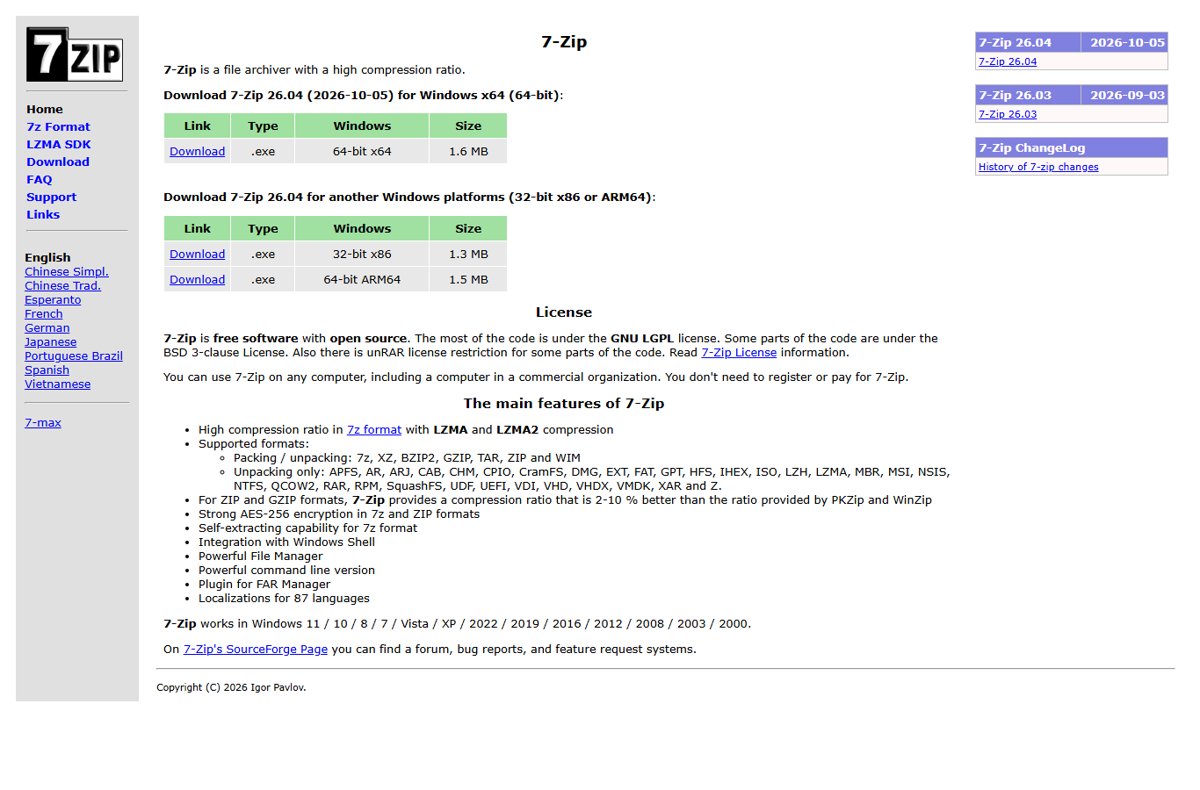
The free 7-Zip archiver lists MSI among the formats it can unpack, alongside CAB and CHM. It opens the package like an archive, which is quicker than an administrative install when you need one file.
- Install 7-Zip from 7-zip.org.
- Right-click the .msi file in File Explorer.
- On Windows 11, select Show more options first.
- Select 7-Zip > Open archive to browse the streams and cabinet files inside.
- Or select 7-Zip > Extract to a folder name to unpack everything.
7-Zip shows the package's internal structure, so program files often sit inside a .cab file that you open the same way. Opening a ZIP file on Windows needs no extra tool, but MSI does.
How to edit an MSI file with Orca
Orca is Microsoft's database table editor for creating and editing Windows Installer packages and merge modules. It also highlights validation errors and warnings in the tables.
- Install the Windows SDK and include Windows SDK Components for Windows Installer Developers.
- Open the Windows Kits folder, then the bin subfolder, and find the Orca installer, such as Orca-x86_en-us.msi.
- Double-click it to install Orca.
- Open Orca, select File > Open and choose your .msi file.
- Select a table such as Property or File in the left pane to view or change its rows.
Work on a copy of the package. Saving a broken table can make the package fail to install, and editing a signed package invalidates its digital signature.
Warning: check an MSI file is safe before you open it
An MSI file installs software, often with administrator rights, so a malicious package can change anything on the PC. Treat an unexpected .msi attachment or download the same way as an .exe.
- Download MSI files only from the software vendor's own website.
- Right-click the file, select Properties and open the Digital Signatures tab.
- Check the signer name matches the software's publisher.
- Read the publisher name on the User Account Control prompt before you select Yes.
- Delete the file if it is unsigned, signed by an unknown name, or arrived by email unexpectedly.
How to check an MSI installed correctly
- Select Start > Settings > Apps > Installed apps.
- Search for the program's name and confirm it is listed with the expected version.
- Open the program from the Start menu to confirm it runs.
- If you installed with
/L*V, open the log file and check the final lines report that the installation completed successfully.
How to uninstall or repair a program installed from an MSI file
- Select Start > Settings > Apps > Installed apps.
- Select … next to the program, then Uninstall, and confirm.
- To uninstall from the command line instead, run
msiexec /x "C:\path\to\example.msi"with the original package. - To repair, run
msiexec /fafollowed by the product code in braces, which forces all files to be reinstalled. - Restart the PC if the uninstaller or repair asks for it.
MSI file FAQ
What is an MSI file?
An MSI file is a Windows Installer package: a database file that tells Windows Installer how to install, repair, update or remove a program. Double-clicking it on Windows starts the installation of the software it contains.
What does MSI file stand for?
MSI is commonly read as Microsoft Installer, the original name of the technology Microsoft now calls Windows Installer. Microsoft's documentation refers to an .msi file as a Windows Installer package or installation package.
What type of file is MSI?
An .msi file is an installation package, not a program you run directly. It holds an installation database, a summary information stream and data streams, and can carry the program's files in cabinet (.cab) files inside the package.
What is the MSI file format?
The MSI format is a relational database that describes every component, feature, file, registry entry and shortcut of a product, plus a summary information stream. Tools such as Orca open it as a set of editable tables.
What is an MSI file in Windows?
In Windows, an MSI file is the standard package Windows Installer uses to install desktop software. Windows 11 and Windows 10 open it with msiexec.exe, which also uninstalls, repairs and patches the program later.
Is an MSI file the same as an EXE file?
No. An EXE is a program that runs its own code, which may be a custom setup. An MSI is a data package that Windows Installer reads and carries out, so installs, repairs and removals follow the same rules for every MSI.
Is MSI the same as MSIX?
No. MSIX is Microsoft's newer Windows app packaging format, giving apps a package identity, clean install and uninstall, and automatic updates. MSI is the older Windows Installer database format, still widely used for desktop software.
Can I open an MSI file on a Mac?
Not to install it, because Windows Installer runs only on Windows. Download the vendor's macOS version instead. On Windows, 7-Zip or an msiexec administrative install can extract the files inside an MSI without installing it.
Bottom line: how to open an MSI file
Double-click an MSI file to install it, use msiexec in an elevated Command Prompt when you need administrator rights, silent mode or a log, and use msiexec /a or 7-Zip when you only want the files inside. Windows Installer is built into every Windows 11 and Windows 10 PC and records what it installs, while extraction leaves the system untouched, so each route matches a different goal with no unnecessary software.