Buying from Apple online or in an Apple Store gets you the same sales policy, 14-day return window and price protection, but only the online store offers custom-configured Macs, free engraving and Certified Refurbished products.
This guide compares both channels on price, tax, delivery, pickup, trade-in, returns and exchanges, so you can pick the right one for an iPhone, Mac, iPad or accessory.
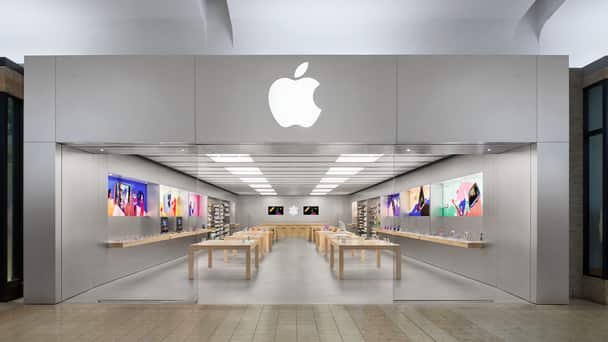
Should you buy from Apple online or in store?
| Your situation | Buy here | Why |
|---|---|---|
| You want a Mac with more memory, storage or a different chip | Online | Configure Your Mac is an Apple Store Online exclusive |
| You want free engraving on an iPad, AirTag or Apple Pencil | Online | Engraving is listed as an online exclusive |
| You want a Certified Refurbished product | Online | Certified Refurbished is listed as an online exclusive |
| You need the product today and it is in stock nearby | Online order with store pickup, or walk in | Pickup orders are ready to collect once you get the QR code notification |
| You want to see and try the device first | Apple Store | You can handle the product and ask a Specialist before paying, or book an Apple Store appointment first |
| You are trading in an old device | Either, but compare both | Apple says trade-in offers may vary between in-store and online |
Apple online store vs Apple Store: side-by-side comparison
Apple's U.S. Sales and Refund Policy covers Apple Store locations, Apple Store Online, the Apple Store app and phone orders with one set of terms. The differences are in what each channel can sell and how you receive it.
| Feature | Apple Store Online | Apple Store location |
|---|---|---|
| Return window | 14 calendar days from delivery | 14 days from the date you receive the product |
| Price protection | Refund of a price drop within 14 days, excluding limited-time sales | Same policy |
| Custom-configured Macs | Yes | No; order online for pickup or delivery |
| Free engraving | Yes, on eligible iPad, AirTag, Apple Pencil and AirPods | No |
| Certified Refurbished | Yes | No |
| Delivery | Standard delivery free; faster options cost extra | Not applicable |
| Sales tax | Rate for your shipping address | Rate for the store where you collect |
| Trade-in | Available; estimate online, ship the device | Available; valid photo ID required |
How to buy from the Apple online store with free delivery
- Go to
apple.comand select the product, such as Mac or iPhone. - Choose your model, color and configuration, then add it to your Bag.
- Start checkout and sign in with your Apple Account, or use guest checkout.
- Pick standard delivery for free shipping, or an upgraded delivery option for a fee.
- Add your mobile number if you want delivery updates by text message.
- Place the order and track it from Order Status at
apple.com/orderstatus.
Engraved products and customized Macs take longer to prepare. Apple shows the updated delivery date during configuration and in your confirmation email.
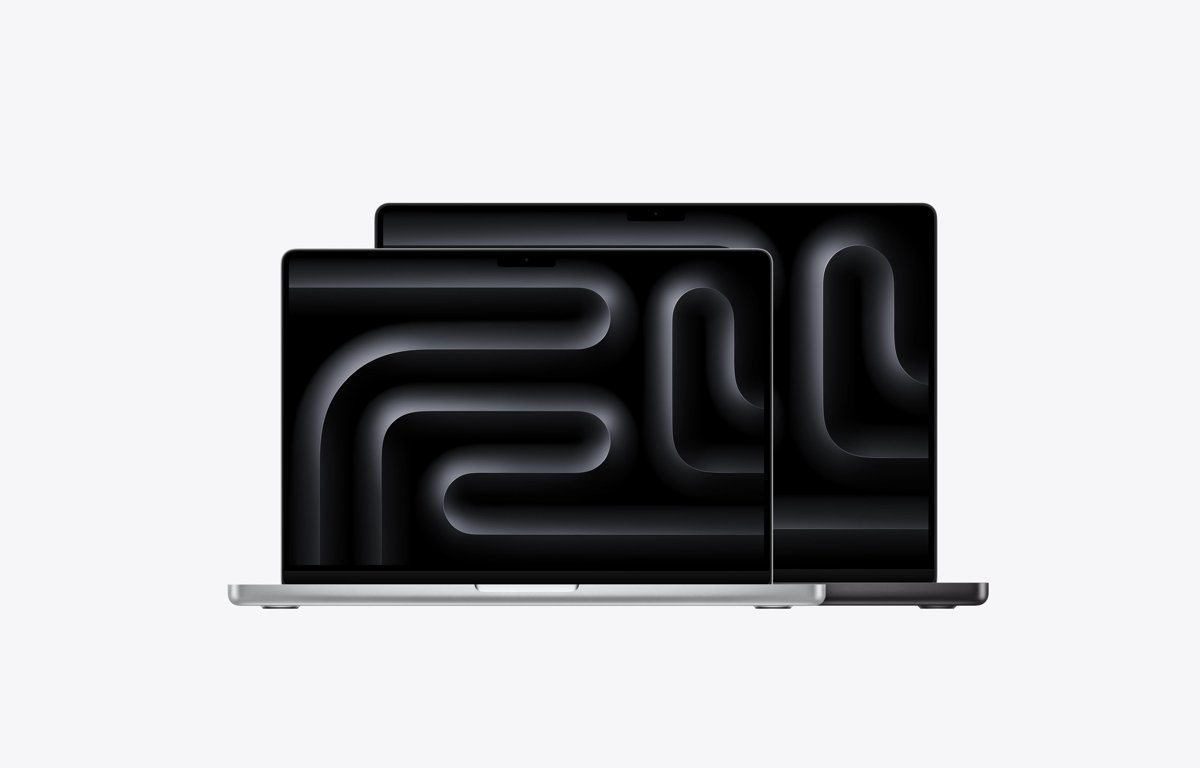
Buy online and pick up in an Apple Store
Store pickup combines online stock checks with same-store collection. Certain products and payment methods do not qualify for pickup.
- Add the product to your Bag on
apple.comand choose pickup at a nearby Apple Store. - Optionally name a third person to pick up the order by entering their name and email address.
- Wait for the email and mobile notification with a QR code before you go to the store.
- Add the pickup pass to the Wallet app on your iPhone if you like.
- Bring the order number, a valid government-issued photo ID and the QR code or Wallet pass.
- Show them to the Specialist at the store to collect your items.
Apple does not accept screenshots or photos of the QR code email. If you do not collect the order by the date Apple gives you, Apple may cancel it.
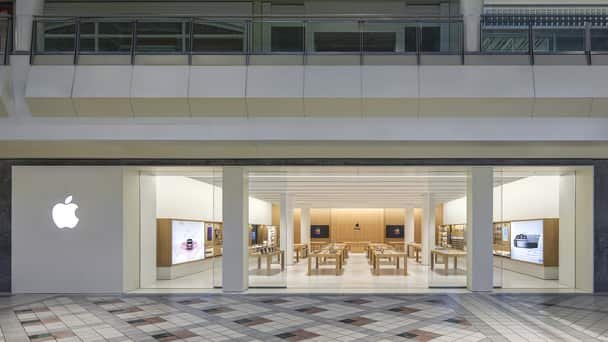
Is buying online cheaper than in store at Apple?
Apple's sales policy does not list separate online and in-store prices. What changes your final total is tax, delivery and trade-in, not the channel itself.
| Cost factor | Online | In store | Effect on your total |
|---|---|---|---|
| Sales tax | Based on your shipping address | Based on the pickup store address | Can differ if you ship to one area and collect in another |
| Delivery | Free standard delivery | None | Only upgraded delivery adds cost |
| Trade-in credit | Estimate online, final value after Apple receives the device | Value set at the store | Offers may vary between in-store and online |
| Price drop after purchase | Price protection within 14 days | Same | Refund or credit of the difference, except limited-time sales such as Black Friday |
| Certified Refurbished | Available | Not available | Lower-cost option only online |

Returning or exchanging an Apple purchase online vs in store
| What you want to do | Bought online | Bought in an Apple Store |
|---|---|---|
| Return for a refund | Within 14 days by mail, or at any U.S. Apple Store | Within 14 days, with a receipt |
| Exchange for another item | At any U.S. Apple Store, subject to stock | In store, subject to stock |
| Exchange an engraved item or custom Mac | Not possible; return it for a refund instead | Not applicable |
| Return a damaged or incorrect delivery | Any U.S. Apple Store, call 1-800-676-2775, or report the problem to Apple Support | Not applicable |
| Return ten or more of one product | Must go to the store where purchased | Must go to the store where purchased |
Card refunds go to your bank within five business days of Apple receiving the item. Cash returns over $750 are refunded by check within 10 business days.
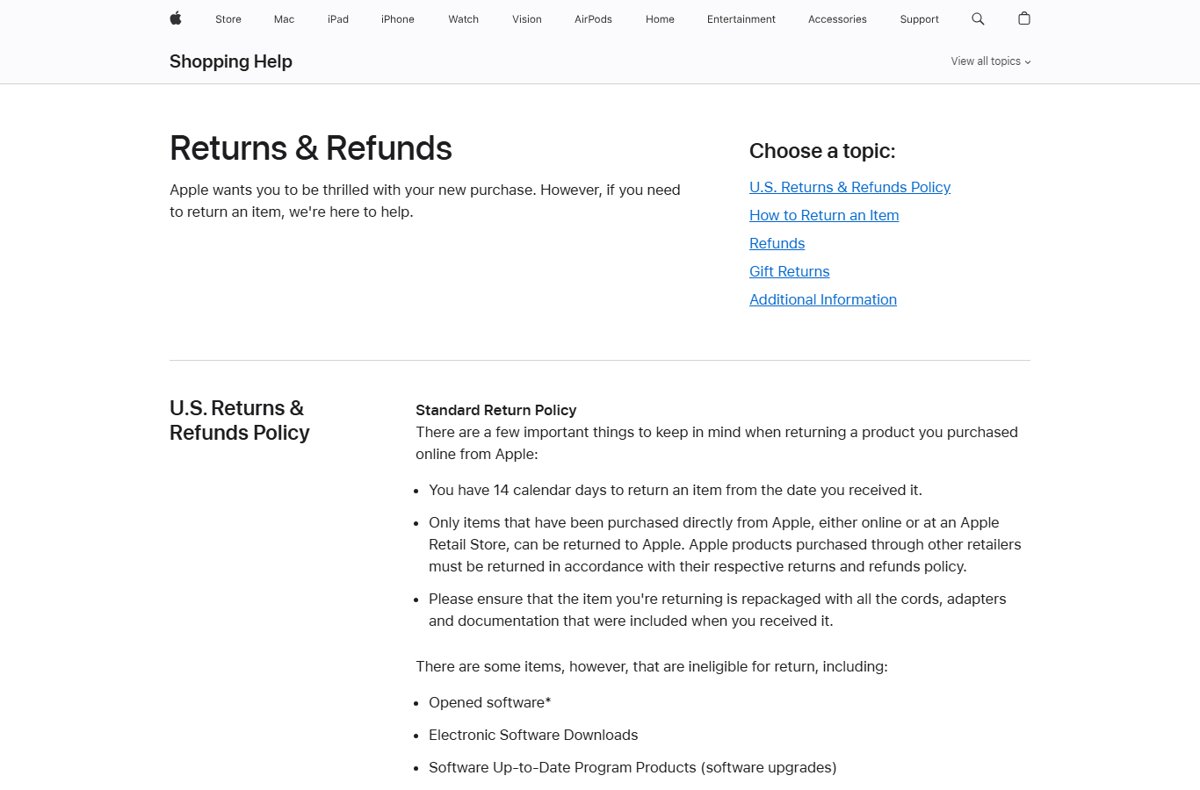
How to return an Apple online order by mail
- Sign in to your Order Listing page with your Apple Account.
- Select the item to open its order details.
- Select Start a Return, then Get Started.
- Confirm the items and select Initiate Your Return.
- Select Print Return Label and attach the label to the box.
- Schedule a carrier pickup or drop the package at a carrier location.
Check your Apple order status online
- Go to
apple.com/orderstatusand sign in. - Check the delivery date or pickup status for each item.
- Open the shipment notification email for the carrier name and tracking number.
- Wait for the pickup notification email before you travel to the store.
Items in one order can ship separately, so you may receive several emails and a charge for each item as it ships.
Apple online vs in-store buying FAQ
Is buying online cheaper than in store at Apple?
Apple's sales policy does not set different online and in-store prices. Your total can still differ through sales tax, which follows the shipping or pickup address, and through trade-in offers that may vary by channel.
Is online shopping better than in store for Apple products?
Online is better for custom Macs, free engraving and Certified Refurbished products. An Apple Store is better when you want to try the device and leave with it the same day.
Are Apple online prices cheaper than in store?
Apple does not advertise lower online prices for the same product. Price protection applies to both channels, so a price drop within 14 days can be refunded either way, except during limited-time sales.
Why might Apple online cost less than in store?
The main online-only savings are Certified Refurbished products and free standard delivery. Sales tax can also differ when your shipping address and the pickup store fall in different tax areas.
How do you compare Apple prices online and in store?
Price the exact configuration on apple.com, then check whether it is available for pickup at your nearest Apple Store. Compare the estimated tax and any trade-in value at checkout.
Can you return an online Apple purchase to a store?
Yes. Items bought online from Apple can be returned to any U.S. Apple Store within 14 days, and the refund is processed at the store. Engraved items and custom Macs can be returned but not exchanged.
Is buying an iPhone online different from buying it in store?
The return window and price protection are the same. Returning an iPhone in either channel does not cancel your wireless plan automatically, so contact your carrier about service cancellation.
Bottom line: Apple online vs in-store purchase
Order online when you need a custom Mac, engraving or a refurbished model, and choose store pickup or a walk-in purchase when you want the device the same day. Both channels share Apple's 14-day returns and price protection, so the real differences are product availability, delivery speed and tax location.