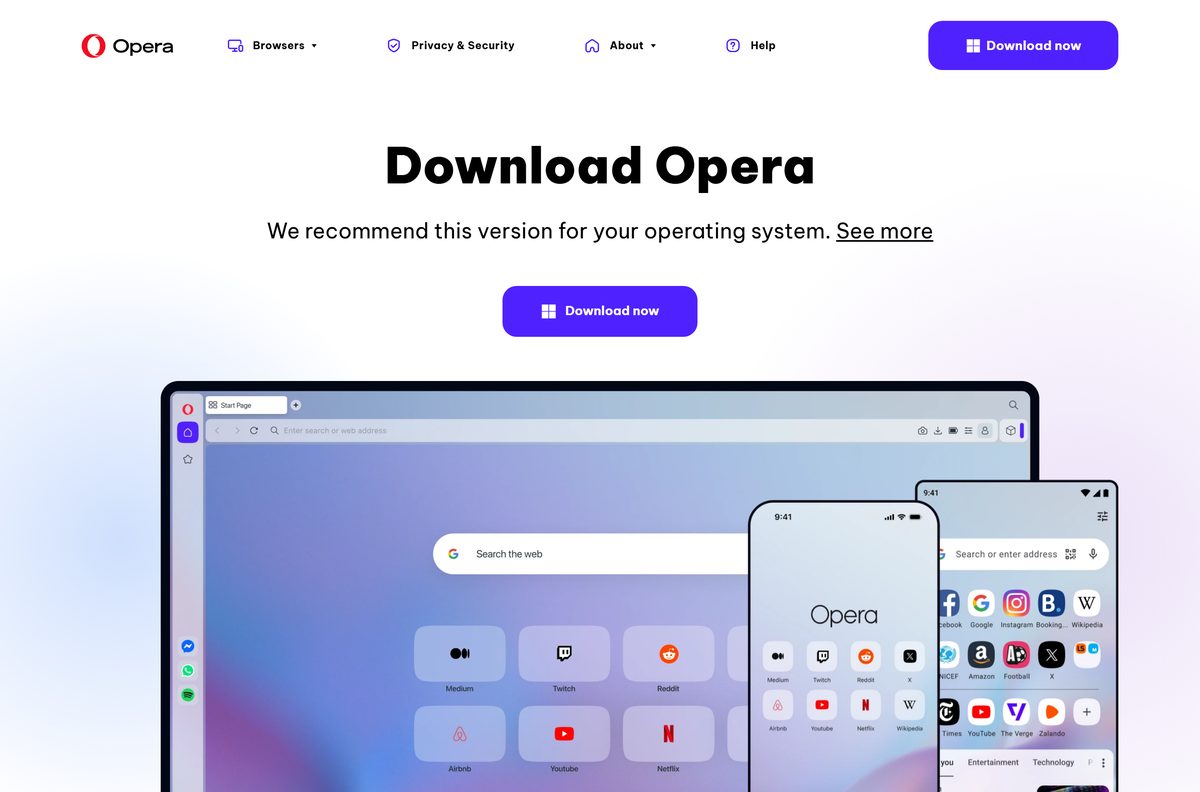
The Opera browser download is free for Windows 11, Windows 10, macOS and Linux, straight from opera.com. The Download now button hands you a 2.8 MB online installer that fetches the rest of the browser while it runs.
Right under that button, opera.com also offers an offline package for 64-bit, 32-bit and ARM Windows PCs and for Mac. The 64-bit Windows package is 133 MB and installs with no internet connection.
This guide covers which file matches your machine, installing on Windows and Mac, the Microsoft Store and winget routes, updates, and fixes when Opera will not install or open.
Which Opera browser download do you need?
Match your machine to a row. Every link below is one that opera.com/download itself shows.
| Your machine | File to download | Size |
|---|---|---|
| Any Windows 11 or 10 PC, fastest start | OperaSetup.exe, the online installer | 2.8 MB |
| Windows 11 or 10, 64-bit, offline | Offline package, 64 bit | 133 MB |
| Windows 10, 32-bit, offline | Offline package, 32 bit | 119 MB |
| Windows on Arm PC (Snapdragon) | Offline package, ARM | 138 MB |
| Mac on macOS 12 or later | Offline package for macOS | 247 MB |
| Ubuntu, Debian or Linux Mint | Opera for Linux, deb package | 137 MB |
| Fedora or openSUSE | Opera for Linux, RPM package | 128 MB |
| USB stick, no install on the PC | Opera USB, Opera_PortableSetup.exe | 2.8 MB |
To read your Windows build, press Windows + I, open System > About and check the System type line. An ARM-based processor there means the ARM package.
Opera Air, Opera GX and Opera Developer sit on the same opera.com page with their own buttons. For the gaming build, see Download Opera GX for PC, Windows 11/10 & Mac.
Download Opera from the official Opera links
Opera serves the browser from opera.com, a public release archive and the Microsoft Store. Nothing else is needed.
- Opera download page — Download now serves the online installer for your system
- Windows offline package, 64 bit — 133 MB
- Mac offline package — 247 MB
- Opera release archive — one folder per release, current and past
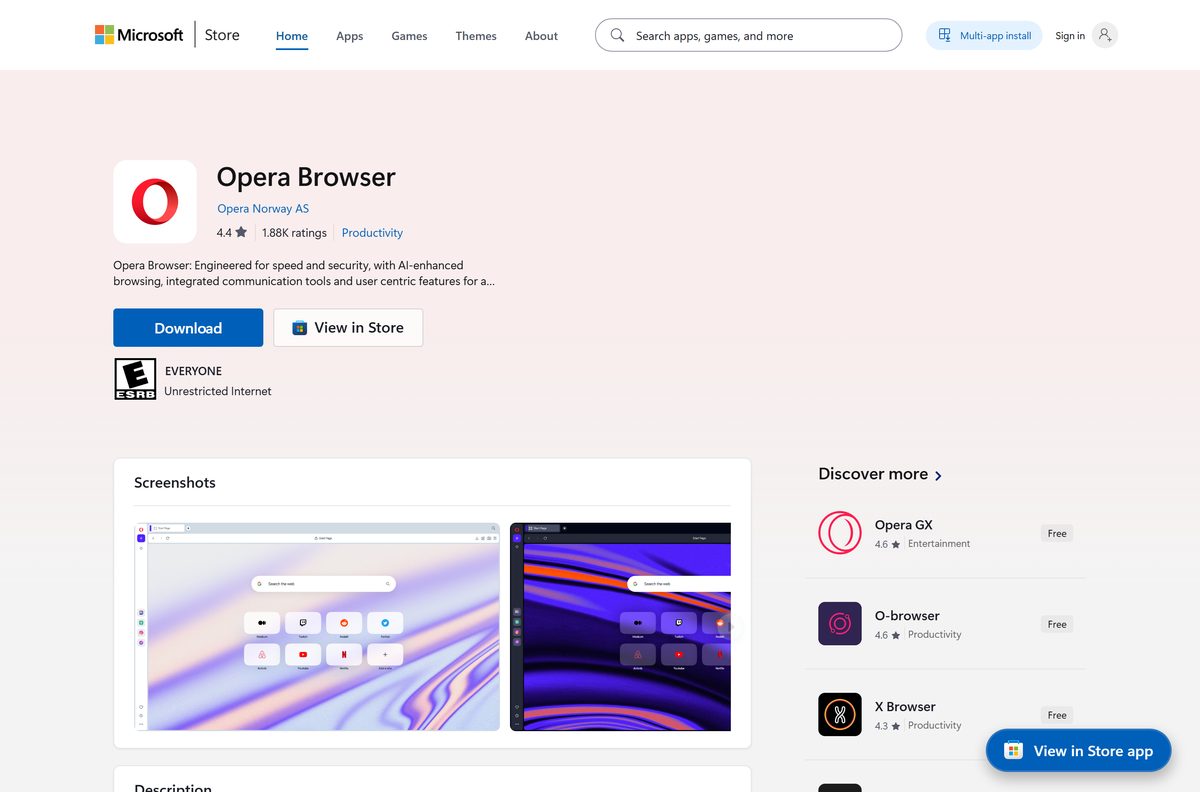
- Opera Browser on the Microsoft Store — product XP8CF6S8G2D5T6, publisher Opera Norway AS
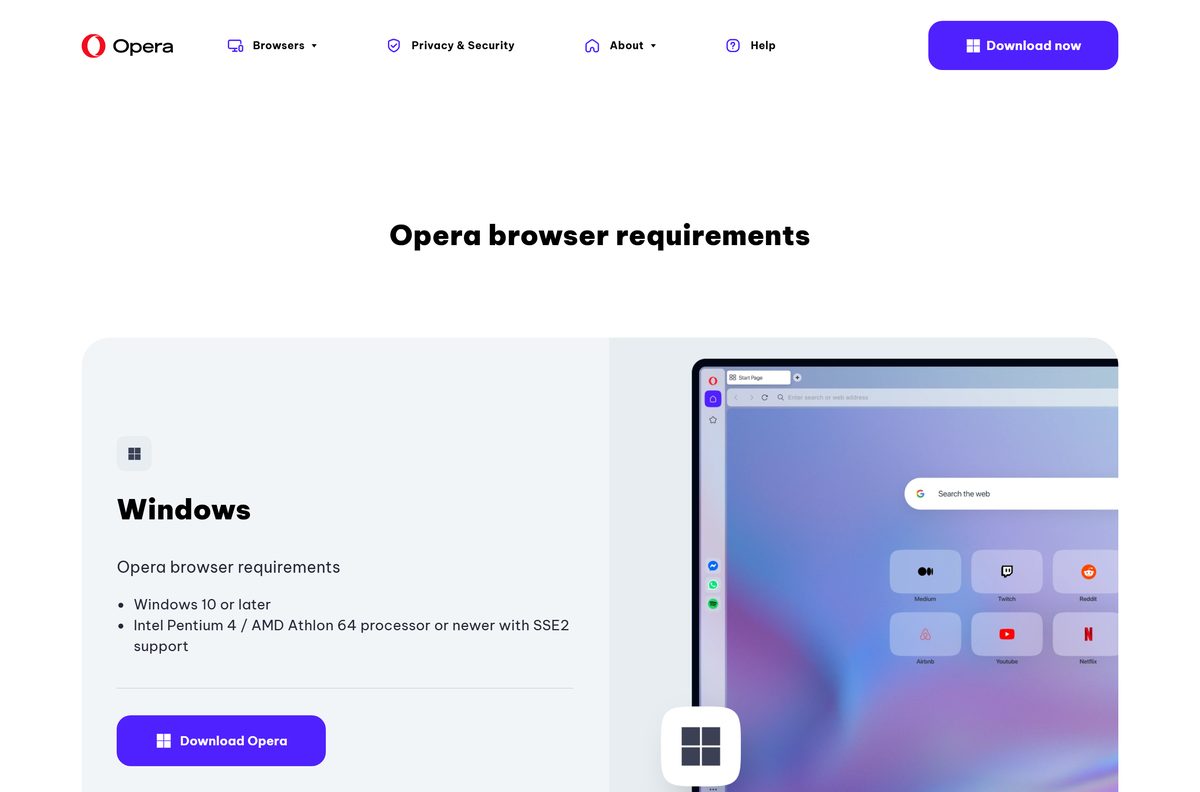
- Opera system requirements
The offline links open a thank-you page on opera.com, and the file starts downloading from there. Opera also lists a Snap package for Linux on the same download page.
How to install Opera on Windows 11 and 10
The online installer and the offline package run the same setup, so these steps cover both.
- Open opera.com/download and select Download now under Opera for Windows.
- Or select 64 bit, 32 bit or ARM next to Download offline package for the full setup.
- Open the downloaded file from your Downloads folder.
- Select Yes if User Account Control asks for permission.
- Select Options to change the install folder or the import settings.
- Select Accept & Install.
- Wait while the installer downloads, extracts and installs the browser.
- Let Opera open, then import your bookmarks or sign in to your Opera account.
The offline package skips the download stage, because the whole browser is already inside the file. That makes it the file to keep for a second PC.
Install Opera from the Microsoft Store or with winget
Opera publishes the same browser in the Microsoft Store as a regular desktop program, plus a winget package.
- Open Microsoft Store and search for Opera Browser, or open product XP8CF6S8G2D5T6 directly.
- Check that the publisher line reads Opera Norway AS.
- Select Get, then wait for the install to finish.
- For the command line, open Terminal and run winget install Opera.Opera .
- To pull the Store copy with winget, run winget install XP8CF6S8G2D5T6 –source msstore .
- Open Opera Browser from the Start menu.
The Store package carries the same build as opera.com and offers x64 and ARM64 installers. It has no 32-bit option, so a 32-bit PC needs the offline package.
Which Opera download do you need for your Mac?
opera.com offers one Mac download, with no separate file for Apple silicon or Intel. Open the Apple menu and select About This Mac to check your macOS version.
| Your Mac | What to download | Size |
|---|---|---|
| macOS 12 or later, good connection | Download now, OperaSetup.zip | 3.1 MB |
| macOS 12 or later, install later or offline | Download offline package | 247 MB |
| macOS 11 Big Sur or older | Not supported. Upgrade macOS first | None |
Open the disk image, drag Opera into Applications, then eject the image. The first launch asks you to confirm that you want to open an app downloaded from the internet; select Open.
Is the Opera browser free?
Yes. Opera is free to download and free to use on Windows, Mac and Linux, with no paid tier or trial period. opera.com offers every desktop build without a sign-up or payment step, and the Microsoft Store lists it at no charge. The built-in VPN is free too: Opera’s help states that VPN is a free service and the amount of data you are allowed to transfer is unlimited. Turn it on under Settings, where Enable VPN sits in the VPN section. Any site asking you to pay for an Opera download or licence key is not Opera.
Should you download the Opera online installer or the offline package?
Take the online installer for one PC on a stable connection, and the offline package for everything else. The Download now button is the one opera.com recommends for your system, and the small file always fetches the current stable build. Opera’s help describes the offline package as the way to install Opera later: you can store it on a USB drive and install on a computer that cannot connect to the internet. It is also the file to download once for several PCs, and the only choice for a 32-bit or ARM Windows machine when you want to pick the build yourself.
How to check your Opera version and update it
Opera downloads updates automatically, and relaunching the browser finishes them. A manual check confirms your build.
- Select the O Menu button on Windows and Linux, or Opera in the toolbar on a Mac.
- Select Update & Recovery….
- Read the current version number at the top of the page.
- Select Check for Update.
- Select Update once the download finishes.
- Relaunch Opera when it asks.
The newest stable folder in Opera’s release archive is 136.0.6008.22, published on 17 September 2026. Type opera:about in the address bar to see your version together with your profile and data paths.
Check the Opera system requirements and download sizes
Opera publishes one requirements page for all three desktop systems. Windows 7 and 8.1 are no longer covered by the current build.
| Field | Value |
|---|---|
| Software | Opera Browser |
| Developer | Opera Norway AS |
| Latest version | 136.0.6008.22 |
| Licence | Free, no paid tier |
| Windows | Windows 10 or later, Intel Pentium 4 or AMD Athlon 64 or newer with SSE2 support |
| macOS | macOS 12 or later |
| Linux | 64-bit Ubuntu 18.04+, Debian 10+, openSUSE 15.2+ or Fedora 32+, Intel Pentium 4 or newer with SSE3 support |
| Architecture | Windows x64, 32-bit and ARM64; one macOS package; Linux amd64 |
| Online installer size | 2.8 MB on Windows, 3.1 MB on Mac |
| Offline package size | 133 MB 64-bit, 119 MB 32-bit, 138 MB ARM, 247 MB Mac |
| Linux package size | 137 MB deb, 128 MB rpm |
| Offline installer | Yes |
| Microsoft Store product | XP8CF6S8G2D5T6 |
| winget package | Opera.Opera |
| Official download source | opera.com/download |
| Last verified | 2026-09-24 |
For an older PC, opera.com/download keeps archived builds: Opera 95 for Windows 7, 8 and 8.1, and Opera 36 for Windows XP and Vista. Neither receives current security fixes.
How to make Opera your default browser on Windows 11
Windows 11 sets the default browser from one page in Settings.
- Press Windows + I to open Settings.
- Select Apps, then Default apps.
- Search for Opera and open it.
- Select Set default at the top of the page.
- Check that .htm, .html, HTTP and HTTPS now list Opera.
On Windows 10, open Settings > Apps > Default apps and pick Opera under Web browser.
Fix Opera not installing or not opening on Windows 11 or 10
Find the symptom you see and work down its list.
The online installer stalls or fails to download
The small installer needs a working connection for the whole install.
- Close the installer.
- Open opera.com/download and select 64 bit, 32 bit or ARM next to Download offline package.
- Run the offline package. It does not need to download anything during setup.
- On a PC with no connection, copy the package over on a USB drive and run it there.
The installer will not run on Windows 7 or 8.1
The current Opera build needs Windows 10 or later.
- Open opera.com/download and scroll to Download archived versions of Opera.
- Select Opera 95 for Windows 7/8/8.1.
- Plan an upgrade to Windows 10 or 11, because the archived build receives no new fixes.
Opera installs but crashes or will not open
Damaged settings or profile data. Opera has a built-in recovery tool.
- Open the O Menu and select Update & Recovery….
- Select Recover….
- Choose Keep my data and only reset Opera settings and select Recover.
- Choose Reset my data and Opera only if that fails. It deletes extensions, bookmarks, history and saved passwords.
Opera will not open at all, so recovery is out of reach
The install itself is damaged. Opera’s fix is a clean install.
- Back up your bookmarks and passwords from the profile folder if you can reach it.
- Uninstall Opera from your computer.
- Delete your Opera profile data.
- Download the latest version from opera.com and install it again.
- Copy the backed-up files into the new profile only after the clean install runs.
How to uninstall the Opera browser
Removing the program and removing your profile are separate steps. Keep the profile if you plan to reinstall.
- Type opera:about in the address bar and note the profile path if you want a backup.
- Close every Opera window.
- Press Windows + I, then open Apps > Installed apps.
- Select the three dots beside the Opera entry, then Uninstall.
- Select Uninstall again and let it finish.
- Delete the profile folder you noted if you want bookmarks and history gone too.
- On a Mac, quit Opera and drag it from Applications to the Trash.
If Windows refuses to remove Opera, restart the PC so no Opera process holds the files, then try again. Techdows covers the Mac side in how to uninstall apps on Mac.
Which browser to install instead of Opera
Opera’s free VPN, sidebar messengers and ad blocker set it apart. If none of those matter, one of these fits better.
| Browser | Why you would pick it |
|---|---|
| Opera GX | Same Chromium core and free VPN, plus CPU, RAM and network limiters for gaming |
| Microsoft Edge | Already in Windows 11 and 10, so there is nothing to download |
| Google Chrome | The widest extension catalogue and Google account sync |
| Brave | Ad and tracker blocking switched on from the first launch |
Opera features covered on Techdows include the sidebar music player and the built-in AI prompts.
Frequently asked questions
Is the Opera browser free to download?
Yes. Opera is free to download and use on Windows, Mac and Linux, with no paid tier or trial. Its built-in VPN is also free, and Opera’s help states that the amount of data you can transfer is unlimited.
Where is the official Opera browser download?
The official page is opera.com/download. Its Download now button serves the online installer for your system, and the Download offline package links under each platform serve the full setup files.
How big is the Opera download?
The online installer is 2.8 MB on Windows and 3.1 MB on Mac, because it fetches the browser while it runs. The offline package is 133 MB for 64-bit Windows, 119 MB for 32-bit, 138 MB for ARM and 247 MB for Mac.
Is there an Opera browser offline installer?
Yes. opera.com/download shows a Download offline package link for 64-bit, 32-bit and ARM Windows and for macOS. The offline package installs without an internet connection, so you can carry it to another PC on a USB drive.
Does Opera work on Windows 11?
Yes. Opera lists Windows 10 or later as the requirement, which covers Windows 11. The processor floor is an Intel Pentium 4 or AMD Athlon 64 or newer with SSE2 support.
Is there a 64-bit or ARM64 Opera download?
Yes to both. opera.com offers separate 64-bit, 32-bit and ARM offline packages for Windows, and the Microsoft Store listing carries x64 and ARM64 installers. Windows on Arm PCs such as Snapdragon laptops take the ARM package.
Is there an Opera browser for Mac?
Yes. opera.com offers one Mac download for macOS 12 or later, as a 3.1 MB online installer or a 247 MB offline disk image. There is no separate file to choose between Apple silicon and Intel.
Can I install Opera from the Microsoft Store?
Yes. Opera Browser is product XP8CF6S8G2D5T6, published by Opera Norway AS, and it installs the same desktop browser as opera.com. From the command line, winget install Opera.Opera does the same job.
Which Opera version is the latest?
The newest stable build in Opera’s release archive is 136.0.6008.22, published on 17 September 2026. Check your own copy under O Menu, then Update & Recovery, where the version number sits at the top.
Why is Opera not installing?
The online installer fails when the connection drops, so run the offline package from opera.com/download instead. On Windows 7 or 8.1 the current build will not install at all, and opera.com offers the archived Opera 95 for those systems.
Is Opera safe to download?
Opera is safe when it comes from opera.com, its release archive at get.geo.opera.com or the Microsoft Store listing published by Opera Norway AS. Avoid download portals that repackage the installer, because their copies cannot be traced to Opera.
Can I run Opera from a USB stick?
Yes. opera.com/download lists Opera USB, a separate Opera_PortableSetup.exe of 2.8 MB. It sets up a portable copy of Opera meant to run from a USB drive rather than a normal install on the PC.
Can I download an old version of Opera?
Yes. opera.com/download links archived builds, including Opera 95 for Windows 7, 8 and 8.1 and Opera 36 for Windows XP and Vista. Opera’s release archive keeps every past desktop build in its own folder.
Is there an Opera browser download for Linux?
Yes. opera.com offers a 137 MB deb package for Ubuntu and Debian, a 128 MB RPM package for Fedora and openSUSE, and a Snap. Opera requires a 64-bit distribution.