Xbox Game Bar is free and ships with Windows 11 and Windows 10. Press Windows + G and it opens. If it is missing, you can reinstall it from the Microsoft Store in a click.
Microsoft distributes it through the Microsoft Store alone, under the shorter name Game Bar. There is no .exe, no offline installer and no Mac version.
This guide covers the official Store listing, the winget command, the capture shortcuts, what Mac users get instead, and fixes for Game Bar not opening or refusing to record.
Which Xbox Game Bar download do you need?
Match your PC to a row. Most rows need no download, and that is the answer rather than a gap.
| Your situation | What you need | Download size |
|---|---|---|
| Windows 11, any supported version | Nothing. Press Windows logo key + G | 0 |
| Windows 10 version 2004 (build 19041) or later | Nothing. It is already installed | 0 |
| You removed it and want it back | Game Bar in the Microsoft Store | 40.7 MB |
| Windows 7 or Windows 8.1 | No version exists. Both are out of support | 0 |
| Mac | No Mac build. Play in a browser instead | 0 |
| A handheld such as ROG Ally or Legion Go | Already installed. Map a button to Windows + G | 0 |
One Store package covers x86, x64 and ARM64, so no separate 64-bit or ARM64 file exists. Windows 10 builds older than 19041 are served an earlier release instead of 7.326.
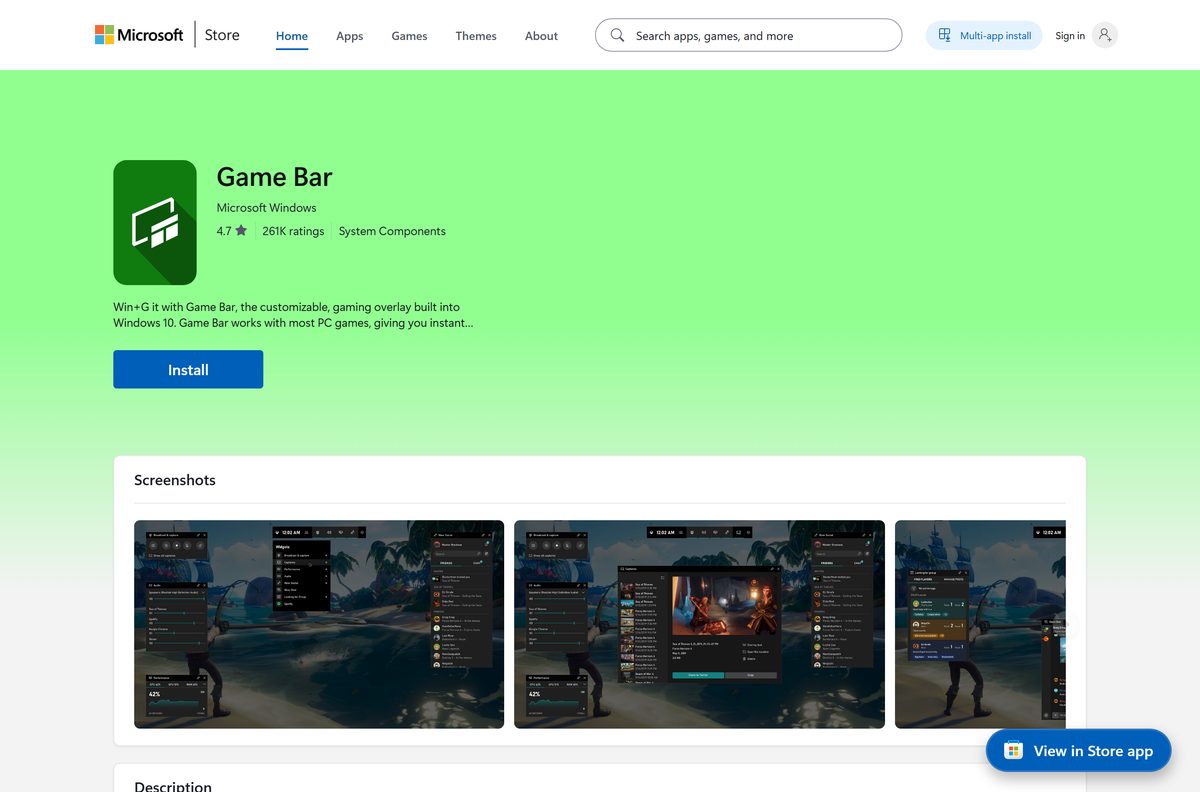
Download Xbox Game Bar from the official Microsoft source
Microsoft publishes Game Bar in one place.
- Game Bar in the Microsoft Store, product 9NZKPSTSNW4P — publisher Microsoft Corporation, free, 40.7 MB
- Get to know Game Bar on Windows — Microsoft’s own how-to page, which offers no installer
- Xbox app for Windows, product 9MV0B5HZVK9Z — required for friends, chat and achievements inside the overlay
The Store delivers an AppxBundle signed by Microsoft Corporation. Searches for an Xbox Game Bar exe find portal repacks of that same package, and Microsoft’s guidance is to get apps from official stores.
Check the Xbox Game Bar system requirements
Screenshots work on any supported PC. Recording a clip is the part with a hardware condition.
| Field | Value |
|---|---|
| Software | Xbox Game Bar, listed in the Store as Game Bar |
| Developer | Microsoft Corporation |
| Latest version | 7.326.8061.0 |
| Package identity | Microsoft.XboxGamingOverlay |
| Store product ID | 9NZKPSTSNW4P |
| Price | Free, included with Windows |
| Supported OS | Windows 11, and Windows 10 version 2004 (build 19041) or later |
| Architecture | x64, x86, ARM64 in one bundle |
| Download size | 40.7 MB for the bundle covering all three architectures |
| Installed size | 32.7 MB measured for the x64 package |
| Capture hardware | Intel Quick Sync H.264, NVIDIA NVENC or AMD VCE for clips |
| Offline installer | No |
| Mac version | None |
| Store rating | 4.6 from 920,232 ratings |
| Last verified | 2026-09-11 |
Microsoft has required Windows 10 22H2 or newer since October 2024 for some Xbox app and Game Bar features, and Windows 10 left support on 14 October 2025.
How to install Xbox Game Bar on Windows 11 and 10
Use these steps only if the overlay is gone. On a healthy install, step one ends the job.
- Press Windows logo key + G. If the overlay appears, Game Bar is installed and nothing else is needed.
- Open Microsoft Store from the Start menu.
- Search for Game Bar, or open product 9NZKPSTSNW4P directly.
- Check that the publisher line reads Microsoft Corporation.
- Select Get, or Install if the app has been on this PC before.
- Wait for the 40.7 MB package to download and install.
- Press Windows logo key + G again to confirm the overlay opens.
- Install the Xbox app as well for friends, chat and achievements inside the overlay.
The Store button reads Open rather than Get when the package is already present.
Install Xbox Game Bar with winget, or restore it without the Store app
The Store product ID doubles as the winget identifier. The last command instead re-registers a package that is still on disk.
- Press Windows logo key + X and select Terminal.
- Run winget show 9NZKPSTSNW4P –source msstore and confirm the publisher reads Microsoft Corporation.
- Run winget install 9NZKPSTSNW4P –source msstore .
- Accept the Microsoft Store source agreements when winget asks.
- To repair an existing copy instead, open Terminal (Admin).
- Run Get-AppxPackage -allusers Microsoft.XboxGamingOverlay | Foreach {Add-AppxPackage -DisableDevelopmentMode -Register “$($_.InstallLocation)\AppXManifest.xml”} .
- Press Windows logo key + G to confirm the overlay returns.
The re-register line follows Microsoft’s documented syntax for Add-AppxPackage. It needs the files under C:\Program Files\WindowsApps , so it repairs a registration rather than fetching a missing app.
How to check the Game Bar on your PC is genuine
Store apps carry a publisher certificate, and one command reads it back.
- Press Windows logo key + X and select Terminal.
- Run Get-AppxPackage Microsoft.XboxGamingOverlay .
- Confirm Publisher reads CN=Microsoft Corporation, O=Microsoft Corporation, L=Redmond, S=Washington, C=US.
- Confirm SignatureKind reads Store.
- Confirm PackageFullName ends with 8wekyb3d8bbwe, Microsoft’s publisher ID.
- Delete any file that presents itself as an Xbox Game Bar setup, because Microsoft ships none. A SignatureKind of Developer is the same warning.
Is Xbox Game Bar free?
Yes, and there is nothing to buy. The Microsoft Store lists Game Bar at $0.00 with no in-app purchases and no trial, and winget reports its pricing as Free and its category as System Components. Any page selling an Xbox Game Bar licence is charging for something the Windows licence already covers.
What Mac users should use instead of Xbox Game Bar
Microsoft does not publish Game Bar for macOS. Its Store package targets Windows.Desktop and Windows.Core, and lists no other platform.
| What you want on a Mac | Use this instead | Where it comes from |
|---|---|---|
| Record your screen | Shift + Command + 5 | Built into macOS |
| Take a screenshot of part of the screen | Shift + Command + 4 | Built into macOS |
| Play Xbox games | Xbox Cloud Gaming in a browser | xbox.com, nothing to install |
| Chat with Xbox friends | Xbox app for iPhone | Apple App Store |
How to check your Xbox Game Bar version and update it
Game Bar updates through the Microsoft Store, not through Windows Update.
- Press Windows logo key + X and select Terminal.
- Run Get-AppxPackage Microsoft.XboxGamingOverlay | Select-Object Name, Version .
- Read the Version column.
- Open Microsoft Store and select Library.
- Select Get updates and let any Game Bar update install.
- Restart the PC if the update stays queued.
A Windows 11 PC on build 26200 returns 7.326.8061.0, matching the current package in the Store catalogue.
What Xbox Game Bar can capture, and with which keys
The shortcuts work even when the overlay will not draw over a full-screen game.
| Task | Shortcut | Condition |
|---|---|---|
| Open the overlay | Windows logo key + G | Works over a game, an app or the desktop |
| Start or stop recording | Windows logo key + Alt + R | The screen flashes at the start and the end |
| Record the last moments of play | Windows logo key + Alt + G | Needs background recording turned on |
| Take a screenshot of the game | Windows logo key + Alt + Print Screen | Lands in the Gallery widget |
| Start or stop microphone recording | Windows logo key + Alt + M | Applies to the current recording |
Set the clip length in Settings > Gaming > Captures, and turn on Record in the background while I’m playing a game. The Widget menu also holds Audio, Gallery, Looking for Group, Performance, Resources, Spotify, Xbox Chat and the Widget Store.
How to turn Xbox Game Bar on or off in Settings
One toggle controls the overlay, and a second pane controls what recording does.
- Press Windows logo key + I to open Settings.
- Select Gaming, then Game bar.
- Turn on Record game clips, screenshots, and broadcast using Game bar.
- Enter a custom shortcut in the same pane if your keyboard has no Windows logo key.
- Open Gaming > Captures to set the clip length and the save folder.
- Turn the same toggle off to stop the overlay opening at all.
Fix Xbox Game Bar not opening, freezing or not recording
Windows logo key + G does nothing
The Settings toggle is off, or the game is blocking the key.
- Open Settings > Gaming > Game bar and turn on Record game clips, screenshots, and broadcast using Game bar.
- Open the game, press Windows logo key + G, then select Enable gaming features for this app to record gameplay.
- Enter a custom shortcut in the same pane if the keyboard lacks a Windows logo key.
- Install pending updates from Settings > Windows Update, then restart.
The overlay never appears over a full-screen game
Game Bar does not draw over full-screen exclusive mode. The shortcuts still work.
- Press Windows logo key + Alt + R to start and stop the recording without the overlay.
- Press Windows logo key + G once and watch for the screen to flash twice, which confirms the game is recognised.
- Reopen the game in full screen and use the shortcuts again.
- Switch the game to borderless windowed mode if the flash never appears.
Recording worked once, then stopped
A recording did not close cleanly and its background process is stuck.
- Close the game.
- Type Task Manager in the taskbar search box and open it.
- Select More details.
- Select Broadcast bar server (bcastdvr.exe) and select End task.
- Restart the game and record again.
Sorry, this PC doesn’t meet the hardware requirements for recording clips
The video card exposes no supported encoder, or its driver is stale.
- Exit the game you were trying to capture.
- Open Device Manager from the taskbar search box.
- Expand Display adapters, right-click each card and select Update driver.
- Check the card supports Intel Quick Sync H.264, NVIDIA NVENC or AMD VCE.
- On a PC with two cards, use the monitor attached to the card that supports capture.
Game Bar freezes, or a clip comes out blank
A damaged package causes the freeze. Blank clips come from games that block capture and from protected video on screen.
- Open Settings > Apps > Installed apps, select the three dots beside Game Bar, then Advanced options.
- Select Repair, then Reset if Repair changes nothing.
- Open Microsoft Store > Library > Get updates.
- Test the same shortcut in another game to separate a title-specific block from a broken install.
- Close any protected video before taking a screenshot.
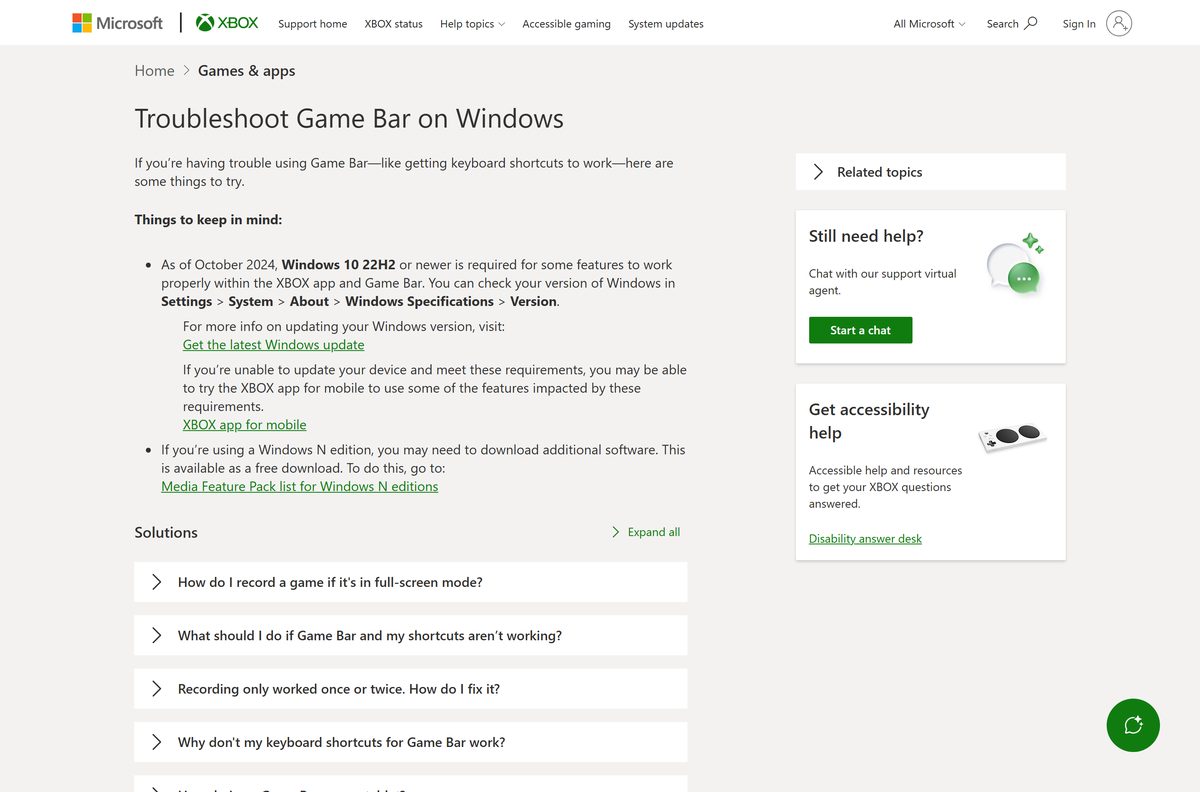
How to uninstall Xbox Game Bar and its plugin
Windows does not mark the package as non-removable, so Settings can remove it. PowerShell covers a greyed-out button.
- Press Windows logo key + I and open Apps > Installed apps.
- Search for Game Bar, select the three dots, then select Uninstall.
- Press Windows logo key + X and select Terminal (Admin) if Uninstall is unavailable.
- Run Get-AppxPackage Microsoft.XboxGamingOverlay | Remove-AppxPackage .
- Run Get-AppxPackage Microsoft.XboxGameOverlay | Remove-AppxPackage to remove the Xbox Game Bar Plugin as well.
- Press Windows logo key + G to confirm nothing opens.
The two package names differ by three letters. Microsoft.XboxGamingOverlay is Game Bar at 32.7 MB, Microsoft.XboxGameOverlay is the Xbox Game Bar Plugin at 3.0 MB.
What to use instead of Xbox Game Bar
Check what the PC already has before installing a third-party recorder.
| Tool | Where it comes from | Best for |
|---|---|---|
| Snipping Tool | Windows 11, built in | Recording a window or an area outside a game |
| Xbox app for Windows | Microsoft Store | Game library, friends and Game Pass installs |
| Microsoft Clipchamp | Windows 11, built in | Trimming a clip after the overlay records it |
| OBS Studio | obsproject.com | Streaming, scenes and multi-source recording |
| NVIDIA app | nvidia.com | GeForce cards, driver-level capture and overlay |
| AMD Software: Adrenalin Edition | amd.com | Radeon cards, driver-level capture and tuning |
Stay with Game Bar for quick clips, a frame rate readout and Xbox chat. Move to OBS Studio when you need scenes, several sources or a live stream.
Frequently asked questions
Is Xbox Game Bar free?
Yes. The Microsoft Store lists it at $0.00 with no in-app purchases and no trial, and the Windows licence covers it. There is no paid tier and no key to buy.
Do I need to download Xbox Game Bar at all?
Only if you removed it. Windows 11 and Windows 10 version 2004 or later ship with it installed, and Windows logo key + G opens the overlay without any download.
Is there an Xbox Game Bar exe or offline installer?
No. Microsoft ships it only as a Microsoft Store package, so there is no setup file to save and no offline installer. Files offered elsewhere as an Xbox Game Bar exe are somebody else’s repack.
How do I install Xbox Game Bar without the Microsoft Store?
Run winget install 9NZKPSTSNW4P –source msstore, which uses the Store service without opening the Store app. If the package is still on disk, re-register it with Add-AppxPackage and the AppXManifest.xml path.
What is the official Xbox Game Bar download page?
The Microsoft Store listing for product 9NZKPSTSNW4P, published by Microsoft Corporation. Microsoft’s how-to page on Xbox support explains the overlay but offers no installer, because Windows already carries it.
Do I need a 64-bit or ARM64 Xbox Game Bar download?
No. One Store bundle of 40.7 MB carries x86, x64 and ARM64, and Windows installs the right one. The installed package measures 32.7 MB on a 64-bit PC.
Is there an Xbox Game Bar for Mac?
No. Microsoft does not publish it for macOS and the Store package targets Windows only. Use Shift + Command + 5 to record a Mac screen, and play Xbox titles through Xbox Cloud Gaming in a browser.
Which Xbox Game Bar version is current?
7.326.8061.0 in the Microsoft Store catalogue. Read your own with Get-AppxPackage Microsoft.XboxGamingOverlay in Terminal, then update through Microsoft Store, Library, Get updates.
Why is Xbox Game Bar not opening on Windows 11?
The Settings toggle is usually off. Open Settings, Gaming, Game bar and turn on Record game clips, screenshots, and broadcast using Game bar. A full-screen exclusive game also blocks the overlay.
Is it safe to download Xbox Game Bar from other sites?
Those files are repackaged copies of a Microsoft Store package, often years behind. The Store version is signed by Microsoft Corporation, and PowerShell reports SignatureKind Store for a genuine install.
How do I uninstall Xbox Game Bar and its plugin?
Open Settings, Apps, Installed apps, select the three dots beside Game Bar and choose Uninstall. In Terminal, Remove-AppxPackage handles Microsoft.XboxGamingOverlay and the separate Microsoft.XboxGameOverlay plugin.

How to Download Xbox Wireless Adapter Drivers For Windows 11/10 - Techdows
[…] does not support the Xbox 360 controller or non-Xbox devices. For game capture and overlays, the Xbox Game Bar is a separate […]
How to Enable and Use Xbox Game Bar in Windows 11 - Techdows
[…] To confirm Game Bar is installed, go to Settings > Apps > Installed apps and look for Game Bar. If it is missing, get it from the Microsoft Store listing, or use the Xbox Game Bar download options for every PC. […]