The American Truck Simulator download comes from Steam, where SCS Software sells the game for Windows 11, Windows 10, Mac and Linux. Buy it once, and Steam installs it on every platform and keeps it updated.
You start with California, Nevada and Arizona, then add map states, trucks and cargo packs as DLC.
Read on for the store links, the free demo, install steps, system requirements, and fixes for a game that will not install or launch.
Which American Truck Simulator download do you need?
One Steam purchase covers Windows, Mac and Linux. Match your situation to a row and use that link.
| Your situation | Where to get it | Price |
|---|---|---|
| Windows 11 or 10 PC (64-bit) | American Truck Simulator on Steam | $19.99 list price |
| Mac on macOS 11 or later | Same Steam listing (macOS build) | Same purchase |
| Linux PC | Same Steam listing (SteamOS + Linux) | Same purchase |
| Want to test your PC first | Download Demo button on Steam | Free |
| Want the map expansions too | Premium, Deluxe or Ultimate bundle | Bundle discount |
The base game includes the full career mode and convoy multiplayer. Map DLC extends the road network into more states.
Where to get American Truck Simulator from official sources
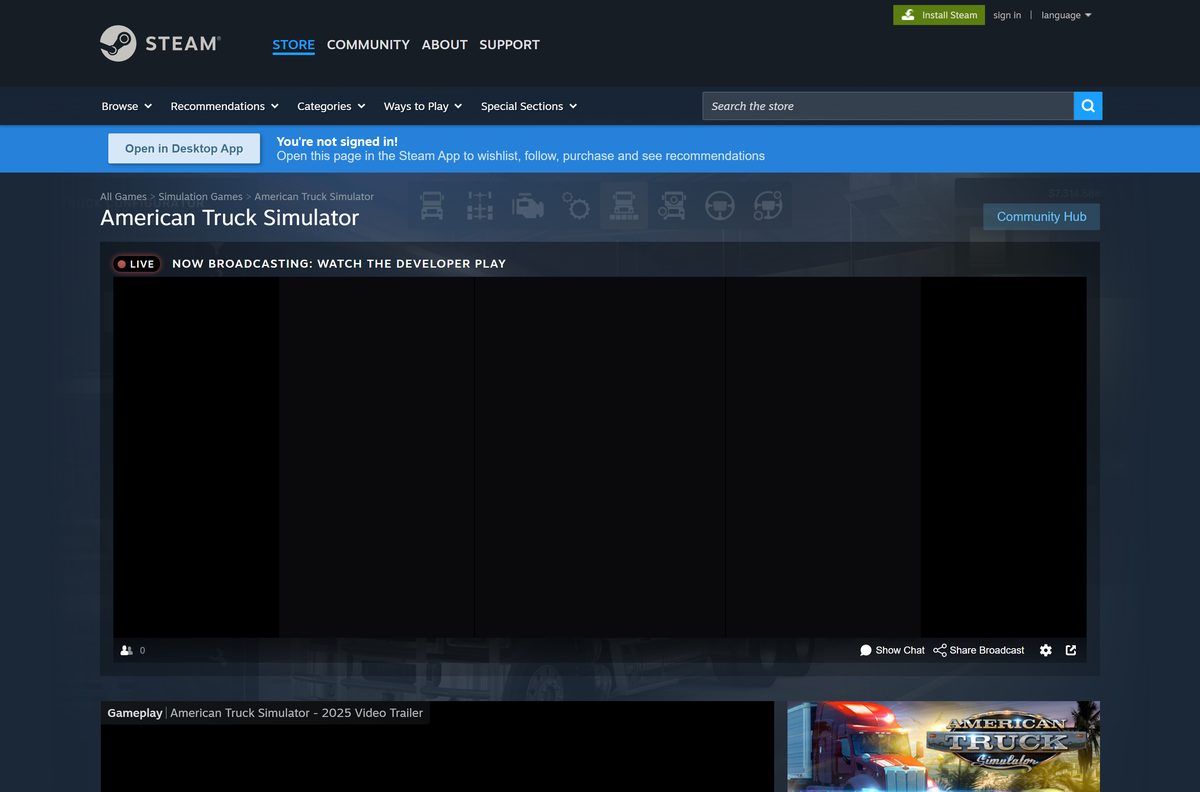
SCS Software develops and publishes the game. Its official site sends every buyer to Steam.
- American Truck Simulator on Steam — Windows, macOS and Linux, $19.99 list price, free demo
- American Truck Simulator DLC on Steam — Map states, trucks, cargo and paint packs
- Official American Truck Simulator site — News, map and Buy on Steam links from SCS Software
- Steam client — Install this first to download the game
The game is tied to the Steam account that buys it. Sign in with the account you plan to keep before you pay.
How to install American Truck Simulator on Windows 11 and 10
Steam handles the purchase, the download and every update. Install the Steam client first if your PC does not have it.
- Download and install the Steam client, then sign in or create an account.
- Open the American Truck Simulator store page in Steam.
- Select Add to Cart on the base game or one of the bundles.
- Select Purchase for myself and complete the payment.
- Select Install when Steam offers it, or find the game in your Library.
- Pick a drive with at least 25 GB free, then confirm with Install.
- Wait for the download to finish, then select Play.
- Set up your wheel, gamepad or keyboard in the game options, then start your career.
To try before buying, select Download American Truck Simulator Demo on the store page instead of Add to Cart.
How to install American Truck Simulator on a Mac or Linux PC
The Mac and Linux versions come with the same Steam purchase. Install Steam for your system, sign in, and the game appears in your Library.
| Your computer | Minimum Steam lists | Link |
|---|---|---|
| Mac with macOS 11 Big Sur or later | Quad-core 3.3 GHz CPU, 8 GB RAM, Intel HD 630 (2 GB VRAM), 25 GB | American Truck Simulator on Steam |
| Linux PC | Ubuntu 14.04 64-bit or later, quad-core 3.3 GHz CPU, 8 GB RAM, 25 GB | American Truck Simulator on Steam |
| Mac older than Big Sur | Below the minimum; update macOS before you buy | Check the demo first |
Run the free demo on your Mac first. It shows whether your graphics chip holds a steady frame rate before you pay.
Is American Truck Simulator free to download?
No. Steam lists the base game at $19.99 and runs frequent sales. The only free official build is the demo.
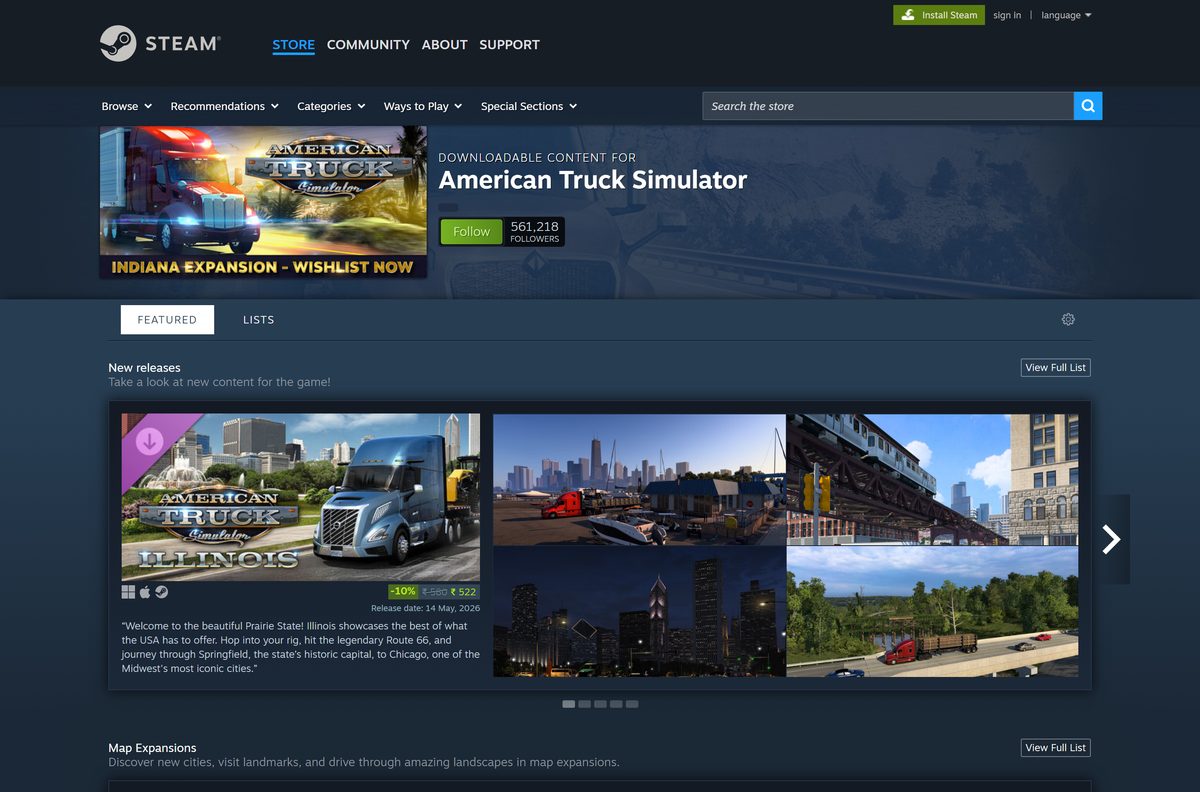
Try the free Steam demo, then buy the base game on Steam; a free full American Truck Simulator download is not legitimate. Steam marks the game as paid, and the official site links only to Steam. Premium, Deluxe and Ultimate bundles add map expansions at a discount.
Treat any site offering a free full version, a crack or a repack as a malware risk. Steam Workshop mods are free, but they need a bought copy of the game.
How to verify and repair the American Truck Simulator game files
There is no setup file to checksum, because Steam downloads the game itself. Steam can check every installed file and replace damaged ones.
- Close American Truck Simulator and open Steam.
- Right-click the game in your Library.
- Select Properties.
- Open Installed Files and select Verify integrity of game files.
- Wait for the check to finish, then launch the game again.
Verification restores the original game files. Disable recent mods in the in-game Mod Manager if the problem returns.
How to check your American Truck Simulator version and update it
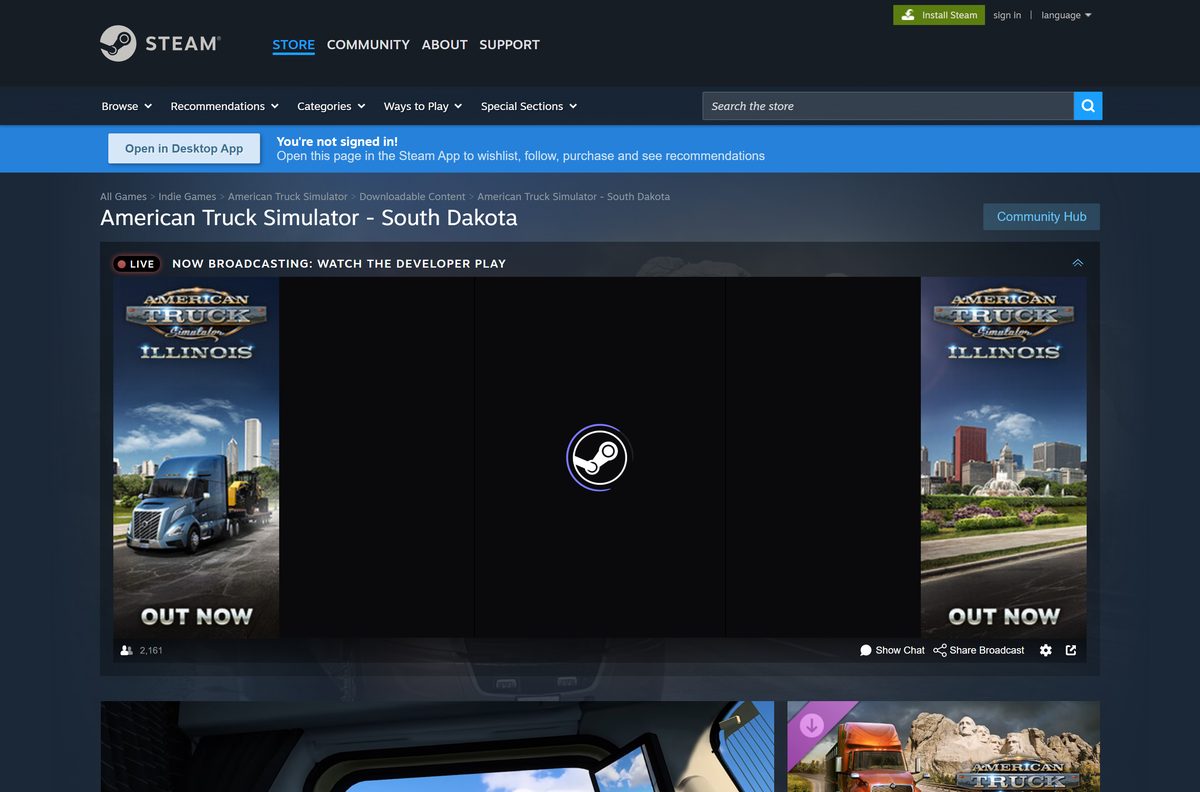
Version 1.61 is the latest update, released on September 15, 2026. The newest map DLC, South Dakota, followed on September 24, 2026 at $11.99.
- Open the American Truck Simulator news hub on Steam to see the newest update notes.
- Close the game completely.
- Restart Steam so it checks for a new build.
- Open your Library and select American Truck Simulator.
- Let any pending update finish before you select Play.
Mods built for an older version can break after an update. Check each mod’s page for a release that matches 1.61.
Check the American Truck Simulator system requirements before you buy
Steam lists the same 25 GB of storage on every platform. The Windows build needs a 64-bit copy of Windows 10 or 11.
| Field | Value |
|---|---|
| Game | American Truck Simulator |
| Developer | SCS Software |
| Publisher | SCS Software |
| Latest version | 1.61 (September 15, 2026) |
| Price | $19.99 list price on Steam; free demo |
| Supported OS | Windows 10 and 11 (64-bit), macOS 11 Big Sur or later, Linux |
| Processor (Windows) | Intel Core i5-6400 or AMD Ryzen 3 1200 minimum; Core i5-9600 or Ryzen 5 3600 recommended |
| Memory | 8 GB RAM minimum; 12 GB recommended |
| Graphics | GeForce GTX 660, Radeon RX 460 or Intel HD 630 (2 GB VRAM) minimum; GeForce GTX 1660 or Radeon RX 590 recommended |
| Storage | 25 GB for the base game |
| Architecture | 64-bit only |
| Offline installer | No, Steam downloads the game |
| Released | February 2, 2016 |
| Official sources | Steam, americantrucksimulator.com |
| Last verified | 2026-09-25 |
To check your PC, open Settings, select System, then About. Installed RAM and System type show your memory and whether Windows is 64-bit.
Fix American Truck Simulator not installing or launching on Windows 11 or 10
Find the symptom that matches your screen and follow the fix under it.
Steam says there is not enough disk space
The target drive has less than the 25 GB the base game needs.
- Open Settings, select System, then Storage, and check free space on each drive.
- Free up space, or pick another drive in the Steam install dialog.
- Select Install again.
The game crashes at start or shows a black screen
A damaged file, an outdated graphics driver or a broken mod.
- Verify the game files from Properties, then Installed Files in Steam.
- Update your graphics driver from NVIDIA, AMD or Intel, then restart your PC.
- Start the game and disable recent mods in the Mod Manager.
The game will not start on a 32-bit PC
The game requires 64-bit Windows 10 or later.
- Open Settings, select System, then About.
- Read System type; a 32-bit operating system cannot run the game.
- Use a 64-bit Windows PC, a Mac or a Linux PC instead.
The download stalls or runs slowly
The Steam download region or cache is causing trouble.
- Open Steam and select Steam, then Settings.
- Open Downloads and select Clear Cache.
- Pick a nearby Download Region, then restart Steam and resume the download.
How to uninstall American Truck Simulator
Uninstalling removes the game files. The game and its DLC stay in your Steam library, so you can reinstall at no cost.
- Open Steam and go to your Library.
- Right-click American Truck Simulator.
- Select Manage, then Uninstall.
- Select Uninstall again to confirm.
- Delete the American Truck Simulator folder in Documents if you also want to remove local profiles, mods and screenshots.
Should you buy American Truck Simulator or Euro Truck Simulator 2?
SCS Software makes both games. They share the same Windows minimum requirements but cover different continents.
| Game | Setting | Steam price | Storage | Link |
|---|---|---|---|---|
| American Truck Simulator | US states and British Columbia, American trucks | $19.99 | 25 GB | American Truck Simulator on Steam |
| Euro Truck Simulator 2 | European countries, European trucks | $19.99 | 25 GB | Euro Truck Simulator 2 on Steam |
Buy American Truck Simulator for long highways and conventional US rigs. Pick Euro Truck Simulator 2 for denser European roads and more countries.
Frequently asked questions
Is American Truck Simulator free to download?
No. American Truck Simulator is a paid game with a $19.99 list price on Steam, and Steam often discounts it. A free demo is available from the same Steam page, so you can test your PC before you buy.
Where is the official American Truck Simulator download?
Steam is the official store. The Buy links on americantrucksimulator.com, the SCS Software site for the game, all lead to the Steam listing, and Steam installs the game after you buy it.
Does American Truck Simulator work on Windows 11?
Yes. Steam lists Windows 10 64-bit as the minimum, and the game runs on Windows 11 through the Steam client. You need 8 GB of RAM and a 2 GB graphics card at minimum.
How big is the American Truck Simulator download?
Plan for 25 GB of free space for the base game. Map expansions add more, so leave extra room if you plan to buy DLC states.
Is there an American Truck Simulator offline installer?
No. Steam downloads and updates the game, and SCS Software publishes no standalone setup file. A site offering a full offline setup is not an official source.
Can you play American Truck Simulator on a Mac?
Yes. Steam lists a native macOS version that needs macOS 11 Big Sur or later, 8 GB of RAM and 25 GB of storage. One Steam purchase covers Windows, Mac and Linux.
Does American Truck Simulator run on 32-bit Windows?
No. Steam lists Windows 10 64-bit as the minimum, so a 32-bit Windows install cannot run the game. Check System type under Settings, System, About.
Is there an American Truck Simulator demo?
Yes. Select Download American Truck Simulator Demo on the Steam page. The demo runs on Windows, Mac and Linux and lets you check performance before paying.
What is the latest version of American Truck Simulator?
Version 1.61 is the latest update, released on Steam on September 15, 2026. Steam installs it automatically when you start the game.
Is American Truck Simulator safe to download?
Yes, when you get it from Steam. Sites offering a free full version, a cracked setup or a repack are not official and carry malware risk.
Is American Truck Simulator on Xbox or PlayStation?
Not yet. SCS Software has announced console versions on the official site, but the Xbox store entry shows no release date yet. PC, Mac and Linux are the platforms you can buy today.
Why won’t American Truck Simulator install or launch?
Low disk space, damaged files or an outdated graphics driver are the usual causes. Free 25 GB, verify the game files in Steam and update your driver.